How to play custom maps in Rocket League

Rocket League custom maps give the game a much bigger skill ceiling than standard training ever could. They let players practice aerial control, shooting, recoveries, dribbling, and obstacle runs on community-made maps that feel more varied than the built-in mods. For many players on PC, they are still one of the best ways to improve mechanics. Here is how to play them on PC!
What are custom maps in Rocket League?
Custom maps in Rocket League are player-made maps built for training, movement challenges, mini-games, and creative practice. Instead of the normal arena setup, these maps can place you in rings courses, dribble tracks, shooting drills, obstacle rooms, or full skill towers that test several mechanics at once.
The Rocket League Workshop on Steam exists for exactly this type of community content, and the current custom map scene still revolves around those community uploads.
What makes them useful is the way they isolate real skills:
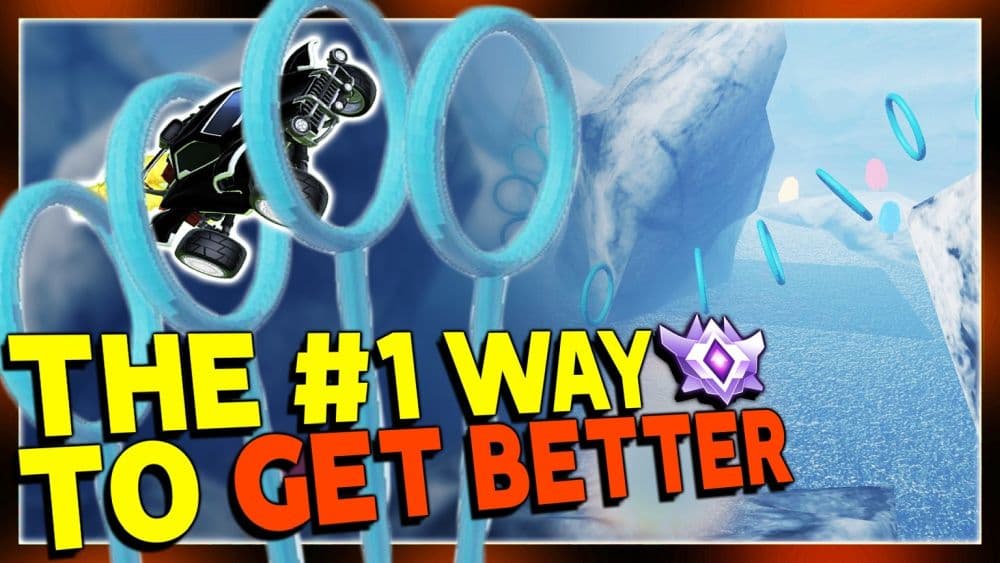
- A rings map helps with aerial car control. A dribble map improves first touch and balance.
- A shooting map builds speed, accuracy, and reading ability.
- A recovery map teaches fast movement and better landings.
If standard free play feels too open or too repetitive, custom maps give you a more focused way to train.
How to play custom maps in Rocket League
Before anything else, make sure you are on PC. Custom maps are not a normal console feature, and the current mod-based setup only works through the PC version of Rocket League. Steam is the easier option because the Workshop is built right into the platform. Epic Games can still run custom maps, but the setup takes a few more steps.
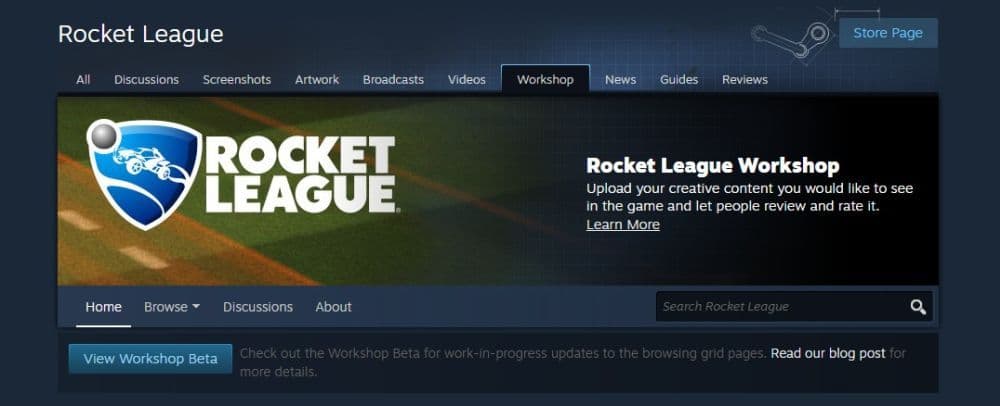
How to play Rocket League custom maps on Steam
If you own Rocket League on Steam, the process is fairly simple:
- Open the Rocket League Workshop on Steam.
- Find the map you want.
- Click Subscribe.
- Restart Rocket League if the download does not appear right away.
- Load the map through your workshop setup or loader flow.
Steam Workshop items for Rocket League still use the normal subscription system, and many map pages note that you may need to relaunch the game before the item finishes downloading.
How to play Rocket League custom maps on Epic Games
Epic Games players usually need two tools: BakkesMod and a Workshop Map Loader. The current BakkesPlugins page for Workshop Map Loader says the plugin lets players load maps from a folder and search Steam Workshop maps directly through the plugin interface. Lethamyr’s loader is another common route for players who want a dedicated custom map setup.
The usual setup looks like this:
- Install BakkesMod.
- Install the Workshop Map Loader & Downloader plugin, or use Lethamyr’s Custom Map Loader.
- Create a Map Files folder if your loader asks for one.
- Point the loader to your real Rocket League install folder, not the wrong launcher folder.
- Download or import the map you want.
- Launch the map from the loader.
When you use Lethamyr’s Custom Map Loader, the selected custom map gets swapped with Underpass. That means you usually need to open Underpass, not Tokyo Underpass, in Free Play or a LAN match to make the custom map load correctly.
If you want to play custom maps with friends, everyone needs the same setup and the same map loaded.
Best custom maps in Rocket League
If you want a strong starting group, these are some of the best custom maps to try first:
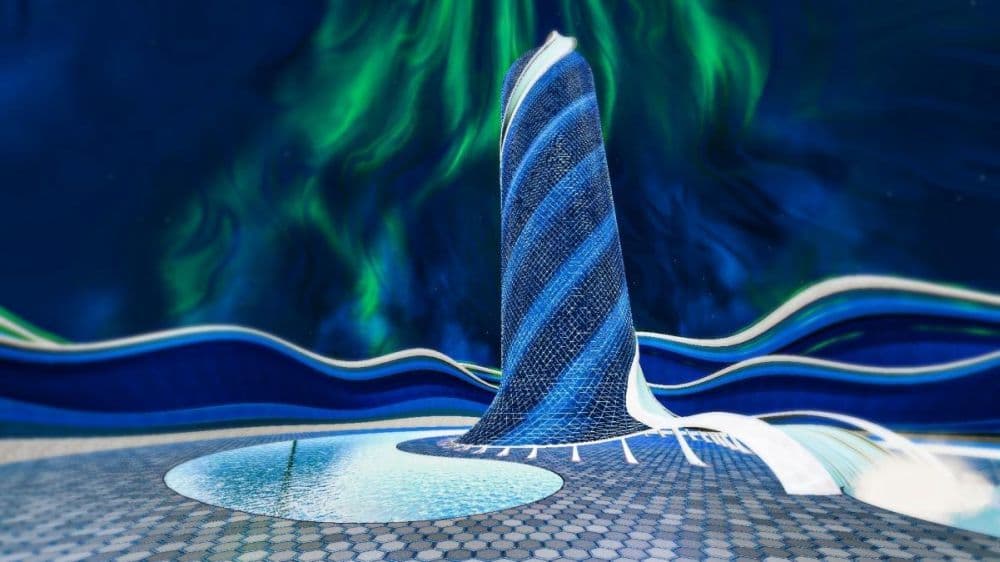
- The Immortals Progressive Tower: One of the best all-around training maps. Its Steam page describes 20 unique levels that test speed, timing, shot accuracy, aerial control, and boost usage. It is a great pick for players who want one map that covers several mechanics.
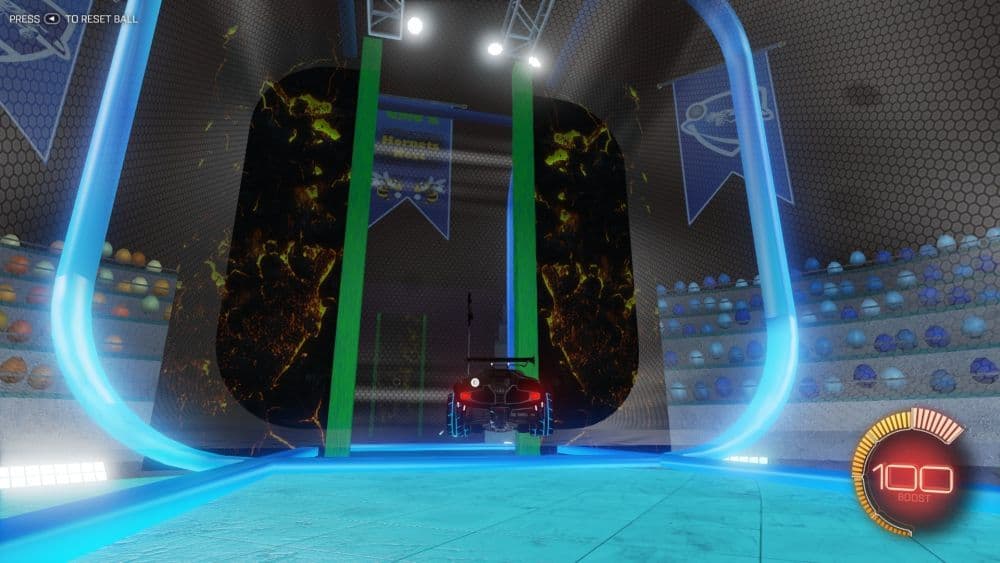
- Hornets Nest: A strong movement and recovery map built as an obstacle arena. It is a smart choice for players who want quicker reactions and cleaner car control.
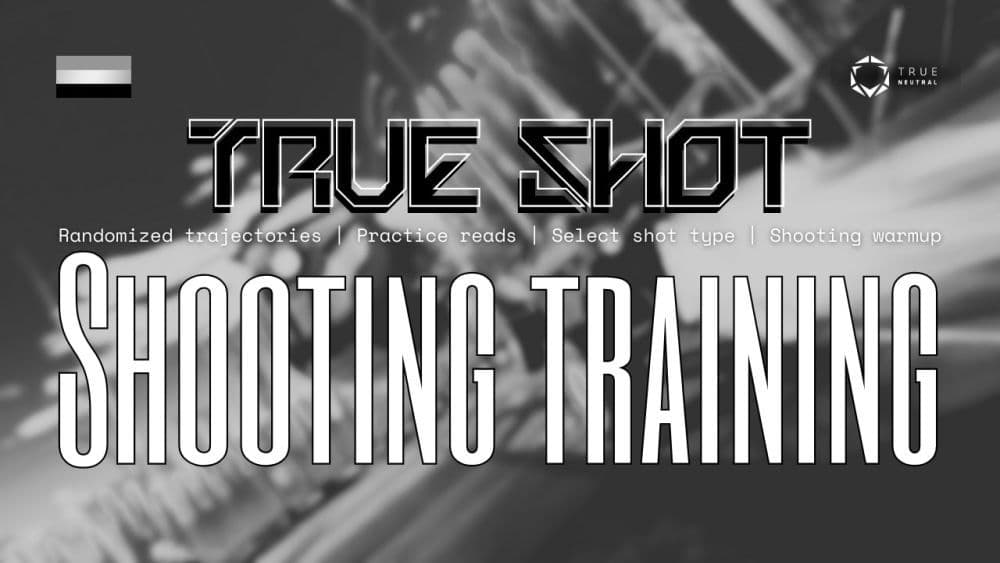
- True Neutral’s True Shot: A focused shooting map that works well for improving precision, power, and reading the ball from changing angles.
- Lethamyr’s Giant Rings Map: A classic aerial map for players who want better air control and smoother directional movement.
Common custom map problems
Most setup issues come from a few common mistakes:
- You selected the wrong Rocket League folder.
- Your Map Files folder has the wrong structure.
- Your map files are nested inside another folder.
- You launched Tokyo Underpass instead of Underpass.
- You forgot to repair the game files after swapping a map.
If a map does not load, check the folder path first. Lethamyr’s FAQ says the correct game folder is usually in Program Files for both Steam and Epic installs, and many failed setups happen because players point the loader to the wrong directory.
Rocket League custom maps are still one of the best ways to improve on PC. They add variety, push mechanics harder than standard training, and give you a reason to keep practicing without burning out. If you want the easiest path, Steam remains the cleanest option.
More Rocket League guides are below:
- How to join a club in Rocket League
- What is SSL in Rocket League & how to climb there fast
- Rocket League Ferrari F40: How to get it, hitbox & more
- 10 best Rocket League workshop maps and how to get one
- Why is Rocket League so laggy & how to fix it?
Featured Image Credit: Rocket League
Guide Categories
All Related Guides
 How to rank up in Rocket League and what is a good rank?Trying to climb in Rocket League? Learn how ranking works, which skills matter most, and how to make steady pr...
 How to get the JUNKO title in Rocket LeagueTrying to get the Junko title in Rocket League? Here is how the title works, who can earn it, and where BALRIG...
 How to get Rocket League on mobileFind out how to play Rocket League on mobile, where to download Rocket League Sideswipe, and whether it suppor...
 Did Rocket League get stuck on “Press any button to start”? Here is how to fix it on PCRocket League stuck on press any button to start? Try these PC fixes for cache, files, login issues, controlle...
 Rocket League codes (July 2026): All active redeem codes & free rewardsLooking for Rocket League codes? Redeem all active Rocket League redeem codes to unlock free Player Titles, th...
 How to get Jynxzi Rocket League skin & moreLearn how to get the Jynxzi Rocket League decal, title, and exclusive rewards through the Season 23 community ...
 How to fix latency variation in Rocket LeagueLearn how to fix Rocket League latency variation with Ethernet, CSTS input buffer, correct server region, and ...
 Rocket League TikTok Drops guide: How to get free rewardsRocket League TikTok Drops guide: earn free cosmetics, reward codes, RLCS drops, and learn how to redeem TikTo...
- 1
- 2
- 3
- 4
- 5
- 6
- 7
- 8
- 9