How to air roll in Rocket League
Control your car mid-air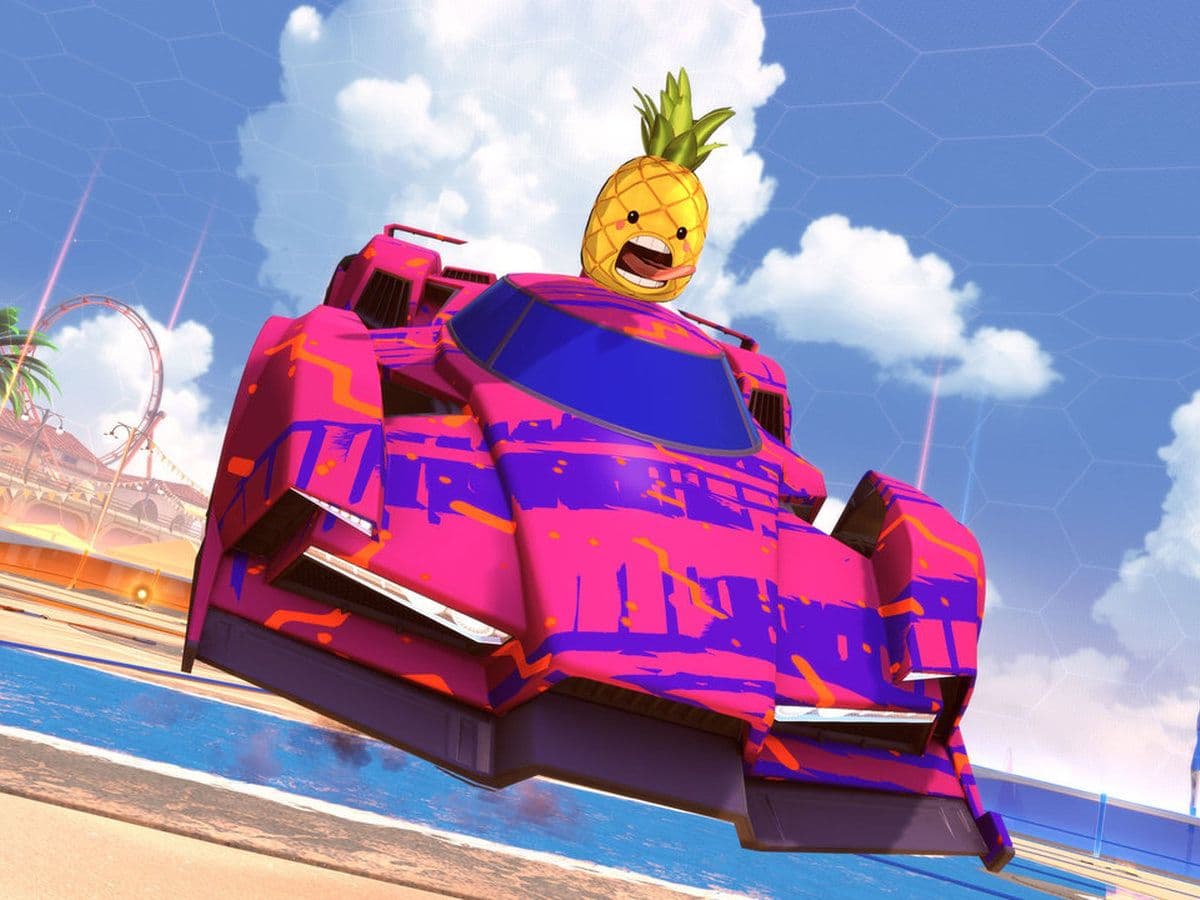
If you want better aerial control, faster recoveries, and cleaner shots, you need to learn how to air roll in Rocket League. Air roll is one of the most important mechanics in the game, yet it’s also one of the most misunderstood.
This guide explains exactly how it works, how to practice it, and how to improve step by step.
What is air roll in Rocket League?
Air roll lets your car rotate while in the air, giving you full control over your angle. Instead of flying in a fixed position, you can adjust your car mid-air to hit the ball more accurately or land properly.
You use air roll for:
- Aerial shots
- Recoveries (landing on wheels)
- Air dribbles
- Better positioning in the air
Without air roll, your movement is limited. With it, you gain full control.
How to air roll in Rocket League in 4 easy steps
Follow these steps to air roll in Rocket League:
- Step 1: Jump and Boost
- Jump once or twice
- Use boost to get into the air
- Step 2: Activate Air Roll
- Hold your air roll button
- Your car starts rotating
- Step 3: Use the Joystick
- Tilt your stick slightly to adjust direction
- Keep inputs small and controlled
- Step 4: Stop Air Rolling
- Release the button to stabilize
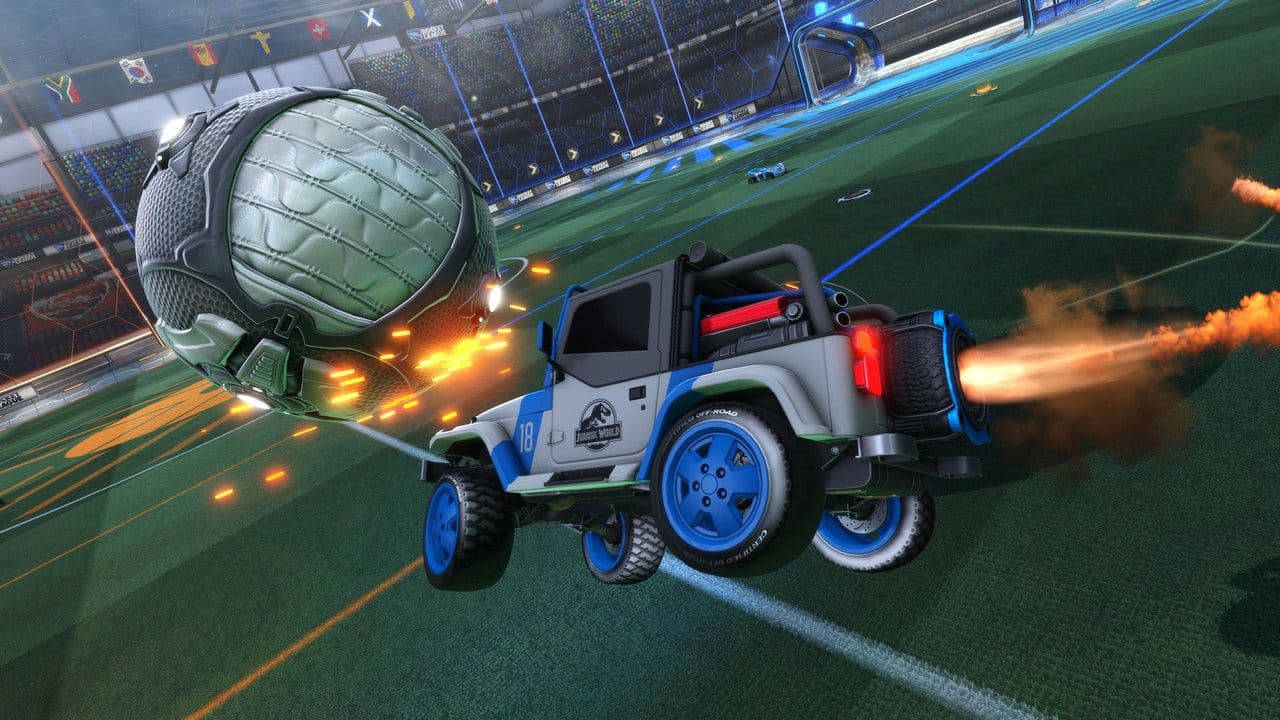
At first, your car will feel hard to control. That’s normal. The biggest mistake when learning how to air roll in Rocket League is overcorrecting. Moving the joystick too much makes your car harder to control.
Instead, use small, gentle movements. Avoid holding inputs for too long—quick taps give you better control and smoother motion.
Also, let your car’s momentum do the work. Only make small adjustments when needed. This is the key to consistent air roll control.
Best controller settings for air roll
Good keybinds make learning much easier.
A common setup:
- Boost → R1 / RB
- Air Roll Left → L1 / LB
- Air Roll Right → optional separate button
- Normal Air Roll + Powerslide → same button
This setup lets you boost and air roll at the same time, which is essential.
Now you know exactly how to air roll in Rocket League. It’s a skill that takes time, but once it clicks, your control improves dramatically.
Stick to the basics, practice consistently, and don’t rush the process. Air roll is one of the most valuable mechanics in the game, and mastering it will take your gameplay to the next level.
That’s all for today! Looking for more Rocket League guides? Check out these:
Guide Categories
All Related Guides
 Rocket League TikTok Drops guide: How to get free rewardsRocket League TikTok Drops guide: earn free cosmetics, reward codes, RLCS drops, and learn how to redeem TikTo...
 Guide to the Ratatouille Rocket League EventRatatouille Rocket League event guide: all rewards, challenges, cosmetics, Goal Explosion, and Fortnite integr...
 Rocket League Easy Anti-Cheat (EAC) explainedRocket League Easy Anti-Cheat explained: how EAC works, online requirements, mod support, Linux compatibility,...
 How to play custom maps in Rocket LeagueDiscover how to play custom maps in Rocket League with a quick guide to setup, loaders, and the best maps for ...
 How to horse dash in Rocket LeagueLearn how to horse dash in Rocket League with simple steps, key tips, and common mistakes to avoid in this qui...
 How to fast aerial in Rocket League like a proMaster how to fast aerial in Rocket League with a clear guide on timing, boost control, aerial practice, and c...
 How to get your Rocket Rundown 2026How to get your Rocket Rundown 2026: access your Rocket League stats recap, view playstyle insights, and impro...
 Rocket League “Complete a Custom Training Using Randomization” challenge explainedLearn how to complete the Rocket League Complete a Custom Training Using Randomization challenge with this qui...
- 1
- 2
- 3
- 4
- 5
- 6
- 7
- 8