How to check Warzone 2 stats

Without eyes on your stats, you’ll never reach the top of Warzone 2’s elite.
Checking your stats and progress is a critical part of completing many specific goals in the game, knowing how you stack up against the competition, and winning any arguments with your teammates over who was the MVP of your last match!
Regularly checking and learning from your stats turns players from greener than grass into Warzone Warlords of wanton destruction, to be feared by everyone in the battle royale.
Now, if that doesn’t tickle your fancy, you’re in the wrong place. If you’re only looking to have fun, you should close your browser and just go play the game a bit. But if you’re ready to level up your Warzone 2 skills and become the best badass you can be, read on…

Checking the Combat Record to view stats
You can view your Warzone 2 stats via the Combat Record, though you’ll only gain access to these statistics after playing at least five games.
All you need to do is…
- Load the options menu from Warzone 2’s main menu (ESC key for PC players, Options for PlayStation players, and Menu for Xbox users).
- Head over to the Stats tab.
- Hop onto the Battle Royale section, et voilà!
Now you can see your Warzone 2 stats and figure out where you’re killing it and where you need some improvement.
You should see everything from your KD and wins/losses, to playtime, best finish stats and more via this Combat Record. And you can view more in-depth stats of your performance with specific weapons, too!
Even if you don’t care about other stats, checking your KD has something to offer to every Warzone player, from casual to pro.
Fair warning to anyone who’s been playing Warzone 2 since the beginning though – you won’t see any stats here from before Season 2 (February 15, 2023), since that’s when the Combat Record first became available.

Why were stats not available in Season 1 of Warzone 2?
Infinity Ward intended to release Warzone 2 with the Combat Record stats, but due to some technical gremlins, they had to delay this feature until Season 2.
Players definitely found it weird that they couldn’t check a traditional stats screen to get an idea of key metrics like their KD ratio, but that didn’t stop them!
The likes of COD legend Tommey soon discovered a way to view their KD stats via the Gun Screens page and the free Endless Black weapon attachment.
Since the Combat Record only tracks stats from Season 2 onwards, anyone who’s been playing Warzone since the first season will have to hope they’ve got those stats written down somewhere safe if they want to include them in their bragging rights!
FAQs
Is there a Warzone 2 tracker?
Yes. Warzone 2 has several online and in-game trackers that let you view your stats, including kills, deaths, wins, accuracy, and weapon performance. You can use these to track your progress, compare with friends, and see improvements over time.
Can you see your KD in Warzone 2?
Yes. You can check your kill/death ratio (KD) in the game’s Combat Record section under your profile. It becomes visible after playing a few matches and updates automatically as you continue playing.
How to show performance stats in Warzone?
Go to the main menu, open your Stats or Profile tab, and select the mode you want to check (Battle Royale or Resurgence). You’ll see detailed information such as kills, wins, accuracy, and time played.
How to check Warzone gun stats?
Open your Weapons or Loadout menu and check each gun’s performance data like kills, headshots, and accuracy. This helps you find which guns suit your playstyle best and track which setups perform the strongest.
What is a good KD for Warzone?
A KD above 1.0 means you win about as many fights as you lose. A 1.5 or higher KD is considered very good and shows strong consistency, while anything above 2.0 is exceptional for most players.
Guide Categories
All Related Guides
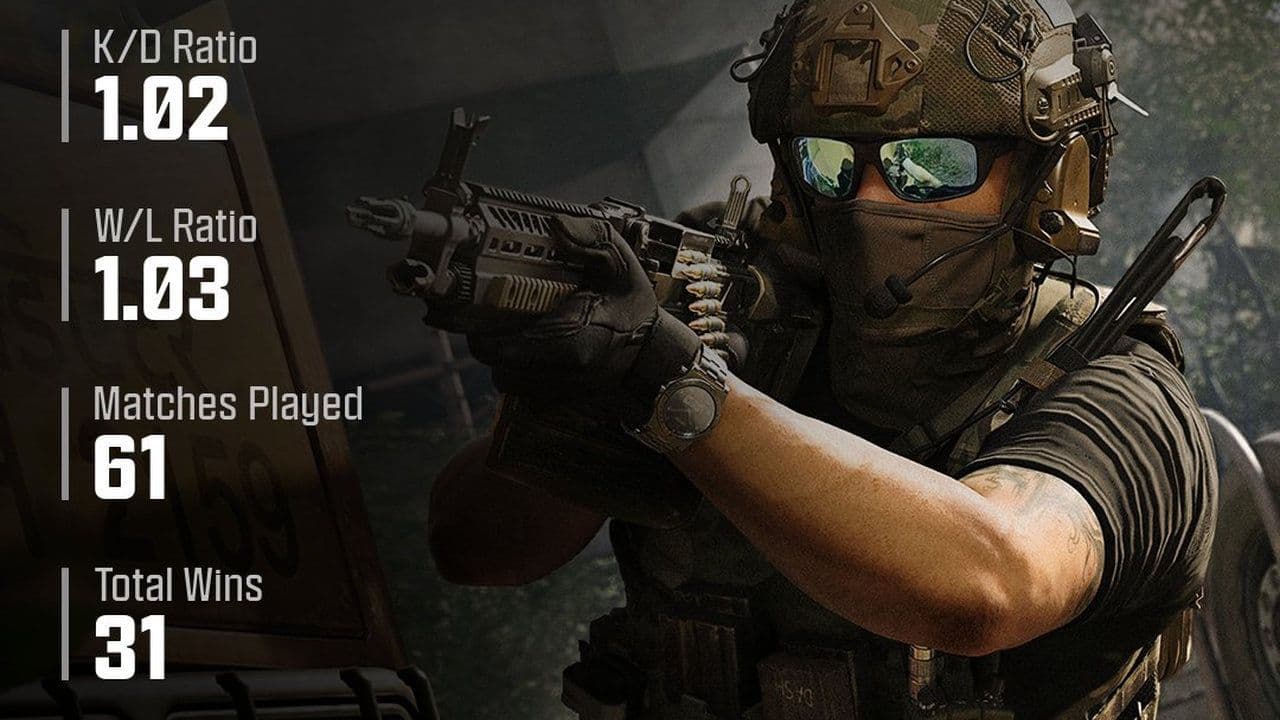 How to check MW4 Beta stats: K/D, wins, kills & Combat RecordLearn how to check your MW4 Beta stats, including K/D, wins, kills, playtime, weapon stats, Combat Record, and...
 How to change your name in WarzoneChanging your Warzone name is simple once you know where to look. Follow the steps and learn how Activision ID...
 How to inspect your gun in WarzoneLearn how to inspect your gun in Warzone on PC, PS5, PS4, and Xbox, plus how to view a weapon’s equipped attac...
 What are Loot Caches in Warzone? Caches vs. Crates explainedWhat are Loot Caches in Warzone? Learn what counts, the difference between caches and crates, and the fastest ...
 What is an infil weapon in Warzone?What is an Infil Weapon in Warzone? Learn what counts and how to get Infil Weapon eliminations....
 Warzone Lockdown Casual guide (New mode)Learn how Warzone Lockdown Casual works, including objectives, respawns, loadouts, rewards, and the best strat...
 How to get Juggernaut in Warzone fastLearn how to get the Juggernaut in Warzone fast, where Juggernaut Drops spawn, and the best tips to survive us...
 How to get a nuke in WarzoneSee how to get a nuke in Warzone, from earning a Champion’s Quest Contract to defending the missile and claimi...
- 1
- 2
- 3
- 4
- 5
- 6