Has Apex Legends been released on Switch 2? Gameplay, controls and more
With the Switch 2 release, Apex fans are curious whether you can play the battle royale on the newest Nintendo console.
Apex Legends is one of the most popular free-to-play battle royale games in the world. With the launch of the Nintendo Switch 2, many players want to know how the game runs on the new console because none of the companies have made any official announcements. In this guide, you will find clear answers. You will learn how to play Apex Legends on Switch 2, how the game performs, what the controls look like, and what the community expects in the future!
Is Apex Legends on Switch 2?
Yes, Apex Legends is available on the Nintendo Switch 2. It supports backward compatibility, which means it uses the same version that was built for the original Switch. Obviously, fans are not very happy about it. There is no separate download or enhanced version made for Switch 2. Still, the game runs better on the new console.
The download size is approximately 31.3 GB, so you will need enough space on your device. You can find the game on the Nintendo eShop and download it for free.
Although the game is still locked at 30 FPS and 720p resolution, the Switch 2 hardware keeps it more stable. On the original Switch, the game often dropped frames, especially during fights. On Switch 2, the gameplay feels smoother and more reliable.
There are no improvements to visual quality, and textures look the same. However, you get a better experience because the frame rate stays steady, and the loading times are shorter. The game also works well in both handheld and docked modes.
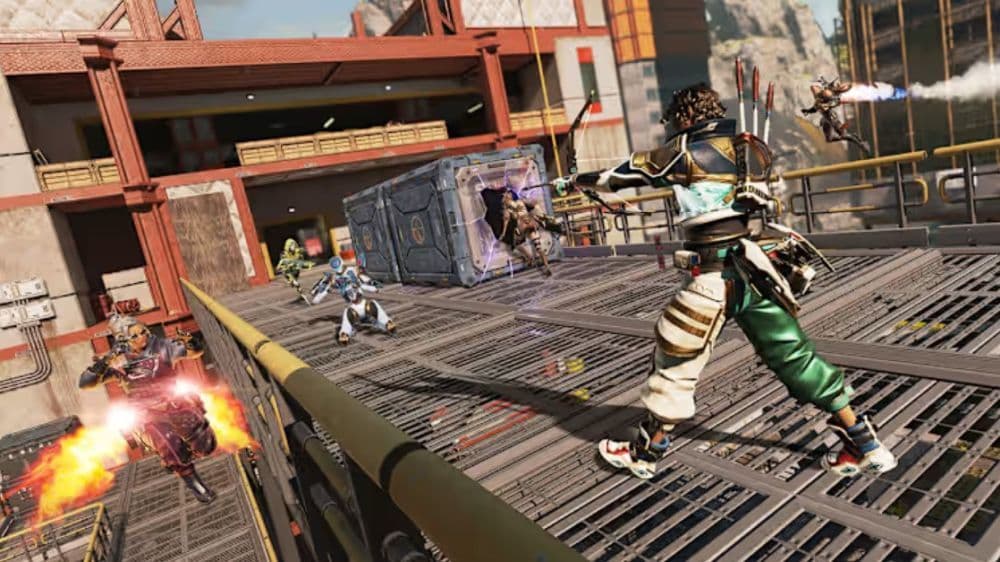
How to play Apex Legends on Switch 2
You can start playing Apex Legends on your Switch 2 by following a few simple steps:
- Open the Nintendo eShop on your console.
- Type “Apex Legends” in the search bar.
- Select the game and click “Download.”
- Once the download is complete, launch the game from your home screen.
- Log in with your EA Account, or create one if you do not have an account.
The game runs without any changes or updates. It uses the same controls and settings as the original Switch version. You do not need to modify any system settings to make the game work properly.
Here are a few things to keep in mind:
- A stable internet connection is required to play.
- You can play with users on other platforms thanks to cross-play support.
- If you played on the original Switch, your progress will carry over if you use the same EA account.
- The performance is better, but the visuals stay the same as the previous version.
Apex Legends Switch 2 controls and gameplay
The controls on Switch 2 are the same as they were on the original Switch. You do not need to relearn anything. Players who are familiar with the controls will feel comfortable right away.
Default controls on Nintendo Switch:
- Move: Left stick
- Sprint: Press and hold left stick
- Jump: B
- Crouch: Toggle A
- Attack: ZR
- Aim down sight: ZL
- Tactical ability: LB button
- Ultimate ability: LB and RB
- Equip grenade: Right directional button
- Use health item: Up directional button
- Health wheel: Hold up directional button
- Extra character action: Down directional button
- Ping: R
- Ping (enemy here): Press R twice
- Cycle weapon: X
- Holster weapon: Hold X
- Reload: Y
- Interact/Pick up: Y
- Melee: Press right stick
- Inspect weapon: Hold left directional button
- Map: Subtract button
- Inventory: Plus button
The gameplay feels smoother on Switch 2. The frame rate stays steady at 30 FPS, which helps with aiming and movement. On the original Switch, the game sometimes lagged during intense fights. On Switch 2, the same version runs more consistently.
Gameplay improvements include:
- Fewer frame drops during matches
- Faster loading times
- Smoother character movement
- Better menu performance
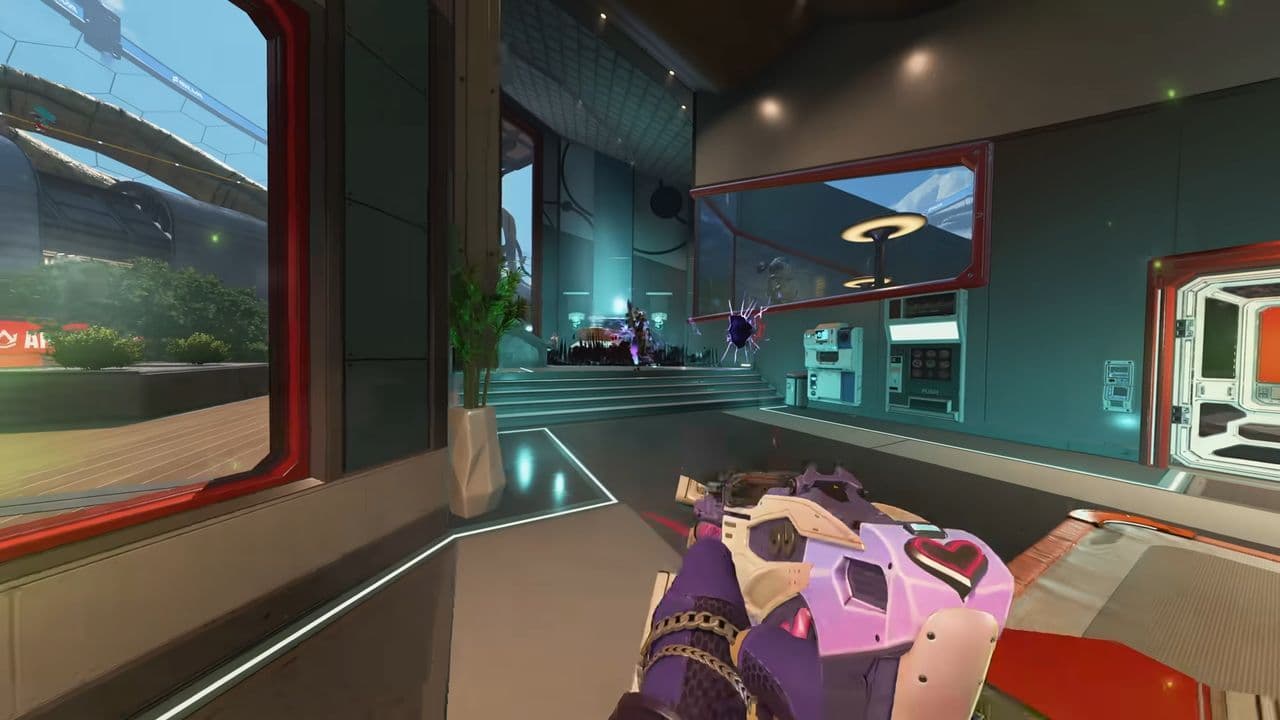
Below you will find a closer look at the gameplay
Fans expect a better release
Many Apex Legends players were hoping for a new version of the game built for Switch 2. The current version works better than before, but it does not fully use the new console’s power. This has caused mixed feelings in the community. You can find more information here in this thread.
Some players are happy that the game now runs smoothly. They say the frame rate is much more stable, and it makes the game feel more playable. Others are disappointed because the resolution is still low, and the visuals are the same.
A few players believe that a proper update could arrive later. They say other next-generation updates have taken time in the past, so a patch may still come. Until then, the game runs well, but it does not show the full potential of the new hardware.
Check out more of our Apex Legends guides:
- Is there aim assist on Apex Legends Firing Range?
- How many Apex packs have I opened?
- Is Apex Legends Crossplay or Cross-Progression?
- Apex Legends pick rates: Most used characters
- All Apex Legends connection symbols and their meanings
Featured Image Credit: Respawn Entertainment/EA Games
All Related Guides
 Apex Legends Season 27 Amped explainedApex Legends Season 27: Amped revamps Olympus, adds Mantle Boost movement, legend buffs, and fresh ranked rewa...
 Apex Legends November update enhances audio clarity and brings new features to the gameApex Legends November update brings major audio upgrades in Season 27 with clearer footsteps, smarter sound mi...
 Apex Legends Raise Hell Event: Everything you need to knowDiscover Apex Legends Raise Hell event: new Reaper vs Demon mode, spooky Kings Canyon map, and exclusive Hallo...
 All Apex Legends connection symbols and their meaningsDiscover all Apex Legends connection symbols and their meanings, plus solutions to keep you in the game withou...
 Is Apex Legends Crossplay or Cross-Progression ?Yes, Apex Legends is on different platforms but does it support cross platform and cross progression gameplay?...
 How to Uncap FPS in Apex Legends on Origin and SteamUnlock higher FPS in Apex Legends on Origin and Steam with our comprehensive guide. Optimize your gameplay for...
 Apex Legends Cross-Progression and Merging Explained Unlock seamless gaming! Discover how to enable Apex Legends cross-progression, troubleshoot issues, and enjoy ...
 How to tap strafe in Apex LegendsLearn how to master tap strafing in Apex Legends to dodge bullets and enhance your gameplay with advanced move...
- 1
- 2
- 3