Troubleshooting the Apex Legends no servers found error: 7 easy fixes
You got the no servers found error, we got the solutions.
The Apex Legends No Servers Found error is one of the most common roadblocks that can keep you off the dropship—even when your internet is solid. It means the game can’t link up with the matchmaking servers, and it can hit you at any moment—launch, mid-match, or right after an update. Stick with us, and we’ll break down the main reasons this happens and show you exactly how to fix it fast, so you’re back in the arena, ready to dominate.
What is the Apex Legends No Servers Found error?
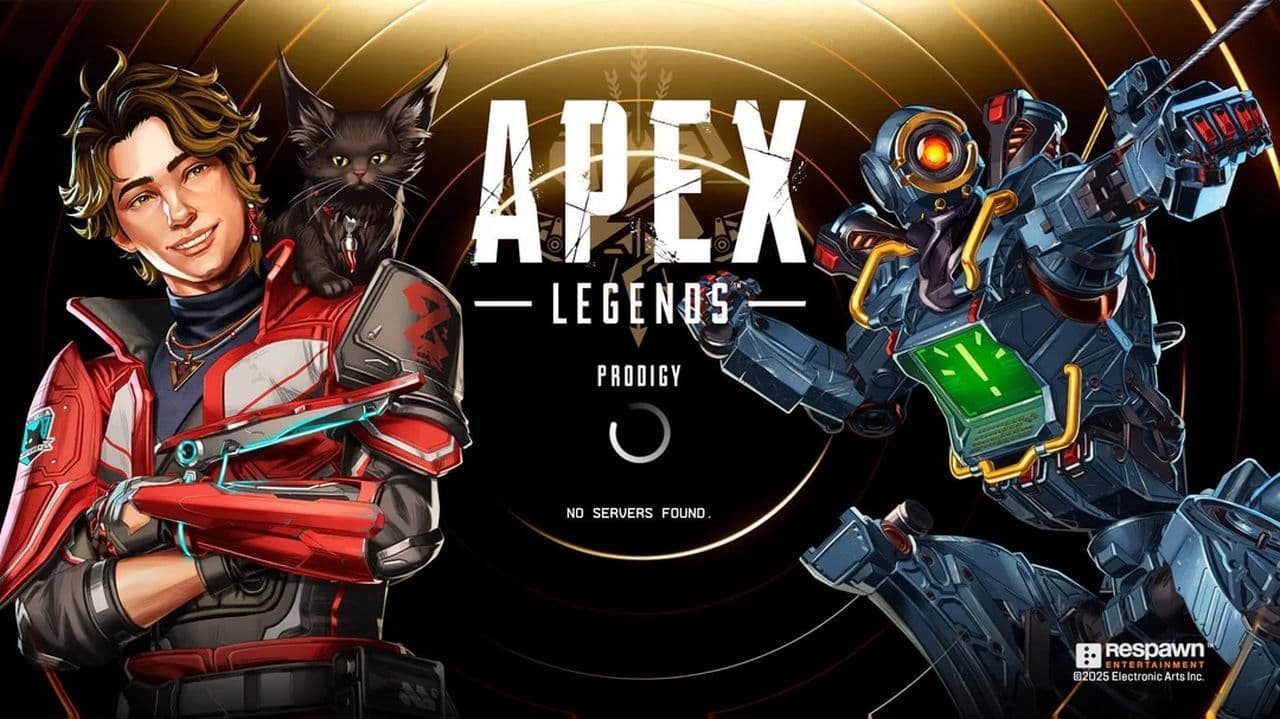
The “No servers found” error in Apex Legends occurs when the game cannot connect to the matchmaking servers. This typically appears on the main screen with a message stating that no servers are available, even though your internet may be working perfectly for other services.
This error can appear during game launch, after an update, or even in the middle of a session. The issue can stem from either server-side problems or client-side issues on your system.
5 common causes of the Apex Legends No Servers Found error
Understanding the root of the problem is the first step toward fixing it. Here are the most common causes:
1. Server downtime
EA’s servers may be undergoing maintenance, facing an outage, or experiencing high traffic. When this happens, the game client cannot establish a connection, resulting in the no servers found error.
2. Lack of administrative privileges
Running the game without administrative rights can restrict access to network resources, which may prevent Apex Legends from reaching the servers.
3. Corrupt game files
Corrupted or missing game files can interfere with the game’s ability to connect properly. This often happens after a failed update or crash.
4. Outdated or faulty network drivers
Network adapter drivers that are outdated or malfunctioning can disrupt your internet connection, even if other apps seem unaffected.
5. Corrupted DNS cache
Your DNS cache stores data from past web requests. If it's outdated or corrupted, it can block the connection to EA’s servers.
How to fix Apex Legends No Servers Found error
Here’s a comprehensive step-by-step guide to troubleshoot and fix the Apex Legends No Servers Found error:
1. Check Apex Legends server status
Before tweaking any settings, verify that the issue isn’t on EA’s end:
- Visit the official EA Help Server Status page or Downdetector
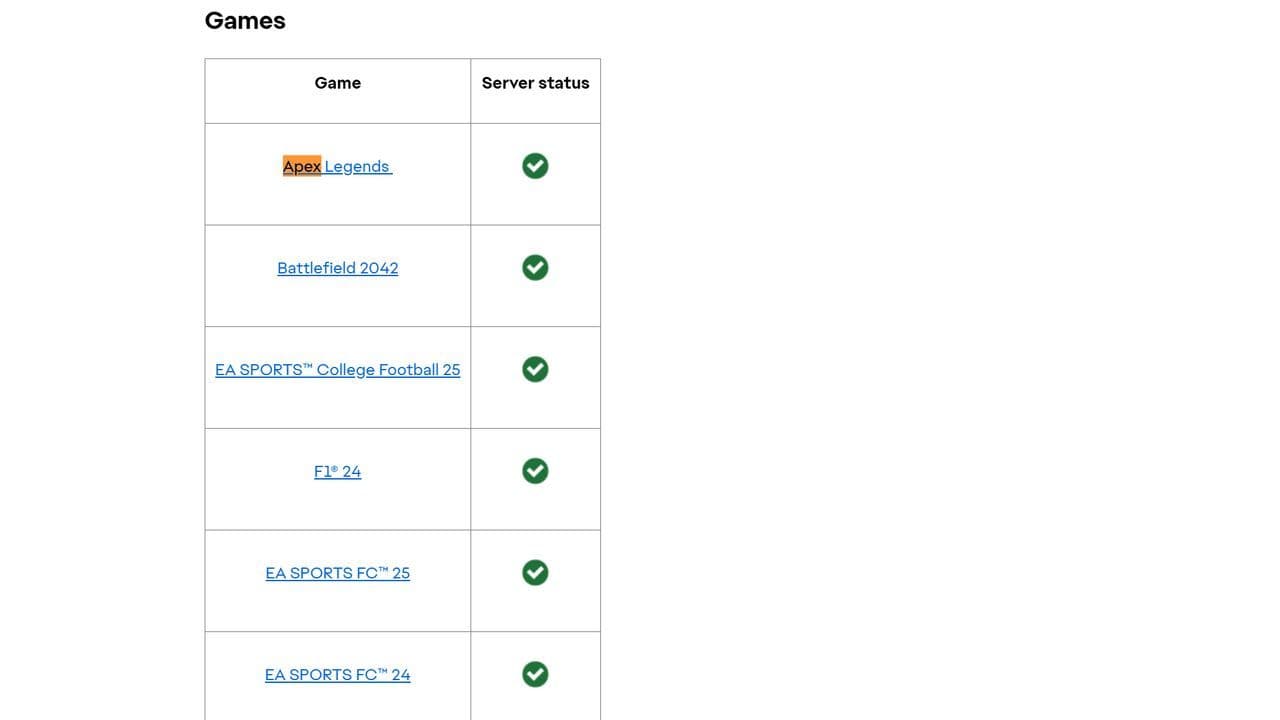
- Check @PlayApex on X for real-time updates
If the servers are down, the only solution is to wait.
2. Run Apex Legends as administrator
Lack of permissions can block network access. To fix this:
- Right-click the Apex Legends shortcut
- Select Run as administrator
- Try launching the game again
3. Repair game files via Origin or EA App
Corrupt files can cause server connection issues:
- Open Origin or EA App
- Go to your game library
- Right-click on Apex Legends > Choose Repair
Let the tool scan and fix any damaged or missing files.
4. Restart your system and launcher
Sometimes, restarting your PC and game launcher can trigger a background update or resolve temporary issues, like the Apex Legends No Servers Found error.

- Restart your PC
- Launch Origin/EA App again
- Look for any pending updates or hotfixes
5. Update network adapter drivers
Ensure your network drivers are up to date:
- Press Win + X > Select Device Manager
- Expand Network Adapters
- Right-click your active adapter > Choose Update driver
- Select Search automatically for drivers
6. Flush DNS Cache
To clear corrupted DNS entries:
- Open Command Prompt as Administrator
- Type: ipconfig /flushdns
- Hit Enter, then restart your PC
7. Change DNS Server (Optional)
If DNS issues persist, try switching to Google DNS:
- Go to Control Panel > Network and Internet > Network and Sharing Center
- Click Change adapter settings
- Right-click your connection > Select Properties
- Choose Internet Protocol Version 4 (TCP/IPv4) > Click Properties
- Use these DNS addresses:
- Preferred: 8.8.8.8
- Alternate: 8.8.4.4
- Click OK and restart
Is Apex Legends still not working?
If none of the above fixes work, consider:
- Reinstalling Apex Legends
- Temporarily disabling your firewall or antivirus (some may block game traffic)
- Contacting EA Support for personalized troubleshooting
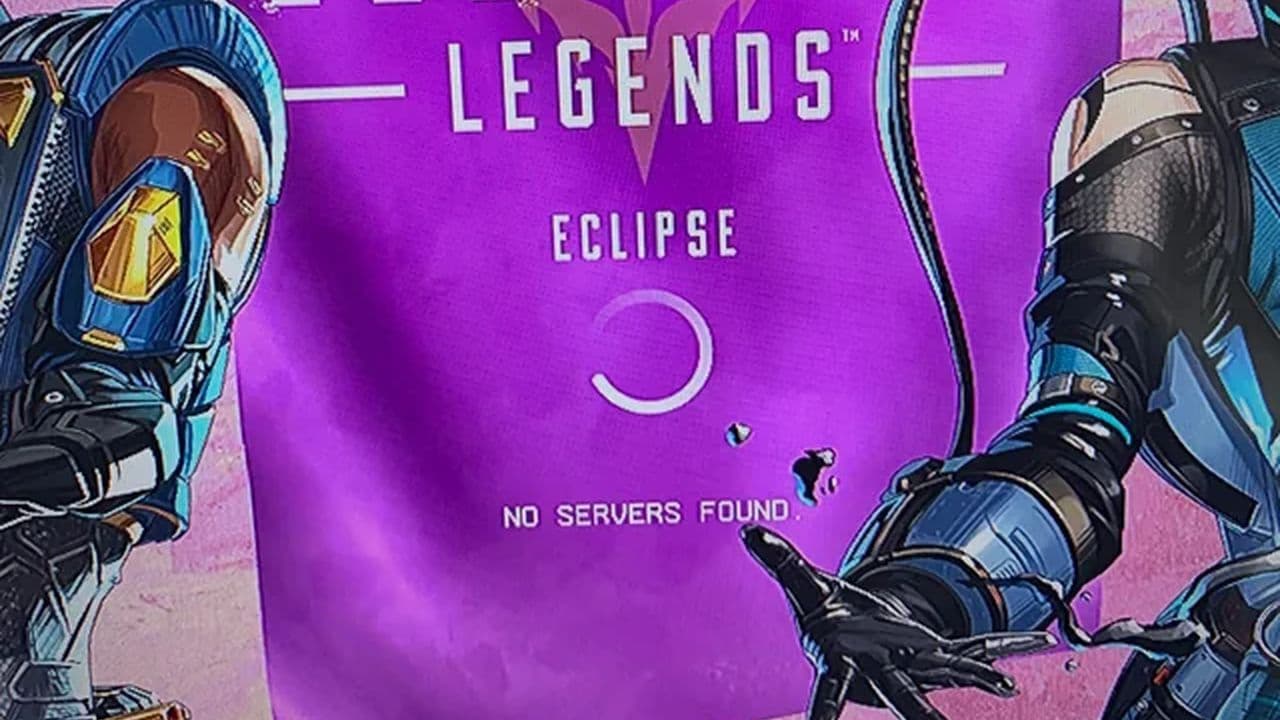
The Apex Legends no servers found error can be frustrating, but it's often fixable with simple steps like repairing game files, updating drivers, or flushing your DNS. Follow this guide to quickly reconnect and avoid future issues—whether the cause is EA’s servers or your own system.
Common Apex Legends connection issues
Want more details about Apex Legends connection symbols and their meanings? Check out our guide!
That’s all! Want to explore more Apex Legends guides to fix issues & more? Check out these:
All Related Guides
 Apex Legends Season 27 Amped explainedApex Legends Season 27: Amped revamps Olympus, adds Mantle Boost movement, legend buffs, and fresh ranked rewa...
 Apex Legends November update enhances audio clarity and brings new features to the gameApex Legends November update brings major audio upgrades in Season 27 with clearer footsteps, smarter sound mi...
 Apex Legends Raise Hell Event: Everything you need to knowDiscover Apex Legends Raise Hell event: new Reaper vs Demon mode, spooky Kings Canyon map, and exclusive Hallo...
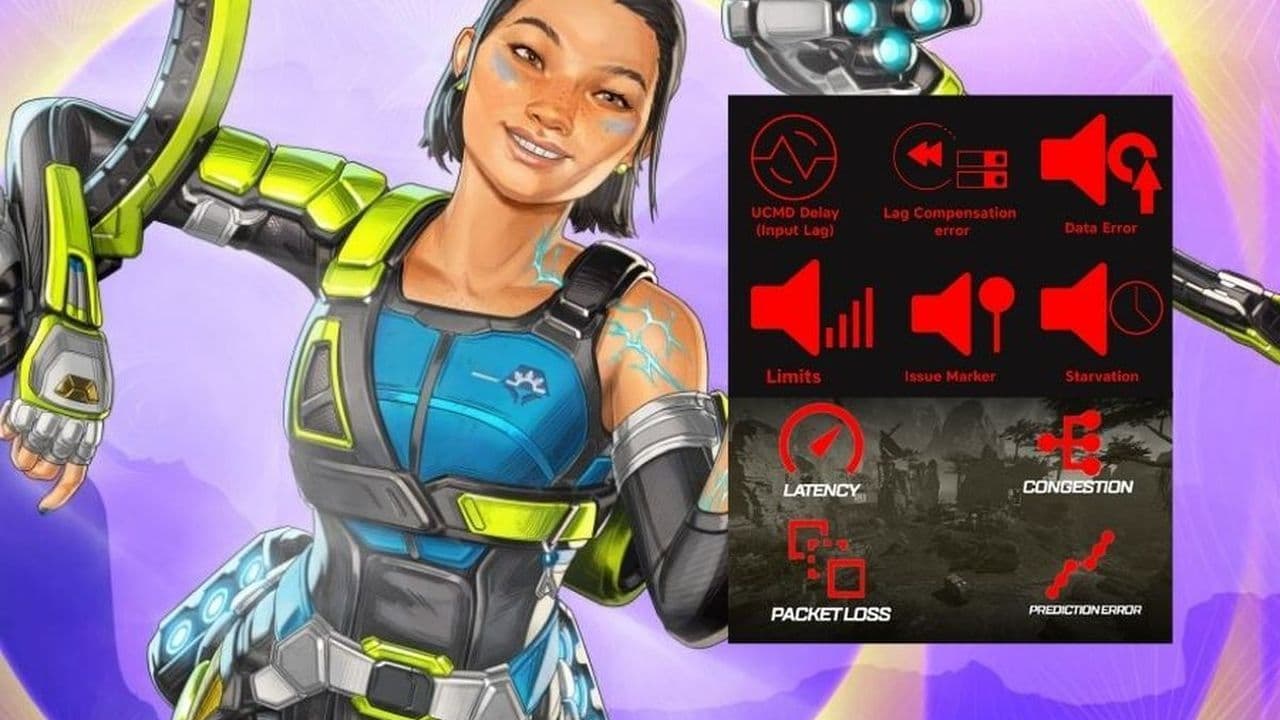 All Apex Legends connection symbols and their meaningsDiscover all Apex Legends connection symbols and their meanings, plus solutions to keep you in the game withou...
 Is Apex Legends Crossplay or Cross-Progression ?Yes, Apex Legends is on different platforms but does it support cross platform and cross progression gameplay?...
 How to Uncap FPS in Apex Legends on Origin and SteamUnlock higher FPS in Apex Legends on Origin and Steam with our comprehensive guide. Optimize your gameplay for...
 Apex Legends Cross-Progression and Merging Explained Unlock seamless gaming! Discover how to enable Apex Legends cross-progression, troubleshoot issues, and enjoy ...
 How to tap strafe in Apex LegendsLearn how to master tap strafing in Apex Legends to dodge bullets and enhance your gameplay with advanced move...
- 1
- 2
- 3