10 best CS2 offline workshop maps you should try
Even without internet connection you can still get some practice in or have some fun in Counter-Strike 2.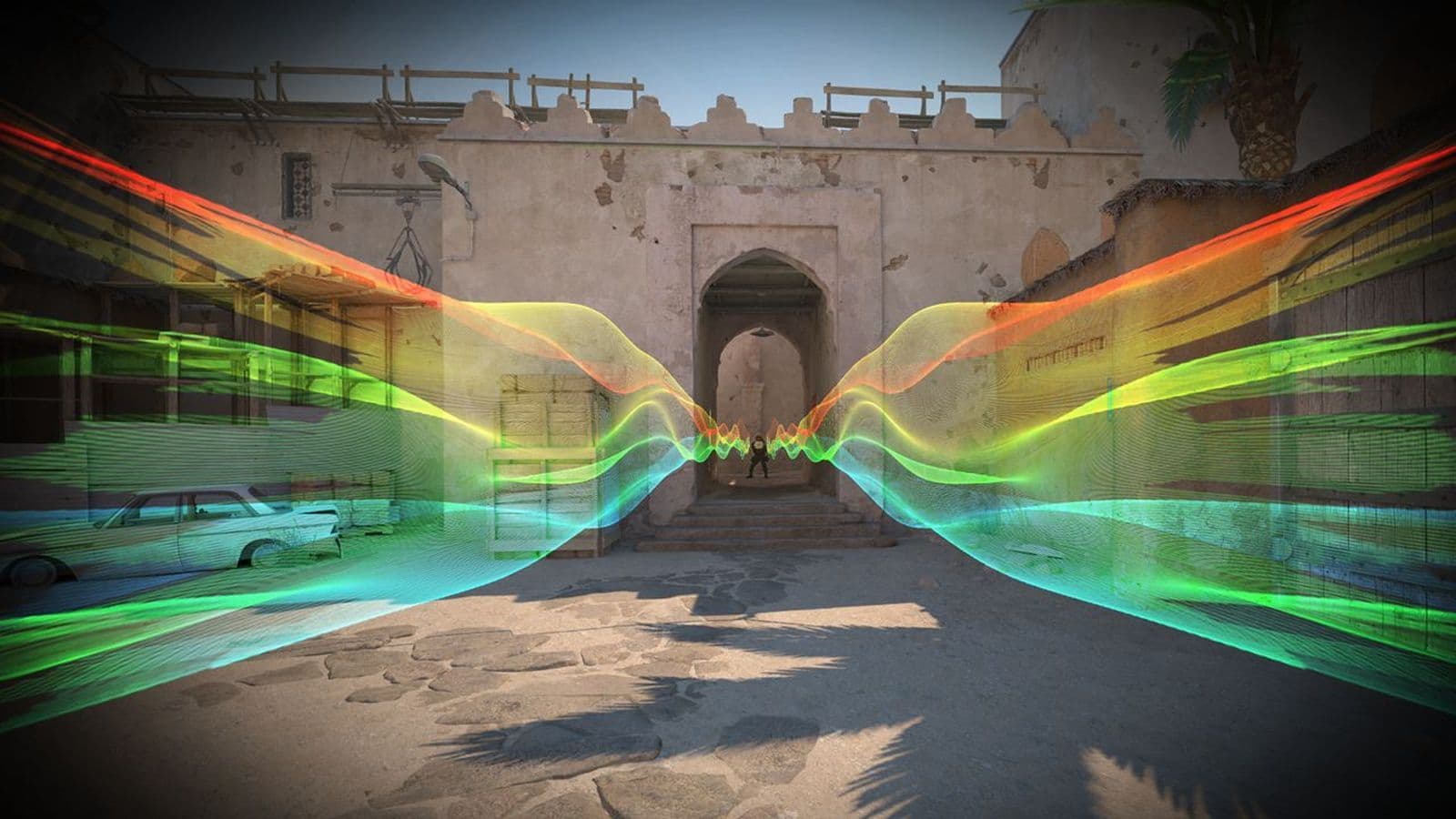
If you're looking for the best CS2 offline workshop maps to try, you're in the right place! In this guide, we'll explore some exciting custom maps that you can play offline, whether you want to improve your skills, enjoy new challenges, or just have fun. From fast-paced 1v1 duels to unique surfing and bunny hop maps, we've got a great list for you to check out.
Best CS2 offline workshop maps
If you're looking to play Counter-Strike 2 (CS2) offline and want some exciting custom maps, here are some of the bests you can try:
- ze_offliner
- surf_rocco
- surf_rocco_v2
- Bhop_Colour
- Bhop_Dunedash
- surf_momentum
- AK47 ARENA 1v1 (CS2)
- kz_key
- Bhop_Vaporwave
- Surf_FrostEdge
This list is based on official CS2 workshop stats. Let’s dig deeper and find out what they offer!
ze_offliner
- Mode: Zombie Escape
- Creator: M4dara
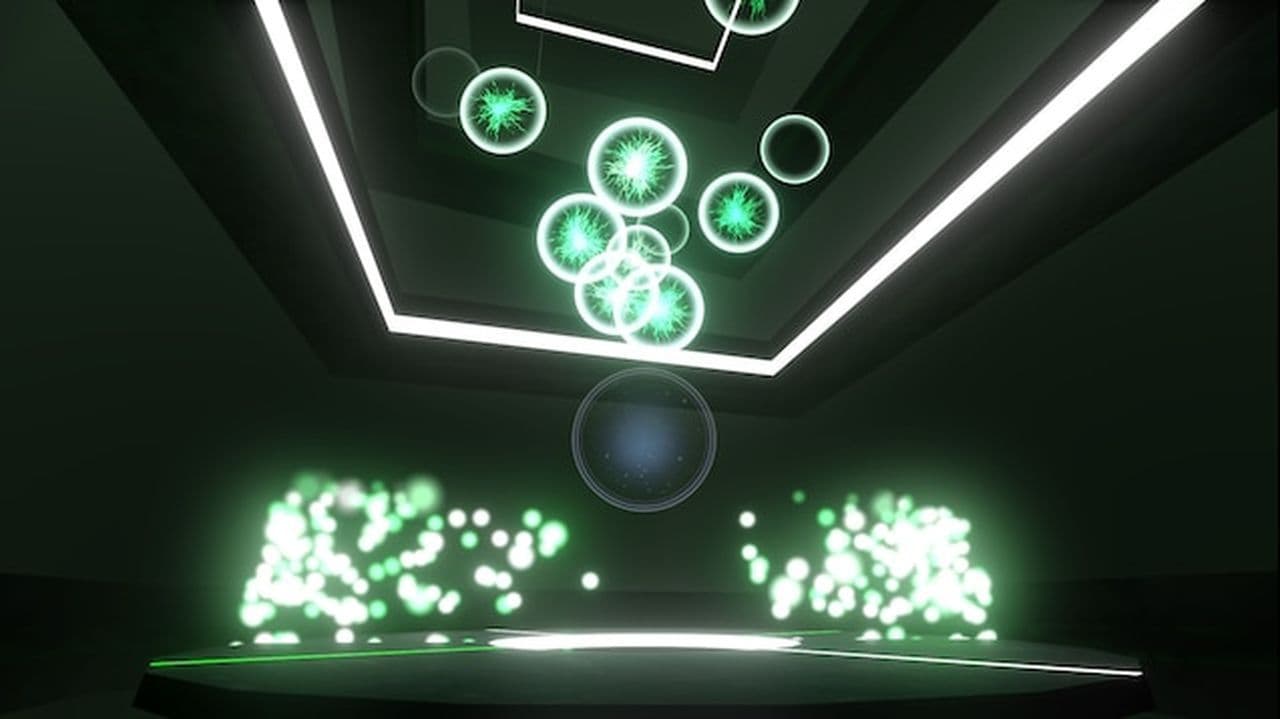
ze_offliner is a Zombie Escape map, where the goal is to escape from zombies trying to catch you. This map is perfect for players who enjoy intense survival challenges, where you’ll need to think fast, dodge zombies, and race towards safety. This map has been ported to CS2 from an earlier version, making it easy to enjoy offline.
surf_rocco & surf_rocco_v2
- Mode: Surf
- Creator: FPS GOD, oosii, asteral, inoova, Roonie Mac
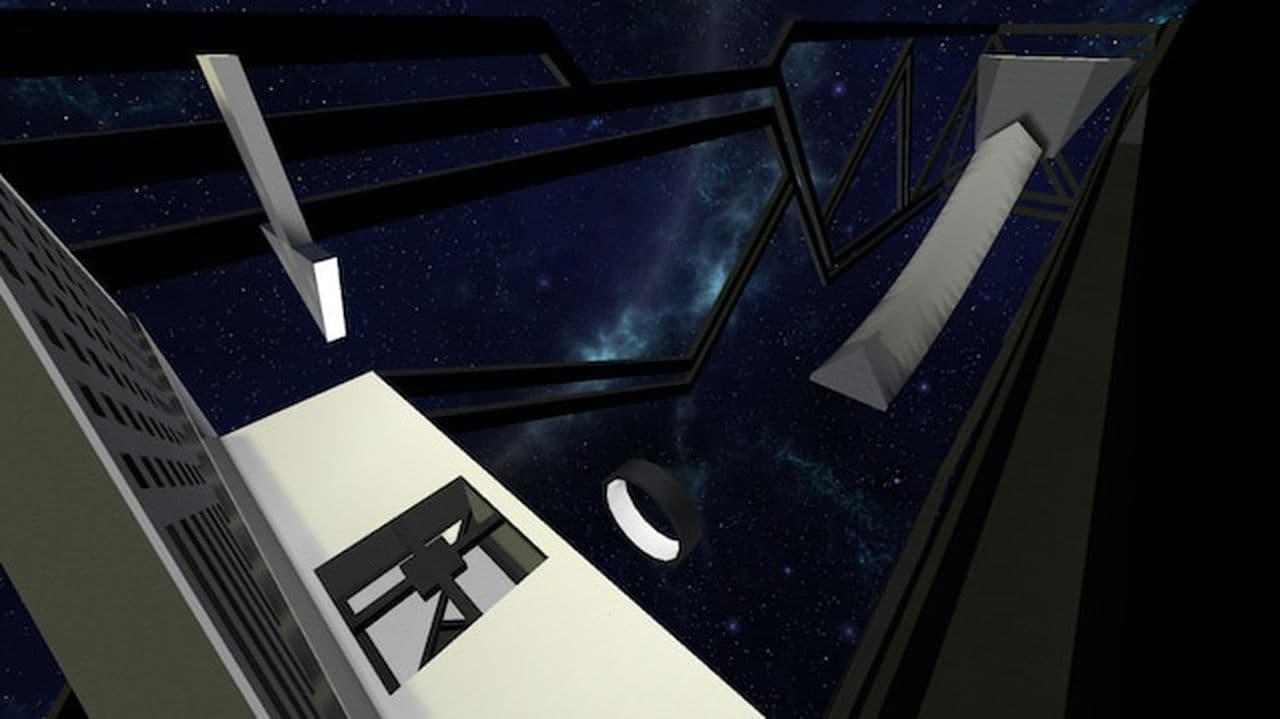
surf_rocco is a classic CS2 surfing map that’s perfect for players who enjoy gliding down ramps and performing tricks. The map features fun surfing elements, with ramps to ride and obstacles to avoid. surf_rocco_v2 is an updated version with additional bonuses and features to improve the experience. Both versions are made for surfing enthusiasts and are easy to set up offline.
Offline commands
- sv_cheats 1
- bot_kick
- mp_roundtime 60
- sv_airaccelerate 400
- mp_restartgame 1
- god
Bhop_Colour
- Mode: Bunny Hop
- Creator: pwlnism
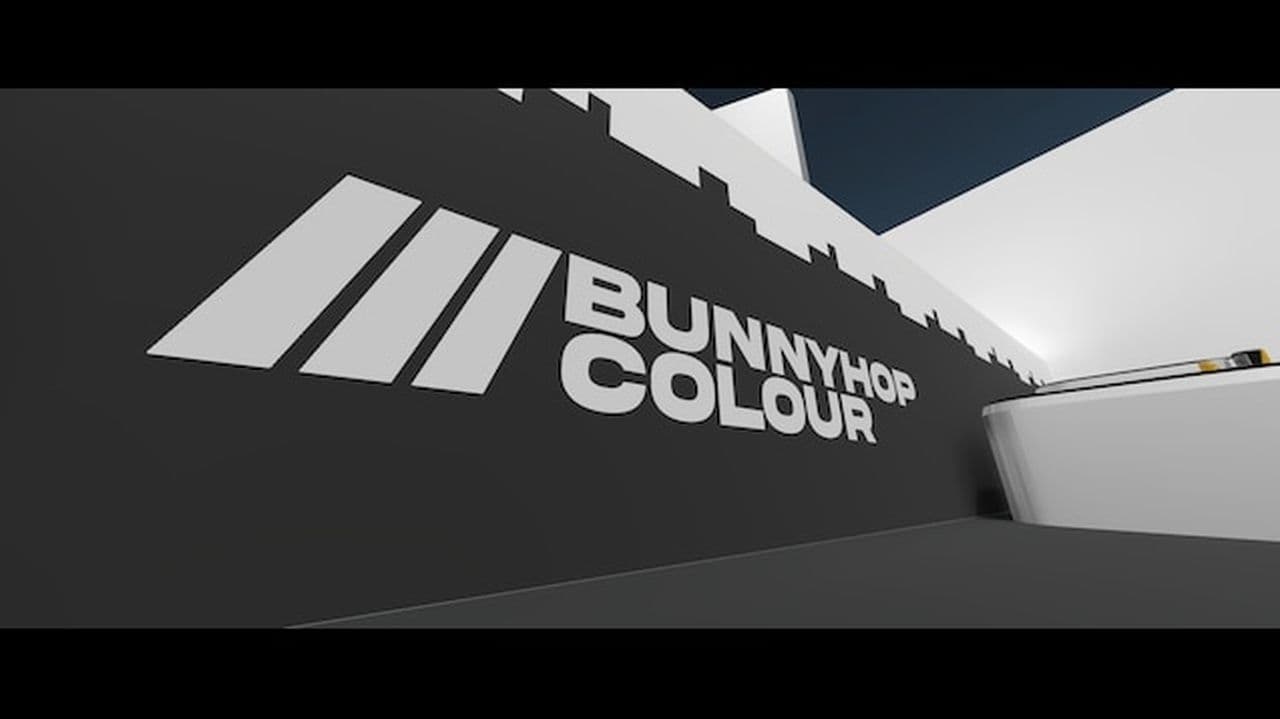
Bhop_Colour is a bunny hop map with colorful designs and challenging jumps. Bunny hopping requires precise timing and control as you jump from platform to platform. The map is designed to help you practice and improve your bunny hop skills with a fun, vibrant aesthetic.
Offline commands
- sv_cheats 1; sv_enablebunnyhopping 1; sv_autobunnyhopping 1; sv_staminamax 0;
- sv_staminajumpcost 0; sv_staminalandcost 0; sv_airaccelerate 2000; sv_maxvelocity 3500;
- sv_falldamage_scale 0
Bhop_Dunedash
- Mode: Bunny Hop
- Creator: pwlnism
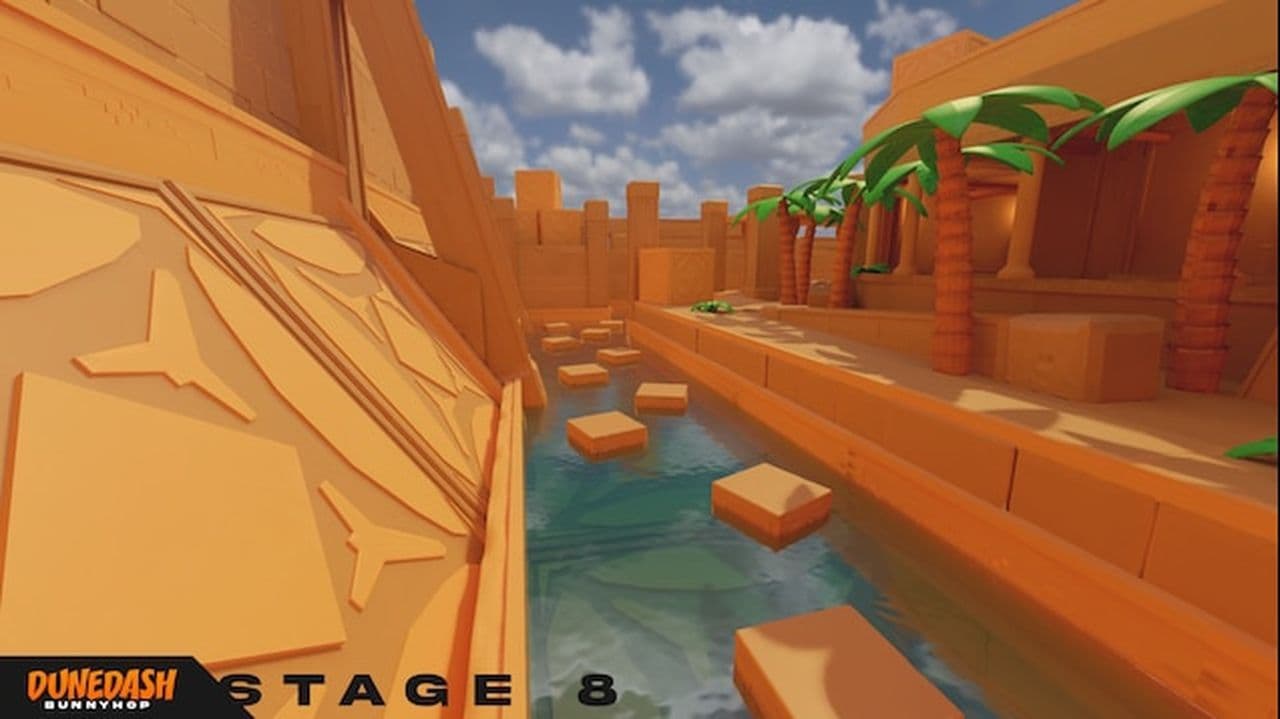
Bhop_Dunedash is another bunny hop map, but this one has a desert theme. The map features challenging jumps across sand dunes, requiring players to maintain high speed and precise control over their movements. Like other bunny hop maps, it’s great for improving your movement skills while having fun with friends or solo.
surf_momentum
- Mode: Skill Surf
- Creator: Fluzoo
surf_momentum is a more technical surf map, designed for players who enjoy a challenge. Instead of just flowing down ramps, you must focus on maintaining speed, timing your jumps, and using teleporters to reach the next stage. The map has 6 stages, each with its own unique set of challenges, making it perfect for skilled surfers who want to improve their technique.
Offline commands
- sv_airaccelerate 150; sv_enablebunnyhopping 1; sv_autobunnyhopping 1;
- sv_falldamage_scale 0; mp_roundtime 60; mp_restartgame 1
AK47 ARENA 1v1 (CS2)
- Mode: Arena (1v1)
- Creator: manzu
AK47 ARENA is a simple yet highly engaging 1v1 arena map. If you’re looking for a fast-paced, competitive map to test your skills with an AK47, this is a perfect choice. Players face off in an open arena, and it’s ideal for practicing aim and reflexes in quick 1v1 battles, making it an excellent option for offline training.

How to play offline
- Subscribe to the map from the Steam Workshop.
- Open CS2 and go to Workshop Maps.
- Select the map and click Go to play offline.
To play with friends, you’ll need a LAN tool like Radmin or Hamachi to create a virtual LAN network.
kz_key
- Mode: KZ (Climb)
- Creator: pwlnism
kz_key is a KZ climbing map, designed for players who love climbing challenges. It features a variety of climbing sections where you need to use your movement skills to scale walls and obstacles. The map has 20 spawn points and is ideal for beginners who want to practice and improve their KZ climbing skills.
Offline commands
- For Vanilla settings:
- sv_falldamage_scale 0; mp_roundtime 60; mp_restartgame 1
- For CS2KZ Plugin:
- sv_accelerate 6.5; sv_accelerate_use_weapon_speed false; sv_airaccelerate 100;
- sv_jump_impulse 302.0; sv_jump_spam_penalty_time 0.0; sv_staminajumpcost 0;
- sv_staminalandcost 0; sv_staminamax 0; sv_staminarecoveryrate 9999; sv_falldamage_scale 0;
- mp_roundtime 60; mp_restartgame 1
Bhop_Vaporwave
- Mode: Bunny Hop
- Creator: pwlnism
Bhop_Vaporwave brings a retro, vaporwave aesthetic to bunny hopping. This map offers a visually unique experience with its neon lights and 80s-inspired design. It’s a fun and relaxing place to practice bunny hopping, with smooth, consistent ramps that make for a great experience offline.
Surf_FrostEdge
- Mode: Surf
- Creator: XaZaX
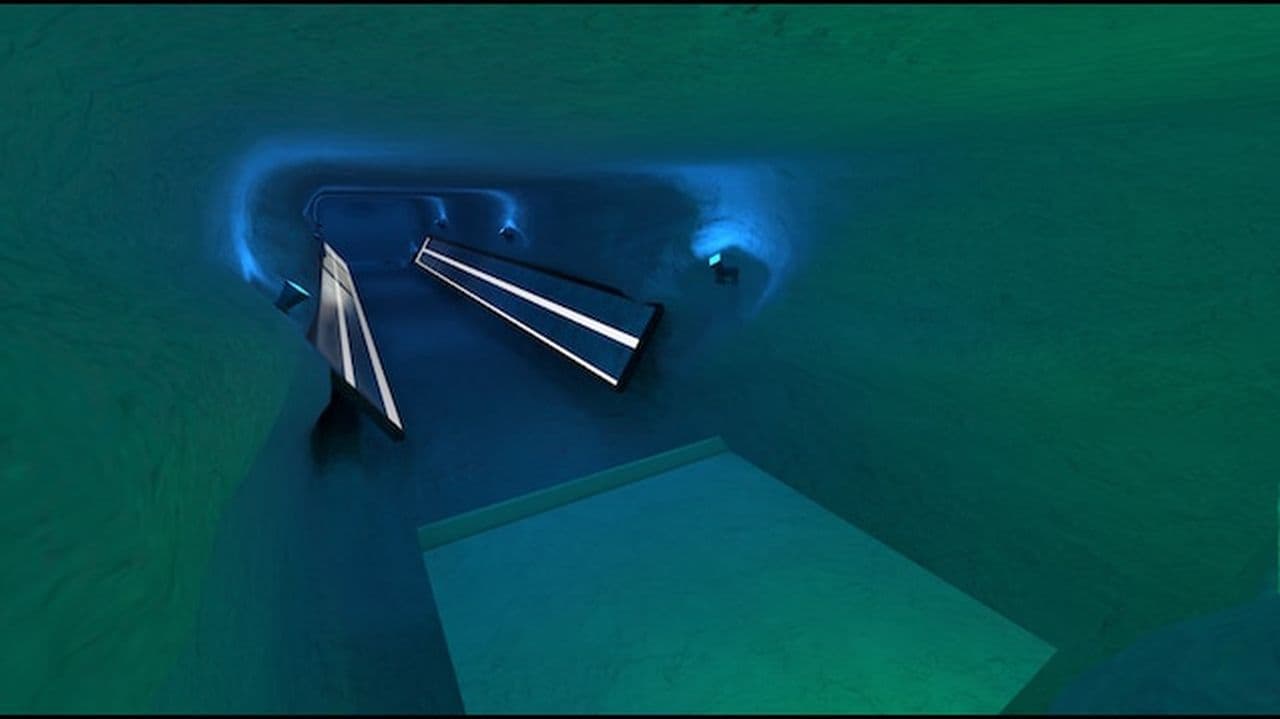
Surf_FrostEdge is a linear surf map with an icy theme. It’s a short map but provides a nice challenge with drops and holes in the terrain. The map is great for players who want to practice their surfing in a more controlled, testing environment. The map’s quick length makes it perfect for short practice sessions.
Offline commands
- sv_cheats 1;
- sv_falldamage_scale 0;
- sv_party_mode 1;
- mp_round_restart_delay 2.5;
- sv_accelerate 10;
- sv_airaccelerate 1400;
- sv_gravity 800.0;
- sv_maxspeed 620.0;
- sv_maxvelocity 7200.0;
- sv_enablebunnyhopping 1;
- sv_autobunnyhopping 1;
- weapon_accuracy_nospread 1;
- weapon_recoil_scale 1;
- mp_solid_teammates 0;
- mp_autoteambalance 1;
- mp_respawn_on_death_ct 1;
- mp_respawn_on_death_t 1;
- mp_roundtime 99999;
- mp_startmoney 99999;
- mp_buytime 99999;
- mp_restartgame 1;
How to get CS2 offline workshop maps
- Open Steam and go to Counter-Strike 2 in your game library.
- Click on "Community Hub" or go directly to the Steam Workshop for CS2.
- In the Workshop, use the search bar to find the custom map you want (you can search by map name or category, like "Offline" or "Surf").
- Once you find a map you like, click on it and press the "Subscribe" button. This will automatically download and add the map to your game.
You can subscribe to as many maps as you want, and they’ll be saved in your CS2 game files. Want more details? Check out how to run CS2 custom maps.
That’s all! Looking for more CS2 guides? Scroll down:
Can I play CS2 workshop maps offline?
Yes, you can play CS2 workshop maps offline if you prepare them first. Start by launching CS2 online so Steam can confirm your files. Go to the Steam Workshop and subscribe to the maps you want. After downloading, these maps stay on your computer and can be used offline. Open CS2 and choose the workshop tab to find your maps. You can also open the developer console and type map_workshop <MAP_ID> to start a map directly. Remember that new maps must be added while you are online because offline mode cannot load new subscriptions.
How to get rid of bots in CS2 workshop maps
You can remove bots from CS2 workshop maps with a few console commands.
- Enable the developer console in the game settings.
- Press the tilde key (~) to open the console.
- Type bot_kick to remove every bot.
- Type bot_kick t or bot_kick ct to remove bots from one side.
- Type bot_quota 0 to stop bots from joining again.
These commands work for offline and workshop maps but not in official matchmaking games.