Everything about CS2 workshop map 1v1 commands
Playing 1v1 in CS2 can be great for practicing aiming and 1v1 duels. Here are some commands to help you get started.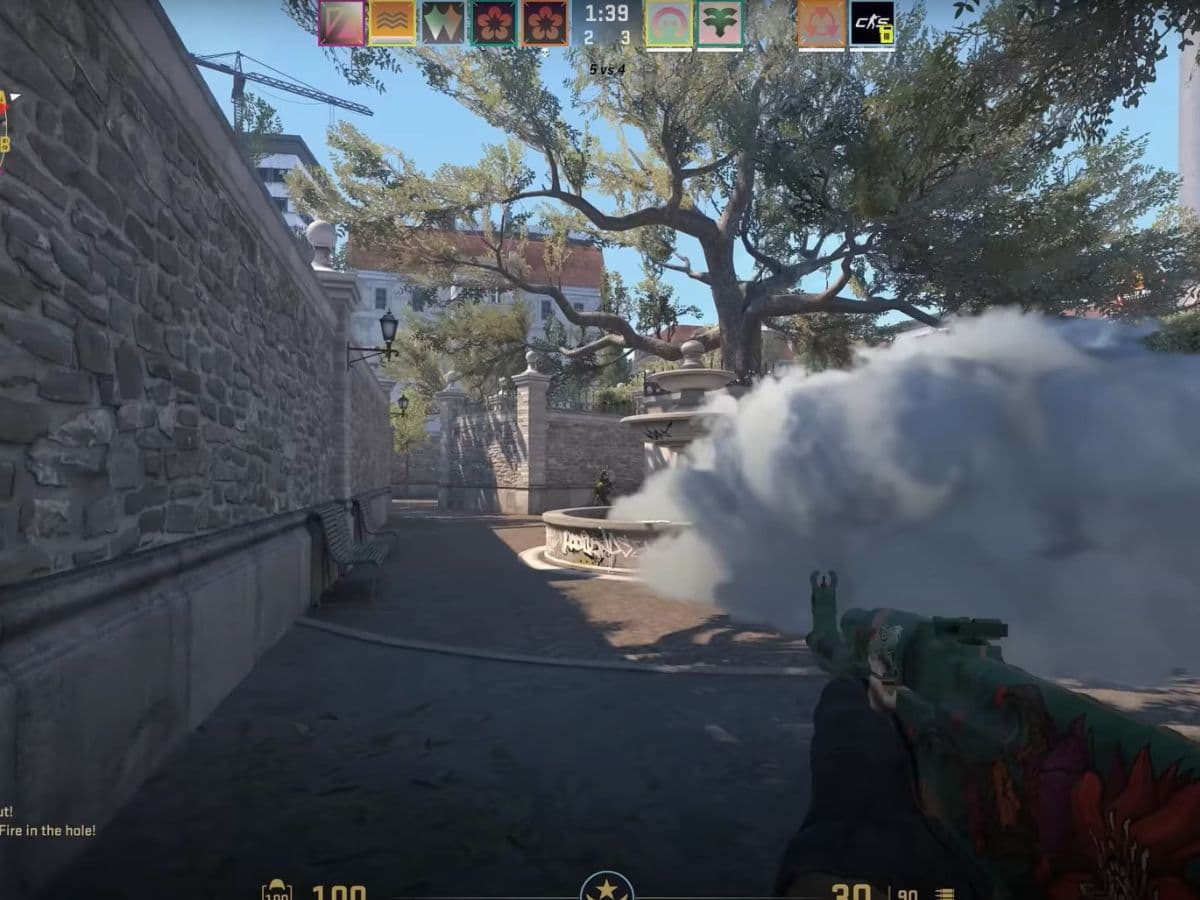
Ever wanted a custom match in Counter-Strike 2 where the only competition is your friend? Setting up a private 1v1 server puts you in control. You choose the rules, the map, and when the game starts. You can either challenge someone to show who the boss is or train with your friends to improve your aim in CS2. In this piece, we will show you everything you need to now about CS2 workshop 1v1 maps, important commands and how to set up a game!
What is a workshop 1v1 map in CS2?
In CS2, a workshop 1v1 map is designed for direct duels between two players. These maps are compact, ensuring players continually engage with one another. They are usually symmetrical, meaning each player starts on equal footing, making the games fair and competitive.
Players and community members create these CS2 maps, and others can download them for their games. Each map can have different rules and settings, which players can adjust using specific commands to fit their playing style. You may need to try different maps to find which one suits your needs the most. Don’t forget that there are quite a few maps you can find on Steam Workshop, but don’t worry. We will recommend some of the best CS2 1v1 maps you can find. There are some fun picks too!
All CS2 workshop map 1v1 commands
To get the best out of your 1v1 matches, you should know these essential CS2 commands:
- bot_kick: This command removes bots from the game, ensuring that the match remains between you and another player.
- mp_free_armor 1: Automatically gives players armor at the start of each round, so there's no need to buy it.
- mp_freezetime 2: Reduces the wait time at the beginning of each round to just two seconds.
- mp_round_restart_delay 3: Lowers the pause between rounds, keeping the action going.
- mp_roundtime 60: Increases the duration of each round, great for longer strategic plays.
- mp_maxrounds 30: Sets the total number of rounds to mimic official matches.
- mp_warmup_end 1: Skips the warm-up time so you can start the match faster.
- mp_overtime_enable 1: If the match ends in a tie, this command allows for an overtime to determine the winner.
- mp_restartgame 1: Applies any changes you've made to the game settings by restarting the match.
- sv_alltalk 1 and sv_deadtalk 1: These commands let players talk to each other during the game, regardless of whether they are alive or dead.
How to set up a private 1v1 server in CS2
Setting up your own private 1v1 server in Counter-Strike 2 lets you control the game settings for matches against a friend. Here’s a simple guide to get you started:
- Enable the Developer Console: You need this console to enter specific commands for your server. Turn it on by going to 'Game Settings' in the game's main menu.
- Start a Private Match: In the main menu, click 'Play' and then 'Private Matchmaking'. This action creates a private game where you can invite your friend. Share the unique code generated with your friend so they can join.
- Secure Your Server: Keep your server private by setting a password. Enter sv_password "YourPassword" in the console. If you want your friend to connect directly, find your IP address by typing status in the console. Share this IP with your friend, and they can join by typing connect [Your IP address].
- Remove Bots and Adjust Settings: Make sure your match is strictly between you and your friend by removing any bots with the bot_kick command. You can also change game settings such as armor, round time, and more with additional commands to suit how you want to play.
- Select Your Map and Start the Game: Choose the workshop map you’d like to play under the 'Workshop maps' tab, then start the game. Once the map loads, apply any special 1v1 settings you want by typing “exec 1v1_commands” in the console.
Best 1v1 workshop maps in CS2
CS2 has a variety of workshop maps specially designed for 1v1 play. Each map offers different challenges and settings that can test your skills. Here are five of our top picks:
1 VS 1 AIM MAP
This map is excellent for players looking to improve their aiming skills. Its design encourages quick reactions and precise shots, making it a favorite for intense duels.
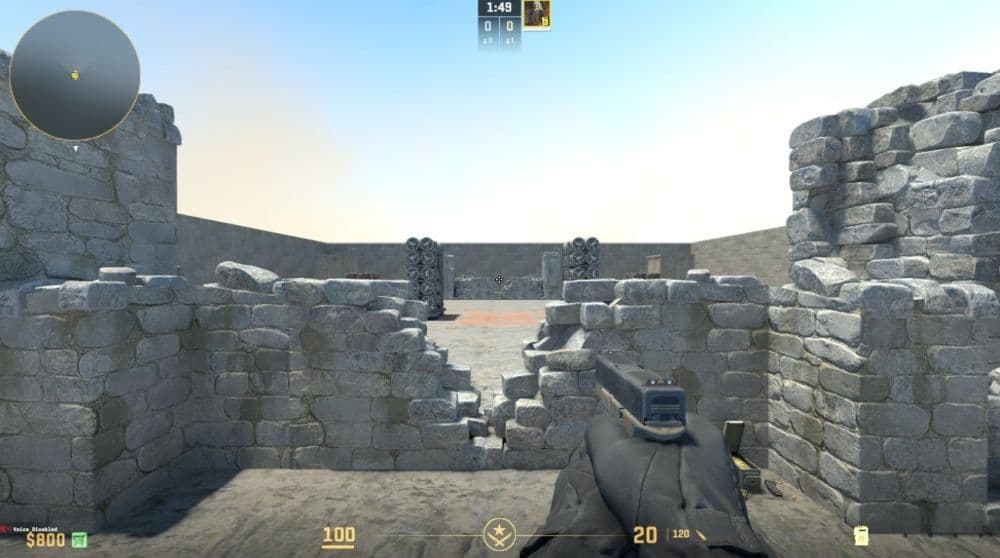
1v1 AK47_hospital
Set in a hospital, this map is perfect for practicing with the AK-47. It includes different combat zones that allow for both close and medium-range fights, offering a well-rounded practice environment. However, please keep in mind that you can only use AK47 on this map.
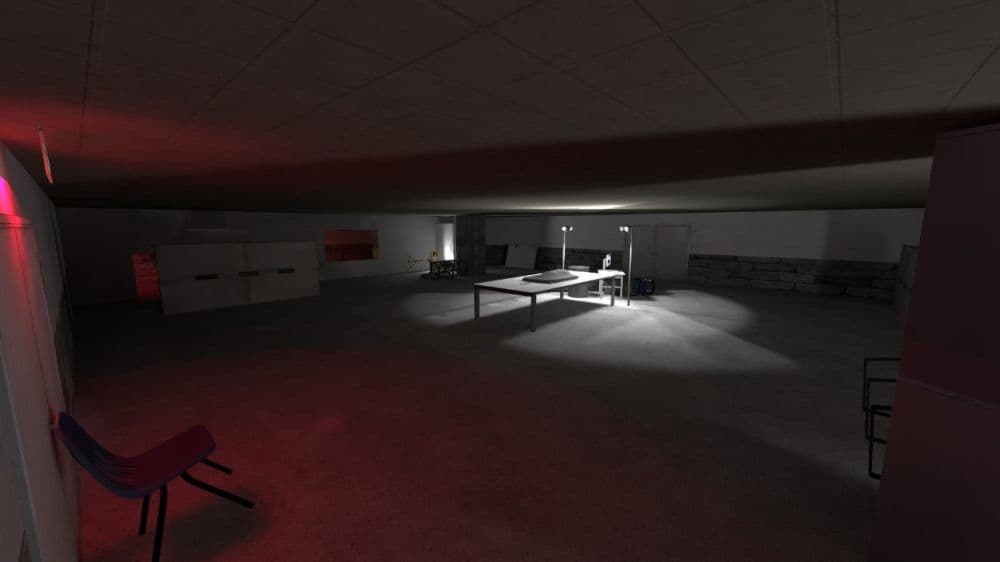
1v1_decoy/flashbang_island
This creative map limits players to using only decoys, flashbangs, and a couple of hidden weapons. It’s ideal for those who want to enhance their strategic play and make the most out of limited resources.
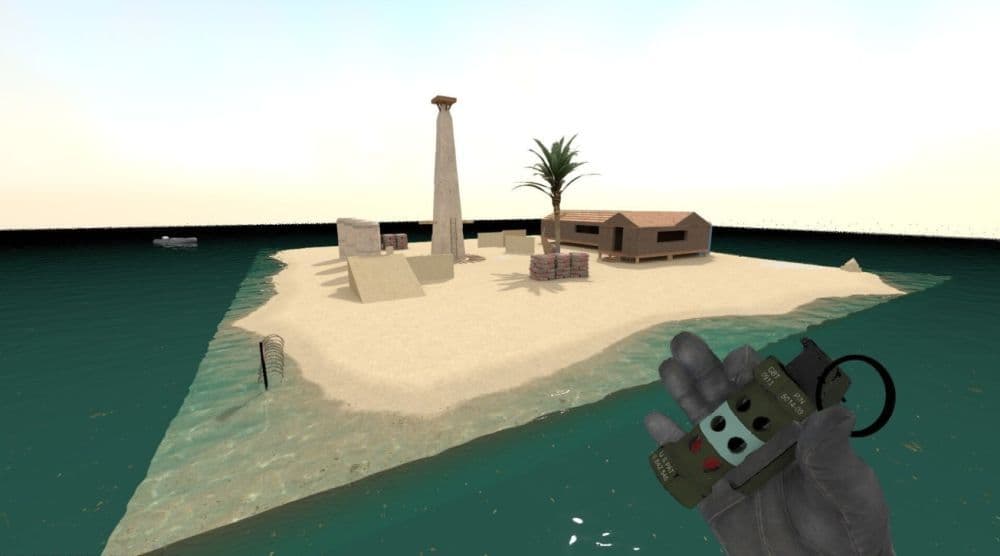
1v1 Cats
For a lighter, fun approach to 1v1 matches, this map features weapons that look like cats. It adds a humorous twist to matches while still providing a competitive setting. If you are looking for something more serious, please consider other maps.
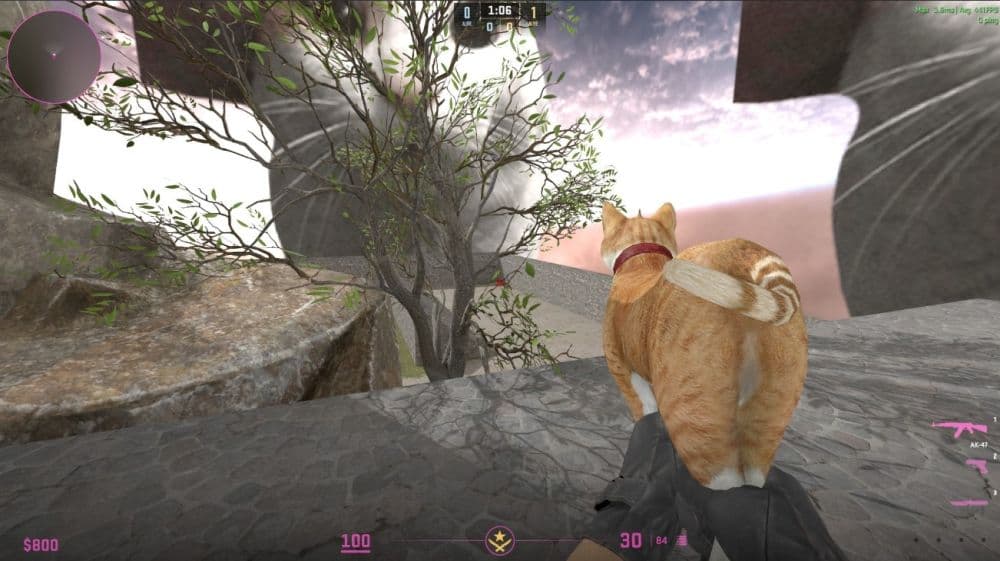
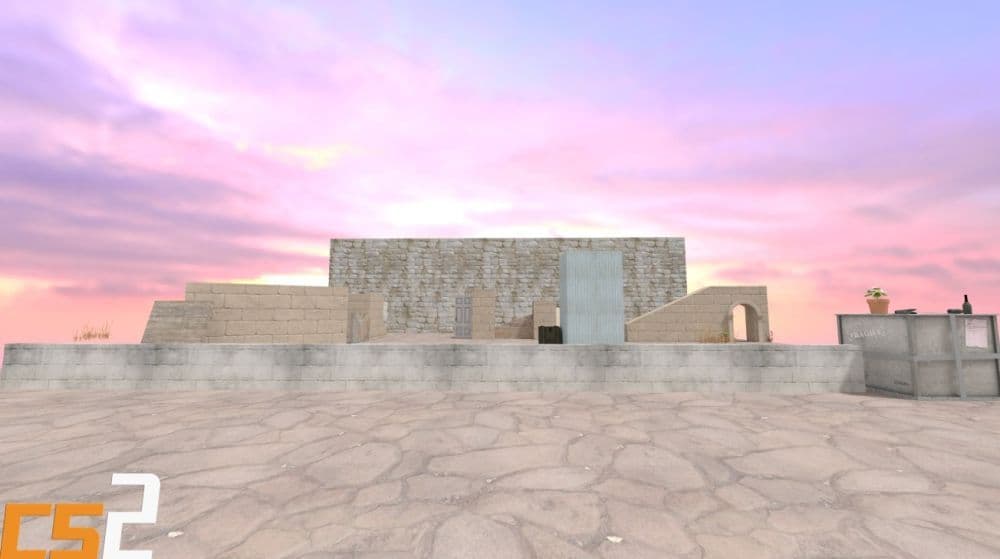
1v1 Solo Free Server
A remastered version of a classic CS:GO 1v1 map, this arena is straightforward and focuses purely on player skill, making it a great choice for both new players and seasoned veterans.
Can you improve yourself by playing 1v1 with friends?
Yes, 1v1 matches help you get better in CS2. Here are three strong reasons why:
- Improve aim and accuracy: In a duel, each shot matters. You get fast feedback on your crosshair control and shot timing. This helps you build muscle memory and learn how to place your aim better.
- Refine your decision making under pressure: In 1v1s, you face constant pressure. You must choose when to push, when to wait, and when to peek. These decisions sharpen your instincts for bigger matches as well.
- Learn to read opponents and adapt: When you face the same opponent, you see patterns. You learn to spot their habits and counter them. That gives you insight into how to predict and adapt to different playstyles.
Playing 1v1s is not the only thing you should do, but combining it with deathmatch and full matches gives synergy. Use 1v1s for focused practice.
What is a good ADR rating in CS2?
A good ADR in CS2 is around 70 to 80. This level shows steady and useful performance. An ADR above 80 is very strong, and anything over 95 is excellent and shows top-level play. Players with ADR lower than 70 may need to improve aim, positioning, or decision-making.
The table below shows how to read ADR numbers:
Keep in mind that ADR is only one part of overall performance. Support players or those who use a lot of utility may have lower ADR but still help the team with key moves and strategies. Use ADR with other stats like assists, entry kills, and clutch success to get a full picture of player skill.
You’re all set! Your private 1v1 server is ready to go, and it’s just the way you like it. Now, every match can be a new challenge, perfectly suited to help you and your friend sharpen your skills. Keep playing, keep adjusting, and you'll see how even small changes can make a big difference in your gameplay. Check out these CS2 guides too:
- CS2 rating system
- How many people play Counter Strike 2?
- How to fix packet loss in CS2: 15 easy workarounds
- CS2 crosshair codes
- What is ADR in CS2
Featured image credit: Valve
All Related Guides
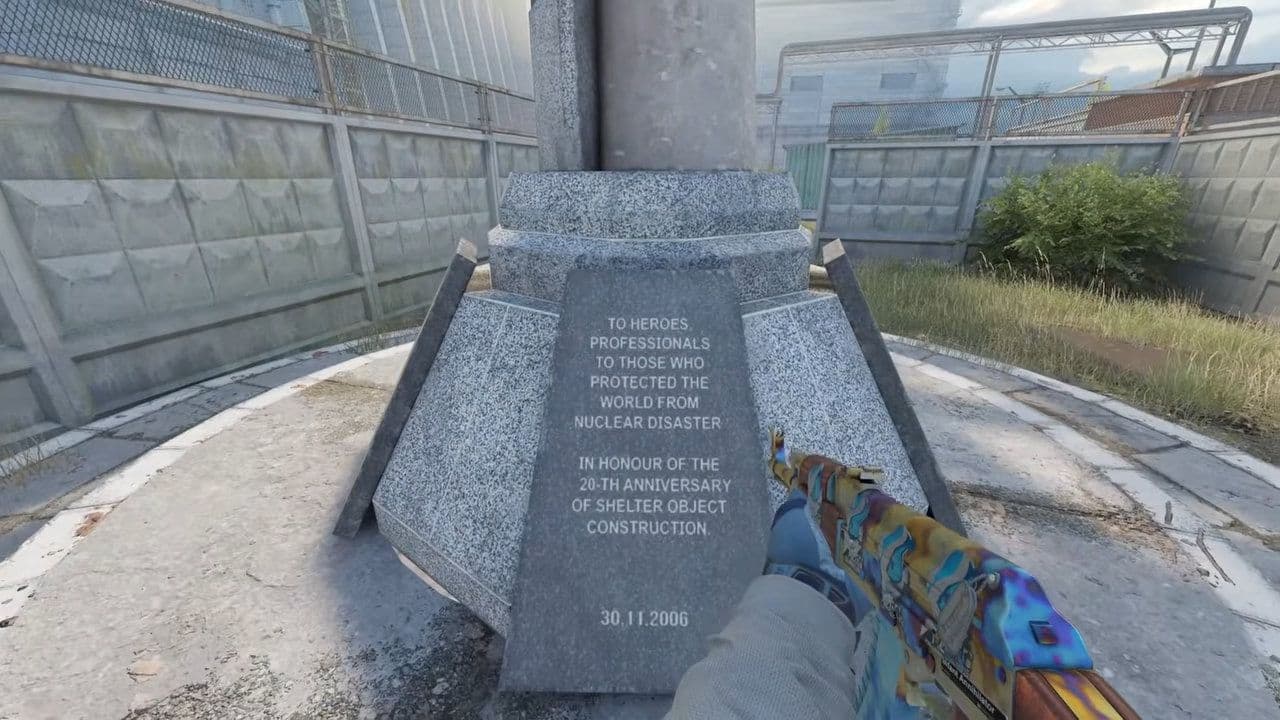 Cache CS2 map guide: Callouts, how to play & new updateCache CS2 map guide: callouts, strategies, April 28 update changes, Premier status, and how to play Cache in C...
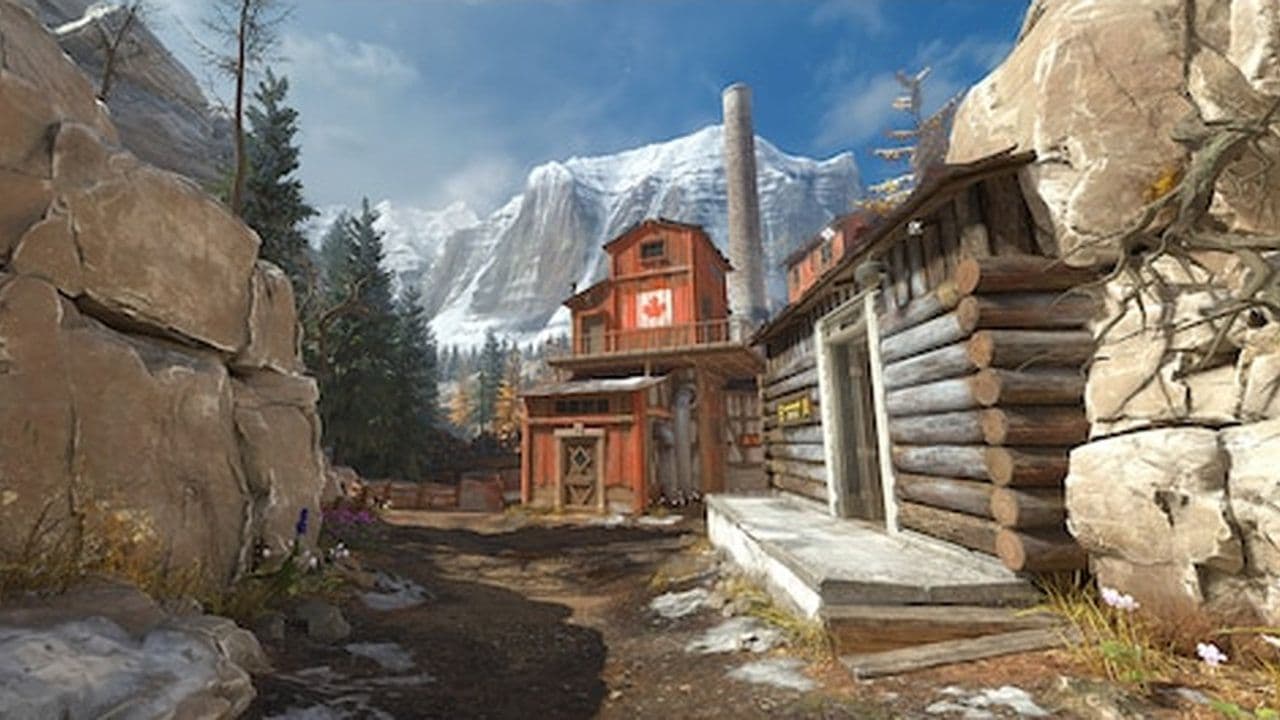 CS2 Splinter map guide: Layout, strategies & moreCS2 Splinter map guide: layout, bombsites, strategies, T & CT tips, and how to play this vertical competitive ...
 How to play retakes on CS2Did you know that you can improve your game sense by training on CS2 retake servers? Here are the best servers...
 How to run CS2 custom maps in 7 easy stepsLearn how to run CS2 custom maps in 7 easy steps! Download, install, and play custom maps to enhance your Coun...