How to play retakes on CS2
One of the best ways to practice defending and retaking a bombsite in Counter-Strike 2.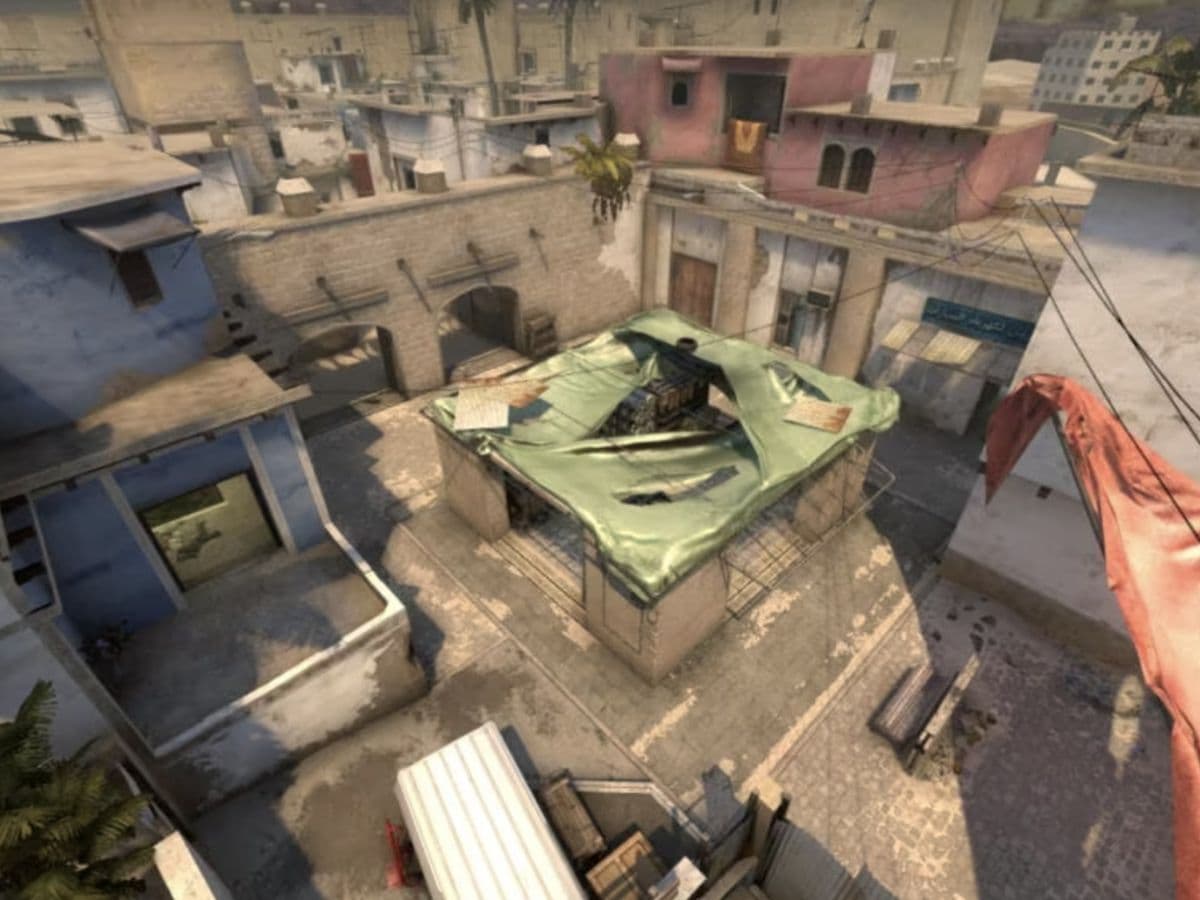
When you want to improve yourself in CS2 and be a better player, you need to work on a couple of aspects of your gameplay. You can start by working on your aim but game sense is just as important too, and plays a huge role in retake scenarios. Retakes have always been a part of the competitive gaming scene and a crucial skill that needs improvement in games. Luckily for CS2, you can find retake servers that are used to play retake scenarios over and over on actual maps in CS2. In this guide, we will go over everything you need to know about retake servers in CS2, what they are exactly, how to play them, the best servers and more!
What is the Retake mode on CS2?
Retake mode comes with a special CS2 game setting where players practice retaking bomb sites from opponents. This mode is about strategy, quick reactions, and teamwork. Players enter situations where they must take back a site after the bomb is planted.
You can find the best retake servers by using the game's server browser. Filter options by server capacity, ping, and map preferences. You can also explore online forums and gaming websites where players share server details. This helps ensure that you access competitive and well-maintained servers. There are other methods to find and join retake servers in CS2, and you can find more information in the following sections of this guide.

Retake scenarios are great for improving your skills in game-like conditions. Whether you are on the defending team trying to regain control or the attacking team trying to protect the bomb, each round is a chance to learn and get better in the game. Even the best CS2 players sometimes train retakes using these servers.
How to play Retakes on CS2
If you are new to retakes or want to join a retake server, the process is simple. Use the Community Server Browser in CS2 to find these servers. This feature is in the Play tab. You can filter the servers to find what suits you best, like map type or player skill level.
Another way to join a server is through the developer console. First, make sure you enable the console in the game settings. Then, use simple commands to connect directly to a server by typing its IP address. This method is handy for those who visit specific servers often. You can find these IP addresses on websites like CYBERSHOKE and XPLAY.GG. We will go over both in the next part of our guide.
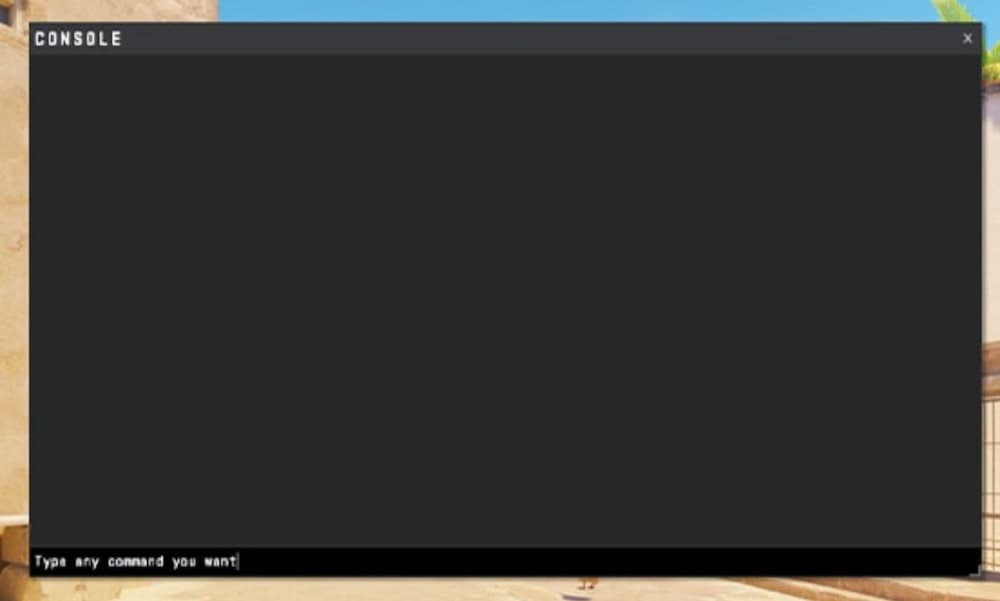
Community websites and online forums are also great places to look for retake servers. Here, players share their experiences and recommend the best servers. This is useful for finding servers with good gaming conditions and strong competition.
Best CS2 Retake servers
Choosing the right server can make your retake experience much better. Here are some top-rated CS2 retake servers:
CYBERSHOKE Retake Servers
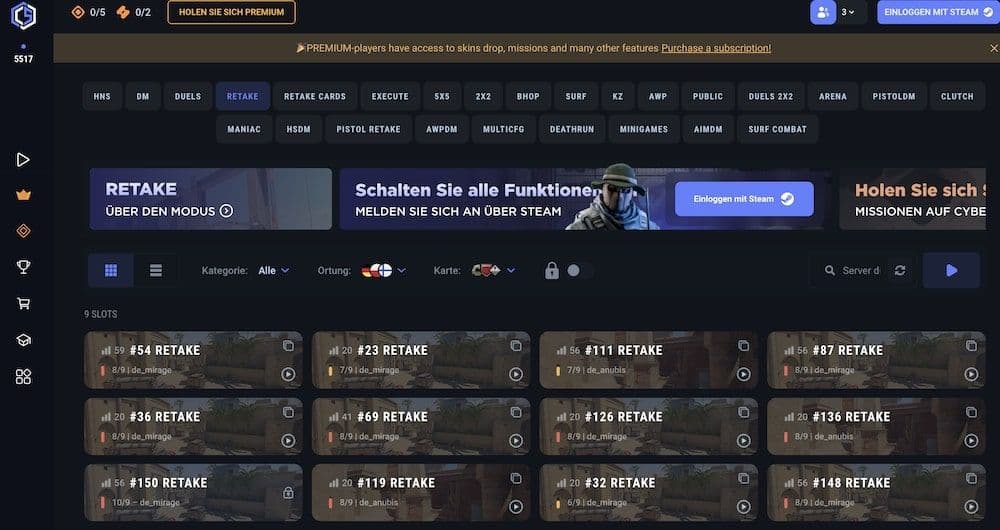
For those who like classic Counter-Strike maps, CYBERSHOKE offers servers with various maps. These allow you to practice on well-known maps and improve your retake skills. When you open the web page, you will see that there are many servers ready to be picked and you can easily see the player count, server location and other information, including the map where you will train your retakes in the background. You can see the CYBERSHOKE web page below:
XPLAY.GG Retake Servers
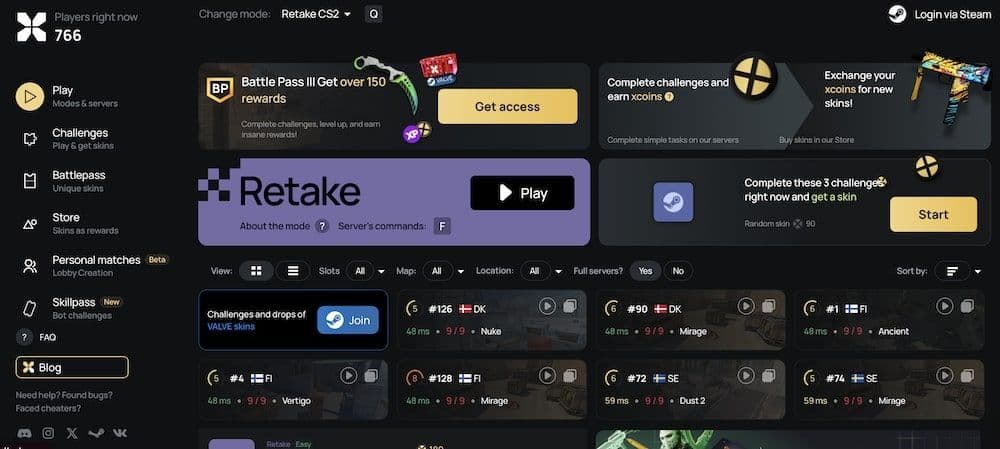
These are great for practicing different scenarios like pistol rounds. XPLAY.GG tracks your stats and provides tools to analyze your progress, which is helpful for players who want to see how they are doing. XPLAY.GG is one of the go-to websites for retake servers, and as seen below, it offers a service that is very similar to CYBERSHOKE.
Community Servers
Don’t overlook community-run servers. They often have unique features or map rotations that provide a new experience. Engage with the community through forums and websites to find these servers. Community servers have always been pretty fun to play in the history of Counter-Strike. You can find some top-quality retake servers just by scrolling through your community server list.
Best retake tips for CS2
To master retakes, you need more than good aim. Here are some tips to help you get better:
- Communication is Key: Always tell your team where you are and what's happening around you. This helps avoid unnecessary utility use and keeps everyone informed.
- Strategic Utility Use: Knowing how to use smoke grenades, flashbangs, and molotovs is crucial. These can block enemy views, confuse them, or force them out of hiding spots, giving you an advantage.
- Positioning and Patience: Your location can be as important as your shooting skills. Avoid common spots that enemies expect. Sometimes, being patient and waiting for the right moment is better than making a quick move. Try to stay off-angle so that you can catch your opponent in transition.
Are retake servers good practice in CS2?
Retake servers are one of the best ways to practice in CS2. They put you directly into post-plant situations where one team defends the bomb and the other tries to retake the site. Each round is short, and you start with random weapons and utility. This forces you to react quickly and use your resources wisely. Retake servers are popular because they help players improve in key areas such as teamwork, utility usage, and clutch decision-making. Many players use them to warm up before competitive matches since they give fast-paced action and constant practice in high-pressure scenarios.
How to repeat grenades in CS2
Practicing grenades is important in CS2, and there is a command that makes it easier. You can rethrow your last grenade with a single key instead of buying it again. First, open the developer console in the settings. Then enter the command:
- bind k sv_rethrow_last_grenade
You can replace “k” with any key you prefer. After setting it up, join a practice match with cheats enabled, throw a grenade, and press your chosen key. The game will repeat the exact same throw. This saves a lot of time when you learn lineups for smokes, flashes, or molotovs.
Retake servers in CS2 are more than just places for combat. They are environments where you can learn, adapt, and master your gameplay in CS2. If you enjoyed reading our guide, don’t forget to check out these guides too:
All Related Guides
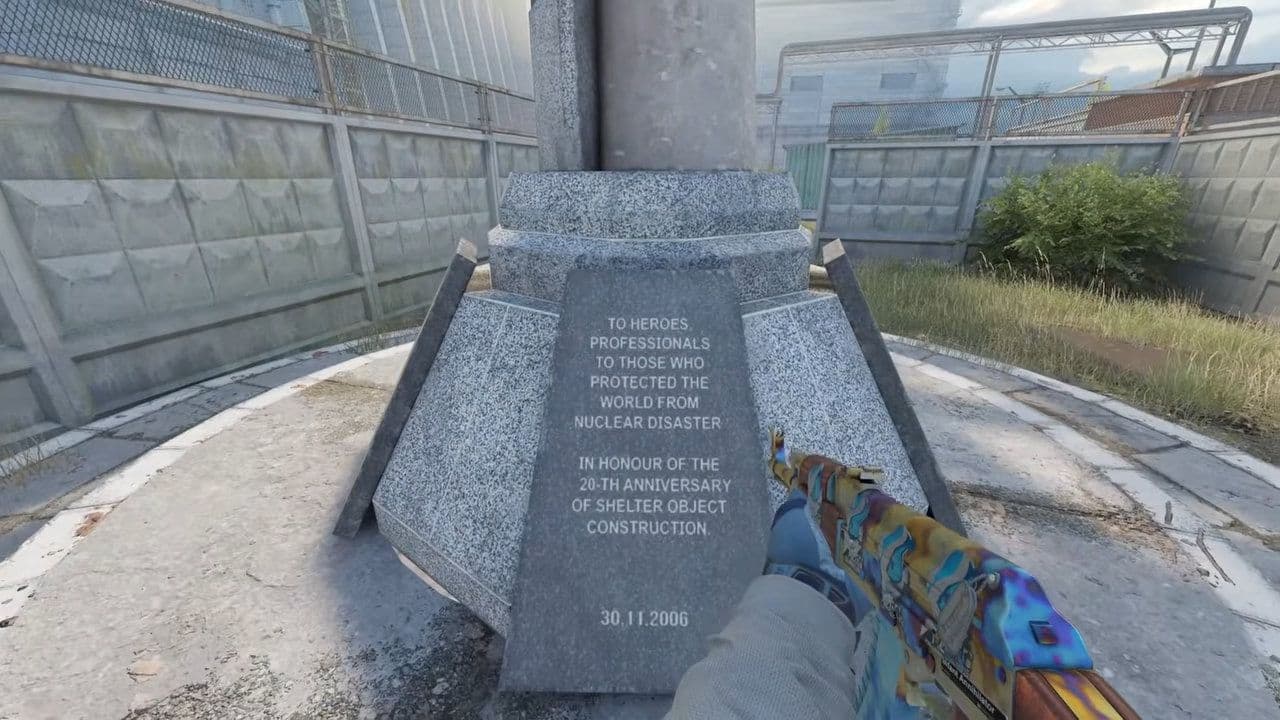 Cache CS2 map guide: Callouts, how to play & new updateCache CS2 map guide: callouts, strategies, April 28 update changes, Premier status, and how to play Cache in C...
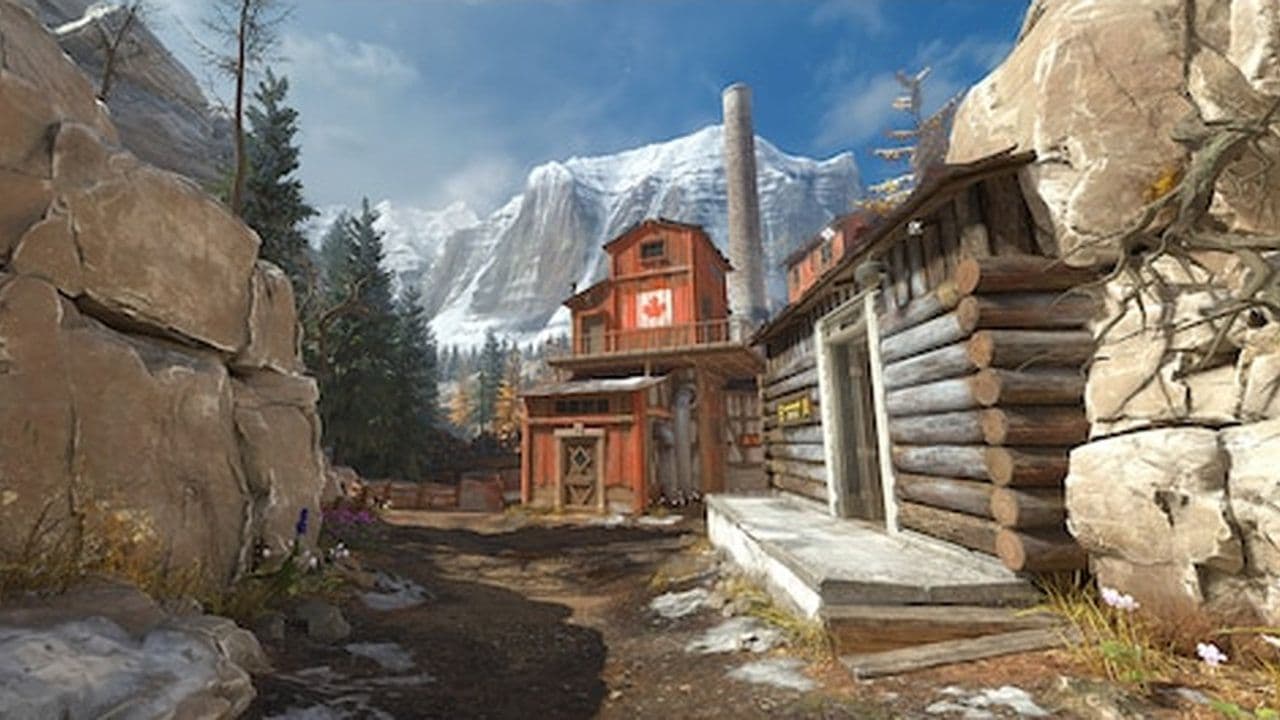 CS2 Splinter map guide: Layout, strategies & moreCS2 Splinter map guide: layout, bombsites, strategies, T & CT tips, and how to play this vertical competitive ...
 Everything about CS2 workshop map 1v1 commandsIn this piece, we will show you everything you need to now about CS2 workshop 1v1 maps!...
 How to run CS2 custom maps in 7 easy stepsLearn how to run CS2 custom maps in 7 easy steps! Download, install, and play custom maps to enhance your Coun...