Mods
Customize Hytale your way.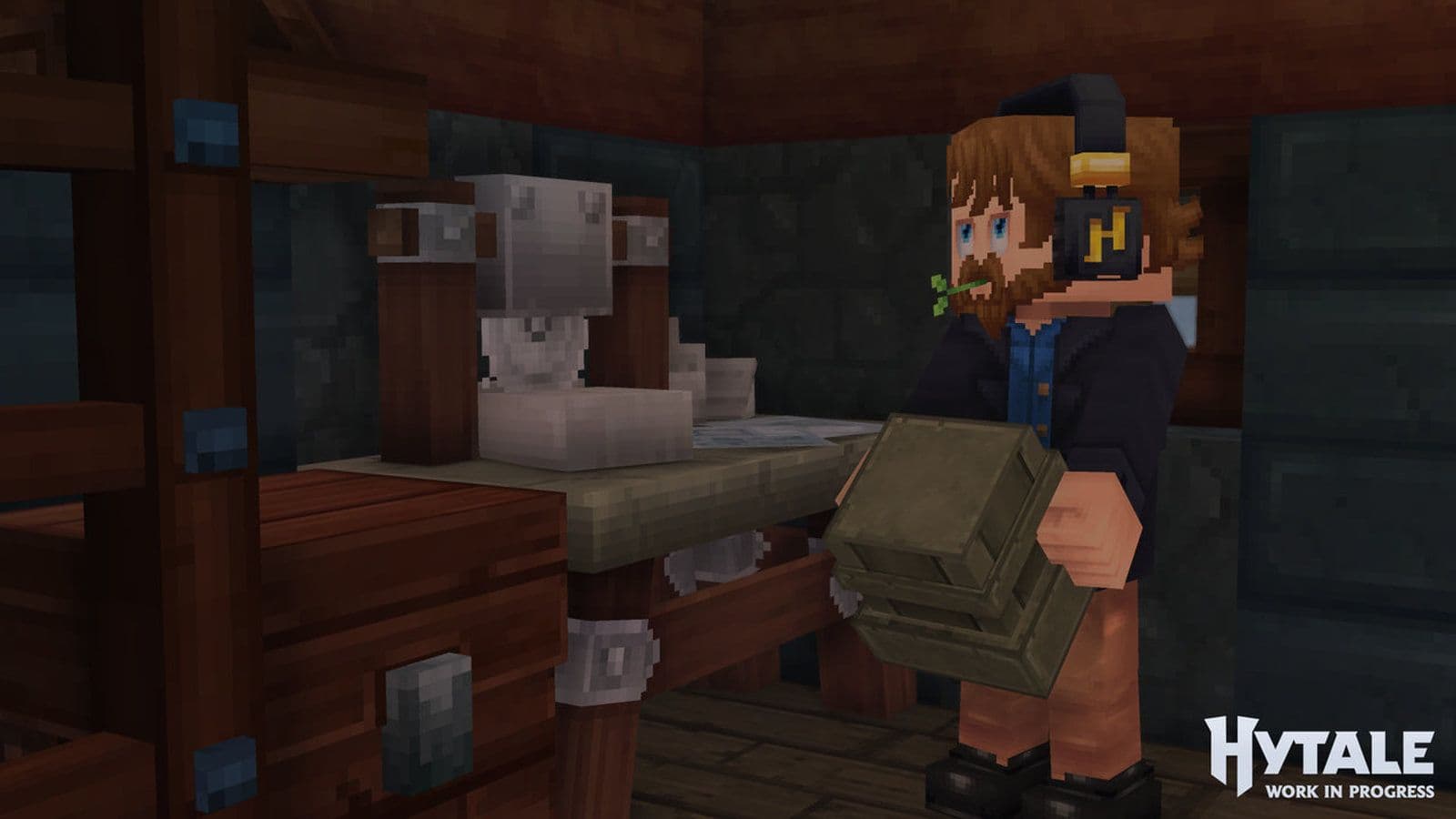
Hytale mods are one of the most important features of Hytale. From the beginning, Hytale was built with modding in mind, making it easy for players and creators to customize gameplay, visuals, and entire worlds. This guide explains what Hytale mods are, how they work, how to install them, which one is the best, and how to start creating your own.
What are Hytale mods?
Hytale mods are additions or changes that modify the base game. They can add new items, blocks, creatures, systems, or even full game modes. Unlike many sandbox games, all Hytale mods are server-side. This means:
- Players do not install mods manually
- Mods are downloaded automatically when joining a server
- Singleplayer also runs on a local server, so mods work the same way
This design avoids compatibility issues and keeps the experience consistent for all players.
Types of Hytale mods
Understanding the different types of Hytale mods helps you choose the right approach, whether you want to play, host a server, or create content.
How to install Hytale mods
Installing Hytale mods is simple because everything runs on the server.
- Download the Hytale mods you want from a trusted source, like Curseforge
- Stop your server completely
- Upload the mod files to the server’s mods folder
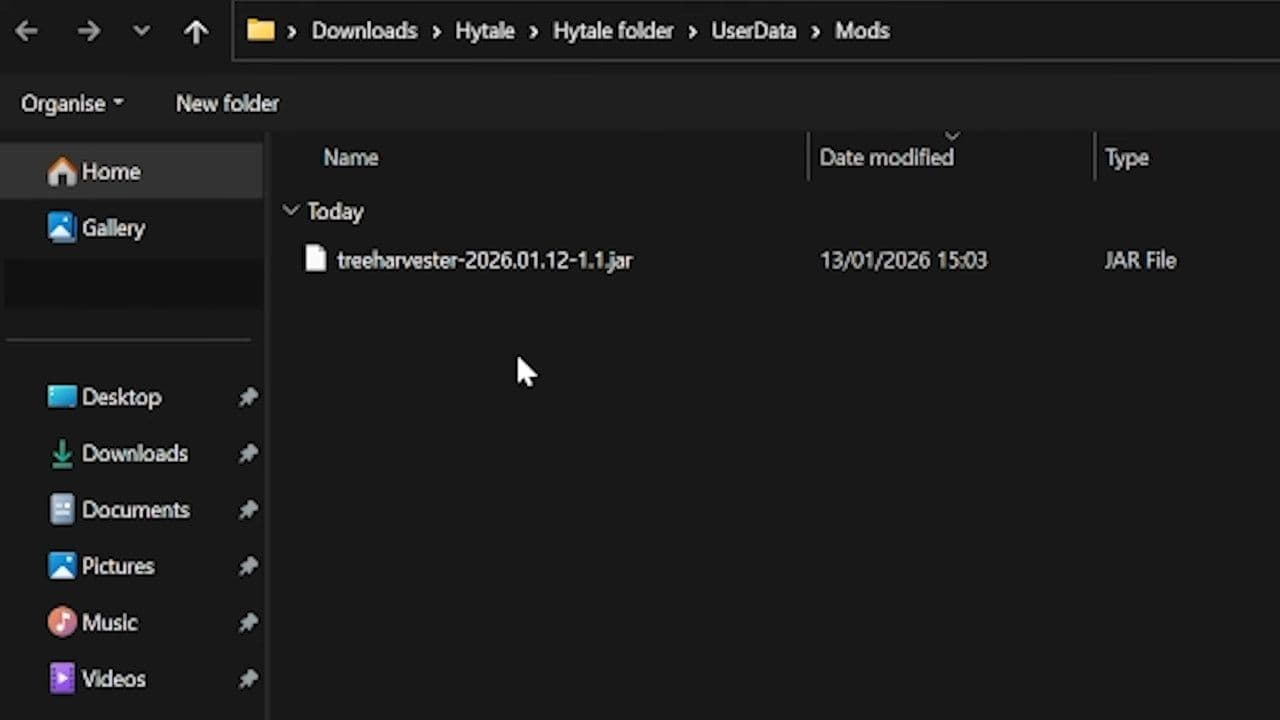
- Restart the server
- Join the server and let the game load the mods automatically
Always back up your world before installing or updating mods.
Best Hytale mods so far
Here are confirmed Hytale mods you should look for:
Do you think you can make a better one? Here is how to create a Hytale mod
Creating a Hytale mod involves three main steps:
- Choose the type of mod you want (data asset, art asset, or plugin).
- Set up the required tools (Asset Editor, Blockbench, Java IDE).
- Build, test, and deploy your mod on a server.
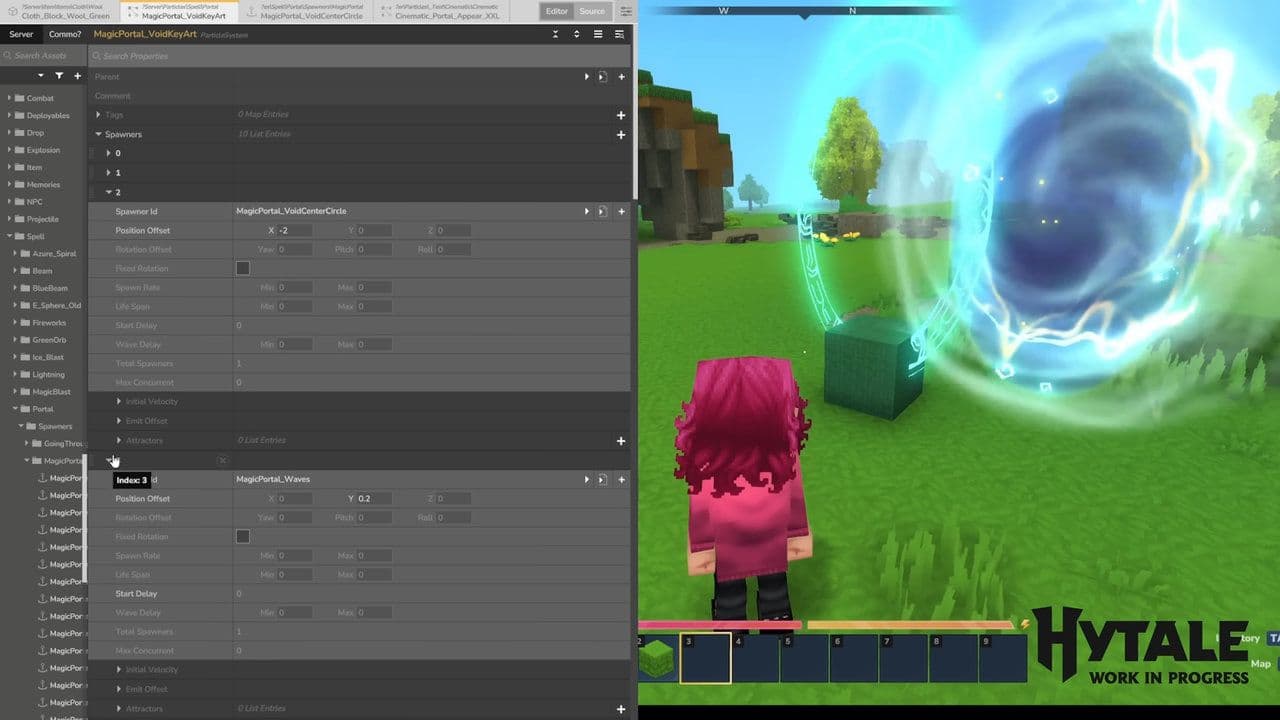
Whether you’re adding simple items or designing new server mechanics, Hytale makes modding accessible while offering powerful pathways for advanced creators.
4 tips for using Hytale Mods
To avoid issues and keep your server stable, follow these best practices:
- Check mod compatibility before installing multiple mods
- Update mods carefully, especially on active servers
- Avoid removing mods from an existing world unless you know it is safe
- Test mods locally before using them on public servers
Using version control for mod files and assets is also highly recommended for creators.
The future of Hytale mods
Hytale modding is still evolving. More tools, better documentation, and expanded APIs are expected over time. As the community grows, Hytale mods will likely become one of the strongest parts of the game’s long-term success.
All Related Guides
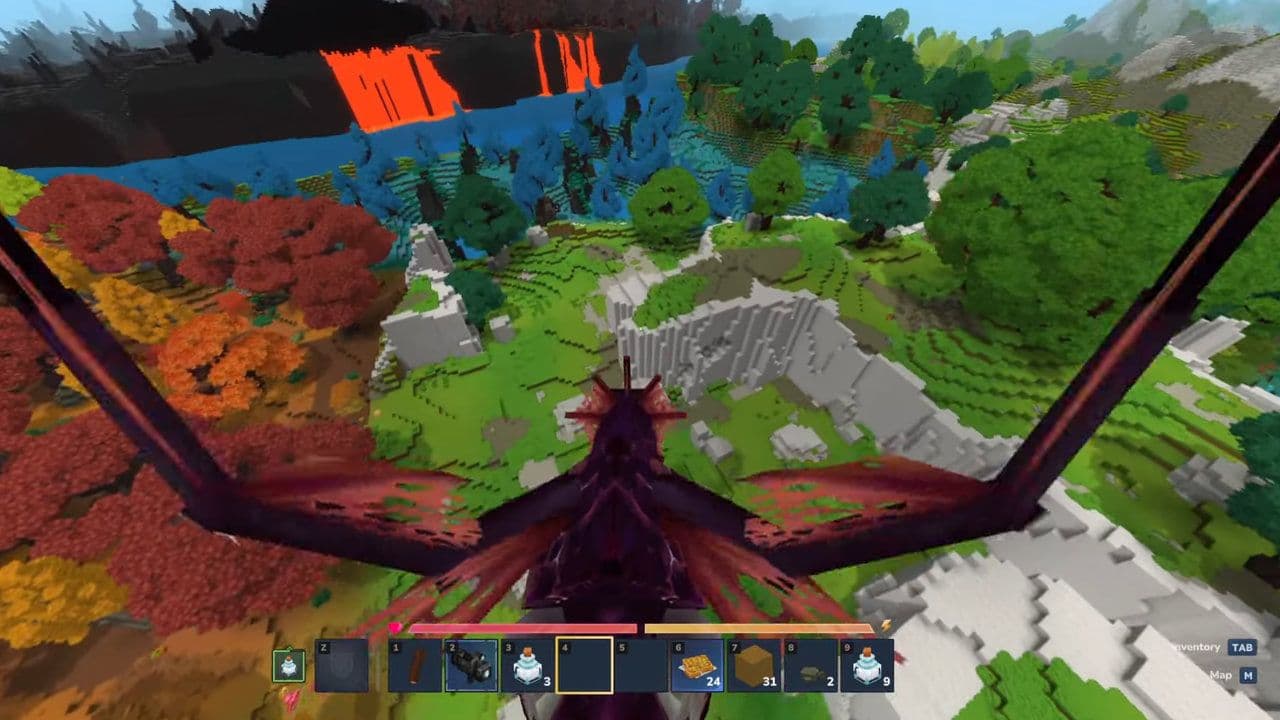 Are your Hytale mods not working? Here is how to fix themLearn how to fix Hytale mods not working with 10 proven solutions. Learn correct folder setup, compatibility f...
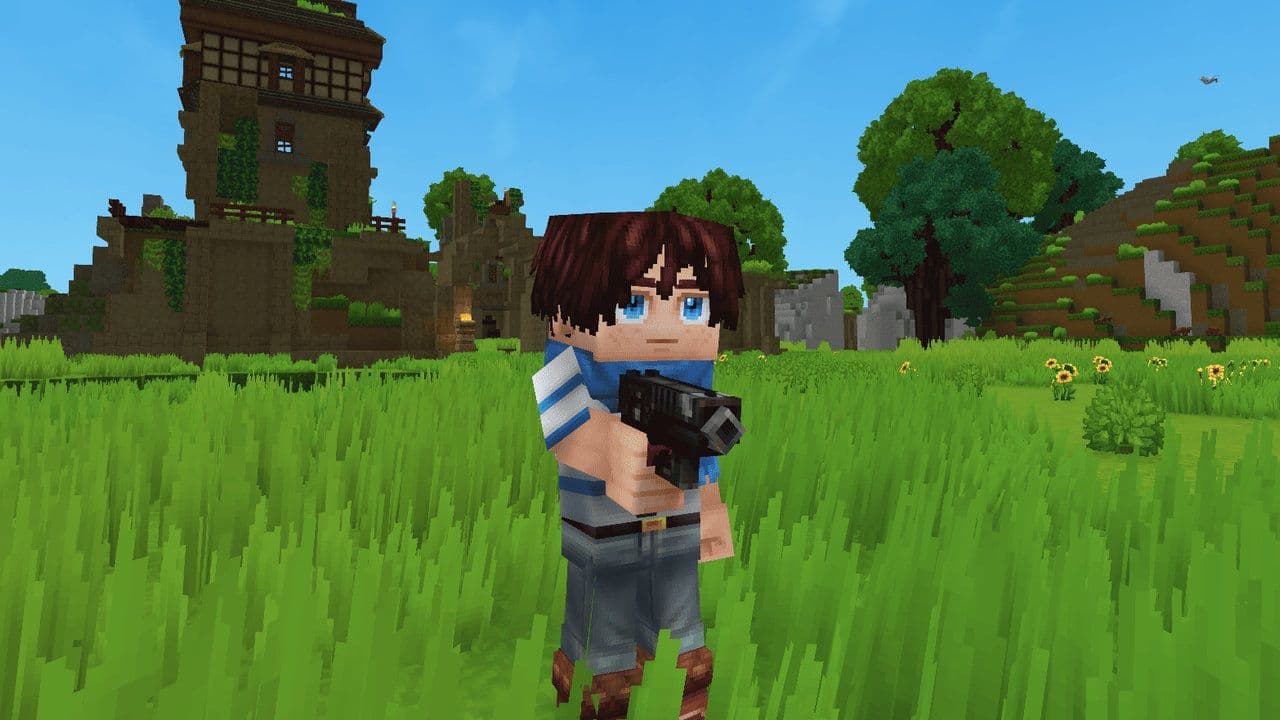 How to find the Hytale mods folder locationLearn how to find the Hytale mods folder location on Windows, macOS, Linux & servers. Step-by-step install gui...
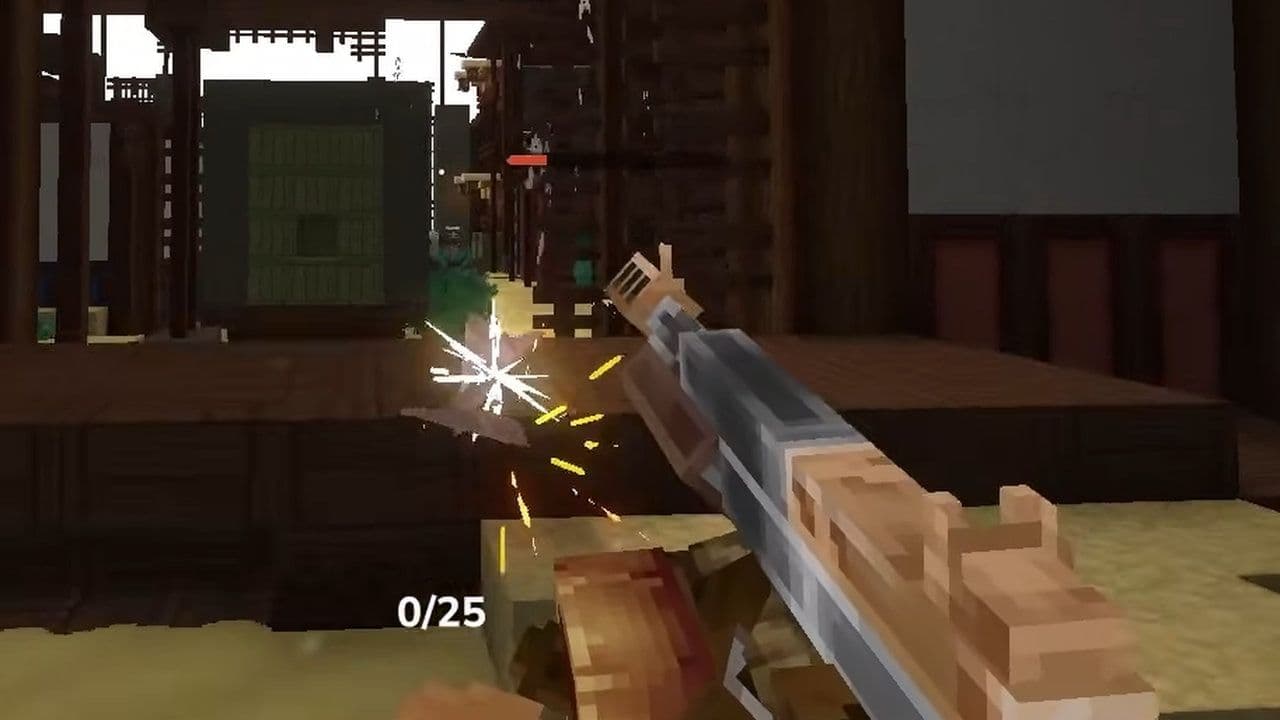 Hytale Everlands: Guide to CoD-style serverHytale Everlands server guide: maps, weapons, modes, how to join, and server status. Play COD-style PvP in Hyt...