Beginner Guides
Start Hytale the right way.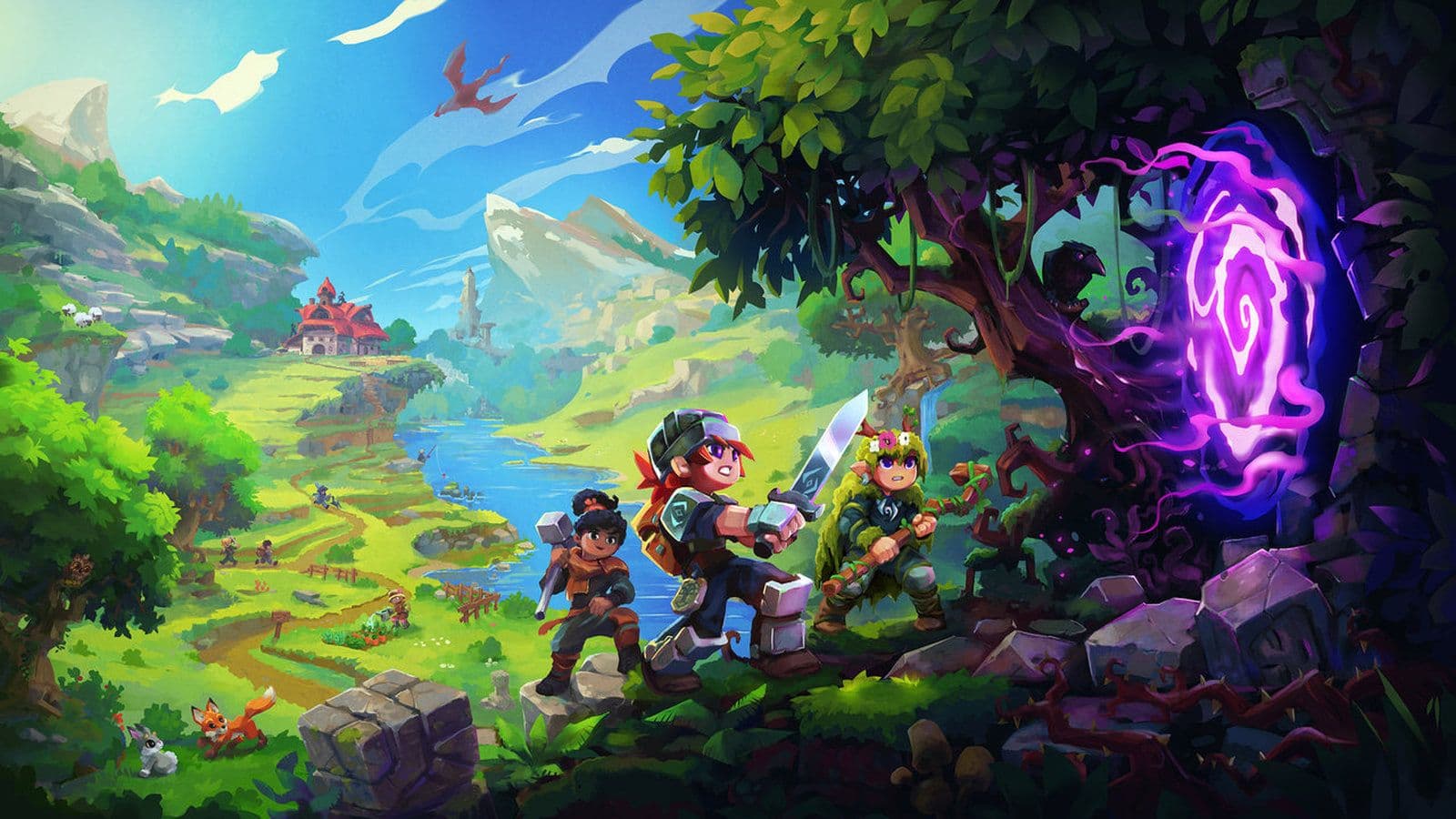
This Hytale beginner guide explains everything new players need to know before starting: how to install the game, basic system requirements, an overview of game modes, recommended settings, and everything you need to know.
What is Hytale?
Hytale is a sandbox role-playing game where players explore large generated worlds filled with biomes, creatures, dungeons, and resources. The game mixes classic survival mechanics with RPG elements such as combat progression, equipment tiers, and hostile zones.
Players can:
- Explore diverse regions and underground areas
- Craft tools, weapons, and building blocks
- Fight enemies and bosses
- Build structures or entire worlds
- Play alone or on multiplayer servers
Hytale is built to support creativity, modding, and custom game modes, making it suitable for casual players and advanced creators alike.
How to install Hytale
Installing Hytale is simple, but it must be done through official channels.
- You need a registered account to download and play the game. This account is also used for multiplayer and updates.
- After signing in, download the Hytale Launcher for your operating system.Always use the official website. Avoid third-party downloads, as they may contain malware or outdated files.
- Run the installer and follow the on-screen instructions. This installs the launcher, which manages:
- Game downloads
- Updates
- Login and authentication
- If you have not already purchased Hytale, you will need to do so before installing the game files. Once purchased, download the game directly through the launcher.
- After installation is complete, press Play in the launcher. The game will load and guide you into the main menu or tutorial.
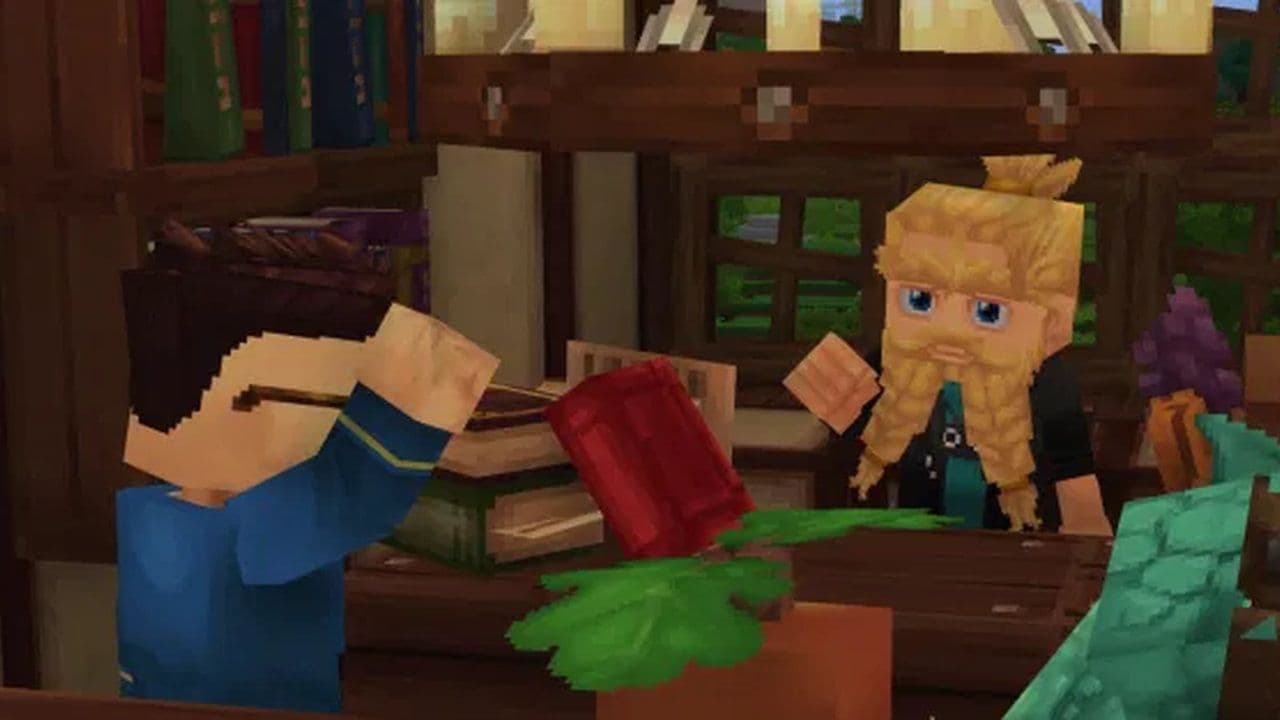
Hytale system requirements
Hytale is designed to run on a wide range of systems, but performance depends heavily on CPU and memory due to world simulation.
Minimum requirements (1080p @ 30 FPS – Low)
Recommended requirements (1080p @ 60 FPS – High)
Storage requirements
Network requirements (Multiplayer)
Best settings for beginners
Adjusting settings early improves comfort and performance.
Graphics settings
- Reduce view distance if performance drops
- Lower shadows and lighting effects on weaker systems
- Increase settings gradually after testing performance
Controls
- Review movement and inventory keybinds
- Assign comfortable hotkeys for combat and tools
Audio
- Lower background music slightly to hear combat and environment sounds
- Keep effects volume clear for enemy cues
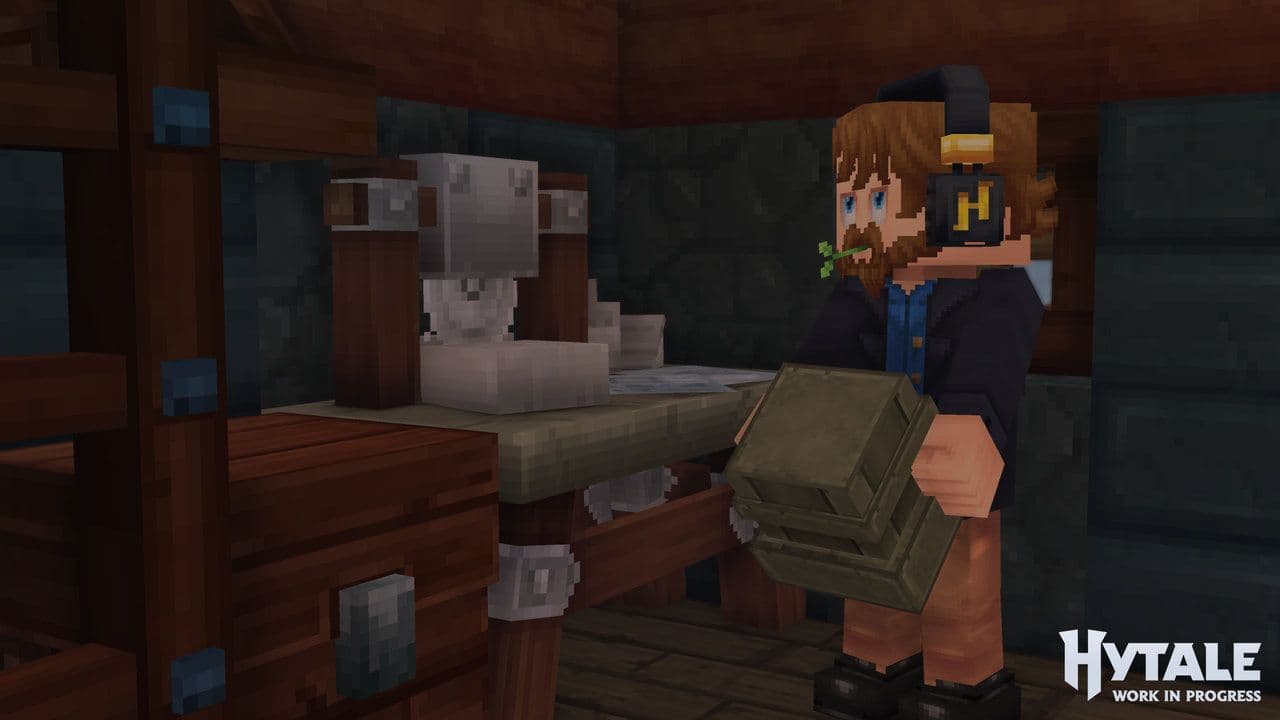
These adjustments help avoid frustration during early gameplay.
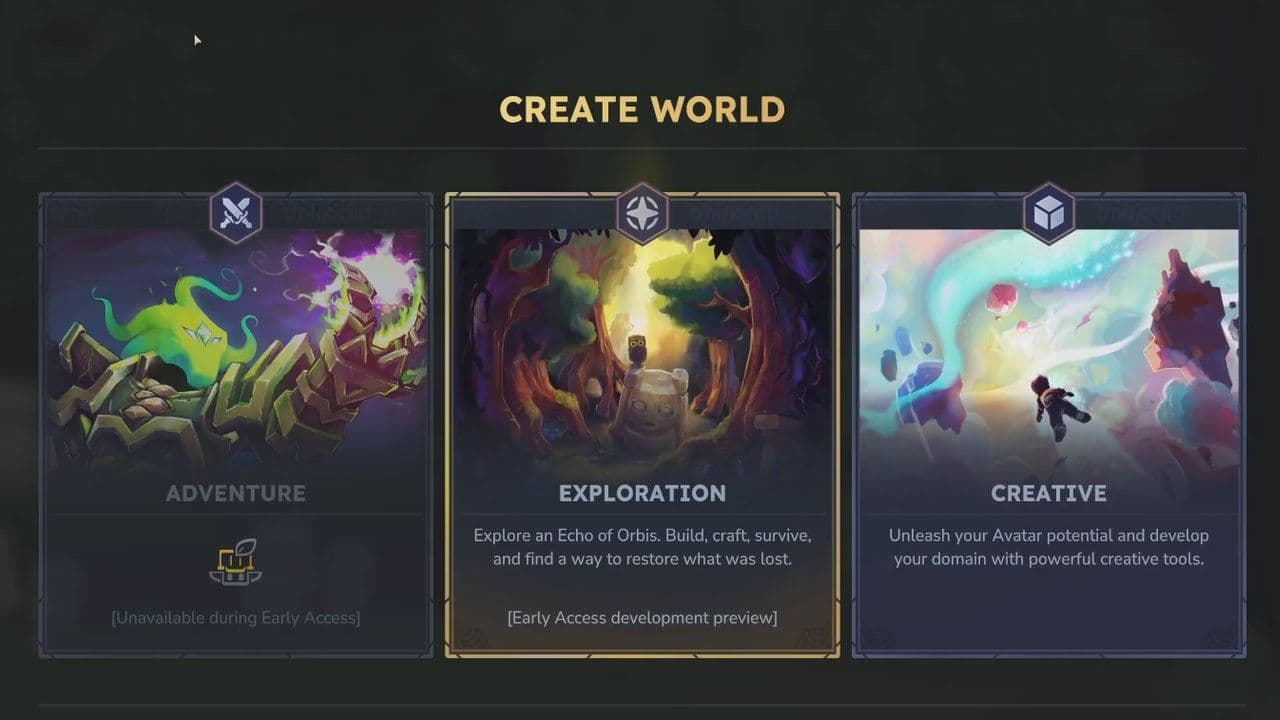
Hytale game modes explained
Hytale offers multiple game modes designed for different playstyles.
Beginner tips: How to play Hytale
How progression works in Hytale
Hytale progression is based on:
- Resource tiers (basic materials → stronger metals)
- Exploration of harder zones
- Improved weapons and armor
As you advance, you will encounter:
- Stronger enemies
- Larger dungeons
- More complex crafting recipes
This system encourages steady exploration rather than rushing.
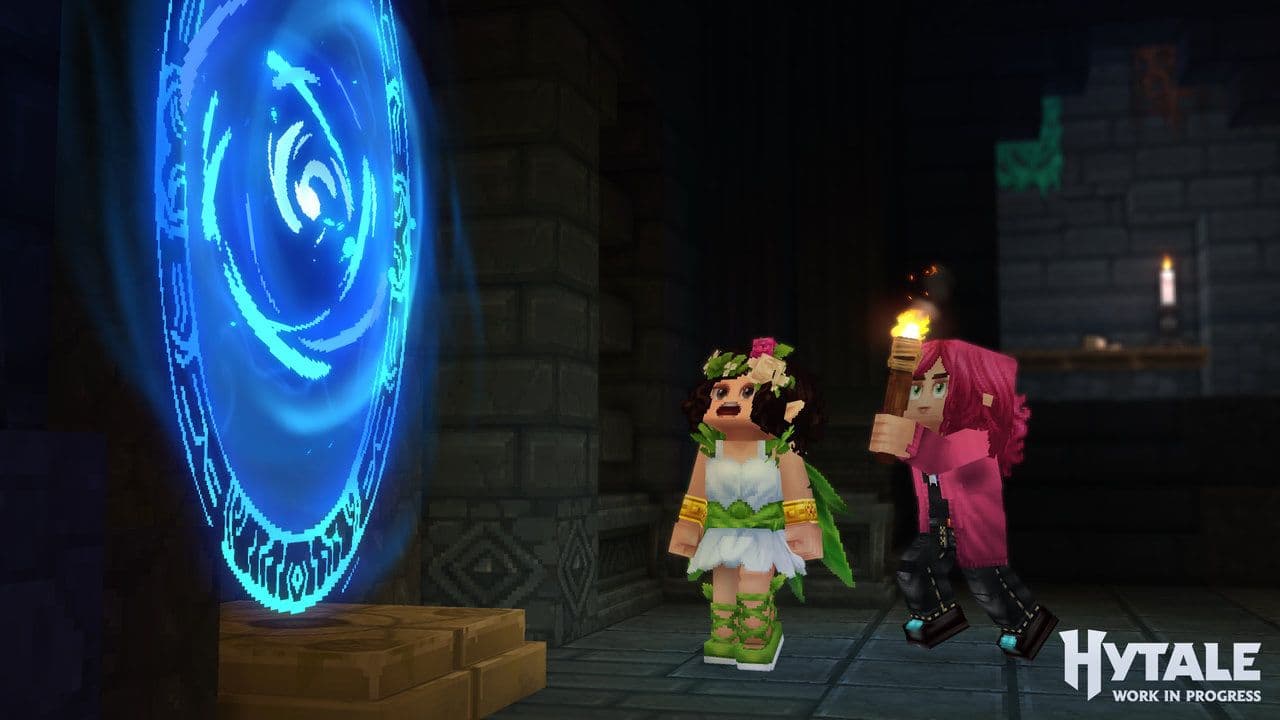
You should explore Hytale mods
Hytale is built with mod support at its core, allowing players and creators to customize gameplay far beyond visuals.
- Mods can add new items, mechanics, blocks, NPCs, UI features, and world generation changes.
- Official support and partnerships (such as CurseForge) make mods easy to find and install.
- Mods can affect single-player, multiplayer servers, and custom game modes.
- Both players and server owners can use mods to create unique gameplay experiences.
In short, mods are a key part of Hytale’s long-term design, offering flexibility, creativity, and strong community-driven content. Looking for the long version? Check out our Hytale mod guide and explore the best ones so far!
Ready to build?
Hytale offers a deep and flexible sandbox experience that rewards exploration, creativity, and preparation. By understanding how to install the game, checking system requirements, choosing the right game mode, and adjusting settings early, beginners can avoid common mistakes and enjoy a smoother start.
With these fundamentals, you are ready to begin your journey and explore everything Hytale has to offer.
All Related Guides
 Best Hytale plugins and how to create yoursExplore the best Hytale plugins for servers, from permissions and shops to NPCs, kits, performance tools, and ...
 Meet the Hytale Pokemon mod Pokefind: Release date, gameplay and moreGet the latest details on the Hytale Pokemon mod Pokefind, including gameplay plans, server support, release s...
 Can you create an infinite water source in Hytale?Learn if a Hytale infinite water source is possible, why the 2x2 trick fails, and which mods can help you get ...
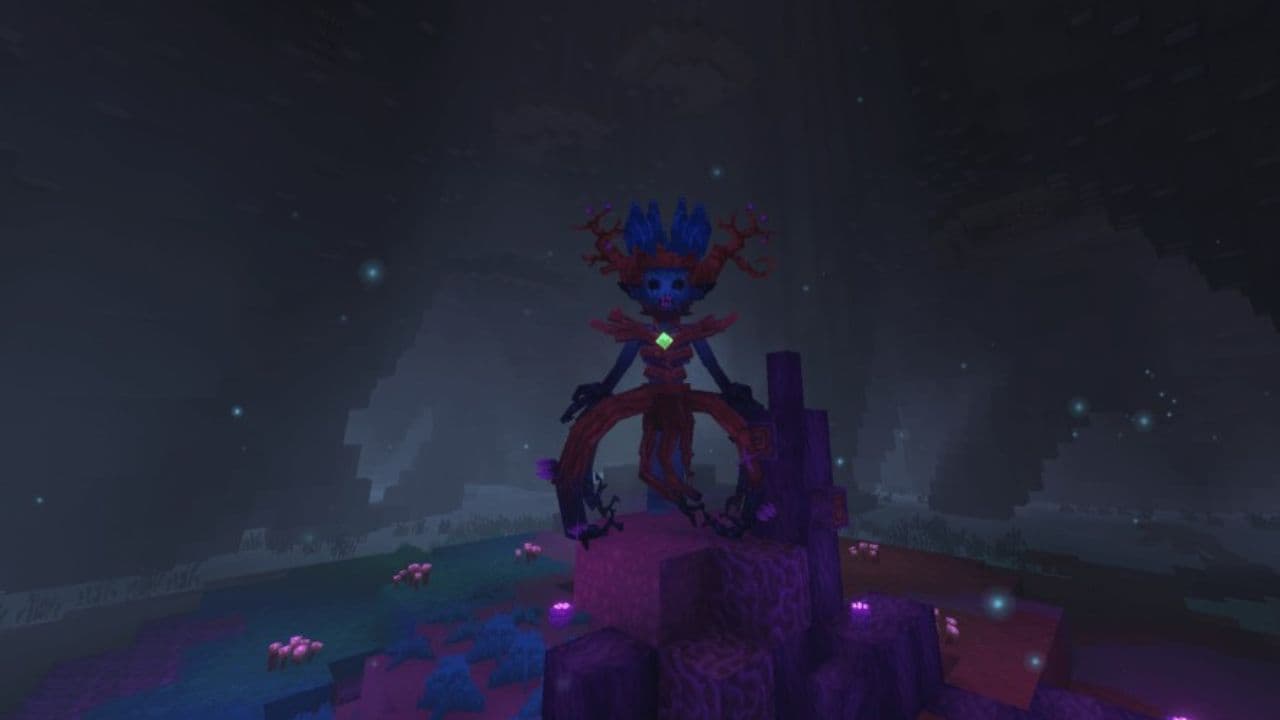 Who is The Hedera in Hytale Endgame & QoL mod and how to defeat itFind out how to reach and defeat The Hedera in Hytale Endgame & QoL mod, including boss phases, best prep, and...
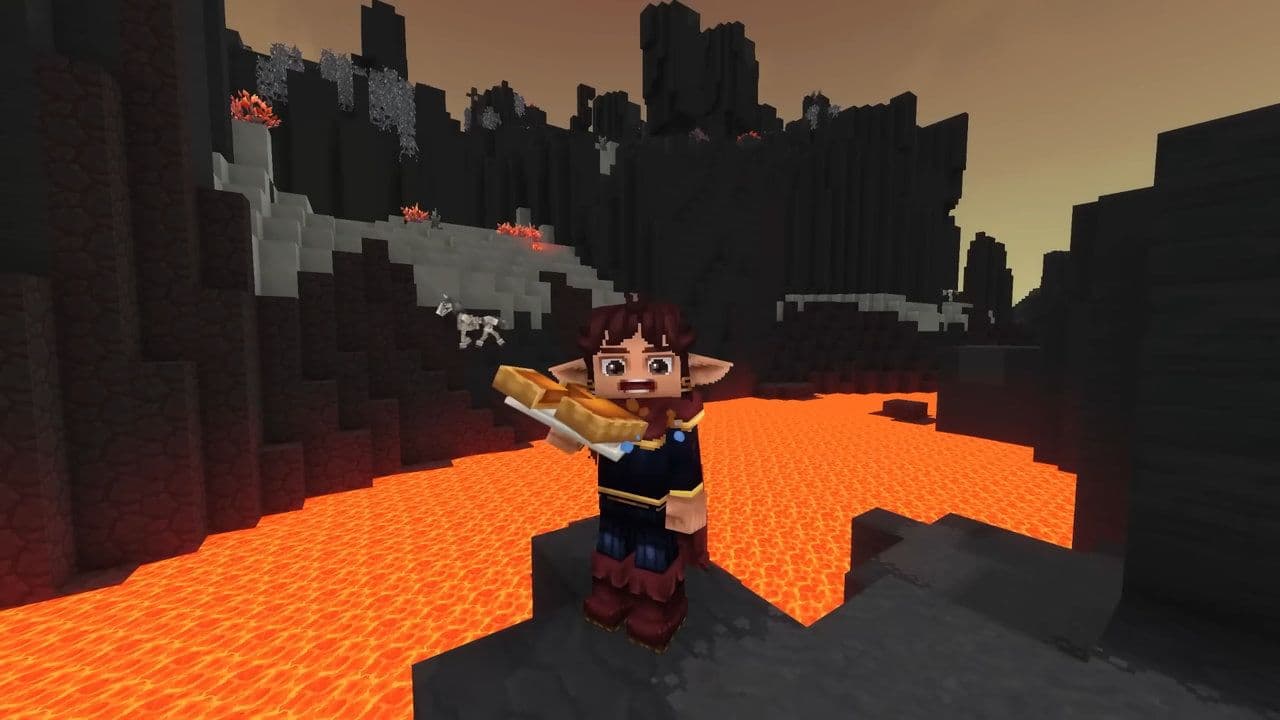 How to heal in Hytale (Food, potions, totem & more)How to heal in Hytale: food, potions, totem, regen buffs, best methods, and full survival guide explained....
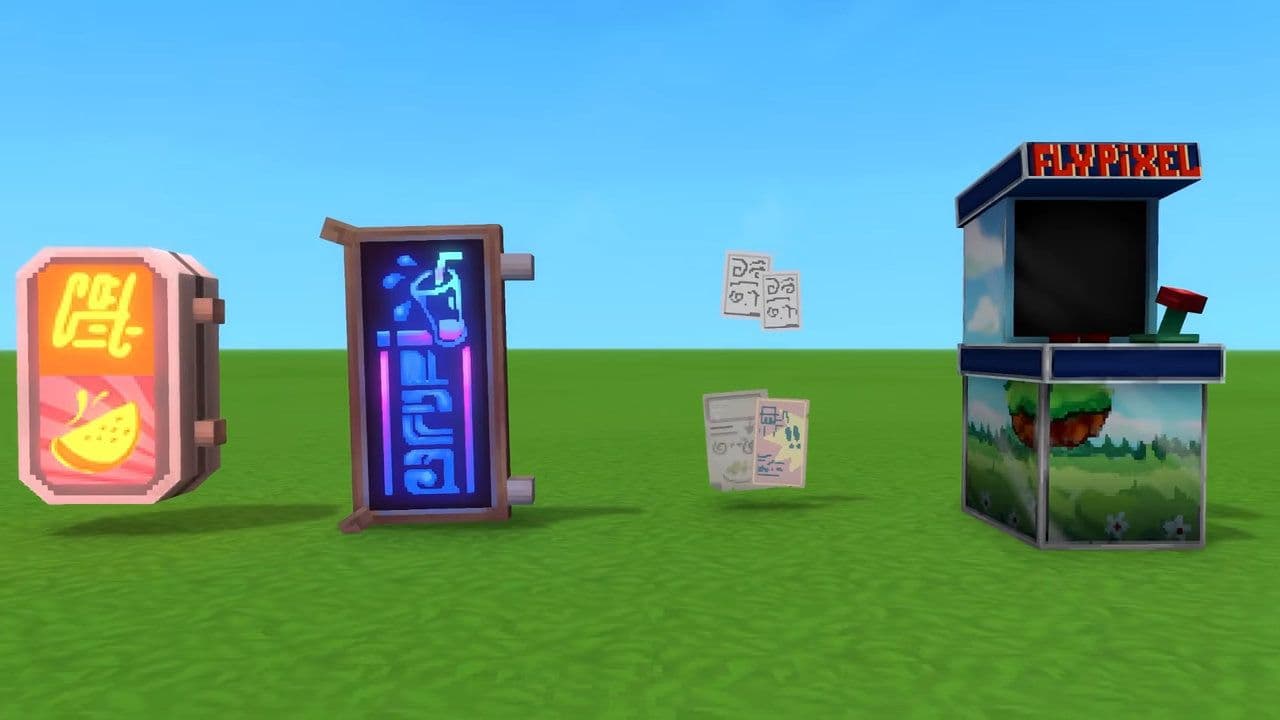 Hytale Update 4 (Part 5): What’s new?Hytale Update 4 Part 5 adds 500+ new blocks, system upgrades, bug fixes, and major improvements before full re...
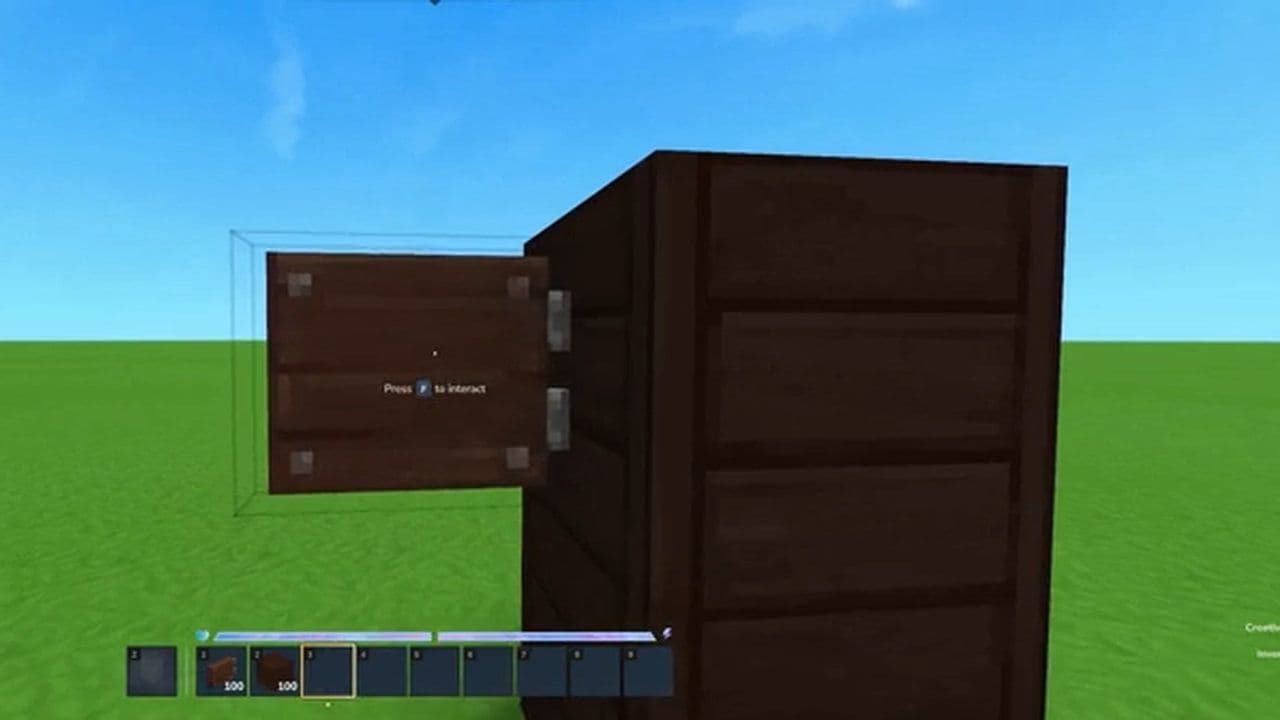 All Hytale signs & how to craft themDiscover all 29 Hytale signs, their crafting recipes, and how to use them. Learn sign mechanics, placement tip...
 When will Hytale fully release? (2026 update)When will Hytale fully release? Learn the expected 2026–2027 timeline, Early Access plans, and what must happe...
- 1
- 2
- 3
- 4
- 5
- 6
- 7
- 8