How to find the Hytale mods folder location
Install Hytale mods correctly
If you are trying to install custom content, the first thing you need to know is the exact Hytale mods folder location on your system. Placing files in the wrong directory is the most common reason mods fail to load. This guide explains the correct folder paths for Windows, macOS, Linux, and dedicated servers, along with installation steps and troubleshooting tips.
How do mods work in Hytale
Before locating the Hytale mods folder location, it is important to understand how modding works in Hytale.
Hytale uses a server-driven system:
- In multiplayer, mods run on the server.
- In single-player, your local world acts as a server.
- The client automatically loads mods placed in the correct folder.
- Players joining a modded server will download required content automatically.
Because of this structure, there are two main mod folder types:
- Local (single-player) mods folder
- Dedicated server mods folder
Knowing which one to use is essential.
Hytale mods folder location for Single-Player / Local Worlds
When playing locally, mods must be placed inside the UserData Mods directory.
Important: Launch Hytale at least once before looking for the folder. The directory is created after the first run.
Hytale mods folder location on Windows
- %appdata%\Hytale\UserData\Mods\
Here is how to access Hytale mods folder location on Windows:
- Press Windows + R
- Type %appdata%
- Press Enter
- Open the Hytale folder
- Navigate to UserData
- Open the Mods folder
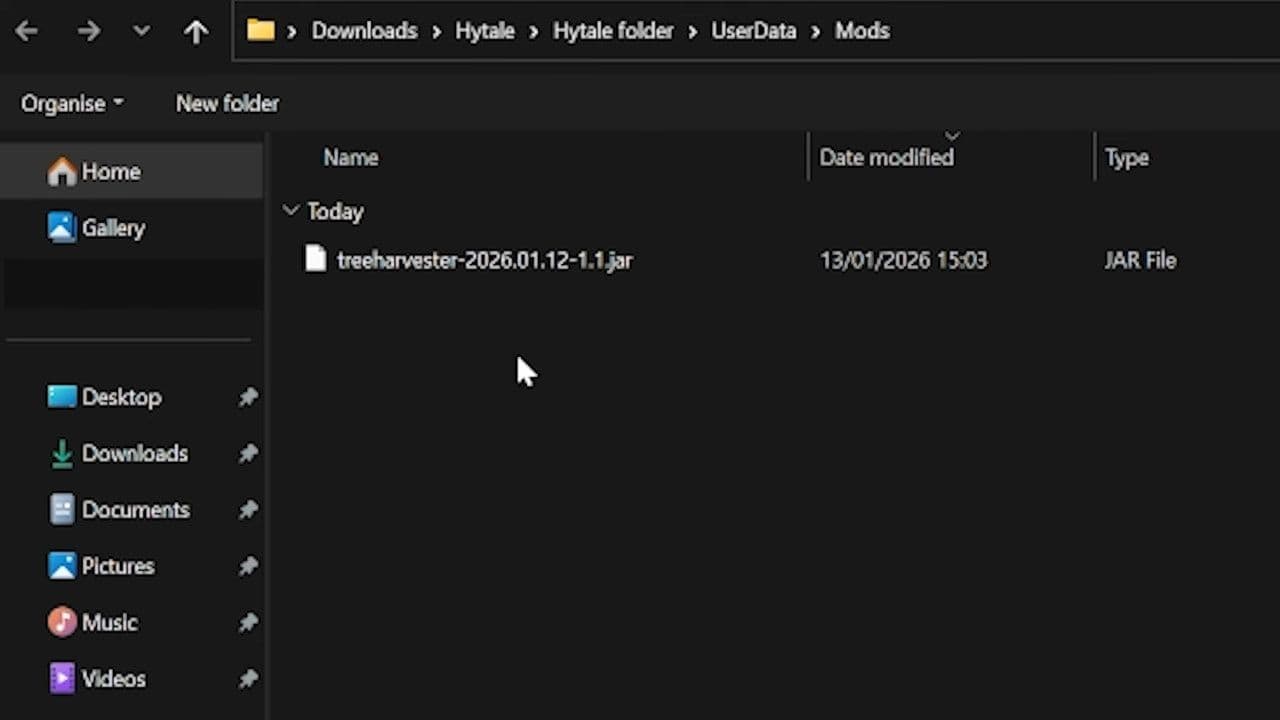
This is the correct Hytale mods folder location for Windows single-player mod installation.
Hytale mods folder location on macOS
- ~/Library/Application Support/Hytale/UserData/Mods/
Here is how to access it:
- Open Finder
- Click "Go" in the top menu
- Select "Go to Folder"
- Paste the path above
- Press Enter
If you do not see the Library folder, hold the Option key while clicking the "Go" menu.
Hytale mods folder location on Linux
- ~/.local/share/Hytale/UserData/Mods/
To find it:
- Open your file manager
- Enable “Show Hidden Files” if needed
- Navigate to .local/share/Hytale/UserData/Mods/
How to install mods in the local folder
Once you find the correct Hytale mods folder location, follow these steps:
- Download the mod file (.jar or .zip)
- Do not rename the file unless instructed
- Place the file directly inside the Mods folder
- Do not place it inside another subfolder
- Launch Hytale
- Enable the mod in the world’s Mods menu if required
Hytale mods folder location for a dedicated server
If you run a dedicated server, the Hytale mods folder location is different from the single-player directory.
- Server Mods Path: <server installation folder>/mods/
- Example Windows server: C:\HytaleServer\mods\
- Example Linux server: /home/server/hytale/mods/
The folder is located in the same directory as the server executable file (such as HytaleServer.jar).
Installing mods on a Hytale server
- Stop the server completely
- Navigate to the server’s mods folder
- Upload or paste the mod .jar file
- Do not extract the file unless documentation says so
- Restart the server
When the server starts, it loads all mods inside the mods folder automatically.
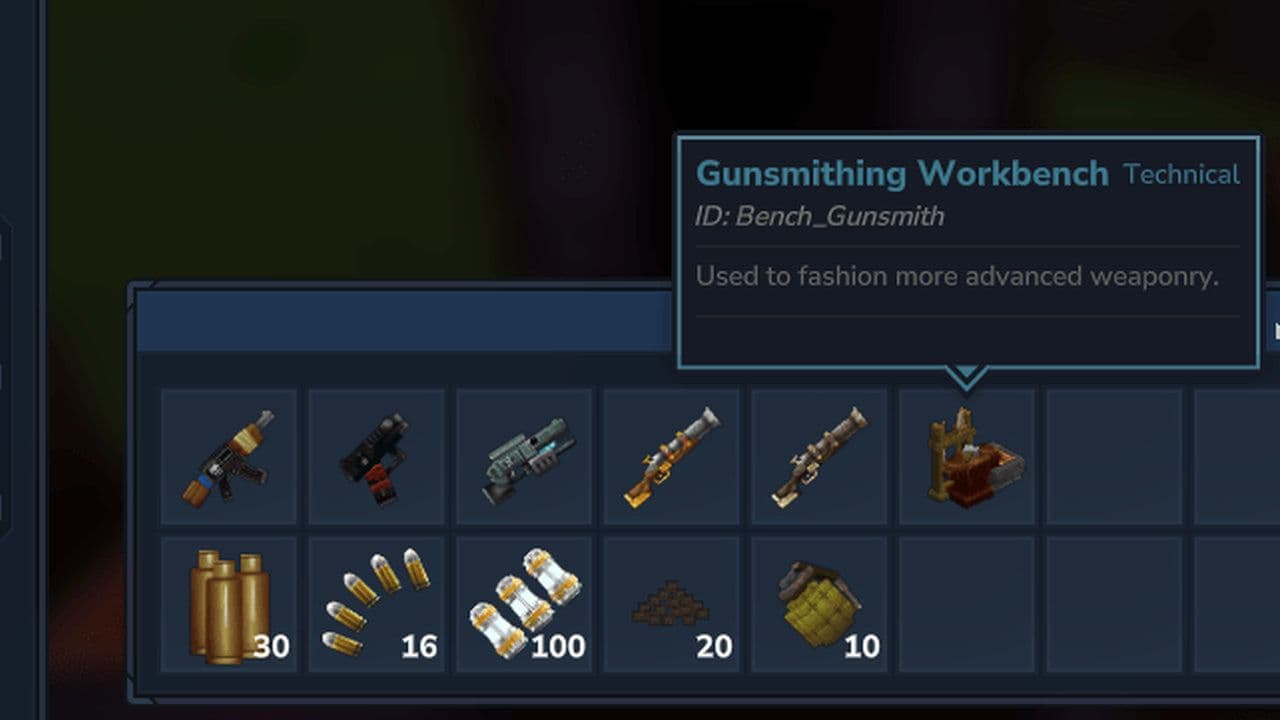
Players who join will receive required content, like guns, from the server.
Common problems with Hytale modding
Even if you know the correct Hytale mods folder location, mistakes can still happen. Below are common issues and solutions.
1. Mods not showing in game
If your mods are not appearing in Hytale, the most common reason is an incorrect folder path. Make sure the mod file is placed directly inside the Mods folder and not inside an extra subfolder.
Another common issue is version incompatibility. If the mod was made for a different Hytale version, it may not load. A corrupted download can also prevent detection, so re-downloading the file may help.
2. Server crashes on startup
When a server crashes after installing a mod, it is often caused by conflicts between mods. Two mods may be trying to modify the same system.
Outdated mods or missing dependencies can also trigger startup errors. Check the server console logs for specific error messages and confirm that all installed mods match the server’s Hytale version.
3. Mods work in single-player but not on server
If a mod works in single-player but not on your server, it is usually installed in the wrong location. The UserData folder is only for local worlds.
Dedicated servers use a separate mods folder inside the server directory. You must install the mod there as well, since single-player and server systems are completely independent.
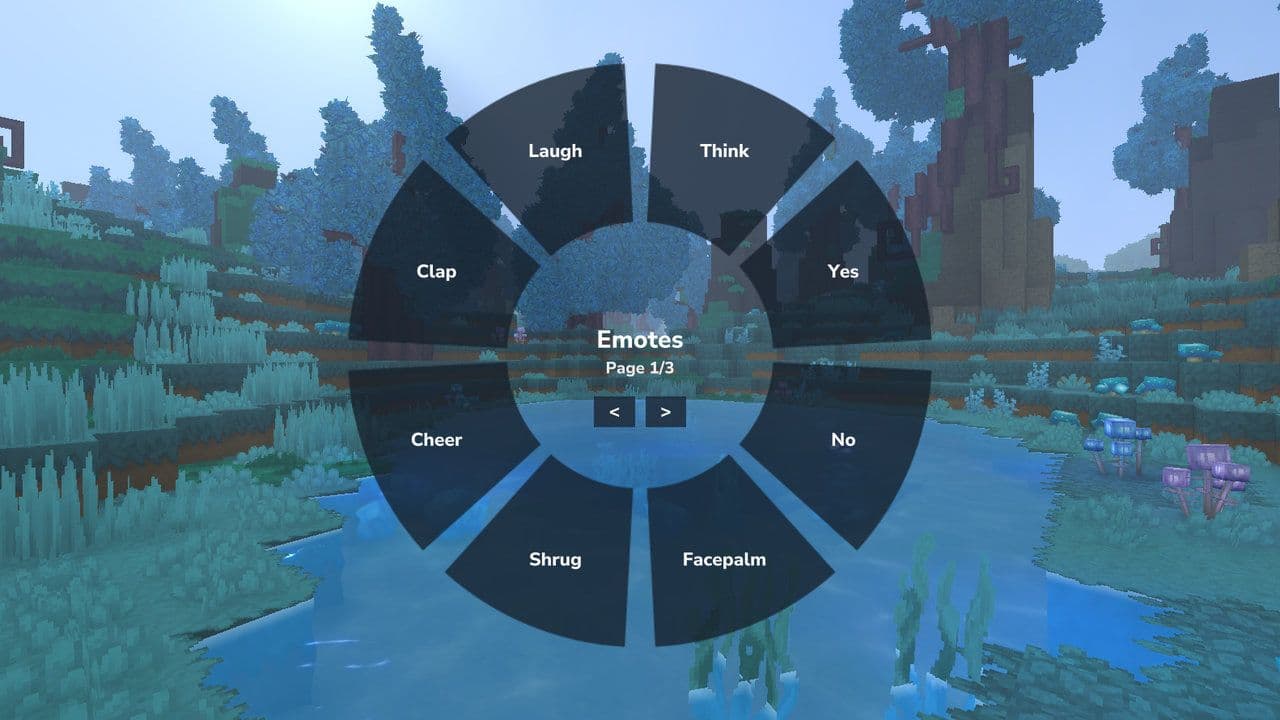
After you install your mod, you get new and needed features like an emote wheel in Hytale.
Best Hytale mods so far
Here are some of the best Hytale mods you should look for:
If you remember one thing, make it this: the Hytale mods folder location determines whether your mod works or not. The best mod in the world will fail if it is placed in the wrong directory.
That’s all for today! Looking for more? Check out these:
All Related Guides
 Are your Hytale mods not working? Here is how to fix themLearn how to fix Hytale mods not working with 10 proven solutions. Learn correct folder setup, compatibility f...
 Hytale Everlands: Guide to CoD-style serverHytale Everlands server guide: maps, weapons, modes, how to join, and server status. Play COD-style PvP in Hyt...