Hytale Everlands: Guide to CoD-style server
COD-style combat in Hytale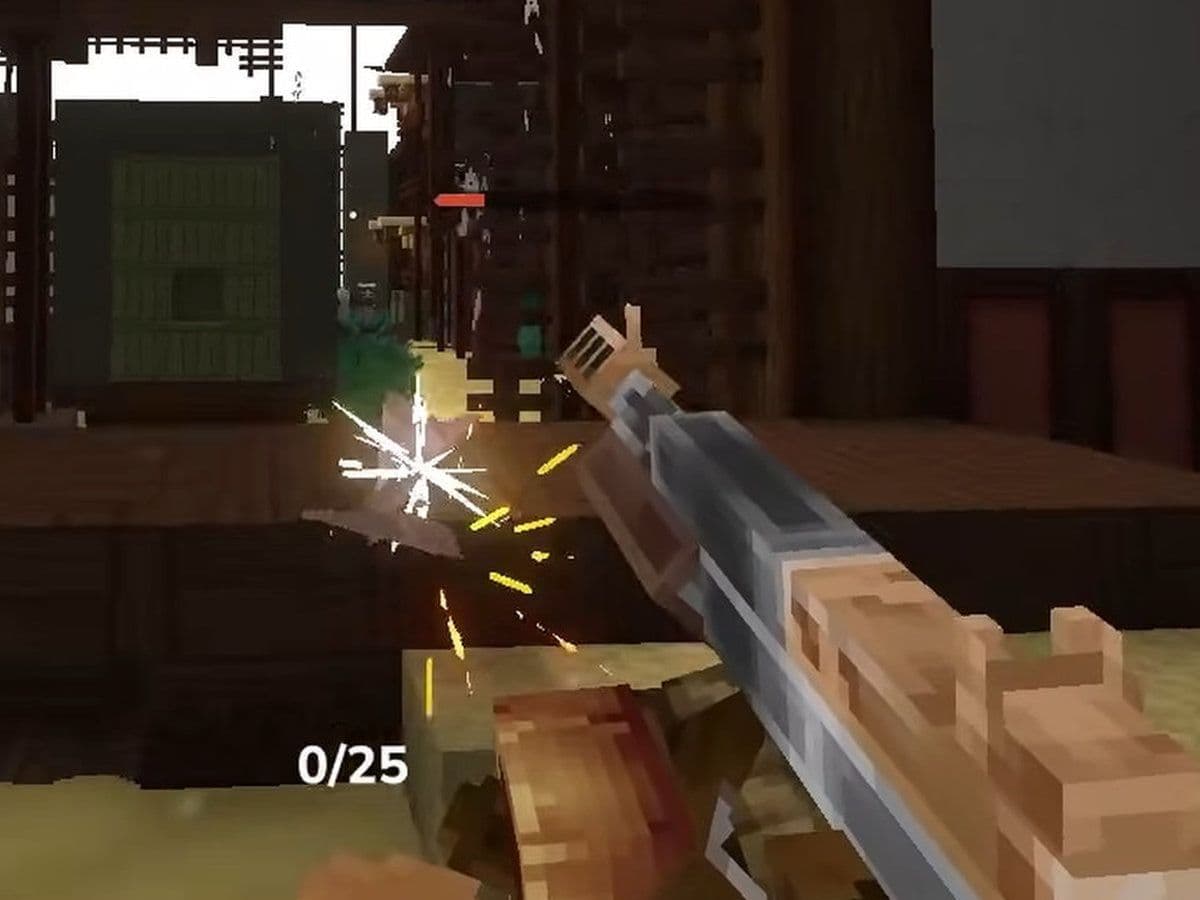
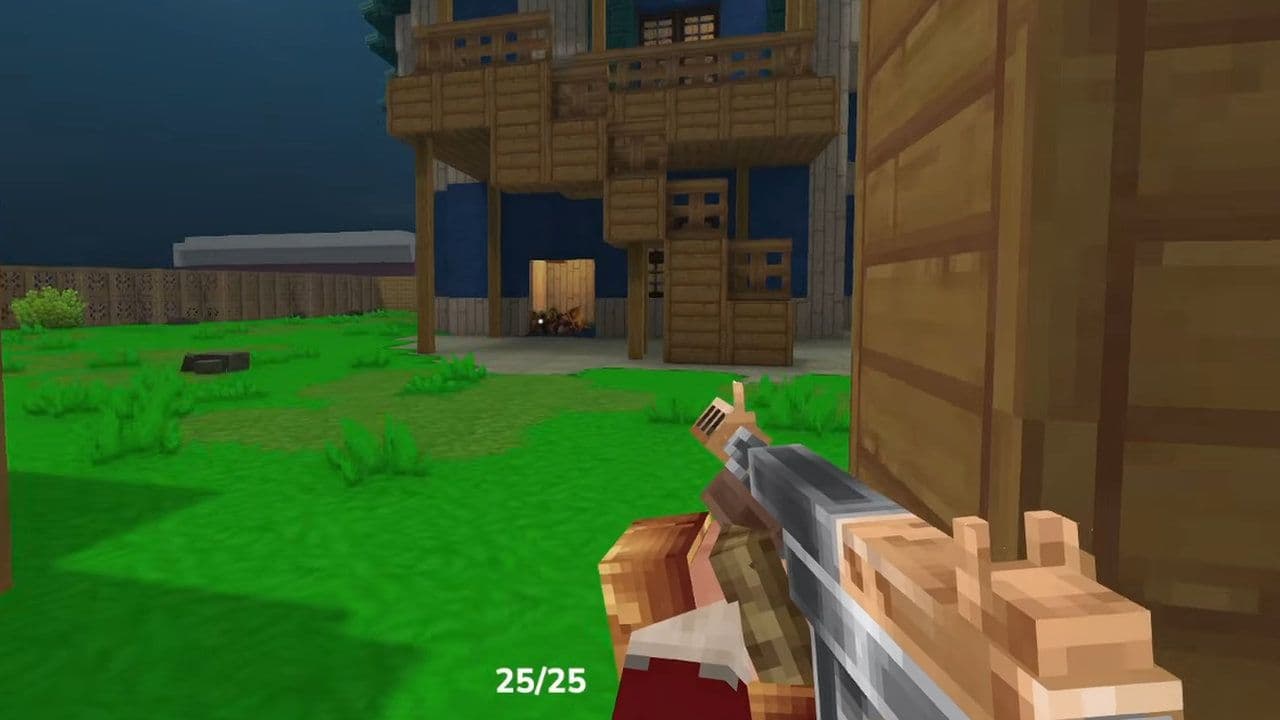
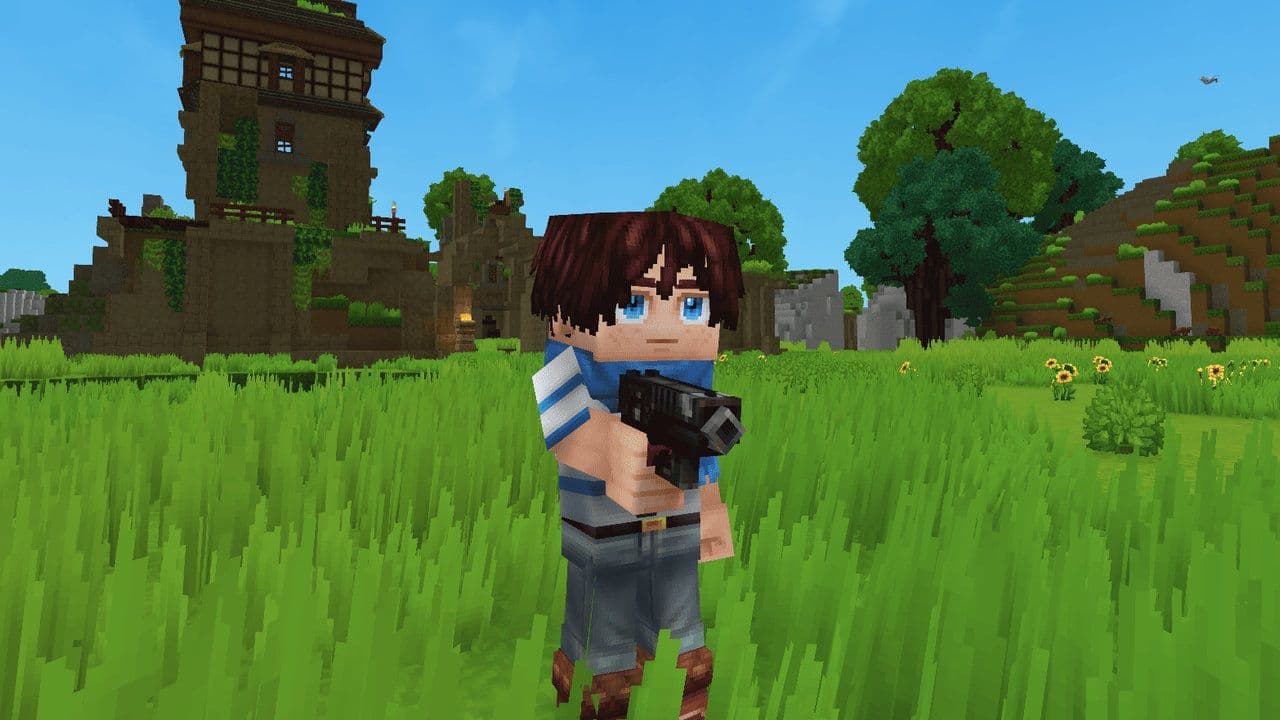
Hytale Everlands server is one of the most ambitious community-run multiplayer projects built inside the game. Instead of focusing on sandbox survival or adventure gameplay, Everlands transforms Hytale into a fast-paced, competitive shooter inspired by classic Call of Duty multiplayer.
This Hytale guide covers everything you need to know about Everlands — including maps, weapons, game modes, killstreaks, server access, and its current status.
What is the Hytale Everlands server?
Everlands is a modded multiplayer server for Hytale that introduces gun-based PvP combat and structured competitive matches.
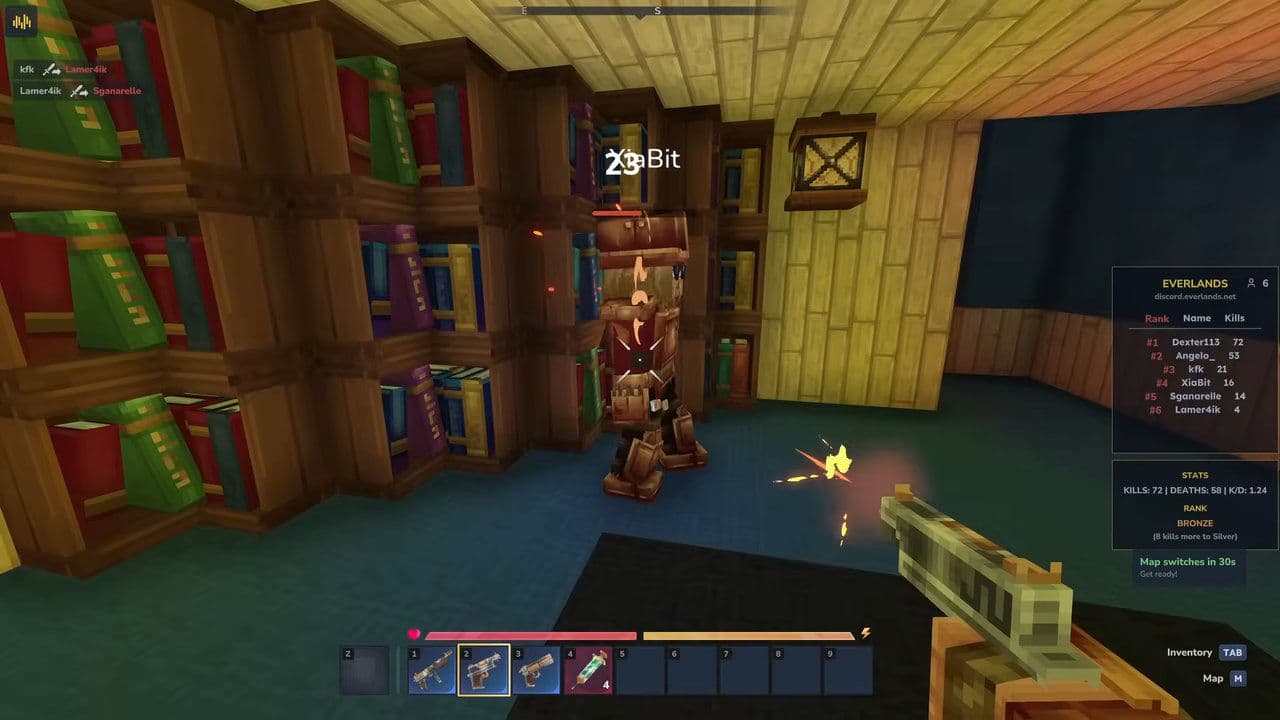
Unlike traditional Hytale gameplay, which emphasizes exploration, crafting, and creativity, Everlands is built around:
- Custom firearms
- Competitive PvP arenas
- Classic shooter-inspired maps
- Match-based gameplay modes
The server runs entirely on Hytale’s server-side modding system. Players do not need to install additional mods manually. You simply connect through the multiplayer browser using the server IP.
Hytale Everlands maps
Confirmed Everlands maps include:
- Nuketown
- Raid
- Mirage
- Hijacked
- Dust 2
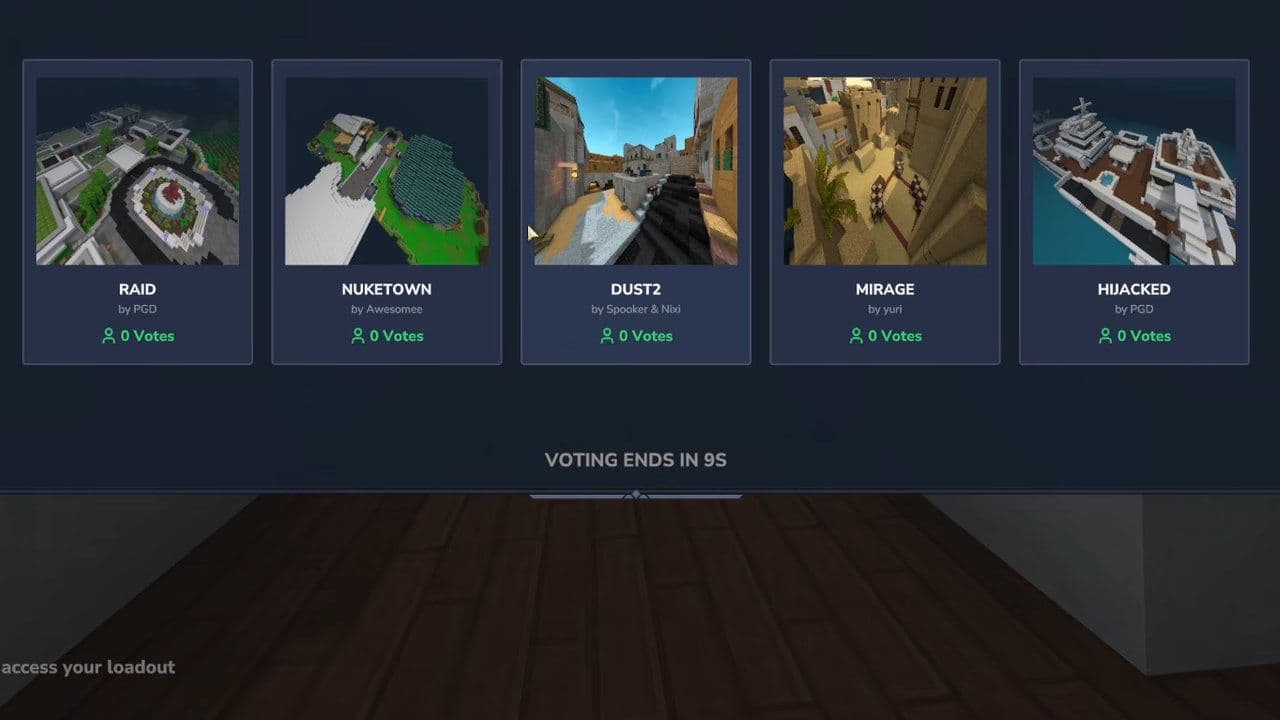
Each of these maps follows classic COD-style design principles.
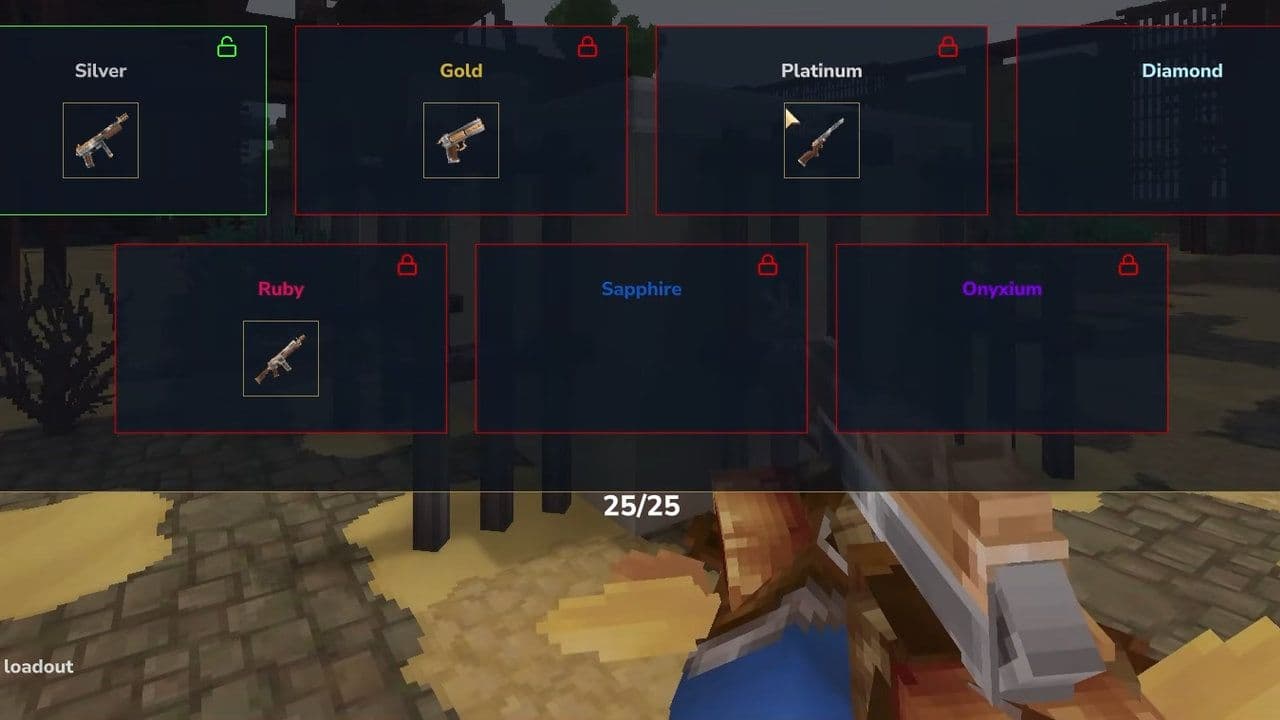
Hytale Everlands weapons
Each weapon category supports a distinct combat role, similar to COD loadout systems:
- Revolver
- M1911
- AR14
- Thompson
- Famas (added in a recent update)
- Double Barrel Shotgun
Game modes in Everlands
Hytale Everlands is structured around organized match types rather than open PvP chaos:
- Free-for-All (FFA): Every player fights alone. Highest kill count wins. Fast respawns and strong map awareness are key.
- Team Deathmatch (TDM): Two teams compete for total eliminations. Coordination and spawn control matter.
- Hardpoint: Teams capture and hold a rotating objective to earn points. Strategy and timing decide the winner.
Together, FFA, TDM, and Hardpoint create a competitive, COD-style gun combat system inside Hytale.
How to join Everlands in Hytale
When online, players can access the server by:
- Open the game and wait until you reach the main menu.
- From the main menu, select Servers to open the multiplayer browser.
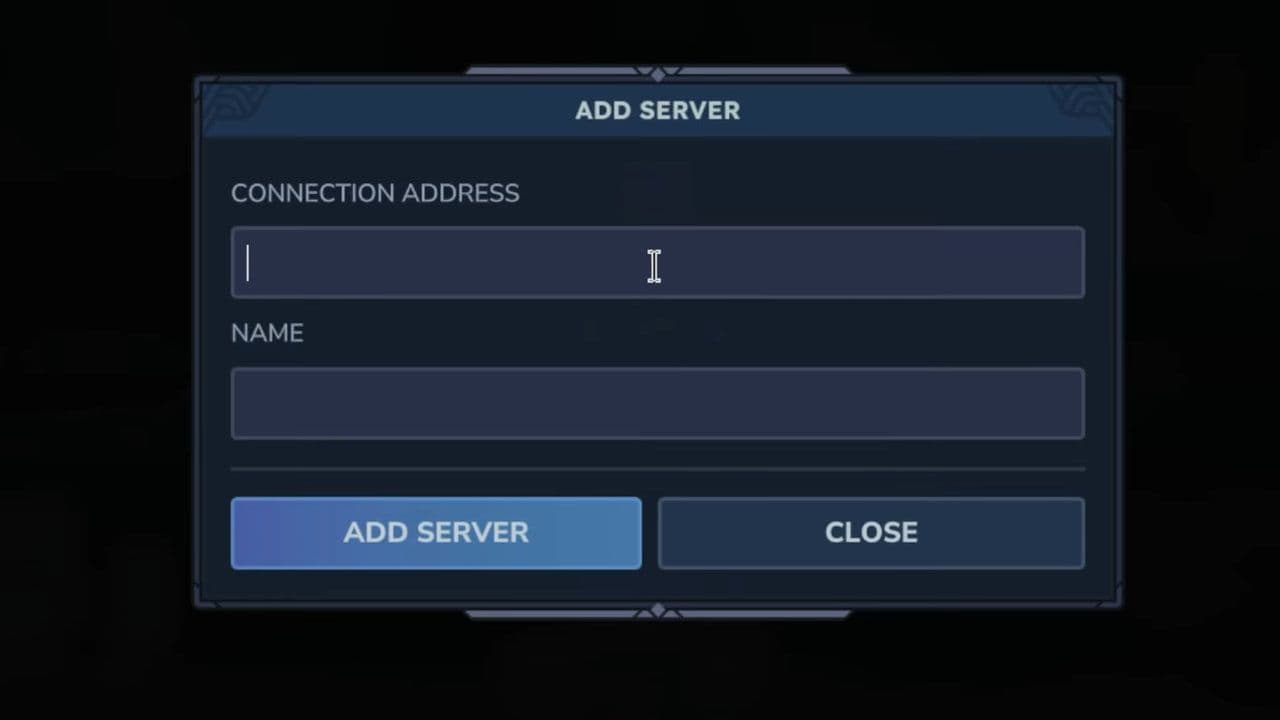
- In the bottom-right corner, click Add Server.
- In the connection field, type: everlands(dot)net
- Give it a name (for example, “Everlands”) so you can easily recognize it.
- Confirm and save it. The server will now appear in your Favorites list.
- Go to the Favorites menu, click on the server, and press Play to join.
You can also…
You can also click Direct Connect instead of adding the server. Simply enter everlands.net, confirm, and you will connect immediately (if the server is online).
Can’t you play Everlands?
If you’re trying to join Hytale Everlands and can’t connect, there are a few possible reasons.
First, Everlands is a community-run server, not an official Hytale mode. This means uptime depends on maintenance schedules, updates, and development cycles. During major patches — such as the 0.6 update — the server has gone temporarily offline for improvements and content additions.
Second, server capacity can affect access. When traffic is high, instances may reach their player limits.
Here’s what you can do:
- Double-check that you entered the correct IP: Everlands.net
- Restart Hytale and refresh the multiplayer browser
- Check official community channels for maintenance announcements
- Try reconnecting later if the server is updating
Because Hytale Everlands is actively developed, downtime usually means new features, weapons, or balance changes are being prepared.
For real-time updates, patch notes, server status, and announcements, the best source of information is the official Everlands Discord server.
If it’s offline, patience is often the only solution — but when it’s live, it delivers one of the most interesting experiences available in Hytale.
That’s all for today! Looking for more? Check out these:
All Related Guides
 Are your Hytale mods not working? Here is how to fix themLearn how to fix Hytale mods not working with 10 proven solutions. Learn correct folder setup, compatibility f...
 How to find the Hytale mods folder locationLearn how to find the Hytale mods folder location on Windows, macOS, Linux & servers. Step-by-step install gui...