Is Hytale multiplayer? Learn how to play with friends
Build, battle, play together.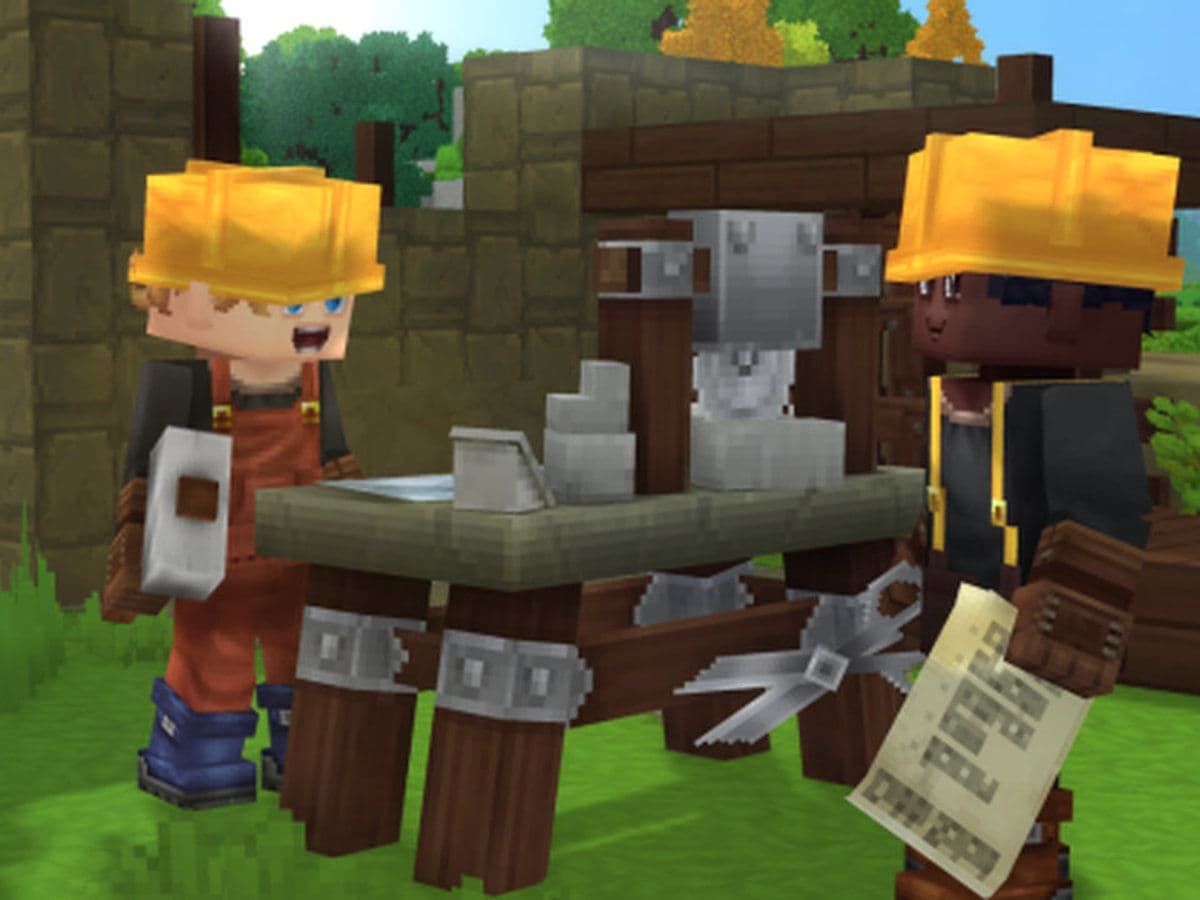
One of the most common questions players ask before jumping into the game is: Is Hytale multiplayer? This guide breaks down exactly how Hytale multiplayer works, how it compares to solo play, and which option might suit your playstyle best.
Is Hytale multiplayer?
Yes, Hytale supports multiplayer. In fact, multiplayer is a central part of the game’s design, allowing players to play together, explore vast worlds, build, fight, or simply socialise.
- Players can enjoy Hytale multiplayer in several ways:
- Playing cooperatively with friends
- Joining public or private servers
- Hosting custom game modes
- Using mods in shared worlds
At the same time, Hytale also supports solo play, allowing players to switch between single-player and multiplayer without losing progress.
How does Hytale multiplayer work
Hytale uses a server-based system for both single-player and multiplayer. Even single-player worlds run on a local server, which makes it easy to turn a solo world into a multiplayer session at any time. If you want to play multiplayer:
- You can open your world to others through the online play menu.
- A share code or invite system lets friends join without complex setup.
- No dedicated server is required for small groups.
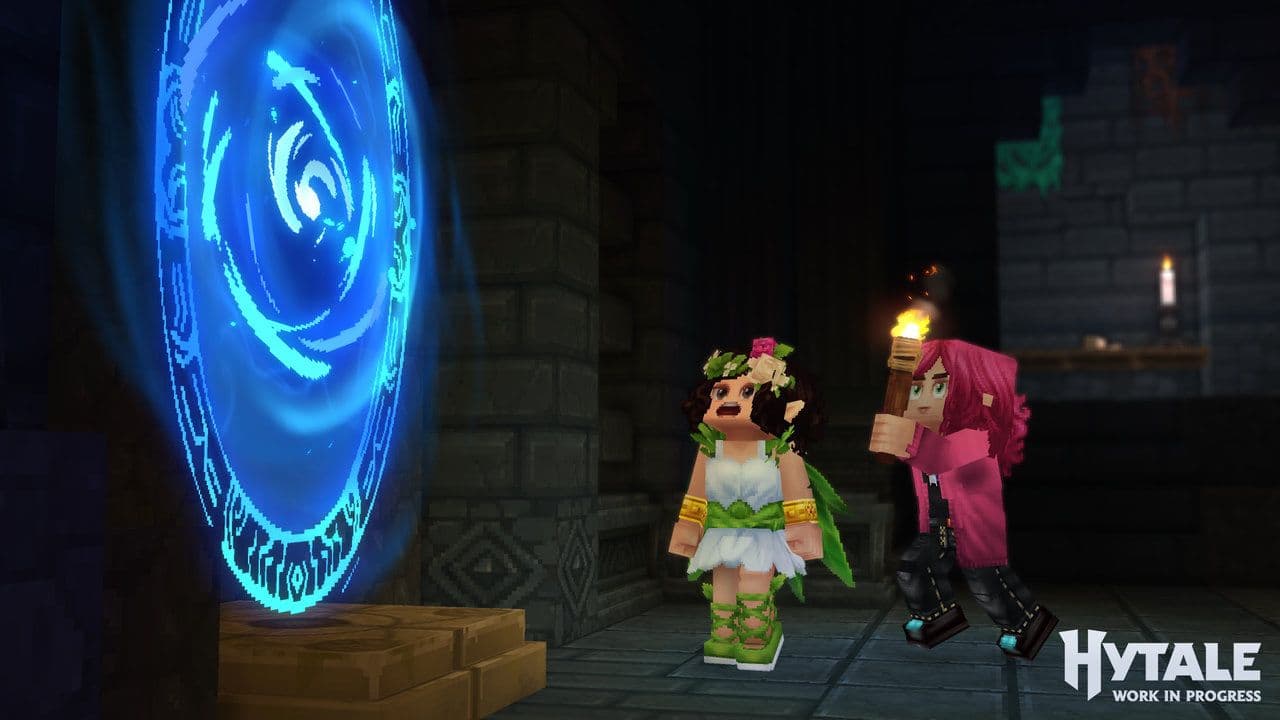
This system is designed to be simple and accessible, especially for players who want quick co-op gameplay.
Multiplayer servers in Hytale
Servers are a major part of the Hytale multiplayer experience. Players can choose between different server types depending on how they want to play.
Private servers
- Ideal for friends or small communities
- Full control over rules, mods, and settings
- Often used for survival or creative co-op
Public servers
- Large player counts
- Community-run or professionally hosted
- Can include minigames, PvP, roleplay, and custom content
Dedicated servers
- Hosted on separate hardware
- Persistent worlds that stay online
- Best for long-term multiplayer projects
This flexibility allows Hytale multiplayer to support both casual and large-scale gameplay.
How to play Hytale with friends
Hytale makes joining friends or hosting multiplayer games straightforward:
Friend join (No dedicated server required)
- Open a single-player world and enable Allow Other Players to Join in the Online Play menu.
- The game generates a share code that friends can use to connect.
This system often uses UPnP technology to automatically manage your network for online play. It’s similar to inviting friends to your world in games like Minecraft but without needing advanced port-forwarding.
Joining a multiplayer server
To join a server:
- From the main menu, select Servers.
- Choose a server from the browser or enter an IP directly.
- Some servers may require passwords or share codes.
Once connected, you’ll be in a shared world with other players.
Communication in Hytale multiplayer
Hytale multiplayer includes built-in text chat and social tools, such as:
- Friends lists
- Server chat channels
- Player interaction systems

Voice chat, including proximity voice, has been discussed by developers but may arrive after launch or through server-side solutions. Many multiplayer groups currently rely on external tools like Discord.
Mods and Hytale Multiplayer
Modding is a major strength of Hytale multiplayer.
- Servers can run fully modded experiences
- Players automatically download required mods when joining
- No manual installation needed in most cases
This system allows server owners to create unique worlds, mechanics, and rules while keeping the multiplayer experience smooth and accessible.
Solo vs multiplayer progression
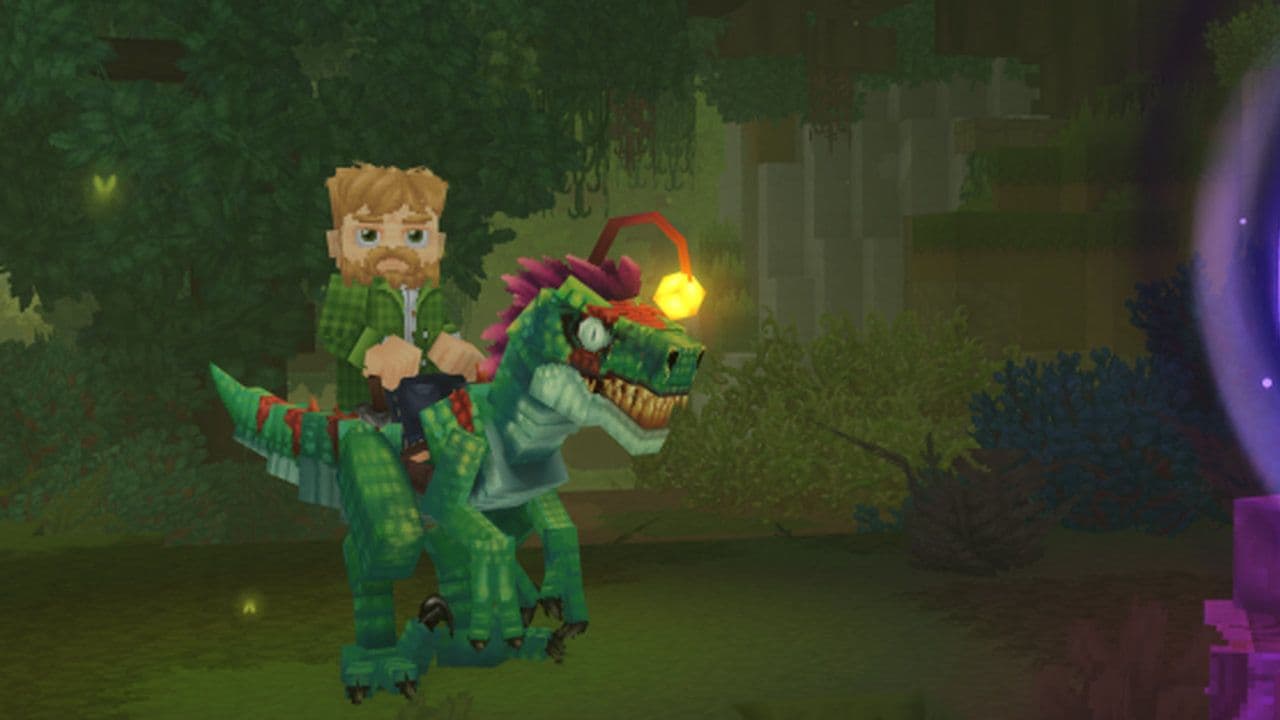
Choose solo if:
- You prefer independent exploration.
- You enjoy completing goals on your own.
- You want to focus on world-building or story first.
Choose multiplayer if:
- You enjoy cooperation or competition.
- You like community events and shared goals.
- You want to join servers with custom rules and mods.
Whether you love exploring alone or teaming up with others, Hytale supports both styles.
All Related Guides
 Best Hytale plugins and how to create yoursExplore the best Hytale plugins for servers, from permissions and shops to NPCs, kits, performance tools, and ...
 Meet the Hytale Pokemon mod Pokefind: Release date, gameplay and moreGet the latest details on the Hytale Pokemon mod Pokefind, including gameplay plans, server support, release s...
 Can you create an infinite water source in Hytale?Learn if a Hytale infinite water source is possible, why the 2x2 trick fails, and which mods can help you get ...
 Who is The Hedera in Hytale Endgame & QoL mod and how to defeat itFind out how to reach and defeat The Hedera in Hytale Endgame & QoL mod, including boss phases, best prep, and...
 How to heal in Hytale (Food, potions, totem & more)How to heal in Hytale: food, potions, totem, regen buffs, best methods, and full survival guide explained....
 Hytale Update 4 (Part 5): What’s new?Hytale Update 4 Part 5 adds 500+ new blocks, system upgrades, bug fixes, and major improvements before full re...
 All Hytale signs & how to craft themDiscover all 29 Hytale signs, their crafting recipes, and how to use them. Learn sign mechanics, placement tip...
 When will Hytale fully release? (2026 update)When will Hytale fully release? Learn the expected 2026–2027 timeline, Early Access plans, and what must happe...
- 1
- 2
- 3
- 4
- 5
- 6
- 7
- 8