How to kill all mobs in Minecraft: Step-by-step guide
Seeking to destroy all Minecraft mobs?
There are various types of Minecraft mobs, and while some are neutral, many are hostile. Sometimes players need to eliminate either all or at least some of these mobs, and doing it one by one can be time-consuming. Luckily, Mojang thought about it beforehand and added a mechanic that eliminates either all or the specific types of mobs in the game. This piece goes over how to kill all or specific mobs in Minecraft!
What are the mob types in Minecraft?
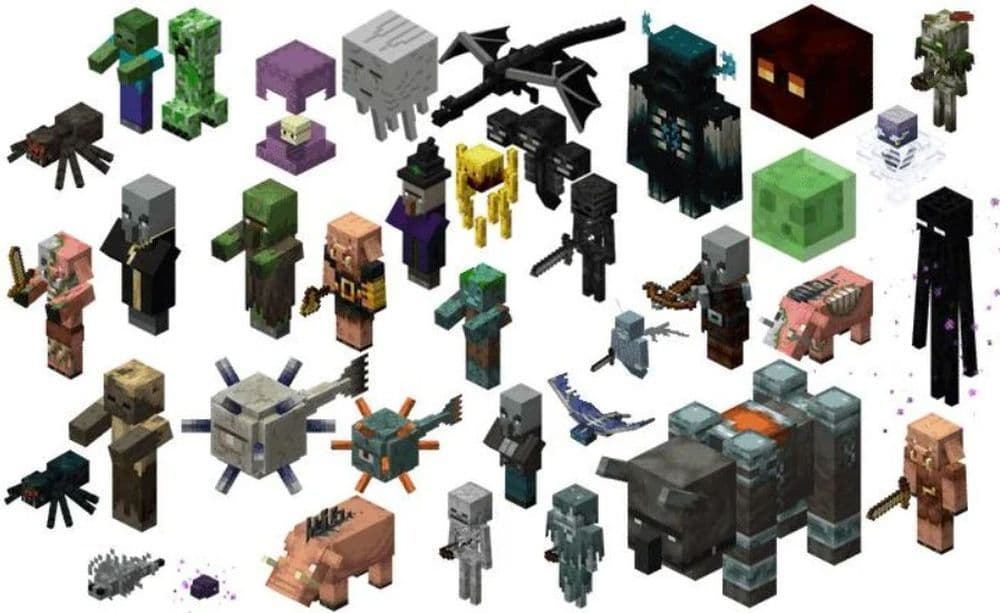
Minecraft has three main kinds of mobs: hostile, passive, and neutral. Hostile mobs attack players right away. These include Zombies, Skeletons, Creepers, and Spiders. They mostly appear at night or in dark places.
Passive mobs like Sheep, Cows, Pigs, and Chickens never attack players. Players use these mobs to gather resources such as wool, meat, and eggs. These mobs are important for farming.
Neutral mobs, including Wolves, Endermen, and Bees, will only attack players if the player hurts or bothers them. For example, an Enderman attacks only when a player looks directly at it. Wolves become aggressive if a player harms them first. Be careful around these mobs to avoid trouble.
How to kill all mobs in Minecraft with commands
Commands help players quickly remove mobs. The basic command to remove everything, including players, is /kill @e. Players should use this command carefully because it removes all entities, including themselves and important items.
A safer option is /kill @e[type=!player]. This command removes all mobs but leaves players safe. It works well in multiplayer games where players need to keep themselves and others safe.
To remove only specific mobs, players use /kill @e[type=mob_name]. For example, using /kill @e[type=zombie] removes all Zombies. This method helps players target certain mobs without affecting others.
Make sure cheats are enabled before using commands. Check the spelling carefully because commands are case-sensitive and small mistakes can stop them from working.

How to kill all mobs in Minecraft without using commands
While using commands is the fastest and easiest way, you don’t have to enable or use any of them. If you like to keep everything traditional, you can also use natural methods. Please be reminded that these will take a lot of your time. Almost all players type in the command and get rid of the mobs easily. If you are looking for a traditional way to kill some time, check out these ones:
Explosions and TNT
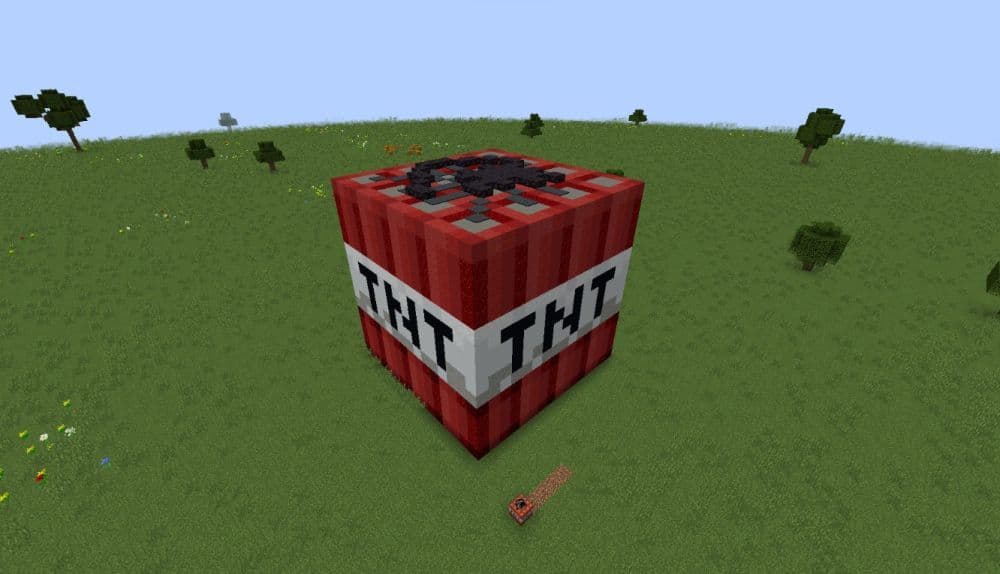
TNT is a simple way to kill many mobs at once. Place and ignite TNT where mobs gather. Beds explode in the Nether and End, dealing major damage. Respawn anchors also explode when overcharged in the Overworld.
Traps
Traps are helpful to remove mobs automatically:
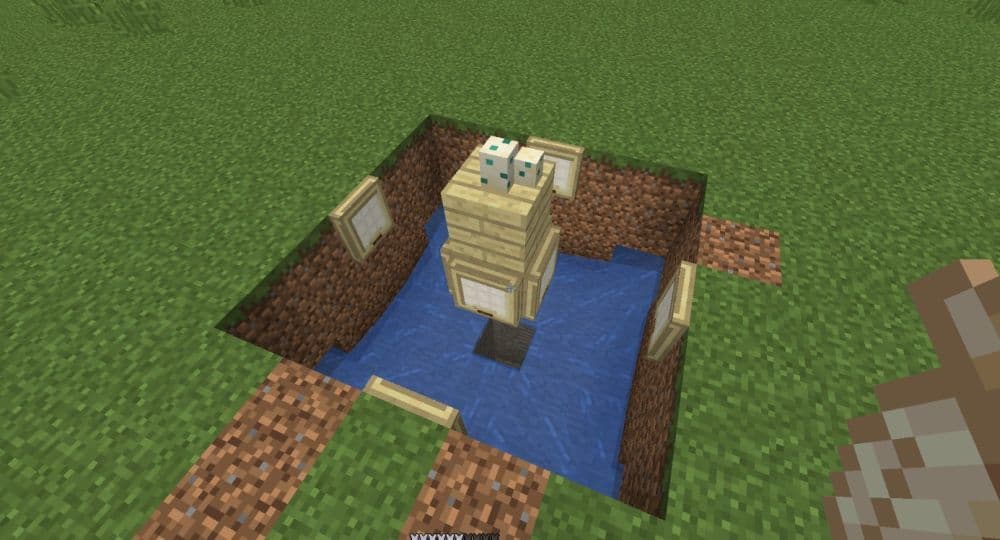
- Lava Traps: Dig a hole and put lava in it. Mobs fall in and burn quickly.
- Cactus Traps: Place cacti around confined spaces. Mobs touching them take damage until they die.
- Suffocation Traps: Use sand or gravel to crush mobs, or push them into blocks.
- Drowning Traps: Trap mobs underwater and block their escape.
- Fall Damage Traps: Make mobs fall from high places to kill them instantly.
Weapons and Tools
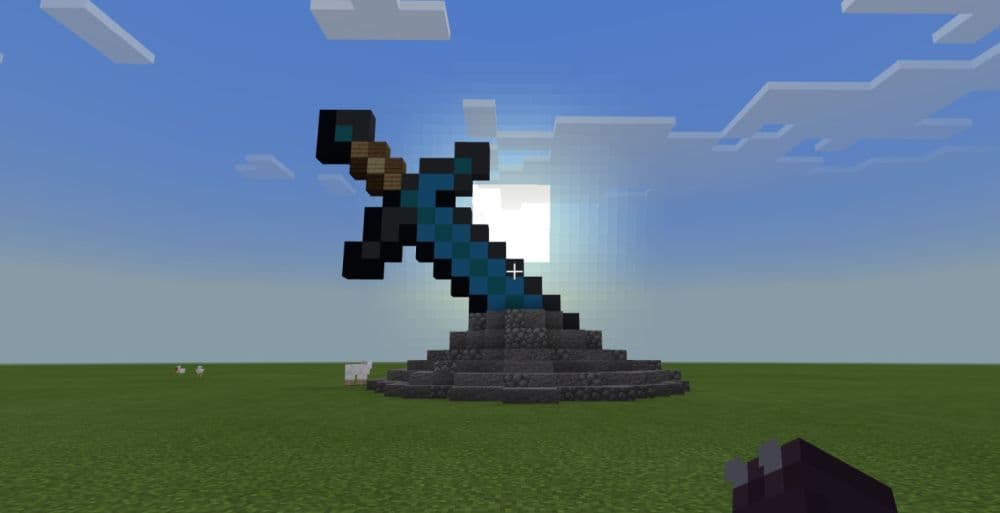
Use strong weapons like swords, maces, or axes to defeat mobs quickly. Bows and crossbows are useful for attacks from a distance. A trident with the Channeling enchantment summons lightning during thunderstorms to instantly kill mobs. Weapons with Fire Aspect or Flame enchantments set mobs on fire for extra damage.
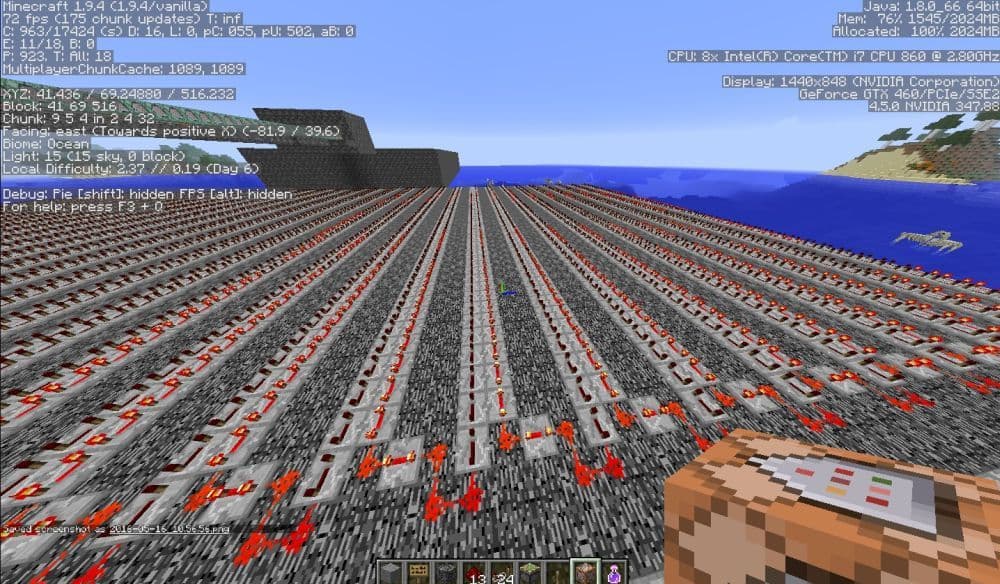
Redstone Kill Mechanisms
Redstone devices can automatically remove mobs:
- Piston Crushers: Blocks pushed by pistons suffocate mobs.
- Automatic Dispensers: Use dispensers filled with arrows, lava, or harmful potions.
- Magma Blocks: Mobs standing on magma blocks continuously take damage.
Natural Methods
Some natural ways help you manage mobs:
- Iron Golems and Wolves: They automatically attack hostile mobs.
- Sunlight: Zombies and Skeletons burn in daylight unless wearing helmets.
- Lightning: Lightning strikes Creepers and Pigs, turning them into charged creepers or zombie piglins.
What is the fastest way to kill mobs in Minecraft?
The fastest way to kill zombies in Minecraft is by using the /kill @e command. You can use traditional methods to kill mobs one by one, but if you don’t want to spend time hunting down all mobs, enable commands and solve the root of the problem.
Here are more guides for you to check out:
- Saddle recipe in Minecraft: Is it craftable?
- Get your Minecraft shield recipe before heading into danger
- Minecraft barrel recipe: A better storage option than chests?
- Minecraft anvil recipe & 5 reasons it's worth the iron
- Minecraft book recipe with book and quill, bookshelf, and more
Featured Image Credit: r/Minecraft
All Related Guides
 What is the Killer Bunny in Minecraft and how to get itDiscover the truth about the Killer Bunny in Minecraft, including its command, behavior, rarity, and removal f...