THESPIKE.GG
THESPIKE.GG

Minecraft banner recipe with all banner patterns

Banners can spice up your surroundings, especially if you know the pattern recipes.

Reviewed by: Naim Rosinski

A Minecraft banner recipe lets you create and personalize banners for your base, shields, and maps. With over 23 quadrillion possible combinations, the possibilities are nearly endless! In this guide, you'll learn how to craft banners, customize designs, and use them effectively in survival or multiplayer servers.
6 reasons to get banner recipes for Minecraft

Banners in Minecraft are useful for decoration, marking locations, and customizing shields. 

1. Customize your base

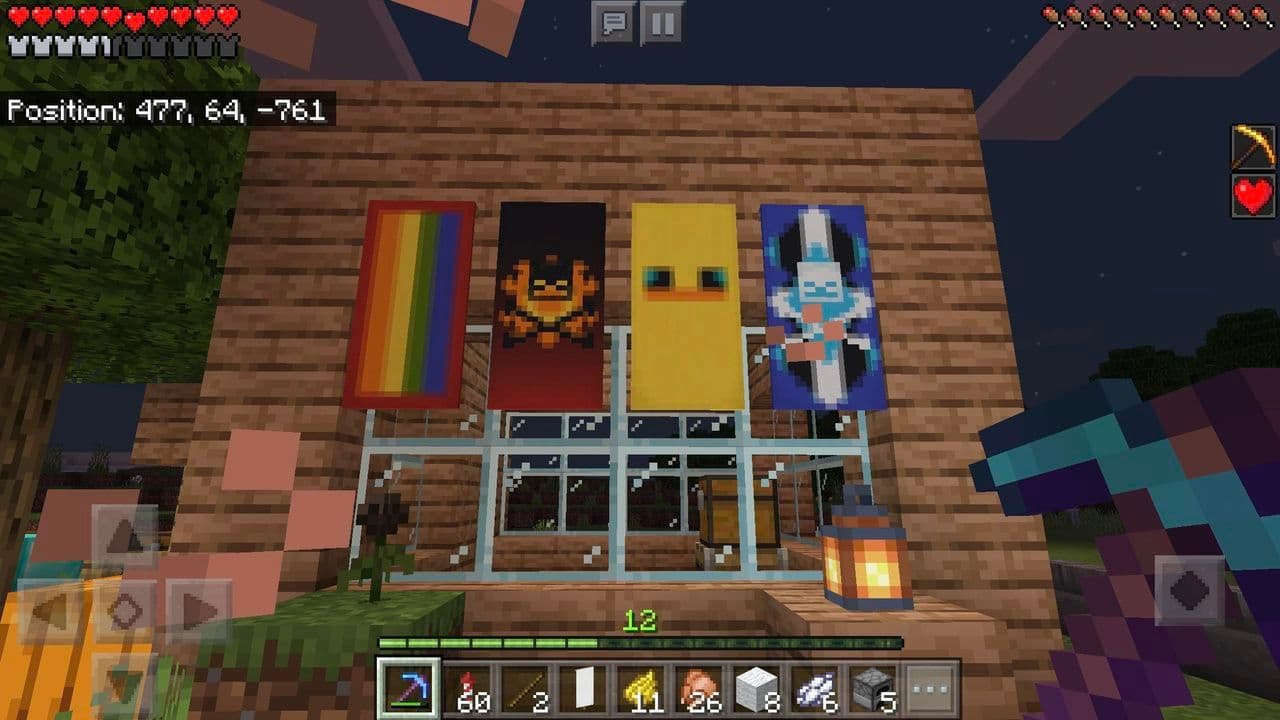
Banners make buildings look better. You can decorate castles, villages, and homes in Minecraft with custom designs. They add personality to any build, making your world more unique.

Credit: r/Minecraft
Credit: r/Minecraft

2. Mark locations on maps

In Java Edition, banners can be used as map markers. Right-clicking a banner with a map adds a colored marker. This helps players find their way and label important places.

Credit: r/Minecraft
Credit: r/Minecraft

3. Decorate shields

You can combine banners with shields to give them patterns. This makes your shield stand out in combat and can help teams in multiplayer battles.

Credit: r/Minecraft
Credit: r/Minecraft

4.  Trade with villagers

Some villagers sell banners in different colors. Knowing banner recipes lets you avoid spending emeralds and craft them instead. This saves resources in survival mode.

5. Create themed builds

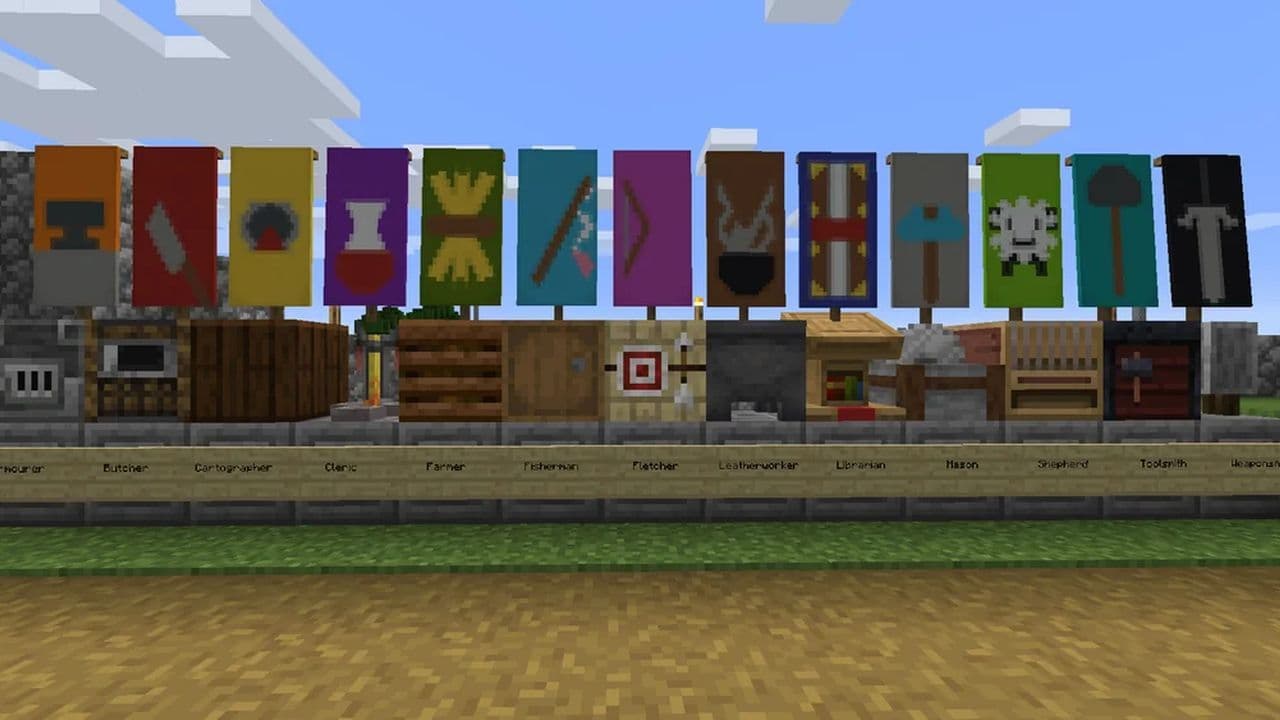
Banners work well for different build styles. You can make medieval flags, pirate banners, futuristic signs, or even national flags. They help set the theme for custom worlds.

There are over 23 quadrillion possible banner combinations. You can mix colors, shapes, and layers to create unique patterns. 
Credit: r/Minecraft
Credit: r/Minecraft

By learning recipes, you can create detailed designs. The loom makes banner crafting easier, but some designs require specific patterns. Advanced players use commands to add more than six patterns.

6. Use in multiplayer servers

Banners can represent teams or factions. Players in multiplayer worlds use them to show their group’s identity. Custom banners make PvP and roleplaying more immersive.
Minecraft banner recipe: How to make a banner in Minecraft

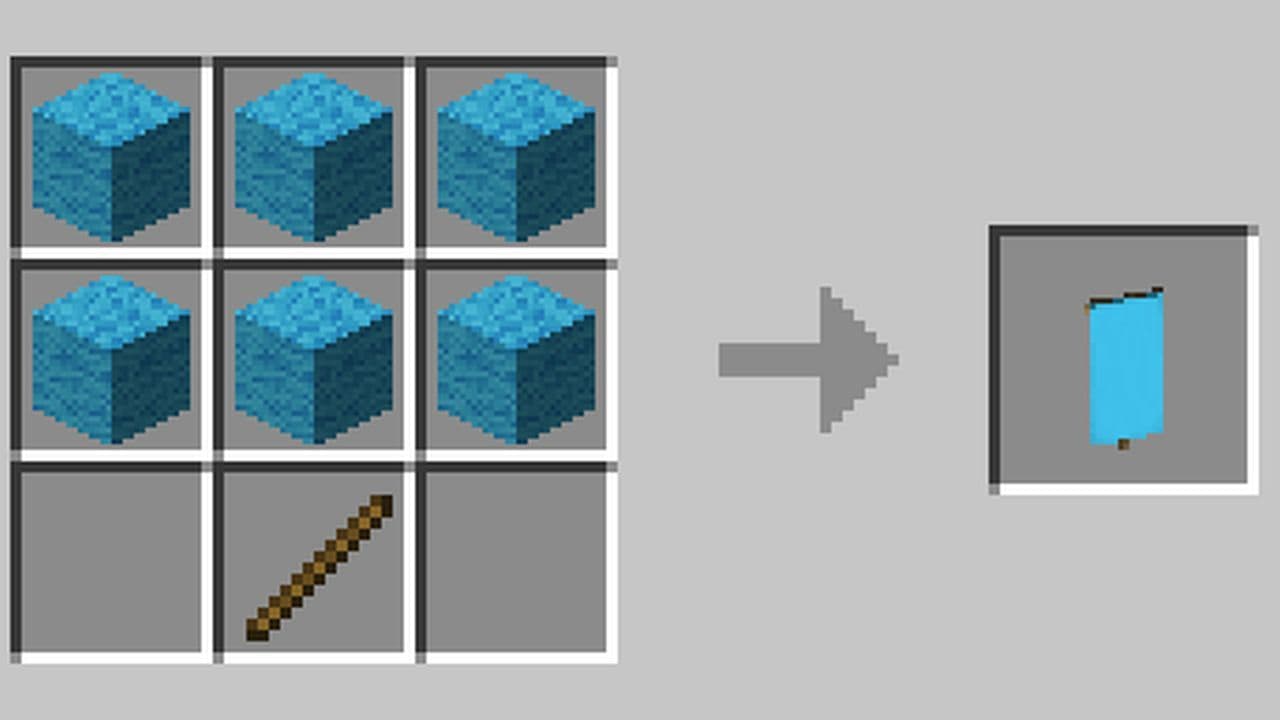
To make a banner, you need:

  • 6 Wool (same color)
  • 1 Stick

How to craft a banner in Minecraft

  1. Open the Crafting Table (3x3 grid).
  2. Place six wool in the top two rows.
  3. Place one stick in the bottom-center slot.
  4. Take the banner from the result box.

The wool color determines the banner's base color. In Java Edition, the base color cannot be changed once crafted. In Bedrock Edition, you can use bleach to remove the color.
How to customize a banner in Minecraft

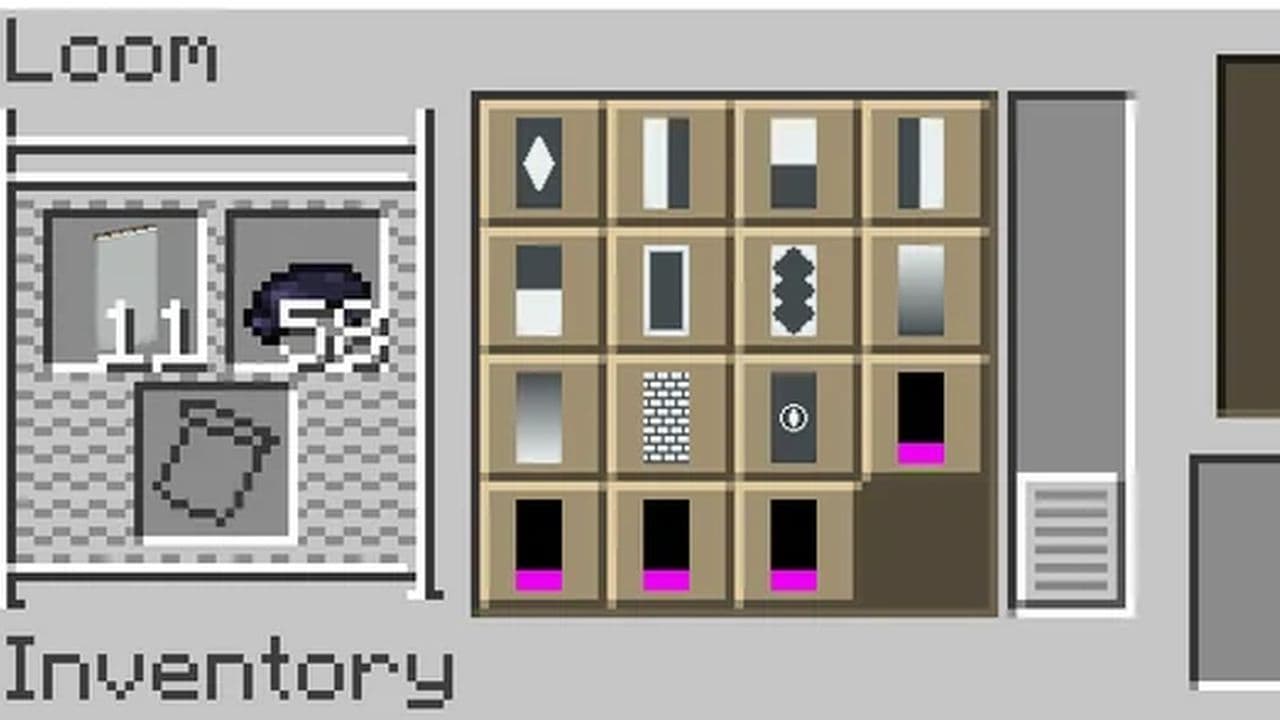
The Loom is the easiest way to customize banners. To use it:

  1. Place a banner in the first slot.
  2. Add dye in the second slot.
  3. Choose a pattern from the available designs.
Credit: r/Minecraft
Credit: r/Minecraft

Banners can have up to six different patterns. If you use commands, you can apply more than six layers (Java Edition only).

Using a Crafting Table (Bedrock Edition Only)

Instead of a loom, Bedrock Edition allows patterns to be crafted using a banner, dye, and a special item (like bricks or vines).

Special Minecraft banner pattern recipes

Banner patterns in Minecraft are special designs that can be added to banners using a loom.

Pattern Name

Effect

Crafting Recipe

Flower Charge Banner

Adds a flower icon to the banner.

1 Paper + 1 Oxeye Daisy

Creeper Charge Banner

Adds a Creeper face to the banner.

1 Paper + 1 Creeper Head

Skull Charge Banner

Adds a skull and crossbones symbol.

1 Paper + 1 Wither Skeleton Skull

Thing Banner

Adds a thing pattern (old Mojang logo).

1 Paper + 1 Enchanted Golden Apple

Snout Banner

Adds a Piglin snout symbol.

Found in Bastion Remnants (Cannot be crafted)

Globe Banner

Adds a globe design (cube-shaped Earth).

Traded by Master Cartographers (Bedrock Edition only)

Bordure Indented Banner

Adds a fancy, jagged border.

1 Paper + 1 Vine

Field Masoned Banner

Adds a brick pattern.

1 Paper + 1 Brick Block

Flow Banner

Adds a spiral design. (Bedrock Edition only)

Traded by Villagers (Cannot be crafted)

Guster Banner

Adds a breeze-like swirl. (Bedrock Edition only)

Traded by Villagers (Cannot be crafted)

Unlike regular patterns made with dyes, banner pattern items allow for unique, preset designs. These patterns are not consumed when used in the loom, meaning they can be reused multiple times.

How to use banner patterns in a loom

To apply a banner pattern:

  1. Open the Loom.
  2. Place a banner in the first slot.
  3. Add a dye in the second slot.
  4. Place a banner pattern item in the third slot.
  5. Select the pattern and remove the finished banner.

Each pattern appears in the color of the dye used.

What is the rarest banner pattern in Minecraft?

The rarest banner pattern in Minecraft is called Flow. You can only get it from a place called a trial chamber. To find it, you must start an ominous trial. You can do that by using an ominous bottle near a trial spawner. When the trial starts, enemies will appear. You need to defeat all of them. After you win the fight, a chest appears. The Flow pattern can be inside that chest. You cannot craft it or trade for it. This makes Flow the hardest banner pattern to collect in the game.

Can you duplicate banners?

Yes, you can duplicate banners. To do this, place a loom. Put the banner with the design you want to copy in the first slot. Put a blank banner with the same base color in the second slot. You do not need to add any dyes. The loom shows a copy of the design. Take it, and now you have a second banner with the same look.

Are banner patterns craftable?

Yes, you can craft some banner patterns. Six out of ten patterns are craftable. You need paper and a special item for each one, and the rest are only found in different places on the map.

That’s all for today! Looking for more Minecraft recipes? Check out these:

  • 1
  • 2
  • 3
  • 4
  • 5