How to fix Roblox error code 267
This disconnect issue can be a burden. Here is how to fix it and get back to Roblox.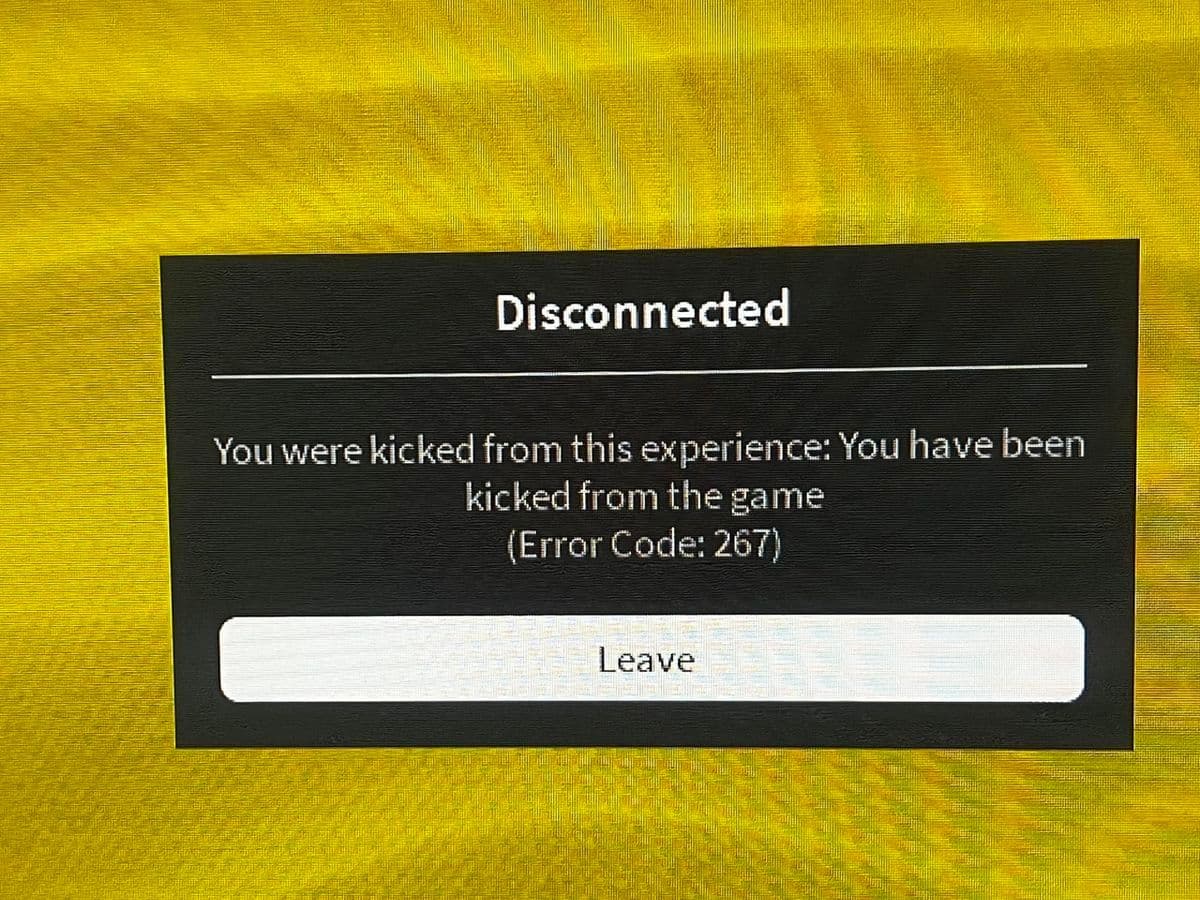
It’s always good to know how to fix Roblox error code 267-like problems, as they can disrupt your gaming experience at the worst times. Whether the error is caused by a temporary ban, connection issues, or something going wrong on the server, there are steps you can take to troubleshoot and resolve the issue. Understanding these solutions not only helps you fix the error but also prevents it from happening again in the future.
What does error code 267 mean in Roblox?
Error code 267 in Roblox occurs when a player is kicked out of a game due to server-related issues or specific actions they may have taken. The error typically displays a message explaining the reason, such as being banned or removed from the game.
Common causes of Roblox error code 267 include:
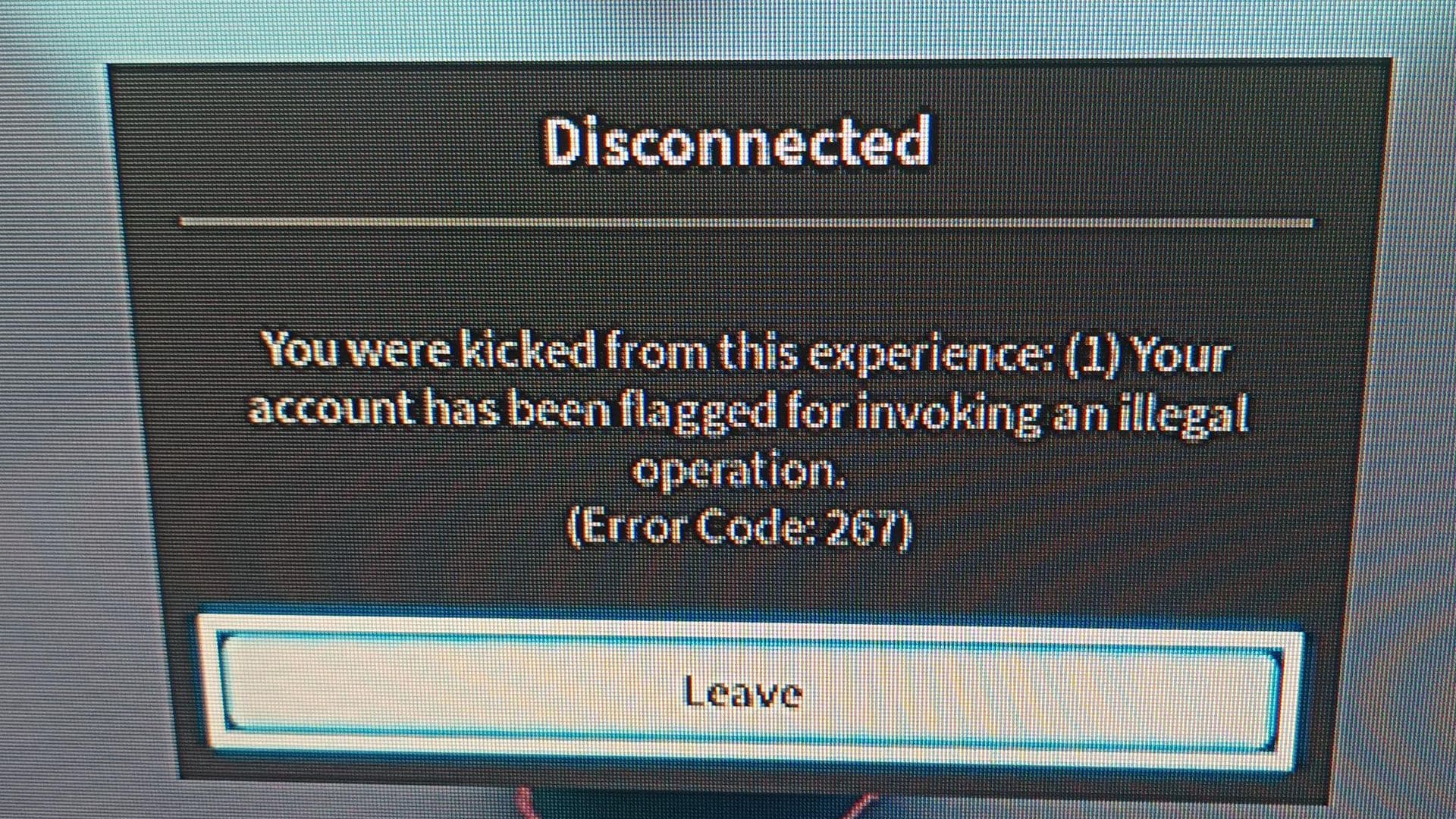
- Suspicious Activity: Using cheats, third-party software, or modifying game code can result in a kick.
- Temporary Ban: Players may be banned from a specific experience for rule violations, usually for a limited time.
- Admin Kick: Game administrators have the authority to kick players from their servers.
- Internet or Connectivity Issues: Poor internet connection or high latency can also trigger the error, affecting server stability.
Depending on the root cause, Roblox Error 267 may present various warning messages, including:
- “Banned from server”
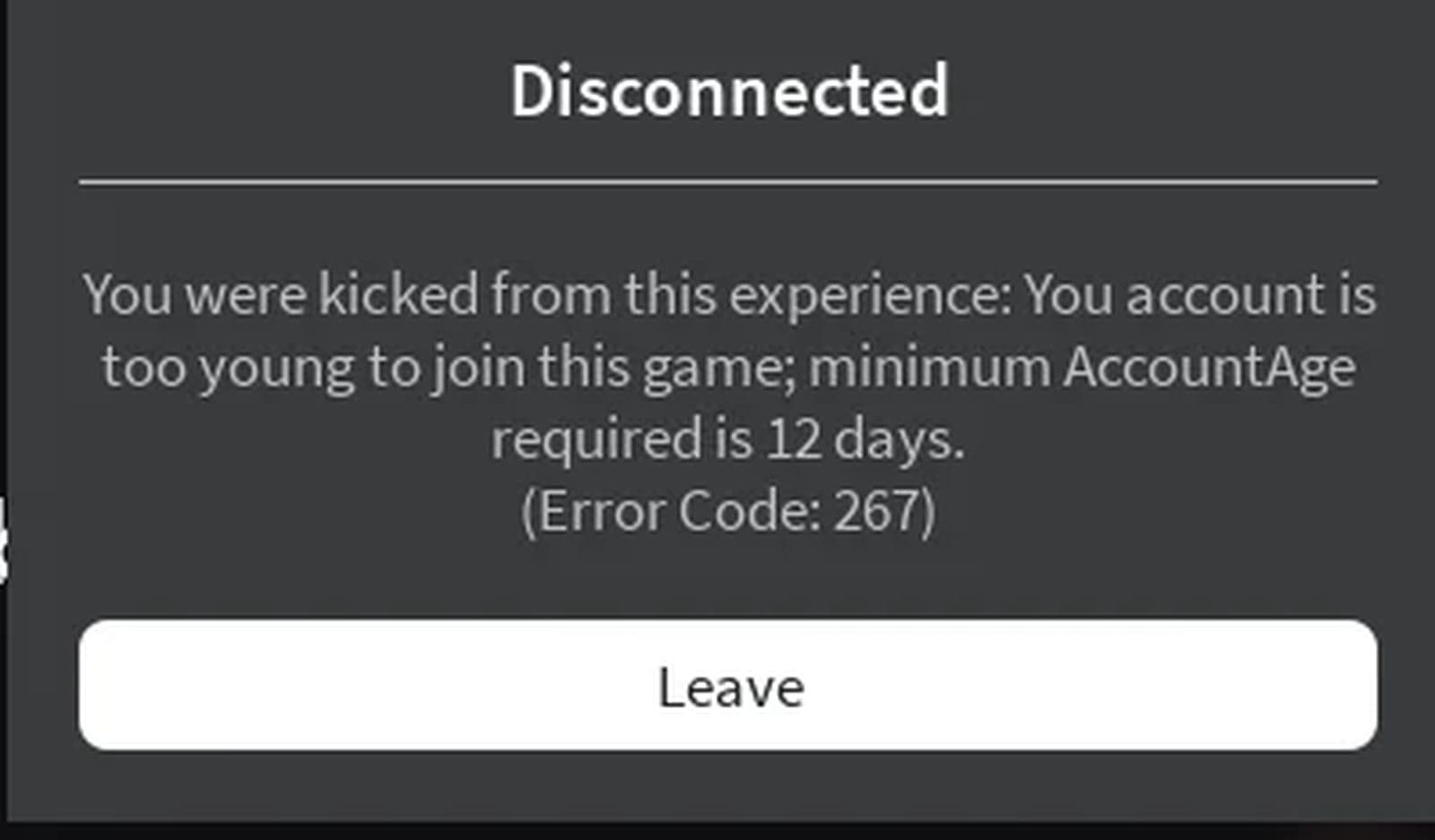
- “Minimum account age”
- “Events stopped”
- “Unbanned in X hrs”
- “You were kicked from this server”“
- Cheating suspicion”
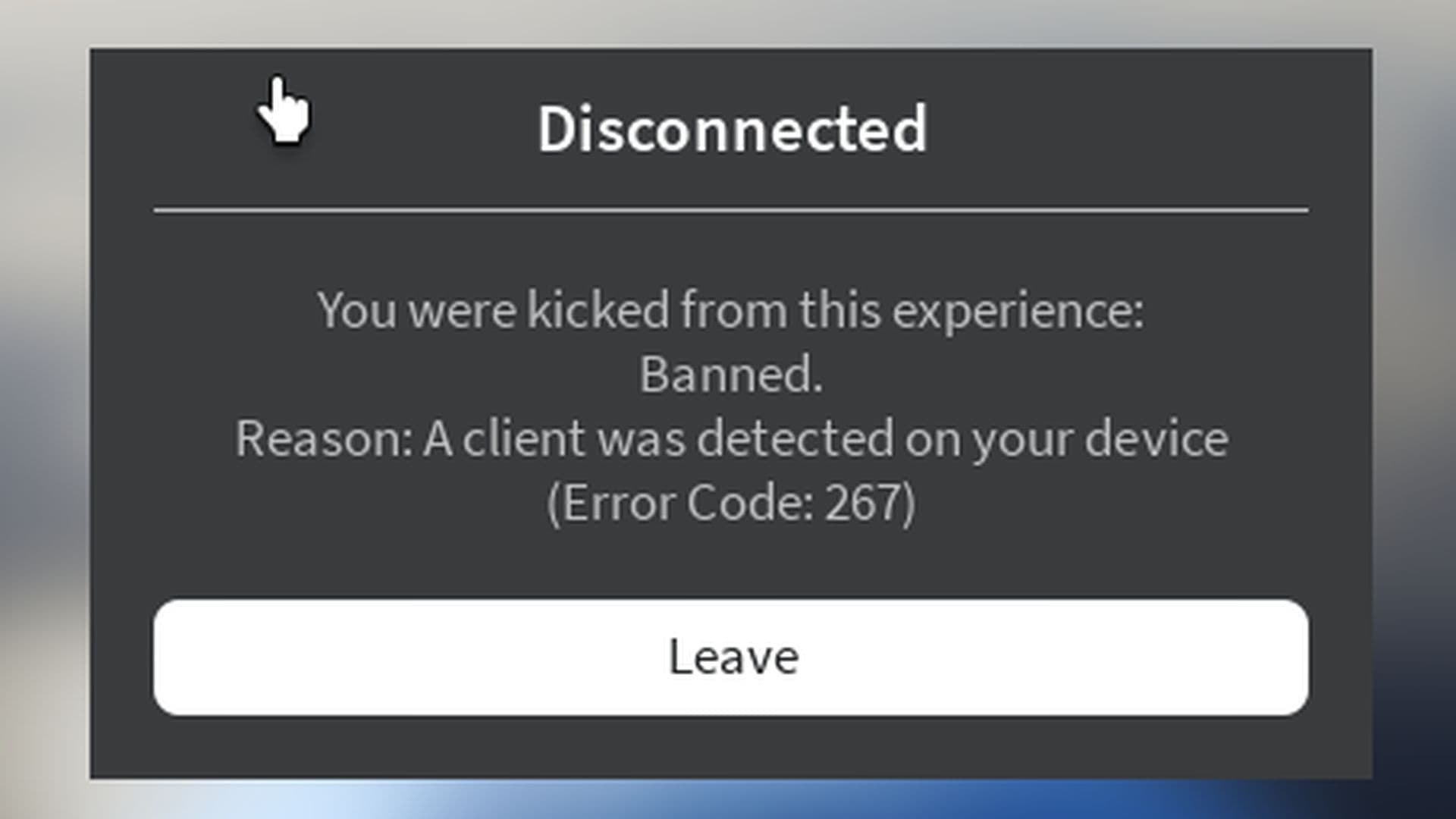
- “A client was detected on your device”
In rare cases, Roblox may report the cause as "unknown reasons," which typically points to internet connection issues.
The error is generally tied to actions taken by the player or server-related problems, rather than a technical fault with Roblox itself.
How to fix Roblox error code 267
Fixing Roblox Error Code 267 involves addressing the underlying causes, which could range from server-side issues to account restrictions, or even problems with your internet connection or device settings. Here are 9 workarounds for tackling each cause:
- Wait for the ban to expire
- Check Roblox server status
- Update the Roblox app
- Remove malicious scripts
- Disable antivirus and firewall
- Check and improve your internet connection
- Disable VPNs and browser add-ons
- Create a new Roblox account
- Reinstall Roblox
Wait for the ban to expire
If you’ve been temporarily banned from a specific Roblox experience, Error 267 will display a message indicating the duration of your ban, which can last from minutes to several days.
The best solution in this case is to wait for the ban to lift. Once you regain access, ensure that you avoid the behavior that led to the ban.
Check Roblox server status
Sometimes the error is caused by Roblox's own server issues, such as maintenance or outages. If Roblox’s servers are down, none of the other solutions will work until the servers are back online.
- Visit the official Roblox server status page or use third-party websites like DownDetector to check if Roblox servers are operational.
- If the servers are down, you’ll need to wait until Roblox resolves the issue.
Update the Roblox app
An outdated version of Roblox can sometimes cause Error Code 267 due to compatibility issues or bugs. Updating to the latest version can fix this.
Remove malicious scripts
If you’re encountering Error 267, it could be due to a problematic script within your game that is kicking players unintentionally.
- Press Ctrl + Shift + F to search through your game’s scripts.
- Look for :Kick commands that may be incorrectly placed, causing the error.
- Edit or remove these scripts to prevent further issues.
Disable antivirus and firewall
Sometimes your system's antivirus software or firewall can block Roblox’s connection to the servers, triggering Error 267. Temporarily disabling these protective measures can resolve the issue.
Check and improve your internet connection
Error 267 can occur due to an unstable or slow internet connection, which disrupts your connection to Roblox’s servers. To fix this, check your network connection and reduce any latency.
- Test your Internet speed using a tool like Speedtest to ensure it meets Roblox’s requirements (a stable connection with low latency is ideal).
- Switch networks: Try switching to another Wi-Fi network or use a wired Ethernet connection.
- Restart your router to refresh your connection.
- Disable any VPNs or proxies that might be interfering with your connection.
Disable VPNs and browser add-ons
Sometimes, using a VPN or browser extensions like ad blockers can interfere with Roblox’s connection and lead to Error 267. Disabling them can fix the issue.
Create a new Roblox account
If you’ve been permanently banned from a specific game or have been consistently kicked out, creating a new Roblox account may allow you to rejoin the game, though this is more of a workaround than a fix.
Reinstall Roblox
If Roblox’s cache files are corrupted, clearing them forces Roblox to re-download them.
Uninstall Roblox completely from your device and reinstall the latest version. This can fix any corrupted installation files. If the problem still continues, contact Roblox Support.
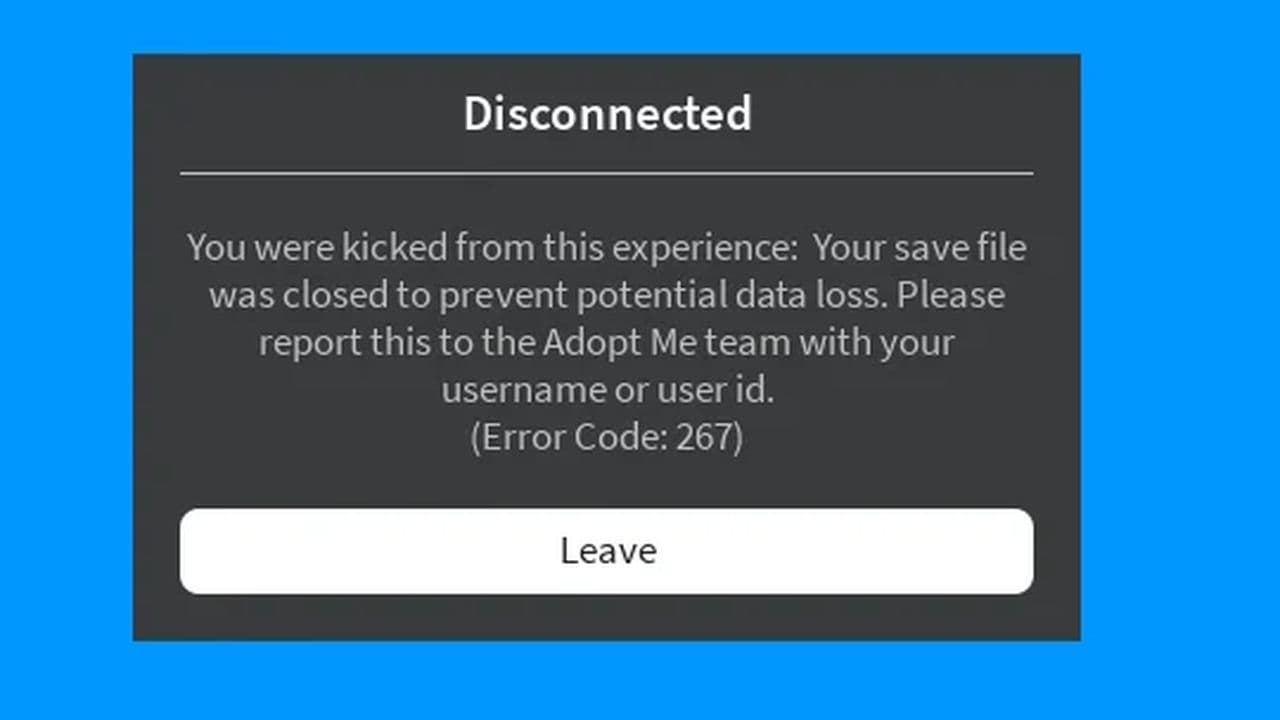
Roblox Error Code 267 can be frustrating, but by following the steps outlined in this guide, you can systematically address the root causes and get back to enjoying your favorite games.
All Related Guides
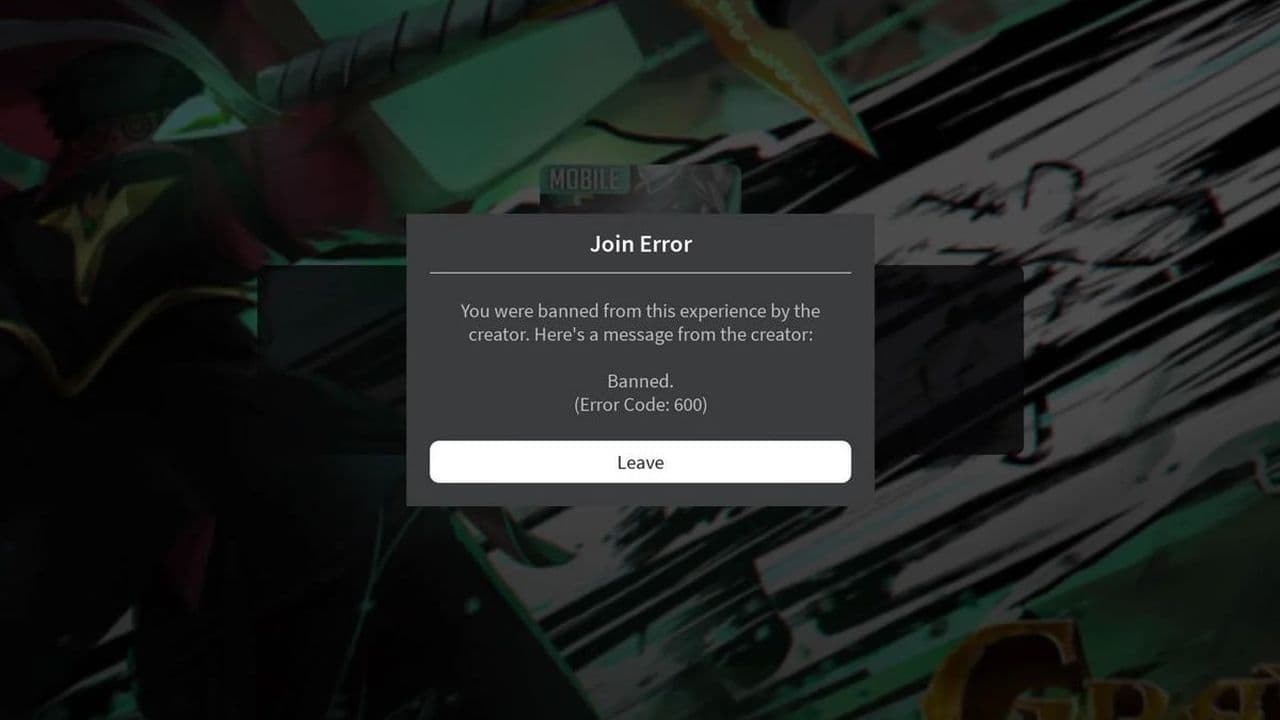 How to fix Roblox error code 600 Learn how to fix Roblox error code 600, understand the new IP-based ban system, and explore potential workarou...
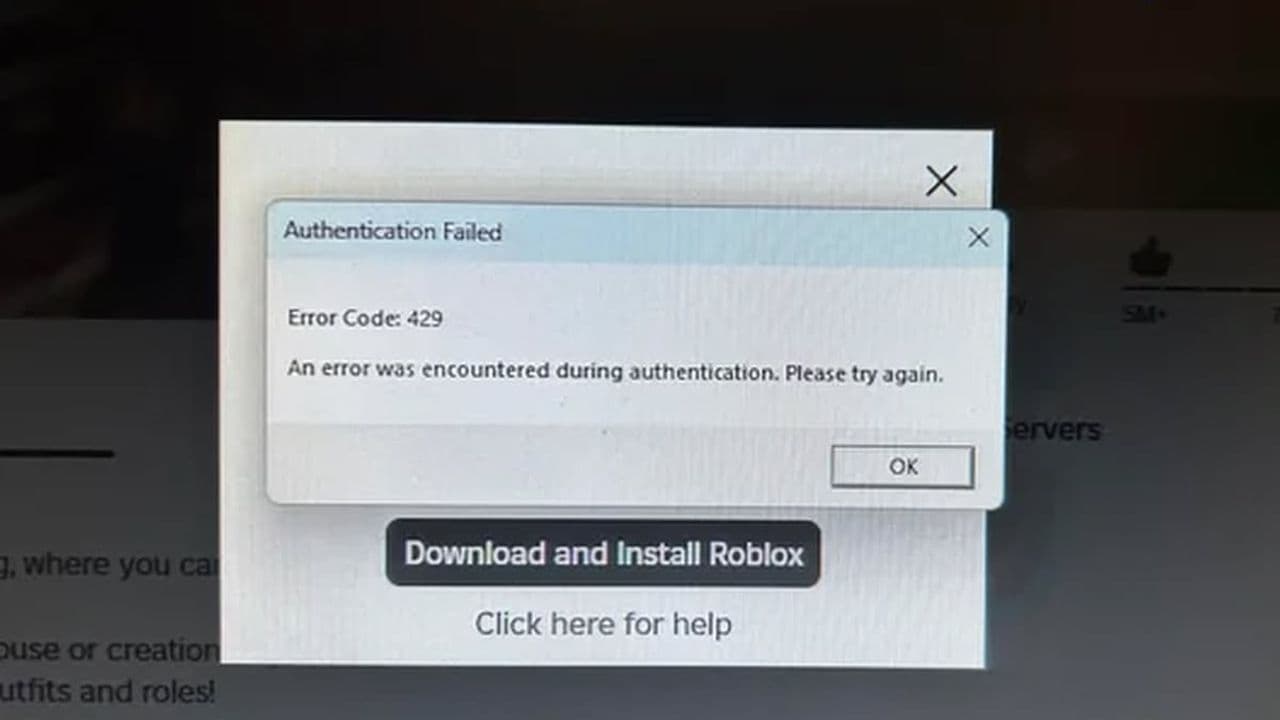 How to fix Roblox error code 429: Authentication issues and too many requestsRoblox error code 429 explained: causes, rate limits, and potential malware risks. Learn how to avoid it and f...
 What does error code e01 mean in Roblox?Roblox error code e01 is one of those uncommon errors but we have a couple of fixes that you must try to fix t...
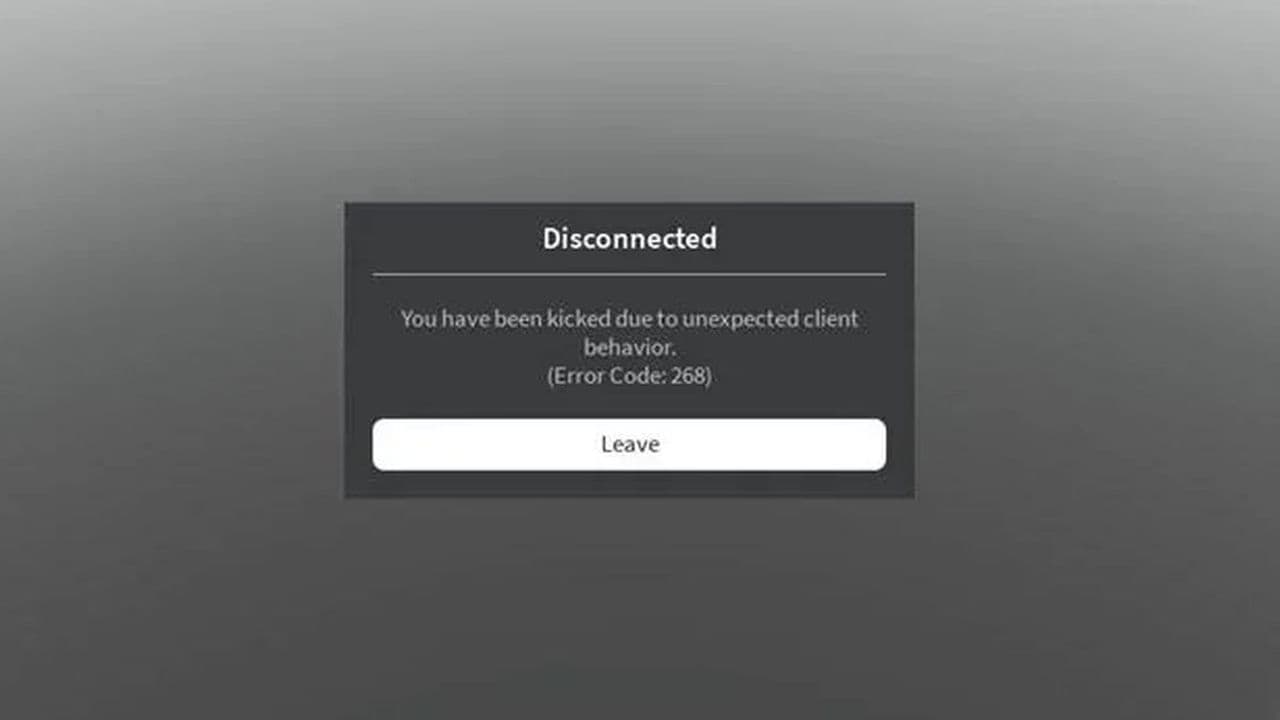 How to fix Roblox error code 268: 8 easy waysLearn 8 simple ways to fix Roblox error code 268 and resolve the "unexpected client behavior" issue. Troublesh...
 How to fix error while updating worn items in RobloxFix the 'error while updating worn items' on Roblox with simple steps. Learn why it happens and how to resolve...
 How to fix Roblox connection error on WindowsThere are many Roblox error codes on Windows and luckily we know a couple of ways to fix them. Check them out ...
 How to fix error code 264 for RobloxRoblox error code 264 is one of the frustrating hiccups that will prevent you from playing the game, unless yo...
 What does code 288 mean in Roblox?All Roblox error codes have different meanings and error code 288 is one of the worst. Here is how to fix it!...
- 1
- 2
- 3
- 4