What does error code e01 mean in Roblox?
This error probably stops you from logging in entirely into Roblox. Here are the potential causes and how to deal with it.
There are several Roblox errors that you may encounter and while some of them are pretty common that you may see more often, others are not very frequent so it gets harder to find fixes. Sometimes, users face issues like "Error Code E01," which stops them from logging in and playing. Roblox error code e01 is one of those uncommon errors that not many people face all the time but we have a couple of fixes that will possibly help you overcome the issue and continue enjoying Roblox without thinking about anything else. Here is everything you need to know about the error code e01 in Roblox!
What does error code e01 mean in Roblox?
Error code E01 in Roblox usually means there are two main issues: either something is wrong with the Roblox files on your device, or there are problems connecting to Roblox's servers. If the files are damaged or changed in the wrong way, Roblox might not start correctly. Connection problems can also stop your device from reaching Roblox's servers needed for logging in.
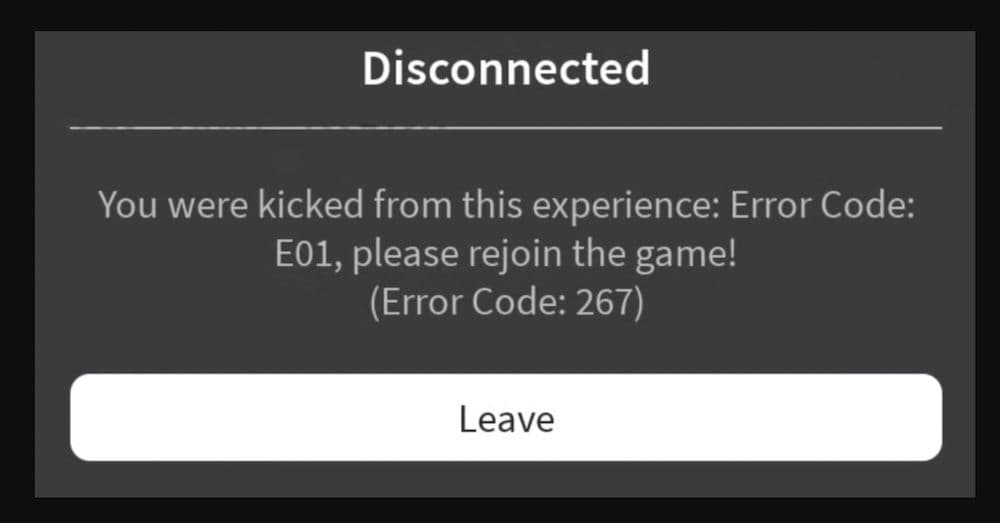
How to fix error code e01 in Roblox
To fix Error Code E01, you need to figure out the problem and then follow the right steps to solve it. Here’s what you can do:
Restore and fix all your Roblox files
If the error is due to corrupted files:
Force Quit and Reinstall Roblox
- On mobile: Close the app completely or remove it from recent applications.
- On PC: Use the Task Manager to close any Roblox processes.
- Find and delete the Roblox folder on your device. On a PC, it's usually located at C:\Program Files (x86)\Roblox.
- Go to the Roblox website, download the latest version, and install it again. This step replaces damaged files with new ones that work.
Update Roblox
Developers often update the app to fix bugs and improve its function. Make sure you have the latest version of Roblox installed to include all these improvements.
Connectivity issues
If the issue might be with your internet connection:
- Restart Your Internet: Turn off your router and modem, wait a minute, then turn them back on. This can fix many common connection problems.
- Check Roblox Server Status: Look at the official Roblox server status page to see if their servers are down. If they are, you'll need to wait until they are fixed.
- Reboot Your Device: Sometimes, just restarting your computer, console, or mobile can solve unexpected problems.
- Clear Cache: Clearing the cache on your device can remove old settings and files that might be causing the error.
Try using a VPN
If you've tried the above steps and still can't connect, using a VPN might help:
- Use a VPN
- Connect through a VPN server, ideally in the US. This can help if your internet service provider is blocking or restricting your connection to Roblox.
- Free VPNs like ProtonVPN or TunnelBear can work, but if you're willing to pay, choose a service known for fast, reliable connections suitable for gaming.
Following these steps should help you solve Error Code E01 in Roblox. Make sure to try each method if the problem persists, as sometimes more than one solution is necessary to get things working again.
How to rejoin Roblox game
Unfortunately, Roblox doesn't have a direct "rejoin game" button for the exact server you were just in if you leave normally. Once you leave a Roblox game, you are typically disconnected from that specific server. However, you can try to rejoin a Roblox game anyway by:
- Checking your "Recently Played" list on your profile and clicking "Join" on the game. This won't guarantee the same server.
- Using an in-game server list if the game has one, to try and find the specific server.
- Joining a friend who is still in the same game through their profile. This is the most reliable way to get back to the same server.
- Using third-party browser extensions (with caution) that might offer a rejoin feature.
If you are looking for more Roblox guides, check these pieces out too:
All Related Guides
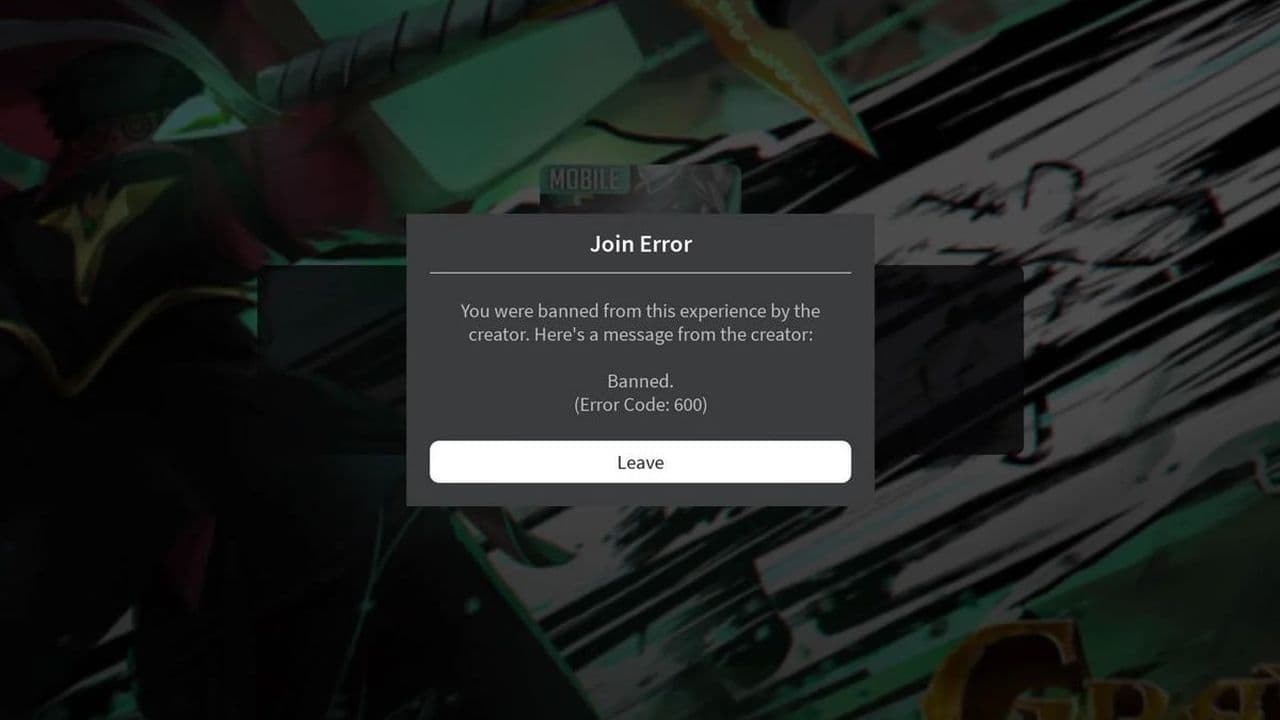 How to fix Roblox error code 600 Learn how to fix Roblox error code 600, understand the new IP-based ban system, and explore potential workarou...
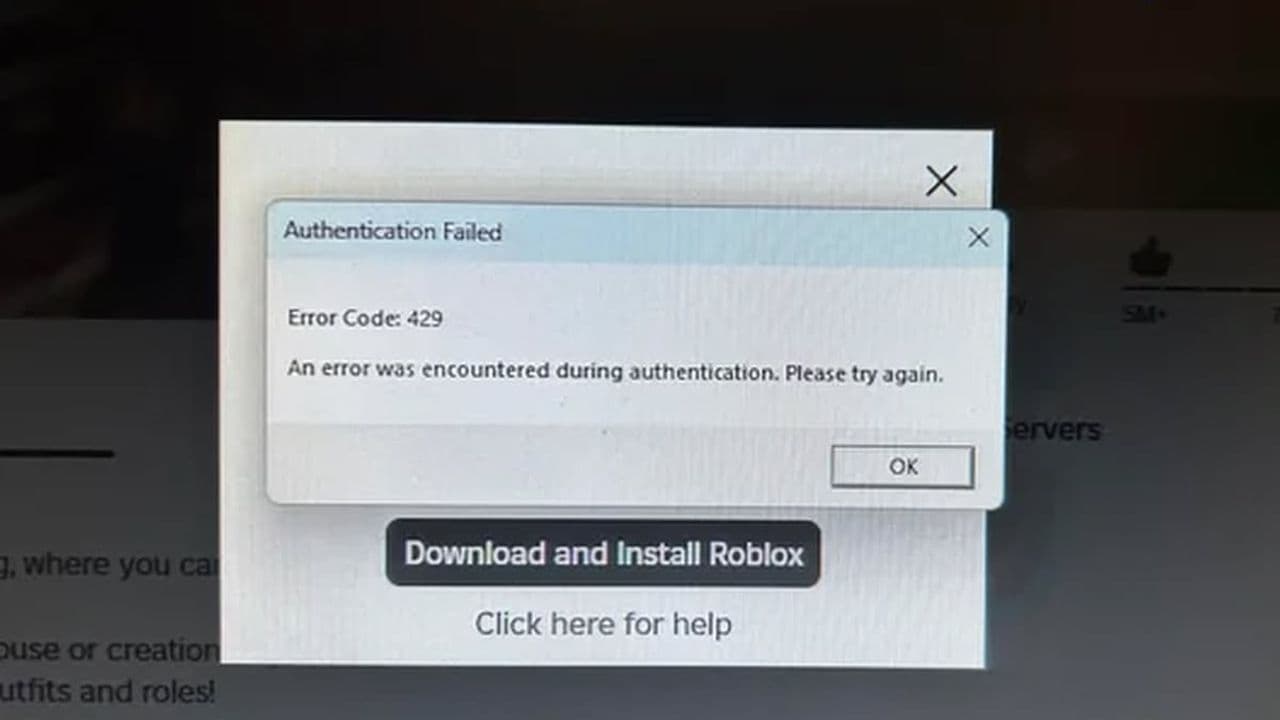 How to fix Roblox error code 429: Authentication issues and too many requestsRoblox error code 429 explained: causes, rate limits, and potential malware risks. Learn how to avoid it and f...
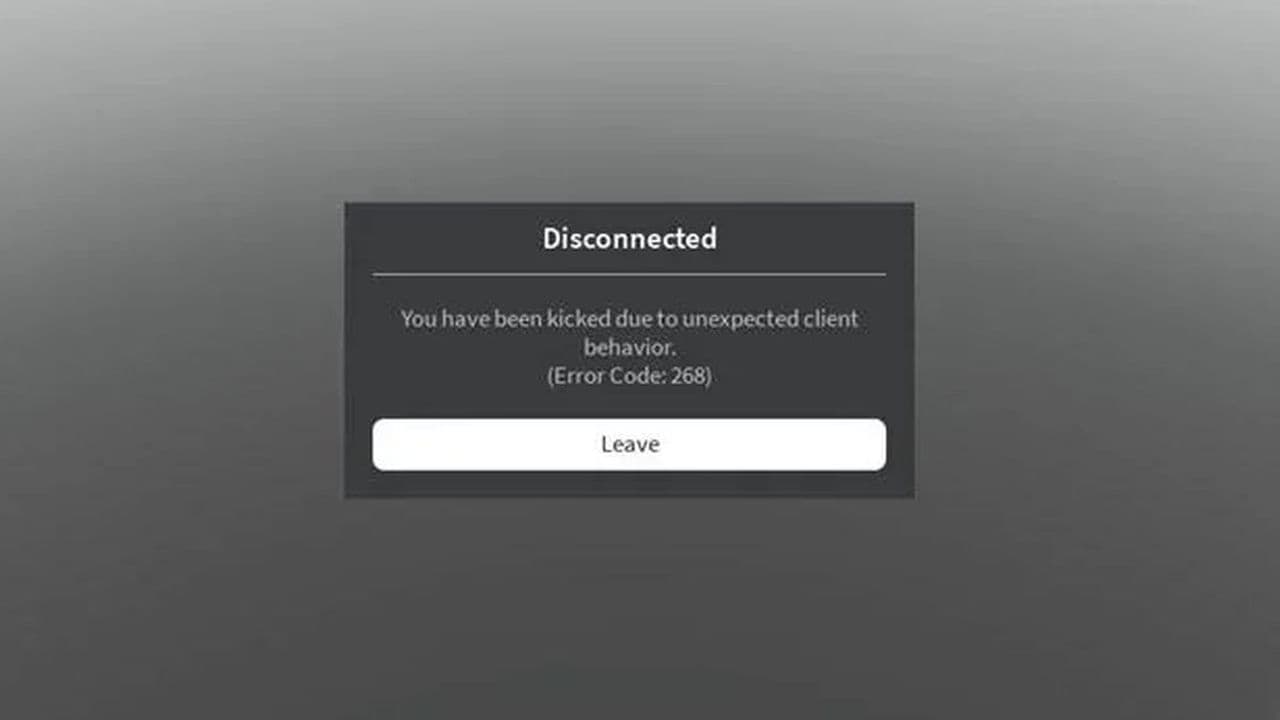 How to fix Roblox error code 268: 8 easy waysLearn 8 simple ways to fix Roblox error code 268 and resolve the "unexpected client behavior" issue. Troublesh...
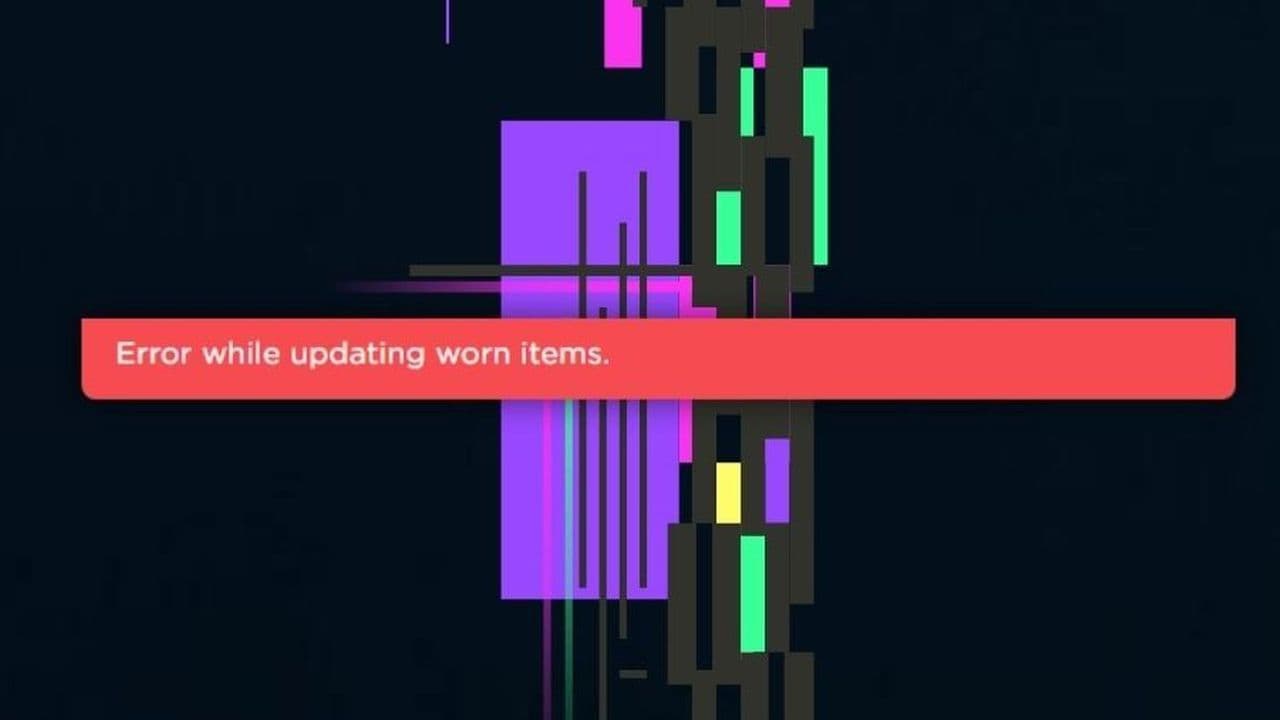 How to fix error while updating worn items in RobloxFix the 'error while updating worn items' on Roblox with simple steps. Learn why it happens and how to resolve...
 How to fix Roblox connection error on WindowsThere are many Roblox error codes on Windows and luckily we know a couple of ways to fix them. Check them out ...
 How to fix error code 264 for RobloxRoblox error code 264 is one of the frustrating hiccups that will prevent you from playing the game, unless yo...
 What does code 288 mean in Roblox?All Roblox error codes have different meanings and error code 288 is one of the worst. Here is how to fix it!...
 How to fix error code 529 in RobloxError 529 is one of the frustrating hiccups in Roblox but we have a couple of tips for you to get rid of this ...
- 1
- 2
- 3
- 4