How to fix error code 264 for Roblox
This Roblox error should be an easy fix.
Roblox errors have always been frustrating yet they still happen if there is anything wrong with launching or running the game. One common issue players might face is error code 264. This error often occurs when a player logs into their Roblox account from multiple devices at the same time. Roblox detects these simultaneous logins and stops the game from starting to protect the user's account.
What does code 264 mean in Roblox?
Roblox mainly includes this security measure to prevent unauthorized access to your account. Although it is meant to protect you, it can sometimes prevent you from accessing the game even when there’s no actual threat. Other reasons you might see this error include problems like a weak internet connection or issues with the Roblox app’s stored data, known as cache.
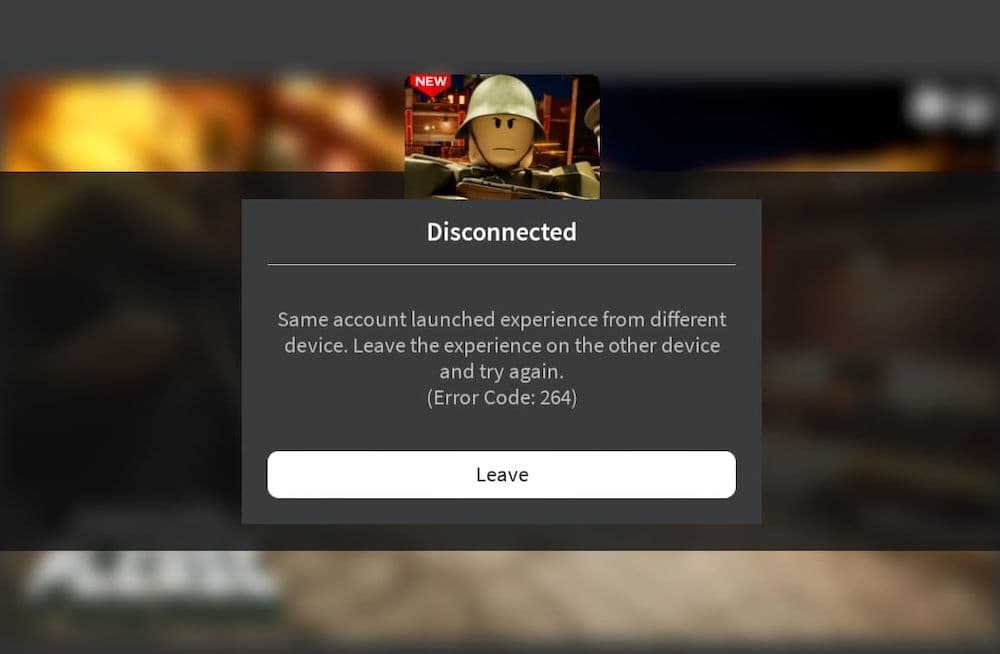
How to fix Roblox error code 264
Normally, logging out of all your Roblox accounts will solve error code 264. It is the main reason you see this error but just in case it doesn’t fix it for you, we found a couple of more fixes for you. Here is everything you can do against Roblox error code 264, don’t forget to start with logging out of your accounts.
Log Out of All Roblox Accounts
To fix the error, make sure you log out from all devices where you are currently logged into Roblox. You can do this on a computer by clicking the logout option located in the upper right corner of the Roblox window. After logging out from all devices, try logging in again but only use one device this time.
Restart Your Router
One of the easiest fixes is to restart your router. This can solve many common connectivity issues that might be causing the error code 264. Turning your router off and then back on can refresh your network settings and help your device communicate better with Roblox servers.
Flush Your DNS Cache
Another possible solution is to clear your computer’s DNS cache. This is especially useful if the error is related to network problems. To clear the DNS cache on a Windows computer:
- Open the Command Prompt as an administrator.
- Type ipconfig /flushdns and press Enter. This action refreshes your DNS settings, which could resolve the error by improving how your computer connects to Roblox servers.
Clear the Roblox Cache
If the error persists after you’ve logged out from all devices, the next step is to clear your Roblox cache. Here’s how to do it on a Windows computer:
- Press Windows + R to open the Run dialog box.
- Type %temp%\Roblox and press Enter.
- A folder will open. Press Ctrl + A to select all files in this folder.
- Press Shift + Delete to remove these files permanently. Clearing out these files helps remove any damaged or corrupted data that might be causing the error.
Update Roblox
Sometimes, an outdated version of Roblox can cause error 264. Make sure your Roblox app is up-to-date by exiting and restarting the app. When you relaunch Roblox, it automatically checks for updates and installs them if any are available. If you are using a Windows PC and downloaded Roblox from the Microsoft Store, go to the Library section in the Store and click "Update" next to Roblox.
By following these steps, you can likely solve the issue of error code 264 and return to playing Roblox without interruptions. It’s important to regularly update your software and log out from extra devices when not using them to avoid such problems.
How do I make my Roblox run better?
To enhance your Roblox experience, consider the following steps:
By implementing these strategies, you can enjoy a smoother and more responsive Roblox gaming experience.
All Related Guides
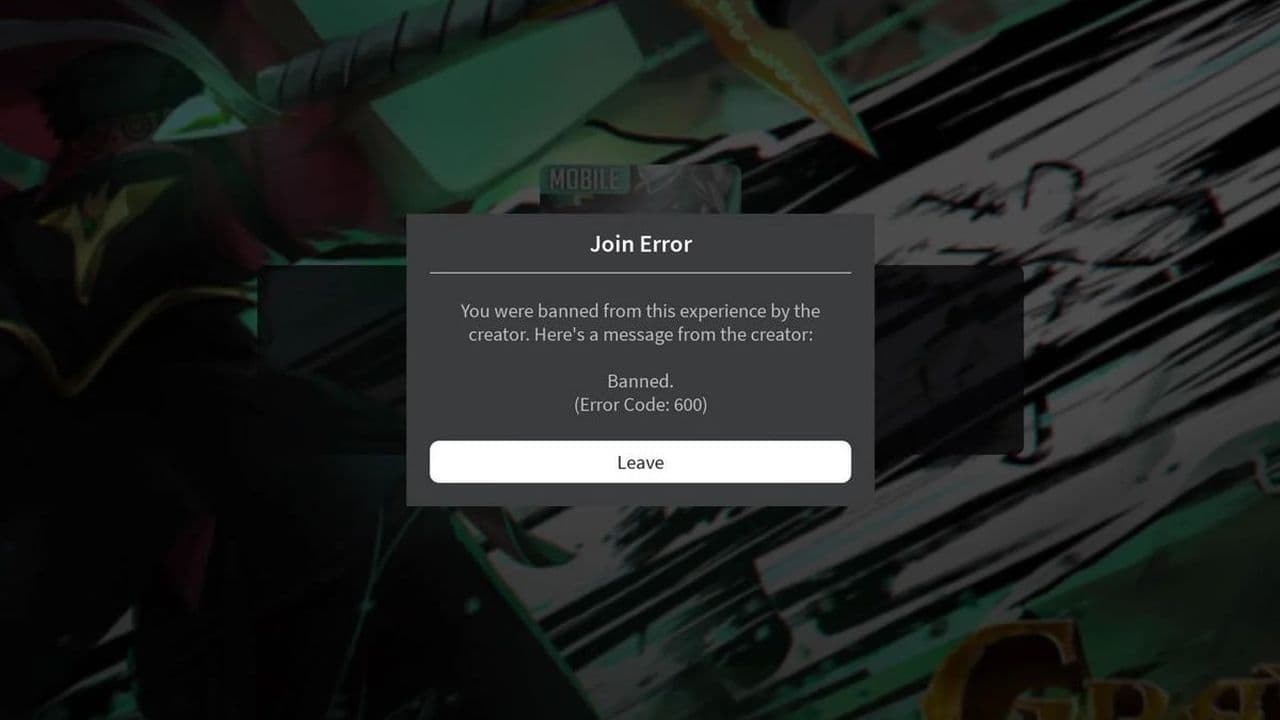 How to fix Roblox error code 600 Learn how to fix Roblox error code 600, understand the new IP-based ban system, and explore potential workarou...
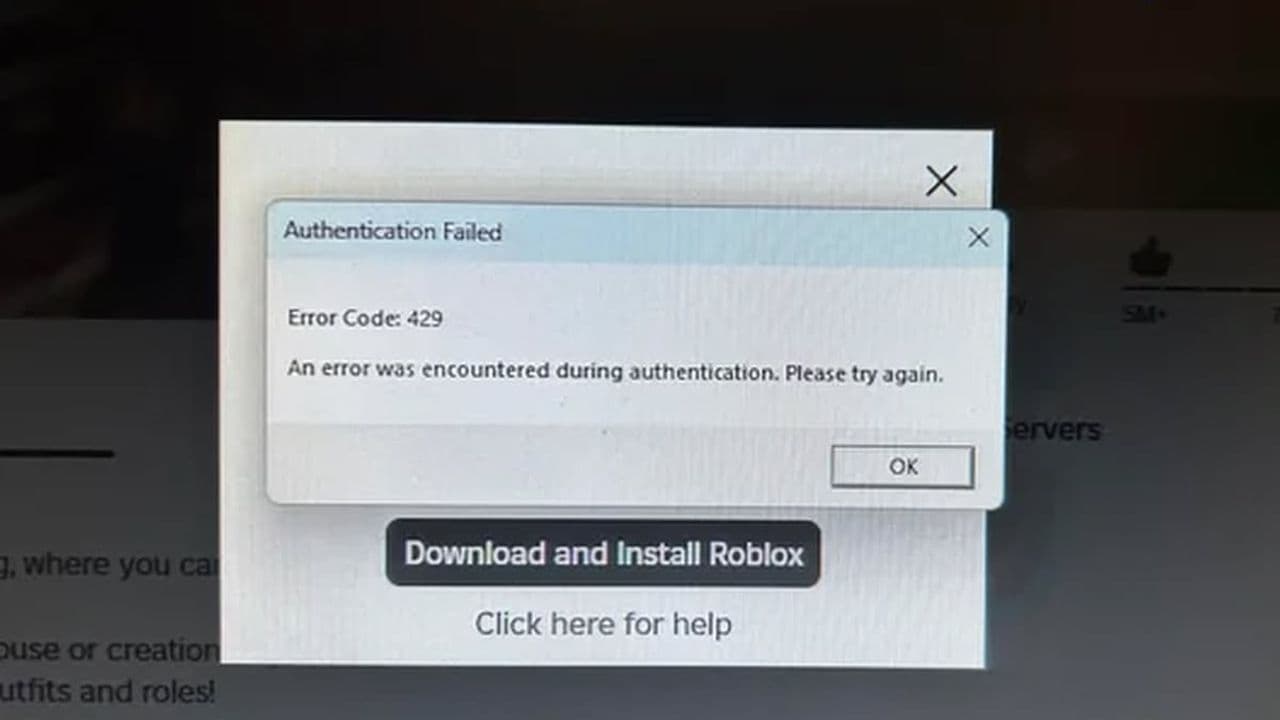 How to fix Roblox error code 429: Authentication issues and too many requestsRoblox error code 429 explained: causes, rate limits, and potential malware risks. Learn how to avoid it and f...
 What does error code e01 mean in Roblox?Roblox error code e01 is one of those uncommon errors but we have a couple of fixes that you must try to fix t...
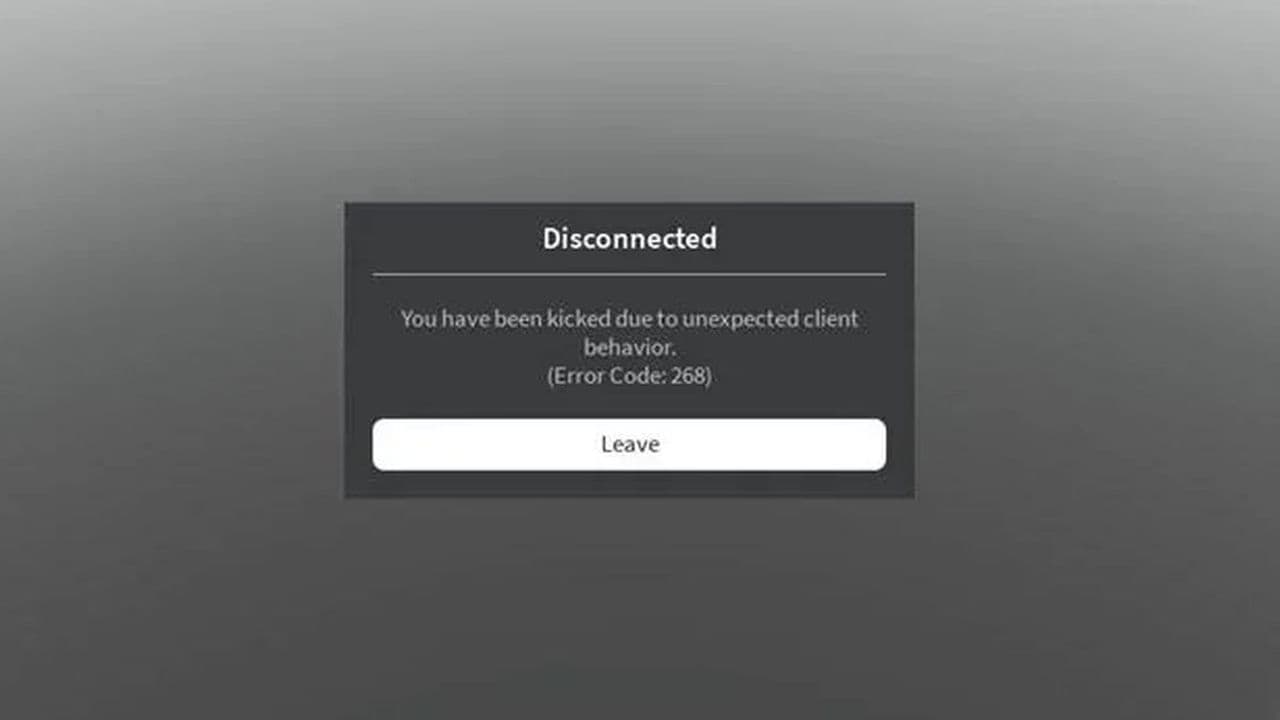 How to fix Roblox error code 268: 8 easy waysLearn 8 simple ways to fix Roblox error code 268 and resolve the "unexpected client behavior" issue. Troublesh...
 How to fix error while updating worn items in RobloxFix the 'error while updating worn items' on Roblox with simple steps. Learn why it happens and how to resolve...
 How to fix Roblox connection error on WindowsThere are many Roblox error codes on Windows and luckily we know a couple of ways to fix them. Check them out ...
 What does code 288 mean in Roblox?All Roblox error codes have different meanings and error code 288 is one of the worst. Here is how to fix it!...
 How to fix error code 529 in RobloxError 529 is one of the frustrating hiccups in Roblox but we have a couple of tips for you to get rid of this ...
- 1
- 2
- 3
- 4