How to fix Roblox error code 268: 8 easy ways
This annoying Roblox error may seem like a big hurdle but should be an easy fix.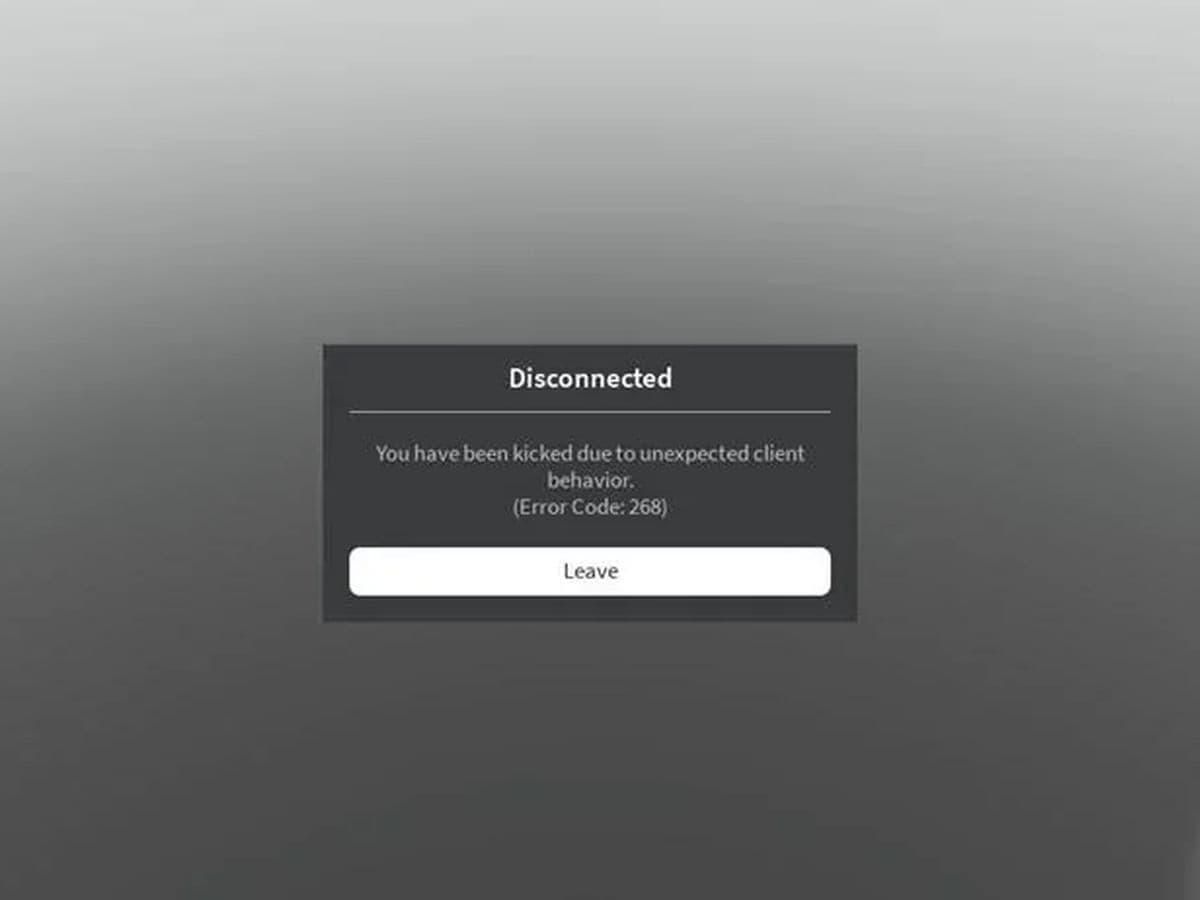
Facing Roblox error code 268—the "You have been kicked due to unexpected client behavior" message—can feel like hitting a brick wall. The good news is, it can be fixed.
Let’s break down what Roblox error code 268 really is, why it occurs, and how to resolve it with practical solutions.
What is Roblox error code 268?
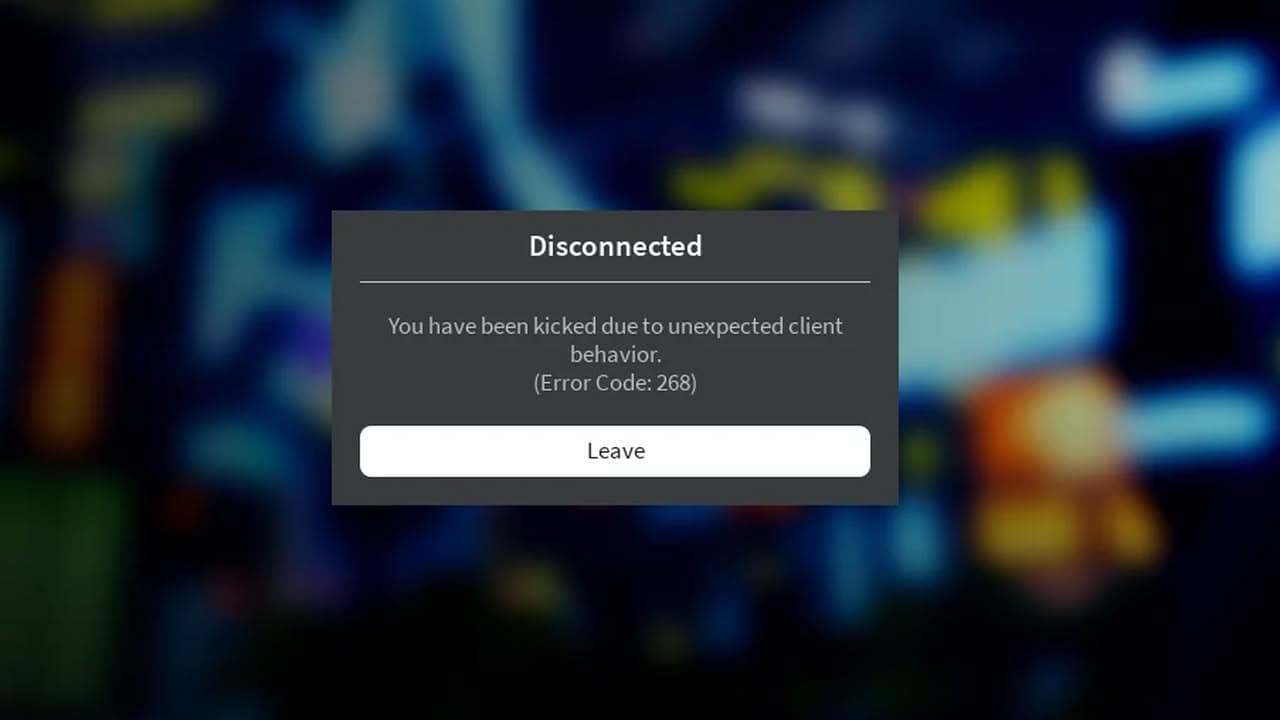
Error code 268 is a disconnection error that indicates that Roblox has detected unusual client behavior. Like cheating. The typical message reads:
"Disconnected. You have been kicked due to unexpected behavior (error code 268)."
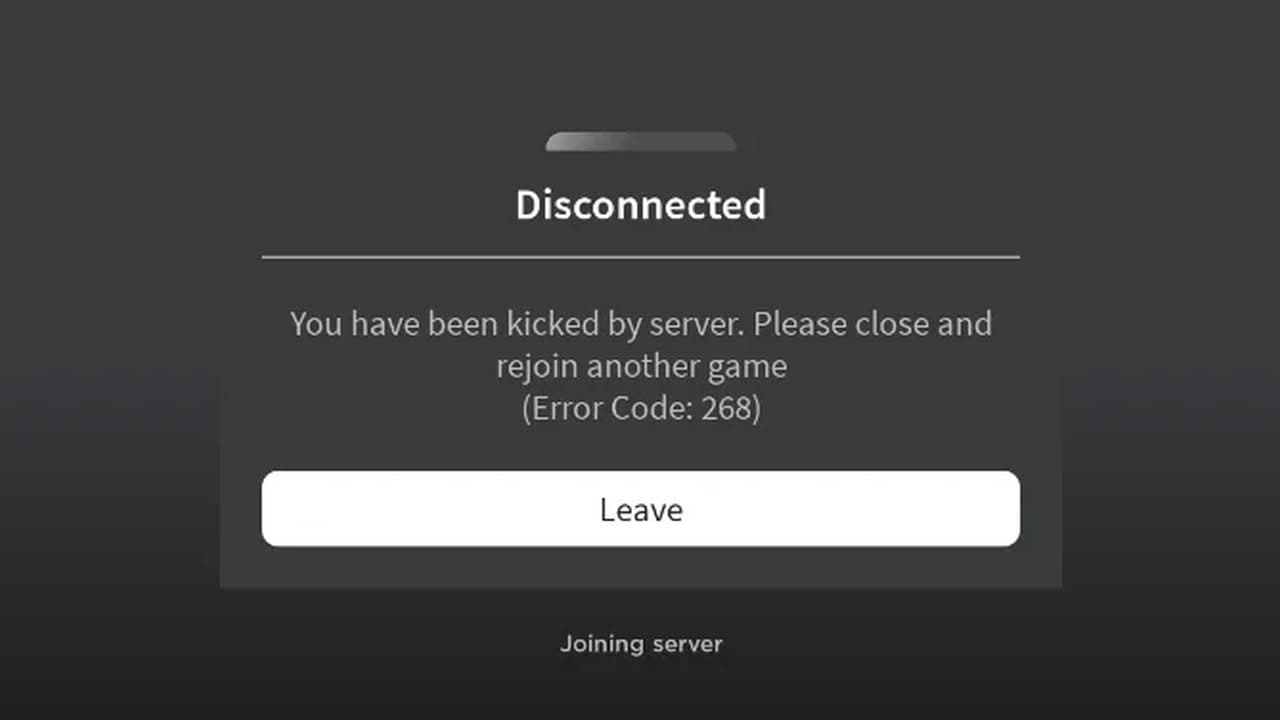
This error can occur due to a variety of issues, including suspected cheating or using exploit software. However, it doesn’t always mean you're using cheats or hacks—sometimes, it's simply due to software conflicts, network issues, or even server-side glitches, including but not limited to:
- Browser extensions or add-ons that interfere with Roblox’s functionality.
- Corrupt cache files in Roblox that may cause performance issues.
- Antivirus or firewall settings block Roblox from running correctly.
- Internet connection issues or network instability, particularly if you’re using a VPN.
- IP-related issues where Roblox’s servers temporarily stop trusting your network.
How to fix Roblox error code 268
If you're encountering error code 268, don’t panic. Here are several solutions, starting from the easiest to more technical fixes.
Turn off any Roblox cheats or hacks
First things first: make sure you’re not using any cheat software or exploits. Even programs running in the background can trigger this error. If you're using third-party apps, close them, restart your computer, and try launching Roblox again.
Restart your computer
Even if you don’t use cheats, this classic solution often works wonders. Restarting your device helps reset any temporary bugs or issues that may be triggering the error. After restarting, reopen Roblox and check if the error persists.
Disable browser extensions
Conflicting browser extensions or add-ons could be the culprit behind Error 268. Here's how to disable them for different browsers:
- Chrome: Click the puzzle piece icon next to the search bar, select Manage Extensions, and toggle off any extensions.
- Microsoft Edge: Go to Manage Extensions and turn off all add-ons.
- Firefox: Click the puzzle piece icon, select Manage Extensions, and toggle off the extensions.
- Safari: Go to Preferences > Extensions and uncheck boxes next to any active extensions.
Once all extensions are off, restart your browser and try running Roblox again.
Clear Roblox Cache Files
Corrupt cache files can prevent Roblox from functioning properly. Clearing these can solve many problems without affecting your saved progress (which is stored on Roblox servers). Follow these steps:
- Windows: Open File Explorer and type %localappdata% into the search bar. Find and delete the Roblox folder.
- Mac: Open Finder, go to Go > Go to Folder..., type ~/Library/Caches/, and delete the Roblox folder.
After clearing the cache, restart your device and see if Roblox works.
Turn off your antivirus or firewall
Sometimes, antivirus software mistakenly identifies Roblox as a threat. If you’re using Windows' built-in antivirus, search for "Virus & Threat Protection" and toggle off Real-Time Protection. Similarly, if you’re using a third-party antivirus, check its settings to temporarily disable it
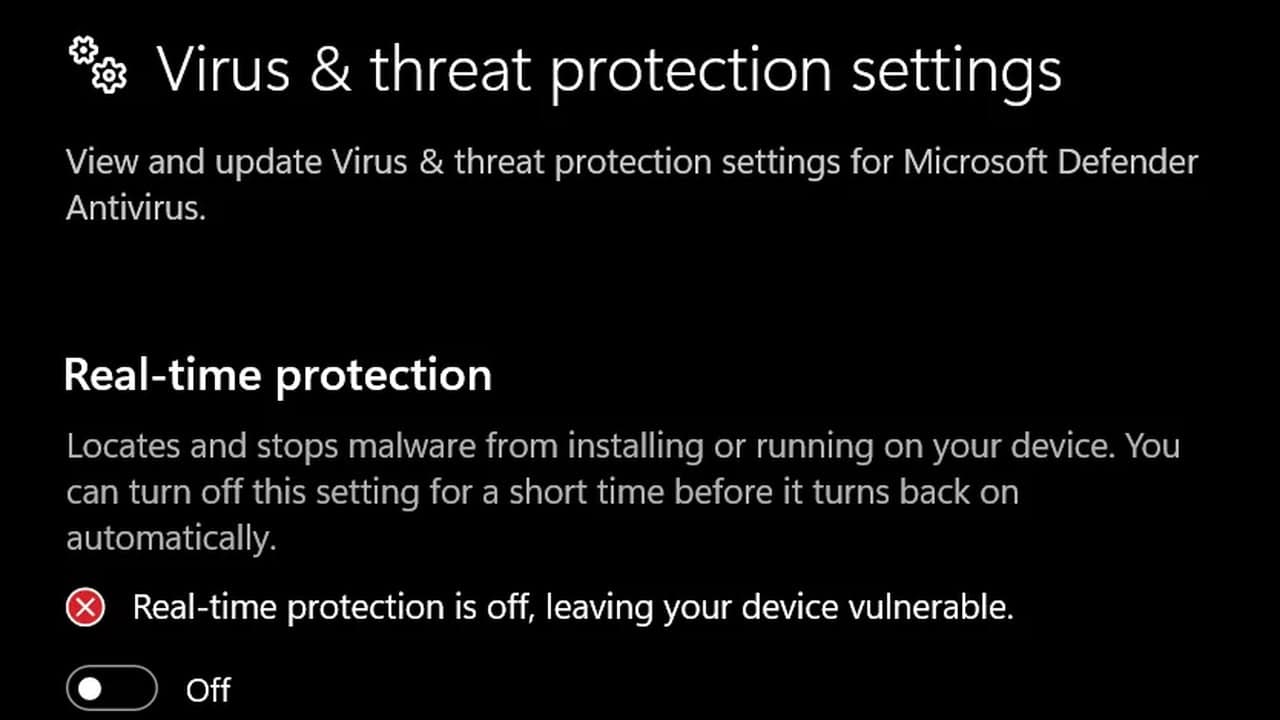
Proceed with caution—disable your antivirus only to test if this resolves the issue, and be sure to turn it back on afterward.
Flush your DNS cache
Flushing the DNS cache can resolve networking problems that might be causing the error. To do this:
- Open Command Prompt as an administrator.
- Type the command ipconfig /flushdns and hit Enter.
- Restart your computer and try Roblox again.
This solution is particularly useful if you suspect connectivity issues.
Try a different network or use a VPN
If the Roblox error code 268 seems tied to your Wi-Fi, as it was for some players, try switching to a different network. You could use your mobile hotspot or connect through a VPN to test whether the issue lies with your current internet connection.
In some cases, Roblox’s servers might temporarily "distrust" your network, especially if multiple connections or activities are flagged as suspicious. Using a VPN can bypass this restriction, though it's worth noting that VPN usage can sometimes cause issues too.
Reinstall Roblox
If none of the previous methods work, reinstalling Roblox might help reset any faulty configurations or files. This is a last resort, but it often resolves persistent problems.
- Windows: Go to Apps & Features, find Roblox, and click Uninstall. Download and reinstall from the official Roblox website.
- Mac: Drag the Roblox app to the Trash, then download a fresh version from Roblox’s site.
The exact cause of Roblox error code 268 remains unclear, but many users, including you, have found it linked to network behavior. Roblox’s anti-cheat system may misinterpret normal activity as suspicious, temporarily banning your connection. Server issues, account restrictions, or software conflicts could also be factors. If you are still having issues, contact Roblox Support.
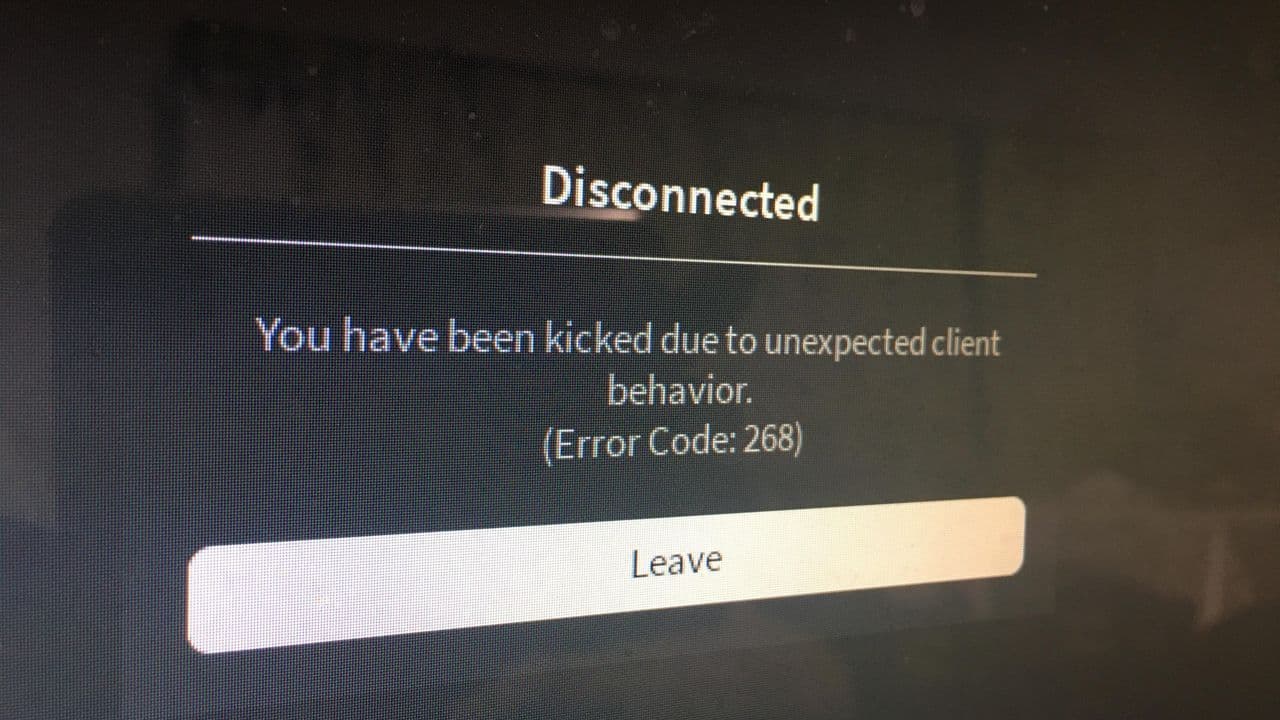
So, how to fix Roblox kicked due to unexpected client behavior?
Want to explore more Roblox issues? Check out these:
All Related Guides
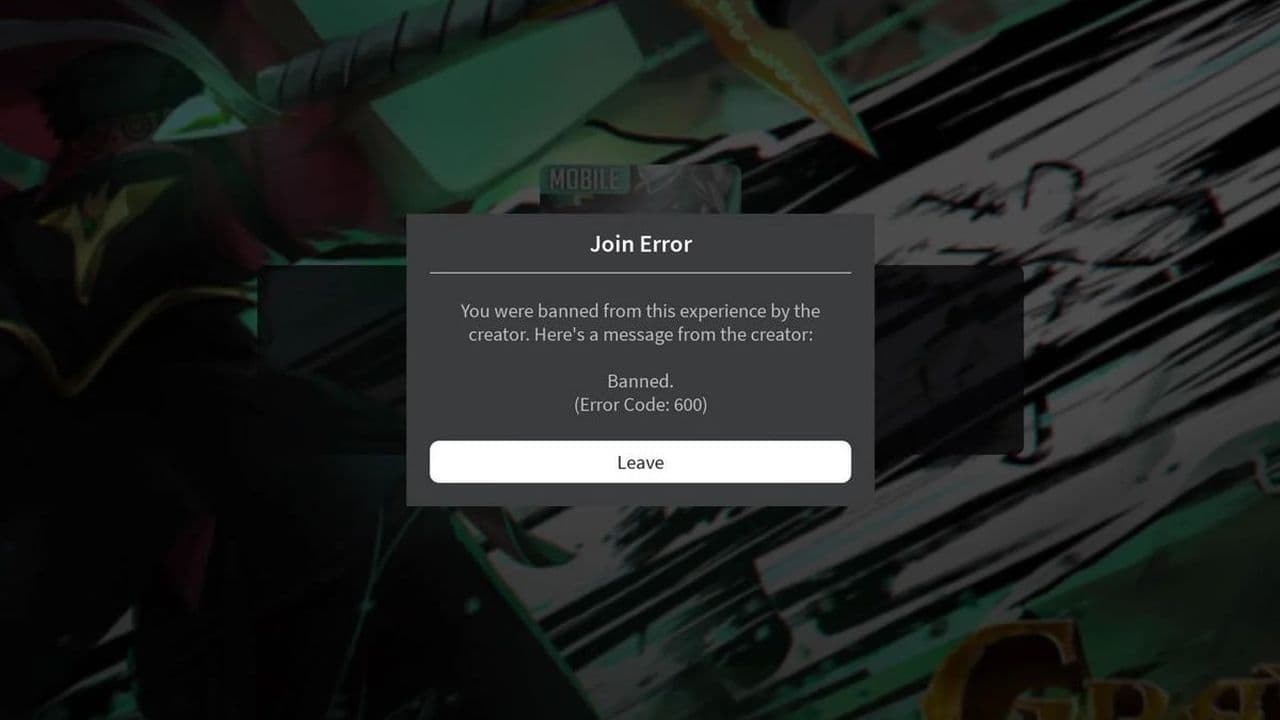 How to fix Roblox error code 600 Learn how to fix Roblox error code 600, understand the new IP-based ban system, and explore potential workarou...
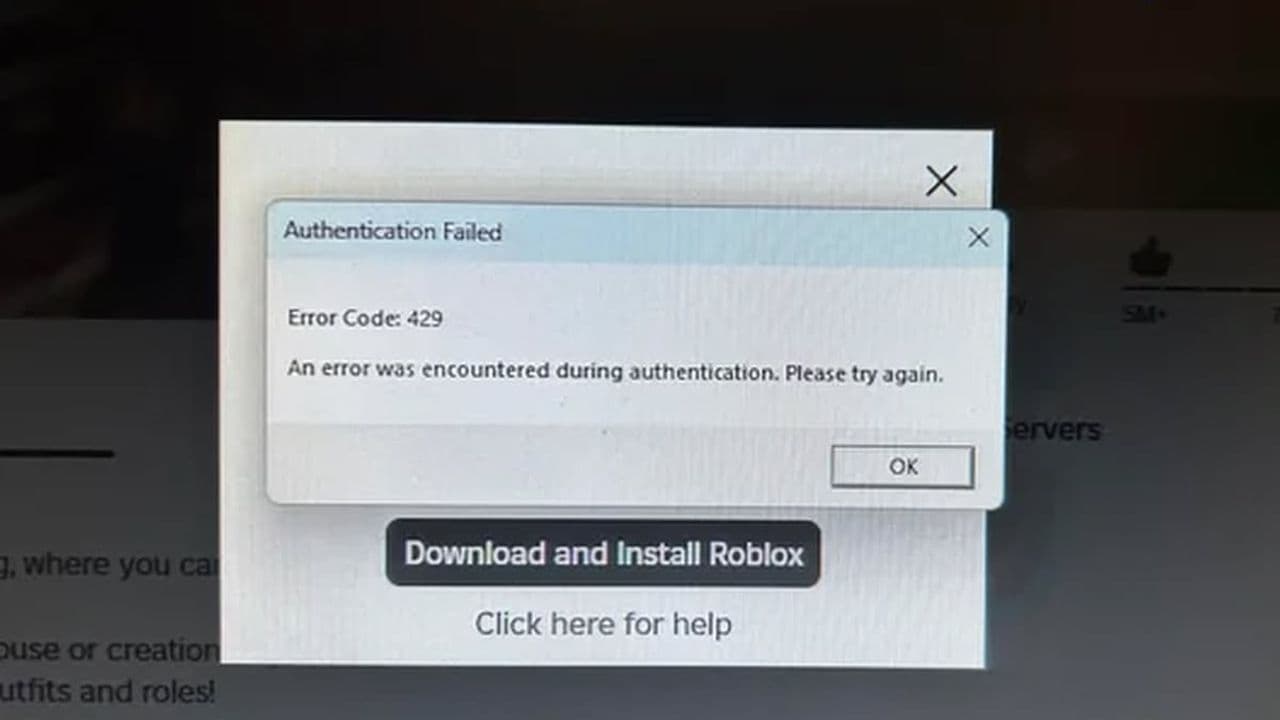 How to fix Roblox error code 429: Authentication issues and too many requestsRoblox error code 429 explained: causes, rate limits, and potential malware risks. Learn how to avoid it and f...
 What does error code e01 mean in Roblox?Roblox error code e01 is one of those uncommon errors but we have a couple of fixes that you must try to fix t...
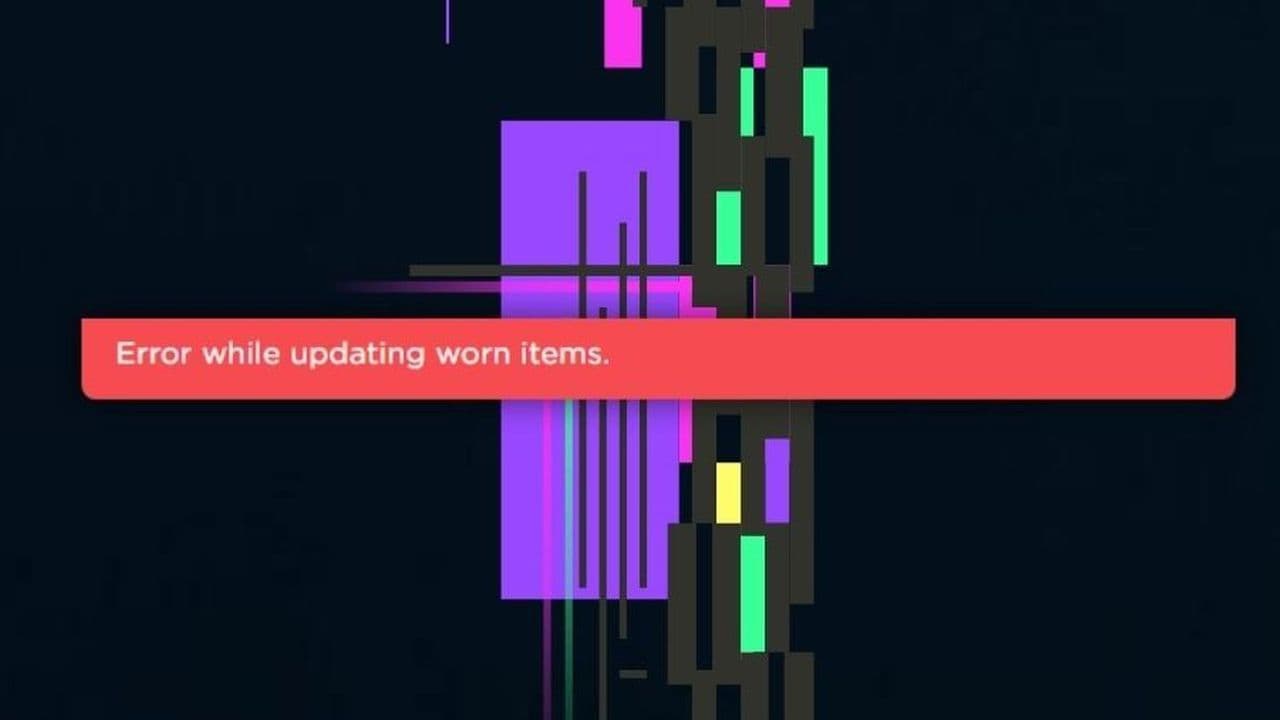 How to fix error while updating worn items in RobloxFix the 'error while updating worn items' on Roblox with simple steps. Learn why it happens and how to resolve...
 How to fix Roblox connection error on WindowsThere are many Roblox error codes on Windows and luckily we know a couple of ways to fix them. Check them out ...
 How to fix error code 264 for RobloxRoblox error code 264 is one of the frustrating hiccups that will prevent you from playing the game, unless yo...
 What does code 288 mean in Roblox?All Roblox error codes have different meanings and error code 288 is one of the worst. Here is how to fix it!...
 How to fix error code 529 in RobloxError 529 is one of the frustrating hiccups in Roblox but we have a couple of tips for you to get rid of this ...
- 1
- 2
- 3
- 4