How to fix Roblox error code 429: Authentication issues and too many requests
This error can block you from making further actions in Roblox. Here are the reasons and why you should fix it quick.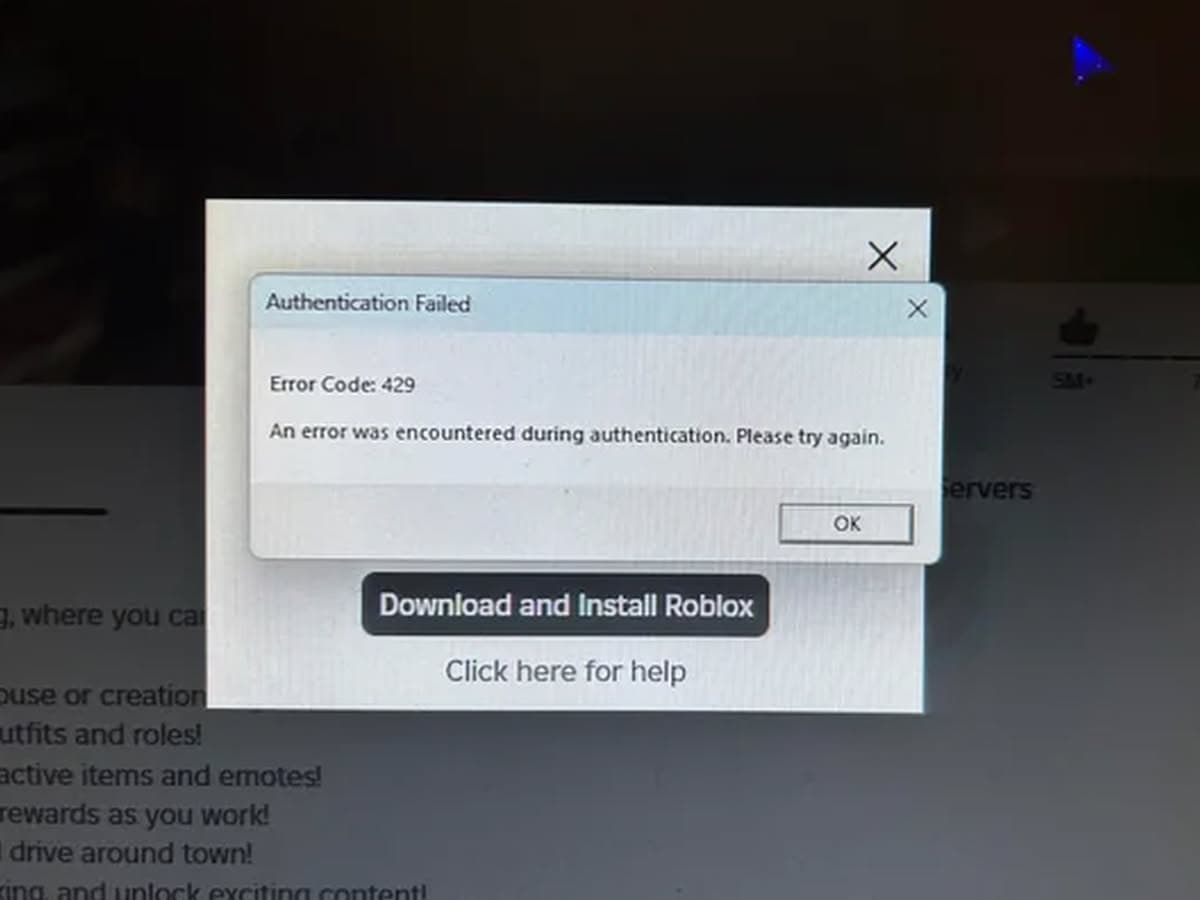
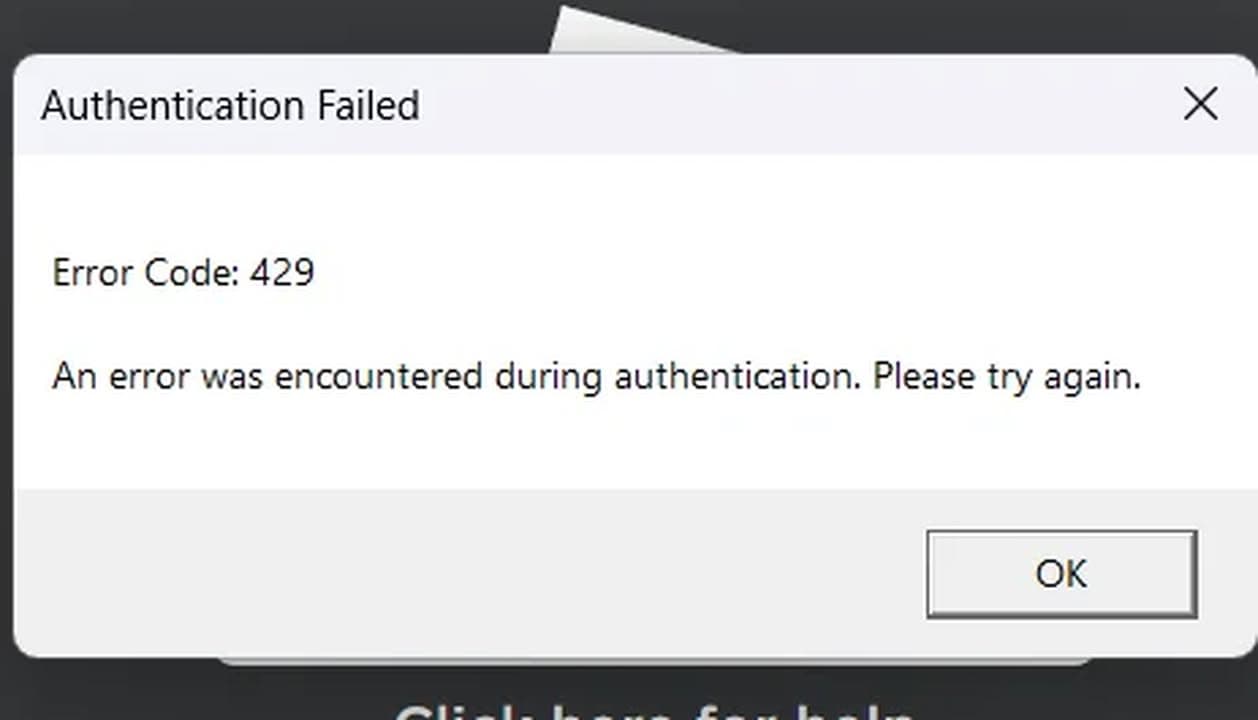
If you’ve been hit with Roblox error code 429, you know how annoying it is. You try to join a game, open Roblox Studio, or test your game, and you’re blocked by the error message: "An error was encountered during authentication. Please try again." But what does this really mean, can you fix it, and what is the danger ahead?
What is Roblox error code 429?
Error code 429 is related to too many requests being sent to Roblox’s servers in a short period, but it shows up as an authentication error, sometimes with the Roblox error 403.
Roblox has set a limit on how many actions (like requests for data) you can make in a given period. When you go over this limit, you get blocked temporarily to prevent overloading the servers. This is called rate limiting.
Here are common situations where Roblox error 429 pops up:
- Joining games: You try to join a game, but the game won’t load, showing an error instead.
- Opening Roblox Studio: When using Edit via the website, Studio sometimes refuses to open and gives you an error message.
- Playtesting in Studio: When your code uses the MarketPlaceService:GetProductInfo() function a lot, it can trigger error 429. This happens because your game is asking for too much product information too quickly.
Simply, Roblox error code 429 happens when you send too many requests to the servers in a short time, causing them to temporarily block further actions. This usually occurs when logging in repeatedly or, for developers, making excessive API requests in Studio or during gameplay. The system enforces rate limits to manage traffic, but when exceeded, it leads to this error.
Is there a fix for Roblox error code 429?
There’s no direct fix for this error, but you can try some workarounds:
- Slow down your requests: Try not to overload Roblox’s servers with too many actions too quickly. For example, if you’re coding in Studio, make sure your scripts don’t constantly ask for unnecessary information. Add pauses between requests to stay within the limit.
- Check Roblox server status: Sometimes, the issue might not be on your end. Check the Roblox server status on their official website or third-party sites. If the servers are experiencing issues, you may need to wait until they are back up and running properly.
- Retry after a short break: If you see this error while joining games or editing, try reconnecting after waiting a few minutes. Sometimes, waiting 15 minutes to an hour will let the system reset, and you’ll be able to proceed without issues.
- Contact Roblox Support: If the problem continues and you can’t seem to resolve it, consider reaching out to Roblox support. They can provide assistance and help troubleshoot your specific situation.
- Optimize your code: If you’re developing a game, make sure you follow best practices when using Roblox’s API. Avoid sending too many requests unnecessarily to prevent the error from popping up.
- Wait for the rate limit to reset: The error should go away after 15 minutes to an hour. This is when the rate limit usually resets, and you can try again
Danger ahead: Other Roblox error code 429
According to Redditors, if you see the error message “Failed to download Studio Data,” it may indicate that your system is infected with a virus or malware, especially if this issue occurs alongside other unusual behavior.
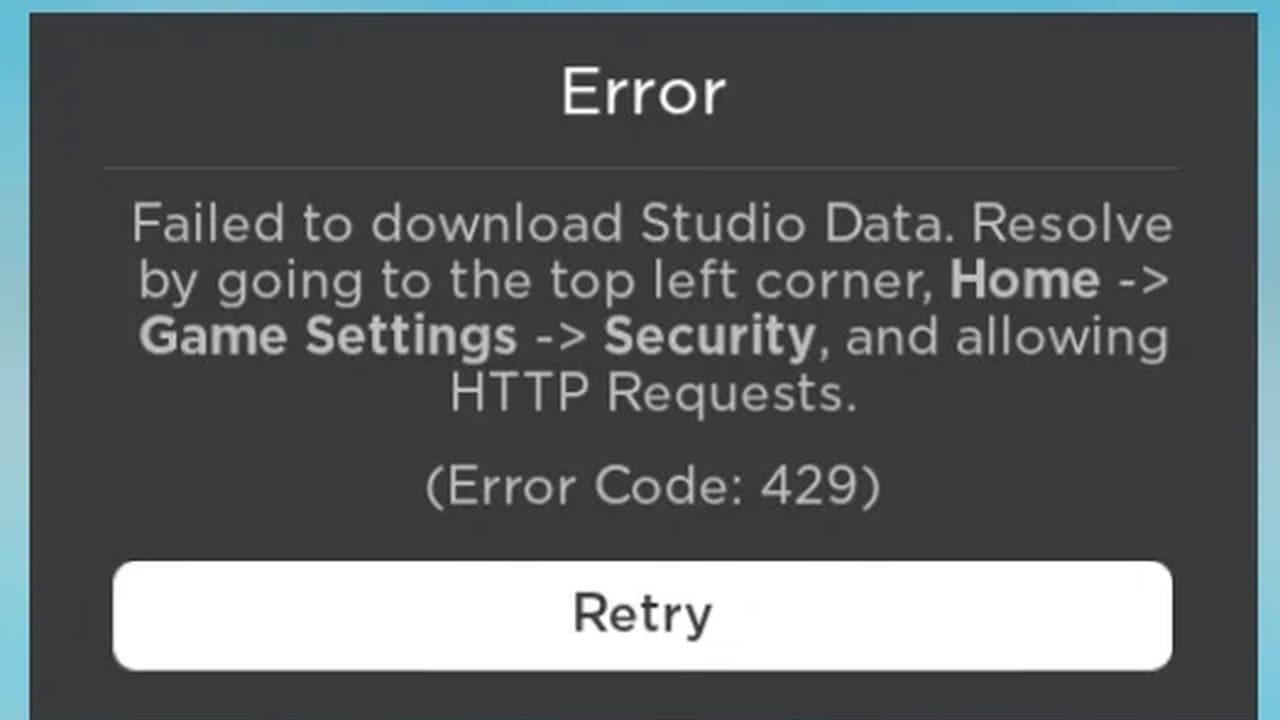
To resolve this, first, uninstall Roblox from your computer to ensure any potential malware is removed. After that, run a complete antivirus scan to check for and eliminate any harmful software. Once your system is clean, reinstall Roblox to ensure you have a fresh and secure version. This process should help you get back to using Roblox Studio without any issues.
Yes, Roblox error code 429 is annoying, but it’s a result of making too many requests in a short time.
All Related Guides
 How to fix Roblox error code 600 Learn how to fix Roblox error code 600, understand the new IP-based ban system, and explore potential workarou...
 What does error code e01 mean in Roblox?Roblox error code e01 is one of those uncommon errors but we have a couple of fixes that you must try to fix t...
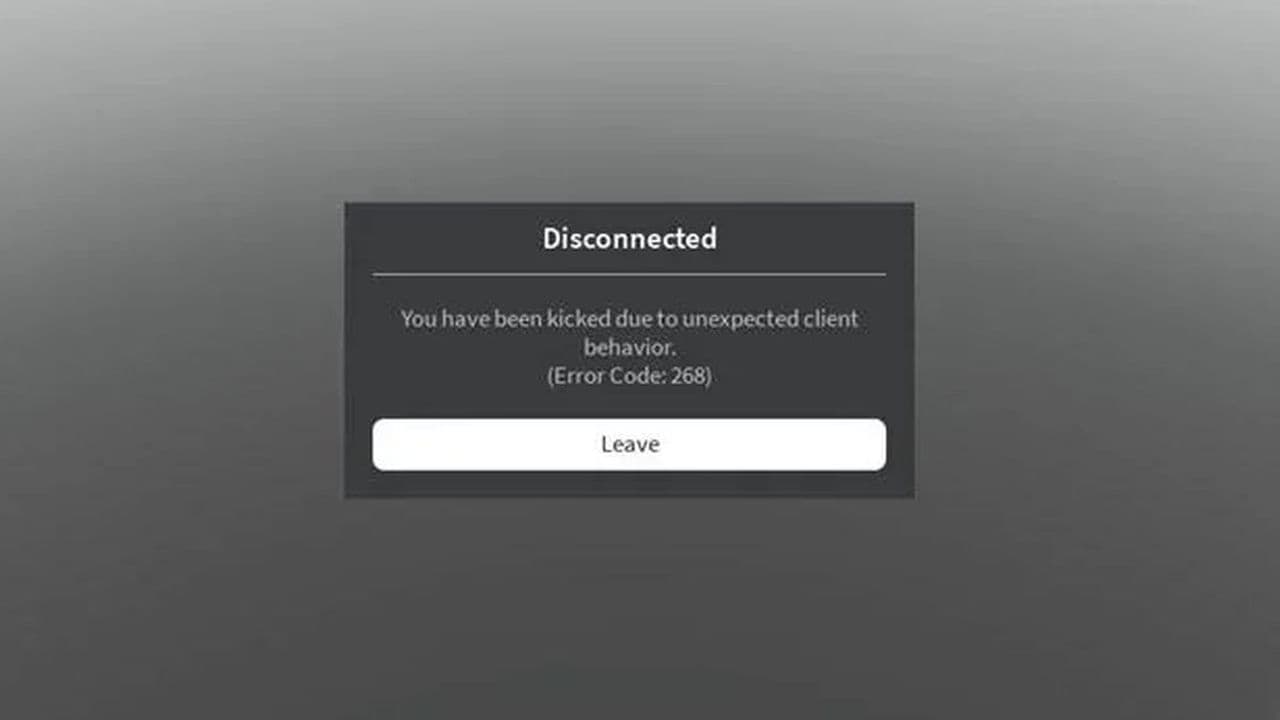 How to fix Roblox error code 268: 8 easy waysLearn 8 simple ways to fix Roblox error code 268 and resolve the "unexpected client behavior" issue. Troublesh...
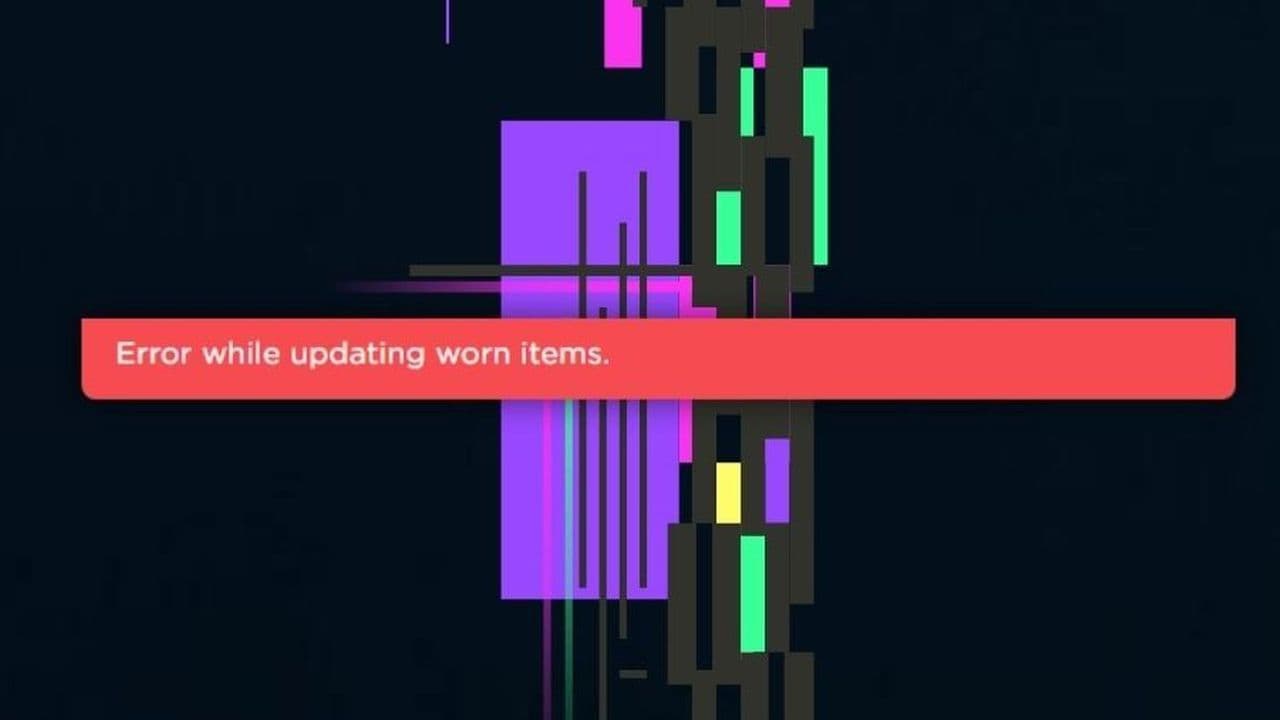 How to fix error while updating worn items in RobloxFix the 'error while updating worn items' on Roblox with simple steps. Learn why it happens and how to resolve...
 How to fix Roblox connection error on WindowsThere are many Roblox error codes on Windows and luckily we know a couple of ways to fix them. Check them out ...
 How to fix error code 264 for RobloxRoblox error code 264 is one of the frustrating hiccups that will prevent you from playing the game, unless yo...
 What does code 288 mean in Roblox?All Roblox error codes have different meanings and error code 288 is one of the worst. Here is how to fix it!...
 How to fix error code 529 in RobloxError 529 is one of the frustrating hiccups in Roblox but we have a couple of tips for you to get rid of this ...
- 1
- 2
- 3
- 4