How to fix Roblox error code 600
Getting IP banned is definitely not fun. Here's what we know about error code 600 in Roblox and what you can do to perhaps overcome it.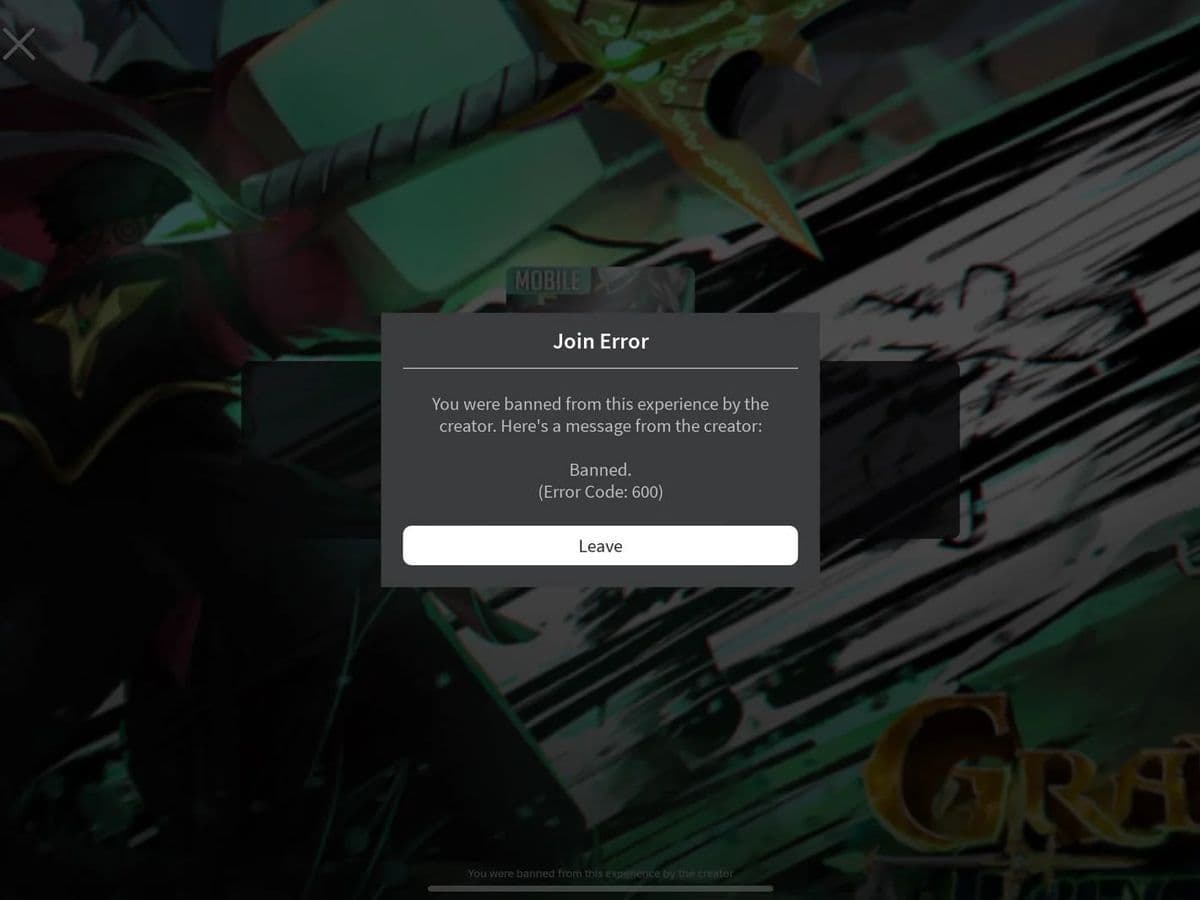
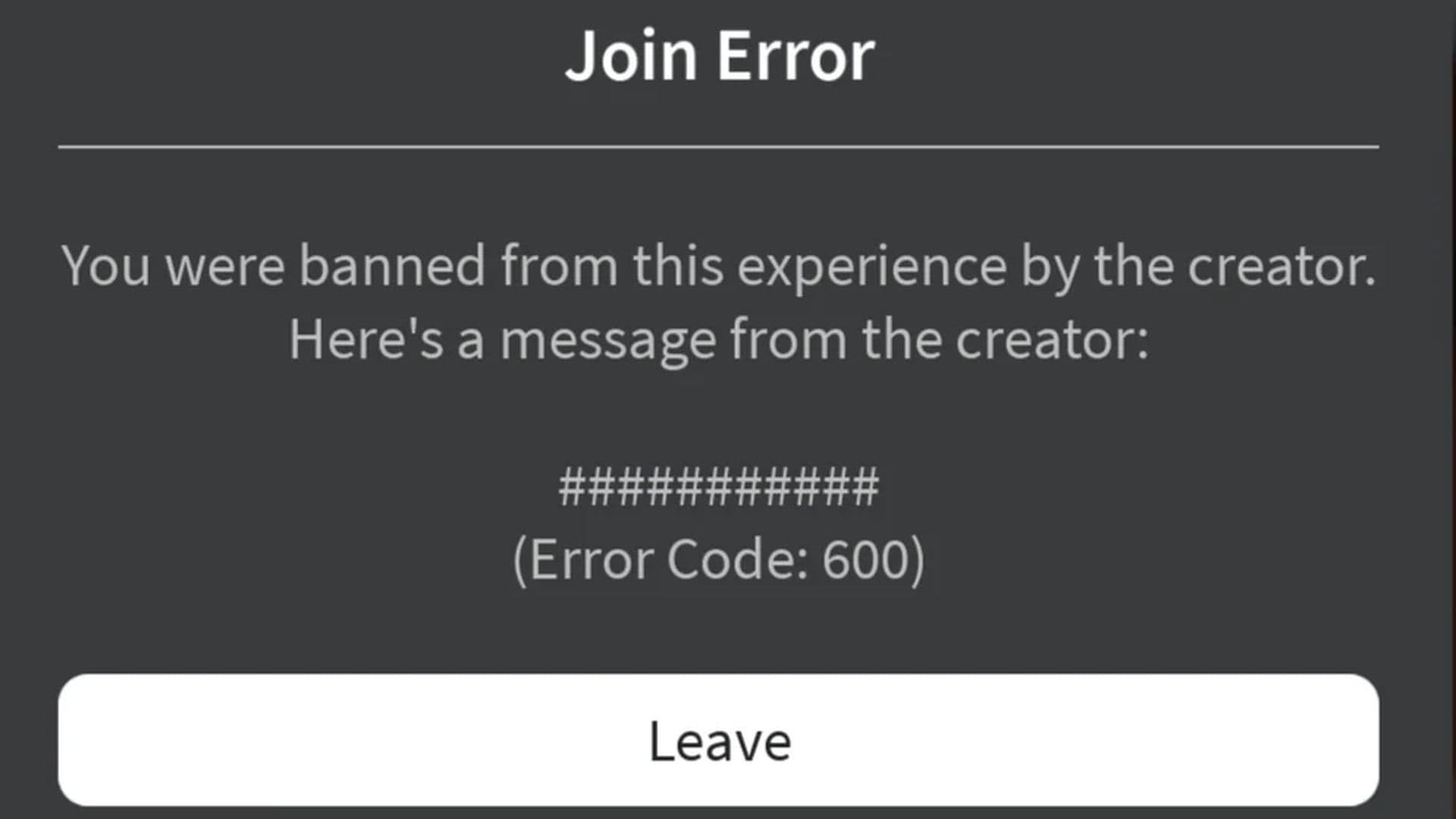
If you play Roblox a lot, you might have run into Roblox error code 600. It’s a frustrating message that reads:
“You were banned from this experience by the creator. Here's a message from the creator:”
This means the game’s creator has banned you from playing the game. But what’s causing this Roblox error, and why is it affecting so many players?
Roblox error code 600 explained
Roblox has introduced a new ban system that’s tied to games with beta features enabled. One major change is the use of IP-based bans. This means if one of your accounts gets banned, any other accounts you use on the same internet connection (or IP address) will also be restricted.
For example, if you play Anime Reborn and your alternate account (or “alt”) gets banned, all of your other accounts will be affected too. The system links the ban to your internet network, not just to your account, which many players find unfair.
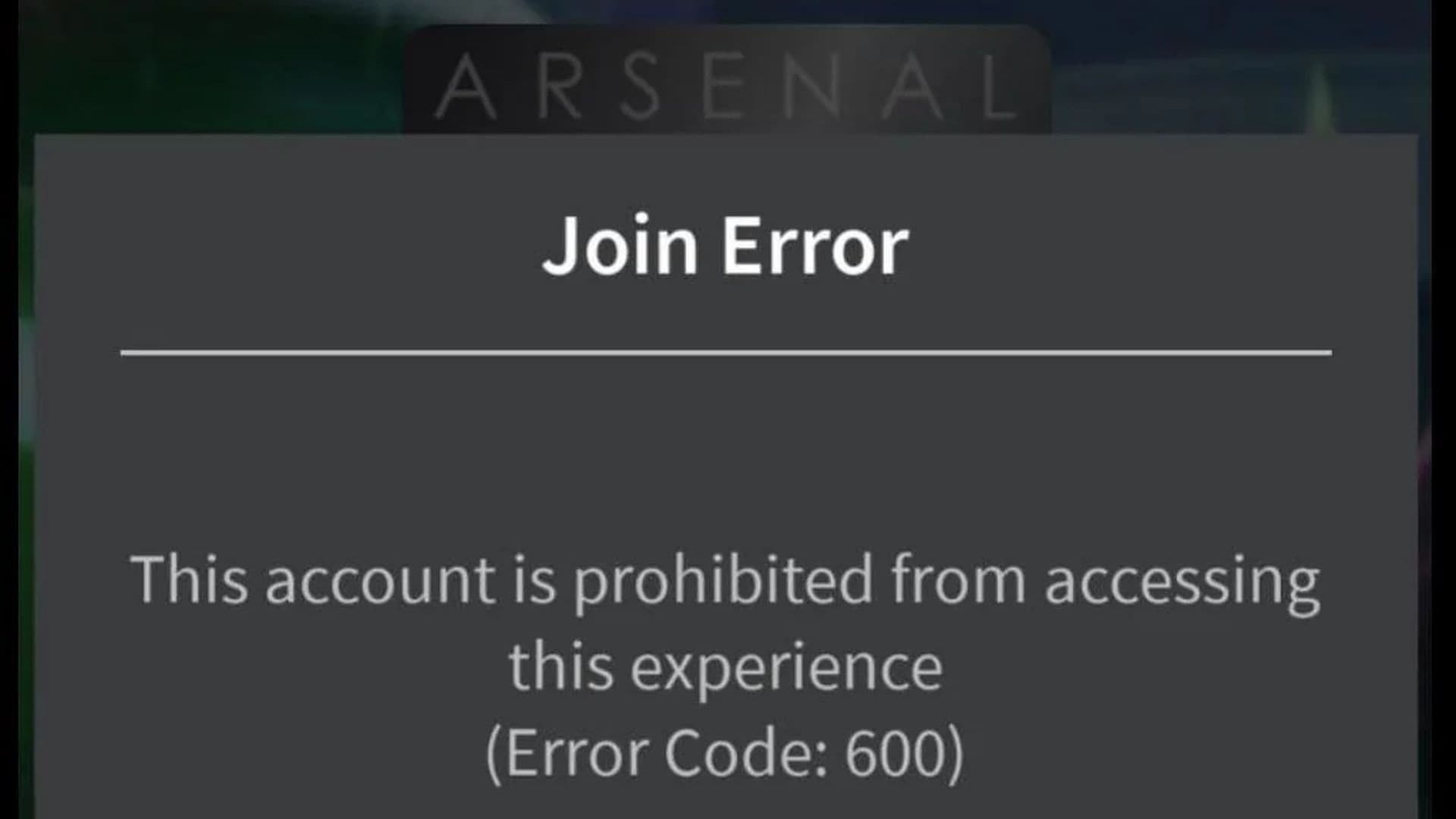
The most frustrating part? If you share an internet connection, like with family or at a public place, you could get banned for someone else’s actions. Plus, old tricks like changing your IP no longer work, as the system keeps track of bans even if your network changes. This leaves innocent players feeling unfairly punished.
How to fix Roblox error code 600: Are there any workarounds?
Despite how strict this system is, some players have found ways to deal with it. One method that’s been discussed is clearing your device’s cache. For example, a player mentioned that when they got banned while playing STB, they cleared the cache on their phone, and the ban didn’t appear anymore.
This isn’t a guaranteed fix, but it’s worth a try if you’re desperate. Clearing the cache resets some of the stored data from the game, which might help lift the ban in certain cases. However, this doesn’t always work, and Roblox’s ban system is still pretty tough to beat.
Right now, there aren’t many options for completely bypassing Roblox’s new ban system. One suggestion has been to make a new account using a different internet connection, but it’s not a permanent fix, and Roblox is likely to keep updating their security to catch these tricks.
If all else fails, your best option is to contact Roblox Support to resolve the issue.
In summary
Roblox’s new ban system is designed to prevent rule-breaking and make games safer, but it’s causing problems for a lot of innocent players. With the strict IP bans and limited ways to escape them, it can feel pretty unfair. Clearing your cache or trying a different network might help, but there’s no foolproof solution yet.
Until Roblox makes changes, staying aware of how this ban system works is crucial to protect your accounts. Stay informed, play smart, and hope that a better system will be on the way.
What Roblox error code is a ban?
In Roblox, ban-related error codes typically include the following:
Looking for more Roblox guides? Check these out:
All Related Guides
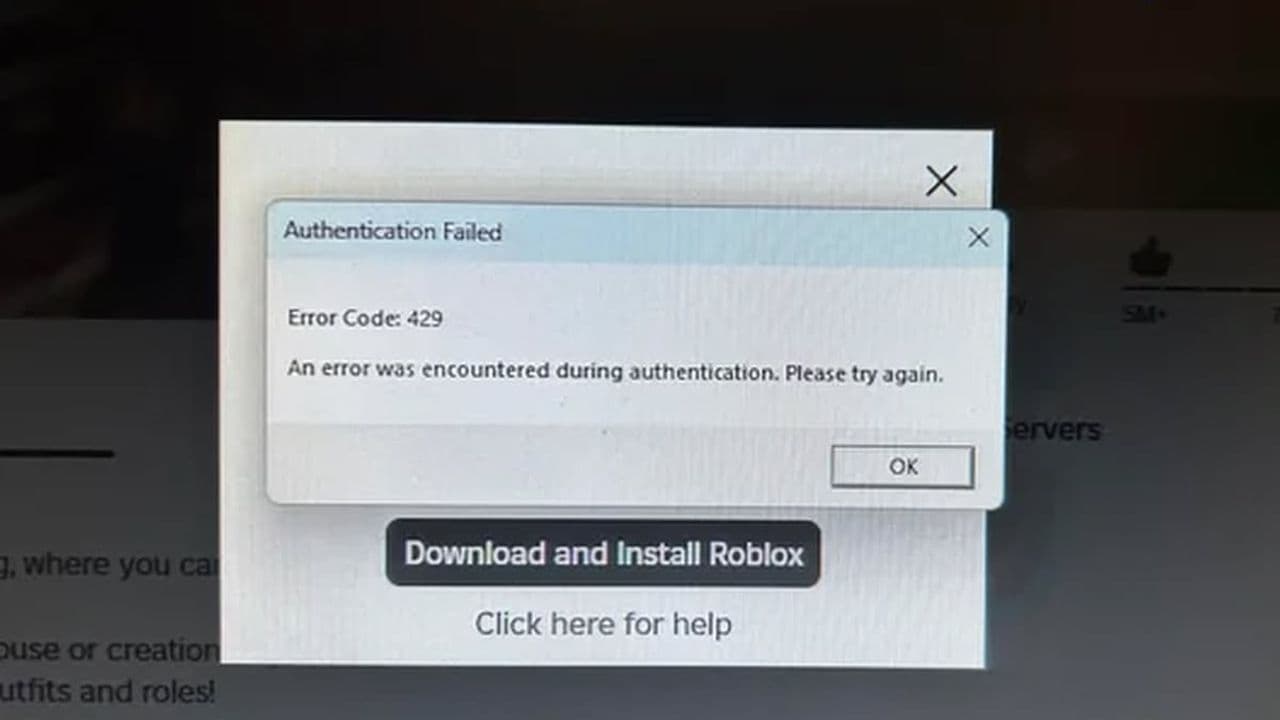 How to fix Roblox error code 429: Authentication issues and too many requestsRoblox error code 429 explained: causes, rate limits, and potential malware risks. Learn how to avoid it and f...
 What does error code e01 mean in Roblox?Roblox error code e01 is one of those uncommon errors but we have a couple of fixes that you must try to fix t...
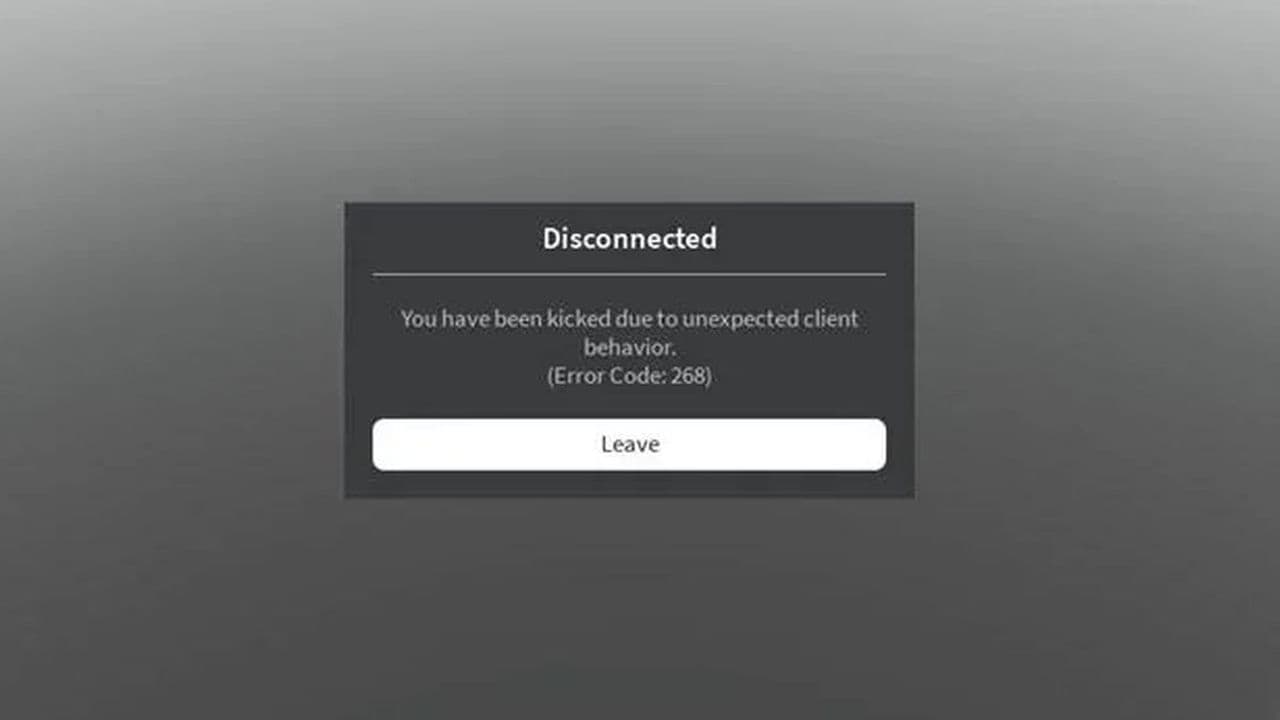 How to fix Roblox error code 268: 8 easy waysLearn 8 simple ways to fix Roblox error code 268 and resolve the "unexpected client behavior" issue. Troublesh...
 How to fix error while updating worn items in RobloxFix the 'error while updating worn items' on Roblox with simple steps. Learn why it happens and how to resolve...
 How to fix Roblox connection error on WindowsThere are many Roblox error codes on Windows and luckily we know a couple of ways to fix them. Check them out ...
 How to fix error code 264 for RobloxRoblox error code 264 is one of the frustrating hiccups that will prevent you from playing the game, unless yo...
 What does code 288 mean in Roblox?All Roblox error codes have different meanings and error code 288 is one of the worst. Here is how to fix it!...
 How to fix error code 529 in RobloxError 529 is one of the frustrating hiccups in Roblox but we have a couple of tips for you to get rid of this ...
- 1
- 2
- 3
- 4