How to fix error while updating worn items in Roblox
This unexpected error may happen to everyone as it comes at the most random moment. Here's how to get over it in Roblox.ON THIS PAGE:
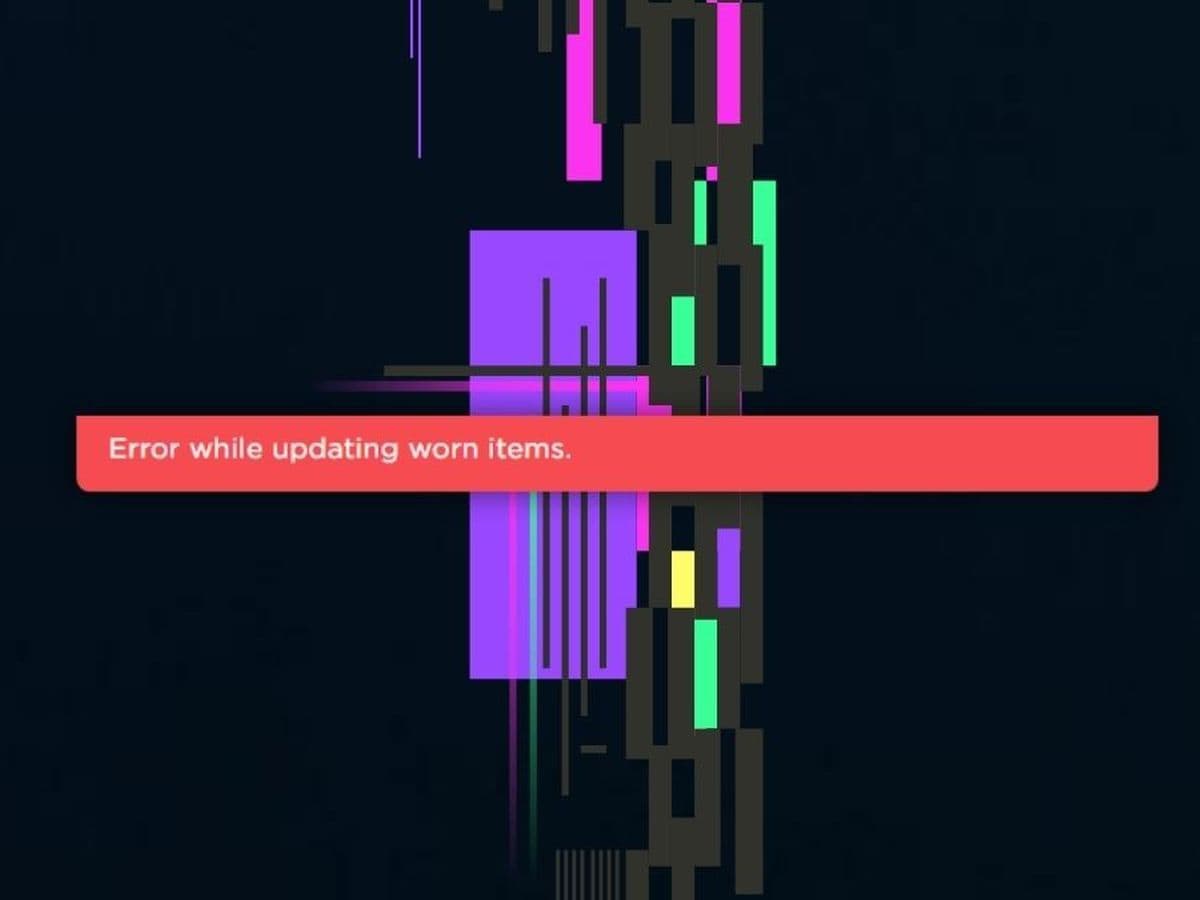
Roblox is a fun and popular game where players can create and customize their own avatars. However, many players sometimes run into a frustrating issue: the “error while updating worn items” message. This error can interrupt your gaming experience and leave you scratching your head.
Although there is no verified solution yet, the road to fixing it starts with understanding what you are dealing with right now!
The reasons behind the error while updating worn items on Roblox
The "error while updating worn items" message on Roblox typically occurs due to a few common reasons related to connectivity, account issues, or server-side glitches:
- Weak Internet connection: An unstable or slow connection can disrupt communication with Roblox servers.
- Wrong Roblox account: Being logged into a different account can prevent updates to the avatar.
- Roblox server problems: Server downtime or high traffic may lead to issues when updating your avatar.
- Banned or removed items: Items may be banned or removed by Roblox for violating their rules.
- Corrupted temporary files: Temporary files stored by Roblox can become corrupted over time, causing issues.
- Browser cache issues (for web users): An outdated or full cache in your web browser can interfere with avatar updates.
- Using a VPN: A VPN can disrupt the connection to Roblox, causing errors with item updates.
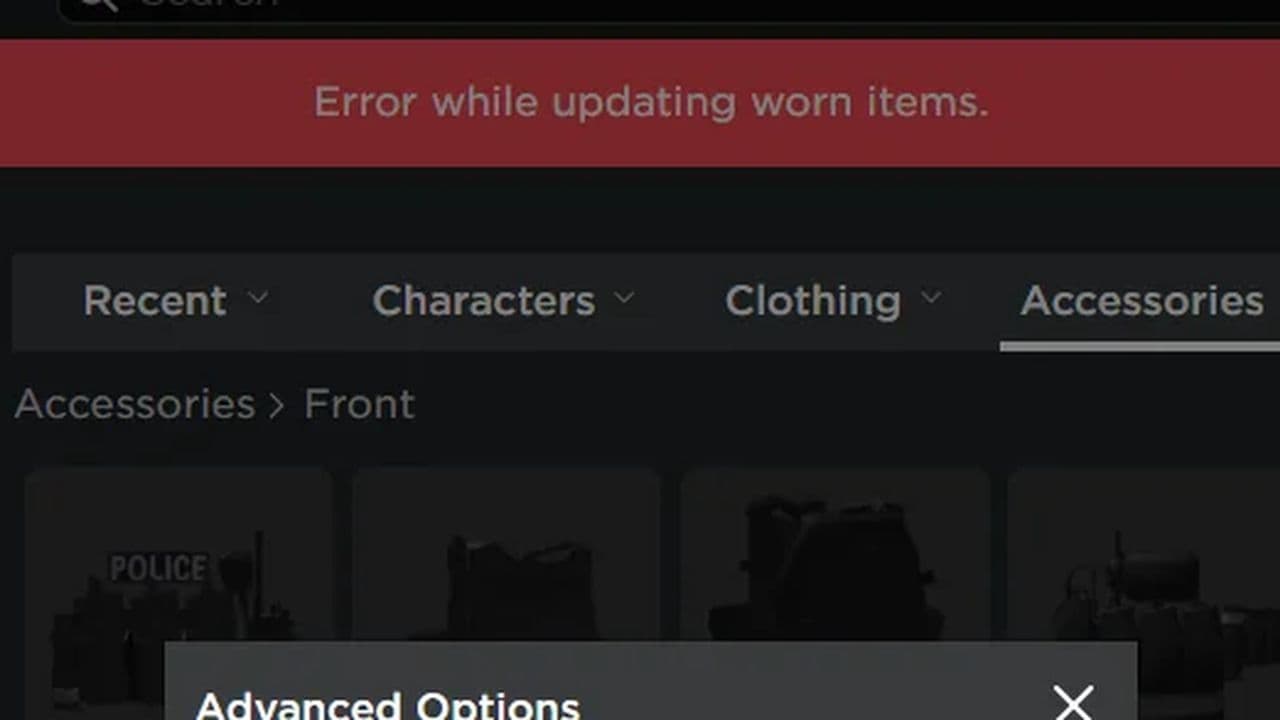
How to fix error while updating worn items on Roblox
Here are step-by-step workarounds to fix the issue:
Add the item to your profile
- Log In: Start by logging into your Roblox account.
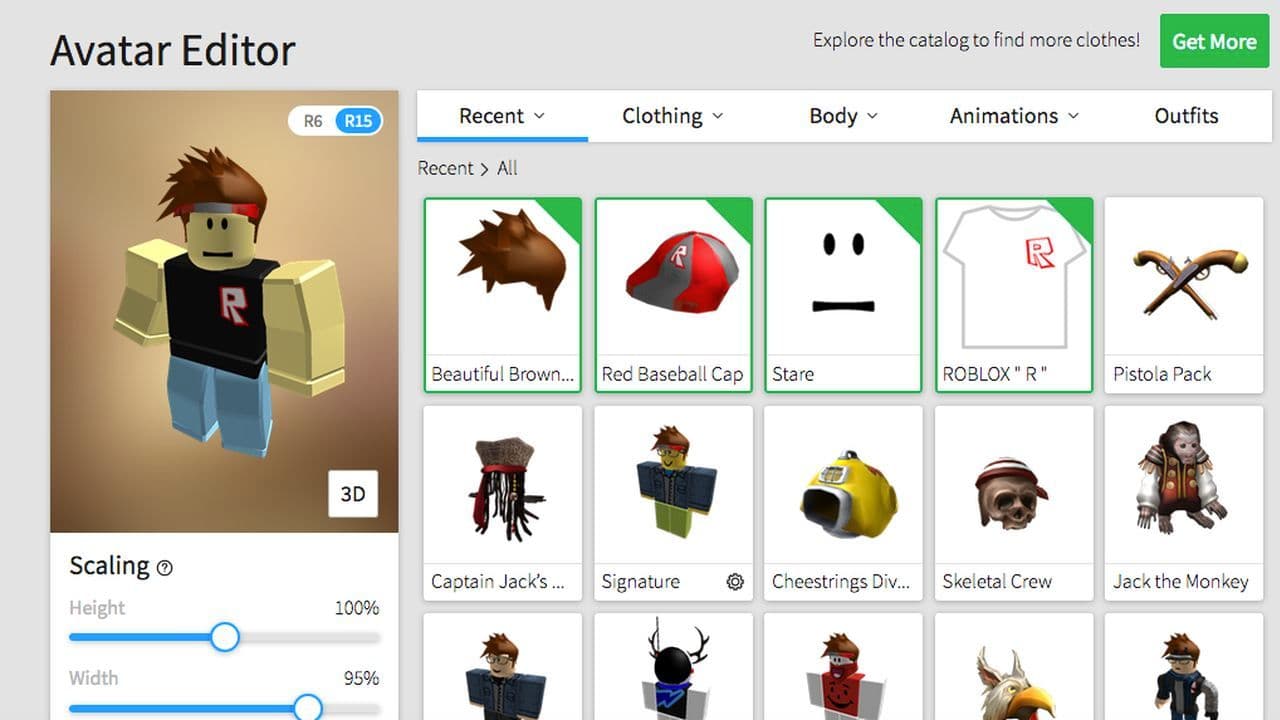
- Access Avatar Settings: Click on the three horizontal lines in the upper-left corner and select “Avatar.”
- Select Item Category: Choose the category of the item you’re trying to update.
- Open Item: Click on the item name to view its details.
- Add to Profile: Click on the three dots icon and select “Add to Profile.”
- Update Avatar: Return to the Avatar section, find the item in your list, and click on it to add it to your avatar.
Clear temporary files (Windows)
- Open Run Dialog: Press Windows + R to open the Run dialog box.
- Access Temp Folder: Type %localappdata%\Temp and hit Enter.
- Delete Roblox Folder: Locate the Roblox folder within the Temp directory and delete it.
Clear browser cache (for Web Users)
- Open Browser Settings: Launch your browser (e.g., Google Chrome) and click on the three dots in the upper-right corner.
- Go to Privacy and Security: Navigate to “Settings,” then select “Privacy and Security.”
- Clear Browsing Data: Click on “Clear browsing data,” select “All time” as the time range, and check the boxes for Cookies and other site data and Cached images and files.
- Confirm Clearing: Click “Clear data” to complete the process.
Check your Internet connection
Ensure that your internet connection is stable. You may want to restart your router if you notice any issues.
Verify server status
Check if Roblox servers are experiencing downtime or technical problems. You can do this by visiting the Roblox status page or checking community forums.
Disable VPN
If you are using a VPN, consider turning it off, as it can interfere with Roblox's ability to update items.
That’s all! If the error continues, contact Roblox Support for further help.
Why is Roblox failing to update my outfit?
Roblox has set a new outfit limit of 50 outfits for each user. If you already have more than 50 outfits saved, Roblox will not allow you to add or update any more outfits until you delete some of the existing ones.
- Delete old outfits: You will need to delete some of your existing outfits to make space for the new ones.
- Refresh the page: After deleting each outfit, you should refresh the page (or wait a few moments) until you’ve deleted enough to bring the total count down to 50.
- Repeat until you reach 50: Continue this process until you’ve reached the new limit of 50 outfits.
By following these steps, you'll be able to update your Roblox outfit successfully once you're within the outfit limit.
You can explore more Roblox errors, such as:
All Related Guides
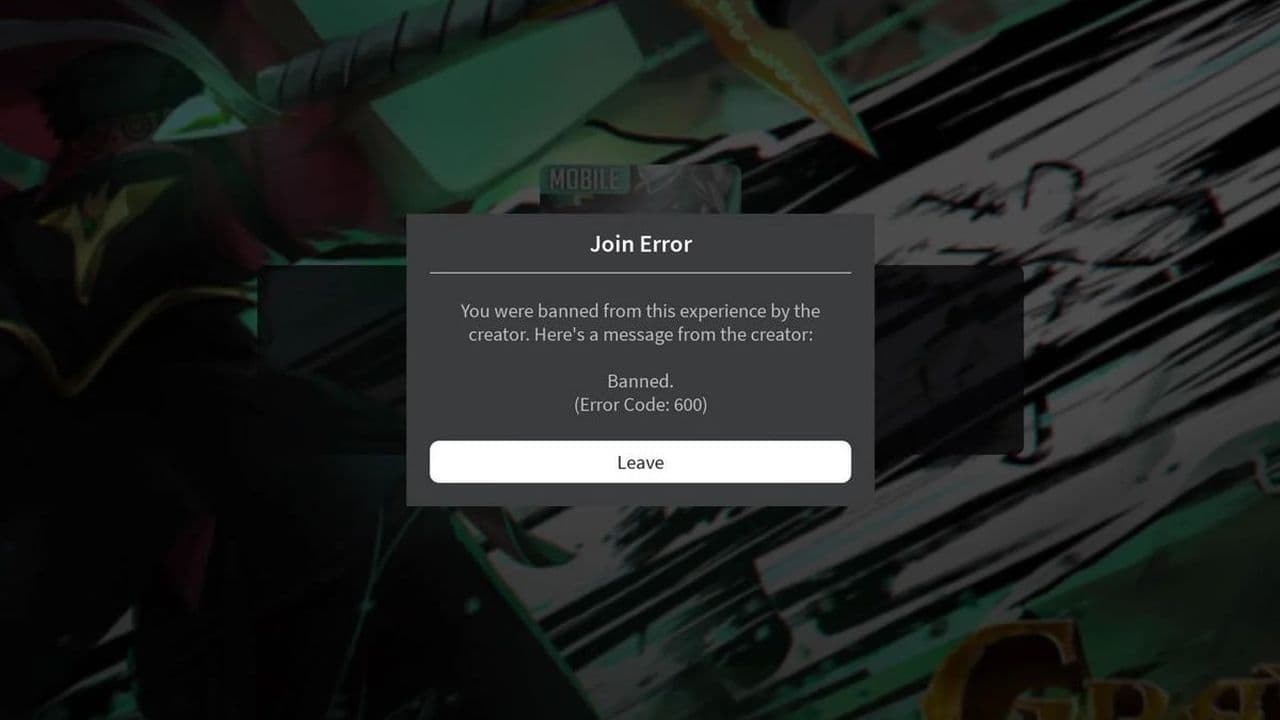 How to fix Roblox error code 600 Learn how to fix Roblox error code 600, understand the new IP-based ban system, and explore potential workarou...
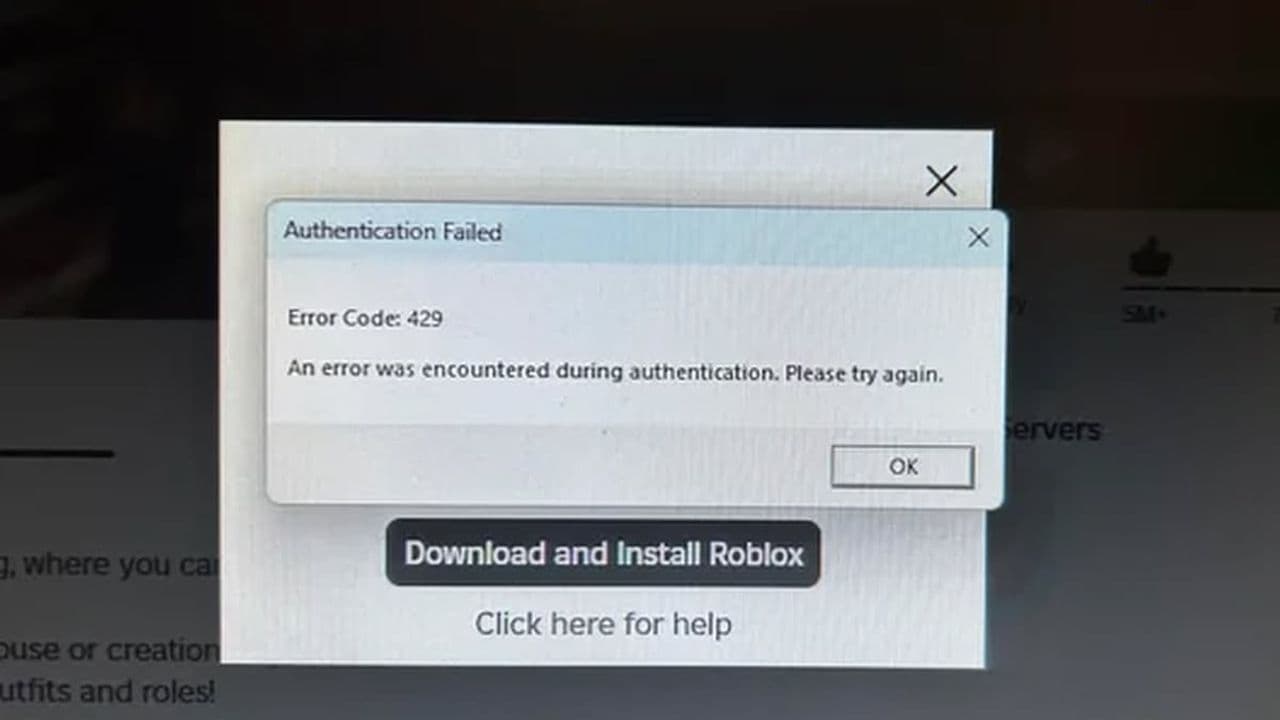 How to fix Roblox error code 429: Authentication issues and too many requestsRoblox error code 429 explained: causes, rate limits, and potential malware risks. Learn how to avoid it and f...
 What does error code e01 mean in Roblox?Roblox error code e01 is one of those uncommon errors but we have a couple of fixes that you must try to fix t...
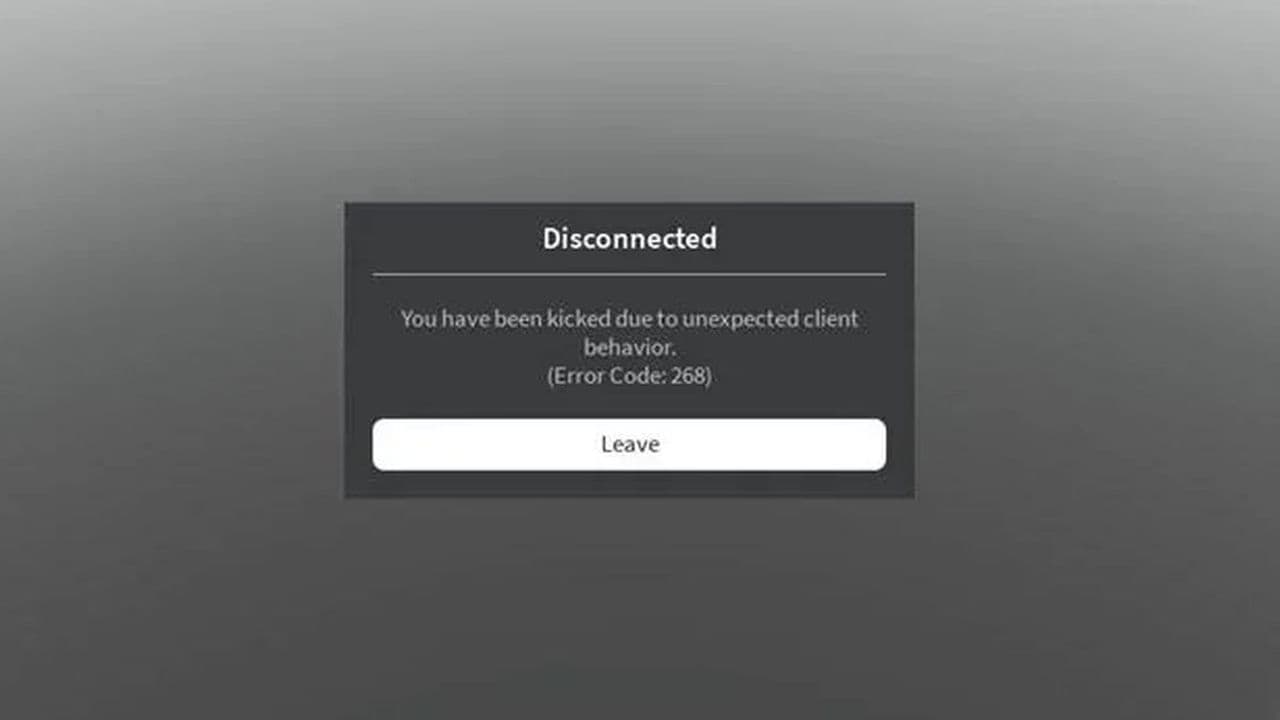 How to fix Roblox error code 268: 8 easy waysLearn 8 simple ways to fix Roblox error code 268 and resolve the "unexpected client behavior" issue. Troublesh...
 How to fix Roblox connection error on WindowsThere are many Roblox error codes on Windows and luckily we know a couple of ways to fix them. Check them out ...
 How to fix error code 264 for RobloxRoblox error code 264 is one of the frustrating hiccups that will prevent you from playing the game, unless yo...
 What does code 288 mean in Roblox?All Roblox error codes have different meanings and error code 288 is one of the worst. Here is how to fix it!...
 How to fix error code 529 in RobloxError 529 is one of the frustrating hiccups in Roblox but we have a couple of tips for you to get rid of this ...
- 1
- 2
- 3
- 4