What does code 288 mean in Roblox?
There are a couple reasons why you may get this error. Here they are along with possible fixes for this annoying error code.
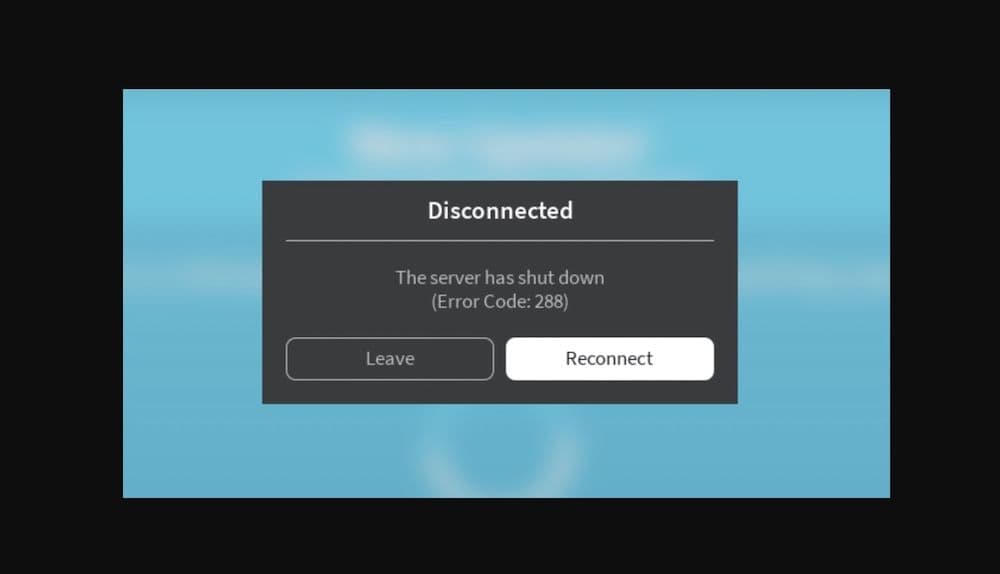
All Roblox error codes have different meanings and they are caused by different issues. Sometimes, users might see an error message with code 288, which can be confusing and frustrating. This error usually happens because of issues with the game's server or its connection to the main Roblox server. Here is everything you need to know about Roblox error code 288 and most importantly, how to deal with it.
What is Roblox error code 288?
Error code 288 in Roblox usually shows up for a few reasons:
- Game Privacy Changes: If the owner of a game makes it private while you are playing, you might see this error.
- Empty Server Presumption: If a game server has no players for a while, Roblox might try to shut it down. If you are still in the game, you might get this error because the server thinks it's empty.
- Connection Failure: This error can also happen if the game server can't connect to Roblox’s main web server. This issue occurs when the server cannot report how many players are in the game, causing it to timeout.
These problems can get worse if players are sent back to the same server they were initially on. This happens because the server is still up when everyone reconnects, but it shuts down soon after because it was supposed to close.
How to fix Roblox error code 288
To fix error code 288, you can try several solutions:
Ensure Multiple Players in the Game
Make sure there is more than one player in the game. This can be you and another account you own. This helps keep the game active so the server does not shut down.
Check Your Code
Look at your game's code, especially parts that involve SoftShutdown and BindToClose() functions. Make sure there are no mistakes or issues causing the error.
Check Your Internet Status
A stable internet connection is important for playing Roblox without issues. Check if your internet is working well. If it's not stable, try using a different internet connection or connect your computer to the internet with a cable. You can also try clearing your DNS cache to help fix connection problems. Here’s how:
- On Windows, open Command Prompt and type ipconfig /flushdns.
- On Mac, open Terminal and type sudo dscacheutil -flushcache; sudo killall -HUP mDNSResponder.
- Check the Roblox Server Status
Sometimes the issue is with Roblox's servers, not your connection. You can check if there are any problems with Roblox servers by visiting their server status page. If there are issues, you'll need to wait until Roblox fixes them.
Restart Your Roblox App or Entire Device
Often, restarting the Roblox app or your whole device can fix the problem. Start by restarting the app. If that doesn’t work, try restarting your device.
Clear the Roblox Cache
Clearing your Roblox cache can solve issues related to old or corrupt files. Here’s how to do it on different devices:
- On Windows, go to File Explorer, type %localappdata% in the path bar, open the Roblox folder, and delete everything inside.
- Then restart your computer.
- On Mac, go to Finder, select “Go > Go to Folder…”, type ~/Library/Caches/, open the Roblox folder, and delete everything. Then restart your computer.
- On Android, go to Settings, look for Storage, then Apps, find Roblox, tap on it, and select “Clear Cache.”
- On iOS, the best way to clear the cache is to uninstall Roblox and reinstall it.
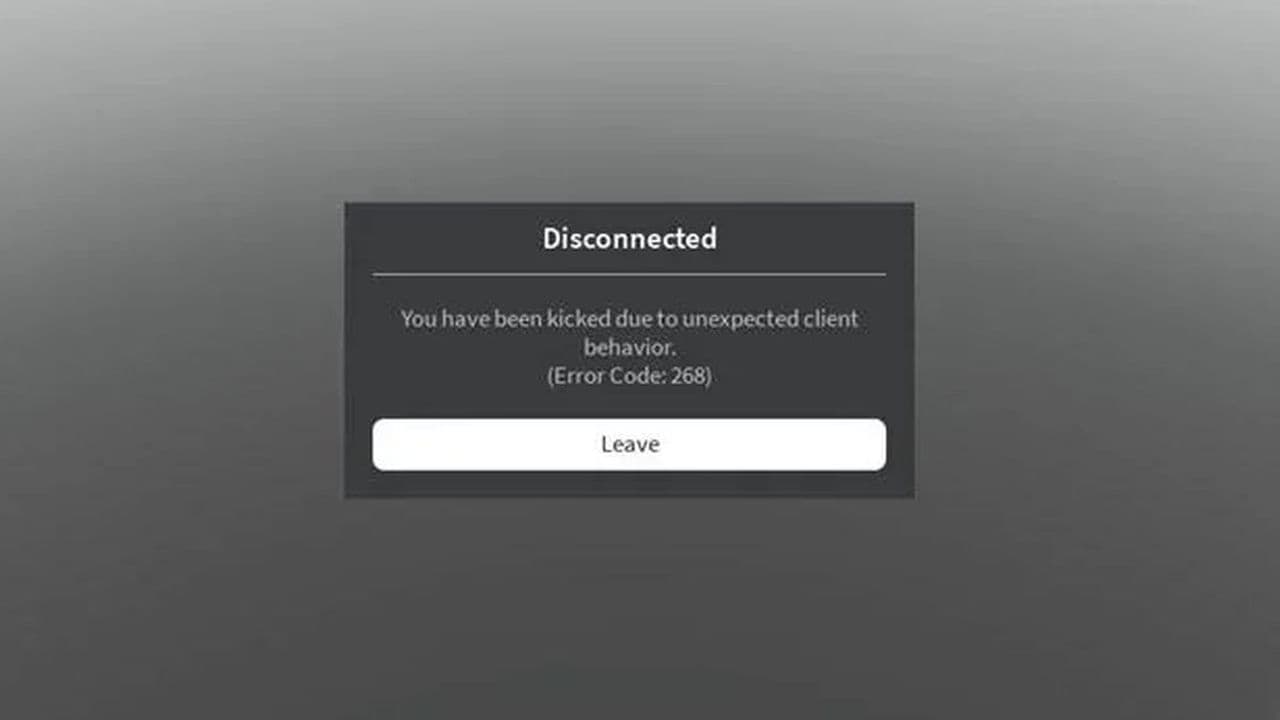
Is Roblox Error Code 268 a ban?
Roblox Error Code 268 typically indicates that you've been kicked from the server, often due to being banned, using exploits, or having cheat programs running. However, if you know you're not banned and haven't used any cheats, the issue might be caused by other factors, such as:
- Corrupted files: Sometimes, corrupted game files or an incomplete Roblox installation can cause this error.
- Third-party software: Certain software (like system optimization tools or VPNs) can be mistakenly detected as cheats.
- Network issues: Connection issues or latency spikes can sometimes trigger this error.
To fix Roblox Error Code 268, try restarting the game, disabling third-party tools or VPNs, reinstalling Roblox, and ensuring everything is up to date. If the issue persists, contact Roblox Support.
By following these steps, you should be able to fix the error code 288. Please start with the first fix, we listed them in order from the best solutions to the “possible” ones. Don’t forget to check out our other Roblox guides:
All Related Guides
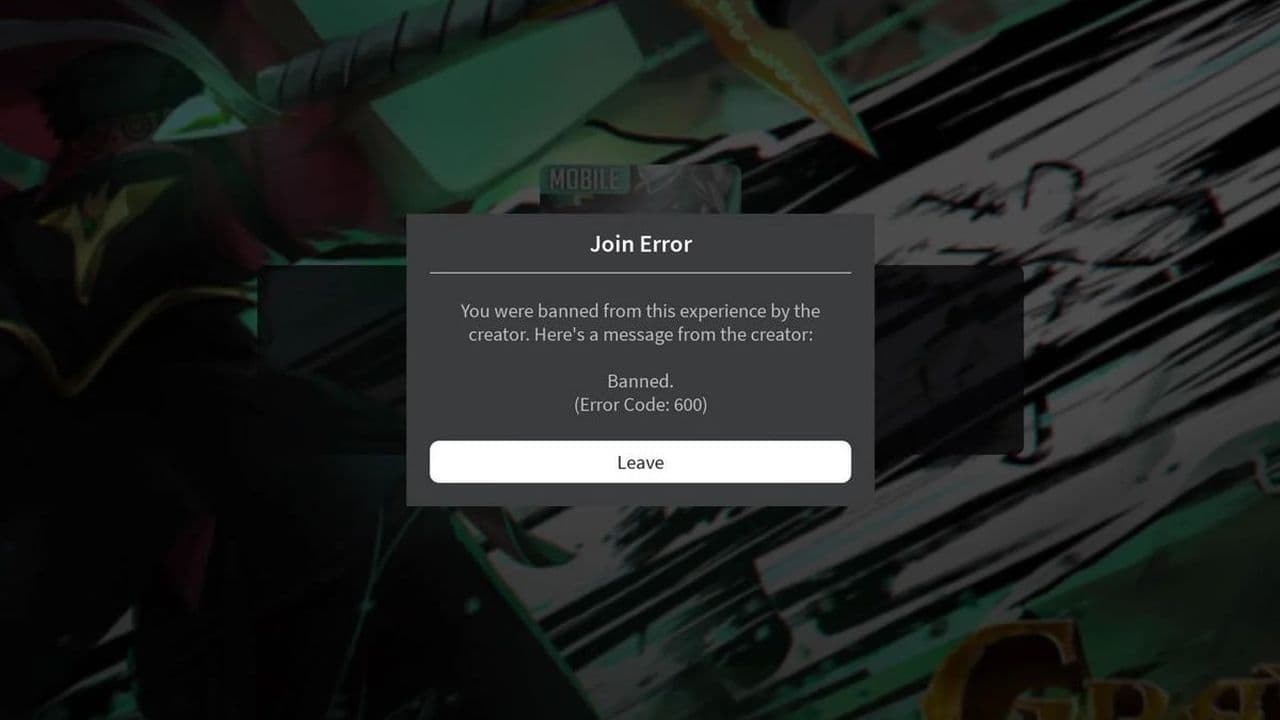 How to fix Roblox error code 600 Learn how to fix Roblox error code 600, understand the new IP-based ban system, and explore potential workarou...
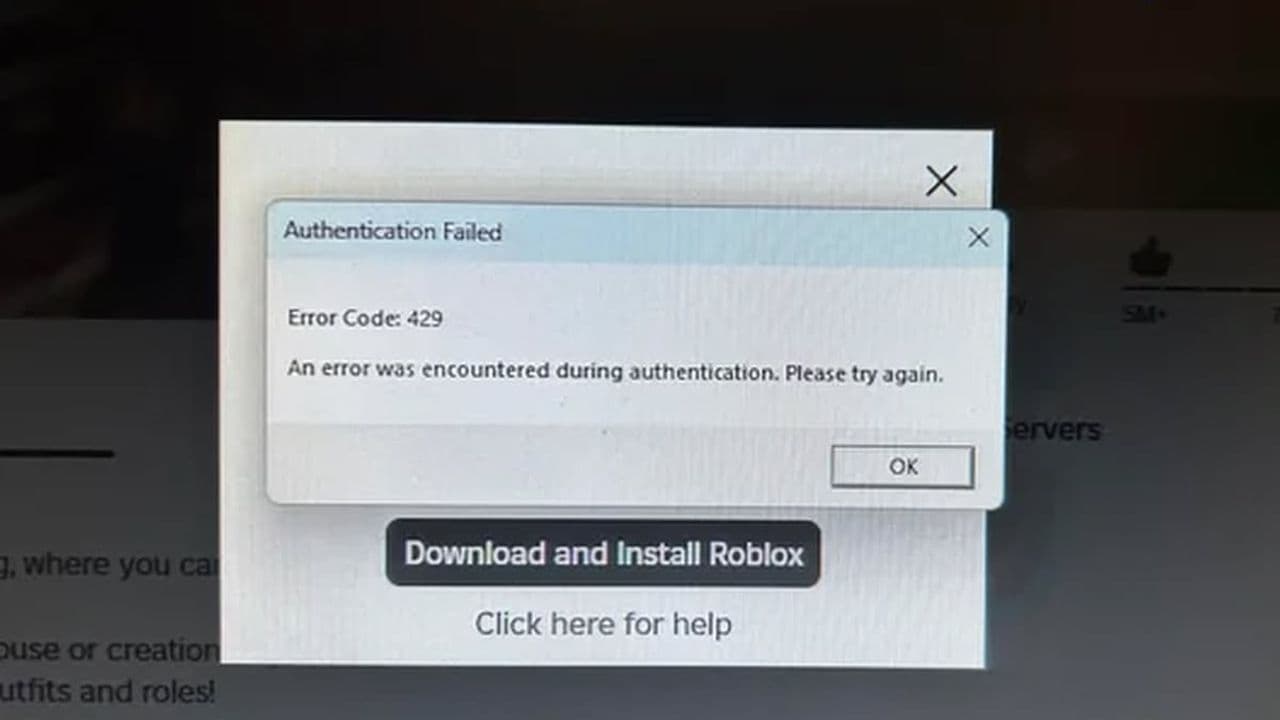 How to fix Roblox error code 429: Authentication issues and too many requestsRoblox error code 429 explained: causes, rate limits, and potential malware risks. Learn how to avoid it and f...
 What does error code e01 mean in Roblox?Roblox error code e01 is one of those uncommon errors but we have a couple of fixes that you must try to fix t...
 How to fix Roblox error code 268: 8 easy waysLearn 8 simple ways to fix Roblox error code 268 and resolve the "unexpected client behavior" issue. Troublesh...
 How to fix error while updating worn items in RobloxFix the 'error while updating worn items' on Roblox with simple steps. Learn why it happens and how to resolve...
 How to fix Roblox connection error on WindowsThere are many Roblox error codes on Windows and luckily we know a couple of ways to fix them. Check them out ...
 How to fix error code 264 for RobloxRoblox error code 264 is one of the frustrating hiccups that will prevent you from playing the game, unless yo...
 How to fix error code 529 in RobloxError 529 is one of the frustrating hiccups in Roblox but we have a couple of tips for you to get rid of this ...
- 1
- 2
- 3
- 4