How to fix Roblox error code 279 (ID = 17: Connection attempt failed)
This connection issue in Roblox can occur due to various reasons. Here's how to fix it and get back to Roblox.ON THIS PAGE:
Like any online service, Roblox isn’t immune to errors that can interrupt the fun and because of that “How to fix Roblox error code 279 (ID = 17: Connection attempt failed)” is still a popular question even today. But don’t worry! In this Roblox guide, we’ll walk you through what this error means, why it occurs, and most importantly, how to fix it so you can get back to your game.
What is error code 279 in Roblox?
Roblox Error Code 279 is a connection-related error that occurs when your device is unable to establish a stable link with Roblox's game servers. Essentially, it means that something is interrupting or preventing your device from downloading or receiving data from Roblox, resulting in the game not being able to load or function properly.
This error is commonly accompanied by a message that reads “ID = 17: Connection attempt failed.” The error indicates a failure in communication between your device (whether it’s a PC, phone, or tablet) and the Roblox servers.
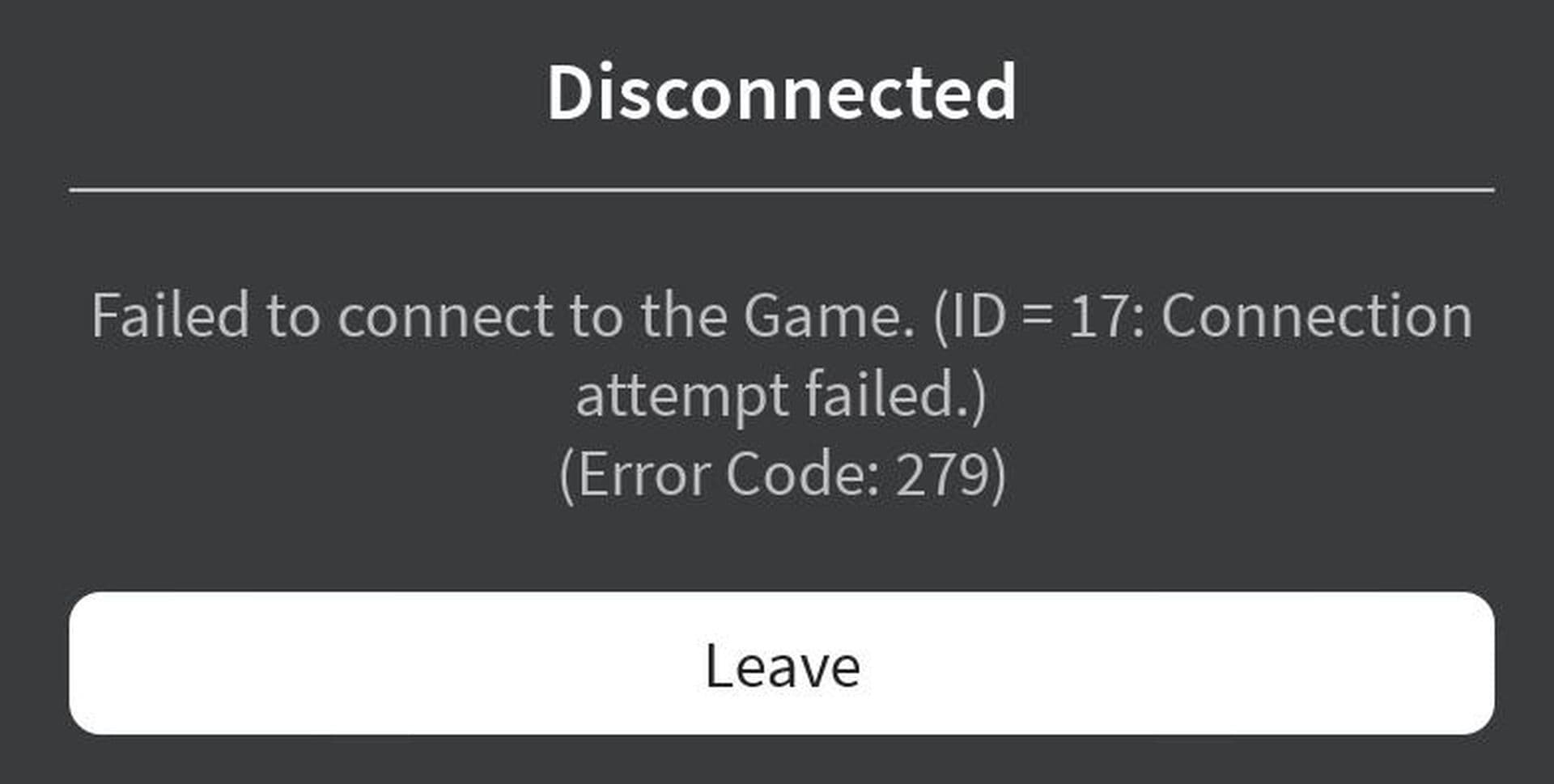
This error is frustrating as it disrupts gameplay, especially for frequent users or those enjoying fast-paced games. Luckily, Error Code 279 is usually minor and can be fixed with simple troubleshooting.
How to fix Roblox error code 279
If you’re encountering Roblox Error Code 279, here are several troubleshooting steps you can take to resolve the issue:
- Check if Roblox servers are down
- Restart your device and router
- Update Roblox
- Run a speed test
- Use a different network or wired connection
- Check your firewall and antivirus
- Disable VPN or proxy services
- Reinstall Roblox
Check if Roblox servers are down
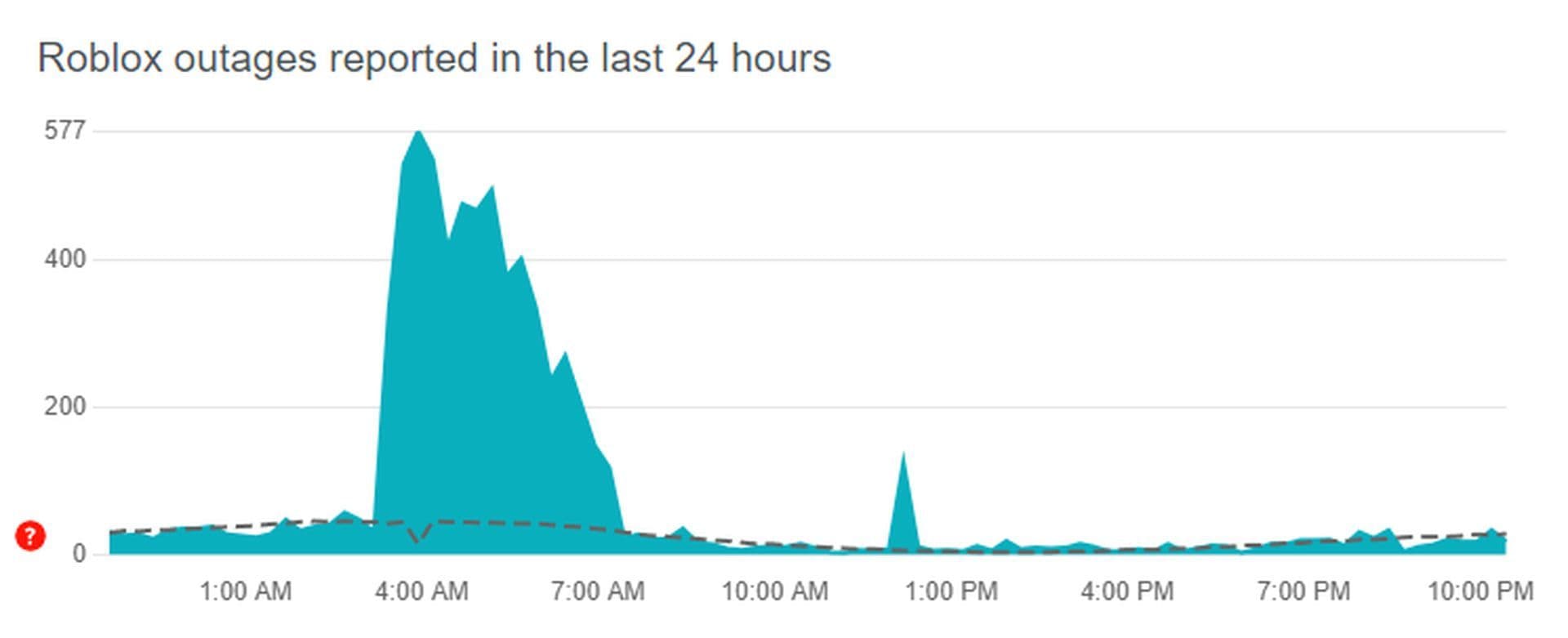
Before adjusting your device, verify if Roblox's servers are down. Sometimes, the issue lies with Roblox itself rather than your connection. Visit websites like DownDetector to see if there are server outages. If Roblox's servers are down, you'll need to wait until the issue is resolved.
Restart your device and router
A quick restart often solves connection problems. Reboot your device (PC, phone, tablet, or console), and restart your router to refresh your network connection. Wait a couple of minutes for your router to reconfigure, then relaunch Roblox to see if the problem persists.
Update Roblox
Make sure you’re using the latest version of Roblox. An outdated version can cause connectivity issues.
Keeping the app updated also ensures you have the latest bug fixes and improvements.
Run a speed test
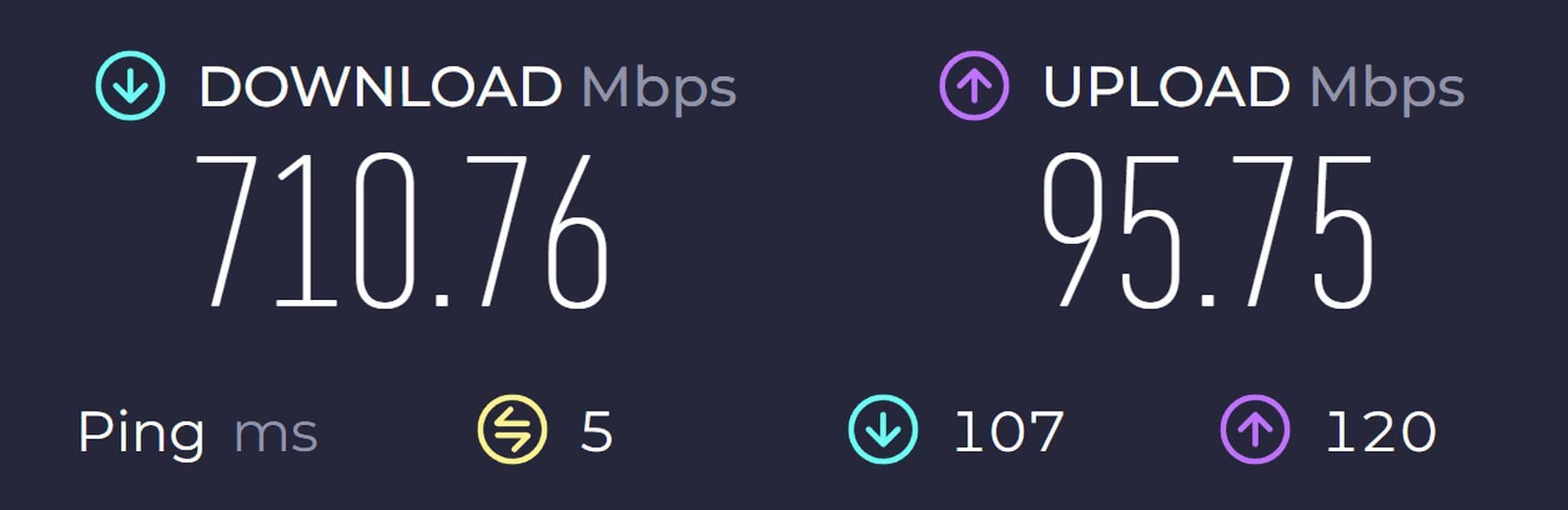
Roblox requires a stable internet connection of at least 4-8 Mbps. If your speed is slower, this could cause Error Code 279. Use a service like SpeedTest to check your connection speed. If your speed is too low, try moving closer to the router, using an Ethernet cable, or switching to a faster network.
Use a different network or wired connection
Is your Internet speed slow? Try switching to another network or using a wired connection (for PC users). A wired Ethernet connection is more stable than Wi-Fi and can resolve connection issues. Alternatively, if you have a mobile data plan with enough data, try using a mobile hotspot to see if the problem is network-related.
Check your firewall and antivirus
Firewalls and antivirus software can block Roblox from accessing the internet. To fix this:
- For Windows: Open "Windows Defender Firewall" and allow Roblox through the firewall. Go to "Allow an app or feature through Windows Defender Firewall" and ensure Roblox is checked.
- Antivirus: Temporarily disable your antivirus or switch to "Game Mode" to prevent it from blocking Roblox.
Disable VPN or Proxy Services
Using a VPN or proxy service can sometimes interfere with Roblox’s ability to connect to its servers, especially if the VPN is slow or blocks specific ports. If you have a VPN or proxy enabled, disable it temporarily and try reconnecting to Roblox. Once disabled, your device will establish a direct connection to the Roblox servers, which might resolve Roblox error code 279.
Reinstall Roblox
As a last resort, uninstall and reinstall Roblox. A fresh install can resolve corrupted files or persistent issues that could be causing Error Code 279. Completely remove Roblox from your device, then download and reinstall the latest version from the official website or app store.
FAQs
Is error code 279 a ban?
It means there's a connection issue between your device and Roblox’s game servers. You'll often see it with the message “ID=17 Connection attempt failed”. This usually happens because of:
- Weak or unstable internet
- Firewall or antivirus blocking Roblox
- VPNs or proxies interfering
- Roblox servers having issues
- A large game taking too long to load
Is error code 279 permanent?
Nope, Roblox error code 279 is not permanent — it's usually a temporary connection issue and can almost always be fixed. Once the root cause is resolved, the error usually disappears, and you’re back in the game.
All Related Guides
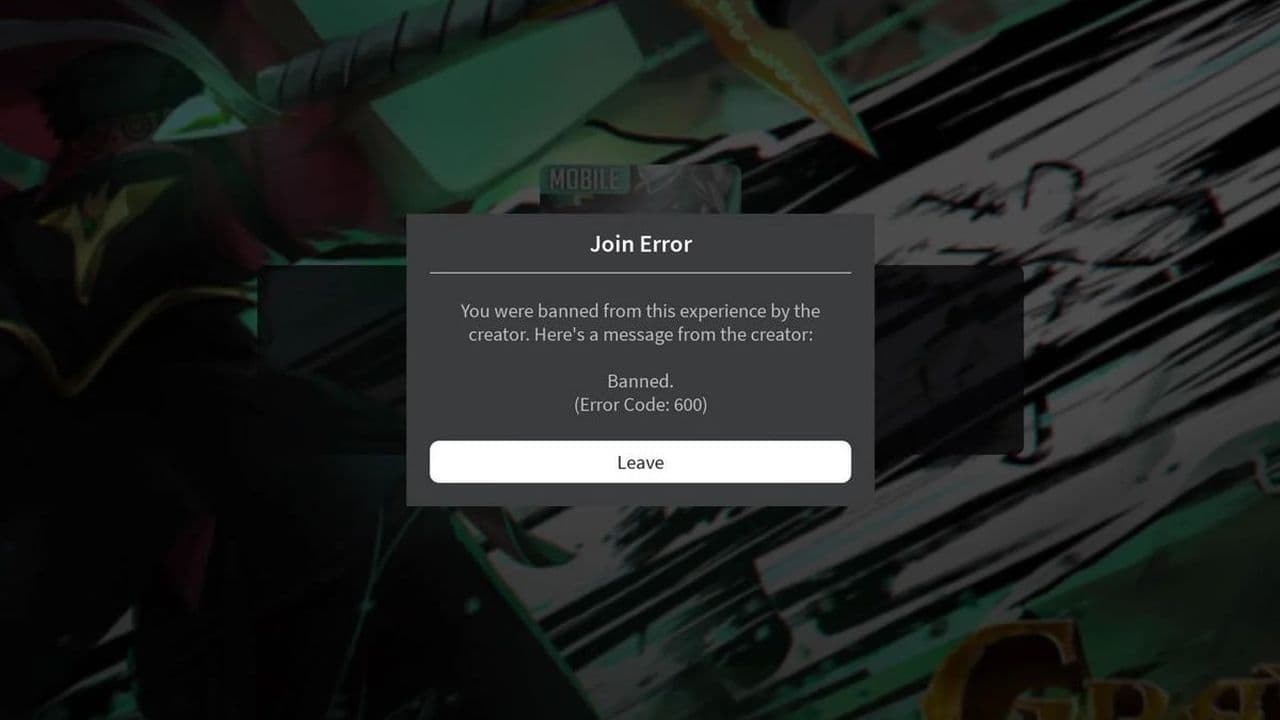 How to fix Roblox error code 600 Learn how to fix Roblox error code 600, understand the new IP-based ban system, and explore potential workarou...
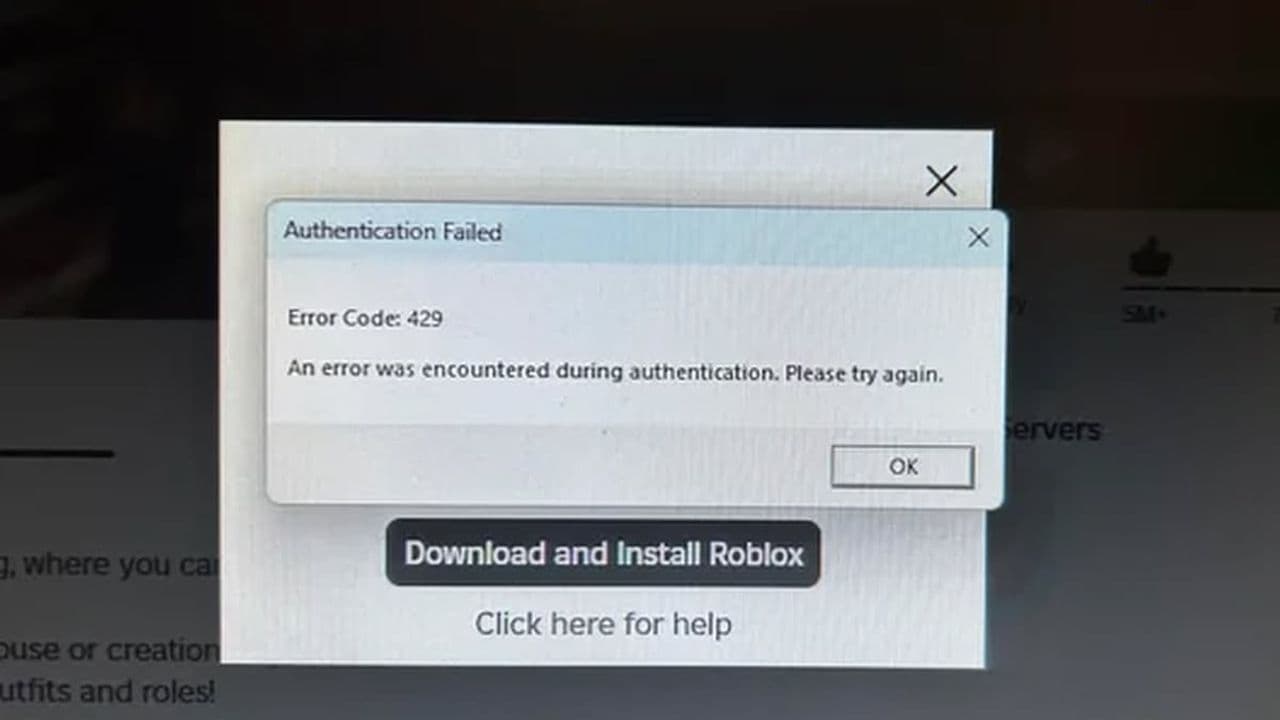 How to fix Roblox error code 429: Authentication issues and too many requestsRoblox error code 429 explained: causes, rate limits, and potential malware risks. Learn how to avoid it and f...
 What does error code e01 mean in Roblox?Roblox error code e01 is one of those uncommon errors but we have a couple of fixes that you must try to fix t...
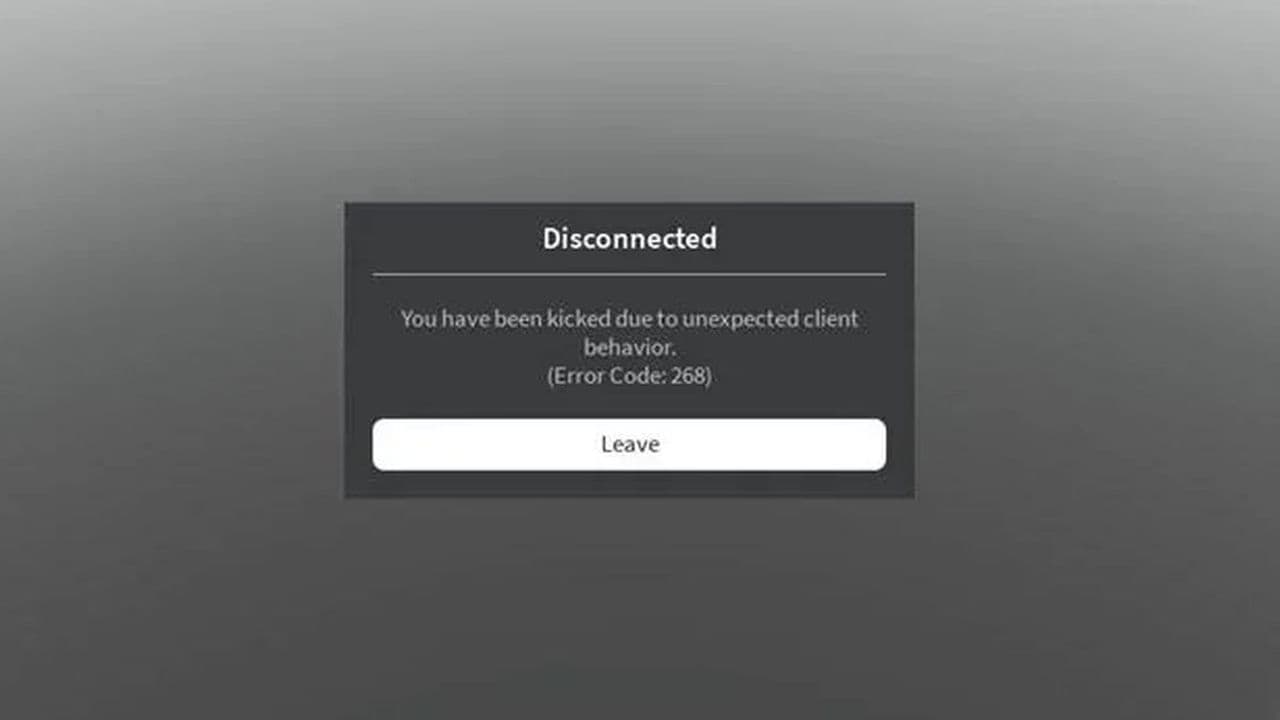 How to fix Roblox error code 268: 8 easy waysLearn 8 simple ways to fix Roblox error code 268 and resolve the "unexpected client behavior" issue. Troublesh...
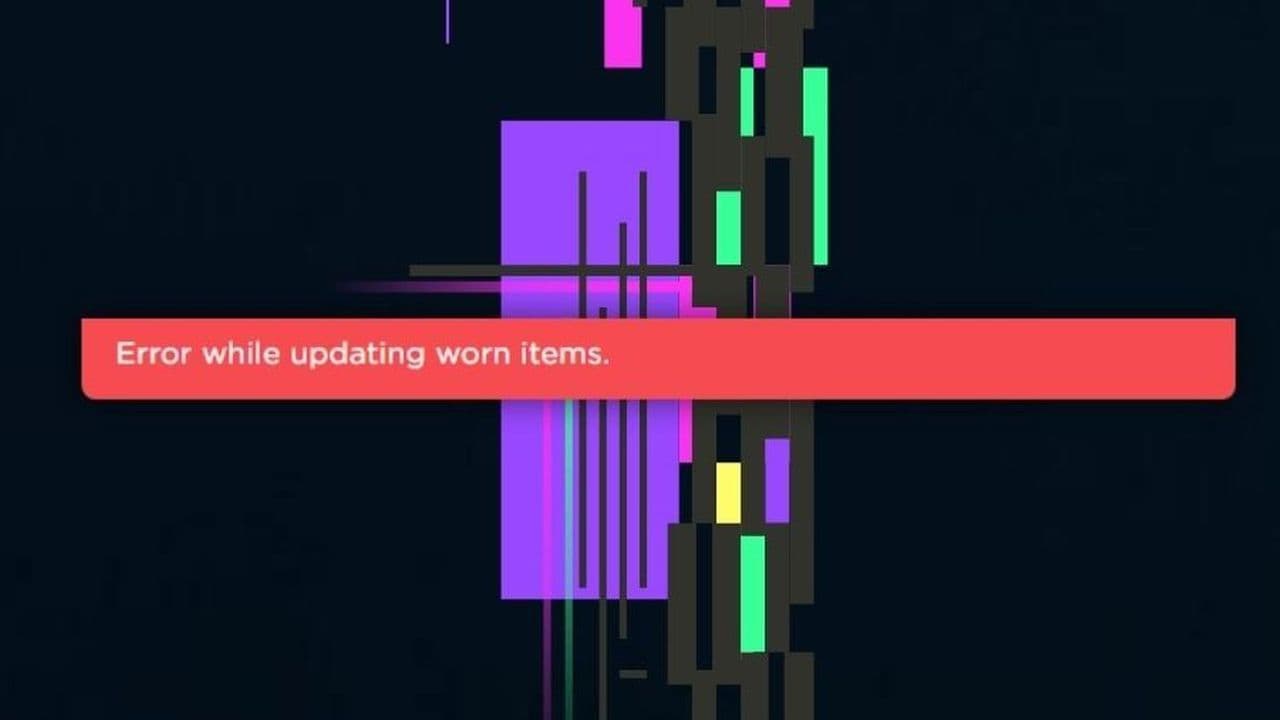 How to fix error while updating worn items in RobloxFix the 'error while updating worn items' on Roblox with simple steps. Learn why it happens and how to resolve...
 How to fix Roblox connection error on WindowsThere are many Roblox error codes on Windows and luckily we know a couple of ways to fix them. Check them out ...
 How to fix error code 264 for RobloxRoblox error code 264 is one of the frustrating hiccups that will prevent you from playing the game, unless yo...
 What does code 288 mean in Roblox?All Roblox error codes have different meanings and error code 288 is one of the worst. Here is how to fix it!...
- 1
- 2
- 3
- 4