How to fix Roblox error code 403
You may encounter this error when logging into Roblox. We've got some solutions that will solve this problem fast.ON THIS PAGE:
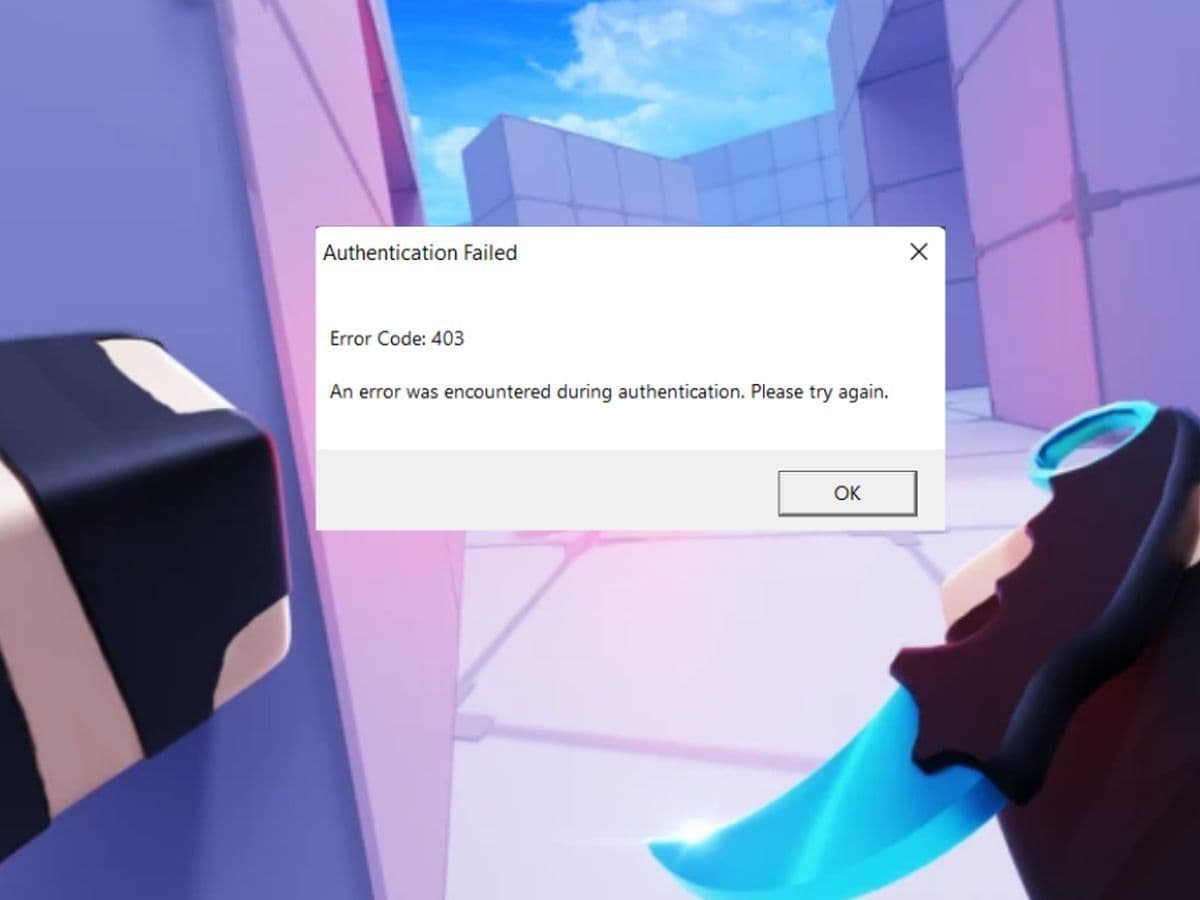
Having trouble with Roblox Error Code 403 and can't get back to your games? This common issue usually means there's a problem with logging into Roblox. You might see a message saying: “An error was encountered during authentication. Please try again.”
Don’t worry—fixing this error is usually straightforward. The problem could be due to things like being logged in on multiple devices, using a VPN, or having issues with your internet connection. Here are all the details you need to know.
What is error code 403 Roblox authentication failed?
Roblox error code 403 is an authentication error that typically occurs when there is a problem verifying your connection to the Roblox servers. This error message is usually displayed as: “An error was encountered during authentication. Please try again.” It’s a common issue that can pop up when trying to access or join a game on Roblox.
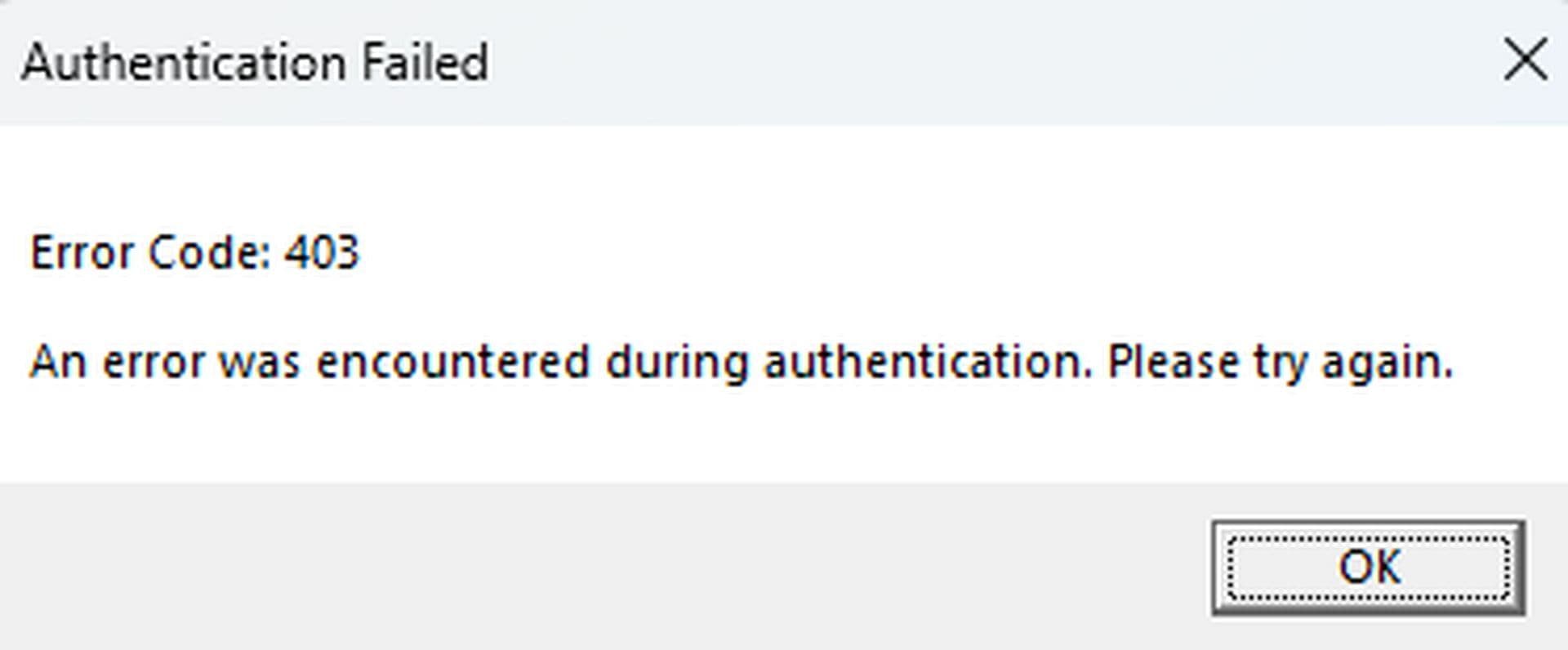
It can stem from issues like multiple logins, VPN usage, firewall or antivirus interference, internet connection instability, or server downtime. Identifying the cause of this error and following the appropriate troubleshooting steps can help resolve the issue and get you back to playing.
How to fix Roblox error code 403
Encountering Roblox Error Code 403 can be frustrating, but there are several steps you can take to resolve it:
- Log out of Roblox on all devices
- Turn off your VPN
- Adjust your firewall settings
- Modify your antivirus settings
- Clear the Roblox cache
- Restart your router or modem
- Check Roblox server status
- Reinstall Roblox
- Contact Roblox Support
Log out of Roblox on all devices
Being logged into Roblox on multiple devices or browsers simultaneously can cause authentication issues.
Open the Roblox app and tap the three dots on the left side of the screen. Select “Log Out” at the bottom of the menu.
Turn off your VPN
VPNs can alter your IP address, which might be flagged by Roblox’s security system, leading to authentication errors.
Windows:
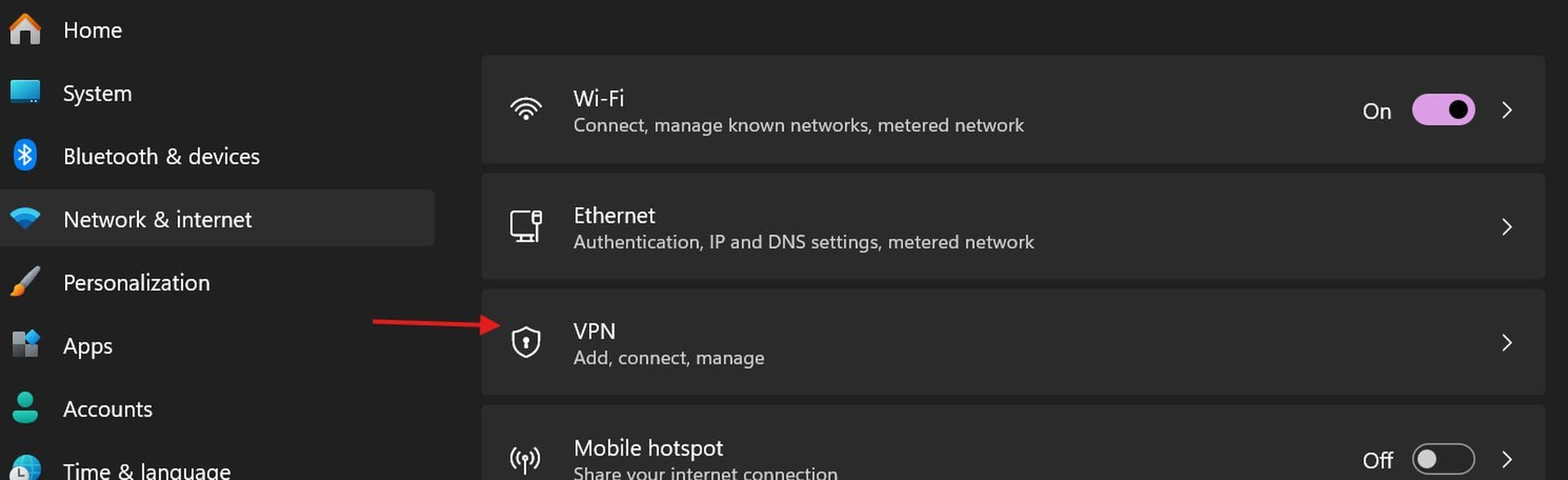
- Open “Settings.”
- Go to “Network & Internet.”
- Click on “VPN” and toggle the VPN off.
Mac:
- Go to “System Preferences.”
- Click on “Network.”
- Select your VPN connection and click “Disconnect.”
Adjust your firewall settings
Your firewall might be blocking Roblox from connecting to its servers.
Windows:
- Type “firewall” in the search box and open “Windows Defender Firewall.”
- Click “Allow an app or feature through Windows Defender Firewall.”
- Click “Change settings” and then “Allow another app.”
- Browse for Roblox, add it to the list, and ensure it’s allowed on both Private and Public networks.
Mac:
- Open “System Preferences.”
- Click “Security & Privacy” and go to the “Firewall” tab.
- Click the lock icon to make changes, then click “Firewall Options.”
- Add Roblox if it’s not already listed.
Modify your antivirus settings
Antivirus software might block Roblox, mistaking it for a threat.
Windows Security:
- Go to “Settings” > “Update & Security” > “Windows Security” > “Virus & Threat Protection.”
- Scroll down to “Exclusions” and click “Add or remove exclusions.”
- Click “Add an exclusion” and select “File.”
- Locate and add the Roblox executable file.
Other Antivirus Programs:
- Open your antivirus software.
- Look for settings related to “Exceptions” or “Exclusions.”
- Add Roblox as an exception to prevent it from being blocked.
Clear the Roblox cache
Cached files might cause conflicts with Roblox’s connection.
Windows:
- Press Win + R to open the Run dialog.
- Type %appdata% and press Enter.
- Navigate to the “Local” folder and find the Roblox folder.
- Inside the Roblox folder, you will find the “Cache” file
- Delete everything in it.
Mac:
- Open Finder.
- Press Command + Shift + G and type ~/Library/Caches/.
- Locate and delete the Roblox cache.
- Don’t worry, needed files will be recreated.
Restart your router or modem
An unstable internet connection might contribute to authentication errors.
Power Cycle Your Router/Modem:
- Turn off your router and modem.
- Wait for about 30 seconds.
- Turn them back on and wait for them to fully restart.
Improve Signal:
- Reposition your router for a better signal.
- Consider upgrading your internet plan if necessary.
Check Roblox server status
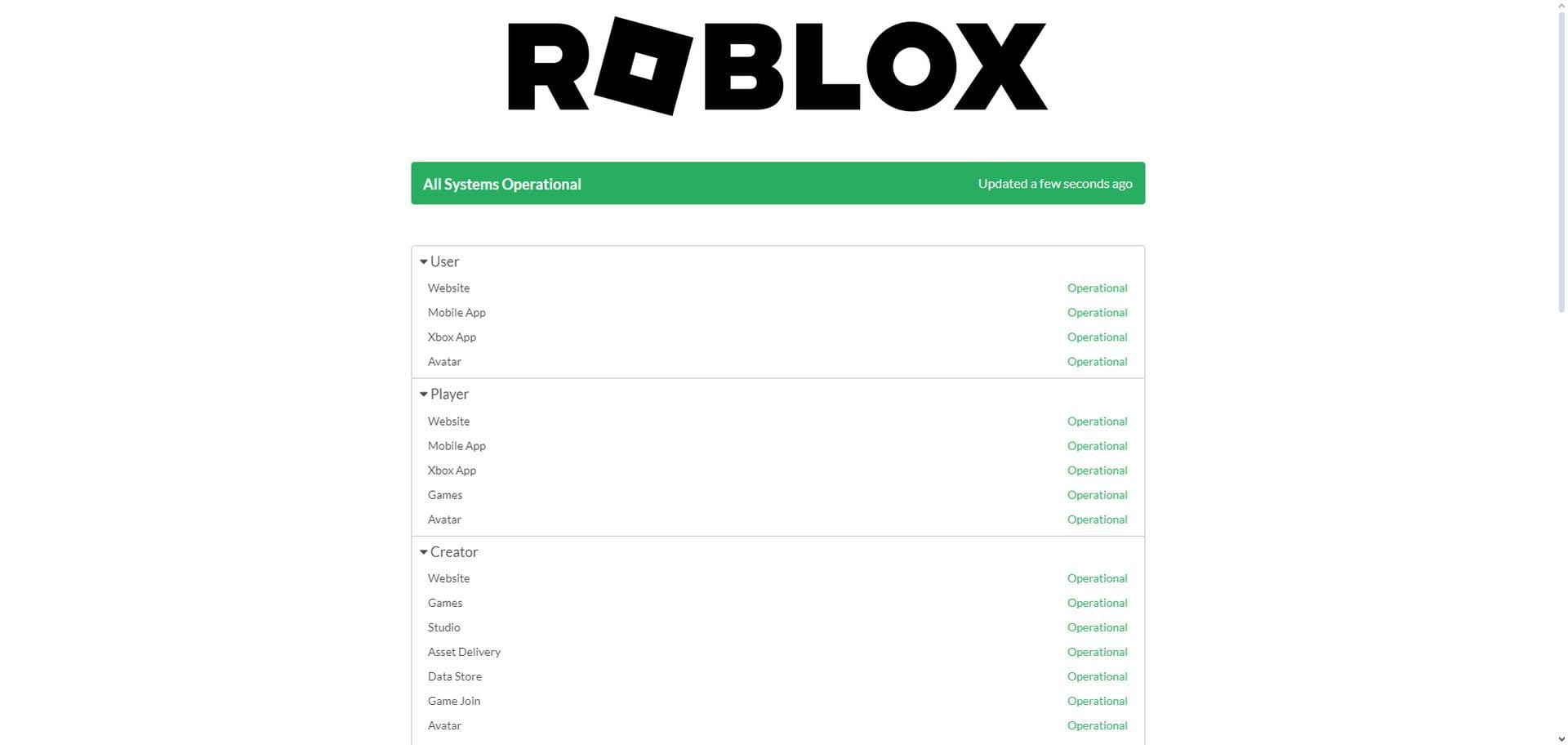
The issue might be with Roblox’s servers rather than your setup. Visit status.roblox.com to check the current status of Roblox servers. If there is a known issue or maintenance, you’ll need to wait until it’s resolved.
Reinstall Roblox
A corrupted installation can cause connection problems.
Uninstall Roblox:
- On Windows: Go to “Settings” > “Apps” > “Apps & features.” Find Roblox, select it, and click “Uninstall.”
- On Mac: Drag the Roblox application from the Applications folder to the Trash.
Reinstall Roblox:
- Download the latest version of Roblox from the official website.
- Install it and try logging in again.
Contact Roblox Support
If none of the above steps resolve the issue, it may be a specific problem with your account or a deeper technical issue.
- Visit the Roblox Support page to submit a support ticket.
- Provide detailed information about the error and steps you’ve already taken to troubleshoot.
By following these steps, you should be able to resolve Roblox Error Code 403 and get back to enjoying your games. If the problem persists, Roblox Support is your best resource for further assistance.
Is error code 403 an IP ban?
Roblox error code 403 indicates that access to a particular resource is forbidden. This can occur due to various reasons, including account bans, network restrictions, or authentication issues. While it doesn't always signify an IP ban, there are instances where it might be related.
All Related Guides
 How to fix Roblox error code 600 Learn how to fix Roblox error code 600, understand the new IP-based ban system, and explore potential workarou...
 How to fix Roblox error code 429: Authentication issues and too many requestsRoblox error code 429 explained: causes, rate limits, and potential malware risks. Learn how to avoid it and f...
 What does error code e01 mean in Roblox?Roblox error code e01 is one of those uncommon errors but we have a couple of fixes that you must try to fix t...
 How to fix Roblox error code 268: 8 easy waysLearn 8 simple ways to fix Roblox error code 268 and resolve the "unexpected client behavior" issue. Troublesh...
 How to fix error while updating worn items in RobloxFix the 'error while updating worn items' on Roblox with simple steps. Learn why it happens and how to resolve...
 How to fix Roblox connection error on WindowsThere are many Roblox error codes on Windows and luckily we know a couple of ways to fix them. Check them out ...
 How to fix error code 264 for RobloxRoblox error code 264 is one of the frustrating hiccups that will prevent you from playing the game, unless yo...
 What does code 288 mean in Roblox?All Roblox error codes have different meanings and error code 288 is one of the worst. Here is how to fix it!...
- 1
- 2
- 3
- 4