How to redo Roblox age check after the latest update
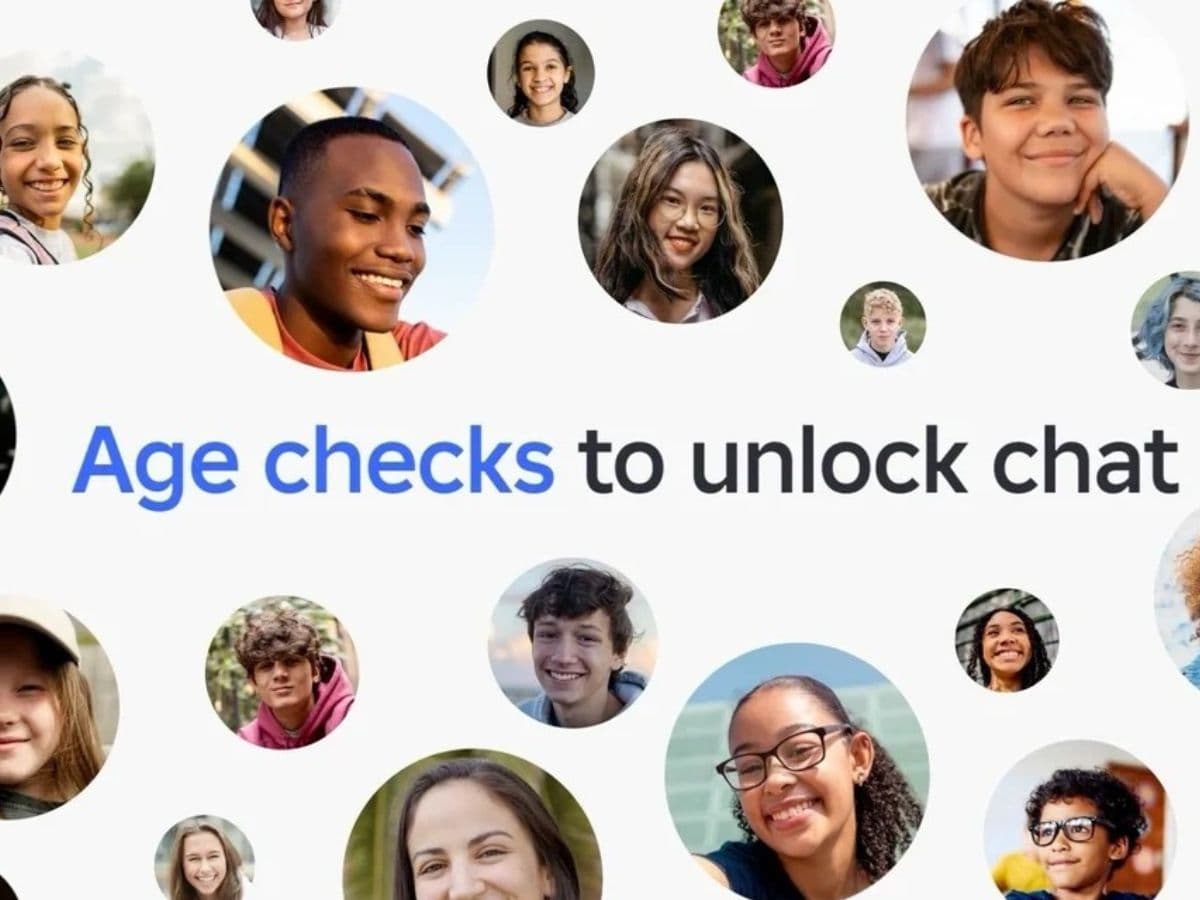
Roblox now uses age checks across more parts of the platform, and many players notice the change first when chat stops working. Some users also land in the wrong age group after a scan, which can block voice, party features, or access to certain experiences. That creates one main question: can you redo the Roblox age check, and if yes, how?
What is an age check and why does Roblox need it?
A Roblox age check helps Roblox place your account into an age group, so the platform can apply the right safety settings and unlock the right features. Roblox uses age checks to shape how you chat, what content you can access, and which social tools your account can use.
Roblox currently uses two core methods:
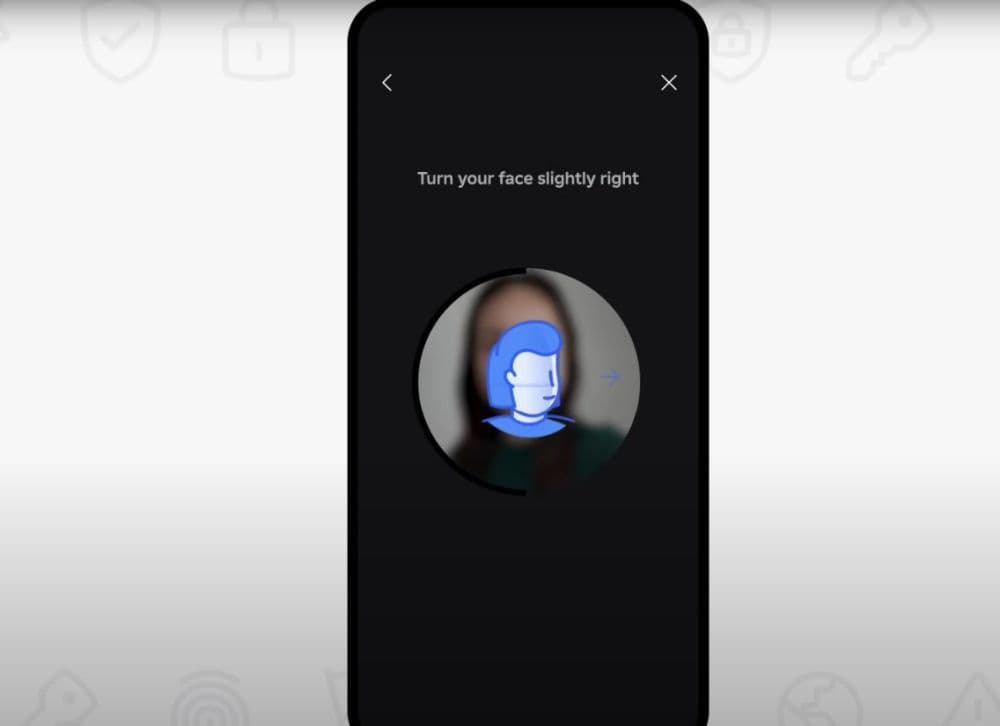
- Facial age estimation: Roblox estimates an age range from a selfie video and face data, then deletes the images and video after processing.
- ID verification: Roblox verifies your birthday with a government-issued photo ID. Roblox limits this option to users age 13 and older.
Can you redo an age check and what does it affect?
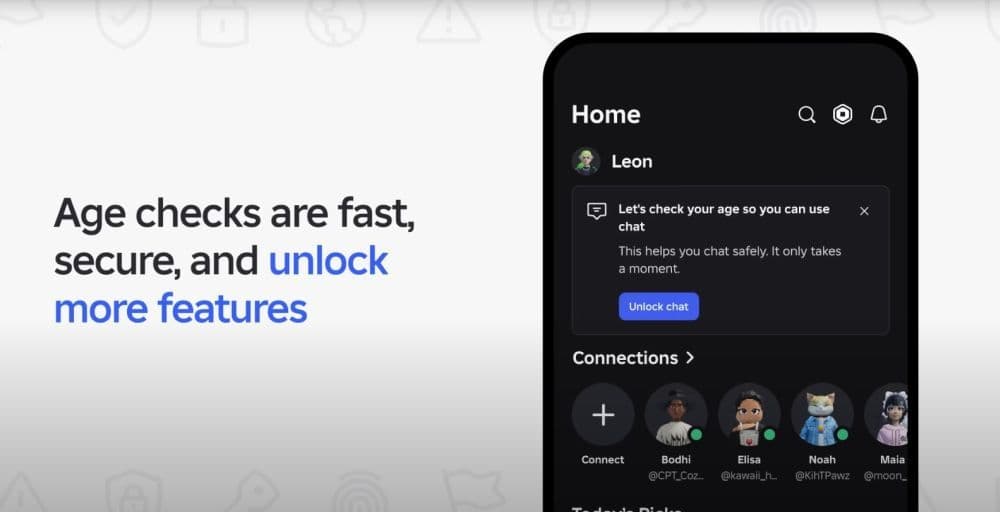
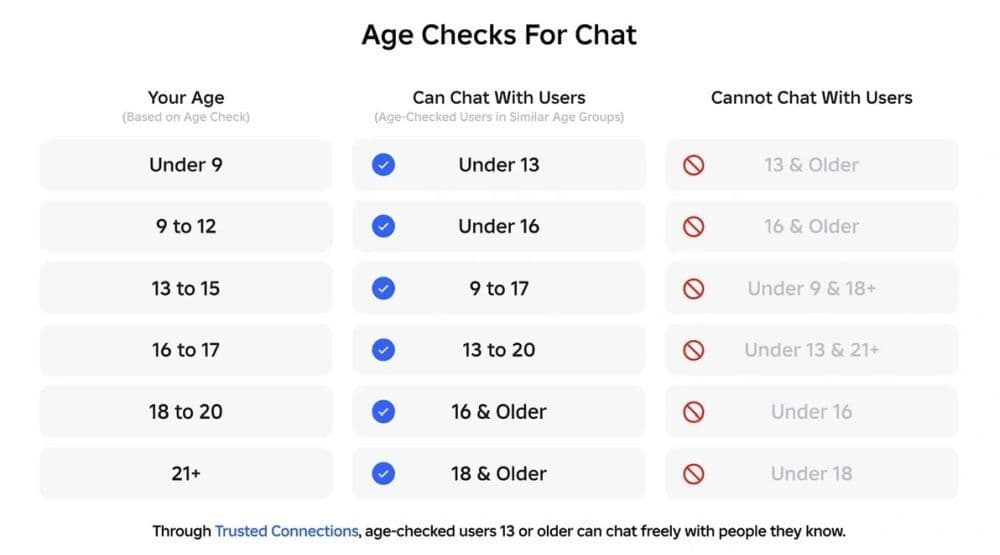
Roblox ties age checks to key features, and Roblox expanded that list in early 2026 when it rolled out age checks for chat in regions where chat exists. Roblox designed this system to support age-based chat and reduce risky interactions between adults and younger teens.
Roblox uses age groups for chat, and the groups can differ by product and region. Roblox often shows groups like under 9, 9–12, 13–15, 16–17, 18–20, and 21+.
Redo rules depend on the method, for beginners:
- Facial age estimation can reopen in some situations because Roblox can prompt repeats when its systems detect a strong mismatch. Roblox also built appeals and backup paths through ID verification or parent controls.
- ID verification does not reset. Roblox states it cannot remove or reset an ID-verified status, and support cannot change that status for you.
How to redo a Roblox age check without breaking your account
If you want to “redo” an age check, focus on safe paths that Roblox supports.
Use these decision steps:
- Check which method you used. Facial age estimation and ID verification behave differently.
- If Roblox placed you under 13 by mistake, use ID verification if you meet the 13+ requirement. Roblox built this path to correct under-13 estimates.
- If you already completed ID verification, stop looking for a reset. Roblox treats it as permanent on that account.
- If Roblox flags a mismatch later, Roblox can ask you to repeat the age check. Watch for in-app prompts, especially around chat access
How to do an age check on Roblox
Use these steps to start the correct flow from your account settings. Roblox uses the same entry point for both methods.
1) Open the age check entry point
- Log in to your Roblox account.
- Open Settings.
- Select Account Info.
- Find your birthday and age group area.
2) Complete facial age estimation
- Start the facial age estimation prompt if Roblox shows it.
- Allow camera access.
- Record the selfie video as Roblox requests.
- Finish the flow and return to Roblox.
Practical tips that reduce errors:
- Use bright, even lighting.
- Keep your face centered and still.
- Use a stable connection.
3) Complete ID verification
- In Account Info, select Continue with ID.
- Scan your government-issued photo ID.
- Follow the steps for selfie matching.
- Wait for Roblox to update your verified status
How to go from 13+ to 17+ on Roblox
Many players confuse “13+” with “17+” because Roblox uses multiple systems. Roblox can show an age group for chat access, and Roblox can also gate certain experiences by verified age.
To access 17+ experiences, Roblox requires you to verify as 17 or older with a government ID and a selfie. Roblox designed this step to increase confidence in age and identity for that category.
If you already meet the age requirement, use this checklist:
- Complete ID verification from Settings → Account Info → Continue with ID.
- Confirm Roblox shows the right verified status on the account.
- Review your content maturity and parental control settings if Roblox still blocks mature experiences.
Is Roblox changing 17+ to 18+?
Roblox keeps the 17+ experiences category, but Roblox also uses a Restricted maturity label for the highest tier of content. Roblox’s current Restricted Content Policy sets that Restricted category for 18+ age-checked users.
This difference matters for players:
- 17+ can apply to specific “17+ experiences.”
- 18+ can apply to Restricted content maturity access under current policy language.
Roblox built age checks to protect users and support safer chat at scale, so the system does not support quick manual overrides. If you follow the supported paths, you reduce the risk of locking your account into the wrong verified status while you work toward the age group and access level you expect.
Check out more of our guides below:
- Latest Roblox One Touch codes and how to use them
- Roblox Hunters codes: How to redeem rewards
- New Roblox Peroxide codes & hair IDs
- Latest Roblox Elemental Dungeons codes & how to redeem them
- New Roblox Project Mugetsu codes & how to redeem them
Featured Image Credit: Roblox
All Related Guides
 Roblox Robux codes (October 2026): Gift cards, free items & moreFind Roblox Robux codes & redeem gift cards, claim free avatar items, convert Roblox Credit, and fix codes tha...
 How to see Roblox purchase historyLearn how to see your Roblox purchase history, check Robux transactions and find real-money receipts on deskto...
 How to find the Monochrome Roblox code and escapeFind the Monochrome Roblox code, collect all four keys, survive the basement maze and open the elevator to com...
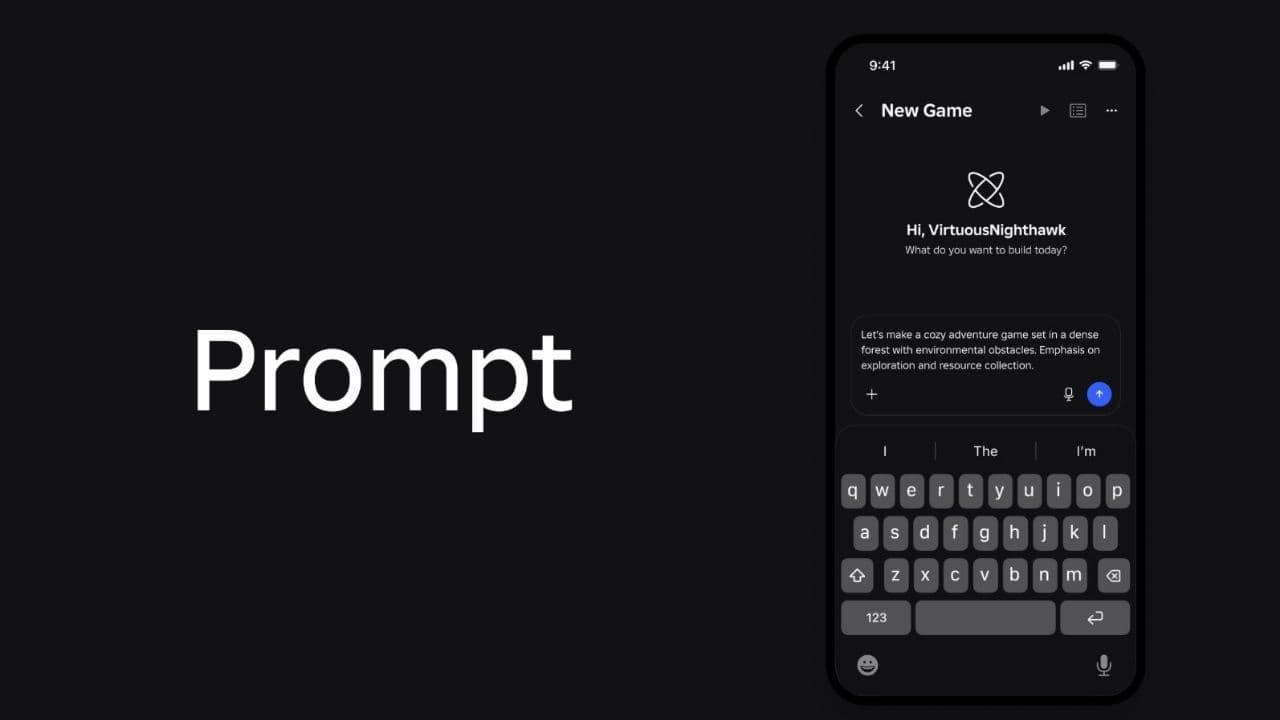 How to connect Claude to Roblox StudioConnect Claude to Roblox Studio with the current MCP method and see how Claude can work with your scripts and ...
 How to fight in Gakuran RobloxLearn how to fight in Gakuran Roblox, from basic attacks to blocking, parrying, posture, and fighting styles....
 How to get a free avatar in RobloxFind out how to get a free Roblox avatar without spending Robux, from free character bundles to Marketplace it...
 How to reduce lag in Roblox: Comprehensive guideRoblox feeling slow or choppy? Find out how to reduce lag in Roblox and improve your game with a few simple ch...
 How to check Roblox player countHow many people play Roblox in 2026? Check the latest Roblox player count and learn what the numbers actually ...
- 1
- 2
- 3
- 4
- 5
- 6
- 7
- 8
- 9
- 10
- 11
- 12
- 13