Roblox Party features explained: How the new party system enhances group play and developer tools
Party features are now in Roblox. Here's all that you need to know.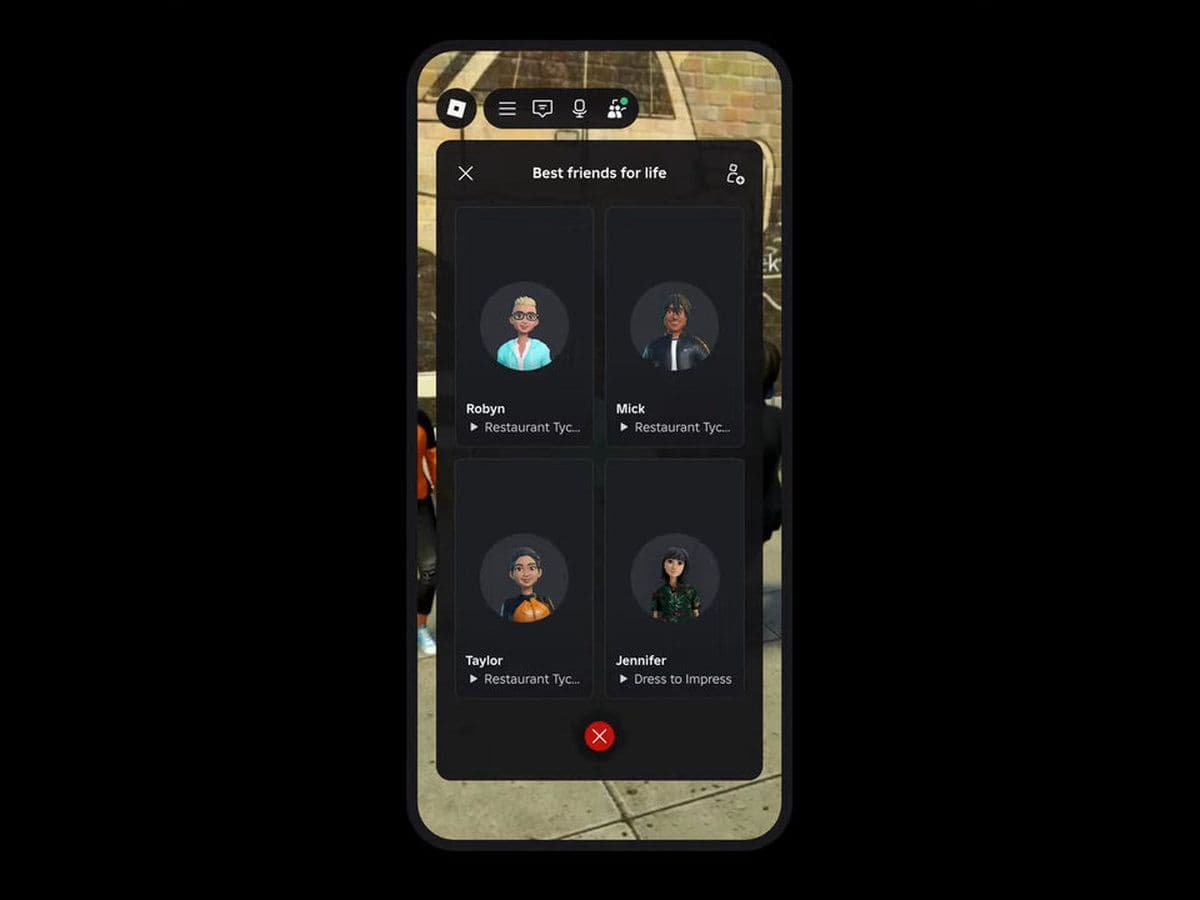
New Roblox Party features make it easier for friends to join games together. In this Roblox guide, you’ll find what Roblox Party really is, how to start or join a Party, and why it’s important for both players and developers.
What is Roblox Party?
The new Roblox Party system allows up to six players to group together in Roblox. Once a Party is created, members can:
- Automatically join the same game server
- Move between experiences as one group
- Use Party chat (text for ages 13+, with voice support coming later)
It’s designed to remove the hassle of coordinating outside the platform just to play together.
How to start a Roblox Party
Here is how to start a Party in Roblox:
- Open Roblox and go to the Party tab
- Tap the + button to add friends
- Click Start Party to create the group
- Select a game and send invites to your Party members
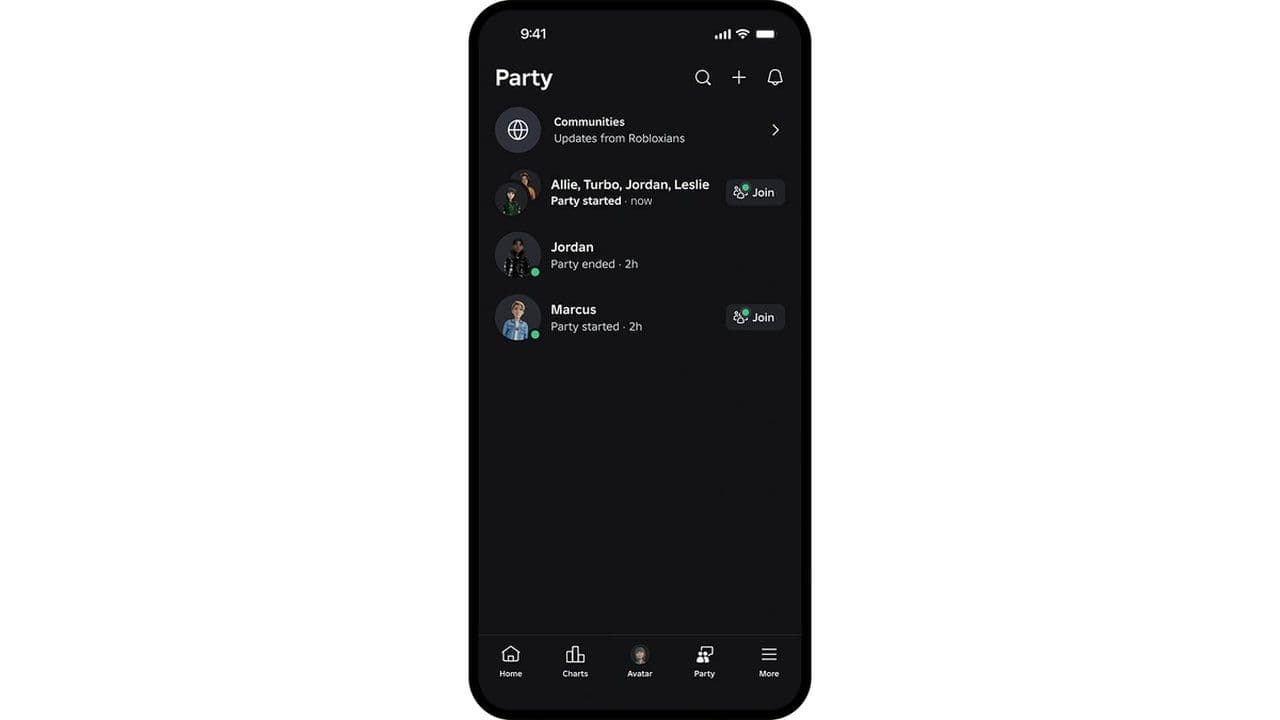
The system places all members into the same server, keeping everyone together.
How to join a Roblox Party
Follow these steps to join a Roblox Party:
- Accept a Party invite from your notifications or Party tab
- Tap Join to enter the group
- Join the game invite, and you’ll be placed in the same server as your Party
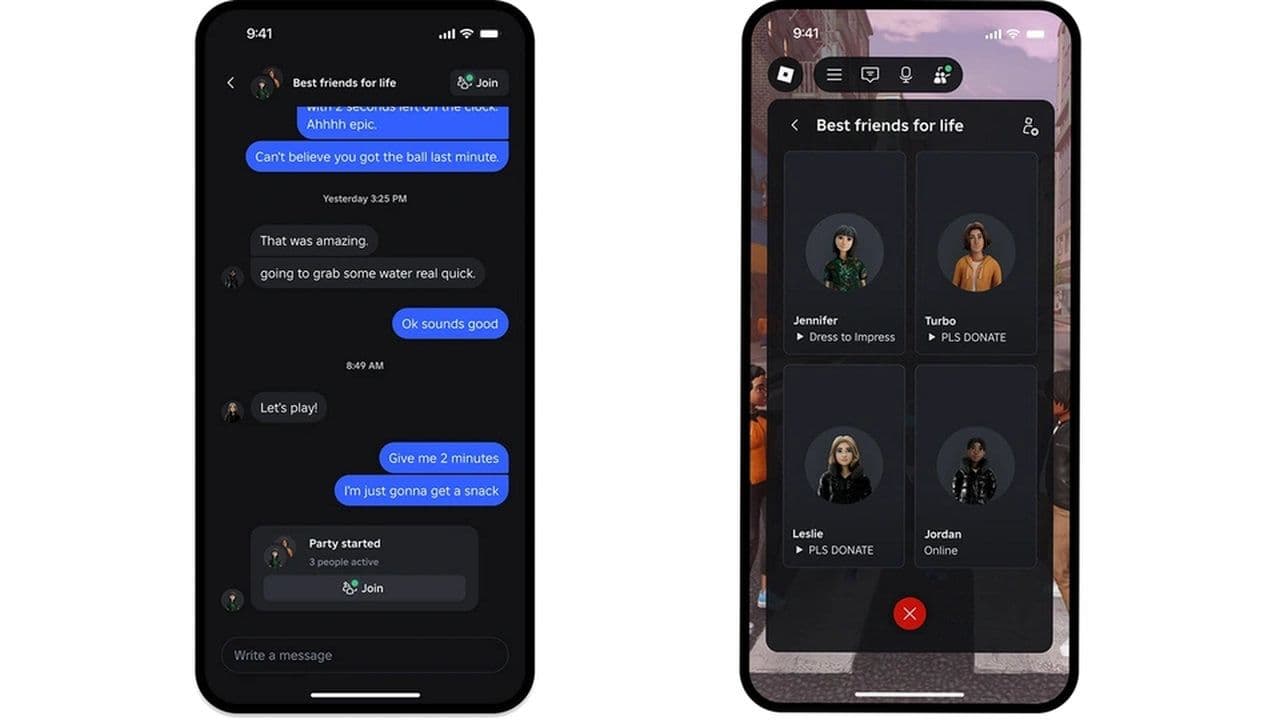
You can only be in one Party at a time, and if you disconnect, you can rejoin without losing your group.
5 Roblox Party facts you should know
- All members spawn in the same game instance.
- Party currently works on desktop, iOS, and Android (not yet consoles or VR).
- Parties move together between games.
- Parents can limit or disable Party access.
- There is also Party Chat, built-in messaging for group communication.
Roblox Party tools for developers
Roblox also introduced a Party API, giving developers the ability to:
- Detect who is in the same Party
- Teleport groups together within a game
- Match Parties onto the same team
- Unlock special features or rewards for Party players
These tools help creators design experiences built around group play. However, the API doesn’t function in Studio playtest mode; developers must publish to test.
Is Roblox Party not working?
To have voice in a Roblox Party, all of the following must be done:
- Both users are verified or age-checked.
- They qualify under Roblox’s “expressive chat / Trusted Connections” rules.
- Voice chat is enabled in your country / region.
- The experience (game) supports voice communication if needed.
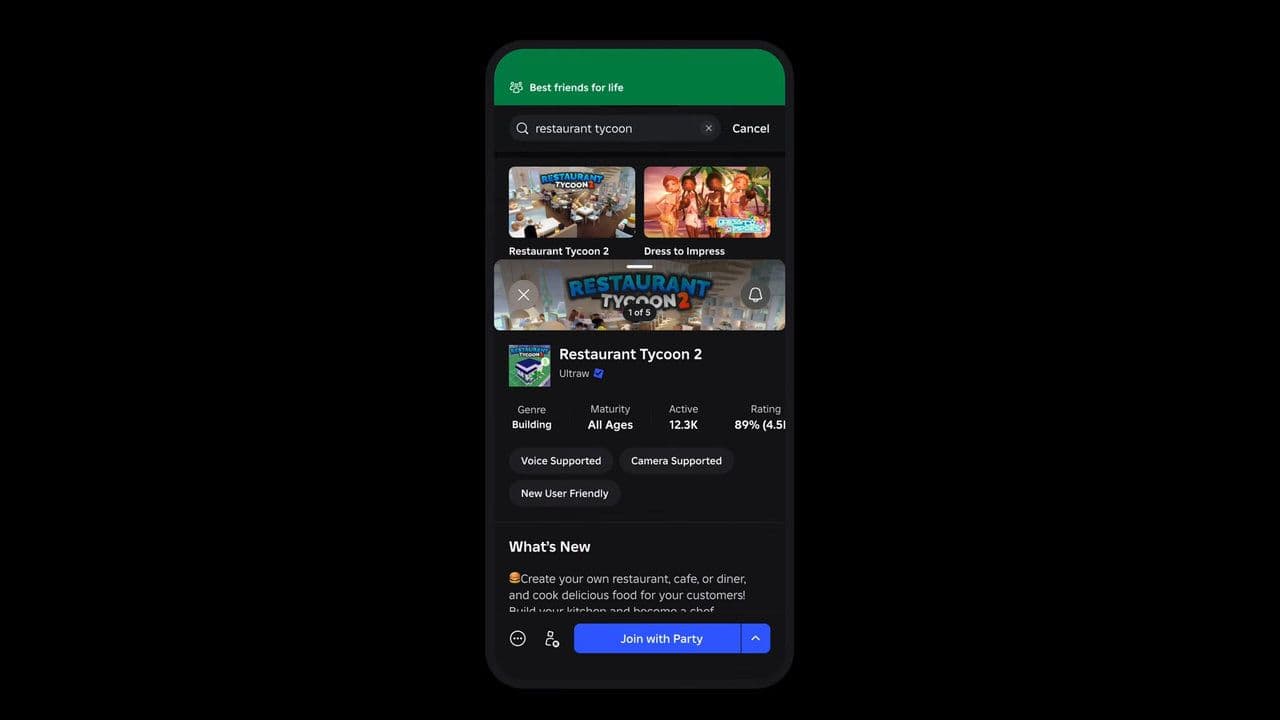
With Roblox Party features explained, it’s clear this update makes group play smoother, keeps friends together, and opens new creative options for developers. Whether you’re a player or a creator, Party is a big step forward in Roblox’s social gaming experience.
That’s all for today! Want free Roblox items? Check out our Roblox code guides:
All Related Guides
 How to connect Claude to Roblox StudioConnect Claude to Roblox Studio with the current MCP method and see how Claude can work with your scripts and ...
 How to fight in Gakuran RobloxLearn how to fight in Gakuran Roblox, from basic attacks to blocking, parrying, posture, and fighting styles....
 How to get a free avatar in RobloxFind out how to get a free Roblox avatar without spending Robux, from free character bundles to Marketplace it...
 How to reduce lag in Roblox: Comprehensive guideRoblox feeling slow or choppy? Find out how to reduce lag in Roblox and improve your game with a few simple ch...
 How to check Roblox player countHow many people play Roblox in 2026? Check the latest Roblox player count and learn what the numbers actually ...
 App Themes: How to change a Roblox Background (2026)Here’s how to change your Roblox background and theme, including Roblox Plus themes, Dark Mode, Light Mode, an...
 Roblox Safety Dashboard: How to check account status & ban riskLearn how the Roblox Safety Dashboard works, check your Account Status, review recent violations, and see whet...
 How to get the Blossoming Gift of New Beginnings in Roblox (Mystery box)Learn how to get the Blossoming Gift of New Beginnings in Roblox, including Roblox Plus requirements, eligibil...
- 1
- 2
- 3
- 4
- 5
- 6
- 7
- 8
- 9
- 10
- 11
- 12