Why is Rocket League so laggy & how to fix it?
Stop lag, win more matches.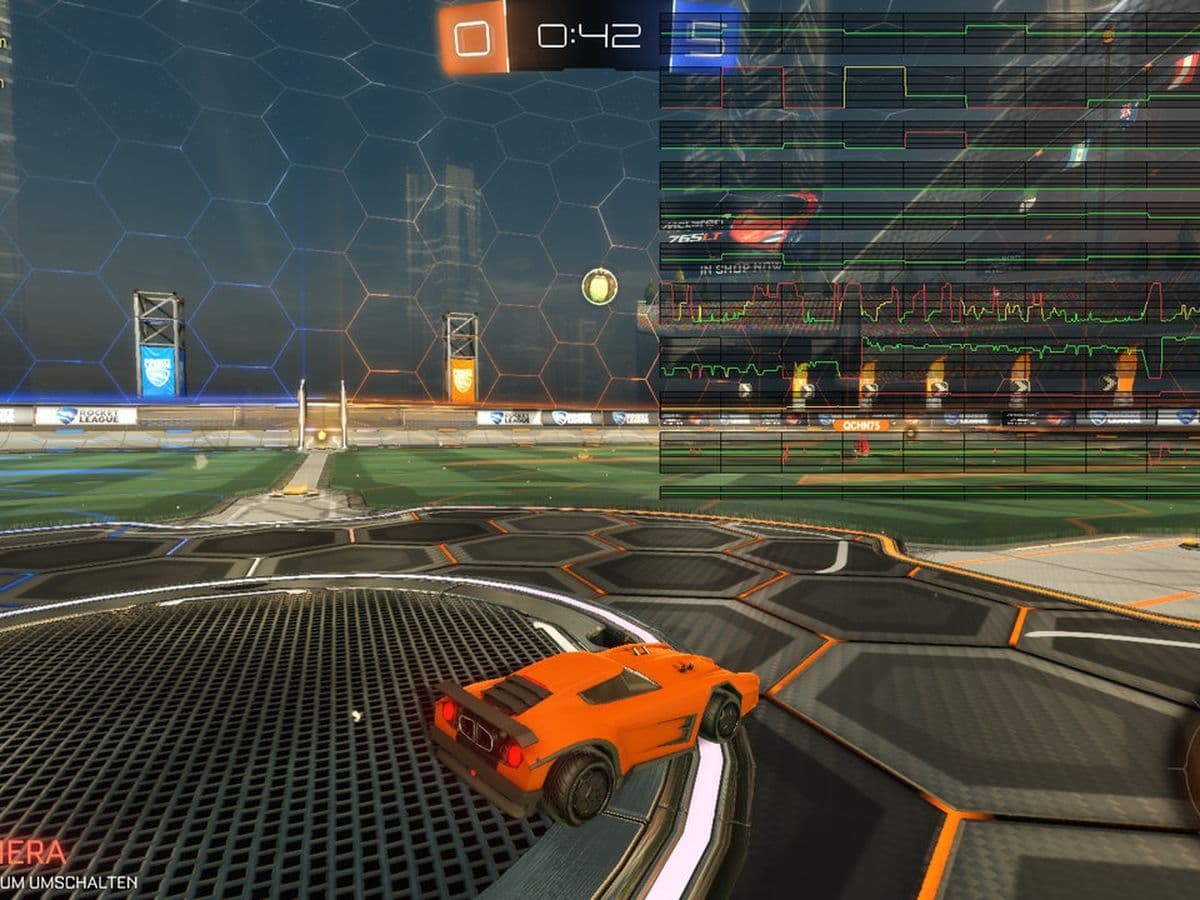
If you’ve ever asked yourself, “Why is Rocket League so laggy?”, you’re not alone. Lag is one of the most common frustrations in the game, especially because Rocket League relies on fast reactions, precise movement, and accurate physics. Even small delays can completely change the outcome of a match.
The good news is that lag usually has clear causes, and in most cases, it can be fixed.
But first, what “lag” really means in Rocket League
Lag is not just one problem. In Rocket League, lag usually comes from one (or more) of the following:
- Network issues (ping, packet loss, unstable connection)
- Low or unstable FPS
- Incorrect in-game or system settings
- Background software or hardware limits
- Server-side problems
Understanding which type of lag you’re experiencing is the first step to solving it.
8-step checklist to fix Rocket League lag fast
If Rocket League feels laggy, go through this list:
- Use Ethernet instead of Wi-Fi
- Set the correct server region
- Close background apps
- Lower video settings
- Update drivers
- Disable V-Sync
- Cap FPS to your monitor
- Restart your router and PC

Deep dive into solutions & how to fix Rocket League lag
Lag in Rocket League usually comes from three main areas: network problems, system performance issues, and in-game or background settings that interfere with smooth gameplay. Some players experience high ping and packet loss, while others suffer from low FPS, stuttering, or hidden software conflicts. The symptoms may look similar in-game, but the causes—and fixes—are very different.
Network problems: The most common reason Rocket League is laggy

Performance issues: When your system is the problem
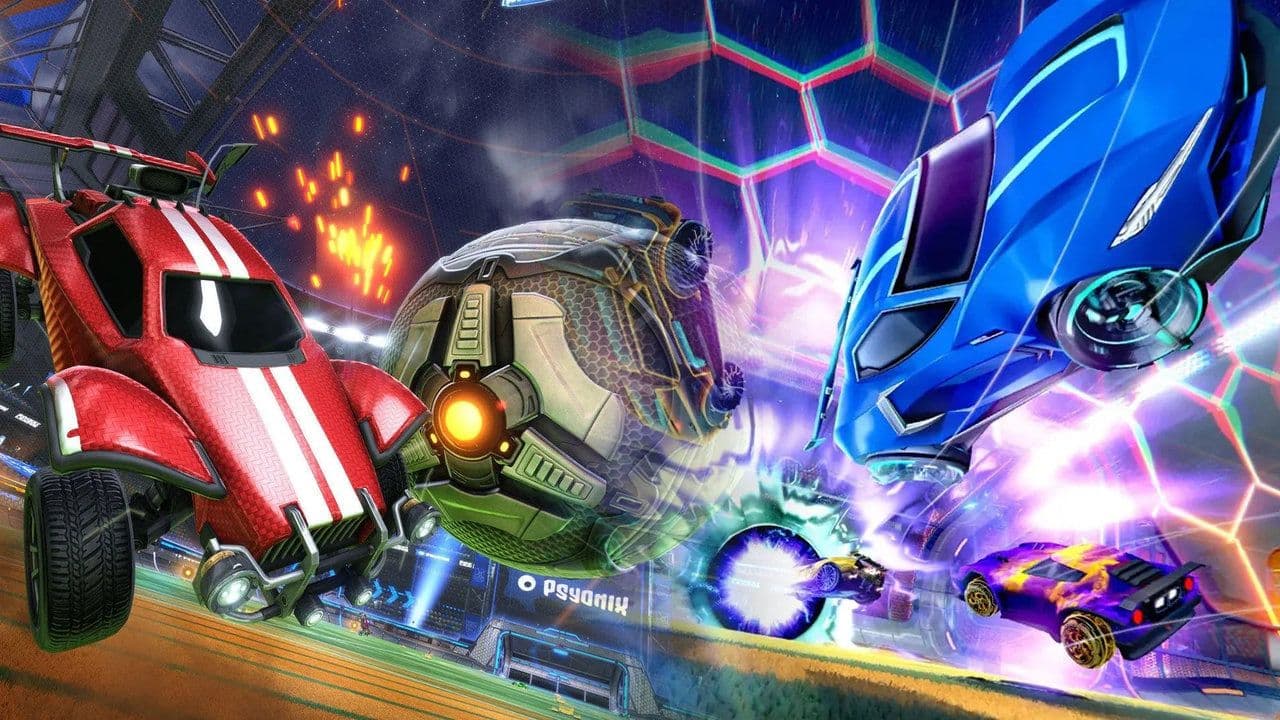
In-game settings that can cause lag
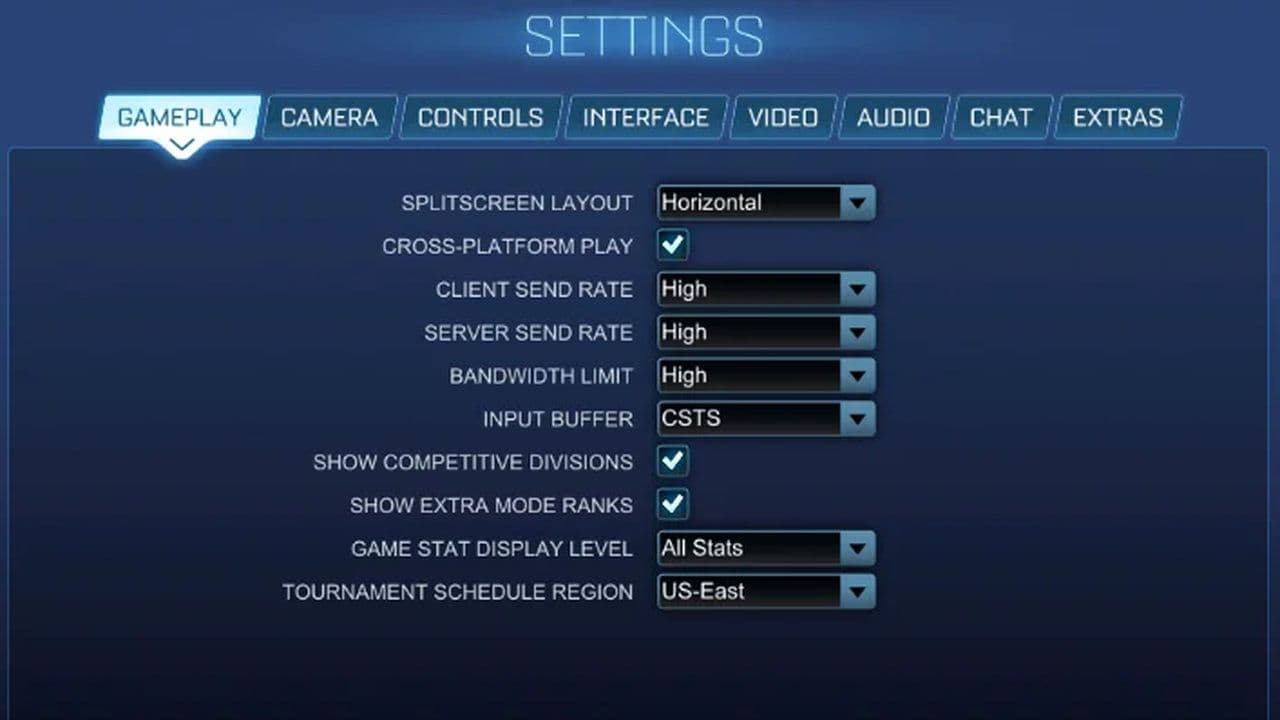
Background software and overlays
When the lag is not your fault
Sometimes Rocket League is laggy even when your setup is perfect.
This can happen due to:
- Server overload
- Temporary server issues
- Regional congestion during peak hours
Unfortunately, these problems cannot be fixed locally. Switching regions or playing later is often the only solution.
So, why is Rocket League so laggy?
In most cases, it comes down to network instability, performance limits, or incorrect settings. The game itself is well optimized, but it is extremely sensitive to small delays.
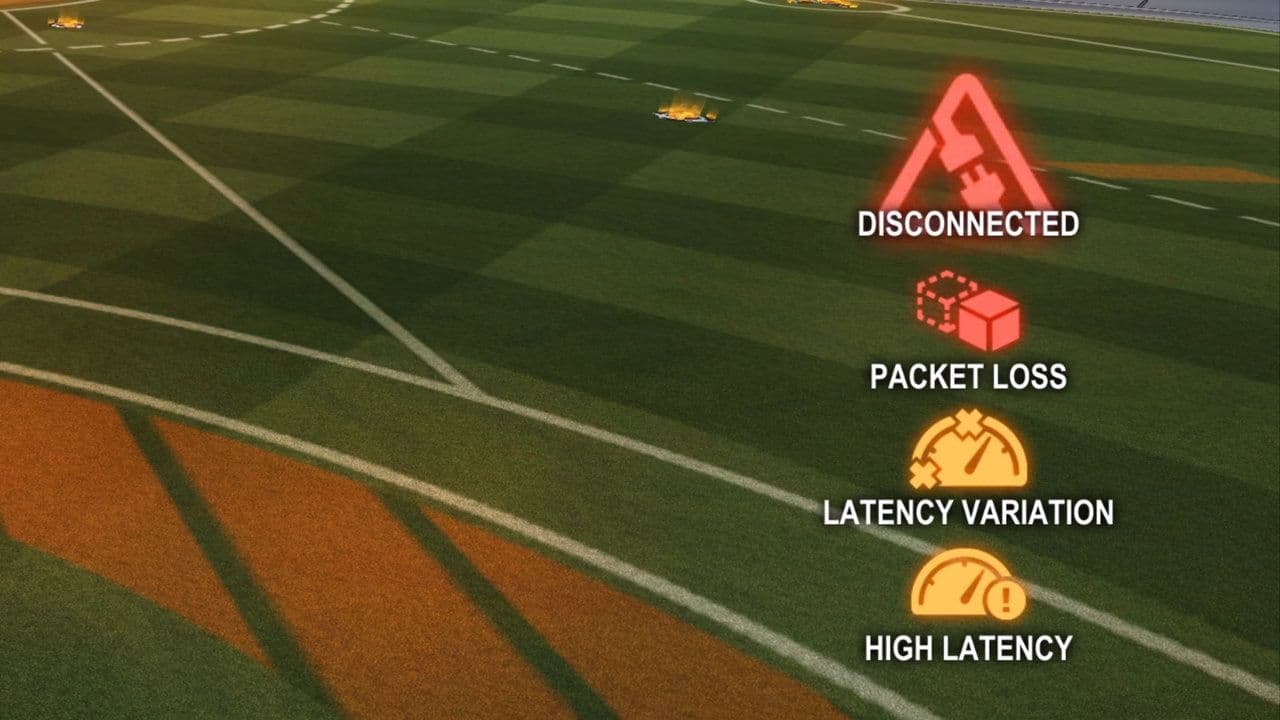
By identifying the type of lag you’re experiencing and applying the fixes above, you can eliminate most issues and enjoy smoother, more responsive gameplay—especially in competitive matches.
That’s all for today! Looking for more Rocket League guides? Check out these:
- Rocket League Lightning McQueen: Price, hitbox & how to get it
- A guide to Rocket League Nissan Fairlady Z: Price, hitbox & availability
- How to get the Cybertruck in Rocket League? Is it still possible?
- How to get Fennec in Rocket League for free on PS5, PS4 and more
- 10 best Rocket League workshop maps and how to get one
Guide Categories
All Related Guides
 How to change MPH to KPH in Rocket LeagueLearn how to change MPH to KPH in Rocket League through the Metric setting, switch back to MPH, and learn what...
 How to rank up in Rocket League and what is a good rank?Trying to climb in Rocket League? Learn how ranking works, which skills matter most, and how to make steady pr...
 How to get the JUNKO title in Rocket LeagueTrying to get the Junko title in Rocket League? Here is how the title works, who can earn it, and where BALRIG...
 How to get Rocket League on mobileFind out how to play Rocket League on mobile, where to download Rocket League Sideswipe, and whether it suppor...
 Did Rocket League get stuck on “Press any button to start”? Here is how to fix it on PCRocket League stuck on press any button to start? Try these PC fixes for cache, files, login issues, controlle...
 Rocket League codes (July 2026): All active redeem codes & free rewardsLooking for Rocket League codes? Redeem all active Rocket League redeem codes to unlock free Player Titles, th...
 How to get Jynxzi Rocket League skin & moreLearn how to get the Jynxzi Rocket League decal, title, and exclusive rewards through the Season 23 community ...
 How to fix latency variation in Rocket LeagueLearn how to fix Rocket League latency variation with Ethernet, CSTS input buffer, correct server region, and ...
- 1
- 2
- 3
- 4
- 5
- 6
- 7
- 8
- 9