How to get and open drops in Rocket League
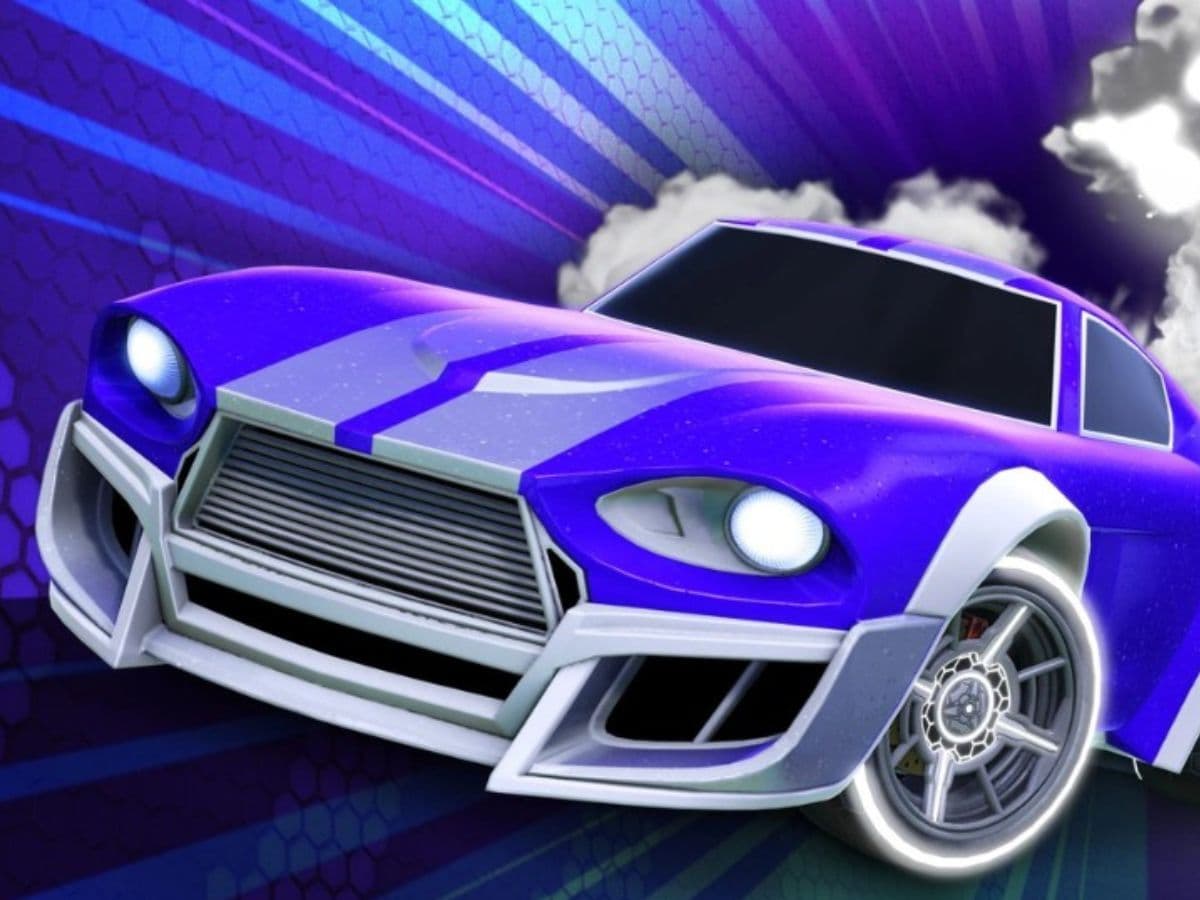
In Rocket League, you play matches, you complete challenges, and you unlock cosmetic items that change how your car looks. Drops are important because they give real customization without requiring trades or store purchases. You earn a drop, you open it, and you move on with a new decal, wheels, or a flashier goal explosion. Here is how to get a drop in RL and open it to get goodies!
What are drops in Rocket League?
Drops are reward packs that unlock one random cosmetic item when you open them. The game stores each drop in your inventory until you claim it. After you open a drop, Rocket League adds the item to your garage, and you can equip it right away.
You can pull many item types from drops, such as:
- Decals and paint finishes
- Wheels
- Boosts, toppers, and trails
- Antennas and banners
- Car bodies and goal explosions (more common in higher tiers)
Rocket League drop types, rarities, and how to get them
Rocket League groups drops by rarity. Higher-tier drops usually pull from higher-value item pools, but the result still stays random.
Common drop tiers you will see include:
- Sports Drop
- Special Drop
- Deluxe Drop
- Import Drop
- Exotic Drop
- Black Market Drop
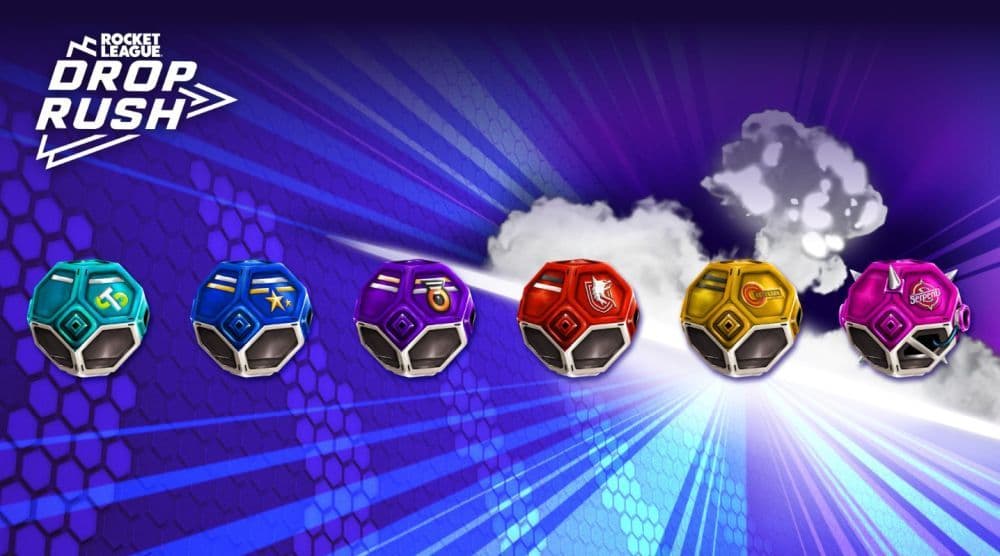
You earn drops through normal play, mainly in these ways:
- Weekly and seasonal challenges: Rocket League often rewards drops for finishing gameplay tasks. You can also earn XP that moves you forward on the pass track.
- Rocket Pass progression: The free track includes rewards, and some tiers include drops.
- Limited-time events: Some events add extra challenges and reward items, and drops can appear as part of those reward paths.
When you preview a drop, the game may show several possible rarity outcomes. That screen explains what can happen. It does not let you lock in the best rarity.
How to open drops in Rocket League
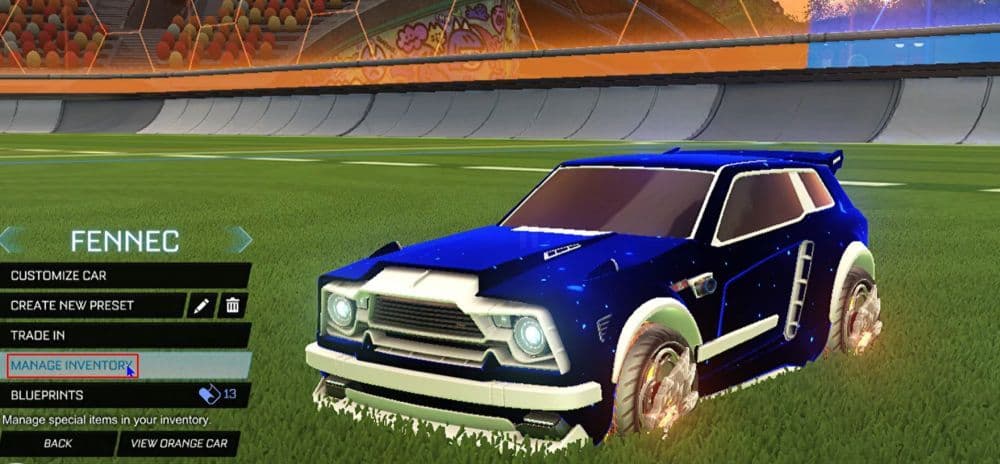
Opening a drop takes less than a minute once you know the menu path.
- Go to the Home screen.
- Select Garage.
- Choose Manage Inventory.
- Move to the Reward Items tab.
- Use the bumper buttons on controller to switch tabs.
- Click the tab directly on PC.
- Select the drop you want to open, then confirm.
After the reveal, you can equip the item or leave it in your inventory. To find it later, go to Garage, and Customize Car, then open the matching item category.
Tournament Cups are not drops
Rocket League also offers Tournament Cups, and they work like reward packs but use a different system. You earn Tournament Credits by playing scheduled tournaments, then you spend those credits on cups in the tournament rewards menu. Cups sit outside the standard drop inventory flow, so do not look for them under Reward Items.
Below you cna can find more Rocket League guides:
- How to join a club in Rocket League
- What is SSL in Rocket League & how to climb there fast
- Rocket League Ferrari F40: How to get it, hitbox & more
- 10 best Rocket League workshop maps and how to get one
- Why is Rocket League so laggy & how to fix it?
Featured Image Credit: Rocket League
Guide Categories
All Related Guides
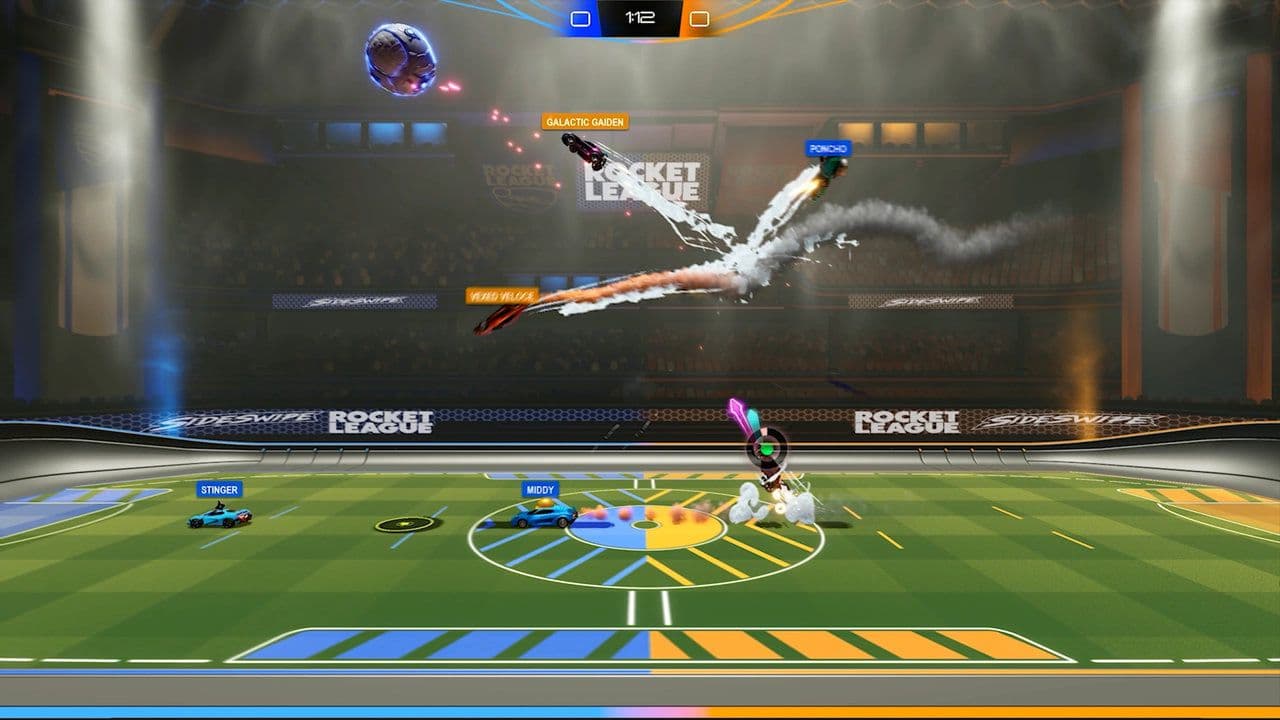 How to get Rocket League on mobileFind out how to play Rocket League on mobile, where to download Rocket League Sideswipe, and whether it suppor...
 Did Rocket League get stuck on “Press any button to start”? Here is how to fix it on PCRocket League stuck on press any button to start? Try these PC fixes for cache, files, login issues, controlle...
 Rocket League codes (July 2026): All active redeem codes & free rewardsLooking for Rocket League codes? Redeem all active Rocket League redeem codes to unlock free Player Titles, th...
 How to get Jynxzi Rocket League skin & moreLearn how to get the Jynxzi Rocket League decal, title, and exclusive rewards through the Season 23 community ...
 How to fix latency variation in Rocket LeagueLearn how to fix Rocket League latency variation with Ethernet, CSTS input buffer, correct server region, and ...
 Rocket League TikTok Drops guide: How to get free rewardsRocket League TikTok Drops guide: earn free cosmetics, reward codes, RLCS drops, and learn how to redeem TikTo...
 Guide to the Ratatouille Rocket League EventRatatouille Rocket League event guide: all rewards, challenges, cosmetics, Goal Explosion, and Fortnite integr...
 Rocket League Easy Anti-Cheat (EAC) explainedRocket League Easy Anti-Cheat explained: how EAC works, online requirements, mod support, Linux compatibility,...
- 1
- 2
- 3
- 4
- 5
- 6
- 7
- 8