How to join a club in Rocket League
Join clubs, team up, dominate matches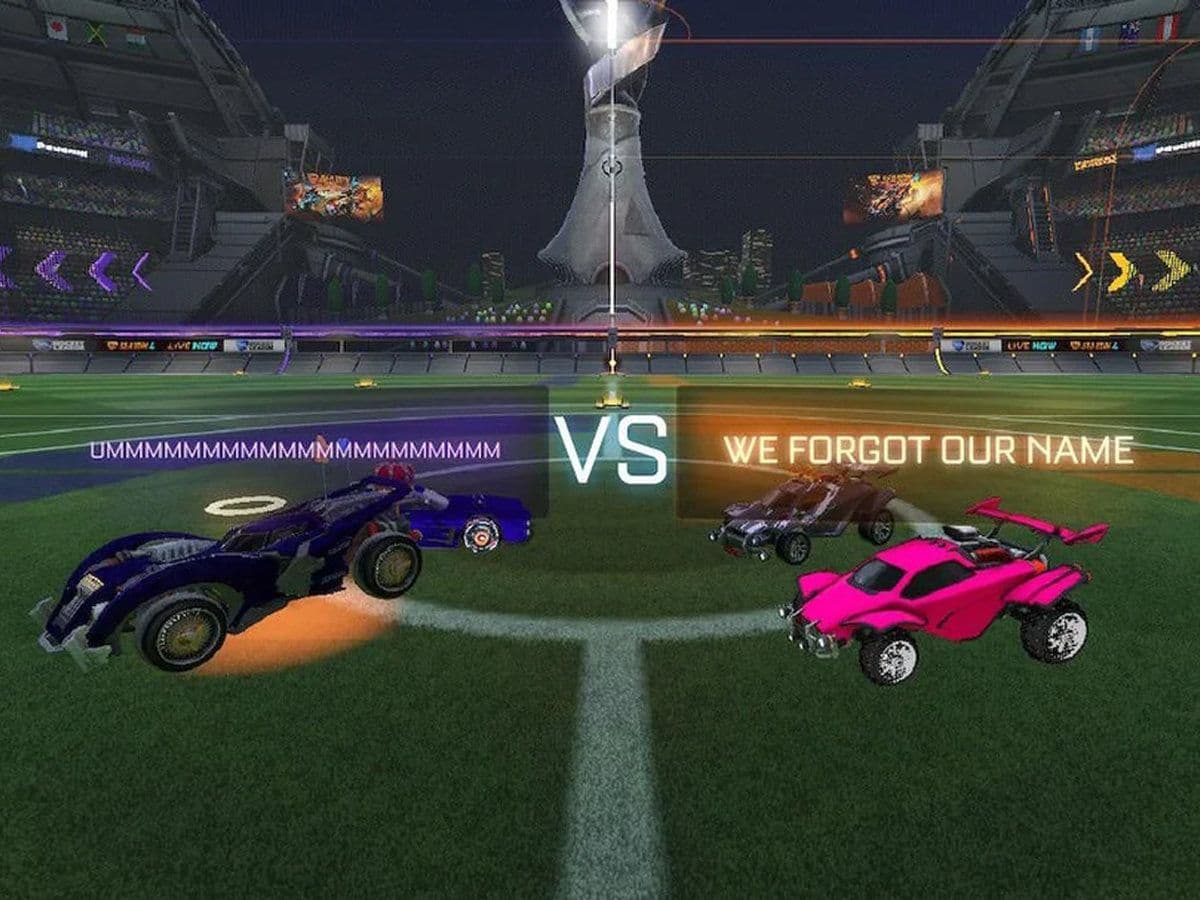
If you are wondering how to join a club in Rocket League, this RL guide explains everything you need to know. Learn what Rocket League clubs are, how invitations work, and the exact steps required to join one.
What is a club in Rocket League?
In Rocket League, a club is a private group of players managed by an owner and, optionally, managers. Clubs can include up to 20 members, including the owner.
Each club has:
- A club name
- A club tag (shown in matches)
- Custom club colors
- A fixed list of members
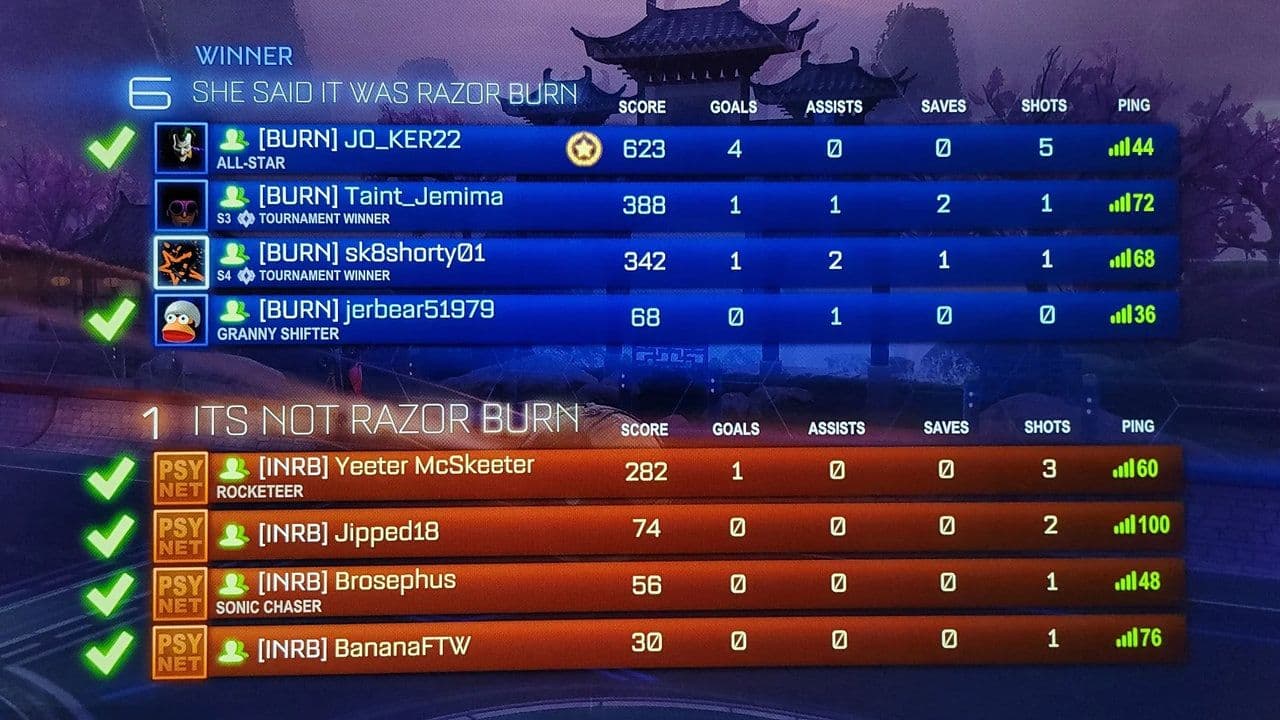
When club members play together, their club tag and colors appear during matches, creating a team-based experience.
How do Rocket League clubs work?
Before learning how to join a club in Rocket League, it is important to understand how the system works.
- Clubs are invite-only: You cannot search for or apply to clubs inside the game. There is no public club browser. Without an invite, joining a club is not possible. To join a club, you must receive an invitation from:
- The club owner, or
- A club manager
- You can only join one club at a time: Each player can be a member of only one club at once. If you are already in a club, you must leave it before accepting another invitation.
Club stats and medals
Clubs track long-term performance through stats, medals, and titles.
- Clubs track Goals, Saves, and Assists
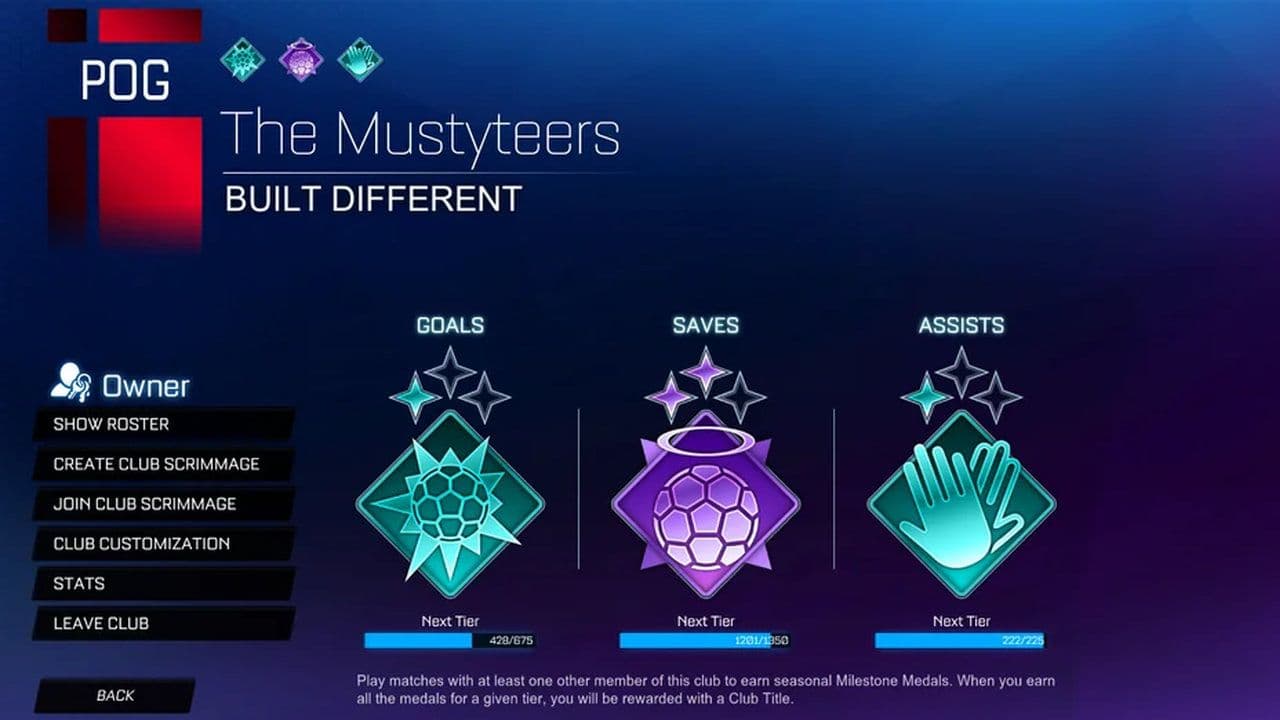
- Stats count only when at least two club members play together
- Progress resets each season
- Medals have three tiers: Prospect, Signature, and Premier
- Medals appear on the club profile and in club matches
- Earning Premier medals in all three stats unlocks a special club icon
Rocket League club titles
- Clubs can earn three titles per season
- A title requires the same medal tier in all three stats
- Example: Prospect medals in Goals, Saves, and Assists unlock the PROSPECT CLUB title
- Members are notified immediately when a medal or title is earned
All titles
- SUPERSONIC ACROBATIC BATTLE CARS
- AERIAL DEFENSE FORCE
- RULE 1 FOLLOWERS
- DEMO DEVILS
- EGGCELSIOR
- WE ARE ROCKET LEAGUE!
- CHAMPIONS ELECT
- BEST IN LEAGUE
- CLUB OF THE MONTH
- IN DA CLUB
- PURE CLASS
- BUILD DIFFERENT
- ESTABLISHED 20XX (default for all Clubs)
- DEVELOPERS (Psyonix Developer tag only)
How to find a Rocket League club to join
Since Rocket League does not offer an in-game club list, you need to find clubs outside the game. Common ways to find a club include:
- Asking friends or teammates you already play with
- Joining Rocket League Discord servers
- Using Rocket League community forums
- Looking for team posts on social media
- Joining casual or ranked matches and networking with players
How to join a club in Rocket League
Once a club agrees to invite you, follow these steps:
- Receive an invitation: A club owner or manager sends you an invite through Rocket League. If you don’t see it, ask them to resend it.
- Launch Rocket League: Make sure you’re logged into the correct Epic Games account, or the invite won’t appear.
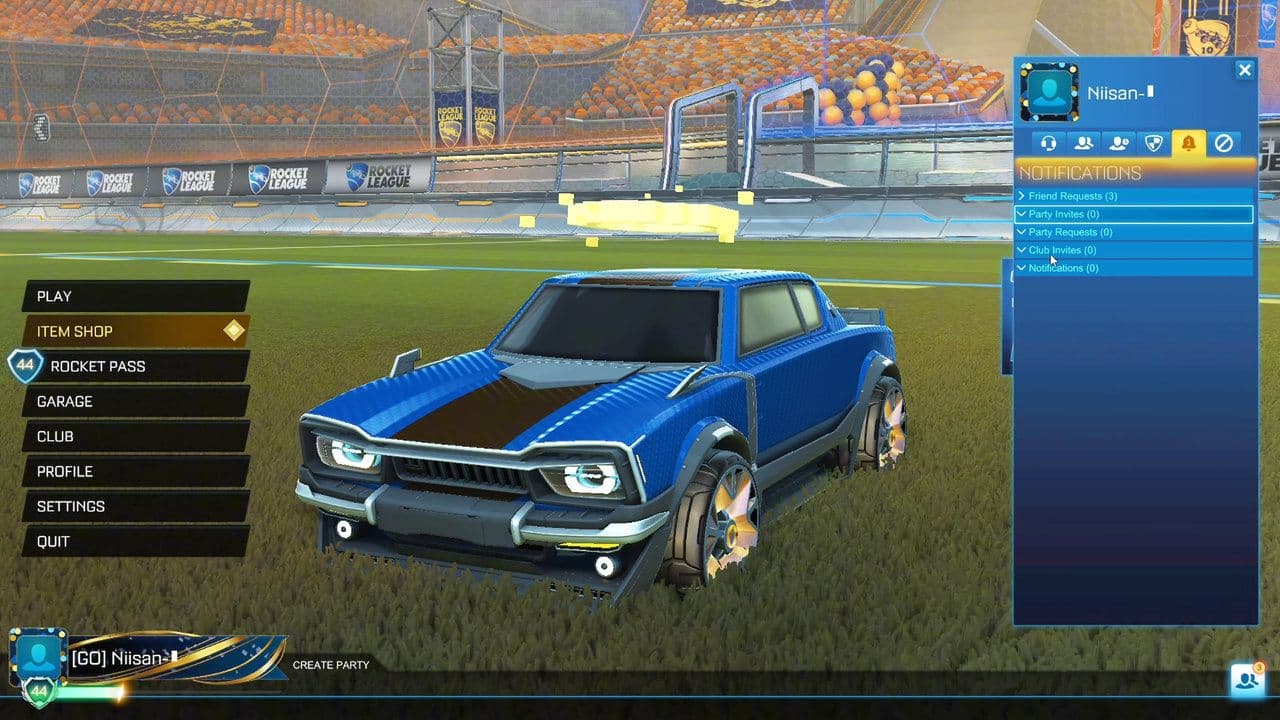
- Open club invitations: From the main menu, go to Profile → Clubs or Notifications, then check Pending Club Invitations.
- Accept the invite: Select the invitation and choose Accept. You’ll instantly become a member, with access to the club tag and the ability to play with other club members.
How to create a club in Rocket League
Here’s how to create a club in Rocket League:
- Launch Rocket League: Start the game and make sure you’re logged in with your Epic Games account.
- Select “Create Club”: In the main menu, look for and select Create Club.
- Set up your club details
- Enter a club name
- Choose a club tag (short code shown in matches)
- Pick primary and secondary colors for your club
- Confirm your choices and select Accept to finalize creation.
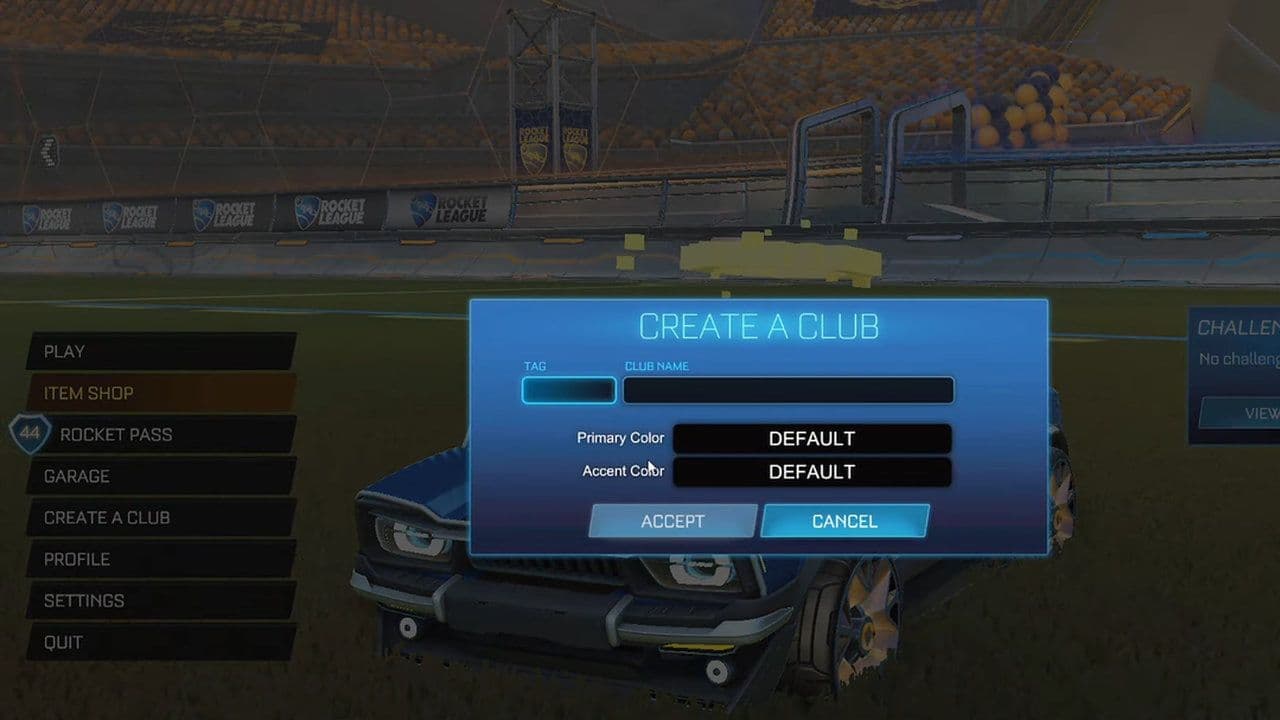
- Invite players: Once your club is created, you can invite friends or other players from your friends list. Choose Invite to Club to send invitations.
How to leave a club in Rocket League
If you want to switch clubs or leave one entirely:
- Go to Profile
- Open the Clubs section
- Select your current club
- Choose Leave Club
You will immediately lose club membership and can then accept a new invite.
Leaving a club does not affect your stats or rank.
That’s all for today! Looking for more Rocket League guides? Check out these:
- Rocket League Lightning McQueen: Price, hitbox & how to get it
- A guide to Rocket League Nissan Fairlady Z: Price, hitbox & availability
- How to get the Cybertruck in Rocket League? Is it still possible?
- How to get Fennec in Rocket League for free on PS5, PS4 and more
- 10 best Rocket League workshop maps and how to get one
Guide Categories
All Related Guides
 How to rank up in Rocket League and what is a good rank?Trying to climb in Rocket League? Learn how ranking works, which skills matter most, and how to make steady pr...
 How to get the JUNKO title in Rocket LeagueTrying to get the Junko title in Rocket League? Here is how the title works, who can earn it, and where BALRIG...
 How to get Rocket League on mobileFind out how to play Rocket League on mobile, where to download Rocket League Sideswipe, and whether it suppor...
 Did Rocket League get stuck on “Press any button to start”? Here is how to fix it on PCRocket League stuck on press any button to start? Try these PC fixes for cache, files, login issues, controlle...
 Rocket League codes (July 2026): All active redeem codes & free rewardsLooking for Rocket League codes? Redeem all active Rocket League redeem codes to unlock free Player Titles, th...
 How to get Jynxzi Rocket League skin & moreLearn how to get the Jynxzi Rocket League decal, title, and exclusive rewards through the Season 23 community ...
 How to fix latency variation in Rocket LeagueLearn how to fix Rocket League latency variation with Ethernet, CSTS input buffer, correct server region, and ...
 Rocket League TikTok Drops guide: How to get free rewardsRocket League TikTok Drops guide: earn free cosmetics, reward codes, RLCS drops, and learn how to redeem TikTo...
- 1
- 2
- 3
- 4
- 5
- 6
- 7
- 8
- 9