How to link Rocket League to Twitch: Get Fan Rewards & Drops fast
Link Rocket League, earn free drops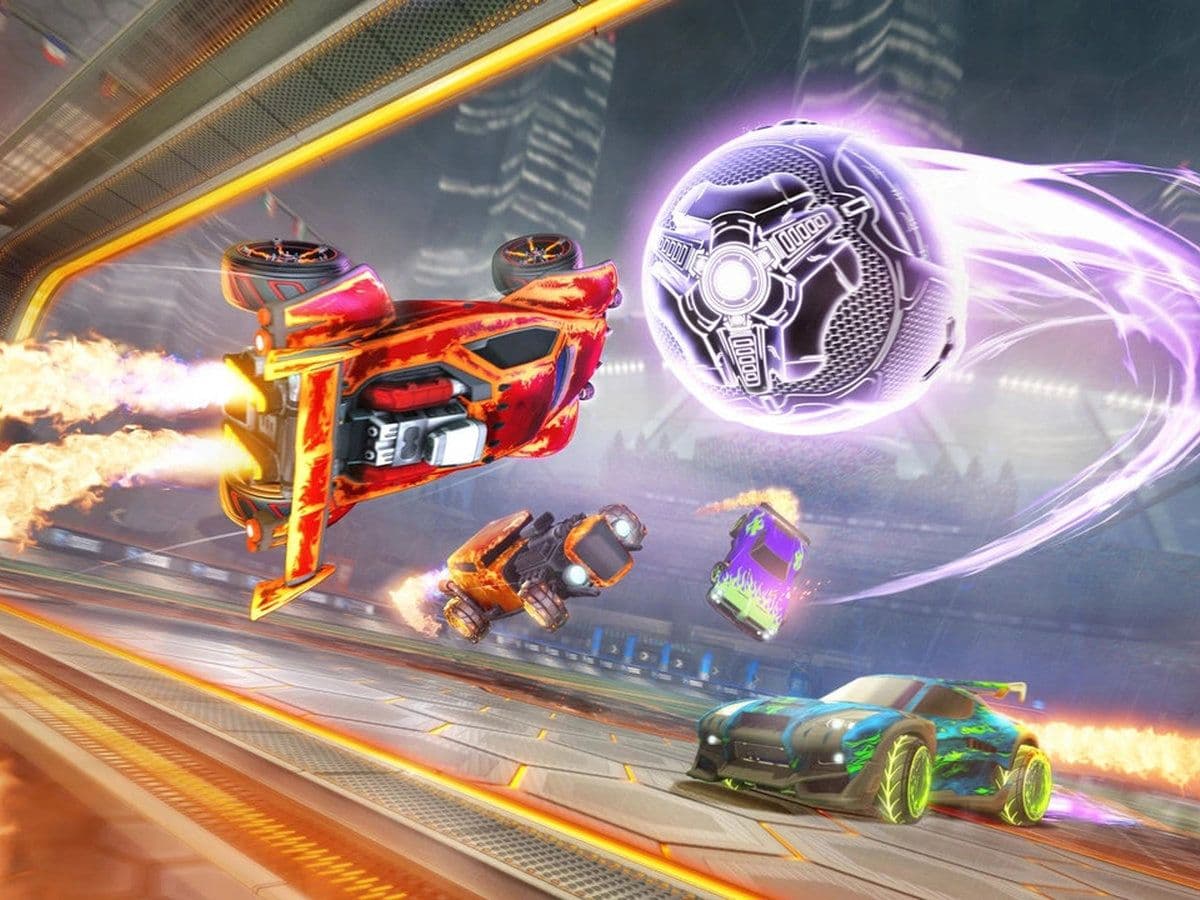
Whether you’re chasing clean RLCS wheels to flex in Champ lobbies or stacking free cosmetics without spending credits, every real player eventually learns how to link Rocket League to Twitch. This isn’t some optional extra—it’s part of the Rocket League ecosystem, like TikTok Drops. If you’re not linked, you’re leaving free items on the table.
This guide breaks down exactly how to link Rocket League to Twitch, how to claim your rewards properly, how to fix the most common mistakes players make, and everything else you need to know to make sure every Drop actually hits your garage, such as:
How to link Rocket League to Twitch in 6 easy steps
When you link your Epic Games account (used for Rocket League) to your Twitch account, you enable Twitch Drops. These are free rewards given to viewers during Rocket League streams with Drops enabled. You only need to:
- Go to epicgames.com, click Sign In, and log into the Epic Games account you use for Rocket League.
- Click your profile icon → Account → Connections → Accounts tab. You’ll see Twitch listed there.
- Click Connect next to Twitch, log into your Twitch account, and click Authorize. Your accounts are now linked.
- Go to Twitch and watch Rocket League streams with “Drops Enabled” in the title. The main channel is RocketLeague, but event partner streams also work.
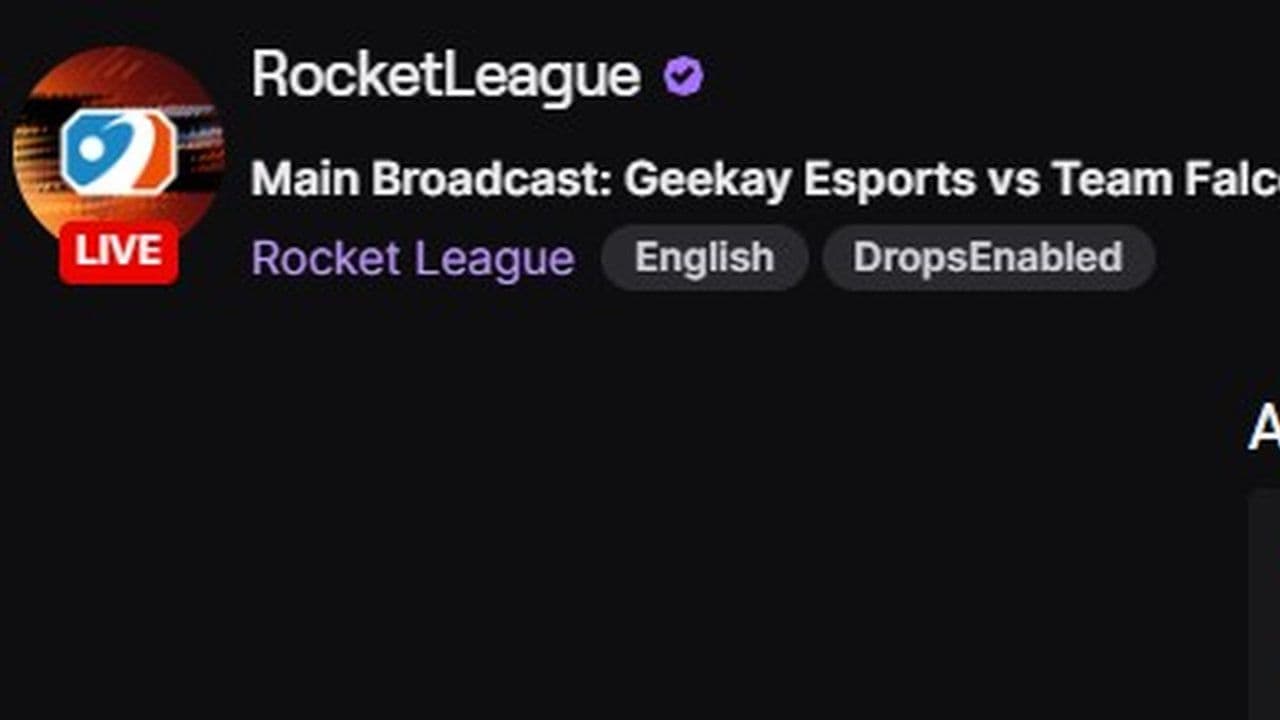
- On Twitch, click Profile icon → Drops and Rewards → Inventory → Claim. You must claim drops, or you won’t receive them.
- Open Rocket League and check your Garage. Your items will appear automatically.
- Restart the game if they don’t show up right away.
How long do you need to watch?
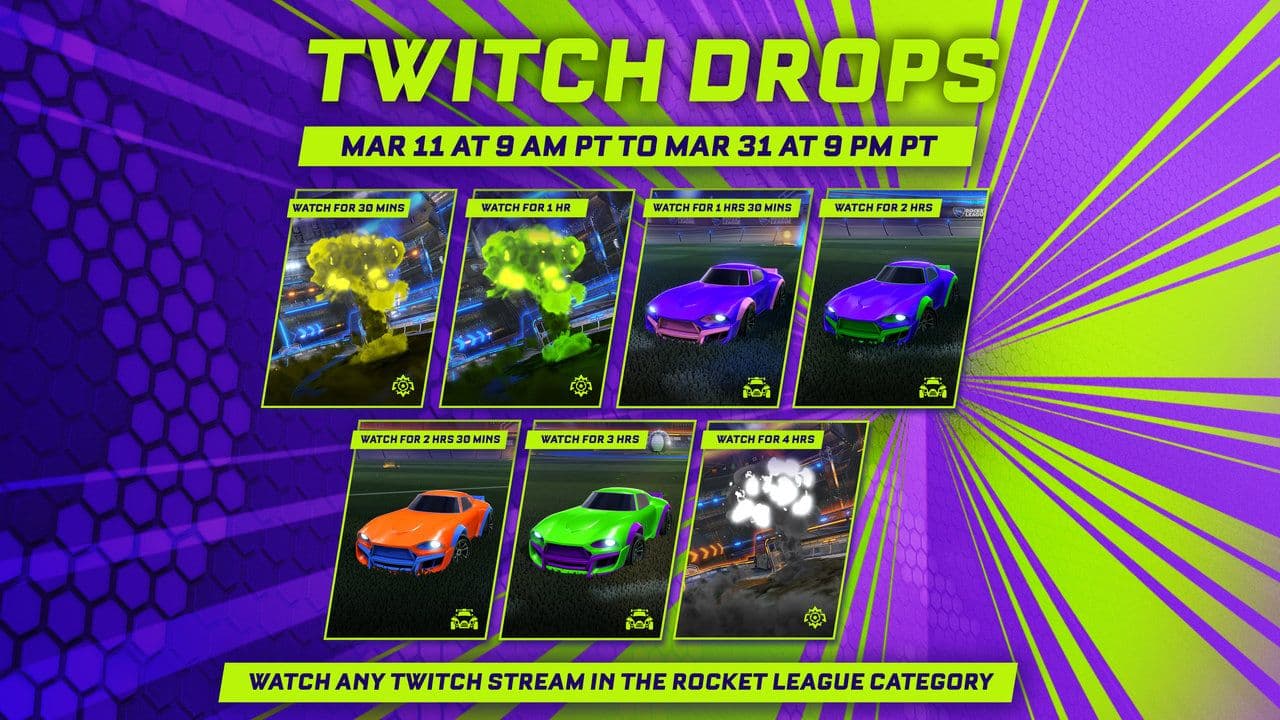
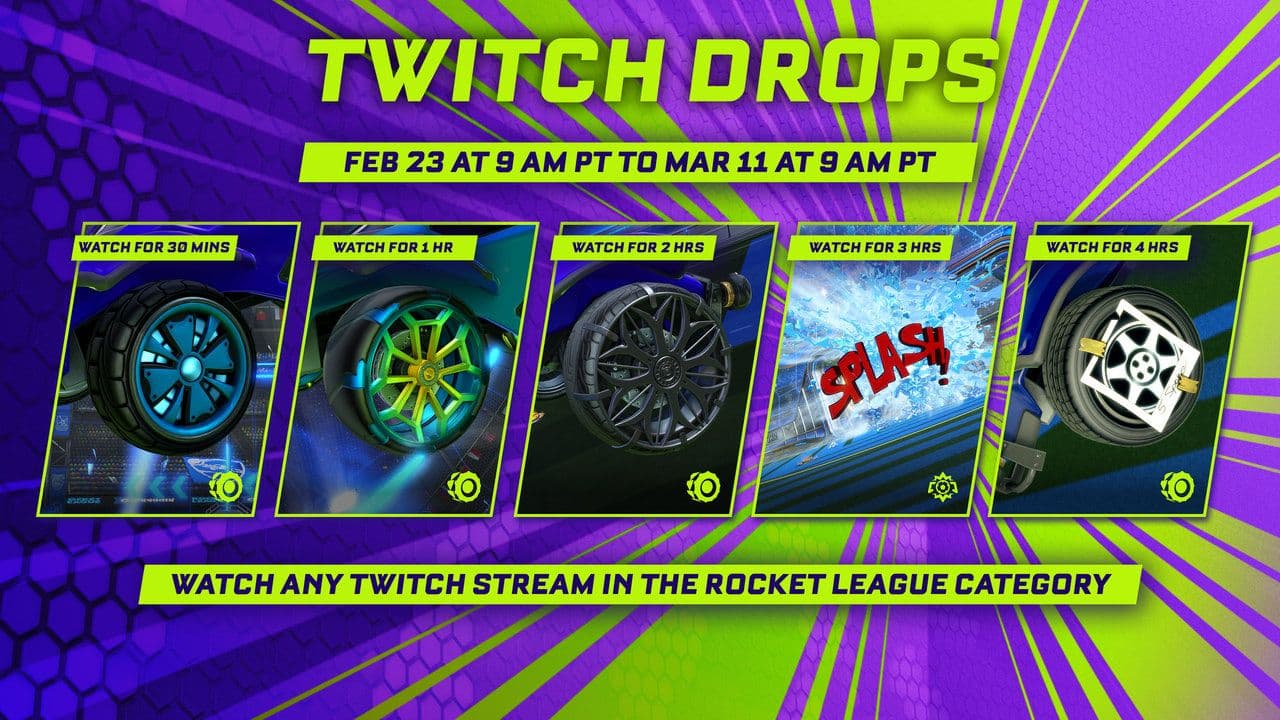
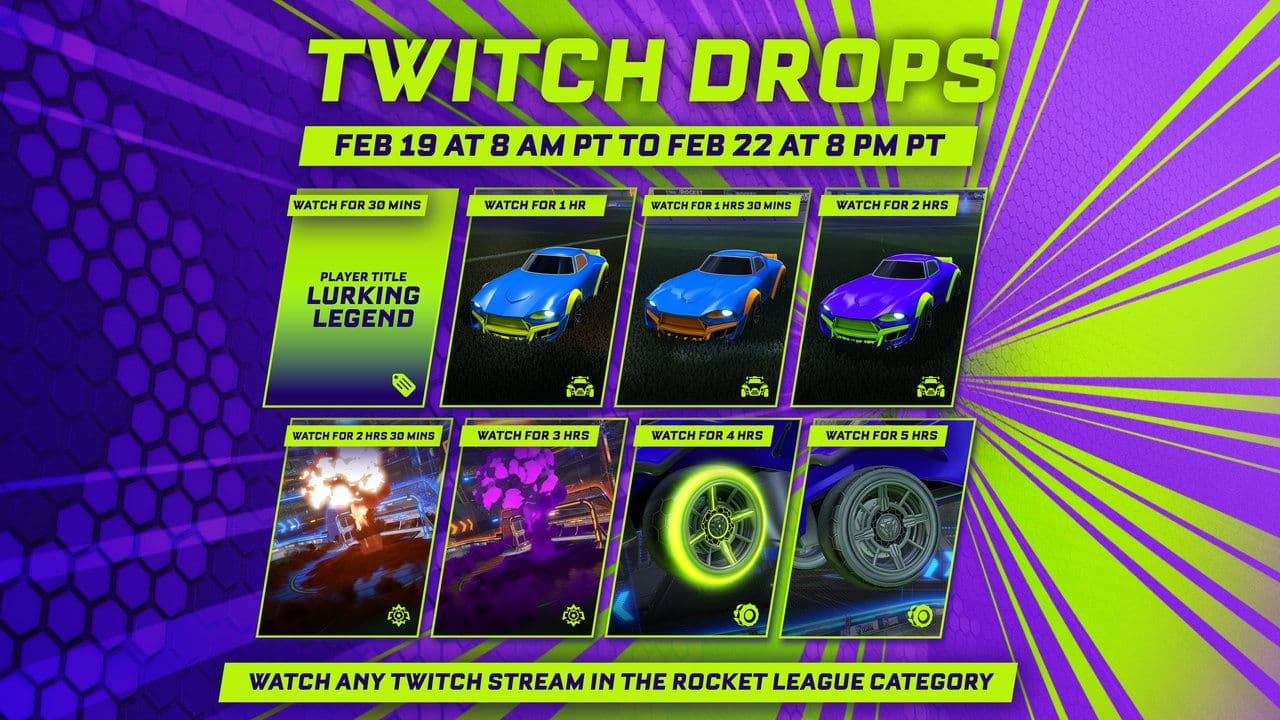
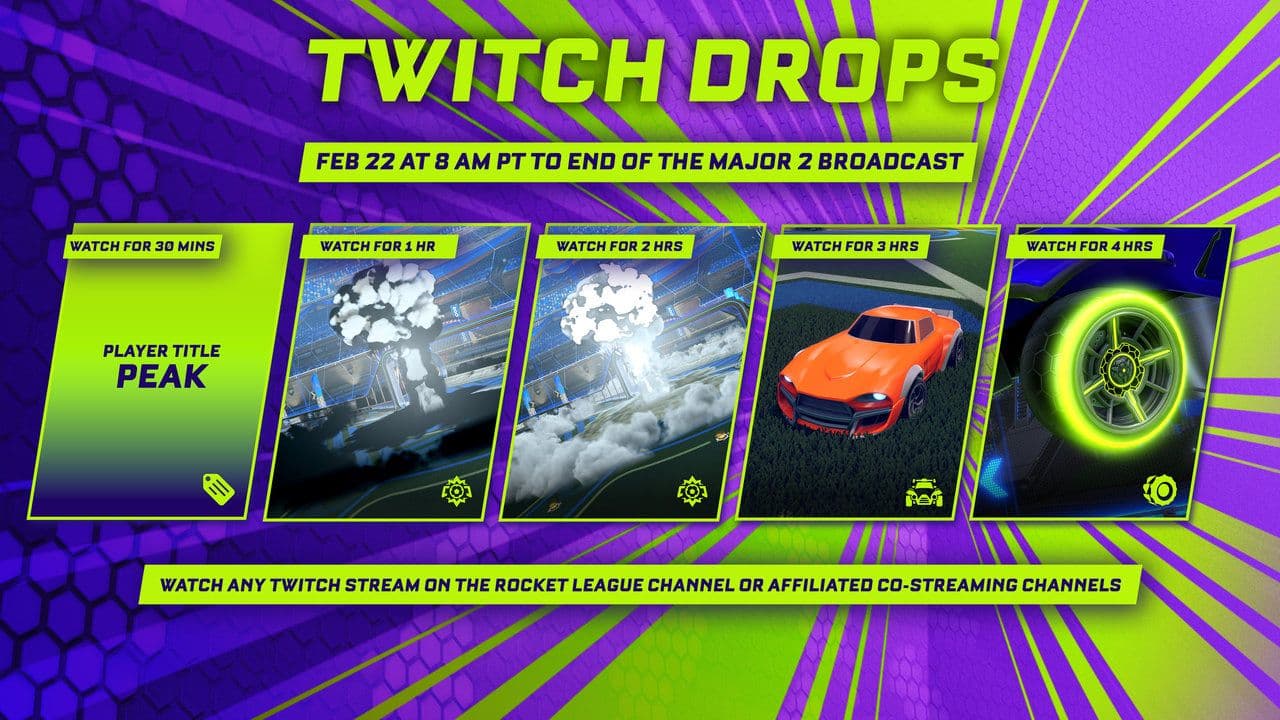
Each reward has a watch time requirement, such as:
- 30 minutes
- 1 hour
- 2 hours
- 4 hours
You can check progress in:
- Twitch → Drops and Rewards → Inventory
Here are the official RLCS and CRL broadcasts:
- Asia-Pacific North and Asia-Pacific South RLCS Twitch
- Middle East & North Africa RLCS Twitch
- North America & Europe RLCS Twitch
- Oceania RLCS
- South America RLCS
- Some third-party Rocket League streams may also have Fan Rewards enabled.
Are Twitch Drops not working? Here is how to fix the issues
If your Fan Rewards aren’t showing after you learned how to link Rocket League to Twitch, these are the most common reasons:
- Accounts not linked properly: Make sure your Epic Games account is connected to Twitch in Epic Games → Account → Connections → Accounts.
- Drop not claimed: Watching alone isn’t enough. Go to Twitch → Profile → Drops and Rewards → Inventory → Claim to receive it.
- Wrong Epic Games account: Confirm you linked the same Epic account you use to play Rocket League, or rewards will go elsewhere.
- Progress not tracking: Only streams with “Drops Enabled” count. You must also be logged into Twitch while watching.
- Stream muted or inactive: Keep the stream open and don’t mute the tab completely, or progress may stop.
- Reward not appearing in-game: Restart Rocket League. Sometimes rewards take a few minutes to show.
- Connection bug: If nothing works, disconnect and reconnect Twitch in Epic Games Connections. This fixes most issues.
Rocket League Fan Rewards explained
Fan Rewards are Rocket League’s official Twitch Drops. They are mostly available during:
- RLCS (Rocket League Championship Series)
- Official Rocket League events
- Special Twitch campaigns
Common Rocket League Fan Rewards include:
- Emerald Wheels
- Big Splash Goal Explosion
- RLCS Decals
- Painted items
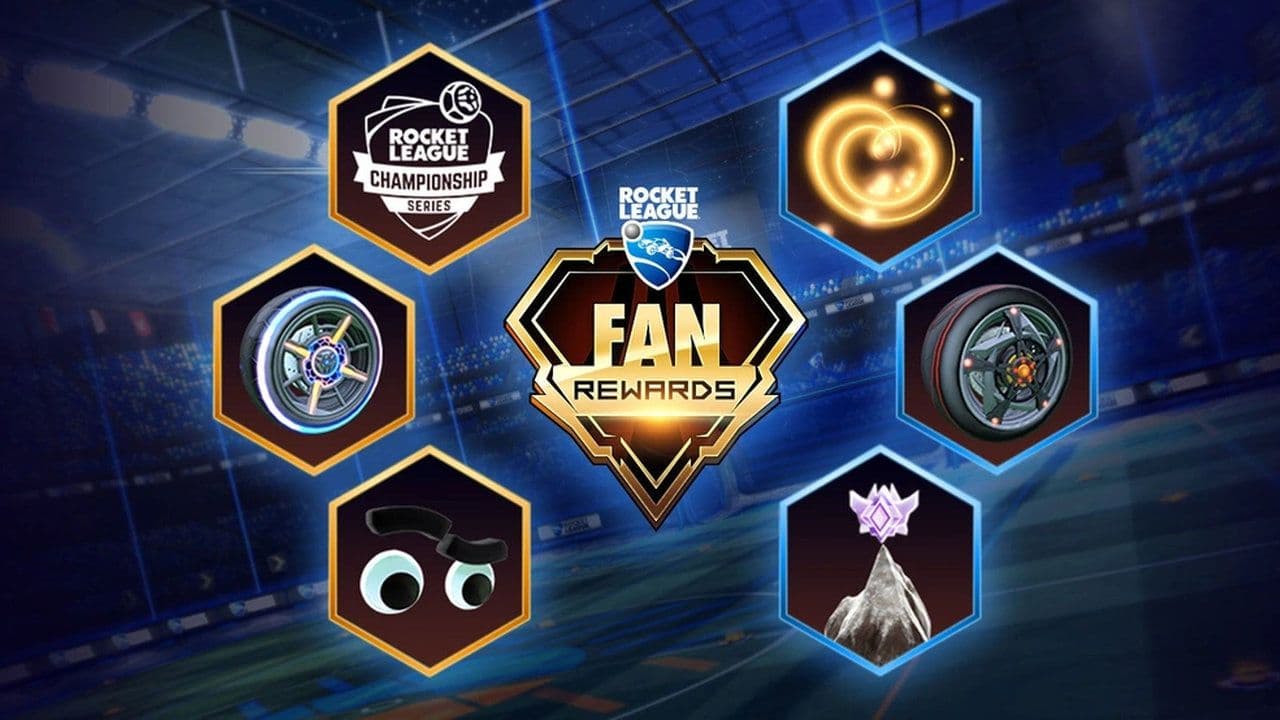
Twitch Drops and TikTok Drops are both Rocket League Fan Rewards, but they work differently. Rocket League Twitch Drops require you to link your Epic Games and Twitch accounts, then watch Drops Enabled streams and claim the rewards on Twitch to receive items like wheels, decals, and goal explosions. TikTok Drops don’t require linking—you simply watch Rocket League TikTok livestreams, get a redeem code, and enter it in Rocket League to unlock cosmetic rewards.
How to unlink Rocket League from Twitch
If you want to unlink Rocket League from your Twitch account:
- Go to Epic Games website
- Go to Account
- Click Connections
- Click Accounts
- Click Disconnect on Twitch
You can reconnect later.
Now you know exactly how to link Rocket League to Twitch and earn Fan Rewards.
This is one of the easiest ways to get free Rocket League items. The process only takes a few minutes, and rewards continue as long as you watch streams and claim Drops.
If you follow all the steps in this guide, your accounts will be connected correctly and you will never miss Rocket League Twitch Drops again.
That’s all for today! Looking for more Rocket League guides? Check out these:
Guide Categories
All Related Guides
 Did Rocket League get stuck on “Press any button to start”? Here is how to fix it on PCRocket League stuck on press any button to start? Try these PC fixes for cache, files, login issues, controlle...
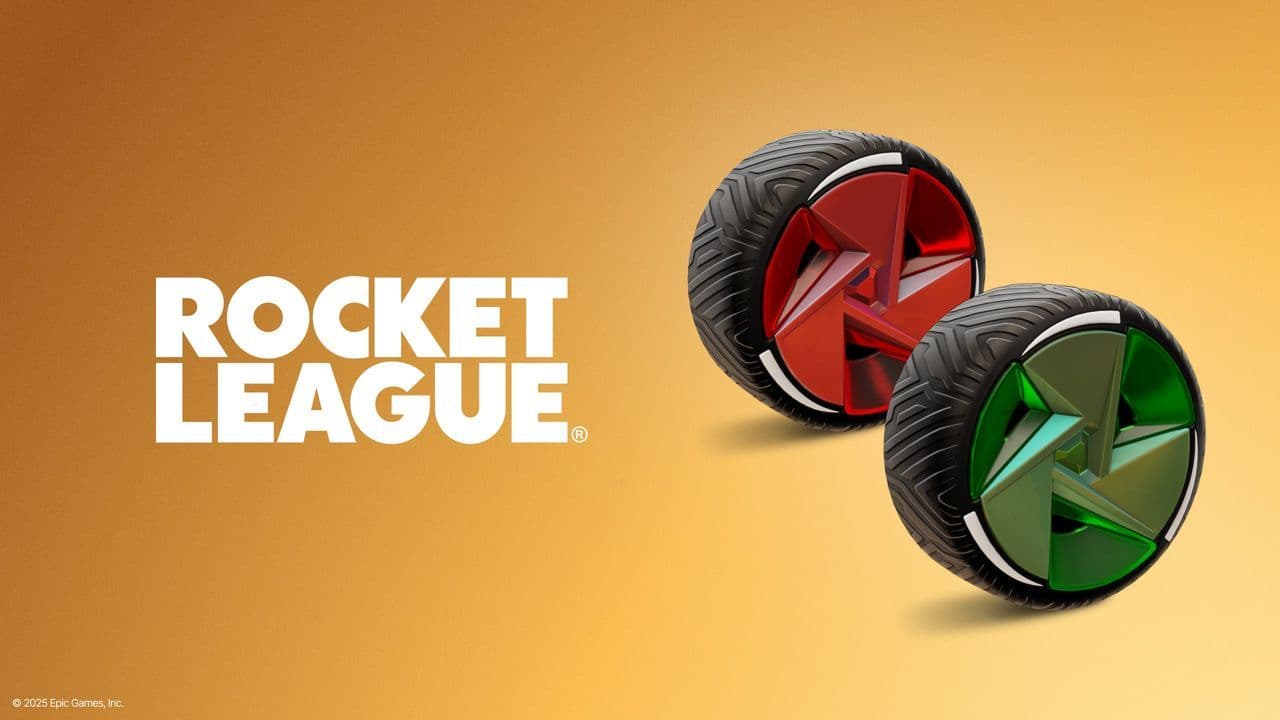 Rocket League codes (July 2026): All active redeem codes & free rewardsLooking for Rocket League codes? Redeem all active Rocket League redeem codes to unlock free Player Titles, th...
 How to get Jynxzi Rocket League skin & moreLearn how to get the Jynxzi Rocket League decal, title, and exclusive rewards through the Season 23 community ...
 How to fix latency variation in Rocket LeagueLearn how to fix Rocket League latency variation with Ethernet, CSTS input buffer, correct server region, and ...
 Rocket League TikTok Drops guide: How to get free rewardsRocket League TikTok Drops guide: earn free cosmetics, reward codes, RLCS drops, and learn how to redeem TikTo...
 Guide to the Ratatouille Rocket League EventRatatouille Rocket League event guide: all rewards, challenges, cosmetics, Goal Explosion, and Fortnite integr...
 Rocket League Easy Anti-Cheat (EAC) explainedRocket League Easy Anti-Cheat explained: how EAC works, online requirements, mod support, Linux compatibility,...
 How to play custom maps in Rocket LeagueDiscover how to play custom maps in Rocket League with a quick guide to setup, loaders, and the best maps for ...
- 1
- 2
- 3
- 4
- 5
- 6
- 7
- 8