Why can't I play Warzone?
Having trouble with playing Warzone? Here's a guide to help with any troubles you may be having with Call of Duty Warzone.
The highly anticipated Call of Duty: Warzone 2, released on November 16, 2022, has hit the gaming world with a bang. But for some gamers, the excitement has been tainted by a frustrating problem: the game won't launch. If you're one of those facing this issue, don't worry; we're here to help. We will give you all bunch of different fixes if the first one doesn’t work, just move on to the other one!
Why can't I play Warzone 2?
There might be different causes; if you can’t find it, you might have to try different fixes. That is why we listed some of the best possible fixes that work on multiple issues. Please be aware that none of these will work if there is a server-sided issue. Here are all of the fixes that you will find in this article:
- Update Your Graphics Driver
- Clear Cache Files
- Restart Warzone 2
- Check for Warzone 2 Update
- Repair Warzone 2
- Disable VPN
- Disable In-Game Overlays
Update your graphics driver
Updating your graphics driver is a crucial step in resolving launch issues. Outdated drivers can lead to various problems, so keeping them up to date is essential. Here's how to do it:
It's worth noting that some applications, like NVIDIA's GeForce Experience, offer automatic updates, but manual updates may still be necessary, especially if you're on Windows 11 and don't have these applications already installed.
Clear cache files
Cache files are a double-edged sword. They speed up loading times, but if left unattended, they can lead to performance issues and crashes. To resolve this, clear your cache files:
- Access Task Manager: Right-click an empty area on your taskbar, open Task Manager, and make sure the game launcher and any games are closed.
- End Processes: In Task Manager, find Battle.net and Blizzard Update Agent under the Processes tab, and click End task.
- Delete Cache: Press the Windows key + R, enter %programdata%, and navigate to Blizzard Entertainment > Battle.net > Cache (delete the Blizzard Entertainment folder if you can't find the Cache subfolder). Delete all files in this folder.
Afterward, relaunch Call of Duty: Warzone 2.0 through the game launcher to see if the issue persists.
Restart Warzone 2
Sometimes, the solution to the "purchase Modern Warfare 2 to have access to everything" error can be as simple as restarting the game. If the problem persists, consider other solutions.
Check for Warzone 2 update
If you're stuck with the "purchase Modern Warfare 2" error, you might haven't installed an update. Here's how to check for a Warzone 2 update on different platforms:
On Xbox:
- Hover over Warzone 2 on the Xbox dashboard.
- Select Manage Game and add-ons after hitting the start button.
- Check for available updates and click on Update All.
On PlayStation:
- Select Warzone 2 on your PlayStation dashboard.
- Press the start button and click Check for update.
- If an update is available, click OK.
On Battle.net:
- Select MWII | WZ2.0 on Battle.net.
- Click the cog icon beside the game.
- Select Check for Updates and follow the steps to download the update.
On Steam:
There's no manual way to check for a Warzone 2 update on Steam; it happens automatically. However, you can set Steam to "Only update this game when I launch it," ensuring it updates before you play.
Repair Warzone 2
If you're still grappling with Warzone 2 not launching, it's possible that your game files are damaged, corrupted, or even missing. This can cause the game to stumble before getting off the ground. Here's how to scan and repair your game files on Steam and Battle.net:
Steam:
Open the Steam client on your computer and head to your Library.
Find Call of Duty Warzone 2 and right-click on it.
From the drop-down menu, select Properties.
In the Properties window, switch to the Local Files tab.
Look for the "Verify integrity of game files" button and select it.
Now, patiently wait for the scan to complete.
Battle.net:
- Start by launching the Battle.net client on your PC.
- Once the Battle.net client is running, click on Call of Duty Warzone 2.
- Locate the gear icon positioned next to the Play button and click on it.
- Select the "Scan and Repair" from the menu that appears.
- Allow the process to run its course. Once it's done, check if the game works as expected.
Disable VPN
A VPN can sometimes interfere with the connection between the game server and your computer, causing Warzone 2 not to launch. If you suspect your VPN is the culprit, disabling it may solve the problem. Here's how:
- Open the Settings app by pressing the Windows key + I.
- Go to the Network & internet tab.
- Click the down arrow icon next to the Connect button in the VPN section.
- Click the Remove button to delete the VPN connection.
- Launch Warzone 2 again to see if it works without the VPN.
Disable In-Game Overlays
In-game overlays allow you to access apps without minimizing your game. However, they can sometimes cause issues. If you're using apps like Discord, disable in-game overlays:
- Open Discord on your computer.
- Click the Settings icon next to your username.
- Scroll down and switch to the Game Overlay tab on the left.
- Turn off the Enable in-game overlay slider.
Why is Nickmercs not playing Warzone 2?
Nickmercs, a well-known figure in the gaming community, had some interesting insights about Warzone 2's Ranked Play system. He acknowledged the system's strengths and discussed how it might have changed the franchise's course if it had been introduced earlier.
When Warzone 2's Ranked Play was unveiled during Season 3 Reloaded, it garnered positive feedback from the gaming community. However, this positive reception didn't necessarily translate into significantly increasing active players.
Nickmercs said that Warzone 2 might have experienced greater momentum and success if it had implemented Ranked Play earlier in its journey.
FAQs
Why can’t I play Warzone on PS5?
There are a few reasons Warzone may not launch on PS5. Sometimes the game requires specific add-ons or DLC packs to be installed before it will run. If one of these is missing, the game may stay stuck on the loading screen. Updates can also cause issues—after a new patch, corrupted or incomplete installation files may block the game from starting, and reinstalling often fixes it. On the PS5 itself, problems with system software, cached data, or account licenses can also prevent the game from loading. Restoring licenses in system settings or clearing the console cache can solve this. Finally, server outages or maintenance may look like a console issue but are actually temporary downtime.
Is Call of Duty: Warzone having issues today? How do I check?
Server problems are common in online games. If Warzone isn’t working, the first step is to check whether servers are under maintenance or experiencing outages. This can be done by visiting the official server status page, checking Call of Duty’s update channels, or using community outage trackers. If other players are also reporting issues, then it’s likely a server-side problem and not your console or account.
Why does my Warzone not start?
When Warzone doesn’t launch, the most frequent cause is corrupted game files after updates. Reinstalling the game usually clears this up. Missing add-ons or content packs may also stop the game from booting properly, especially on consoles. Network problems—like weak connections or restrictive NAT types—can block the game from connecting to servers. System settings may also interfere; outdated console software or background issues with PSN or Xbox Live can cause launch errors. In all cases, restarting the console, checking for updates, reinstalling missing content, or resetting licenses are the most effective first steps.
Guide Categories
All Related Guides
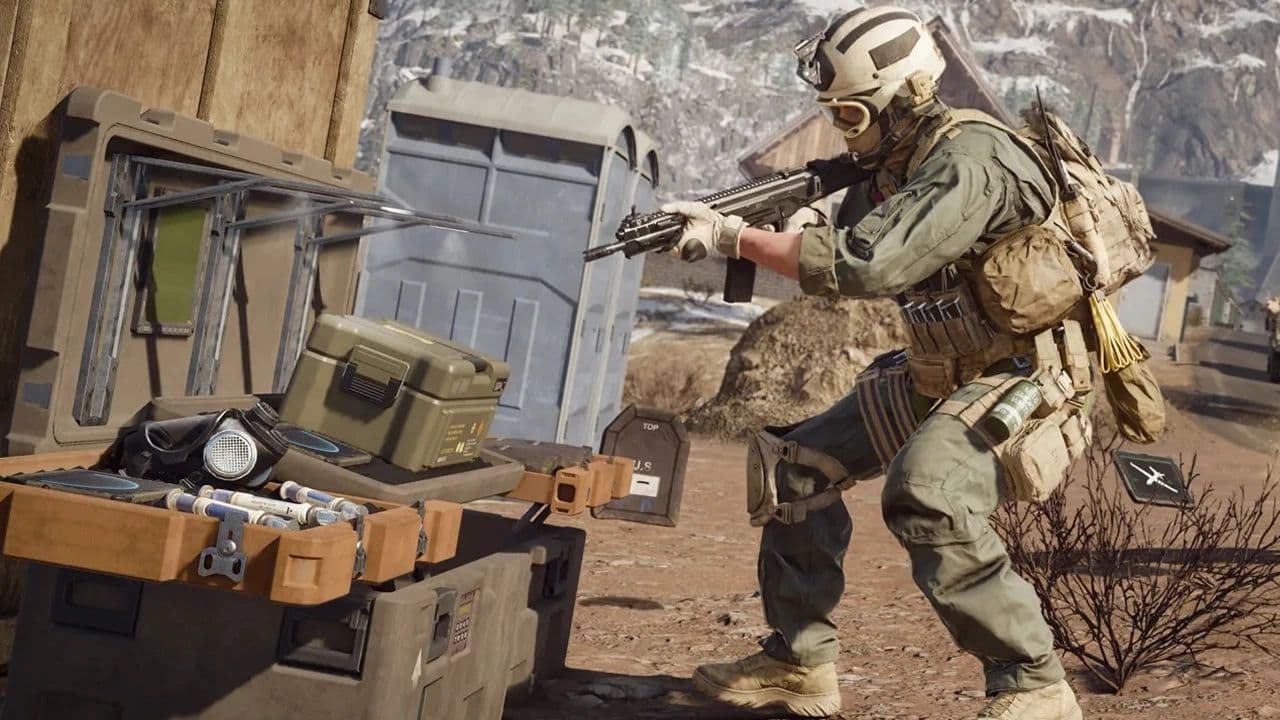 What are Loot Caches in Warzone? Caches vs. Crates explainedWhat are Loot Caches in Warzone? Learn what counts, the difference between caches and crates, and the fastest ...
 What is an infil weapon in Warzone?What is an Infil Weapon in Warzone? Learn what counts and how to get Infil Weapon eliminations....
 Warzone Lockdown Casual guide (New mode)Learn how Warzone Lockdown Casual works, including objectives, respawns, loadouts, rewards, and the best strat...
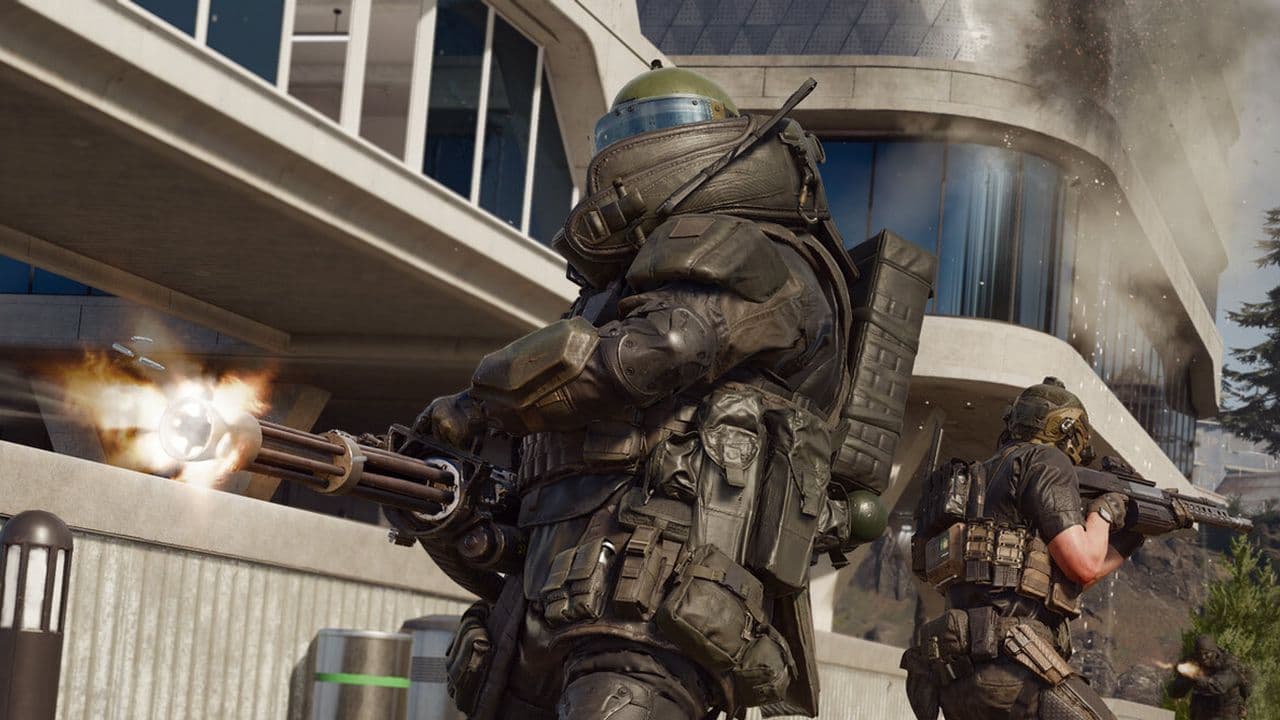 How to get Juggernaut in Warzone fastLearn how to get the Juggernaut in Warzone fast, where Juggernaut Drops spawn, and the best tips to survive us...
 How to get a nuke in WarzoneSee how to get a nuke in Warzone, from earning a Champion’s Quest Contract to defending the missile and claimi...
 All ground loot item groups in Warzone: Complete listThis ground loot Warzone guide explains weapons, armor, equipment, rarity colors, and how to choose better loo...
 How to fix the Warzone DirectX error 0x887a0005Warzone DirectX error 0x887A0005 keeps crashing your game? Learn what causes it and follow simple fixes that w...
 How to play Rebirth Island in WarzoneFind out how to access Rebirth Island in Warzone, choose strong landing spots, build a loadout, and survive lo...
- 1
- 2
- 3
- 4
- 5