How to Slide Cancel in Warzone
Slide cancelling is an important part of your movement in Call of Duty Warzone. Here's a guide on how to slide cancel in Warzone.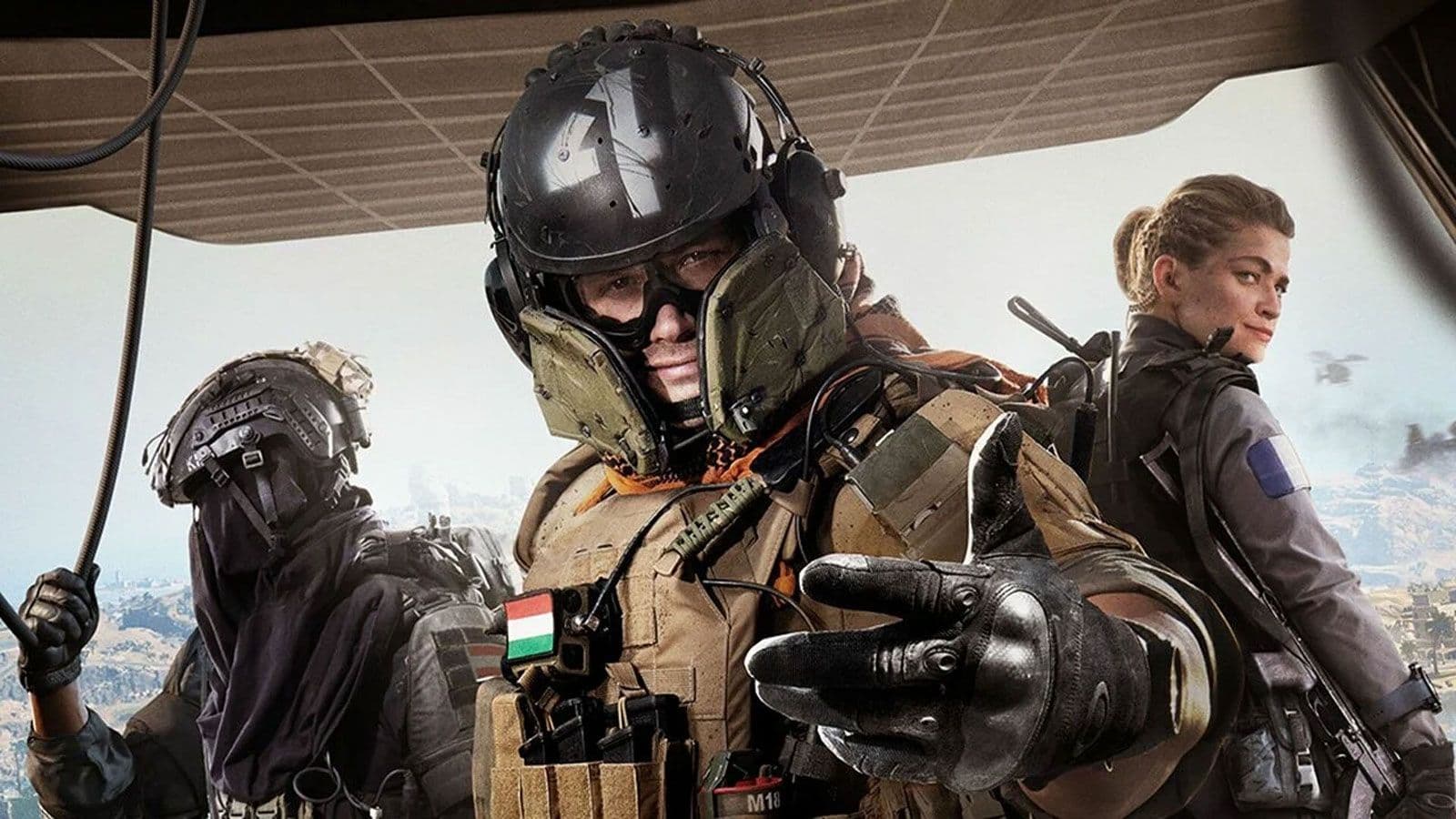
Slide canceling is an advanced movement technique that allows players to cancel their slide animation prematurely, allowing them to move and aim more quickly. This technique can be very effective in close-quarters combat, as it allows players to disjoint the enemy player and break their aim by quickly changing positions.
Following the release of Call of Duty: Modern Warfare 2 and Warzone 2.0, players were quick to notice that slide canceling wasn’t as powerful, and on PC, couldn’t even be done with the keyboard and mouse. No matter how hard they tried, they just couldn’t get to do it the same. So, it was decided that slide canceling was quietly nerfed. However, there is good news waiting for you!
Is slide canceling back in Warzone?
Yes, slide canceling is back in Warzone, though it’s weaker than before. The ability to cancel your slide animation early can help you move faster and dodge enemy aim. But it doesn’t feel as smooth or “broken” as it once did.
Slide cancel in Warzone PC
Up to this time, PC players are unable to perform a slide cancel with only standard PC equipment: mouse and keyboard. Consequently, to perform a slide cancel in Warzone 2.0 on PC, you will need to hook up a controller. It’s definitely a hard step for a PC player to give up the might of the keyboard and mouse and use a controller, especially against keyboard and mouse players. Anyways, after you’ve initialized your controller, follow the subsequent steps to set the game for slide canceling:
- Open Warzone 2.0 or Modern Warfare 2
- Navigate to ‘Settings‘
- Choose ‘Controller‘ and scroll down until you land on the ‘Automatic Sprint’ setting drop-down menu.
- Choose ‘Automatic Tactical Sprint‘ from the menu and apply your settings.
Once you're done saving your settings, hop into a match and press the Slide button while tactically sprinting. As soon as you begin the sliding animation, quickly turn to the direction where you want to go and move your Left Stick in the opposite direction to stop sliding. This should help you dodge a few bullets. However, it's important to note that, generally, slide canceling isn't as effective or smooth in Warzone 2 and Modern Warfare 2 as it was before, and it will feel clunkier than usual when trying to get used to it.
Additionally, while it isn’t hard to perform, it requires quite the muscle memory to remember to slide cancel while in close combat. It’s a guarantee that you’ll mess it up sometimes while in combat because you moved the Left Stick in the wrong direction, or you forgot to move it altogether.
So, it’s better to find an open space to practice slide canceling frequently. And when you’ve used it one too many times, you can see that it was nerfed for a reason, and a good one at that—players absolutely hated getting killed by someone abusing the slide cancel, as it’s way harder to aim at someone while they’re moving this frantically. However, using this workaround in Warzone 2.0 guarantees that you can continue slide canceling until the developers decide to officially end it for good.
Why do people slide cancel in Warzone?
Players use slide canceling for several advantages:
- Break opponent’s “camera” / aim tracking — you’re hard to follow when you slide and cancel mid-animation.
- Quicker recovery — canceling your slide lets you aim or shoot faster.
- Movement unpredictability — you can change direction or shift movement while sliding, making it tougher to hit you.
- Corner peaking & aggression — slide canceling helps you aggressively enter or exit tight spaces without being stuck in slow slide animation.
Guide Categories
All Related Guides
 Warzone 2 controller settingsBest Warzone 2 controller settings here! For Controller players looking to make the best out of Warzone 2, her...
 Best audio settings for Warzone 2Without the best audio settings for Warzone 2, you’ll miss crucial sounds like footsteps or gunfire—and that’s...
 Best settings for Warzone 2.0 XboxKit yourself out with the best Xbox settings for Warzone 2.0. Whether you want to master your movement or take...
 Best graphics settings for Warzone 2Don’t waste another second trying to figure out Warzone 2's best graphics settings from scratch, we’ve done th...
 Best settings for Warzone on PlaystationThere are a lot of minor tweaks you can introduce in Warzone's settings to adjust your gameplay experience. TH...
 Is Warzone 2 split screen?Do you wonder if you can play Warzone 2 split screen? Here is your answer!...
 How to turn on proximity chat in Warzone 2In this guide, we will show you How to turn on proximity chat in Warzone 2 and use the feature in your games!...
 Best Warzone 2 settings PCThis guide will walk you through the best PC settings to optimize your gameplay for maximum performance and vi...