How to Resolve the "Game Version Does Not Match Host" Error in Apex Legends: Causes and Fixes
Apex Legends is one of the most played battle royale games but it is not always smooth. One error that players often see is the “Game Version Does Not Match Host” message. The good news is that this error is not permanent. In most cases, it comes from an outdated game version, broken files, or server issues. In this guide, you will find clear reasons why the error happens and the most effective fixes.
Why are you seeing the "Game Version Does Not Match Host" error in Apex Legends?
This error happens when your game version does not match the one running on Apex servers or on your friends’ devices. Apex Legends requires all players in a lobby to use the same version so the game stays stable. If something breaks that match, the system blocks you.
Here are the main reasons:
- Outdated version: If your game missed an update, it cannot connect to the servers or friends on newer versions.
- Corrupted or missing files: Damaged files can stop the client from checking your version correctly.
- Server issues: When Respawn updates servers or experiences downtime, players may see this error.
- Unstable internet: Poor connections can interfere with version checks during login.
- Cross-play conflicts: If you play with friends on other platforms, one outdated client can cause mismatches for the group.
How to fix the error
There is no single fix that always works, but several reliable methods can solve the problem. Below are the best ways to troubleshoot it step by step.
Update Apex Legends to the latest version
The most common cause is an outdated client. Apex Legends gets regular updates that include bug fixes, balance changes, and new content.
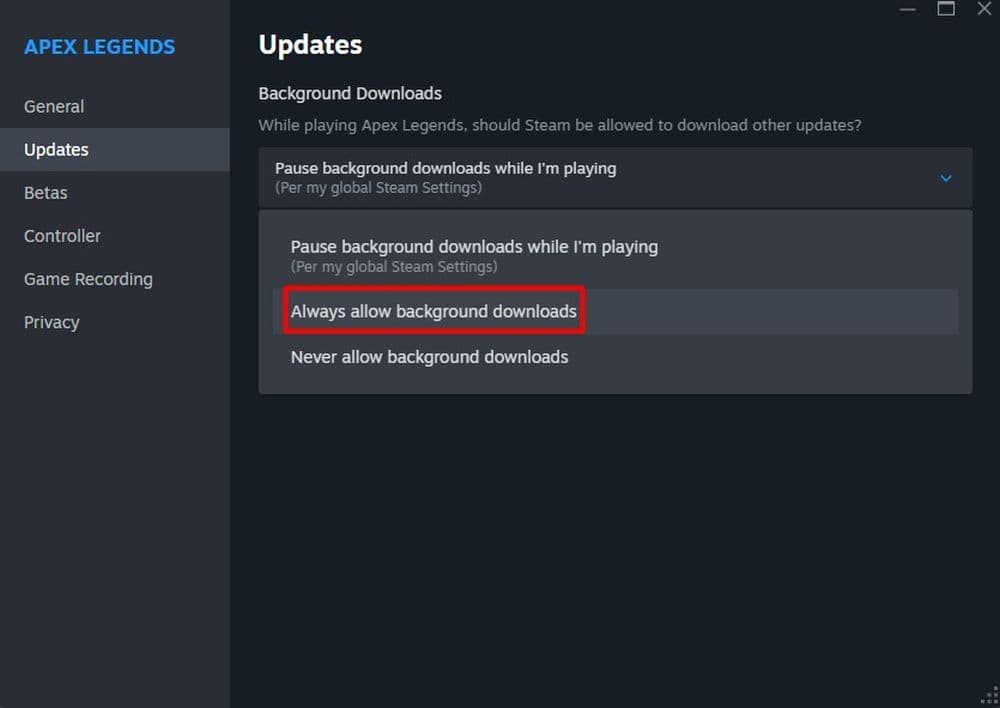
- On PC: Close the game, open your library, right-click Apex Legends, choose Properties, and look for an update option.
- On console: Updates usually download automatically. If they do not, go to the game’s menu and check for updates manually.
Verify game files
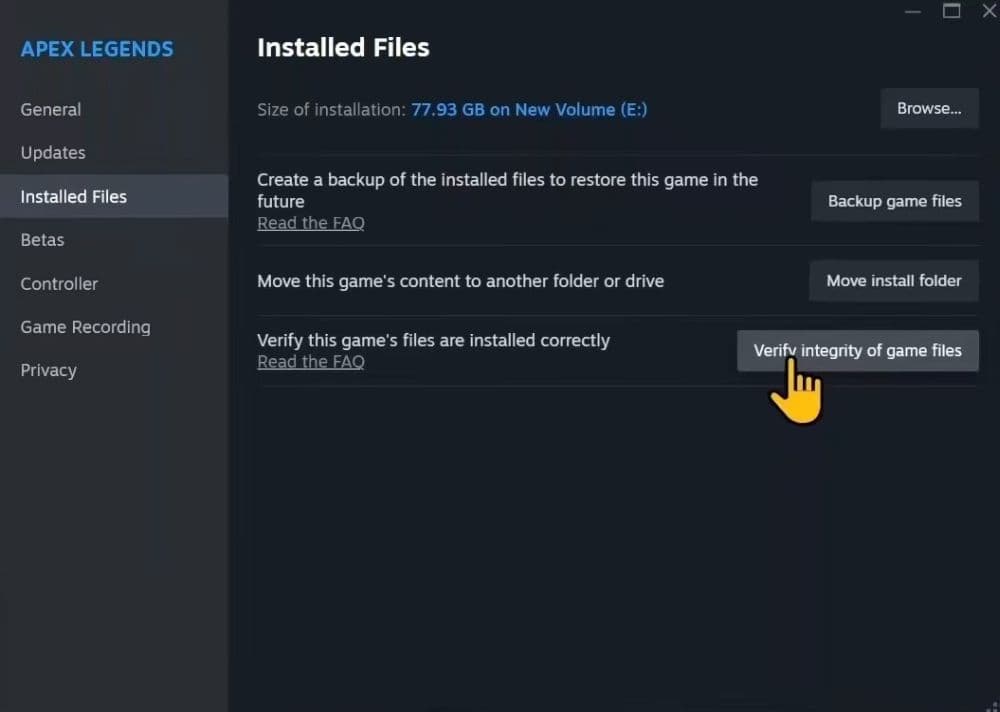
If updating does not solve the issue, corrupted files may be the reason. Both Steam and Origin allow you to check this.
- Open Steam and go to Library.
- Right-click Apex Legends.
- Select Properties.
- Go to Installed Files.
- Click Verify integrity of game files.
This process checks every file and replaces broken or missing ones. It often fixes mismatch problems without needing a full reinstall.
Check server status
Sometimes the issue is not on your end. When Respawn runs maintenance or rolls out updates, servers may reject connections.
- Visit Apex Legends Status to see if servers are active.
- Follow the official Apex Legends or Respawn Twitter for downtime announcements.
If servers are down, you must wait until the developers finish the update. If the error persists, refer to Troubleshooting the Apex Legends no servers found error for server-side fix steps.
Restart or improve your internet connection
A weak connection can also trigger version errors. Try these steps:
- Restart your router.
- Use a wired connection instead of Wi-Fi.
- Change DNS to public ones such as Google DNS (8.8.8.8 and 8.8.4.4).
If none of these help, contact your internet service provider to check for line issues.
Reinstall Apex Legends
If the error continues, reinstalling is the next step. A clean install removes hidden problems and ensures you download the current version.
- Uninstall Apex Legends from your PC or console.
- Restart the system.
- Redownload and install the game from your platform store.
This takes more time but often fixes stubborn errors.
Wait for a new patch
If many players face the same problem at once, it may be a bug introduced by a recent update. In that case, Respawn usually releases a hotfix soon. Keep checking patch notes and community updates to see when a fix arrives.
How to check game version on Steam page
Before troubleshooting, it helps to confirm your game version. Steam makes this simple.
- Open Steam and go to Library.
- Right-click Apex Legends and select Properties.
- Look under Updates or Game Properties to find the current version.
Compare this with the version listed on the official Apex Legends patch notes. If your version is older, updating will solve the error. Checking your version before joining friends also prevents future mismatch problems.
The “Game Version Does Not Match Host” error in Apex Legends is annoying, but it is usually easy to fix. Most players solve it by updating the game or verifying their files. If the problem is server-related, you may only need to wait.
Don’t forget to check out these Apex Legends articles too:
- Is there aim assist on Apex Legends Firing Range?
- How many Apex packs have I opened?
- Is Apex Legends Crossplay or Cross-Progression?
- Apex Legends pick rates: Most used characters
- All Apex Legends connection symbols and their meanings
Featured Image Credit: Respawn Entertainment
All Related Guides
 Apex Legends Season 27 Amped explainedApex Legends Season 27: Amped revamps Olympus, adds Mantle Boost movement, legend buffs, and fresh ranked rewa...
 Apex Legends November update enhances audio clarity and brings new features to the gameApex Legends November update brings major audio upgrades in Season 27 with clearer footsteps, smarter sound mi...
 Apex Legends Raise Hell Event: Everything you need to knowDiscover Apex Legends Raise Hell event: new Reaper vs Demon mode, spooky Kings Canyon map, and exclusive Hallo...
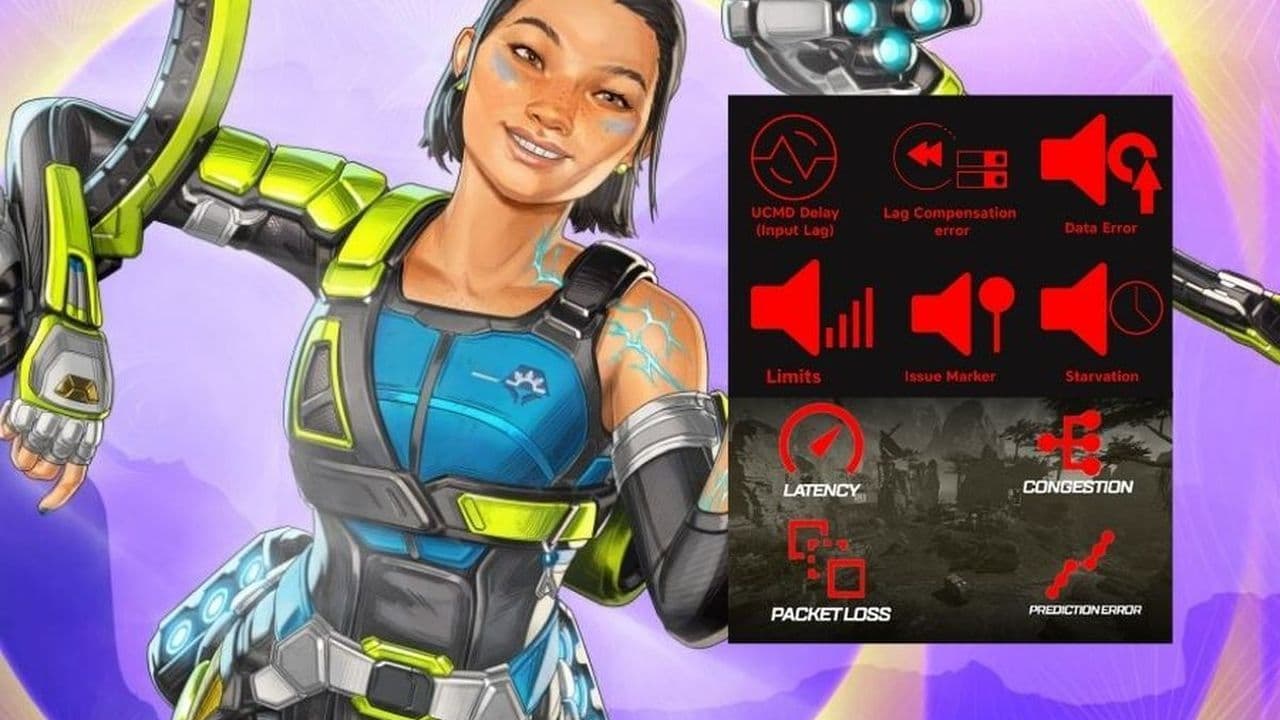 All Apex Legends connection symbols and their meaningsDiscover all Apex Legends connection symbols and their meanings, plus solutions to keep you in the game withou...
 Is Apex Legends Crossplay or Cross-Progression ?Yes, Apex Legends is on different platforms but does it support cross platform and cross progression gameplay?...
 How to Uncap FPS in Apex Legends on Origin and SteamUnlock higher FPS in Apex Legends on Origin and Steam with our comprehensive guide. Optimize your gameplay for...
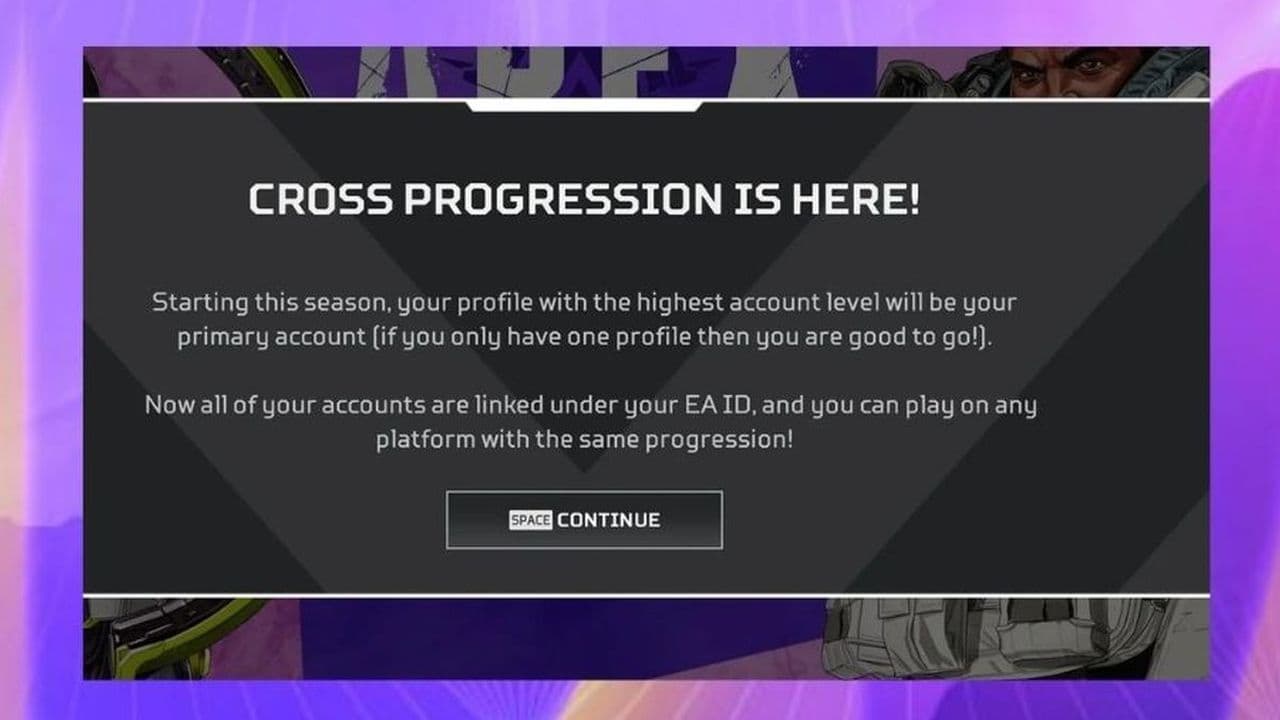 Apex Legends Cross-Progression and Merging Explained Unlock seamless gaming! Discover how to enable Apex Legends cross-progression, troubleshoot issues, and enjoy ...
 How to tap strafe in Apex LegendsLearn how to master tap strafing in Apex Legends to dodge bullets and enhance your gameplay with advanced move...
- 1
- 2
- 3