CS2 Trust Factor check: How it works, what it means, and how to improve it
Check and improve your Trust Factor.
The CS2 Trust Factor system is one of the most important parts of matchmaking in Counter-Strike 2. It decides what kind of teammates and opponents you play with, how smooth your matches feel, and even how long your queue times are, yes even the queue times. Because the system is invisible, many players search for a CS2 Trust Factor check to figure out where they stand. While you cannot view an exact score, you can understand how it works, how to estimate your Trust Factor, and what actions help or hurt it.
What is Trust Factor in CS2?
The CS2 Trust Factor is a hidden rating system created by Valve. Its purpose is to group players with similar levels of trustworthiness. This is based on factors such as behaviour, account history, reports, play style, and overall reputation on Steam.
- Green Trust Factor: Best quality. Very low chance of cheaters and disruptive players.
- Yellow Trust Factor: Average level. Most players fall here; occasional dishonest players may appear.
- Red Trust Factor: Lowest level. Often linked to reports for cheating or toxicity; matches include similar low-trust players.
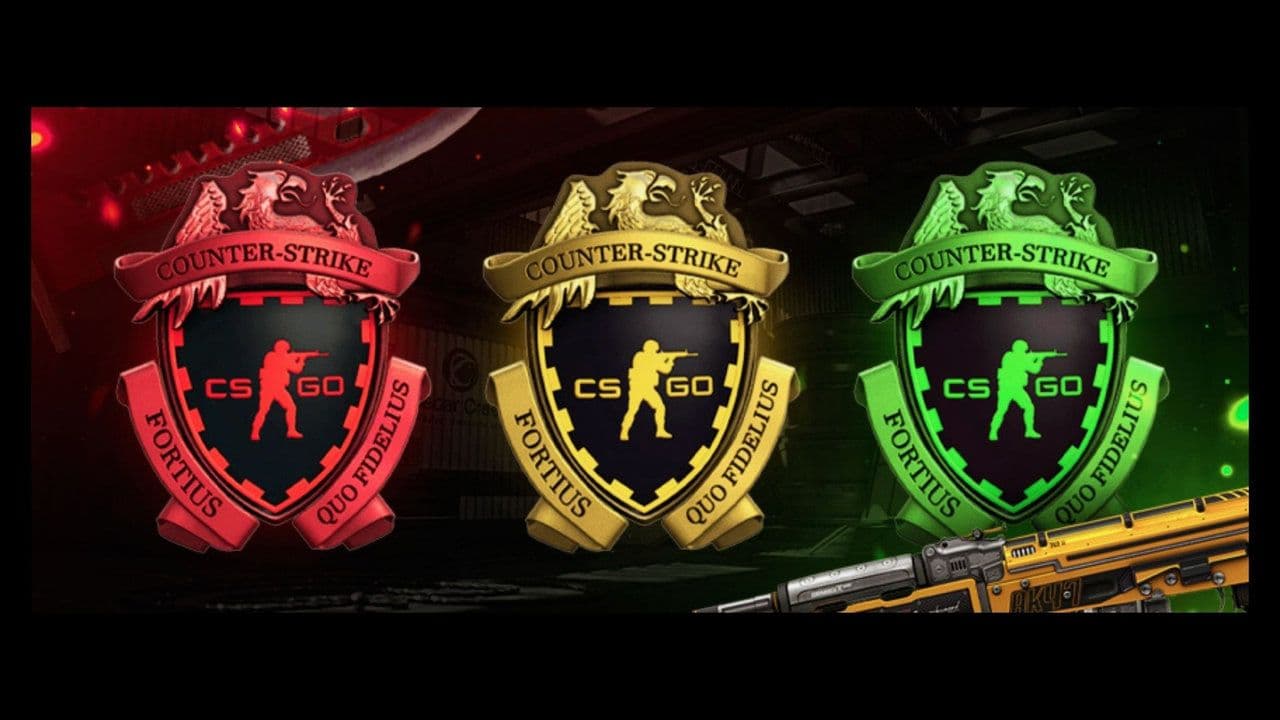
If your Trust Factor is high, you will usually match with players who are fair, active, and not toxic. If your Trust Factor is low, you may be placed with players who cheat more often, grief, leave games, or behave badly.
Valve does not reveal the exact formula, but many years of community experience (from CS:GO and now CS2) show clear patterns.
CS2 Trust Factor check explained
Many players want a button or menu that shows their exact rating. Unfortunately, there is no official CS2 Trust Factor check. Valve does not display the Trust Factor as a number, color, or rank.
However, you can estimate it using several signs:
1. Party warning messages
Sometimes, when you queue with someone who has a much lower Trust Factor, CS2 may display a warning such as:
“A member of your party has a low Trust Factor. Your matchmaking experience may be affected.”
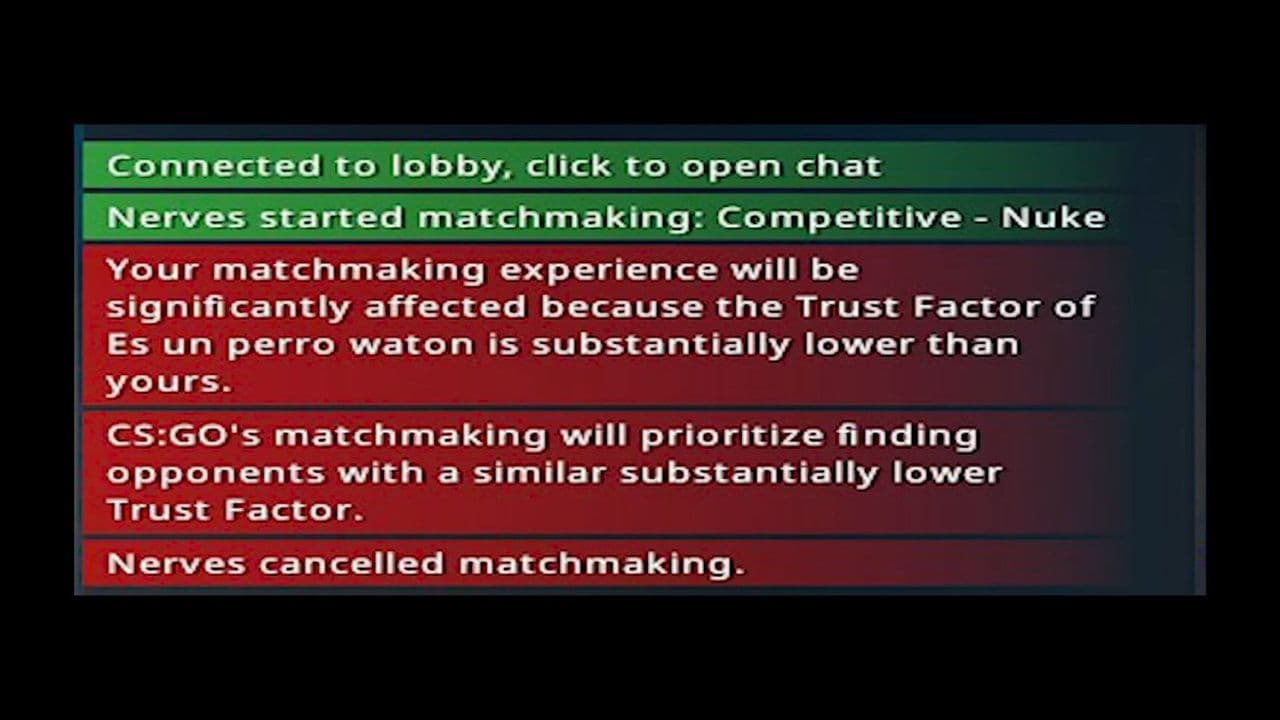
This message does not always appear, but when it does, it is a strong signal that someone in the group (possibly you) has a low CS2 Trust Factor.
2. Match quality and player behaviour
If your matches often include:
- obvious cheaters
- griefers
- toxic voice or chat
- people abandoning frequently
…your Trust Factor may be lower than average.
Players with high Trust Factor typically get cleaner and more consistent games.
3. Queue time
Long or inconsistent queue times can also suggest a lower Trust Factor. When the system has fewer trustworthy players to match you with, it may take longer to find a lobby.
4. Comparison with friends
If your friend queues alone and gets balanced, smooth matches, but matches with you are worse, this difference can point to Trust Factor issues on your account.
5. CS2 Looking to Play (LTP) List Observation
Community testing shows that when your Trust Factor is higher, the “Looking to Play” list tends to show more Prime players and a fuller player list. A sparse list or many suspicious profiles may indicate a lower Trust Factor.
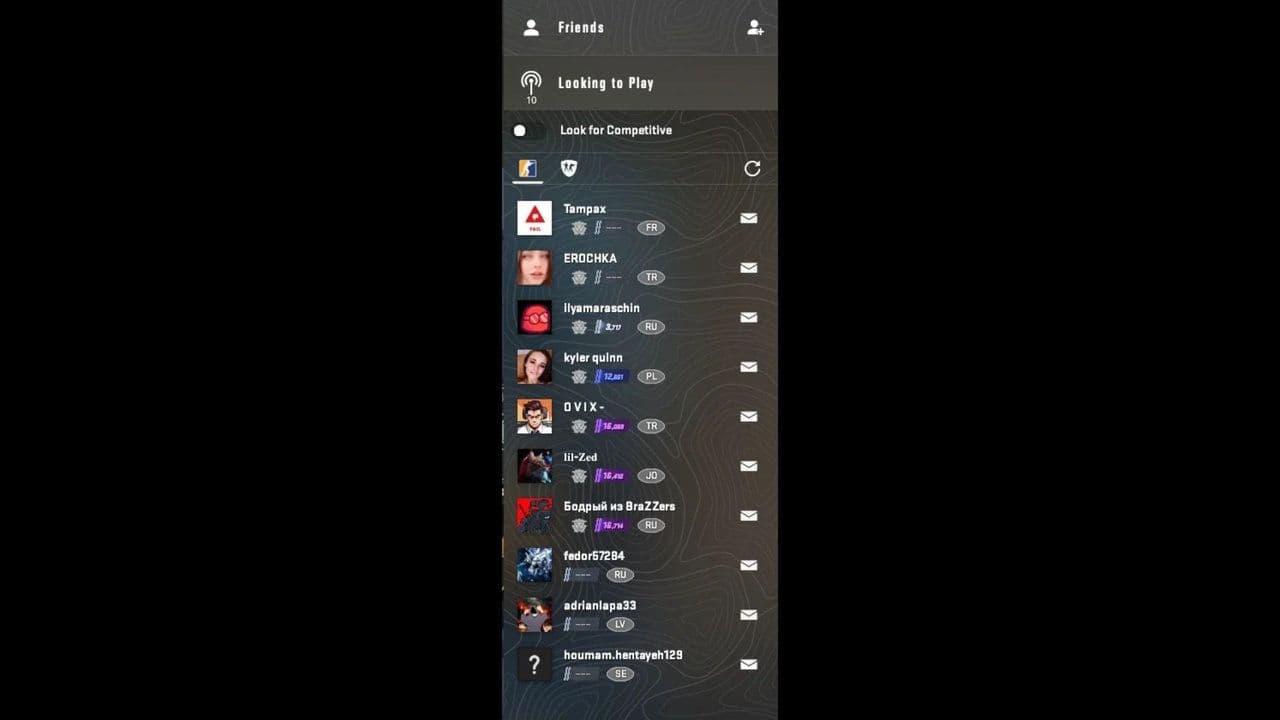
These methods are not perfect, but when used together, they give you a reliable sense of where you stand.
What affects your CS2 Trust Factor?
Even though the system is hidden, years of data and Valve comments point to several confirmed factors.
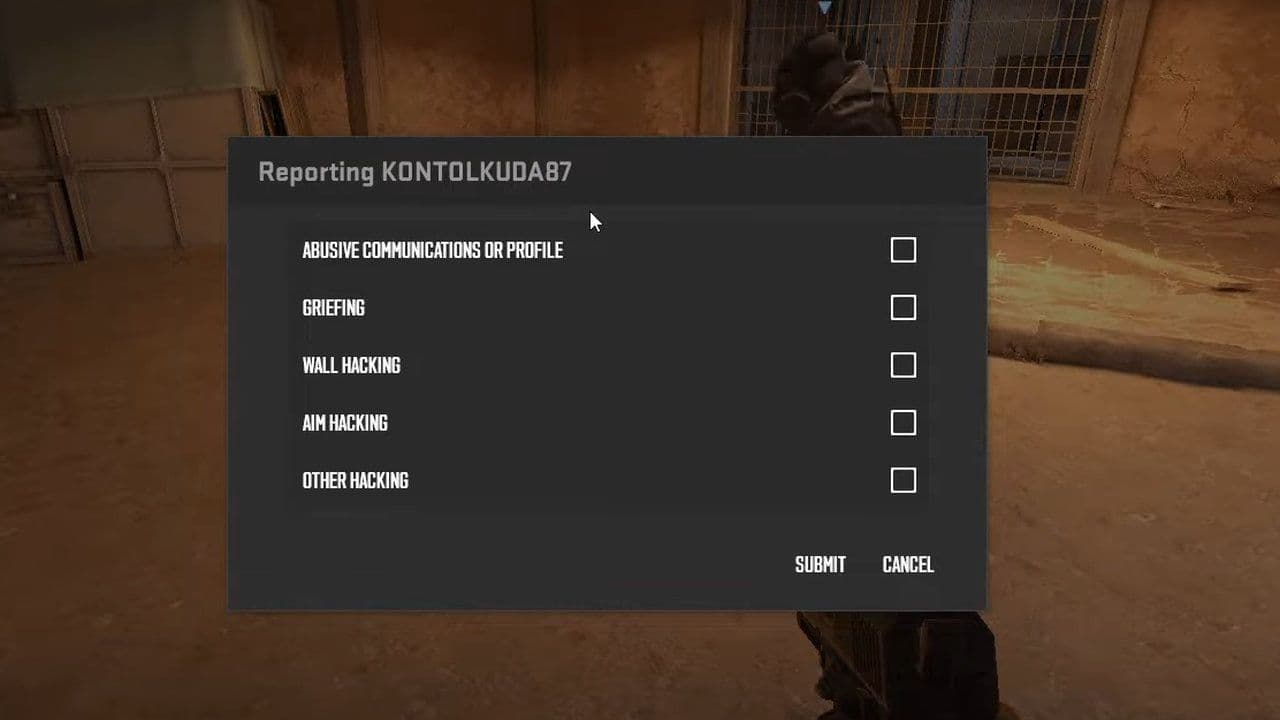
Trust Factor is simply Valve’s way of rewarding good behaviour and protecting players from the worst of the community.
By understanding what affects Trust Factor and keeping your account clean, you can slowly climb back to better matchmaking and a more enjoyable CS2 experience.
That’s all! Looking for more CS2 guides? Scroll down:
All Related Guides
 How to do a 1v1 in CS2: Private matches, maps, and commandsLearn how to 1v1 in CS2 with friends using private Practice matches, Workshop maps, console commands, custom r...
 donk crosshair CS2: Current code and how to copy itWant to try donk’s crosshair in CS2? Check the current donk crosshair CS2 code and see how his setup works....
 How to change the HUD color in CS2Change your HUD color in CS2 with a few quick steps. See the available colors, command values, and which choic...
 How to make CS2 look like CSGOMiss the old CS:GO visuals? This guide explains how to adjust CS2 graphics, brightness, colors, HUD, and weapo...
 How to bind mousewheel to jump CS2Find the best CS2 mousewheel jump bind commands, learn how to set them up, and see how scroll jumping can supp...
 How to fix net jitter in CS2: Best solutions for packet loss, lag & rubberbandingLearn how to fix net jitter in CS2 with the best solutions for packet loss, lag, rubberbanding, and unstable c...
 How to scrape stickers in CS2Want to remove stickers in CS2? Here’s how scraping works, what it changes, and why full removal is permanent....
 ropz CS2 settings: Crosshair, viewmodel, and moreCopy ropz CS2 settings for mouse, crosshair, viewmodel, video, and radar, then adjust them to match your own a...
- 1
- 2
- 3
- 4