How to look at someone's old CS2 inventory: 5 ways to try
A little inspecting never hurt anybody in CS2.
“How to look at someone's old CS2 inventory” is a popular question for both; when you're curious about the rare skins and collectibles someone once owned in Counter-Strike 2 or you're simply keeping track of a friend’s inventory changes.
How to look at someone's old CS2 inventory
Here’s how you can look at someone’s current and old CS2 inventory:
1. Check their current inventory on Steam
The easiest way to see what someone has right now is by looking at their Steam profile. This shows all their current CS2 items, like skins, cases, and more. Here is how to do it:
- Go to their Steam profile – You can search for their profile on Steam or follow a link they shared.
- Click on "Inventory" – You’ll find this on the right side of their profile page. After you find it, choose CS2. If it’s private, you won’t be able to see anything. You can ask them to change their privacy settings temporarily if you need to.
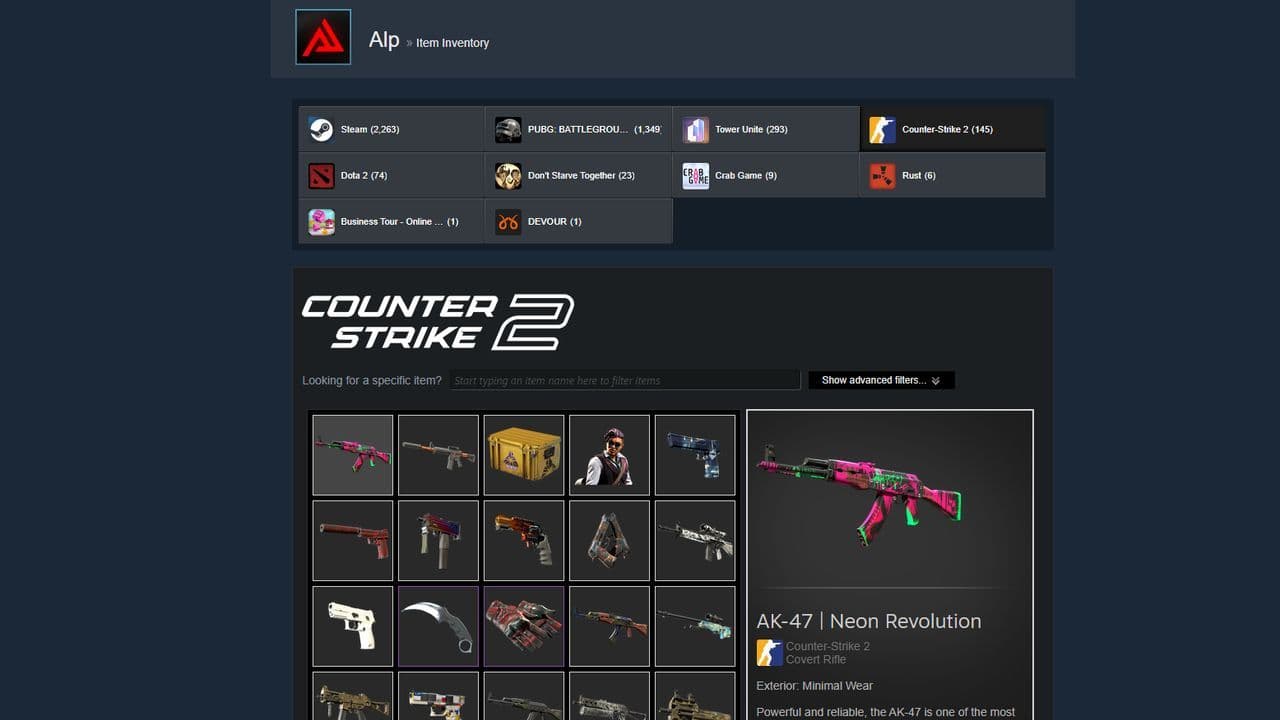
What you’ll see? Their current CS2 items, including all skins and other collectibles.
2. Use third-party sites to track old inventoriesü
To view someone’s old inventory, you'll need to use some third-party websites. These tools can help you track a player’s past inventory, especially if it has changed over time. Some of the helpful tools are:
- CSGO Exchange – This site allows you to see what items a player had before. It might not be perfect but often gives a good history of their skins.
- Steam Inventory Helper (SIH) – This is a browser extension that can help track and save inventory data. While it’s mainly for your own use, you can sometimes analyze others' past items if you have access.
- Marketplaces like Buff.163 – These sites let you check the sales history of skins, which can give clues about someone’s old inventory if they sold items there.
3. Look at Steam trade history
If you’ve traded with the person before, you can check your own trade history on Steam. This shows what items they had at the time of the trade, giving you an idea of their older inventory.
4. Ask the player directly
Sometimes, the easiest way to see someone’s old inventory is to ask them. Players who are serious about skins might have records of their old inventories, such as screenshots or videos, that they can share.
5. Check YouTube or Twitch
If the player is active on platforms like YouTube or Twitch, they might have videos or streams that show their inventory. Many players love to show off their skins during gameplay or unboxing videos, which might give you a glimpse of their old items.
Look for their username or channel on YouTube or Twitch and browse through their past videos or streams. This is especially helpful if they’ve been streaming for a while.
Why can't I see my friends' inventory on Steam?
You may not see your friends’ inventory on Steam because of their privacy settings or small platform issues. If your friend sets their inventory to “Friends Only” or “Private,” you cannot view it. Only when it is set to “Public” can you see their items. Sometimes friends also hide the gift section, which stops you from seeing that part even if the rest is visible. Another reason is server problems on Steam, especially during big sales or updates, when inventories may not load correctly. To fix this, ask your friend to make their inventory public, check if the gift section is visible, and try again later if Steam servers are busy.
Looking for more CS2 guides? Check out these:
All Related Guides
 donk crosshair CS2: Current code and how to copy itWant to try donk’s crosshair in CS2? Check the current donk crosshair CS2 code and see how his setup works....
 How to change the HUD color in CS2Change your HUD color in CS2 with a few quick steps. See the available colors, command values, and which choic...
 How to make CS2 look like CSGOMiss the old CS:GO visuals? This guide explains how to adjust CS2 graphics, brightness, colors, HUD, and weapo...
 How to bind mousewheel to jump CS2Find the best CS2 mousewheel jump bind commands, learn how to set them up, and see how scroll jumping can supp...
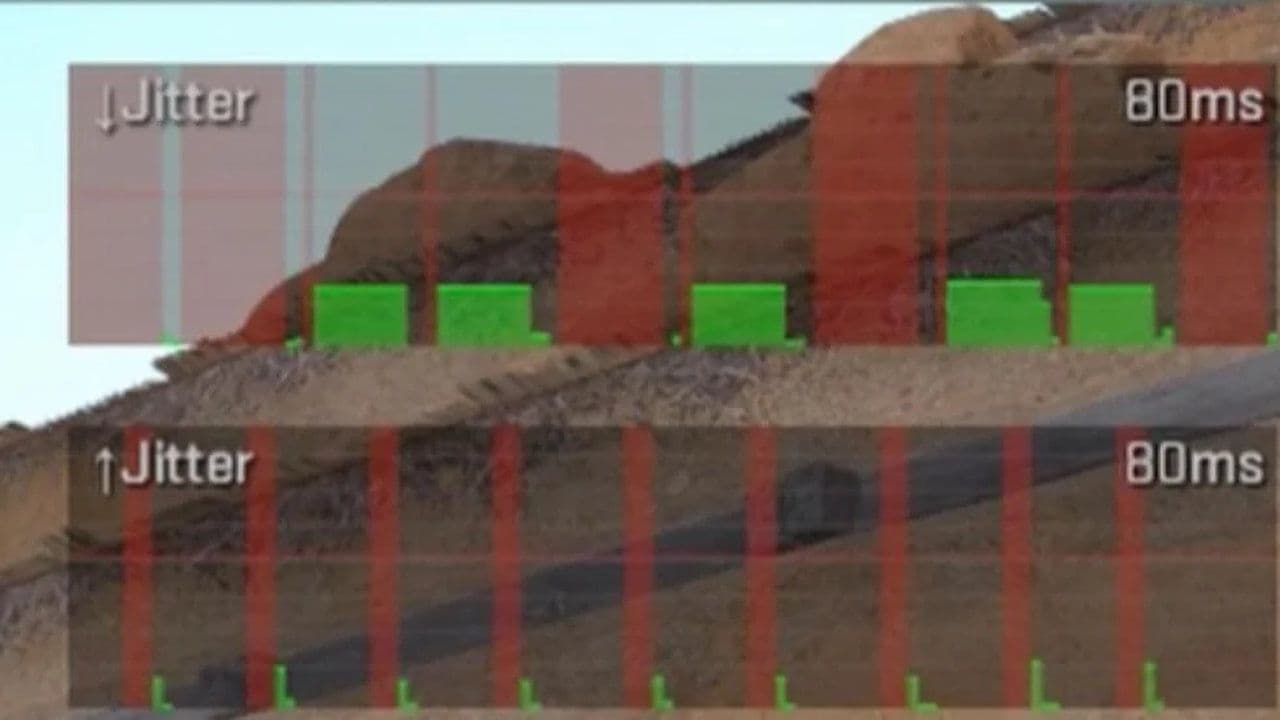 How to fix net jitter in CS2: Best solutions for packet loss, lag & rubberbandingLearn how to fix net jitter in CS2 with the best solutions for packet loss, lag, rubberbanding, and unstable c...
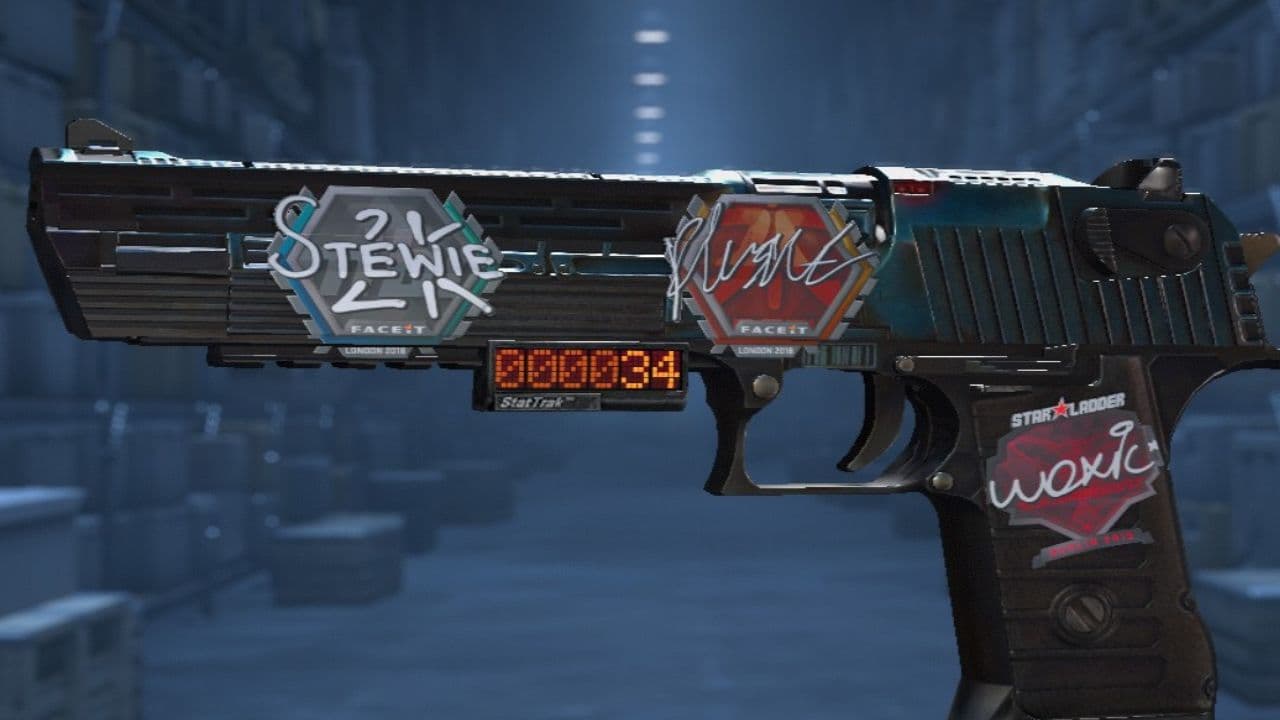 How to scrape stickers in CS2Want to remove stickers in CS2? Here’s how scraping works, what it changes, and why full removal is permanent....
 ropz CS2 settings: Crosshair, viewmodel, and moreCopy ropz CS2 settings for mouse, crosshair, viewmodel, video, and radar, then adjust them to match your own a...
 How to remove screen shake in CS2How to reduce screen shake in CS2 using console commands, viewmodel settings, graphics tweaks, and autoexec co...
- 1
- 2
- 3
- 4