CS2 Splinter map guide: Layout, strategies & more
Control space, win rounds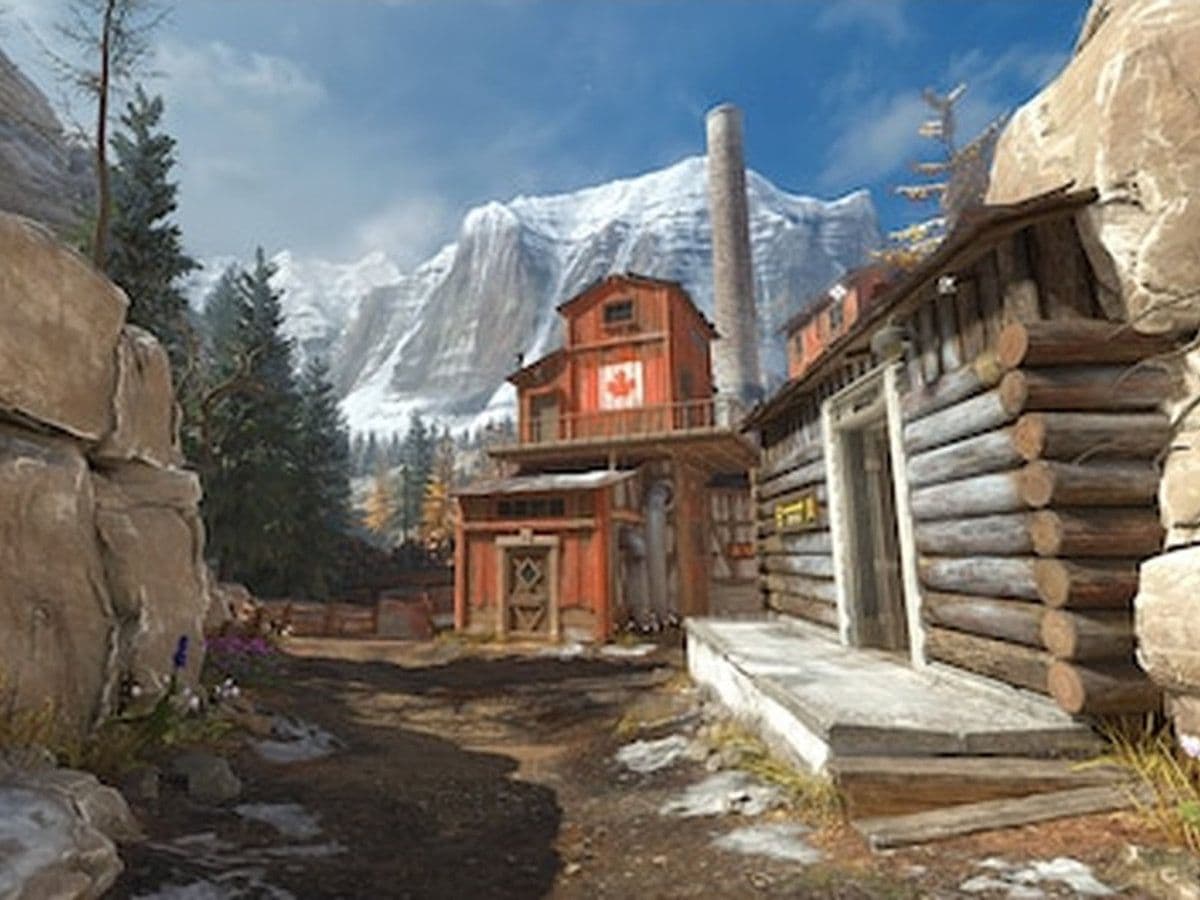
Created by Shawn Snelling, the designer behind Cache (FMPONE), CS2 Splinter map introduces a fresh approach to competitive design with vertical gameplay, tight chokepoints, and a compact structure.
In this guide, you will learn everything about the CS2 Splinter map, including its layout, bombsites, strategies, and how to play it effectively on both T and CT sides.
What is the CS2 Splinter map?
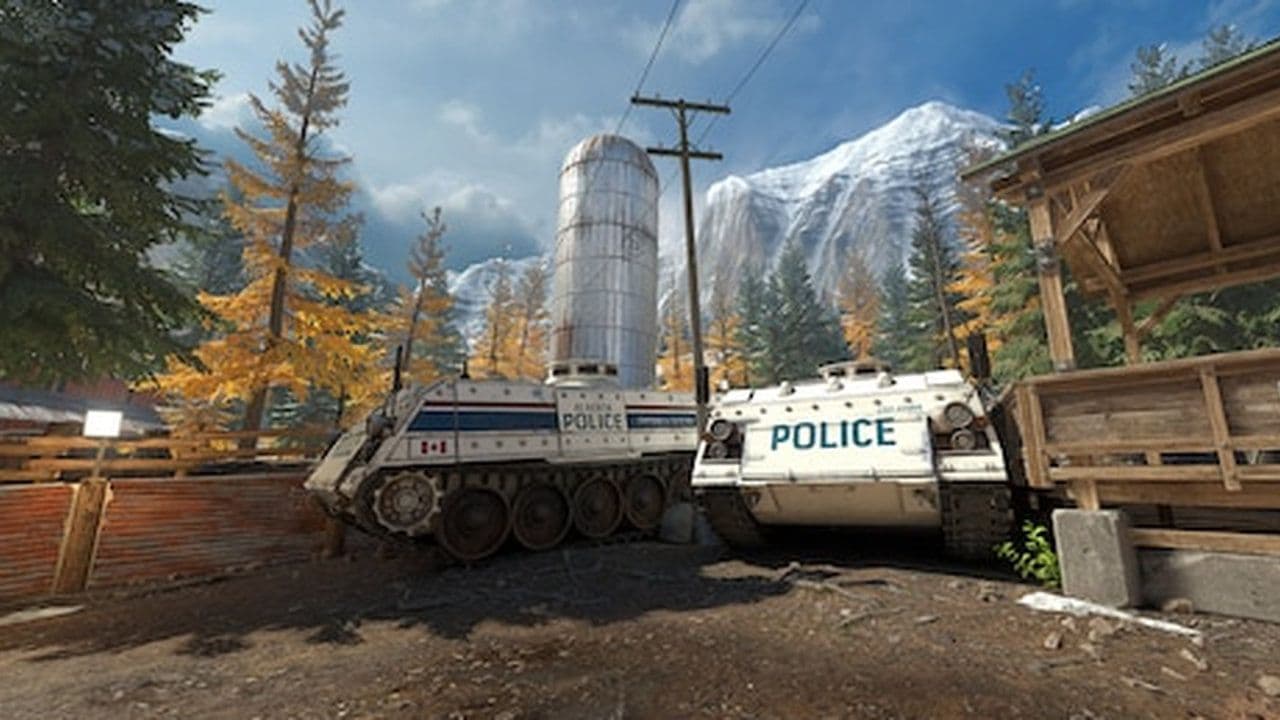
The CS2 Splinter map is a defusal (de_) map set in the Canadian Rockies. It features a sawmill and industrial lumber facility surrounded by natural terrain. The map combines indoor and outdoor combat zones, giving players a mix of close-range fights and longer sightlines.
- Map type: Defusal (Bomb plant/defuse)
- Theme: Sawmill and industrial yard
- Engine: Source 2
- Design focus: Vertical gameplay and tight control areas
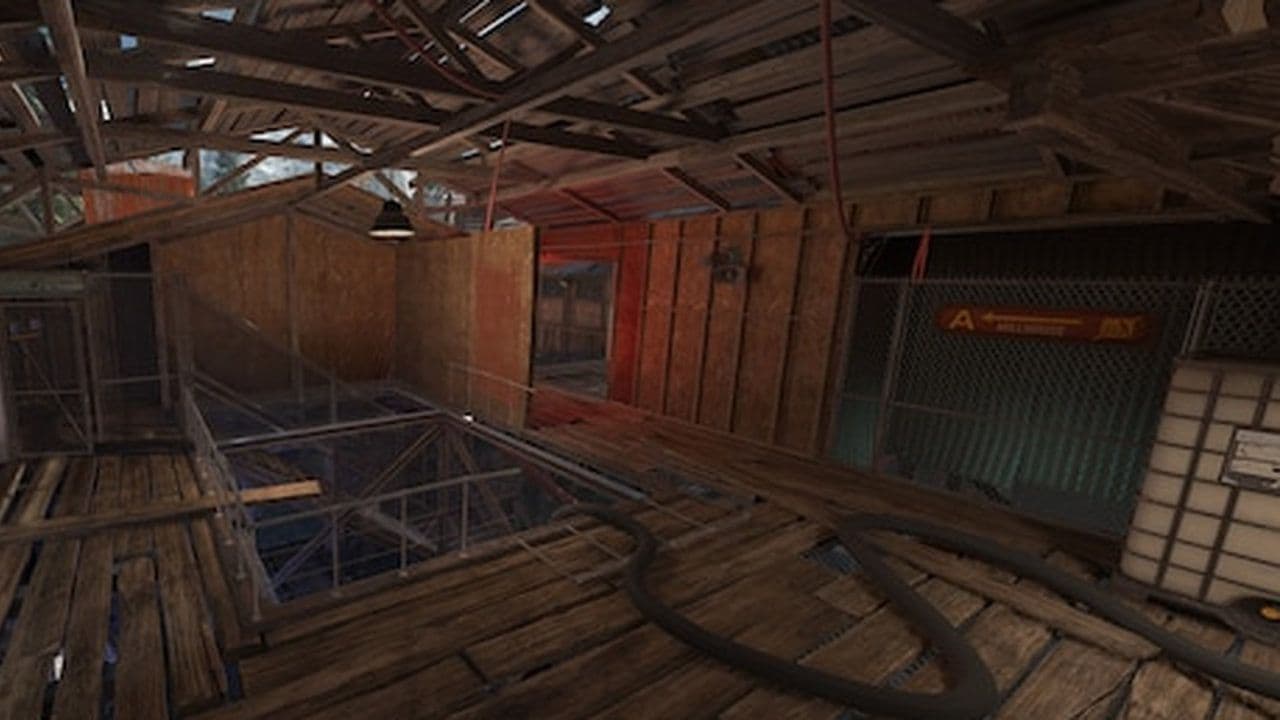
Compared to classic maps, the CS2 Splinter map is more compact but has more vertical layers, which makes positioning important.
CS2 Splinter map layout
The CS2 Splinter map layout follows a standard two-bombsite structure but adds complexity through elevation and tight paths.
- T Spawn
- CT Spawn
- Mid (central control zone)
- Bombsite A
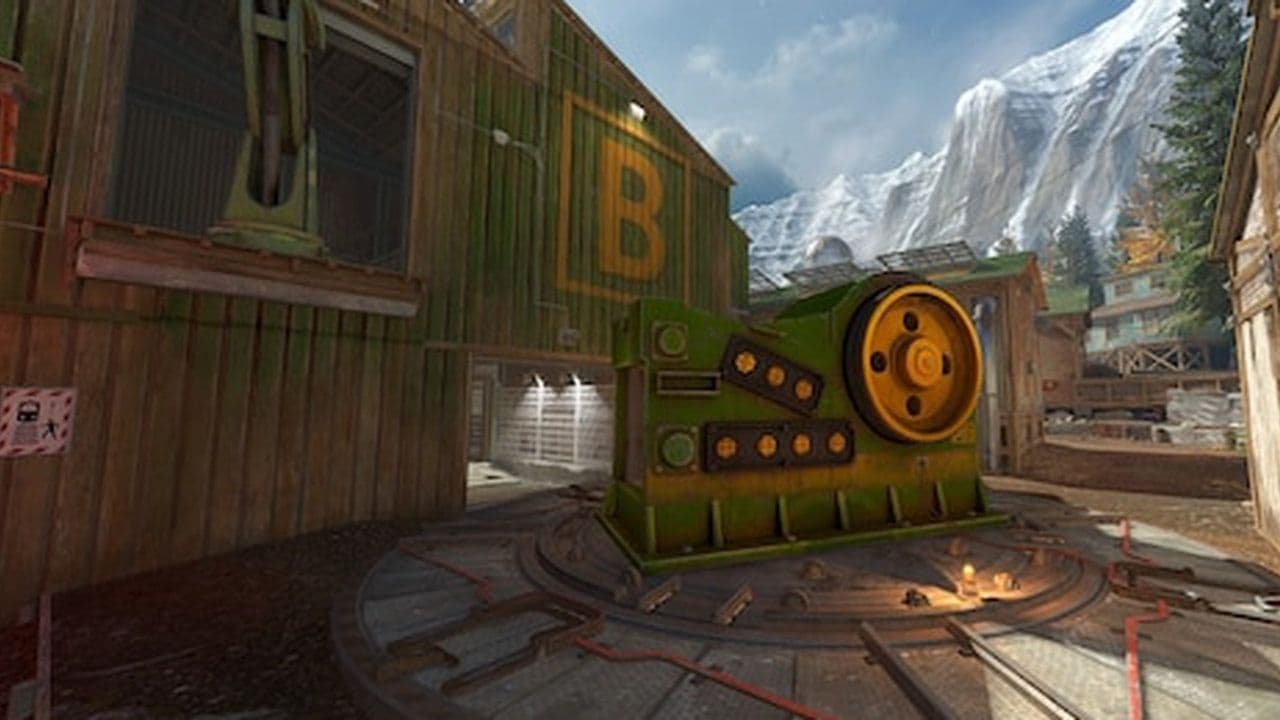
- Bombsite B
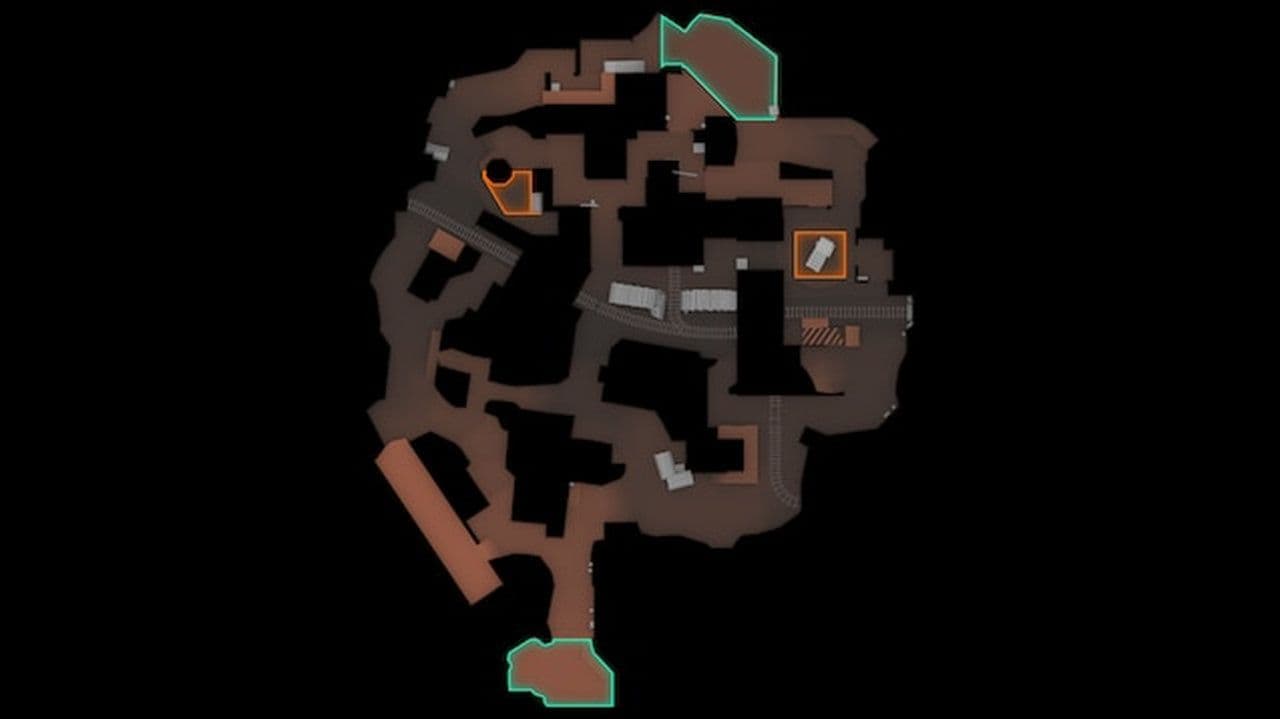
The map is dense, meaning rotations are fast but risky. Mid control is especially important because it connects both sites.
Details
Side strategies
How to get CS2 Splinter map
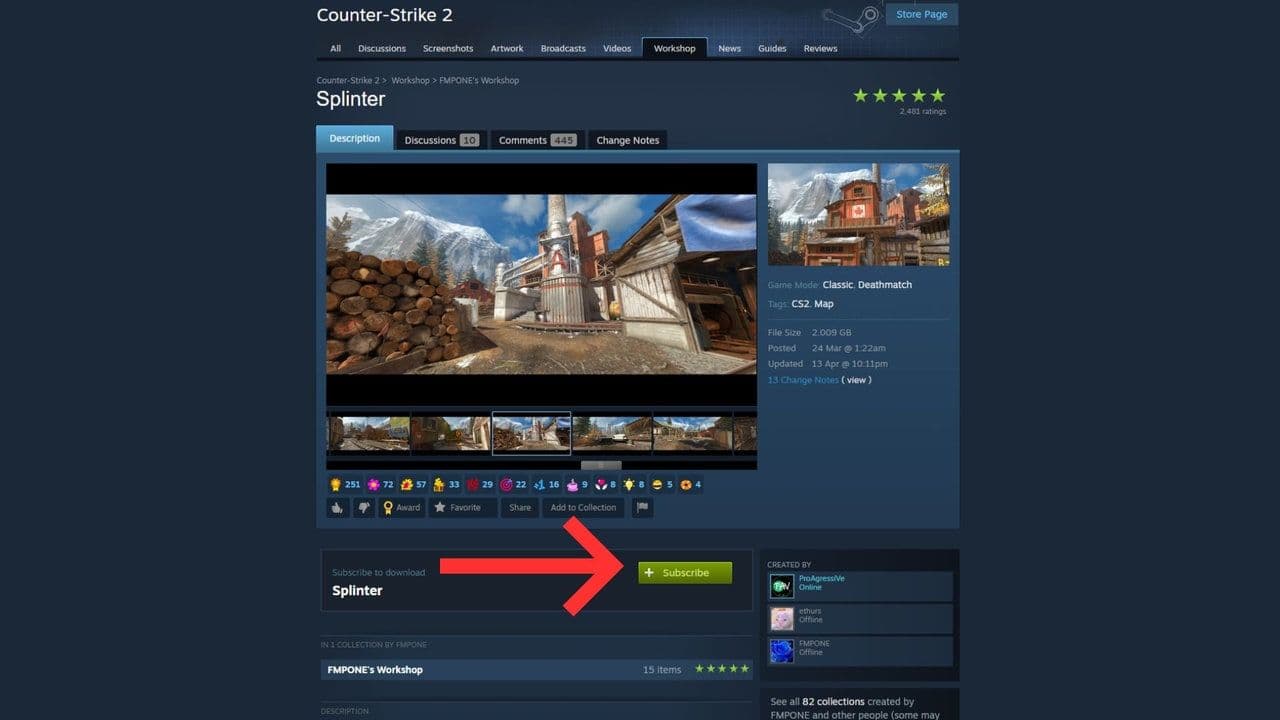
Getting CS2 community maps (like the CS2 Splinter map) is simple once you know where to look. Everything is done through the Steam Workshop.
- Open Steam → Counter-Strike 2 → Workshop
- Search for a map (e.g. “Splinter”)
- Click Subscribe → it downloads automatically
- Launch CS2
- Go to Play → Workshop Maps and select your map
Is CS2 Splinter map competitive ready?
The CS2 Splinter map has strong potential to become part of the competitive pool. Maps created by experienced designers like Shawn Snelling often evolve into professional play.
All Related Guides
 Cache CS2 map guide: Callouts, how to play & new updateCache CS2 map guide: callouts, strategies, April 28 update changes, Premier status, and how to play Cache in C...
 Everything about CS2 workshop map 1v1 commandsIn this piece, we will show you everything you need to now about CS2 workshop 1v1 maps!...
 How to play retakes on CS2Did you know that you can improve your game sense by training on CS2 retake servers? Here are the best servers...
 How to run CS2 custom maps in 7 easy stepsLearn how to run CS2 custom maps in 7 easy steps! Download, install, and play custom maps to enhance your Coun...