Fortnite V-Bucks explained: How to earn, redeem, spend & more
V-Bucks is the premium currency of Fortnite, but what can you use it on, how does it work, and can you get some for free?
Fortnite V-Bucks, also commonly known as v bucks, are the in-game currency that you’ll need to unlock a variety of cool items and features in the game. Whether you want to customize your character, progress through the Battle Pass, or get special rewards, v bucks are key to it all. In this Fortnite guide, we’ll explain what V-Bucks are, how to get them, and how you can use them.
What are Fortnite V-Bucks?
V-Bucks, short for Vindertech Bucks, are the premium currency in Fortnite, created by the tech company Vindertech. While they serve different purposes across Fortnite’s game modes, their ultimate goal is the same: to purchase cosmetic items. These items don’t provide any competitive advantages but allow players to customize their characters.
So, how do v bucks work across game modes?
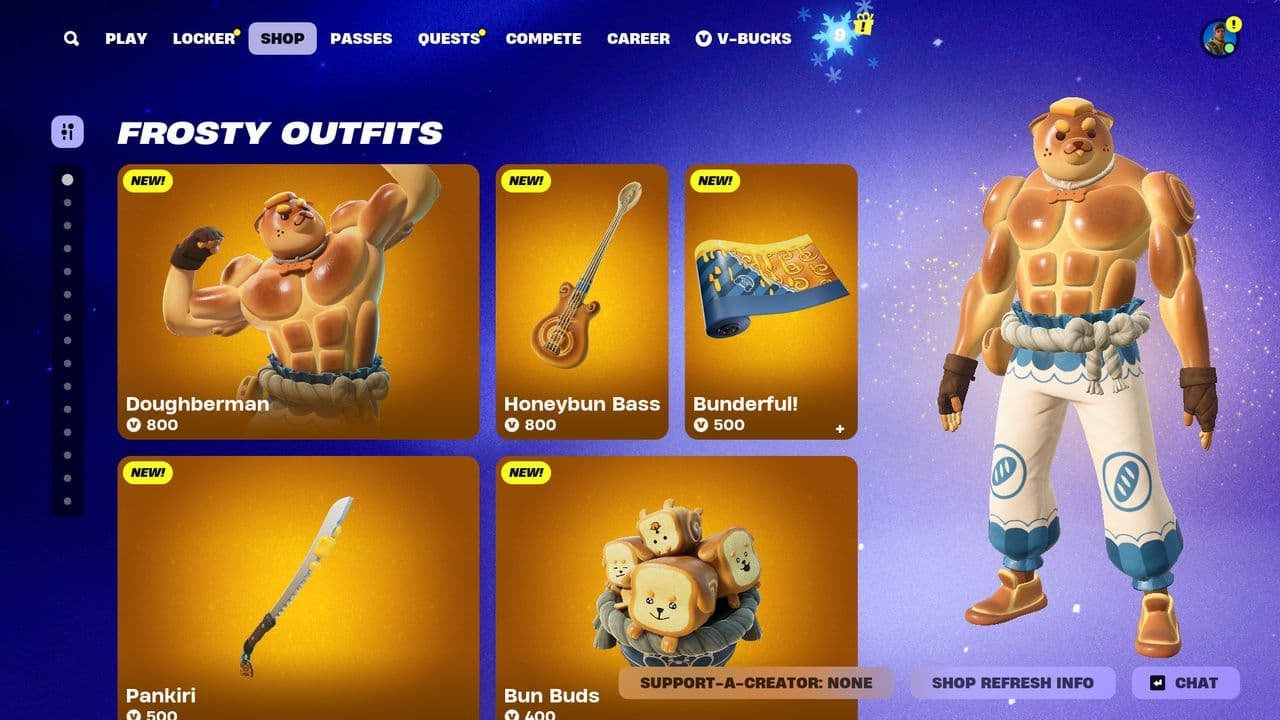
- Cosmetic items: Purchase outfits, emotes, weapon wraps, and other items in the Item Shop.
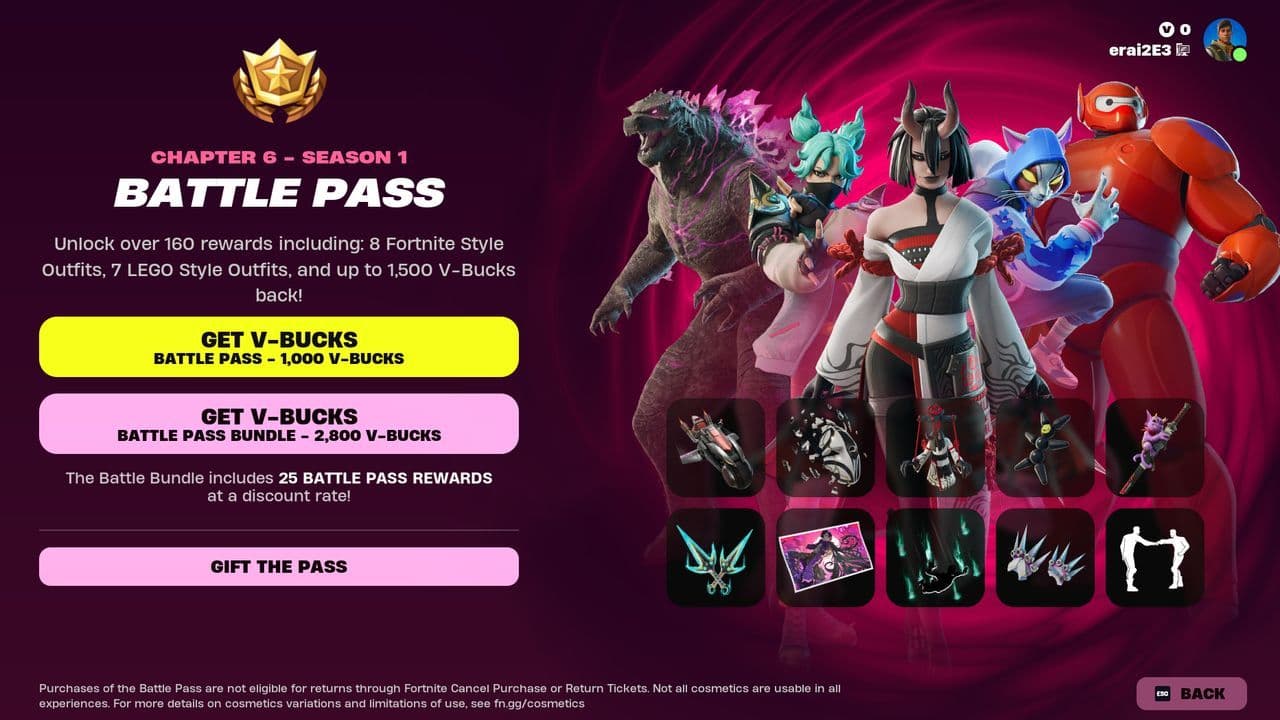
- Battle Pass: A staple of Fortnite, the Battle Pass costs 1,000 V-Bucks (formerly 950) and rewards up to 1,500 V-Bucks upon full completion. Free Battle Pass tiers can yield up to 300 V-Bucks per season.
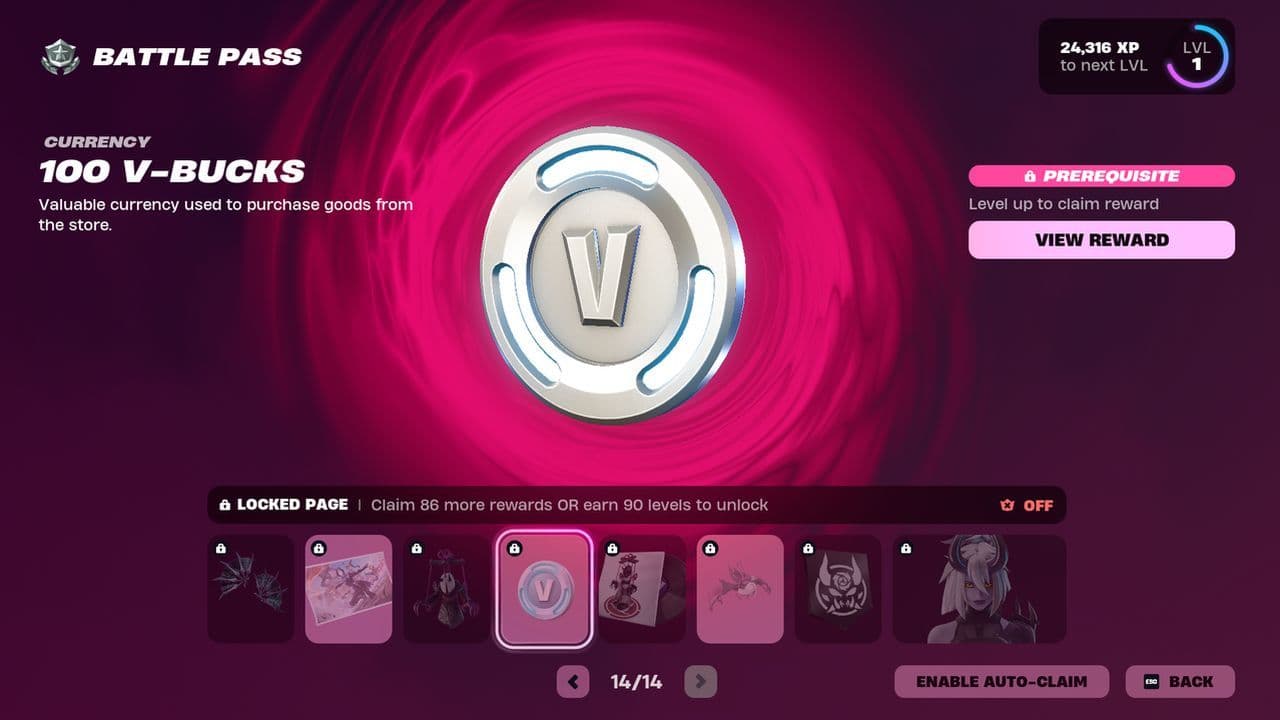
- Level purchases: Players can use 150 V-Bucks to purchase levels or Battle Stars to advance through the Battle Pass more quickly.
- Fortnite Festival: V-Bucks in Fortnite Festival are used for purchasing the Festival Pass (1,800 V-Bucks) and advancing tiers at 150 V-Bucks each.
How much are V-Bucks
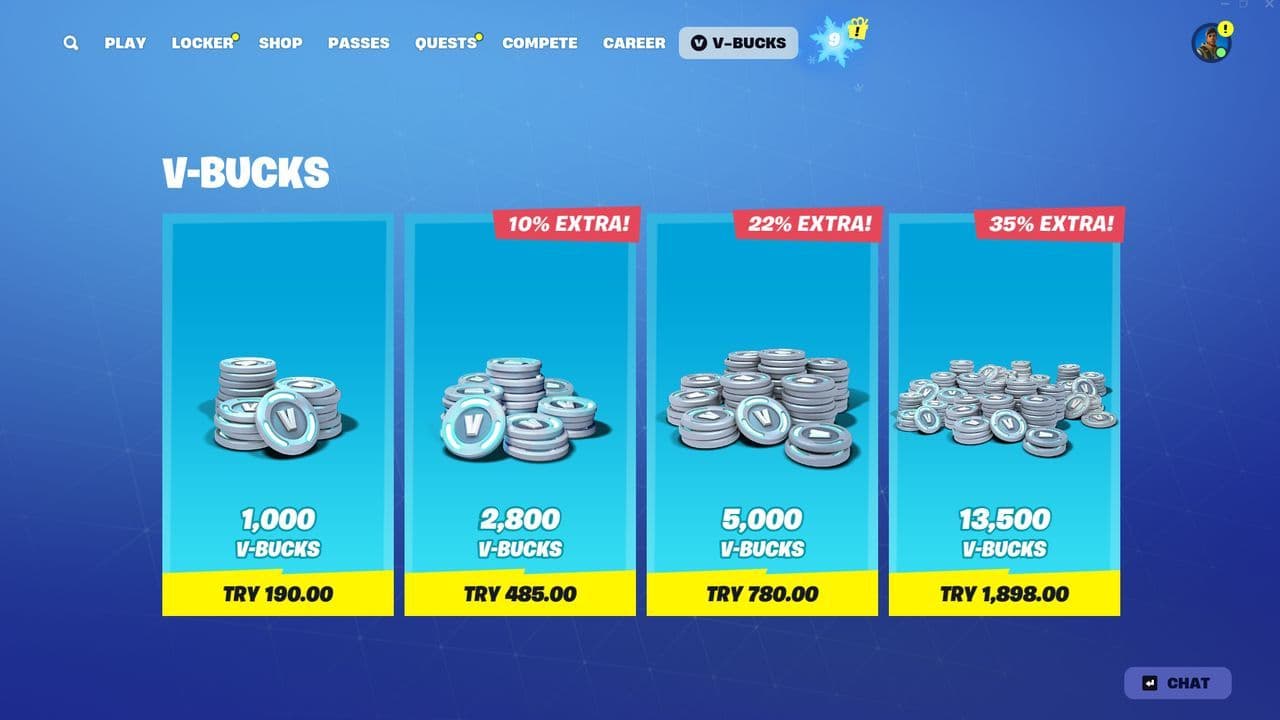
Here’s a quick breakdown of common v bucks bundles and their prices (prices may vary slightly by region):
- 1,000 V-Bucks: $8.99 USD
- 2,800 V-Bucks: $22.99 USD
- 5,000 V-Bucks: $36.99 USD
- 13,500 V-Bucks: $89.99 USD
How to get V-Bucks
There are 4 ways to get V-Bucks on Fortnite:
- Using real money
- Battle Royale
- Fortnite Crew
- Save the World (Founders only)
Using real money
You can buy v bucks via the in-game store or external device stores like the PlayStation Store or Epic Games Store.
Battle Royale
- Free Battle Pass players can earn up to 300 V-Bucks per season.
- Premium Battle Pass players can earn up to 1,500 V-Bucks per season through progression.
Fortnite Crew
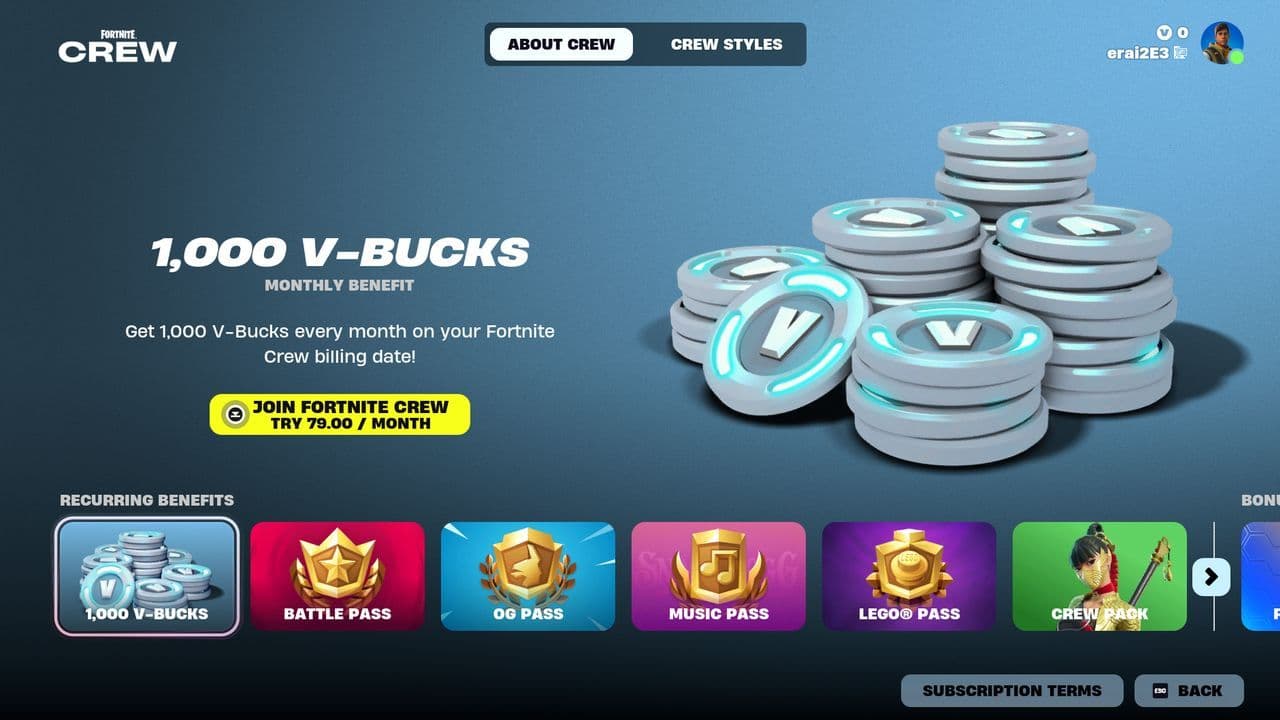
A Fortnite Crew subscription grants 1,000 V-Bucks monthly and an additional 950 V-Bucks for owning the Battle Pass.
Save the World
- Daily Quests: Earn 80–130 V-Bucks per quest, with up to three quests at a time.
- Mission Alerts: Rewards vary by zone, from 25 V-Bucks in Stonewood to 40 in Twine Peaks.
- Storm Shield Defenses: Earn 100–150 V-Bucks for completing each defense.
How to get free V-Bucks in Fortnite
- You can earn free v bucks by completing the free Battle Pass, which rewards up to 300 V-Bucks per season through progression and challenges.
- Founder's Edition players of Save the World can earn V-Bucks through:
- Daily Quests (80–130 V-Bucks)
- Storm Shield Defenses (100–150 V-Bucks)
- Mission Alerts
- Special in-game events and seasonal challenges may offer free V-Bucks.
How to buy V-Bucks
Purchasing v bucks is easy and secure when done through official platforms. Follow these steps based on your device:
- In-game store: Open Fortnite and navigate to the V-Bucks store. Select your desired amount and complete the purchase using your payment method.
- Gift cards: Buy prepaid Fortnite gift cards from retailers, then redeem them for v bucks in-game.
- Third-party stores: Some platforms like the Microsoft Store or PlayStation Store also allow direct V-Bucks purchases.
How to redeem V-Bucks
Redeeming V-Bucks is straightforward but differs slightly depending on your platform. But for all platforms, the v bucks redeem process starts same:
- Visit fortnite.com/vbuckscard and log in. If you’re redeeming for a console, use your console credentials to log in. Ensure the display name matches your in-game name.
- Click Get Started and carefully scratch the card to reveal your PIN. Enter the code without dashes and click Next.

- Select the platform (PC, PlayStation, Xbox, Switch, or mobile) where you want to use the V-Bucks and click Next. If your platform doesn’t appear, ensure your account is correctly linked.
Select the platform (PC, PlayStation, Xbox, Switch, or mobile) where you want to use the V-Bucks and click Next. If your platform doesn’t appear, ensure your account is correctly linked.
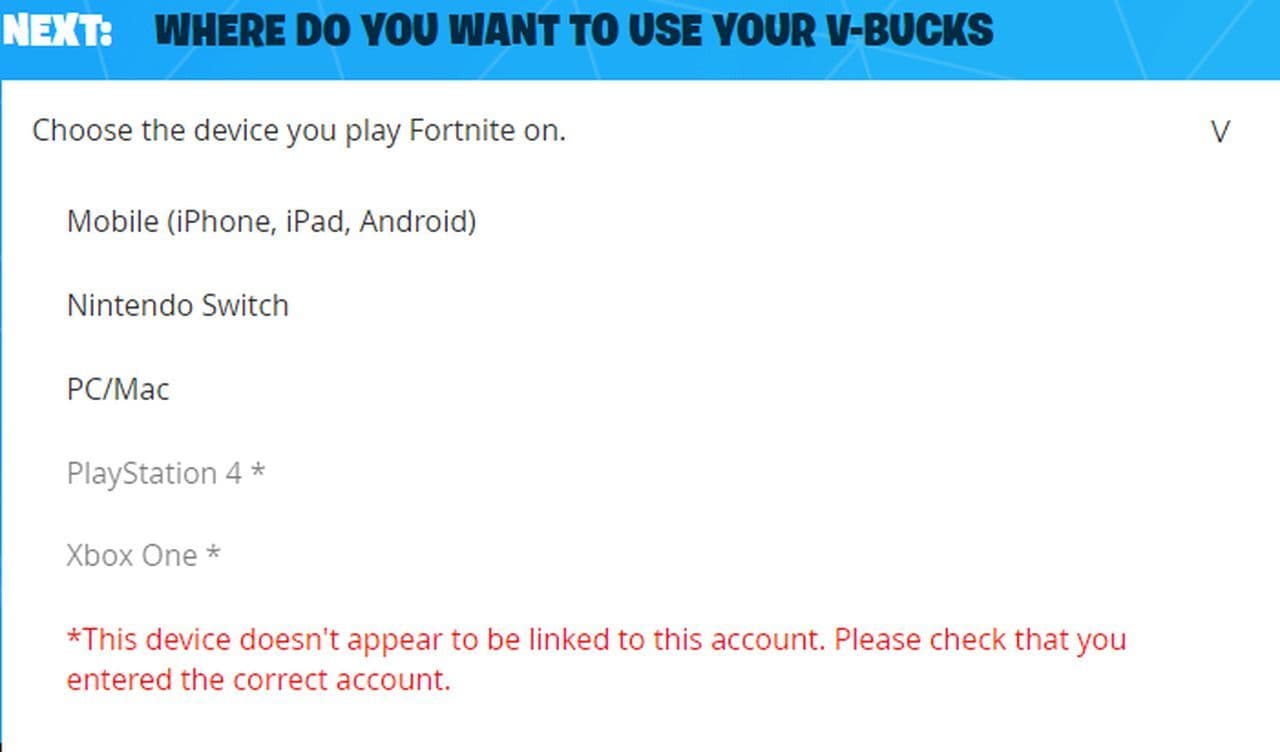
- Verify the account details, platform, and new balance. Once everything looks correct, click Confirm.
- For Xbox or PlayStation, a secondary code (12 or 25 characters) will be generated. Enter this code in the Microsoft or Sony store to finalize redemption. The code will also be emailed to you. We will explain what to do for each console in the next parts.
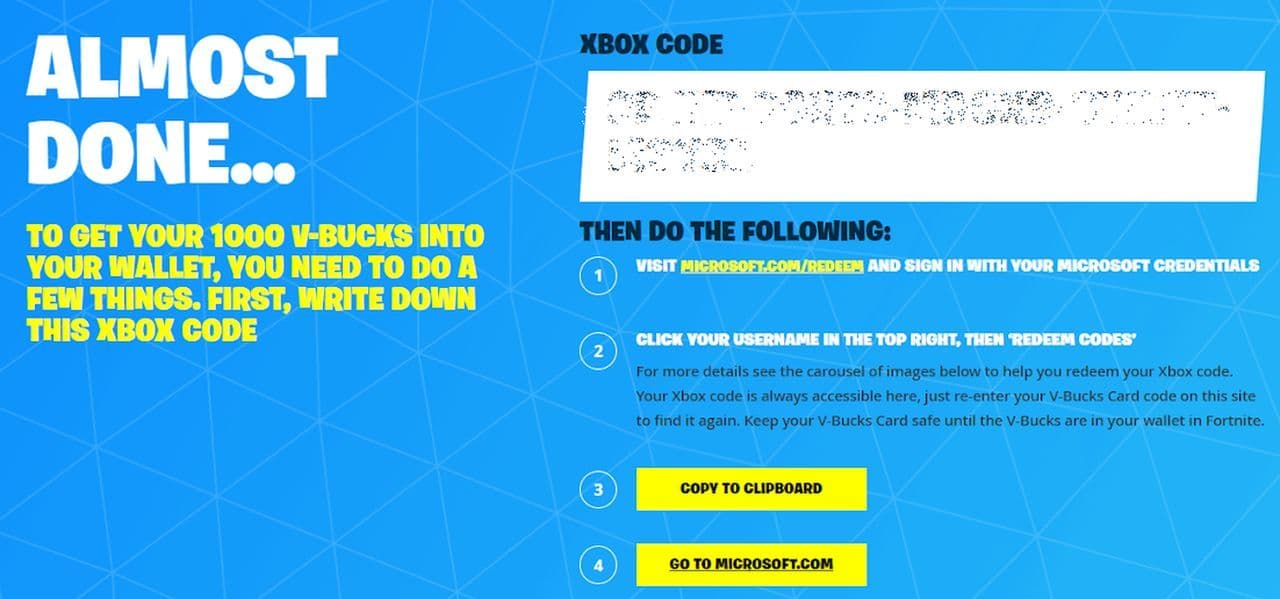
For PC, Switch, or mobile, launch Fortnite to find your V-Bucks ready to use. For consoles, complete the secondary code process to access your v bucks.
How to redeem V-Bucks on Xbox
- Make sure you’re signed into the correct Microsoft account on your Xbox console or web browser. Once redeemed, codes cannot be transferred to another account.
- On your Xbox console:
- Press the Xbox button to open the guide.
- Navigate to Store > Redeem a Code.
- On a browser: Go to redeem.microsoft.com and log in with your Microsoft account.
- Carefully type the 25-character code (formatted as 5x5 blocks of characters). Ensure there are no typos.
- Review the details of the code, ensuring it applies to your account. Select Confirm to redeem.
- Launch Fortnite on your Xbox to verify that the V-Bucks have been added to your account.
How to redeem V-Bucks on PS5 and PS4
- Ensure you’re signed into the PlayStation account linked to your Epic Games profile. V-Bucks redeemed on the wrong account cannot be transferred.
- On your PlayStation console:
- Navigate to the PlayStation Store from the home screen.
- Select your profile icon at the top of the screen.
- Choose Redeem Code from the drop-down menu.
- Carefully type the code included with your v bucks card or provided after purchase. Double-check for accuracy.
- Select Continue to apply the credit or V-Bucks to your account.
- Launch Fortnite on your PS4 or PS5 to confirm that the V-Bucks have been added to your account.
Can you gift V-Bucks?
Unfortunately, V-Bucks themselves cannot be directly gifted. However, Fortnite offers alternative ways to share the fun:
- Gift Items: Use your own V-Bucks to purchase and gift cosmetic items from the Item Shop.
- Gift Cards: Buy Fortnite gift cards (with preloaded V-Bucks) from authorized retailers, which your friends can redeem on their own accounts.
- Battle Pass Gifts: You can also gift the Battle Pass to friends, which they can use to earn their own V-Bucks.
FAQs
Can you buy V-Bucks using Google Play
No, you cannot directly purchase V-Bucks using Google Play. However, you can purchase V-Bucks using a Google Play gift card, but only on Android devices. Here's how you can do it:
- Open the Google Play Store on your Android device.
- Tap your profile icon, then select Payments & Subscriptions > Redeem Code.
- Enter the gift card code to add the balance to your Google Play account.
- Open the Fortnite app on your Android device.
- Navigate to the in-game store where V-Bucks are sold.
- Select the amount of V-Bucks you want to buy.
- When prompted for a payment method, choose Google Play.
- Confirm the transaction using the balance from your redeemed gift card.
- Once the purchase is complete, the V-Bucks will be added to your Fortnite account.
How much money is 1000 V-Bucks?
1,000 V-Bucks costs $8.99 USD. This pricing applies across most platforms, including PC, consoles, and mobile devices. Prices may vary slightly depending on regional currencies, taxes, or promotions. For the most accurate pricing in your region, check the in-game V-Bucks store or the platform's payment options.
How much is $1 in V-Bucks?
The price of V-Bucks varies depending on the bundle you buy. A small bundle of 1,000 V-Bucks typically costs around $8.99 USD, which means each V-Buck is roughly $0.008.
Can V-Bucks be free?
Yes, you can earn V-Bucks without spending money. Fortnite often gives V-Bucks as rewards for completing daily or weekly challenges, special missions, or event objectives in Battle Royale. The Fortnite Crew subscription also provides a monthly allowance of V-Bucks for subscribers. While free V-Bucks are limited compared to buying bundles, consistent gameplay and completing challenges can help you accumulate a decent amount over time. Free V-Bucks cannot be purchased, but they are fully usable for any in-game items, including skins, emotes, or battle passes.
Do V-Bucks expire?
No, V-Bucks do not expire. Once earned or purchased, they remain in your account until you spend them
How to gift V-Bucks?
You cannot directly gift v bucks in Fortnite, but there are ways to share their value with friends or family. One option is to purchase a V-Bucks gift card from a trusted retailer and provide the code to the recipient, who can redeem it on fortnite.com/vbuckscard. Alternatively, you can gift items or the Battle Pass directly from the in-game store if the recipient has been on your friends list for at least 48 hours. Another method is to send gift cards for platforms like Xbox, PlayStation, or Nintendo eShop, which the recipient can use to buy V-Bucks themselves.
How much V-Bucks is the battlepass?
The Fortnite Battle Pass costs 1,000 V-Bucks.
This purchase grants access to a season's worth of rewards, including skins, emotes, and other cosmetics. Additionally, players who fully complete the Battle Pass can earn up to 1,500 V-Bucks, making it possible to save for the next season’s pass or other in-game purchases. If you don't have enough v bucks, you can buy a 1,000 V-Bucks bundle for $8.99 USD.