How to refund Fortnite skins
Don't want a skin anymore? Here's how to refund a skin in Fortnite.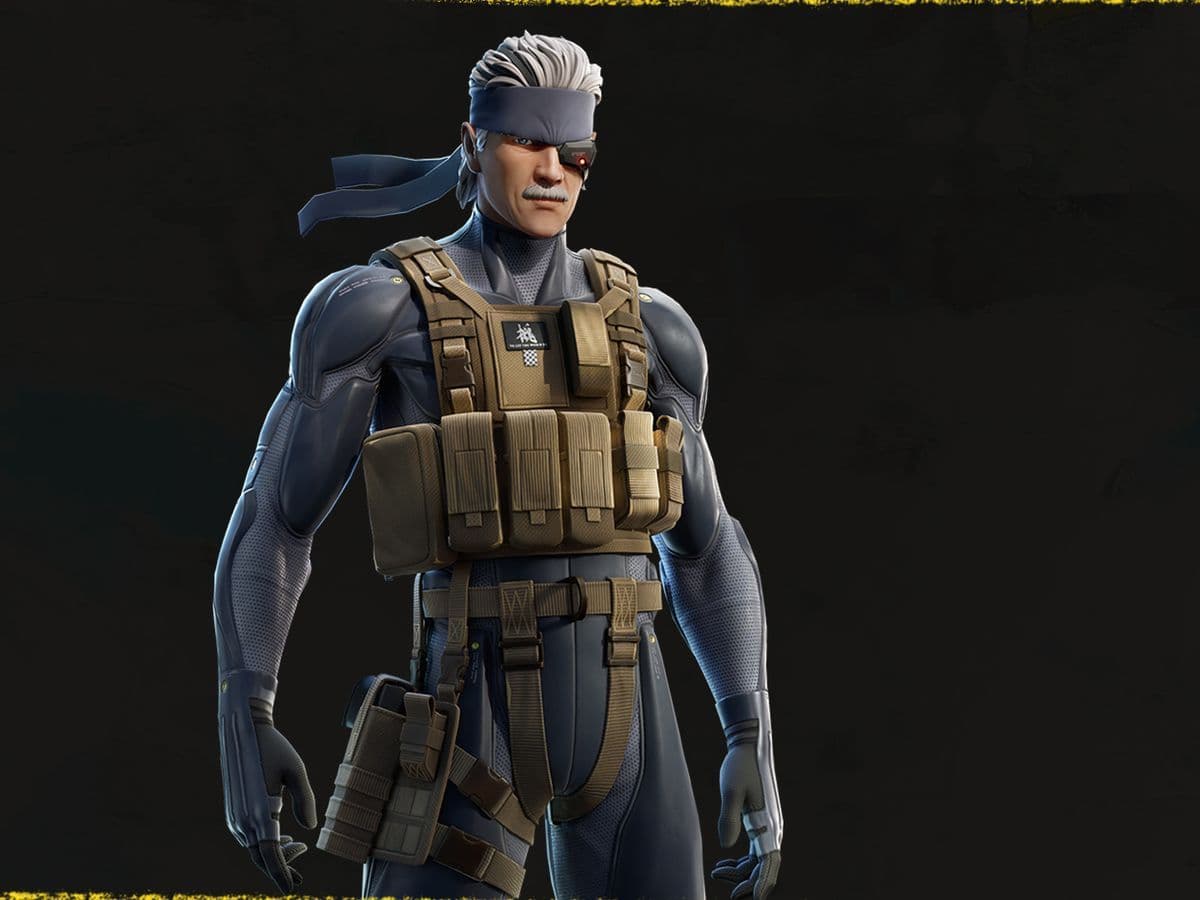
Ever regretted a Fortnite skin purchase and tried to learn how to refund a Fortnite skin? Oh, you are searching for it now? Congratulations, you have just found the right guide for it!
Well, you're in luck—Fortnite does offer a refund system! However, it's not an endless resource. In fact, it's quite limited.
Can you refund Fortnite skins?
Yes, you can refund Fortnite skins under certain conditions. Fortnite allows players to refund or return items purchased from the Item Shop using "Return Tickets." Each account is typically given three Return Tickets to use. These tickets allow players to return items, including skins, and receive the V-Bucks spent on them back into their accounts.
However, there are limitations to this feature:
- Time limit: You can only refund items purchased within the last 30 days.
- Ticket limit: Each account is limited to three Return Tickets. Once these tickets are used up, additional refunds won't be possible unless you receive more tickets.
- Irreversible action: It cannot be undone once you confirm a refund.
- V-Bucks only: Refunds provide V-Bucks, the in-game currency, back into your account, not real money.
How to refund Fortnite skin
Refunding a Fortnite skin can be straightforward if you follow the steps carefully. Here's a step-by-step guide on how to do it:
- Open Fortnite: Launch the game and log in to your account.
- Visit the Item Shop: Click on "Item Shop" from the main menu to see available skins.
- Go to settings: Find the "Settings" option in the top-right corner.
- Access Support & Refunds: Look for "Support & Refunds" in the settings menu.
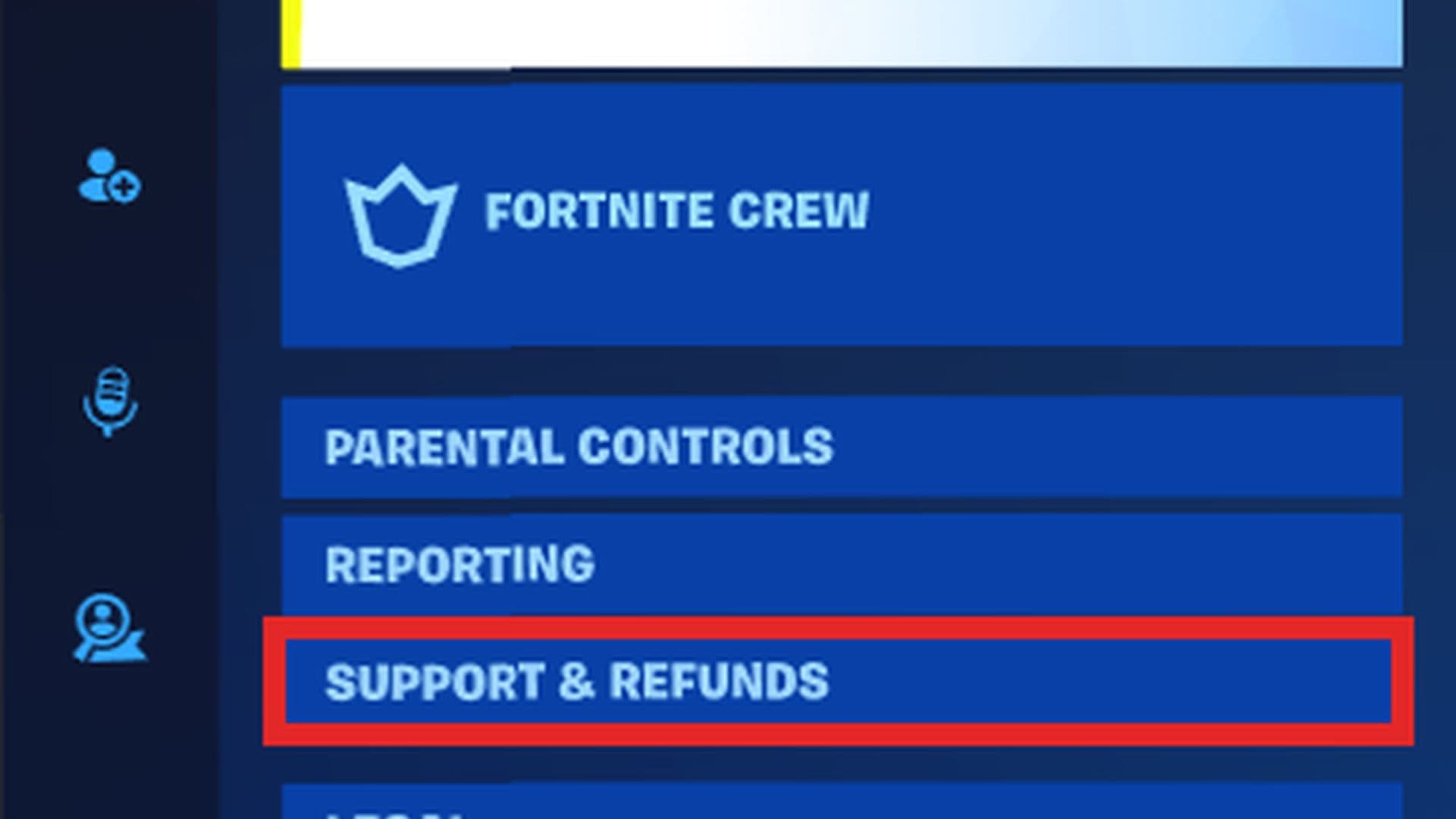
- Select return or cancel purchase: Click on this option to start the refund process.
- Choose the skin: Pick the skin you want to refund from the list.
- Confirm: Confirm your choice and use a Return Ticket.
- Final confirmation: Double-check and confirm again.
If the refund is successful, you'll receive V-Bucks equivalent to the purchase price of the skin. These V-Bucks will be credited back to your account.
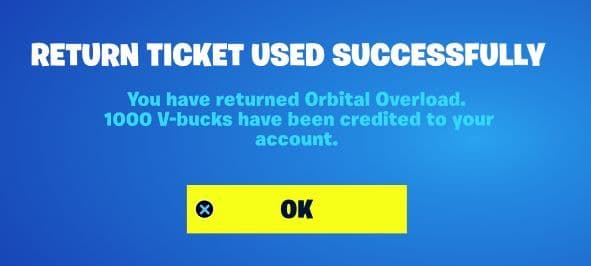
Once the refund process is complete, click "OK" to return to the Item Shop or the previous menu.
By following these steps, you can successfully refund a Fortnite skin and reclaim your V-Bucks, ensuring a more satisfying gaming experience. Remember, thoughtful consideration is key when making purchases in the Item Shop to avoid the need for refunds in the future.
Important tips
- You have three refunds available, so use them wisely.
- You can only refund items bought in the last 30 days.
- You'll get a new refund ticket every year if you have fewer than three left.
Following these simple steps will help you refund Fortnite skins hassle-free!
How to get more Fortnite return tickets
To get more Fortnite return tickets, just remember these easy steps. Firstly, you'll get a new return ticket every year, so if you've used yours, just wait for it to refresh. But be careful, you only have a few return tickets, usually three, so use them wisely.
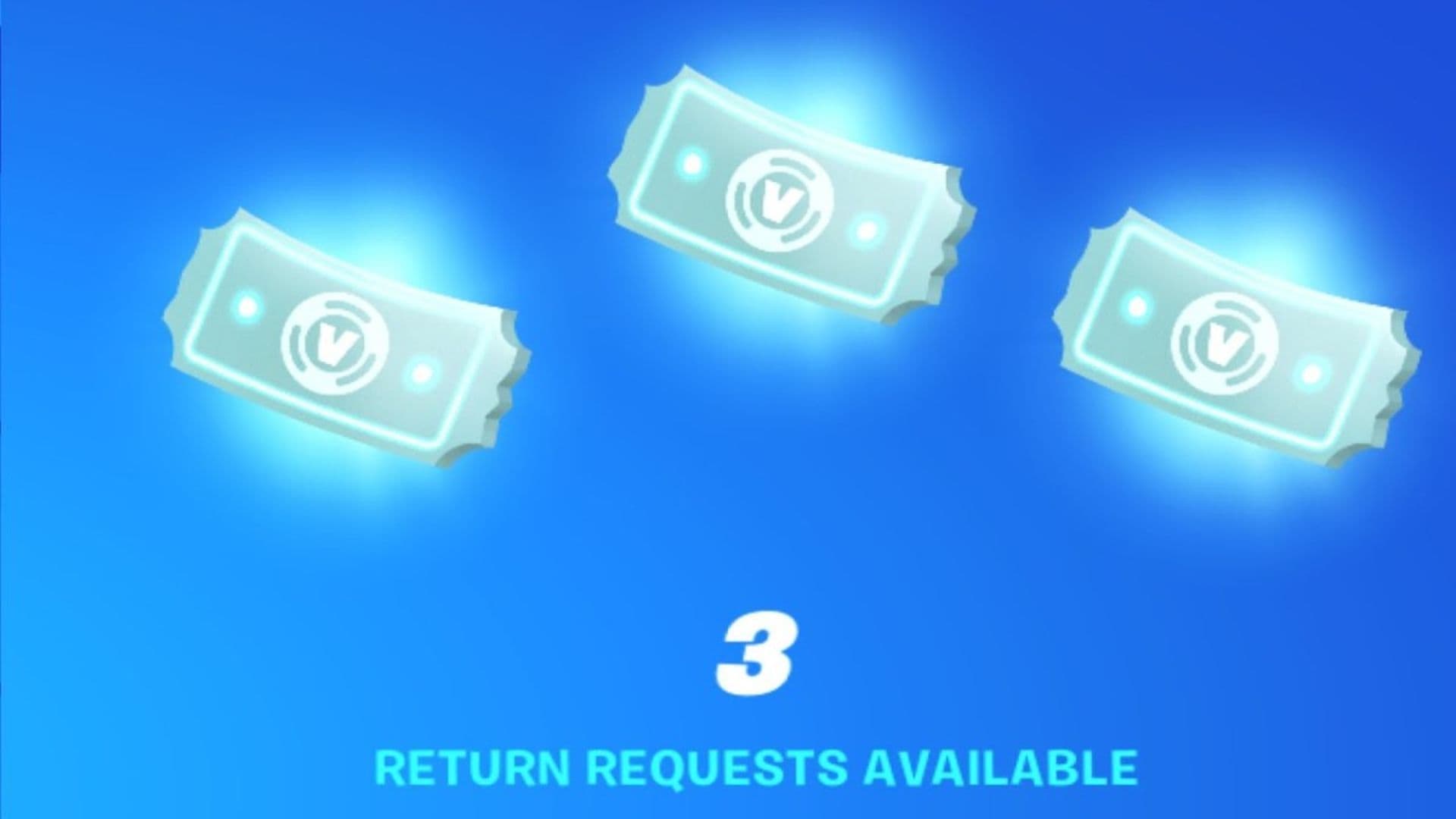
Also, keep an eye on your account. If you have less than three return tickets, you might get a new one after a year. And don't forget to check your purchase history because you can only return items bought in the last 30 days.
If you're ever confused or need help, contact Fortnite's support team. By following these simple tips, you can make the most of your return tickets and better play Fortnite.
How do I return a Fortnite skin without return tickets?
If you have a problem with an item you bought from the Fortnite Item Shop, you might be able to return it without a return ticket. This process is called a "ticketless refund." Here's how you can do it:
- Go to your Fortnite settings and find "Return or Cancel Purchase."
- Select the item you want to return from the list of recent purchases.
- Click on "Submit Return Request" or "Return Without Ticket."
- Confirm the return by providing some details.
- If you're sure you want to proceed, click "Yes."
- You'll see a success message confirming the return.
- Click "OK" to finish.
Keep in mind that not all purchases are eligible for ticketless refunds, and you can't request them. They're only available for specific items with issues.
Why can't I refund Fortnite skin?
If you can't refund a Fortnite skin, it's been more than 30 days since you bought it, or you've used up all your return tickets. Some items aren't eligible for refunds, and if there's a technical issue, contact Fortnite support for help.
Can I refund my V-Bucks?
Items like virtual currency or other consumables are labeled as "non-refundable" and cannot be refunded. Additionally, the majority of in-app purchases fall into this category. Refunds for purchases made outside of the Epic Games Store are not available.
If you are afraid of regretting your skin purchases, you can learn how to get free skins in Fortnite.
FAQs
Does a Fortnite refund get rid of my skins?
If you refund a cosmetic purchased with V-Bucks, the item will be removed from your locker. V-Bucks are returned, but once the item is gone, it can’t be recovered, even if you submitted a refund mistakenly.
Can you refund a skin that was gifted to you?
No. Gifts are not eligible for refunds. Once someone sends you a skin, even if they wanted to reverse it, the option isn't available.
Can I refund V-Bucks in Fortnite?
Not directly. Purchased V-Bucks are considered digital currency and are typically non-refundable. In rare cases, refunds may be available through your payment platform (like Xbox or PlayStation), but Epic itself doesn’t provide refunds for V-Bucks.
All Related Guides
 Cyberpunk 2077 Fortnite collab (Wave 2): Release date & everything known so farCyberpunk 2077 Fortnite collab Wave 2: release date rumors, new skins like Adam Smasher, and everything we kno...
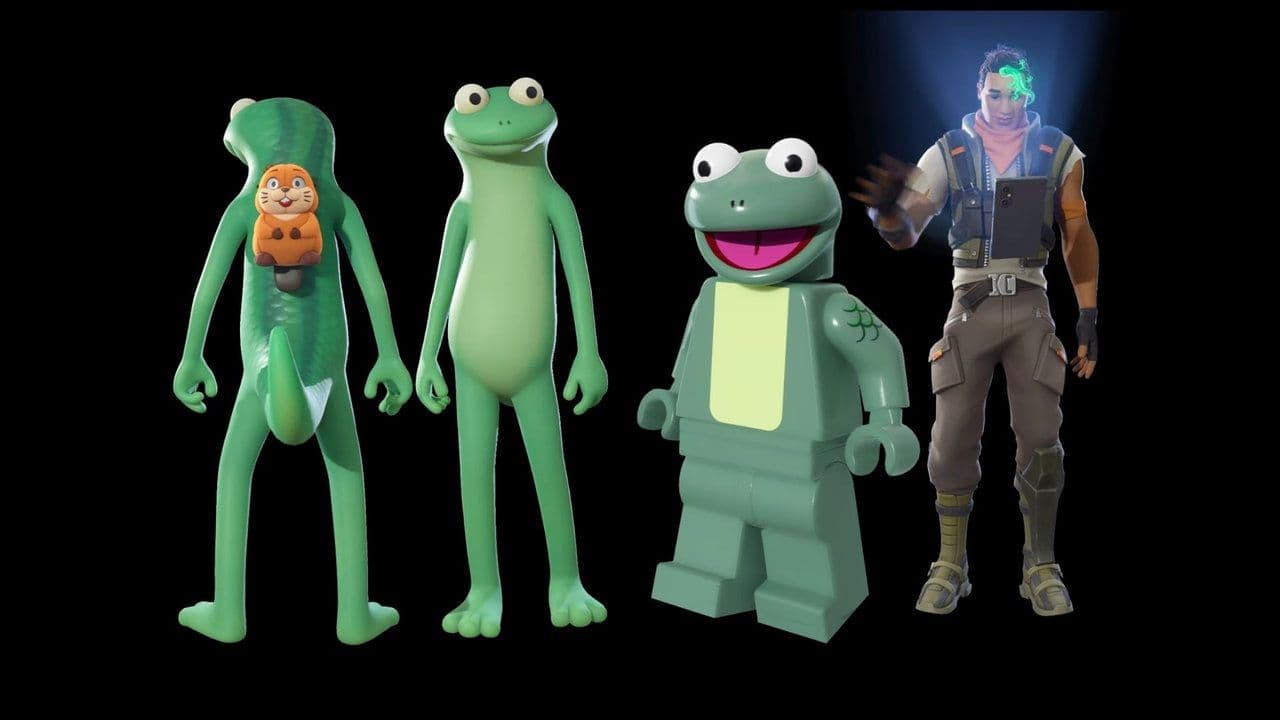 How to get the Fortnite Hoppers bundleGet the Fortnite Hoppers bundle with Tom Lizard skin, LEGO style, prices, cosmetics, and availability before i...
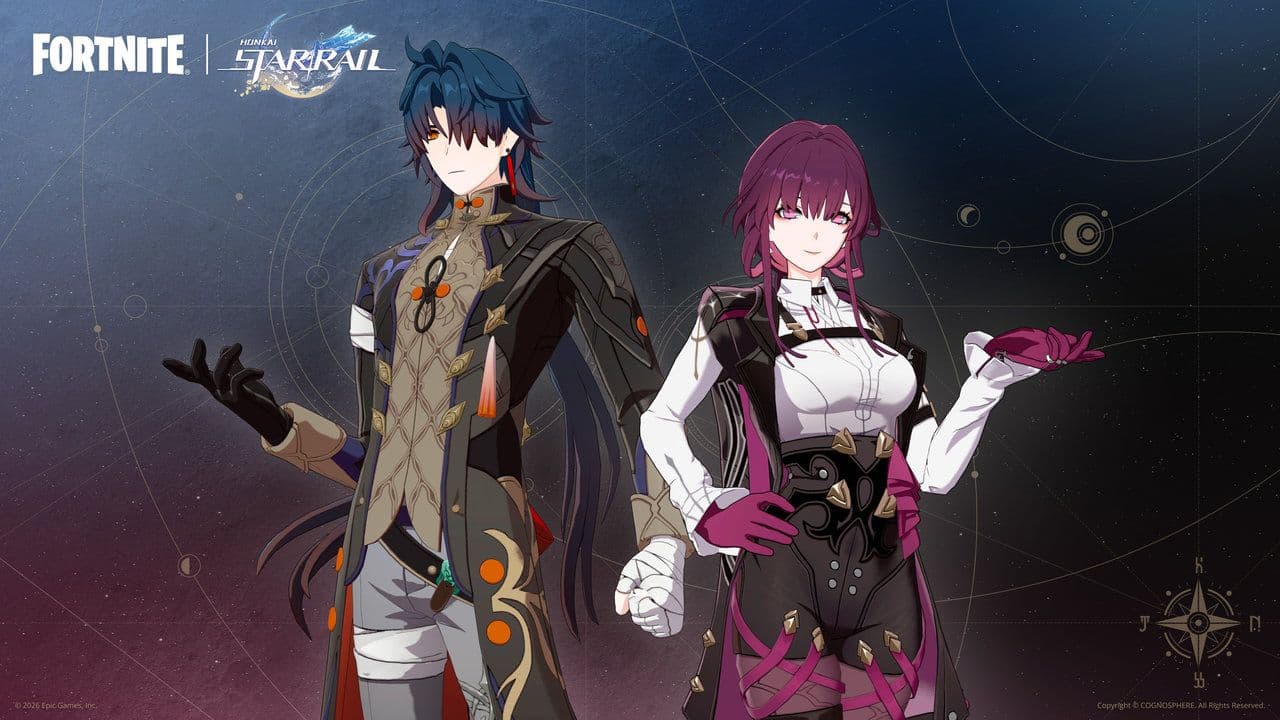 Fortnite HSR skins, Honkai Star Rail island, bundle & moreFortnite HSR skins guide: how to get Kafka & Blade, bundle prices, free Blade unlock, and Honkai Royale island...
 How to get free skins in FortniteOn this page, you’ll find everything you need to know about any currently available free skins (and past freeb...
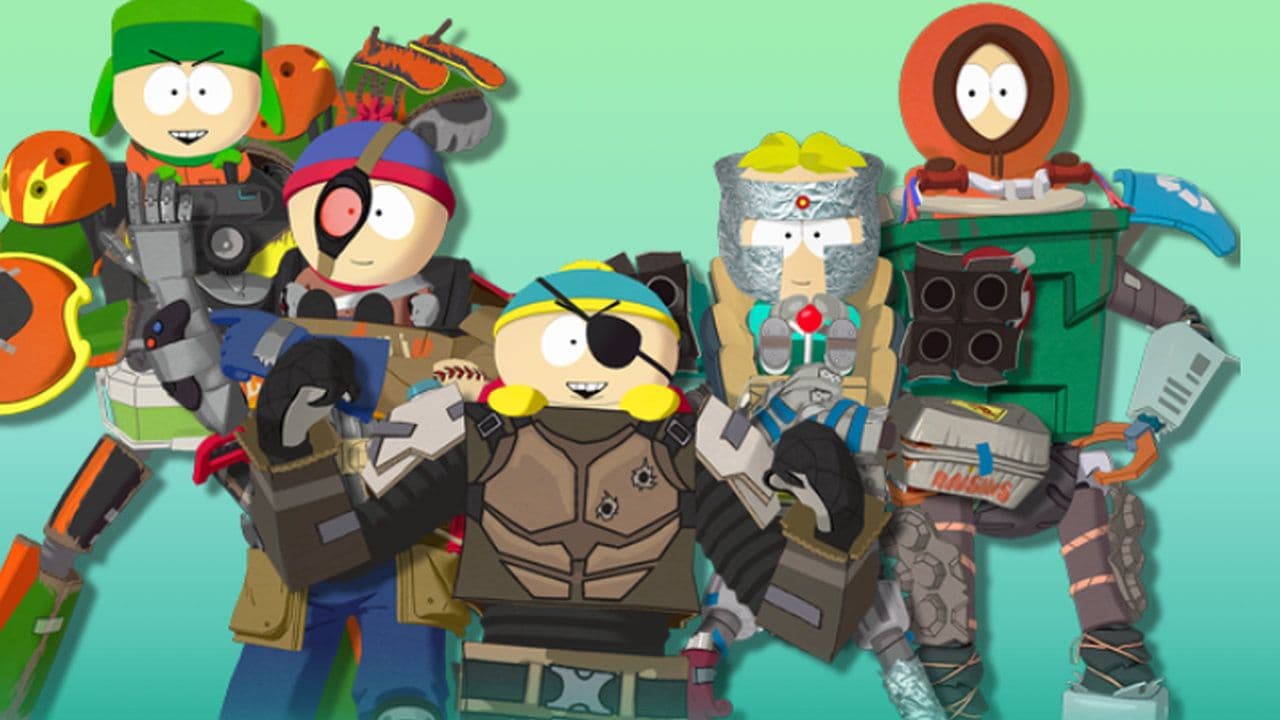 Fortnite South Park skins: Gonna Have Myself A Time Bundle explainedFortnite South Park skins guide: Gonna Have Myself A Time Bundle items, price, how to buy, and free Born in Ch...
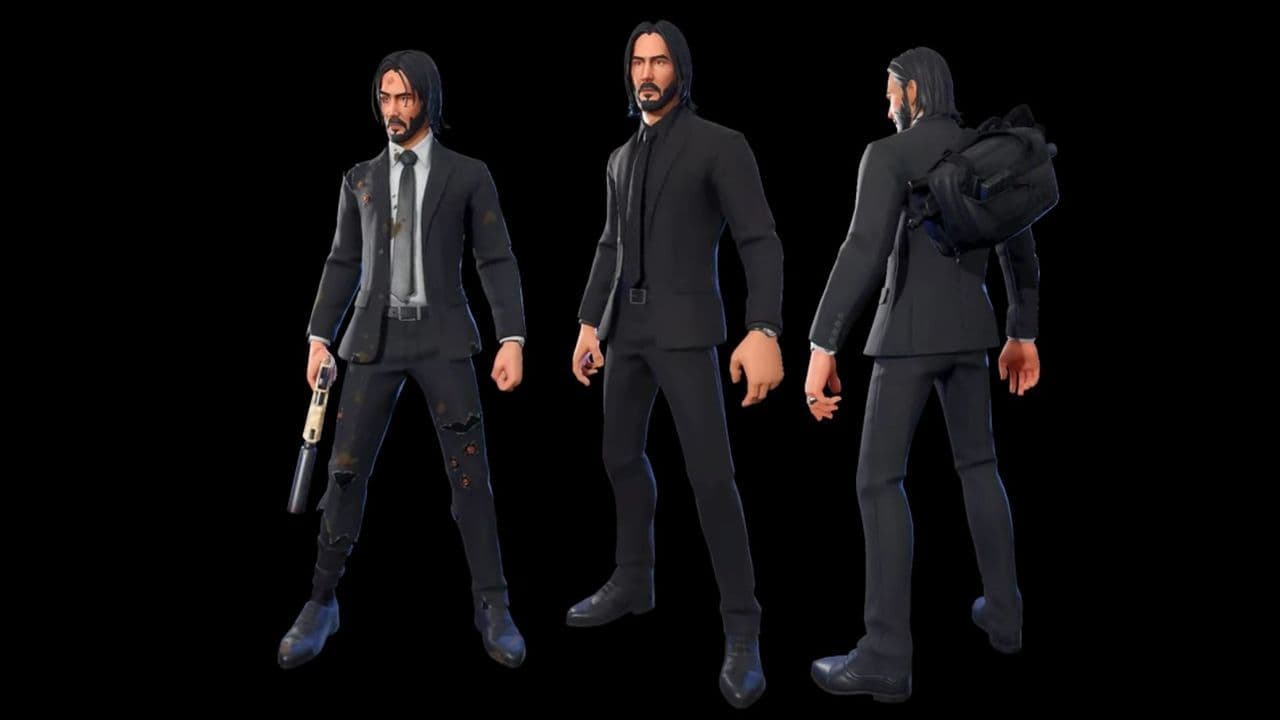 How to get the Fortnite John Wick skinHow to get the Fortnite John Wick skin, bundle contents, price, availability, and whether it’s worth the V-Buc...
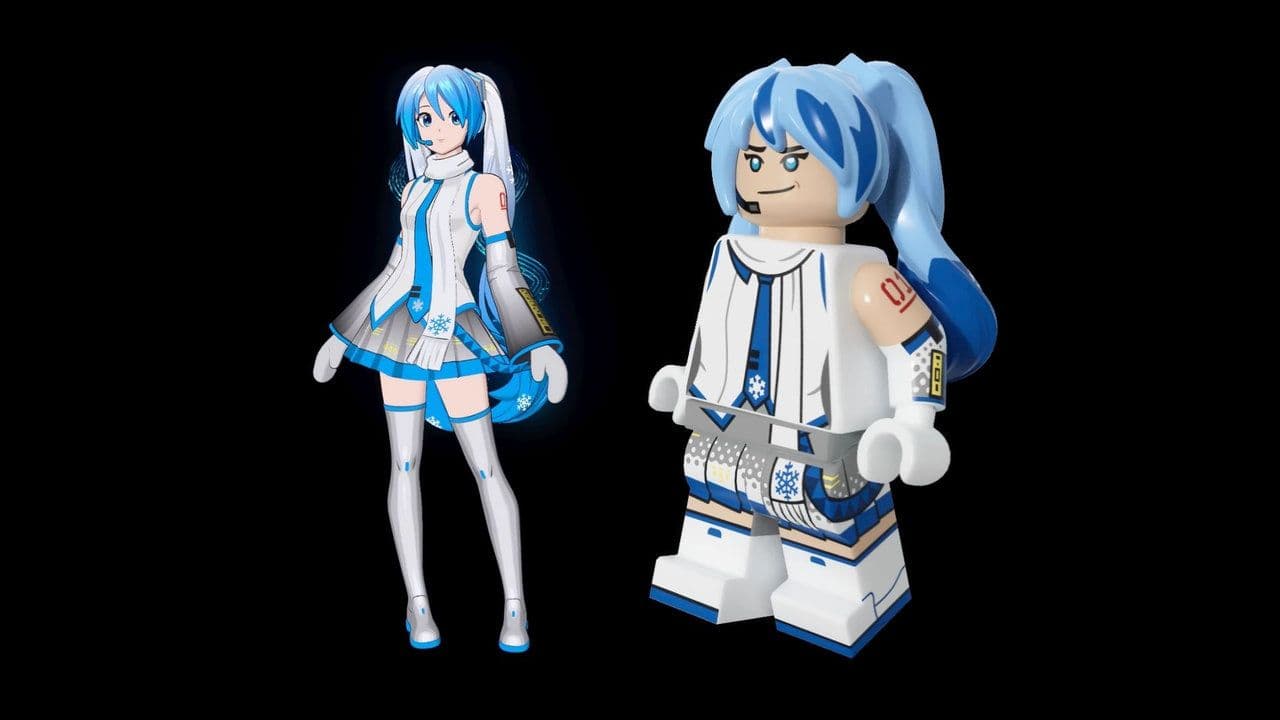 How to get the Fortnite Snow Miku skinLearn how to get Fortnite Snow Miku skin, release dates, Item Shop price, bundle contents, and whether it’s wo...
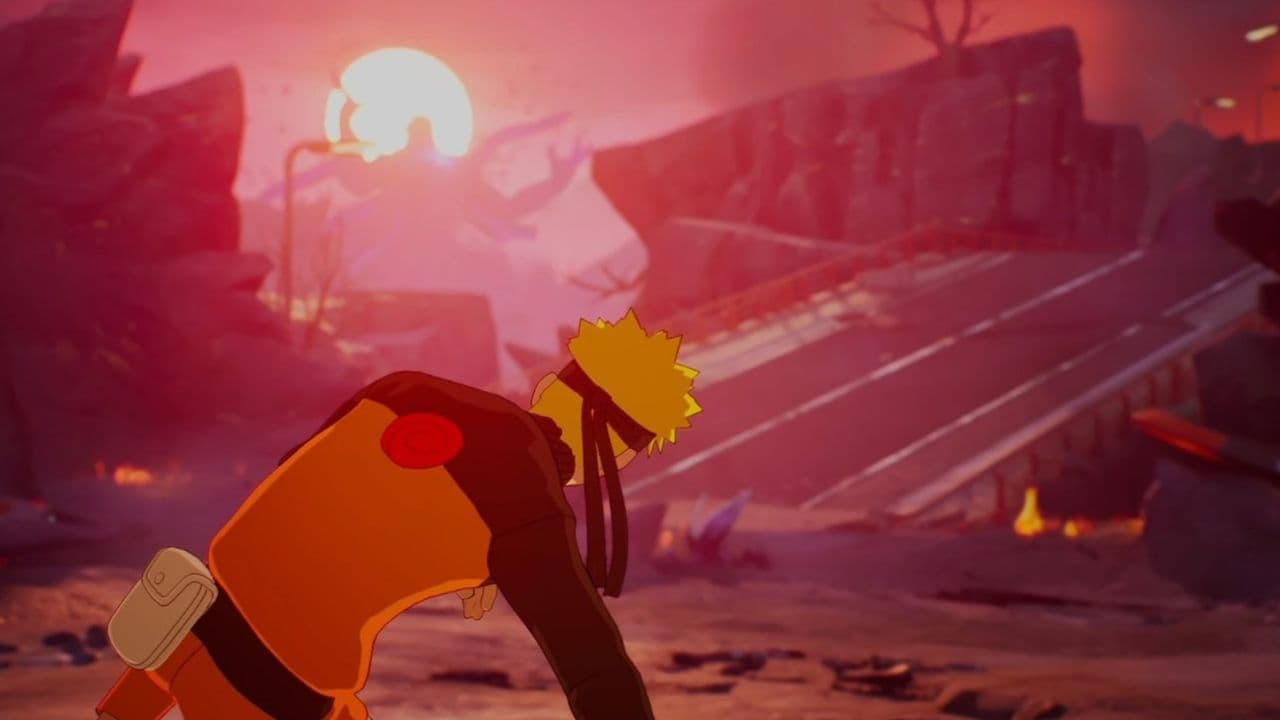 Naruto Fortnite skins are back and here is how to get themDiscover every Naruto Fortnite skin, bundle price, and return date. Learn how to get Naruto, Sasuke, Itachi an...
- 1
- 2
- 3
- 4
- 5
- 6