How to emote in Hytale: Commands, mods & more
Express yourself in Hytale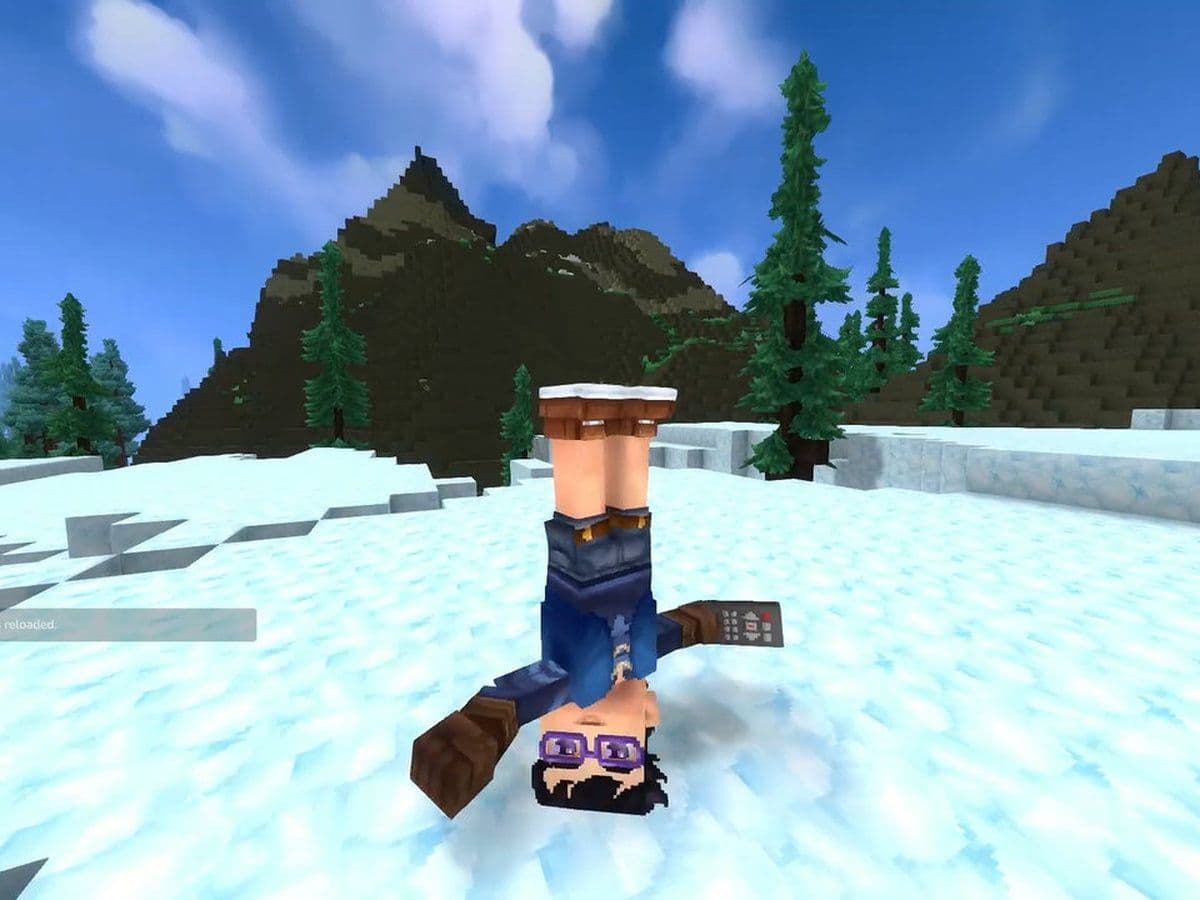
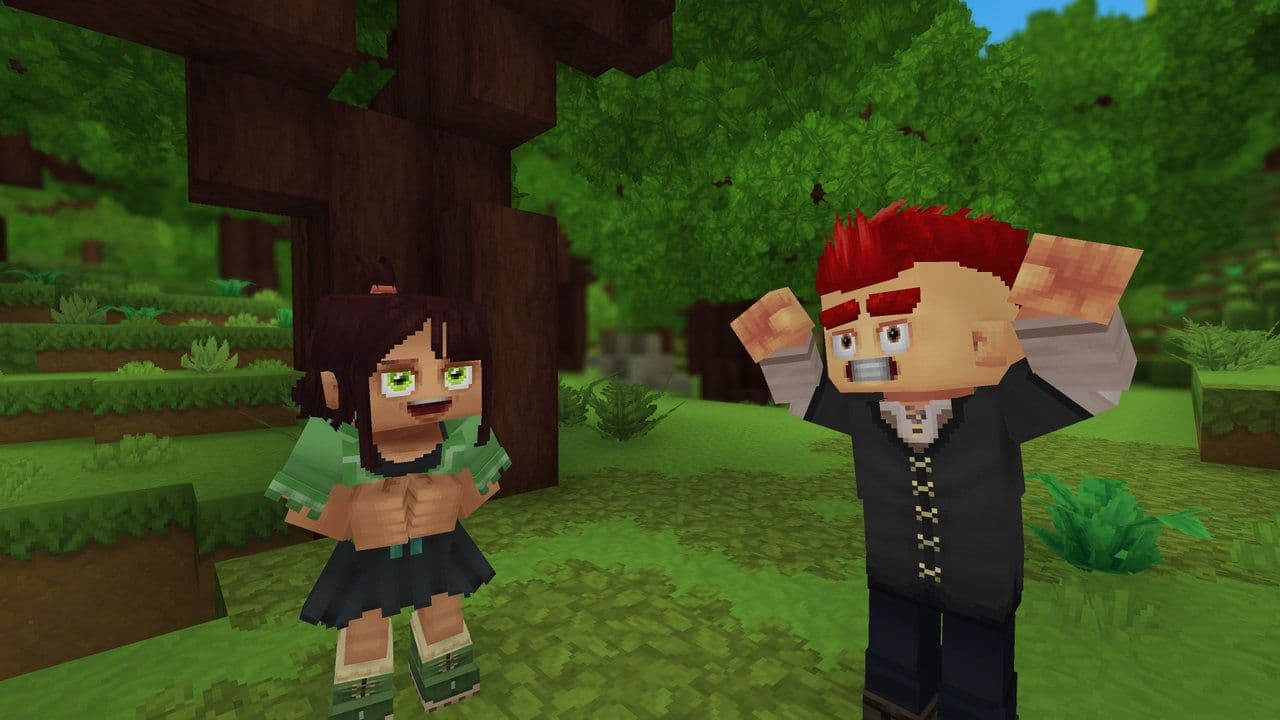
Hytale emotes allow your avatar to perform animations such as waving, celebrating, or dancing, making interactions with other players more expressive and engaging. Unlike many games, Hytale does not rely on an emote wheel yet. Instead, emoting is handled through commands.
This Hytale guide explains how to emote, including commands, permissions, server restrictions, and mod support.
What are emotes in Hytale?
In Hytale, emotes are cosmetic character animations. They do not affect gameplay mechanics like combat or survival. Their main purpose is social interaction.
Emotes are especially popular on roleplay and community servers where visual expression matters.
Hytale emote command explained
The core method for emoting in Hytale is through chat or console commands. To emote in Hytale, use the following command:
- /emote <emote_name>
Replace <emote_name> with the name of the animation you want to play. For example,
- /emote wave
If the Hytale emote is available and permitted, your character will immediately perform the animation.
This command works in both single-player worlds and multiplayer servers, as long as the server allows it.
So, how to emote in Hytale
Here is how to emote in Hytale:
- Open the chat or console: On PC, press Enter to open the chat input.
- Type the emote command: Use /emote followed by the emote name.
- Press Enter: If the command is valid, the animation will play.
Can’t you emote in Hytale?
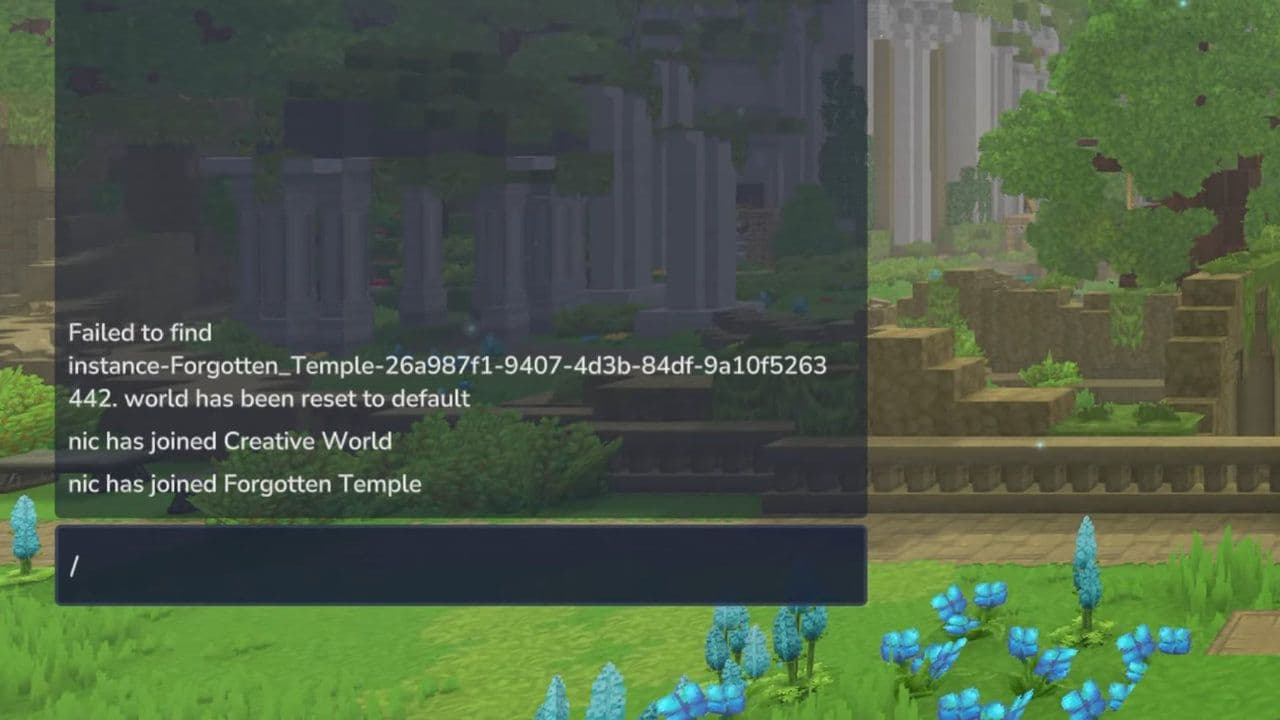
If nothing happens, the issue is usually related to permissions or server settings. If you are hosting your own world or server, you may need operator access:
- /op self
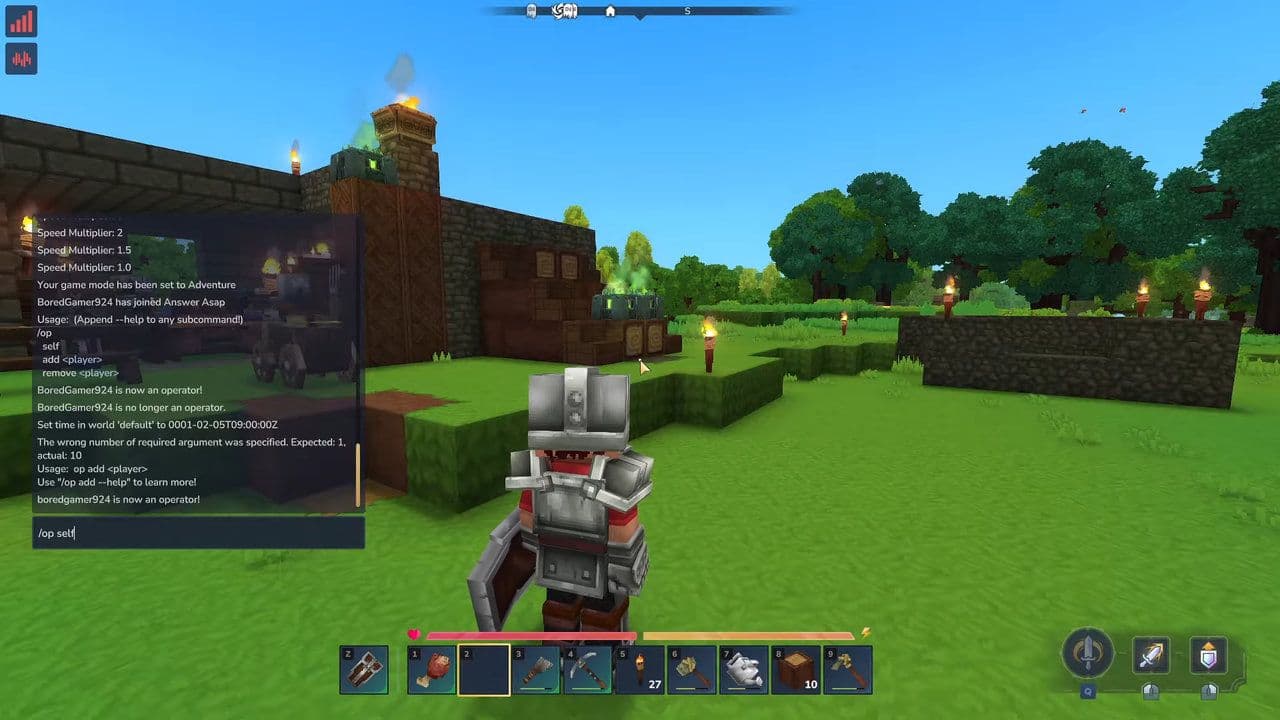
Once you have operator privileges, emote commands should work without restrictions.
If you are on a public server and cannot emote, you must ask the server administrator for permission.
How to find all Hytale emotes
Not all servers support the same emotes. Some servers add custom animations, while others limit them. You can try:
- /help emote
If supported, this command shows correct usage and sometimes lists available emotes. On many servers, emote names are documented in server rules or community guides.
Best Hytale emote modes to look for
Since there’s no built-in emote wheel or hotbar system in the base game, typing commands like /emote wave can feel repetitive — and modders know it. That’s why they’ve already created some genuinely useful emote mods for Hytale.
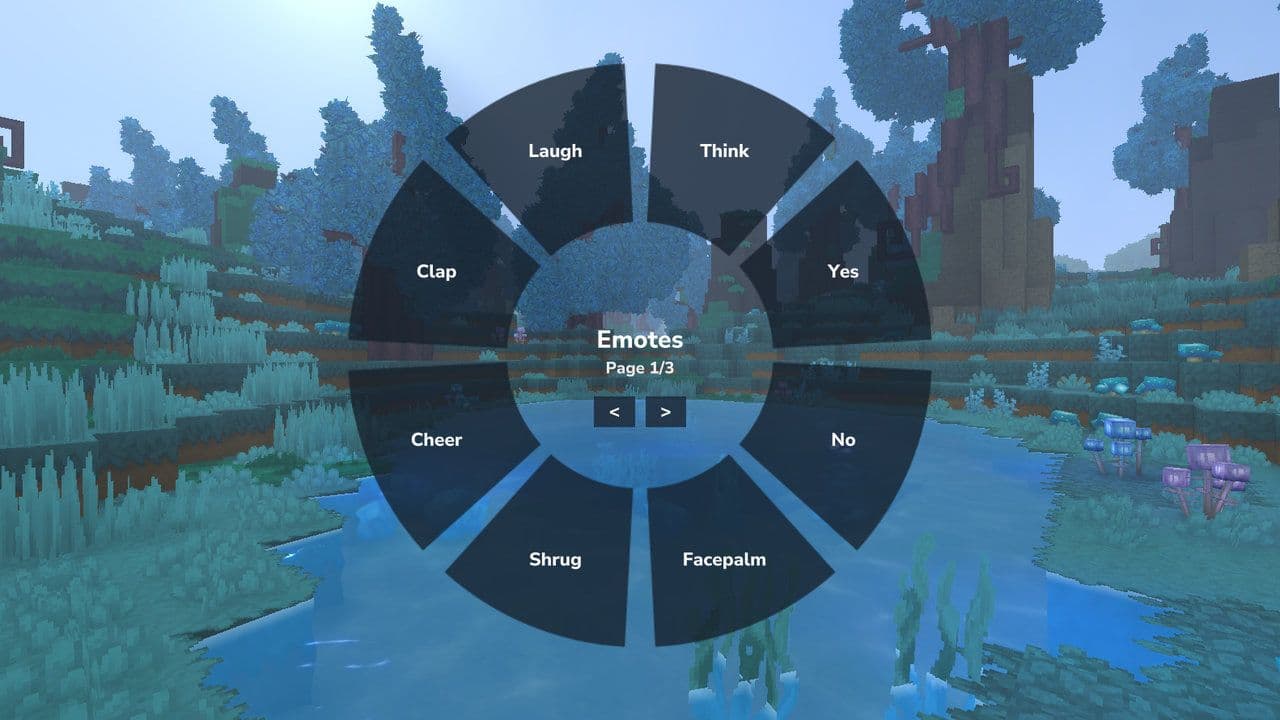
Hytale emote modes are optional, but they greatly improve expressive gameplay.
Knowing how to emote in Hytale allows you to communicate beyond text and make your character feel alive. By using the /emote command, understanding server permissions, and optionally installing emote mods like Emotale, you can fully take advantage of Hytale’s expressive systems.
That’s all for today! Looking for more? Check out these:
All Related Guides
 Best Hytale plugins and how to create yoursExplore the best Hytale plugins for servers, from permissions and shops to NPCs, kits, performance tools, and ...
 Meet the Hytale Pokemon mod Pokefind: Release date, gameplay and moreGet the latest details on the Hytale Pokemon mod Pokefind, including gameplay plans, server support, release s...
 Can you create an infinite water source in Hytale?Learn if a Hytale infinite water source is possible, why the 2x2 trick fails, and which mods can help you get ...
 Who is The Hedera in Hytale Endgame & QoL mod and how to defeat itFind out how to reach and defeat The Hedera in Hytale Endgame & QoL mod, including boss phases, best prep, and...
 How to heal in Hytale (Food, potions, totem & more)How to heal in Hytale: food, potions, totem, regen buffs, best methods, and full survival guide explained....
 Hytale Update 4 (Part 5): What’s new?Hytale Update 4 Part 5 adds 500+ new blocks, system upgrades, bug fixes, and major improvements before full re...
 All Hytale signs & how to craft themDiscover all 29 Hytale signs, their crafting recipes, and how to use them. Learn sign mechanics, placement tip...
 When will Hytale fully release? (2026 update)When will Hytale fully release? Learn the expected 2026–2027 timeline, Early Access plans, and what must happe...
- 1
- 2
- 3
- 4
- 5
- 6
- 7
- 8