What does error code 1001 mean in Roblox?
So is it real or fake after all?
There are plenty of errors that you can encounter in Roblox. These errors can be about your connection, servers, your PC, client issues, and more. However, one of them is not very well known, and people wonder about its details. The error code that we are talking about is “error code 1001” in Roblox. There are many “myths” about this error because the message it sends is quite scary, but what exactly does it mean? Another question about this error code is whether it is real or not. We did our research to inform you of everything you need to know about error code 1001 in Roblox! Let’s get to the guide.
What is error code 1001 in Roblox?
Firstly, Error Code 1001 is not a real error from Roblox. Instead, it started as a made-up error that became popular on social media. The first time people talked about this error was in 2022 on a Roblox-related website. A user mentioned a strange pop-up message that appeared but couldn’t find any real problem linked to it. This post led to many people guessing what it could be about.
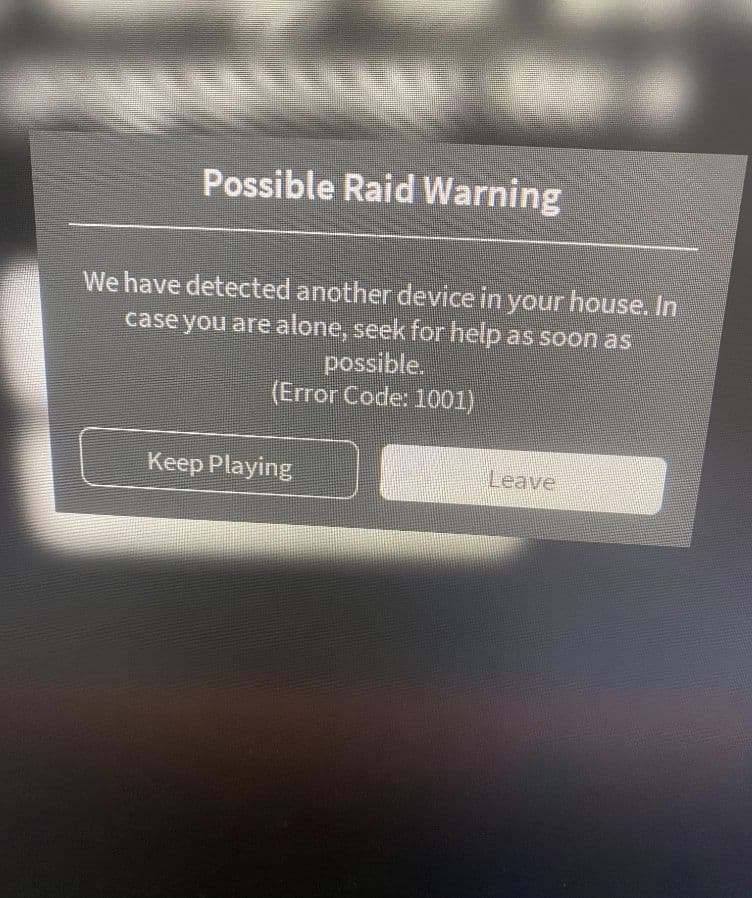
According to Yahoo, the interest in Error Code 1001 grew when a TikTok user, @grotyneverdies2, showed a fake alert message, claiming it was an old error removed in 2013. The message warned: "We have detected another device in your house, in case you are alone, call 911 quickly." This message suggests that Roblox could tell if other devices were nearby. This isn't true, but it sparked more talk among players. Other TikTok users also made up their versions of the message, adding to the confusion and stories around it.
It's important to note that Error Code 1001 is also part of a different game called "The Survey," which is a psychological horror game. This has added to the confusion because the error message fits the scary theme of that game.
How to fix error code 1001 in Roblox
Since Error Code 1001 doesn’t really exist in Roblox, you don’t need to fix it. If you see this message while playing, remember it’s just part of the game or a fake error made by the community. It's not a sign of any actual problem with your game or your account.
- What Should You Do: Just keep playing the game. This error message is not a warning or a real issue. It’s either a part of the story in the game or something a game creator added for fun.
- Dealing With Real Problems: If you face real errors while playing Roblox, look for help in the official guides or contact Roblox support. They can help with genuine issues that affect your ability to play or access your account. You can also check out our Roblox error codes list for all the details.
Is Roblox error code 1001 real?
No, Roblox Error Code 1001 is not real. Roblox itself has confirmed that this message is not from them. It's a fictional creation from the community, possibly inspired by older events or made up by content creators for fun.
The Story of 2013 Some say this error was originally used in 2013 to indicate issues when players close to each other were online at the same time, which might have caused server problems. However, many people do not believe this and think Error Code 1001 never existed on Roblox.
Social Media and Myths Error Code 1001 shows how powerful social media can be in creating and spreading myths in gaming communities. A simple made-up error can lead to a lot of discussions and even worry among players. It’s a good example of how stories can grow and become more mysterious as they are shared.
While Error Code 1001 makes for an interesting story and adds mystery to the gaming world, it's crucial for players to understand it's just a myth. This knowledge helps players enjoy their games without worrying about fake errors. This also reminds us how easily stories can spread and grow through social media, creating myths that many believe are true.
How to understand whether a Roblox error is fake or not
If an error doesn’t fit the format or language you'd expect from Roblox, is from an unusual source, or includes alarming language, it's most likely a fake. Always check the official Roblox site for validation.
Check out more Roblox guides below:
All Related Guides
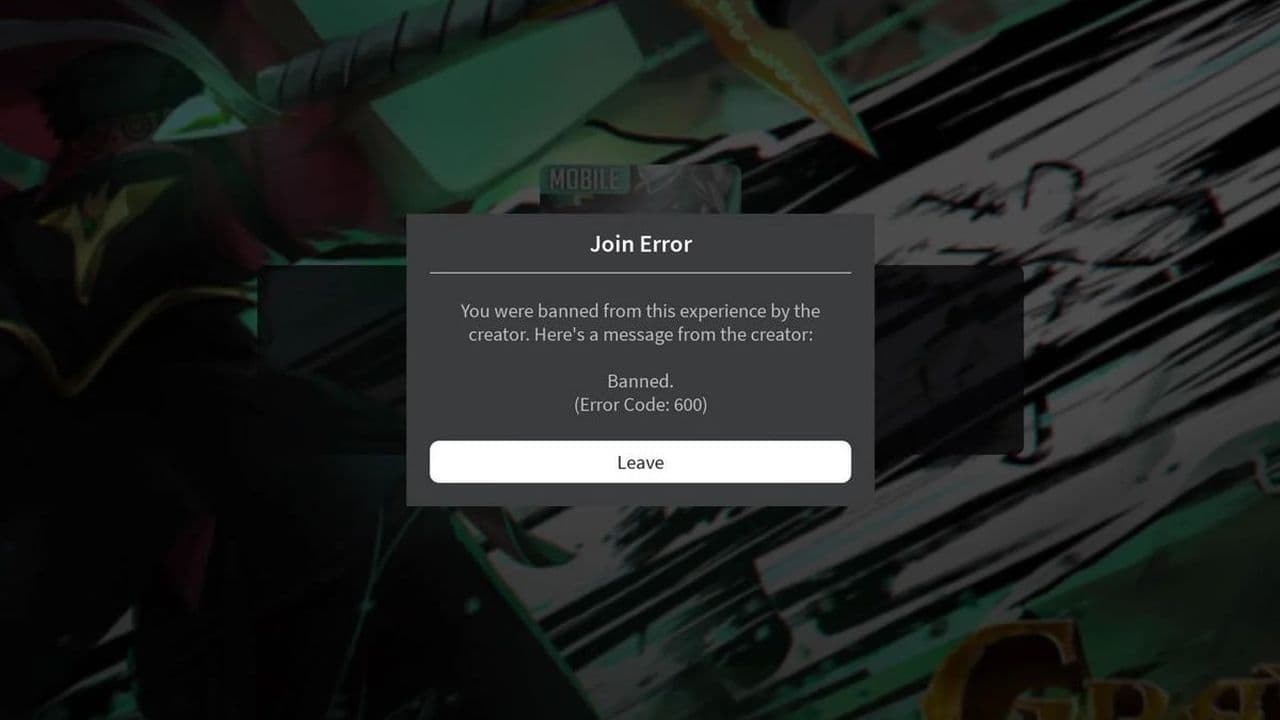 How to fix Roblox error code 600 Learn how to fix Roblox error code 600, understand the new IP-based ban system, and explore potential workarou...
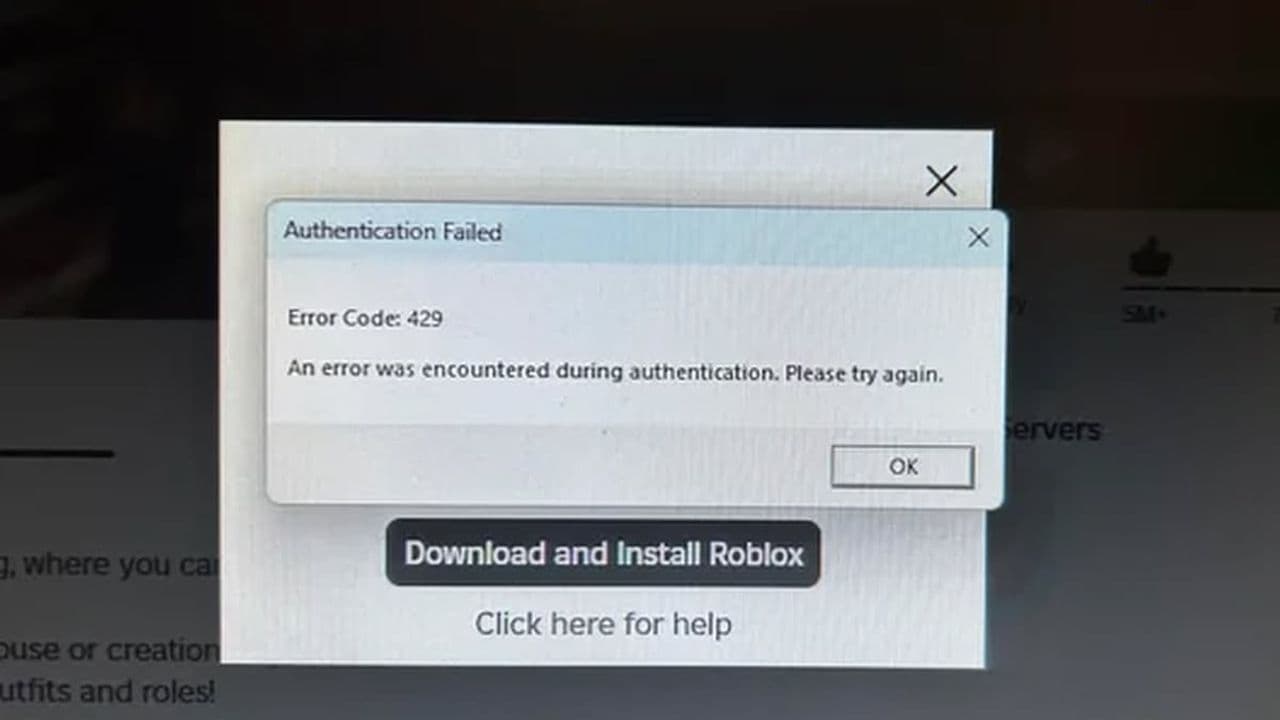 How to fix Roblox error code 429: Authentication issues and too many requestsRoblox error code 429 explained: causes, rate limits, and potential malware risks. Learn how to avoid it and f...
 What does error code e01 mean in Roblox?Roblox error code e01 is one of those uncommon errors but we have a couple of fixes that you must try to fix t...
 How to fix Roblox error code 268: 8 easy waysLearn 8 simple ways to fix Roblox error code 268 and resolve the "unexpected client behavior" issue. Troublesh...
 How to fix error while updating worn items in RobloxFix the 'error while updating worn items' on Roblox with simple steps. Learn why it happens and how to resolve...
 How to fix Roblox connection error on WindowsThere are many Roblox error codes on Windows and luckily we know a couple of ways to fix them. Check them out ...
 How to fix error code 264 for RobloxRoblox error code 264 is one of the frustrating hiccups that will prevent you from playing the game, unless yo...
 What does code 288 mean in Roblox?All Roblox error codes have different meanings and error code 288 is one of the worst. Here is how to fix it!...
- 1
- 2
- 3
- 4