How to fix error code 529 in Roblox
This issue is caused by Roblox' servers. Here's how to deal with it swiftly.
Roblox errors are mostly categorized into two groups: server-sided and player-sided issues. Roblox error code 529 is one of those that has nothing to do with the player or their system but it is an issue caused by the Roblox servers. While your hands might be tied, there are quite a few solutions that may actually work. Let’s take a look at everything you need to know about error code 529 in Roblox and its potential fixes!
What does the code 529 mean in Roblox?
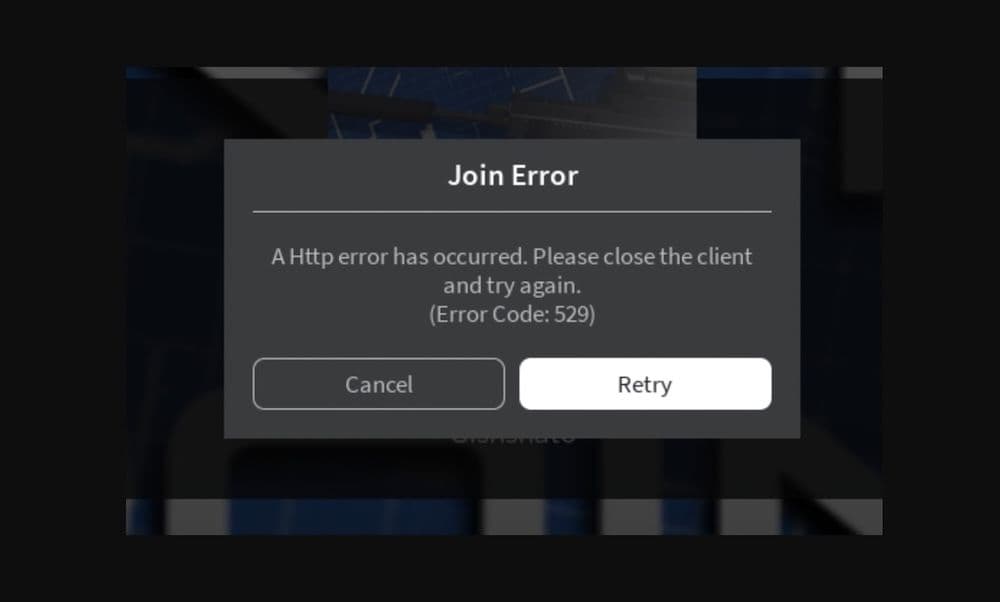
Error code 529 in Roblox is an HTTP error. This means there's a problem with the connection between your device and Roblox's servers. You might see messages like: “We are experiencing technical difficulties. Please try again later. (Error Code: 529)” or “An HTTP error has occurred. Please close the client and try again. (Error Code: 529).”
This error usually happens when Roblox’s servers are too busy or undergoing maintenance. This means the problem is not with your computer or your internet connection but with Roblox itself. That may be good or bad news because it means that there is nothing wrong with your connection or your PC. However, it also means that you don’t have much to do but wait for Roblox employees to fix the issue.
How to fix Roblox error code 529
As mentioned, there is not much you can do as the issue is server-based and it has nothing to do with your connection or PC. However, you can still tryout a couple of general fixes that have the potential to work on almost all the issues, here they are:
Check Roblox Server Status
The first thing to do is check whether Roblox's servers are working properly. You can find this information on the official Roblox website or their social media pages. If the servers are down, you will need to wait until they are fixed.
Change Your DNS Settings
Changing your DNS settings might help you connect better to Roblox. Google Public DNS is known for being fast and reliable.
Here’s how to change your DNS settings:
- Go to the Control Panel on your PC.
- Click on "Network and Internet" and then "Network Connections."
- On the left-hand menu, click on "Change adapter settings."
- Right-click on your network adapter and choose "Properties."
- Select "Internet Protocol Version 4 (TCP/IPv4)" and click on "Properties."
- Choose the option "Use the following DNS server addresses:"
- Type 8.8.8.8 in the "Preferred DNS server" box.
- Type 8.8.4.4 in the "Alternate DNS server" box.
- Click "OK" to save the changes.
- Disable Firewalls and Antivirus Software
Sometimes, your firewall or antivirus software can mistakenly block Roblox. Try temporarily turning off these programs to see if that fixes the error. This might be a long shot, so after you try launching the game without the firewall and antivirus software, don’t forget to turn them back on so that you don’t face any bigger issues.
Restart Your Router
Restarting your router can solve network issues that might be causing the error. To do this:
- Turn off your router and unplug it.
- Wait a few minutes.
- Plug the router back in and turn it on.
- Try connecting to Roblox again.
Reinstall Roblox
If none of the above-mentioned fixes help you out, you might need to reinstall Roblox. This can help if there are issues with the program files. Here's how to reinstall Roblox:
- Uninstall Roblox from your computer.
- Make sure all Roblox files are deleted from your computer.
- Download Roblox again from their official website.
- Install Roblox and start the program.
These steps can help you solve or avoid Roblox error code 529. If you keep having problems, it might be best to contact Roblox's support team for more help.
Why is my Roblox so bad?
If Roblox is running poorly on your device, several factors could be contributing to the issue. Here's a comprehensive guide to help you identify and resolve the problem:
In conclusion, poor Roblox performance can be due to hardware limitations, internet issues, outdated software, or settings. To improve, try optimizing graphics, updating drivers, ensuring a stable connection, and closing background apps. If the issue persists, check for system health problems or contact Roblox support for help.
All Related Guides
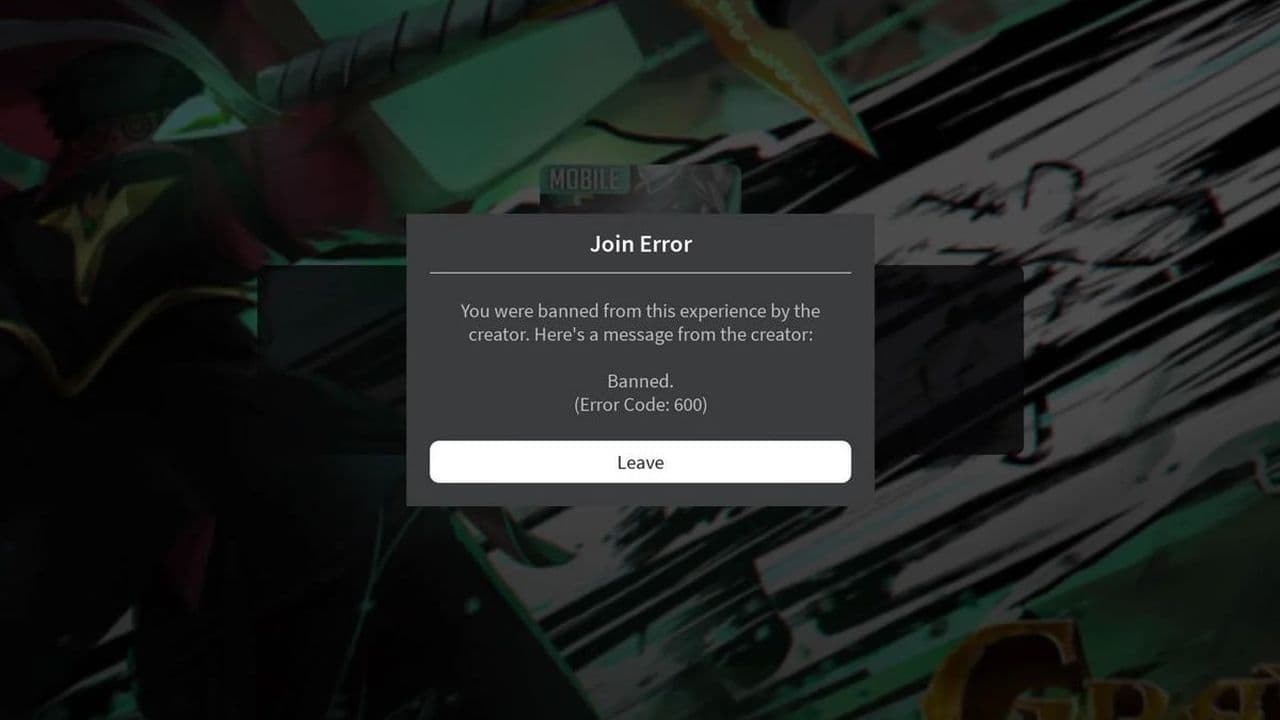 How to fix Roblox error code 600 Learn how to fix Roblox error code 600, understand the new IP-based ban system, and explore potential workarou...
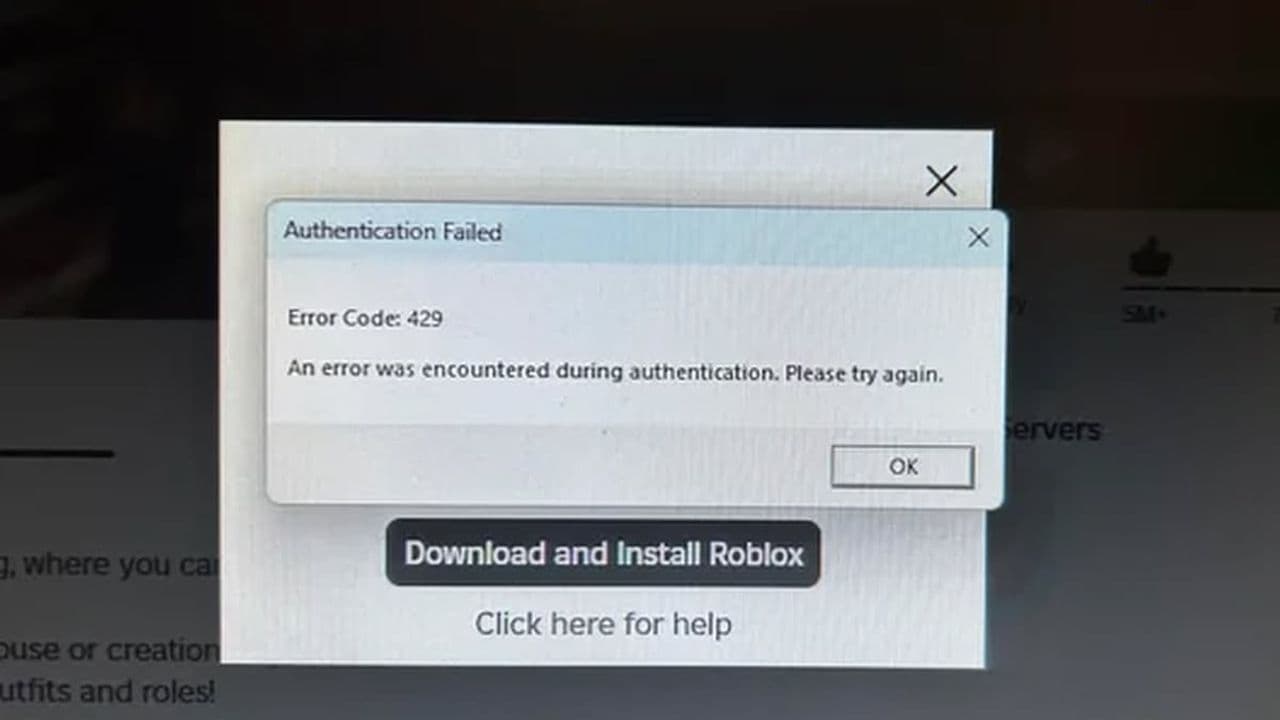 How to fix Roblox error code 429: Authentication issues and too many requestsRoblox error code 429 explained: causes, rate limits, and potential malware risks. Learn how to avoid it and f...
 What does error code e01 mean in Roblox?Roblox error code e01 is one of those uncommon errors but we have a couple of fixes that you must try to fix t...
 How to fix Roblox error code 268: 8 easy waysLearn 8 simple ways to fix Roblox error code 268 and resolve the "unexpected client behavior" issue. Troublesh...
 How to fix error while updating worn items in RobloxFix the 'error while updating worn items' on Roblox with simple steps. Learn why it happens and how to resolve...
 How to fix Roblox connection error on WindowsThere are many Roblox error codes on Windows and luckily we know a couple of ways to fix them. Check them out ...
 How to fix error code 264 for RobloxRoblox error code 264 is one of the frustrating hiccups that will prevent you from playing the game, unless yo...
 What does code 288 mean in Roblox?All Roblox error codes have different meanings and error code 288 is one of the worst. Here is how to fix it!...
- 1
- 2
- 3
- 4