What does error code 9009 mean in Roblox?
If you have this pesky error pop up, you will be totally unable to access anything in Roblox. Here's how to deal with this issue.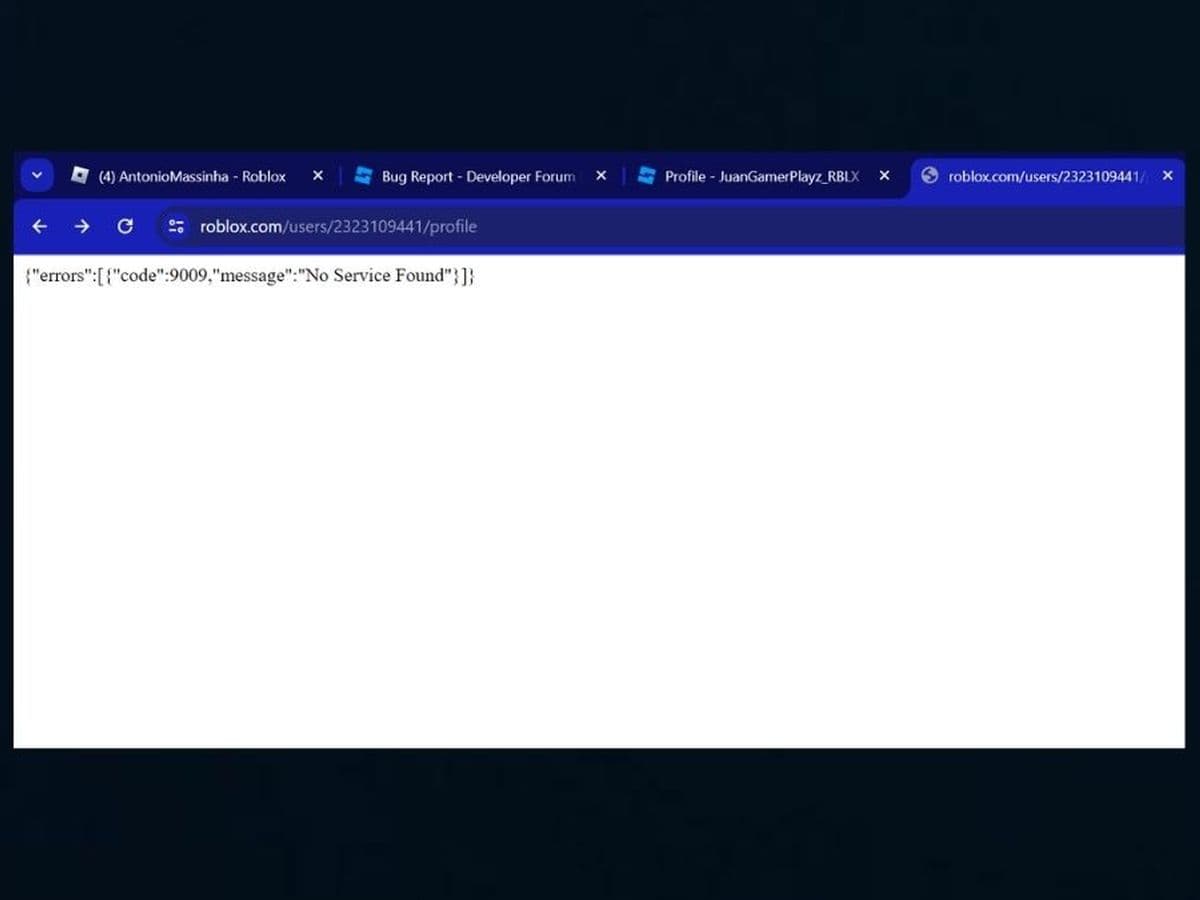
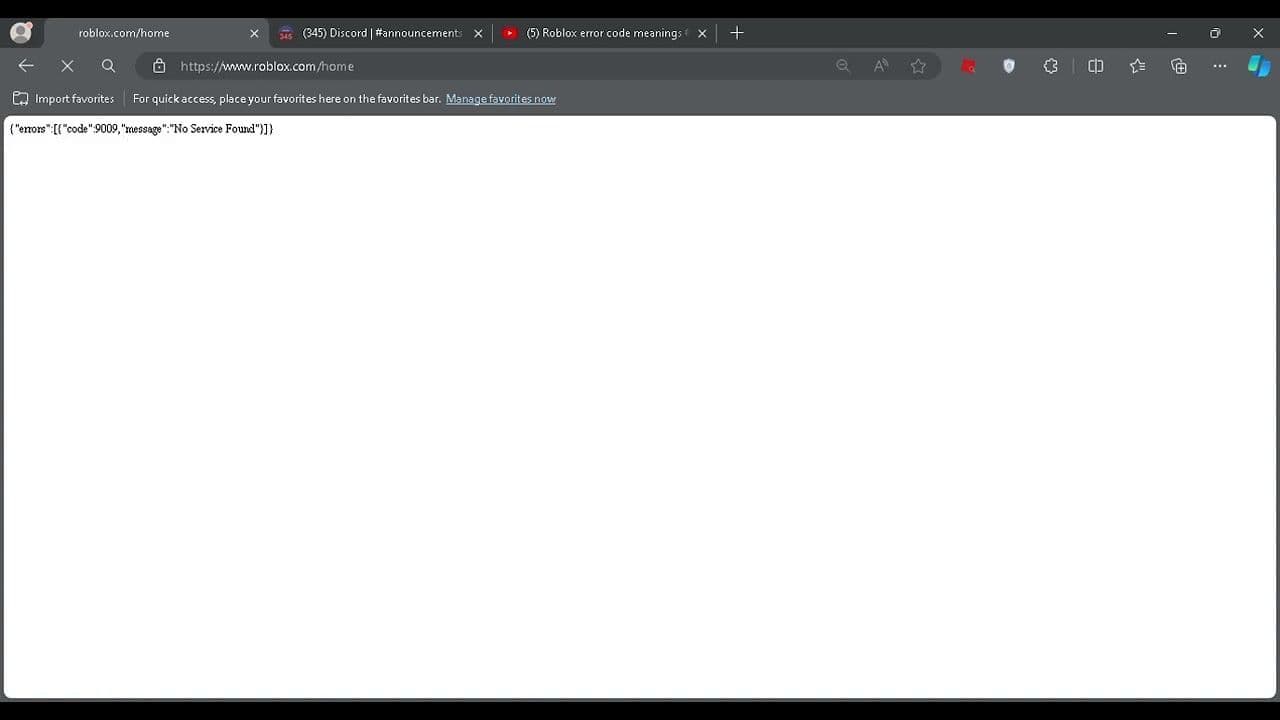
What does error code 9009 mean in Roblox? This error can be a frustrating experience for players trying to access the platform. When you see the message “No Service Found,” you can’t access any part of Roblox. You won’t be able to log in, view games, or make purchases until the issue is resolved. The website will remain blank, and nothing will load. So why is this happening and how do you fix this issue?
What does error code 9009 mean in Roblox?
Error code 9009 in Roblox is a specific error when a user attempts to access the Roblox website or services, but the request fails with the message “No Service Found.” This code points to a situation where Roblox’s servers or services are temporarily unreachable.
The technical meaning of Roblox error code 9009
When you visit a website like Roblox, your web browser sends a request to the Roblox servers, asking for the website's data. If everything is functioning normally, the server responds with the requested content, and the page loads. However, if the Roblox servers can’t be reached, they may send back an error message indicating that something went wrong. In this case, error code 9009 is part of that response, signifying that no service is available at the time.
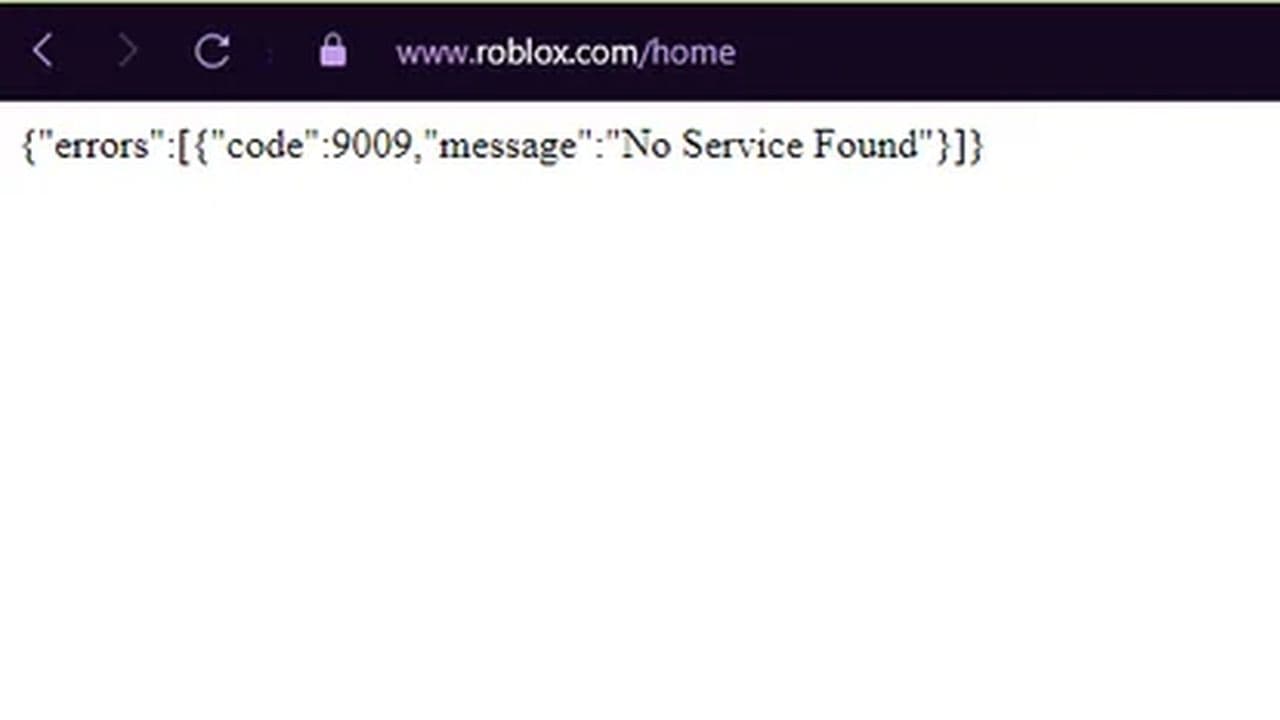
This is a JSON (JavaScript Object Notation) response from the Roblox servers that clearly indicates that the service the browser is looking for is unavailable.
The usual suspects for Roblox Error Code 9009
Several things can cause the Roblox Error Code 9009:
- Roblox servers are down: The most common reason is that Roblox’s servers are temporarily offline, either due to maintenance or an unexpected outage. If Roblox’s servers are down, the website won’t load.
- Temporary Internet problems: Sometimes, a network glitch between your device and Roblox’s servers can stop you from connecting. This is usually a short-term issue.
- Incorrect URL or DNS issues: If you mistype the website URL or if your network’s DNS (which helps find websites) isn’t working correctly, Roblox may fail to load.
- CDN (Content Delivery Network) issues: Roblox uses a system called a CDN to help deliver website content. If the CDN has issues in your area, you may see this error.
- Problems with your browser: Sometimes, old cache files or cookies in your browser can prevent websites like Roblox from loading correctly.
- Local network issues: If you're on a restricted network (like in a school or workplace), the network firewall might be blocking Roblox, causing this error.
How to fix Roblox error code 9009
Here are some workarounds to resolve the error:
- Wait for Roblox to fix it: In most cases, the error is caused by server issues on Roblox’s end. These usually get fixed within minutes or hours. Check DownDetector or Roblox Status to see if others are having the same problem.
- Clear browser cache and cookies: Sometimes, your browser’s stored data (cache and cookies) can cause problems. Clear them out and try reloading the page.
- In Google Chrome, go to Settings > Privacy and Security > Clear Browsing Data. Choose "All Time," and make sure both "Cookies" and "Cached images and files" are selected before clearing.
- Try a different browser or device: Switch to another browser or use a different device (like your phone or tablet) to see if that helps.
- Check your Internet connection: Make sure your internet connection is stable. If you have a weak or unstable connection, it might cause problems loading Roblox.
- Restart your router: Restarting your internet router can help refresh your connection and fix network issues that might be causing the error.
- Disable browser extensions: Some browser extensions, like ad blockers or privacy tools, can interfere with websites. Try disabling them temporarily and reloading the Roblox website.
- Contact Roblox Support: If the error persists after trying all these steps, reach out to Roblox Support. They can help troubleshoot further.
Make sure to explore more about Roblox, including guides and more fixes for any issues you may have in the game.
What Roblox error code is a ban?
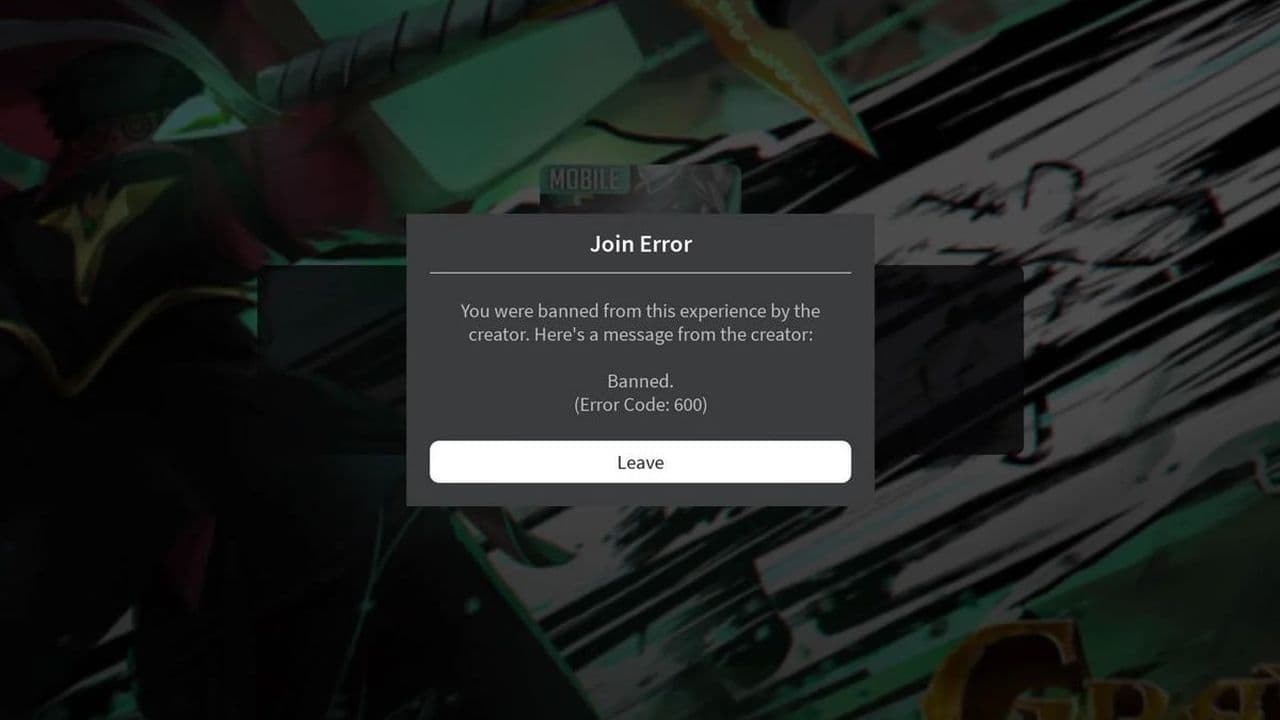
Roblox error code 600 indicates that you have been banned from a specific game or experience by the creator. The message typically reads:
"You were banned from this experience by the creator. Here's a message from the creator:"
This means the game owner has decided to ban your account from their game.
All Related Guides
 How to fix Roblox error code 600 Learn how to fix Roblox error code 600, understand the new IP-based ban system, and explore potential workarou...
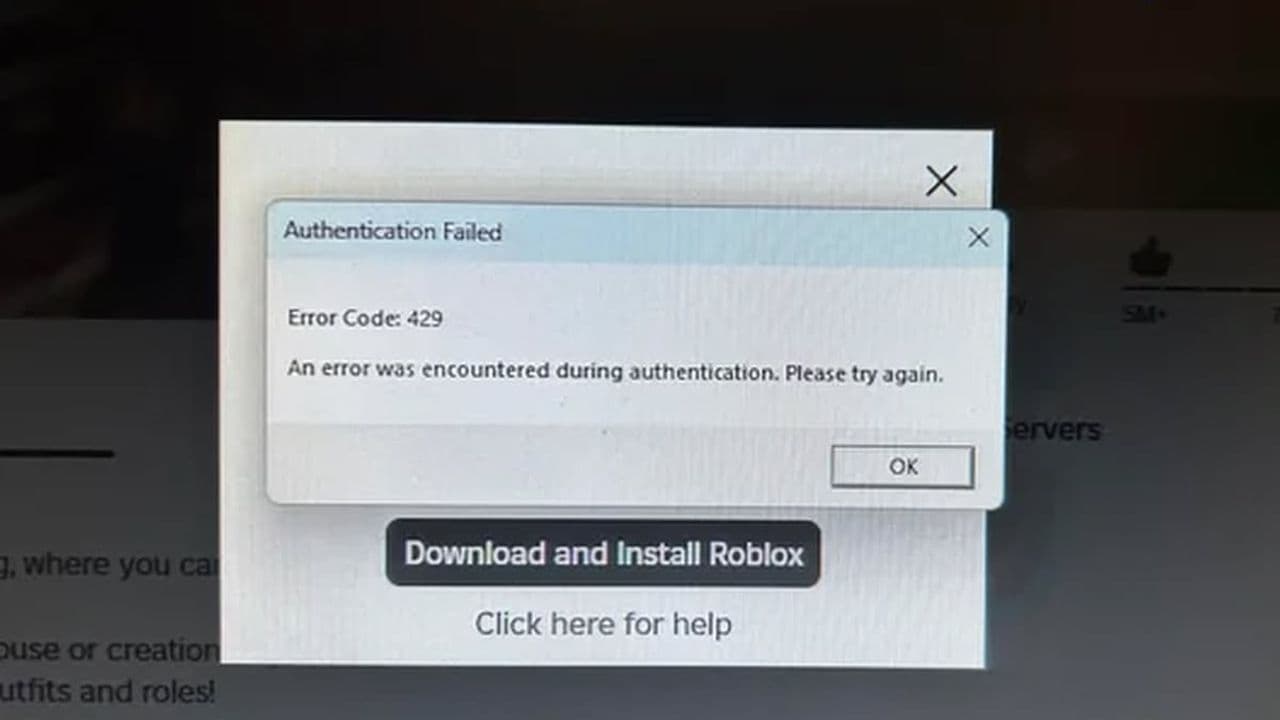 How to fix Roblox error code 429: Authentication issues and too many requestsRoblox error code 429 explained: causes, rate limits, and potential malware risks. Learn how to avoid it and f...
 What does error code e01 mean in Roblox?Roblox error code e01 is one of those uncommon errors but we have a couple of fixes that you must try to fix t...
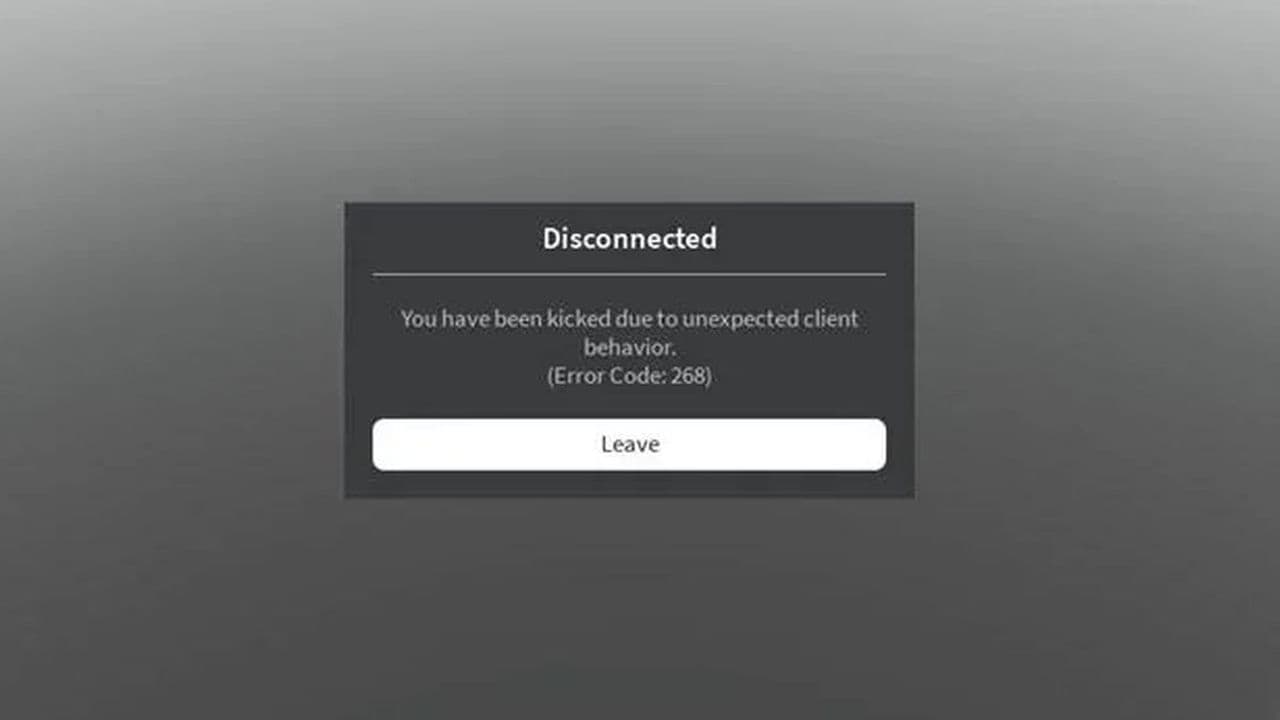 How to fix Roblox error code 268: 8 easy waysLearn 8 simple ways to fix Roblox error code 268 and resolve the "unexpected client behavior" issue. Troublesh...
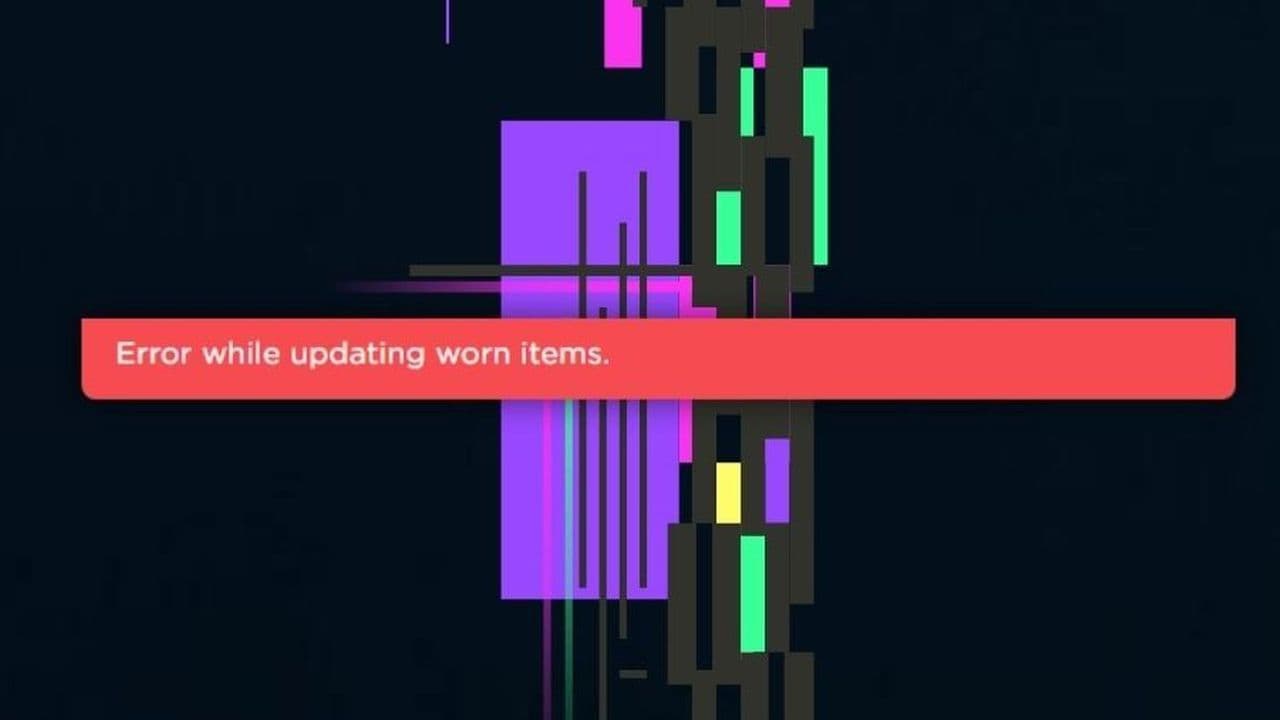 How to fix error while updating worn items in RobloxFix the 'error while updating worn items' on Roblox with simple steps. Learn why it happens and how to resolve...
 How to fix Roblox connection error on WindowsThere are many Roblox error codes on Windows and luckily we know a couple of ways to fix them. Check them out ...
 How to fix error code 264 for RobloxRoblox error code 264 is one of the frustrating hiccups that will prevent you from playing the game, unless yo...
 What does code 288 mean in Roblox?All Roblox error codes have different meanings and error code 288 is one of the worst. Here is how to fix it!...
- 1
- 2
- 3
- 4