How to make a Roblox game
Enjoying Roblox but don't know where to start when it comes to making your own game? We got your back.
Roblox is a place where anyone can create and share games. It allows people to bring their ideas to life and share them with players around the world. Thanks to Roblox Studio, it is much easier to reach your goal of owning a popular Roblox game. If you are wondering about the steps, we explain how to make a Roblox game and everything else you need to know about the process in this piece!
How to make a Roblox game
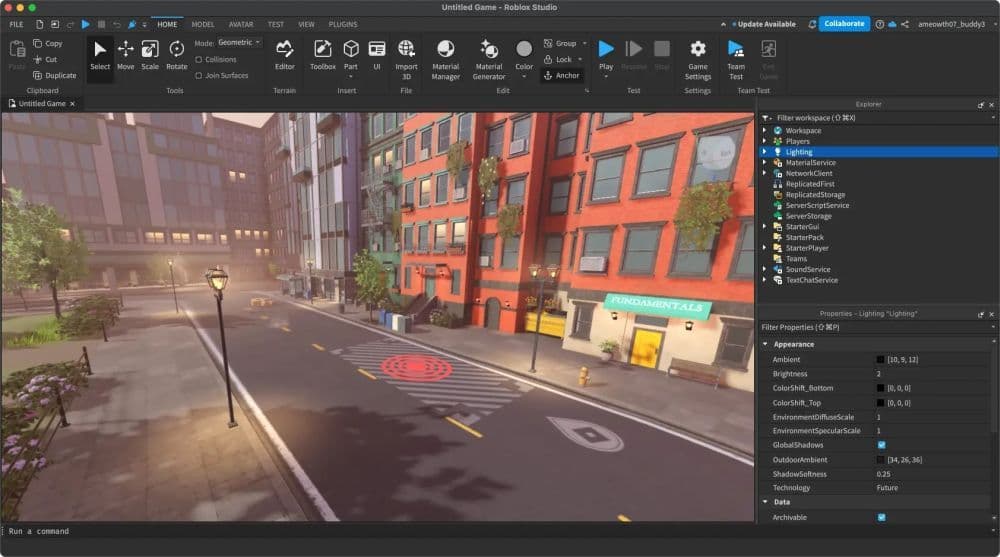
To create a Roblox game, you need to use Roblox Studio. It is a free tool that helps you design, test, and publish games. Start by downloading Roblox Studio from Roblox.com. Log in with your Roblox account and open the program. You will see an interface with tools like Explorer, Properties, and Toolbox, which help you organize and customize your game.

Choose a game template to get started. For beginners of Roblox, the Baseplate template is a good choice. It provides a flat surface to build on and simplifies the process. Once you have a template, think about the type of game you want to create. Common options include obstacle courses, simulators, and adventure games. Decide on your game’s theme, design, and main objectives for players.
To build your game, use basic shapes like cubes and spheres to create objects. Combine these shapes to make buildings, platforms, or landscapes. You can also use the Toolbox to add pre-made items, such as trees or furniture. Customize these objects by changing their size, color, and material using the Properties panel.
To make your game interactive, use scripts. Roblox Studio uses Lua programming for scripting, but beginners can start with pre-made scripts from the Toolbox. Add features like spawn points, moving platforms, or timers to create a dynamic experience for players.
Testing your game is important. Use the Play button to see how everything works. Fix any problems or bugs during this step. Once your game is ready, you can publish it by clicking File > Publish to Roblox As. Add a title, description, and set the visibility to public if you want others to play. Share your game link to invite players.
How do you make a good game on Roblox?
A good Roblox game focuses on what players enjoy and keeps them coming back. Well, this applies to almost everything in life and Roblox is no exception. Start by identifying your target audience. Younger players often prefer simple games like obstacle courses, while older players may enjoy detailed adventure or role-playing games. Your game should have clear objectives, fun mechanics, and rewards that make players feel accomplished. It could be about anything you like and you could even add free Roblox game codes to tempt more players.
Make the gameplay fun and interactive. Include features like puzzles, collectibles, or multiplayer options to create a memorable experience. Adding leaderboards or team-based challenges can make your game more competitive and social, which players often enjoy.
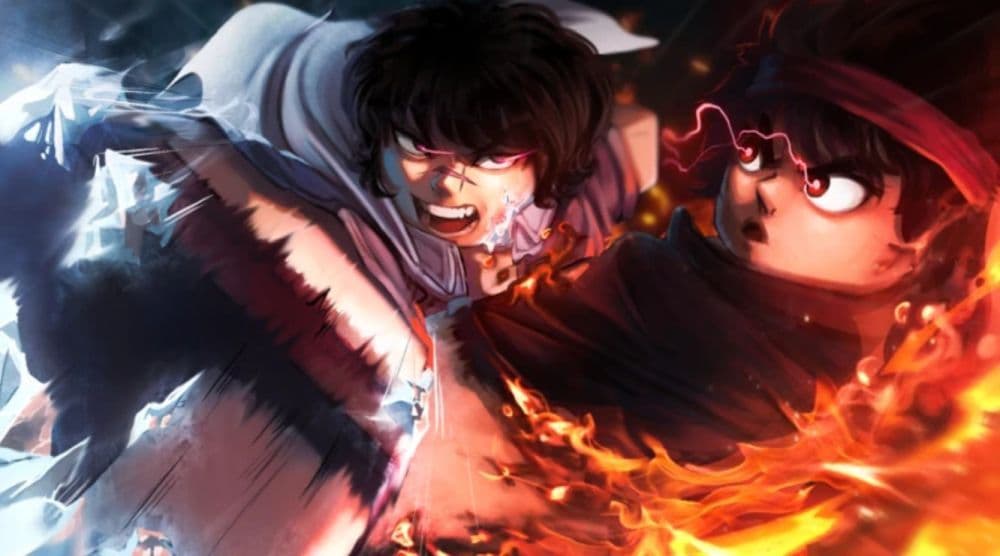
Design also plays a big role in a game’s success. Use bright colors, clean layouts, and smooth animations to make the game visually appealing. A clear and organized environment helps players navigate easily and keeps them engaged.
Listen to player feedback to improve your game. Fix bugs, add requested features, and release updates regularly. New levels or events can keep the game fresh and exciting for players.
By focusing on player enjoyment, creating a good design, and keeping the game updated, you can make a Roblox game that stands out and remains popular over time. Who knows, maybe you will create the next big thing!
How do you make a game in Roblox on iPad?
Roblox Studio is not officially available on iPads. It works best on Windows or MacOS computers. However, there are ways to use Roblox Studio through an iPad.
One option is using a remote desktop app like AnyDesk or TeamViewer. These apps let you control a desktop computer from your iPad. Another option is a third-party app that can run Windows programs on an iPad, but these methods are more complex.
You still need a computer to run Roblox Studio, even if you use these workarounds. For the best experience, use a PC or Mac.

How do you make a game pass on Roblox?
A game pass is an item players can buy to unlock extra features in their game, like tools or access to exclusive areas.
Here is how you can create a game pass:
- Open Roblox Studio and go to the Create section.
- Select the game you want to create a pass for.
- Click Manage Experience under the game's settings.
- Go to the Monetization section and select Passes.
- Click Create A Pass and give it a name, image, and description.
- Enable the “Item for Sale” option and set a price in Robux.
Roblox takes a 30% cut from game pass sales. You will earn 70% of the Robux from each purchase.
Is making a game on Roblox free?
Yes, making a game on Roblox is completely free. Roblox Studio does not charge any fees for downloading, creating, or publishing games. Developers can use its tools at no cost to bring their ideas to life.
Although creating games is free, developers can monetize their games using in-game purchases, such as game passes or items. Players spend Robux, Roblox’s virtual currency, to buy these features.
Is it hard to make a Roblox game?
It really depends on your experience and goals. For beginners, creating simple games like an obstacle course or simulator is easy. Roblox Studio has tools that do not require advanced coding knowledge.
Making a popular game is more challenging. It involves advanced scripting, creative design, and understanding what players enjoy. Consistent effort and improvement can help you succeed. Even if your first game isn’t perfect, practice will make you better.
Is Roblox Studio free?
Roblox Studio is free to download and use. Anyone can install it on their computer and start creating games. There are no costs to use its features or publish your games.
Is Roblox Studio OK for kids?
Yes, Roblox Studio is safe for kids. It teaches creativity, problem-solving, and basic coding skills. Kids can use the Lua programming language, which is easy to learn, to create interactive games.
Parents should guide younger kids while using Roblox Studio. Some features, like scripting, might feel difficult without help. If kids publish their games online, parents should monitor interactions and set privacy controls to ensure a safe experience.
Roblox Studio is a great way for kids to learn and express their creativity. With guidance, it can be both educational and fun.
Here are more Roblox guides for you to check out:
- Roblox Anime Reborn: Codes & everything you need to know
- Roblox Driving Empire codes
- Active It Girl Roblox codes & how to redeem them
- Roblox Murder Mystery 2 codes with free knives
- All working Roblox Pixel Piece codes
Featured image credit: Roblox
FAQs
Can I make a Roblox game for free?
Yes! Roblox Studio is completely free to use, so you can create and publish games without any upfront cost.
Does Roblox use Lua or C++?
Roblox uses Lua as its scripting language for game development. C++ is used internally by Roblox but not for creating games.
Do Roblox games need coding?
While coding isn’t strictly required, scripting with Lua lets you add interactivity and advanced features to your game, making it much more engaging.
Is Roblox fun without Robux?
Absolutely! Many Roblox games are free to play and offer plenty of fun without spending any Robux.
How hard is it to learn Lua?
Lua is considered beginner-friendly and relatively easy to learn, especially with plenty of tutorials and resources available for Roblox developers.
All Related Guides
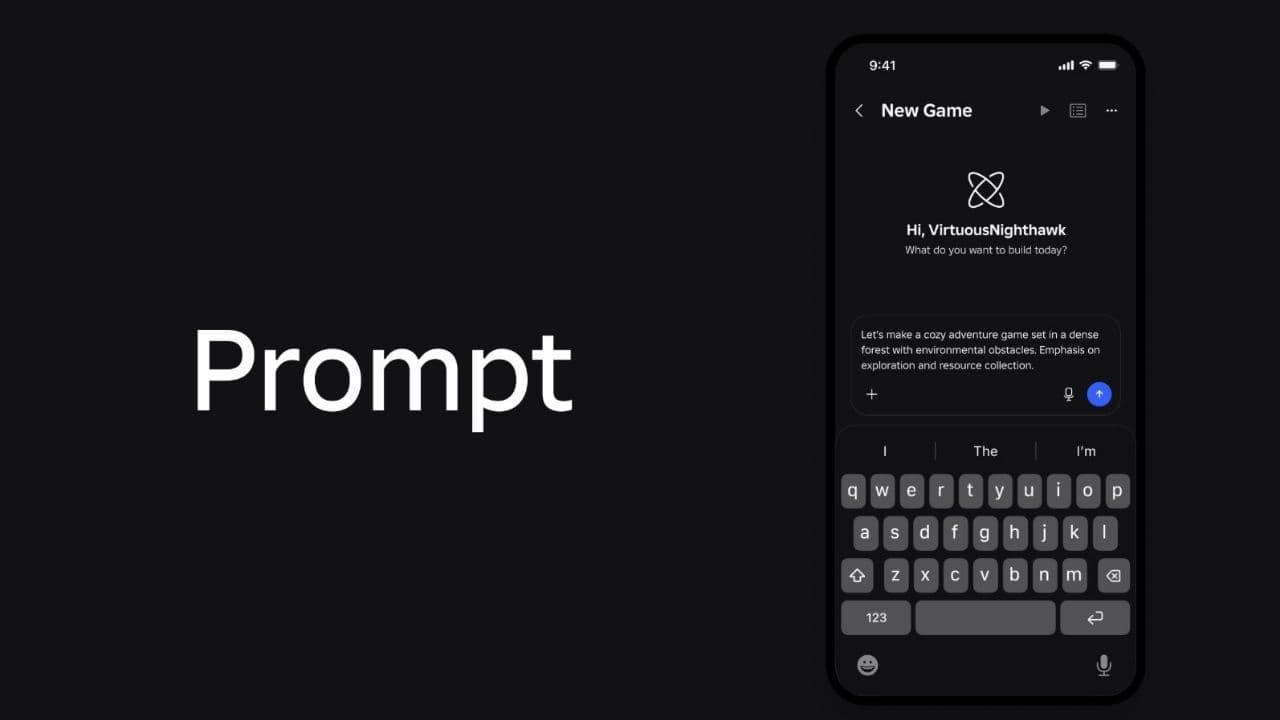 How to connect Claude to Roblox StudioConnect Claude to Roblox Studio with the current MCP method and see how Claude can work with your scripts and ...
 How to fight in Gakuran RobloxLearn how to fight in Gakuran Roblox, from basic attacks to blocking, parrying, posture, and fighting styles....
 How to get a free avatar in RobloxFind out how to get a free Roblox avatar without spending Robux, from free character bundles to Marketplace it...
 How to reduce lag in Roblox: Comprehensive guideRoblox feeling slow or choppy? Find out how to reduce lag in Roblox and improve your game with a few simple ch...
 How to check Roblox player countHow many people play Roblox in 2026? Check the latest Roblox player count and learn what the numbers actually ...
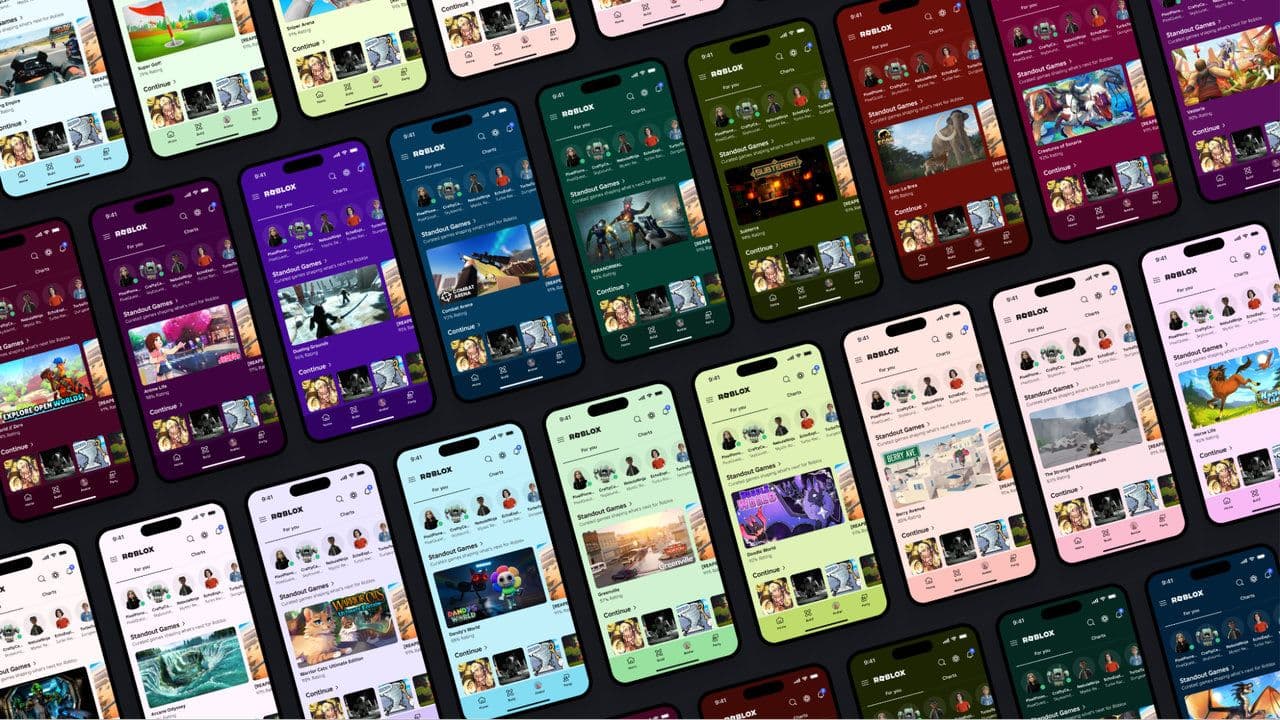 App Themes: How to change a Roblox Background (2026)Here’s how to change your Roblox background and theme, including Roblox Plus themes, Dark Mode, Light Mode, an...
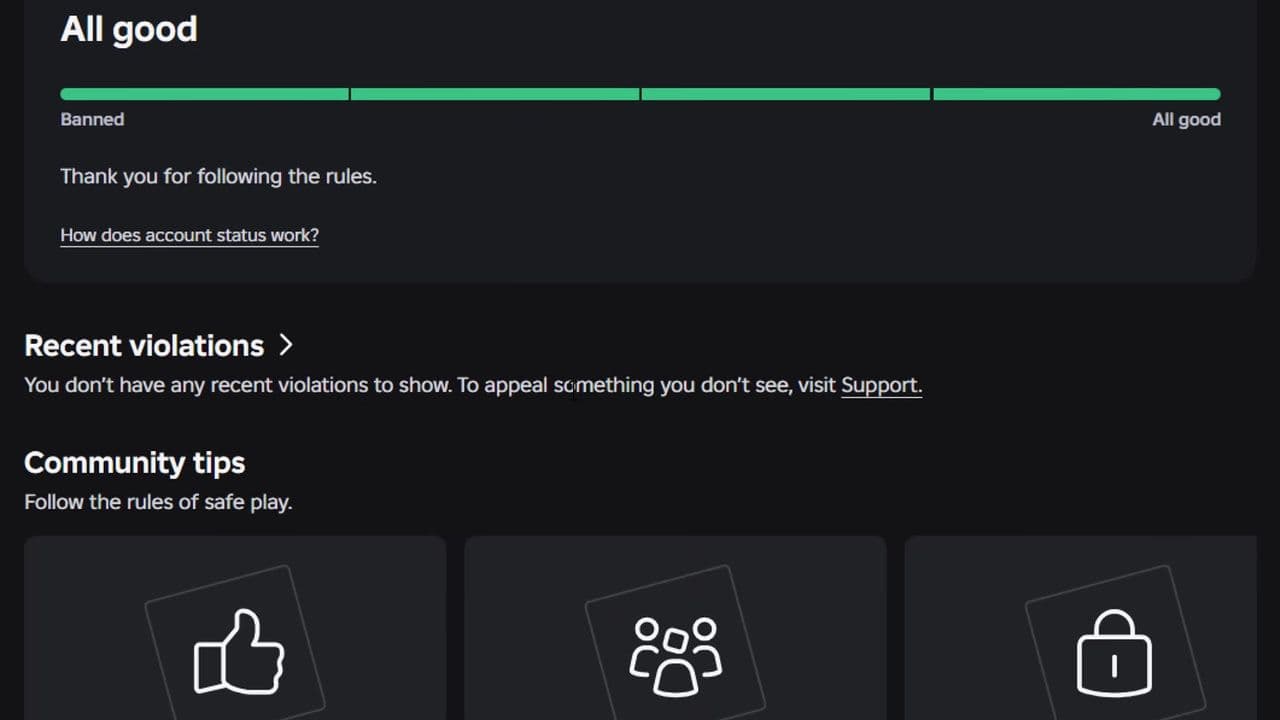 Roblox Safety Dashboard: How to check account status & ban riskLearn how the Roblox Safety Dashboard works, check your Account Status, review recent violations, and see whet...
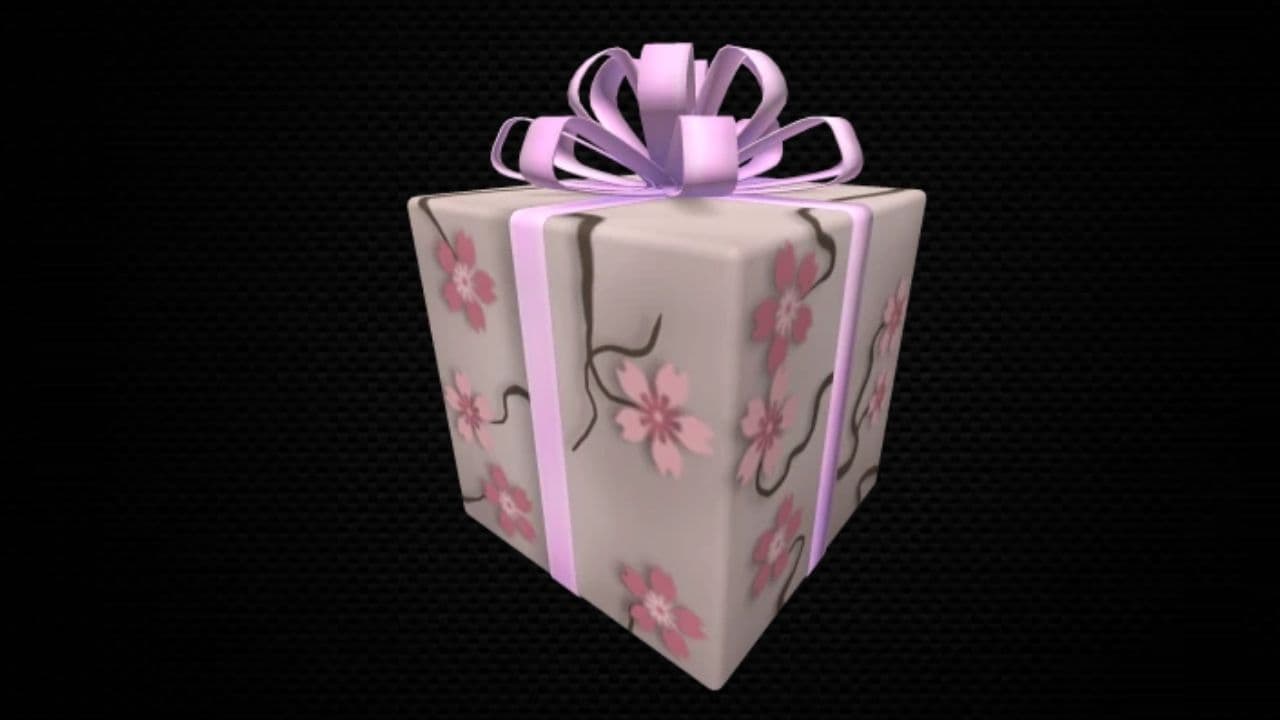 How to get the Blossoming Gift of New Beginnings in Roblox (Mystery box)Learn how to get the Blossoming Gift of New Beginnings in Roblox, including Roblox Plus requirements, eligibil...
- 1
- 2
- 3
- 4
- 5
- 6
- 7
- 8
- 9
- 10
- 11
- 12