Is Black Ops Royale not working? 11 ways to fix it
Solve Black Ops Royale errors fastON THIS PAGE:
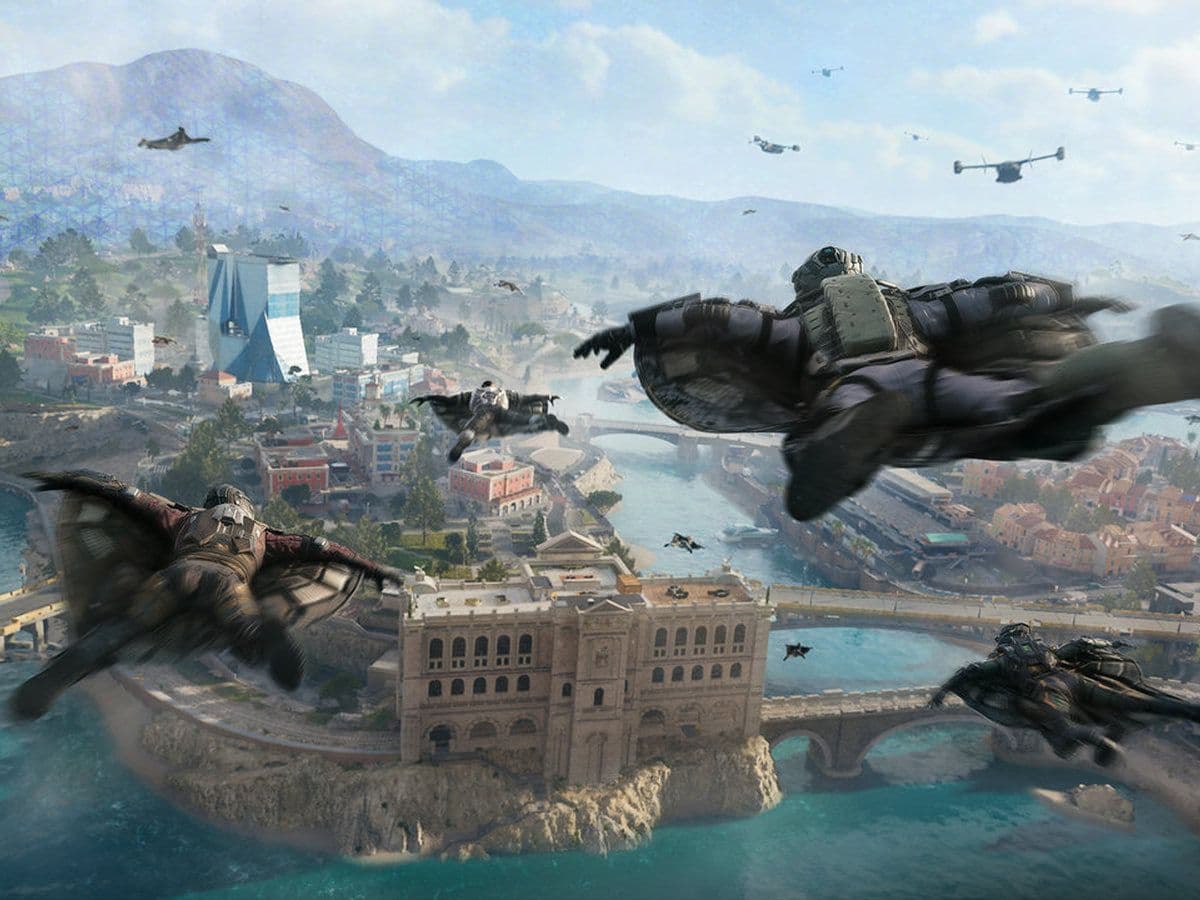
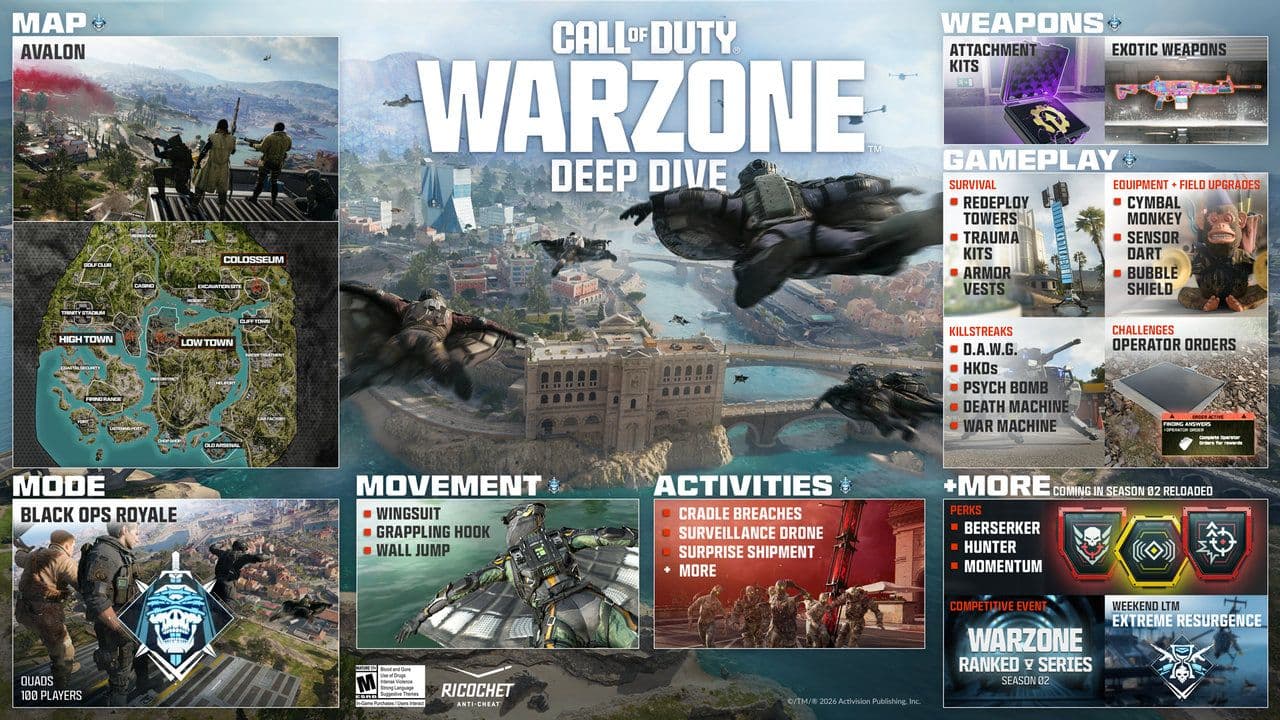
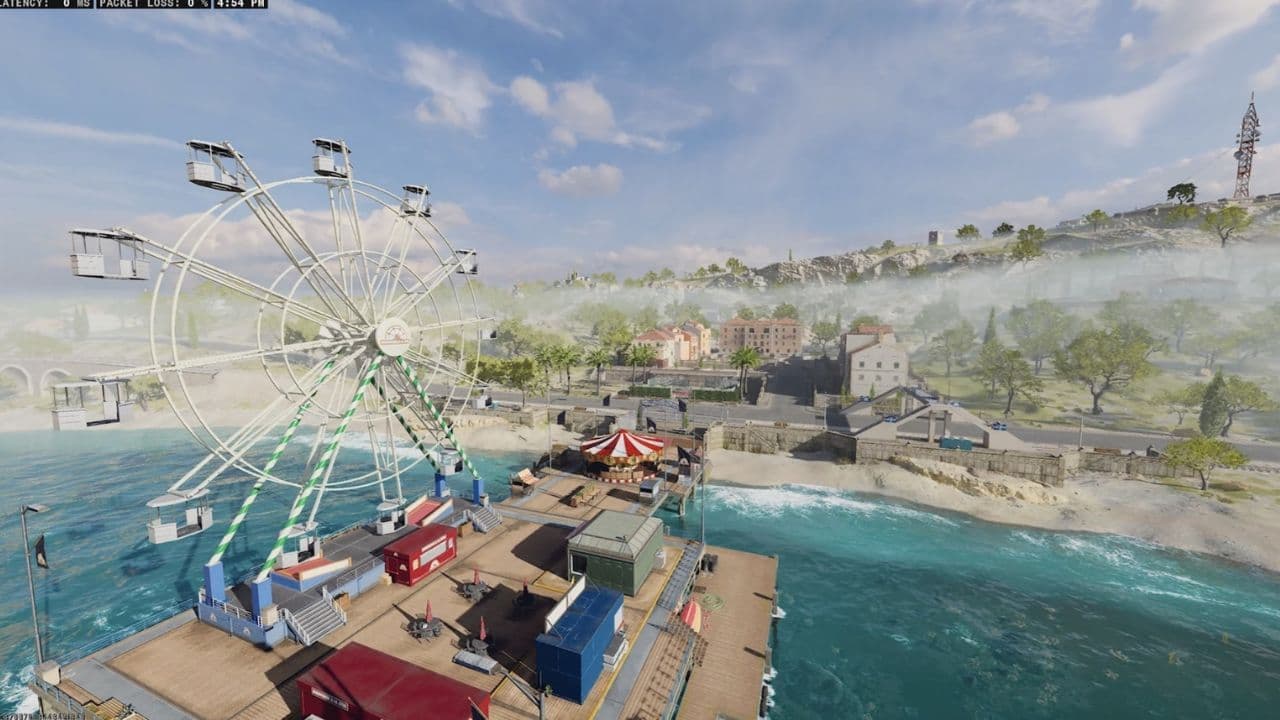
Black Ops Royale is a new battle royale mode added to Call of Duty: Warzone, designed to bring back the scavenging-focused gameplay of the original Blackout mode. Instead of loadouts and buy stations, players must loot and upgrade weapons during the match while surviving against up to 100 players on the Avalon map.
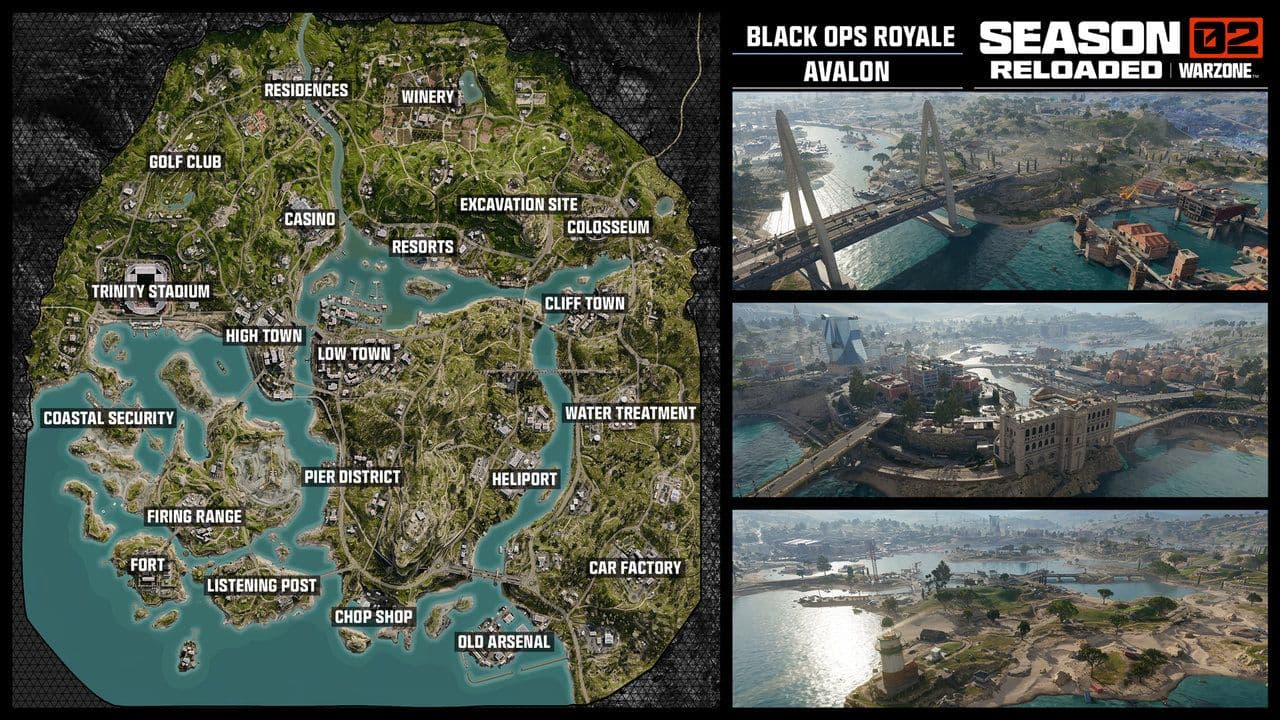
However, since the mode is new and tied to major updates, many players report problems such as the mode not appearing, matchmaking errors, crashes, or the game refusing to launch. This guide explains the most common reasons Black Ops Royale is not working and how to fix them step by step.
Is Black Ops Royale not working? Here is how to fix it fast
Because Black Ops Royale is a newly introduced Warzone mode, launch-day issues are common. The most frequent causes include:
- The update not installed
- Servers overloaded
- Mode not yet live in your region
- Corrupted game files
- Internet or cache problems
Here is a detailed look at Black Ops Royale fixes.
1. Confirm the mode is actually available in your region
One of the most common reasons the mode does not work is simply timing.
Black Ops Royale launched globally on March 12, 2026 at 9 PM PT (12 AM ET March 13) as part of the Warzone update.
If you try to access the mode before it becomes available in your time zone, it may:
- Not appear in the playlist
- Display “mode unavailable”
- Fail to load matchmaking
How to fix
- Check your local launch time.
- Restart the game after the update goes live.
- Verify the Warzone playlist refresh.
Sometimes the mode becomes available a few minutes after the update due to server rollout.
2. Make sure your game is fully updated
Since Black Ops Royale was added in a major patch, older versions of the game cannot access it. Here is how to fix in different platforms:
Battle.net
- Open Battle.net.
- Select Call of Duty: Warzone.
- Click Check for Updates.
Steam
- Go to your Library.
- Right-click Warzone.
- Select Properties → Updates.
Console (PlayStation/Xbox)
- Highlight the game.
- Press Options/Menu.
- Select Check for Updates.
Restart the launcher after installing the patch.
3. Restart Warzone Servers
After major updates, Warzone servers can temporarily struggle due to high player traffic.
- Close the game completely.
- Restart your platform (PC, PlayStation, Xbox).
- Relaunch Warzone.
If the servers are overloaded, the best fix may simply be waiting 10–20 minutes.
4. Check Activision server status
Sometimes the problem is not your device at all. When a new mode launches, Activision servers may experience problems.
Visit the official Activision Online Services page and confirm:
- Warzone servers are online
- Your platform servers are operational
If the servers are down, the only solution is waiting until maintenance ends.
5. Verify game files (PC players)
Corrupted or missing files are another common cause of game modes failing to load.
Steam fix
- Open Steam Library.
- Right-click Warzone.
- Click Properties.
- Select Installed Files.
- Click Verify Integrity of Game Files.
Battle.net fix
- Open Battle.net.
- Select Warzone.
- Click the gear icon.
- Choose Scan and Repair.
This process replaces damaged files automatically.
6. Delete the “Players” Folder (PC crash fix)
Some PC players experience login errors or crashes when launching the game.
Activision has confirmed a workaround that helped certain players.
How to fix
- Navigate to:
- Documents → Call of Duty
- Delete the folder named:
- players
- Restart the game.
You may need to reset keybinds and settings afterward.
7. Clear Cache (Console players)
Console cache problems can cause playlist or connection issues.
PlayStation
Turn off the console completely.
- Unplug the power cable.
- Wait 30 seconds.
- Restart the console.
Xbox
- Hold the power button for 10 seconds.
- Disconnect the power cable.
- Wait 30 seconds.
- Restart the console.
This clears temporary system files.
8. Fix matchmaking or party errors
Sometimes Black Ops Royale fails to start because of party or matchmaking issues.
- Leave your current squad and queue solo
- Reinvite your teammates
- Switch squad leader
- Change party privacy (Public → Friends Only)
These quick resets often solve matchmaking bugs.
9. Check your Internet connection
Warzone requires a stable connection. If your connection is unstable, you may experience issues.
- Restart your router.
- Switch from Wi-Fi to Ethernet.
- Close background downloads.
- Test your internet speed.
10. Reinstall Warzone (Last resort)
If nothing else works, a clean reinstall can solve deeper issues.
- Uninstall Warzone.
- Restart your device.
- Download the latest version.
- Install the newest update.
This ensures all files are fresh.
11. Check playlist rotations
Warzone regularly rotates modes.
Sometimes a mode may temporarily disappear because of playlist changes or limited-time events.
Community discussions suggest that Black Ops Royale may temporarily replace some traditional battle royale playlists during certain updates, which can confuse players looking for specific modes.
If the mode disappears:
- Check the Warzone playlist rotation
- Look for official announcements
- Wait for the next refresh
Fortunately, most problems can be solved with simple fixes like updating the game, verifying files, or restarting the system. If Black Ops Royale is still not working, contact Activision support.
That’s all for today! Don’t forget to check out these Warzone guides and news too:
Guide Categories
All Related Guides
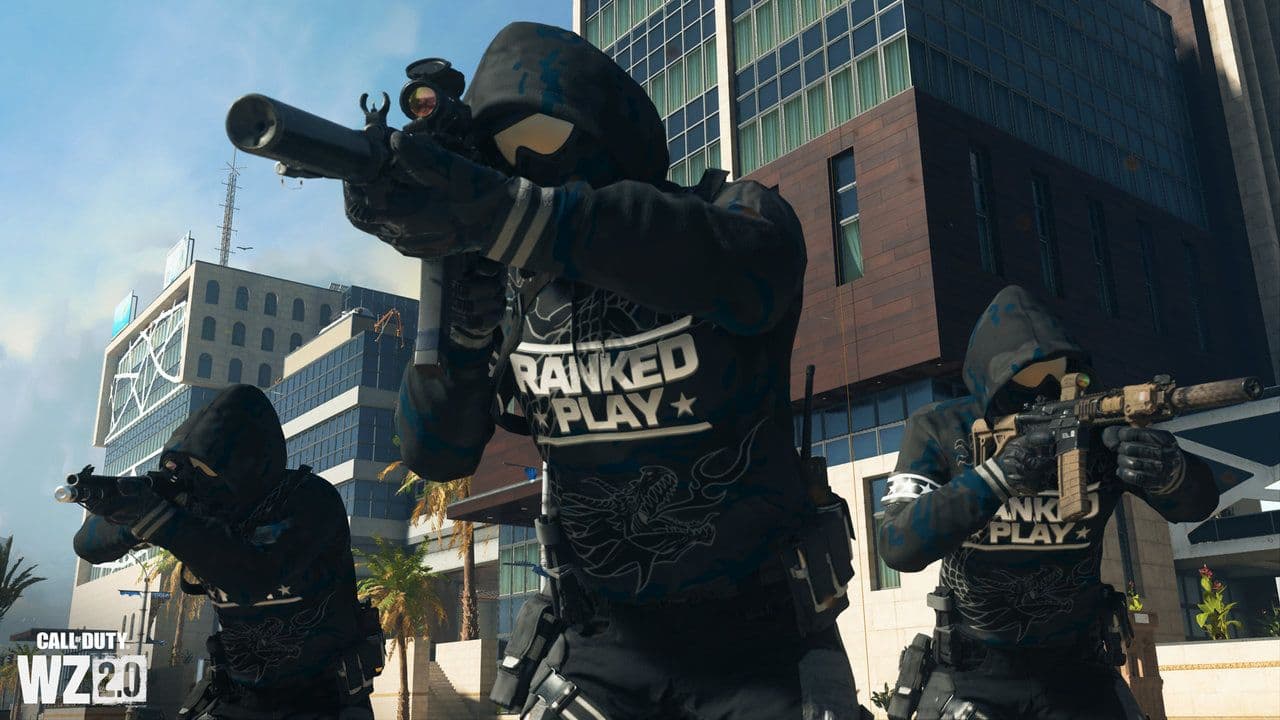 All Warzone Ranked levels & rewards: Every rank from Bronze to Top 250 (2026)All Warzone Ranked levels explained: SR ranges, rewards, Top 250, ranking system, and how to climb faster....
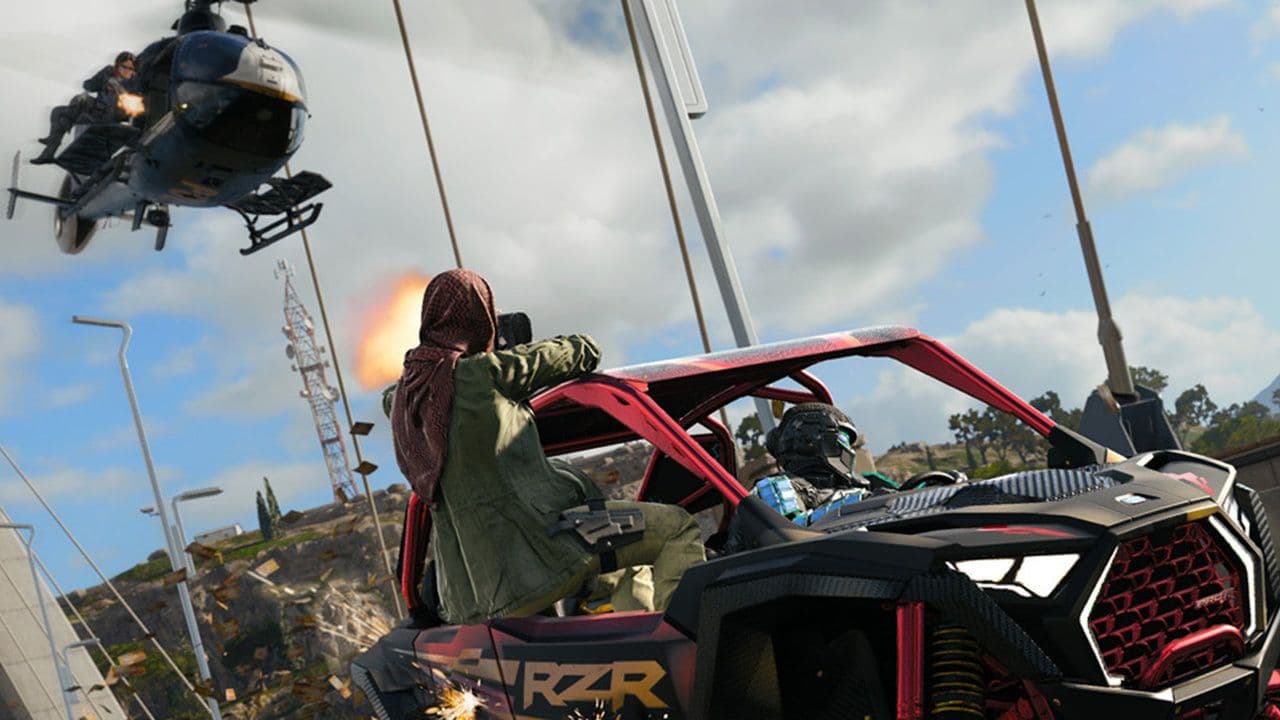 Warzone Hot Pursuit guide: Everything you need to know to winWarzone Hot Pursuit guide: mode rules, Police vs Thieves roles, best loadouts, strategies, and winning tips....
 Guide to Warzone Prop Hunt Royale (Hide and seek)Warzone Prop Hunt Royale guide: how it works, best hiding spots, hunter tips, strategies, and how to win more ...
 What is Specialist in Warzone and how to get it in VerdanskHere’s how to get Specialist in Warzone Verdansk, including the main Easter egg routes and the fastest method ...
 What is Iron Gauntlet Warzone mode?What is Iron Gauntlet Warzone mode? Learn the rules, release date, gameplay changes, and how it differs from s...
 CoD Warzone Black Ops Royale: Release date & everything you need to knowWarzone Black Ops Royale guide: release date, Avalon map, weapons, gameplay changes, and how the mode differs ...
 Explained: Call of Duty Warzone on SwitchExplore the possibility of Call of Duty Warzone on Nintendo Switch, including Microsoft's plans and the techni...
 New Warzone map release date and timeHints of a new Warzone map called "Avalon" have been found in Black Ops 6 and here are all the details....
- 1
- 2
- 3