Can my PC run Warzone?
Wondering if your PC can run Warzone? Here's a guide on how to check just that.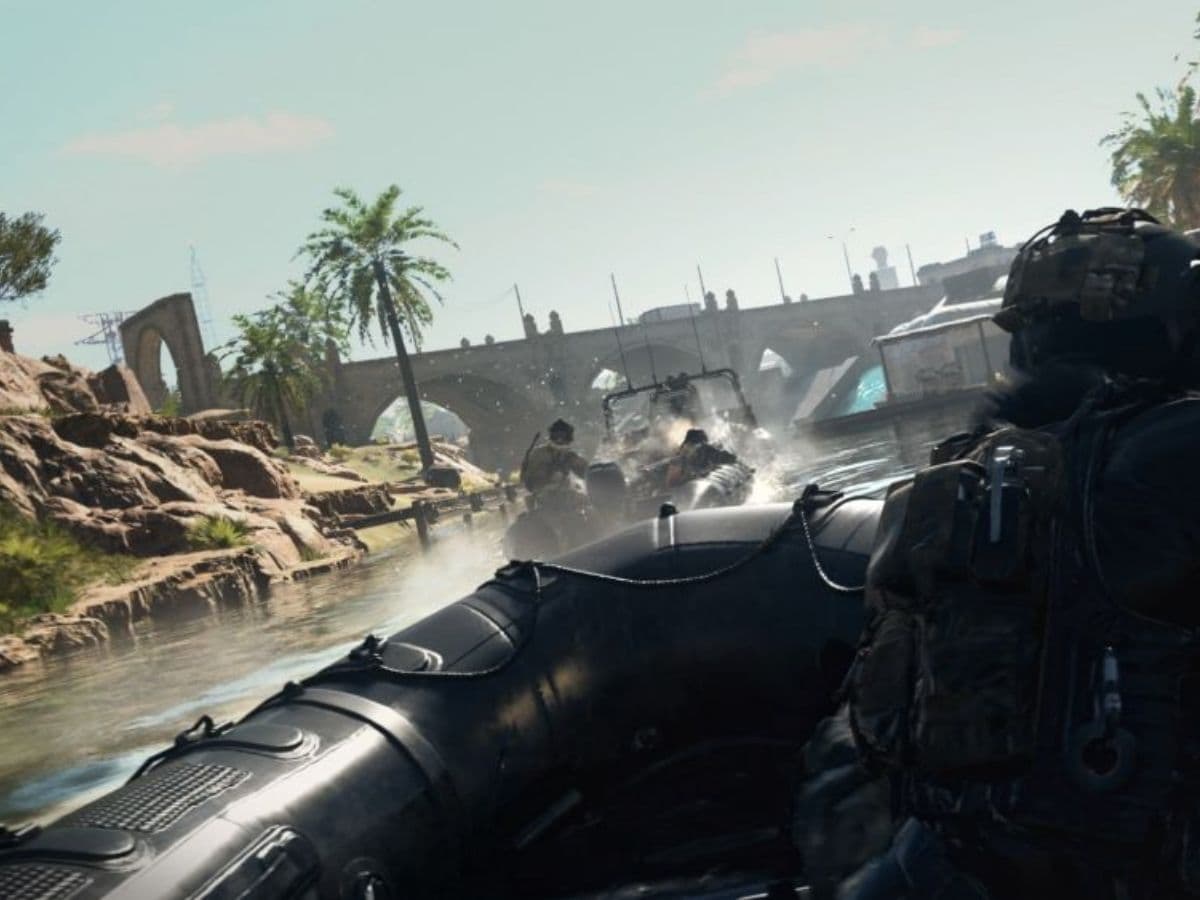
Warzone 2 has stormed into the gaming world, thrilling millions of players since its launch on November 16, 2022. With significant upgrades and new mechanics, this sequel has drawn in both ardent fans and newcomers eager to experience the battle royale frenzy. But before diving into the adrenaline-pumping action, it's crucial to ensure that your gaming setup can handle the demands of Warzone 2. Let's explore how to check if your PC or console meets the game's specifications and dive into the details of the system requirements.
Can my PC run Warzone 2
Before plunging into the intense battleground of Warzone 2, it's essential to ascertain if your PC meets the necessary requirements. Most games come with minimum and recommended hardware prerequisites. The minimum specs ensure that the game can run at its lowest settings, while the recommended specs promise a smoother gaming experience with better visuals and higher frame rates.
However, assessing whether your PC aligns with these requirements can be tricky due to the varied generations of CPUs and GPUs. To determine if your PC can handle Warzone 2, first, locate the game's specifications. Check the digital store page or the game's physical copy for details. To understand your PC's capabilities, open the Task Manager by pressing Ctrl+Shift+Escape and check the CPU, Memory, GPU, and available storage space.
Compare these specs with the minimum and recommended hardware requirements for Warzone 2. If your system meets or surpasses these requirements, you're good to go. If not, it might be time to consider an upgrade or replacement for a smoother gaming experience.
Can you run it?
Determining your PC's compatibility with Warzone 2 isn't limited to manual comparisons. Websites like 'Can You Run It' provide an automated way to check if your system meets the game's specifications. This website, supported by prominent companies including AMD, allows you to input the game name and assess your PC's compatibility.
Simply visit the 'Can You Run It' website, type in the game's name, and click the "Can You Run It" button. The results display how your PC aligns with both the minimum and recommended requirements, offering insights into your CPU, video card, RAM, Windows version, and available disk space.
Warzone 2 recommended system requirements
How many GB is Warzone 2?
Understanding the space needed for Warzone 2 is vital. The base game size varies across platforms, with console downloads ranging from 55 GB to 70 GB and PC downloads between 22 GB and 24 GB. While Warzone 2 is notably more compact than its predecessor, it still demands substantial storage space.
Here's a detailed breakdown of the file size for Warzone 2, file sizes are dynamic and may change with updates, on different platforms:
- PS5: 83.6 GB
- PS4: 55.7 GB
- Xbox Series X|S: 62.0 GB
- Xbox One: 70.0 GB
- PC (Steam): 22.6 GB
- PC (Battle.net): 23.6 GB
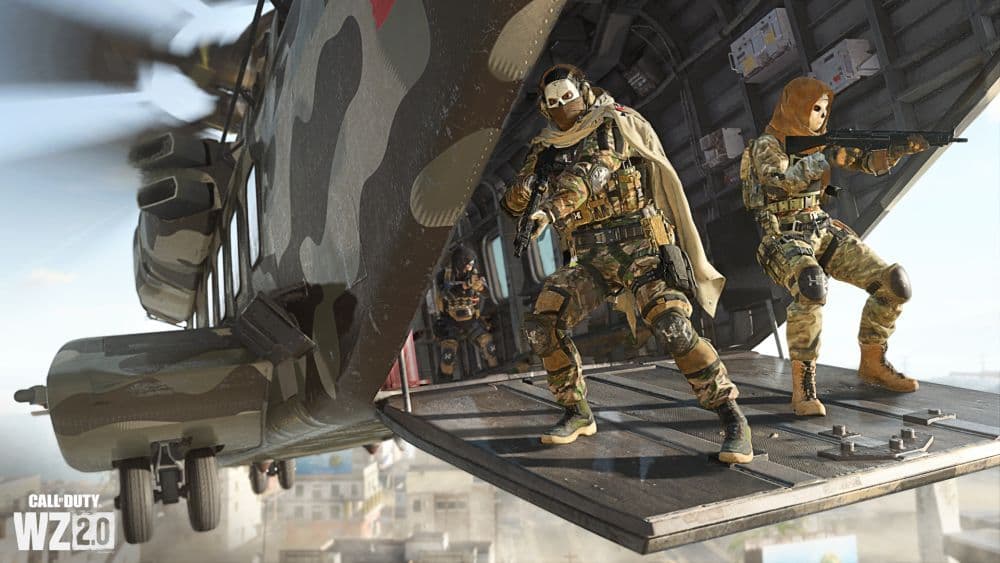
Ensuring your gaming device meets the requirements is the first step to fully enjoying the pulse-pounding experience of Warzone 2. Make necessary adjustments or upgrades to gear up for an exhilarating gaming adventure. Once your system is ready, dive into the immersive world of Al Mazrah and unleash your tactical prowess on the battlefield. Whether you're a seasoned veteran or a newcomer, having your system primed and ready will set the stage for an adrenaline-fueled gaming experience. Get ready to join the action-packed frenzy and conquer the battlegrounds of Warzone 2!
FAQs
Do you need a good PC for Warzone?
Yes, while you don’t need top-tier hardware, a mid to above-mid PC is ideal. On very low specs, Warzone may run, but frame rates will be low, graphics will suffer, and gameplay becomes harder. You’ll have a much better experience with a CPU, GPU, and RAM that meet or exceed recommended specs.
Why can’t my PC run Warzone?
Possible causes include:
- Your hardware (CPU, GPU, RAM) is below the minimum requirements
- Graphics settings are too high for your PC
- Drivers are outdated or incompatible
- Background apps are consuming too much CPU/GPU
- Thermal throttling or poor cooling
- Corrupted game files or installation problems
Why is Warzone laggy on PC?
Warzone can feel laggy on PC for a mix of reasons, usually tied to either your hardware or connection. If your CPU, GPU, or RAM aren’t strong enough, or if your graphics settings are set too high, the game may stutter or drop frames, especially in big fights. Using a hard drive instead of an SSD can slow down texture loading, and overheating parts can cause throttling. On the network side, high ping, packet loss, or WiFi instead of Ethernet often make the game feel delayed. Background programs, outdated drivers, or corrupted files also contribute, while sometimes the problem comes from overloaded or distant servers rather than your PC.
Guide Categories
All Related Guides
 What are Loot Caches in Warzone? Caches vs. Crates explainedWhat are Loot Caches in Warzone? Learn what counts, the difference between caches and crates, and the fastest ...
 What is an infil weapon in Warzone?What is an Infil Weapon in Warzone? Learn what counts and how to get Infil Weapon eliminations....
 Warzone Lockdown Casual guide (New mode)Learn how Warzone Lockdown Casual works, including objectives, respawns, loadouts, rewards, and the best strat...
 How to get Juggernaut in Warzone fastLearn how to get the Juggernaut in Warzone fast, where Juggernaut Drops spawn, and the best tips to survive us...
 How to get a nuke in WarzoneSee how to get a nuke in Warzone, from earning a Champion’s Quest Contract to defending the missile and claimi...
 All ground loot item groups in Warzone: Complete listThis ground loot Warzone guide explains weapons, armor, equipment, rarity colors, and how to choose better loo...
 How to fix the Warzone DirectX error 0x887a0005Warzone DirectX error 0x887A0005 keeps crashing your game? Learn what causes it and follow simple fixes that w...
 How to play Rebirth Island in WarzoneFind out how to access Rebirth Island in Warzone, choose strong landing spots, build a loadout, and survive lo...
- 1
- 2
- 3
- 4
- 5