New Apex Legends Switch 2 Performance: Frame Rates and Resolution
A better Apex Legends experience lands on the Nintendo Switch 2.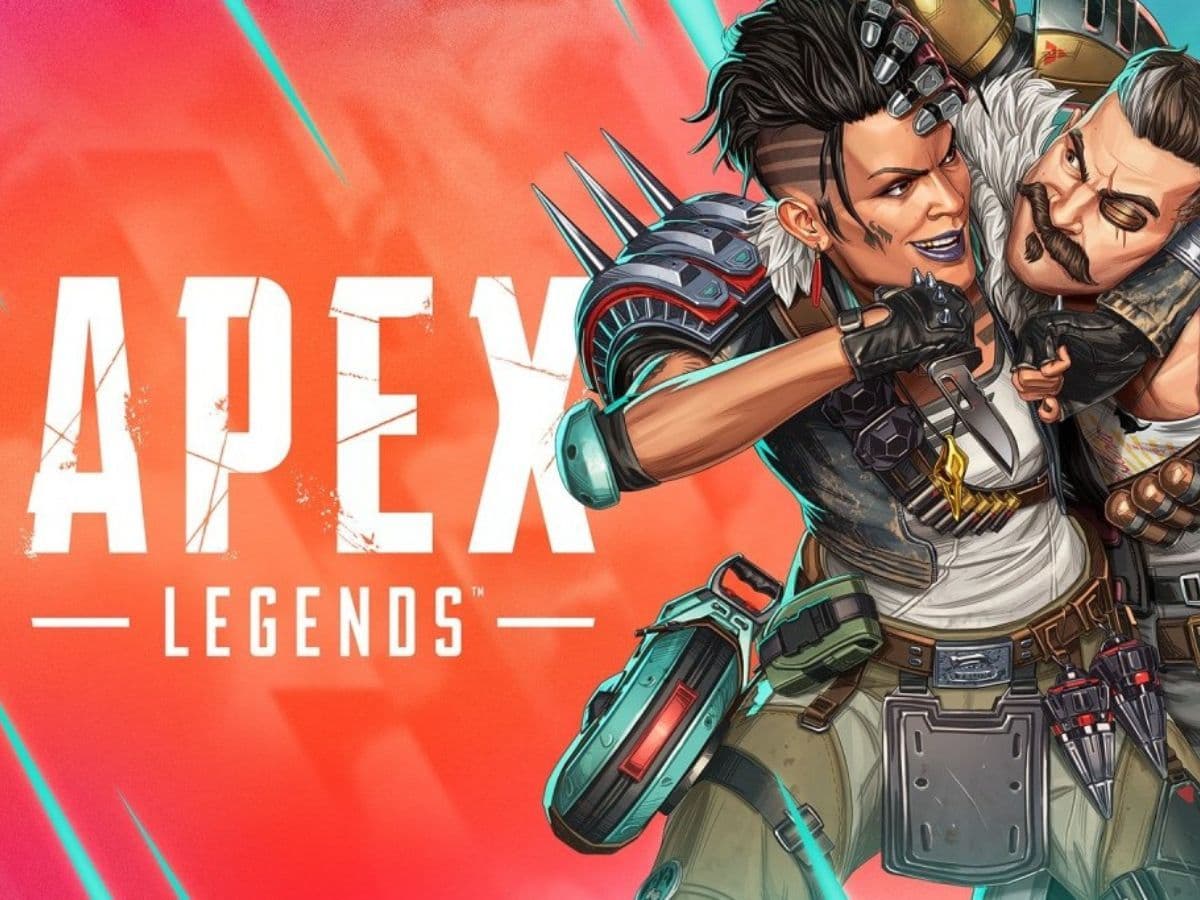
Apex Legends is now available on Nintendo Switch 2, and this version finally gives players a much better experience. The game looks clearer, runs faster, and feels smoother on the new console. This is a big step forward, especially after the issues with the original Switch version. Here is a closer look at the Apex Legends Switch 2 performance and what has changes with the latest update!
Does Apex Legends work on Switch 2?
Yes, Apex Legends works on Nintendo Switch 2. You can download it from the eShop as we previously explained, but luckily, the optimization is at a better place than before. If you already had the old version on the original Switch, you can delete it after installing the updated one.
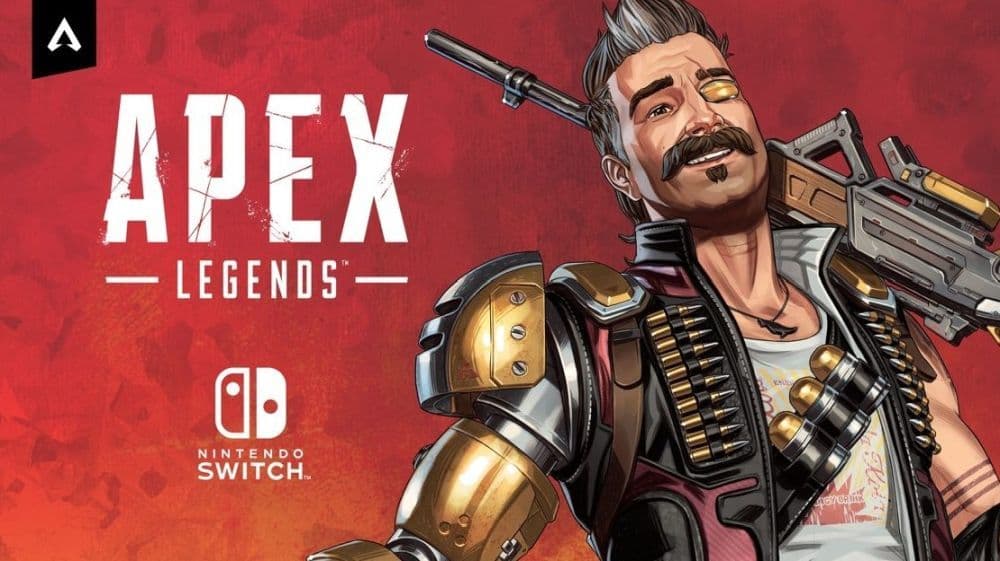
This new version is free to download. It works in both handheld and docked mode. The game supports online play, cross-platform features, cosmetics, and events. Everything is fully available.
Players who log in before September 16, 2025, get a free Pathfinder skin called “P.A.T.H.” This bonus works for both Switch and Switch 2 accounts.
Apex Legends Switch 2 performance
The performance on Switch 2 is much better than before. This version now supports up to 60 frames per second. The resolution is higher in both modes, and the visuals look clean and sharp.
- Docked resolution: 1920×1080
- Handheld resolution: 1792×1008
- Frame rate: Up to 60 FPS (depending on screen and setup)
These changes make a big difference. The game feels smoother and looks sharper. You can aim better, spot enemies more easily, and play with less delay. The motion controls also work well if you want more accuracy.
The Switch 2 version solves the biggest problems from the old Switch version. It had muddy textures, slow frame rates, and delayed controls. All of these are now fixed.
Other performance improvements include:
- Faster loading times
- Less lag during matches
- Steady frame rate even in busy fights
- Support for motion aiming in handheld mode
These upgrades make it easier to enjoy Apex Legends without distractions. The improved Apex Legends Switch 2 resolution helps with visual clarity, and the Apex Legends Switch 2 frame rate boost makes the action feel much smoother.
Is Apex Legends optimized for Switch 2?
Yes, the game is optimized for Switch 2. It is not just a simple port. Respawn built this version to match the console’s power and screen options. The user interface adjusts to each mode, and the game uses the full hardware capabilities.
The controls feel responsive, and the game includes support for motion aiming and updated accessibility settings. All updates and seasonal content work the same as on other platforms, you can also check out what the players had during season 25.
Does Apex run good on Switch?
Yes, Apex Legends now runs well on Switch 2. The old version on Switch 1 had a lot of issues, but this version runs smoothly. It plays at a higher resolution and a better frame rate.
There are fewer loading problems, and the controls feel quick and clean. Whether you play on a TV or in handheld mode, the performance stays strong. You might see a short delay while loading into matches, but the gameplay itself is stable.
Highlights of the last update
The new version came with a large update that added many new features and changes. Here are the most important updates:
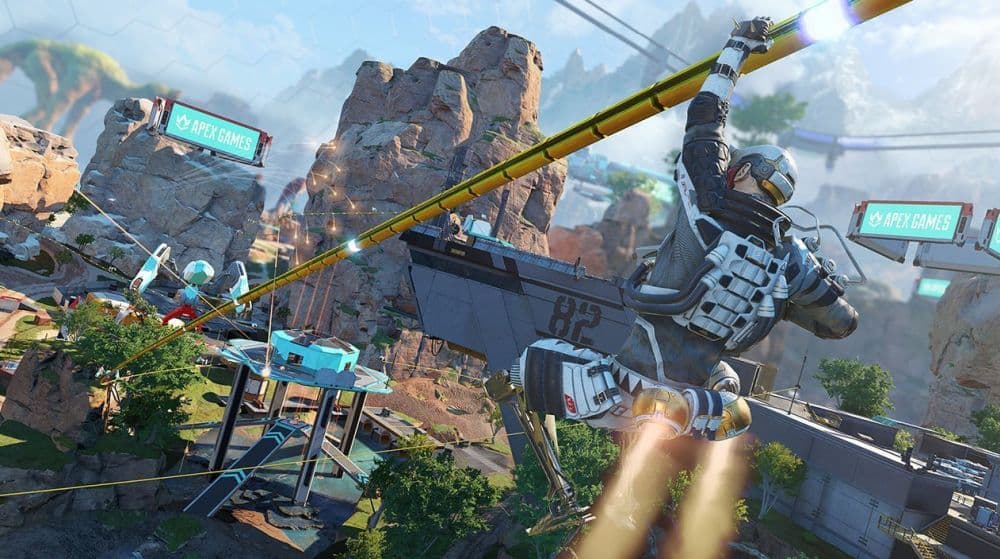
- Wildcard Mode: This new permanent mode brings faster gameplay, more loot, and second chances if your squad goes down early. You can now stack the same Legend on your team and use new tools like extra gravity cannons and ziplines.
- Legend Amps: These are special boosts you can find during matches. They include upgrades like faster healing, better shields, and increased movement. You can only hold one at a time, so you need to choose carefully.
- Elite Weapons: The RE-45 now has a burst-fire version. It uses energy ammo and fires in three-shot bursts. This adds a new way to fight with small weapons.
Locked Hop-Ups: Hop-Ups now attach directly to weapons and unlock after you deal enough damage. This adds more strategy during fights. - E-District Update: The map now runs during the day instead of at night. This change improves visibility. The design is also cleaner, with better sightlines and fewer blocked areas.
- Legend Buffs: Caustic and Bangalore received power boosts. They now play more effectively in ranked and casual matches.
- Ranked Changes: The ranked mode now uses random drop zones, a new scoring system, and no longer has Heat Shields. This makes matches more balanced and less predictable
Check out all the new updates at this link.
Apex Legends now performs well on Nintendo Switch 2. The game looks sharp, runs at a steady frame rate, and includes all the latest features. This version finally delivers the quality that players expect. It is now a solid option for anyone who wants to enjoy Apex Legends on their Switch 2. More Apex Legends guides to check out:
- Is there aim assist on Apex Legends Firing Range?
- How many Apex packs have I opened?
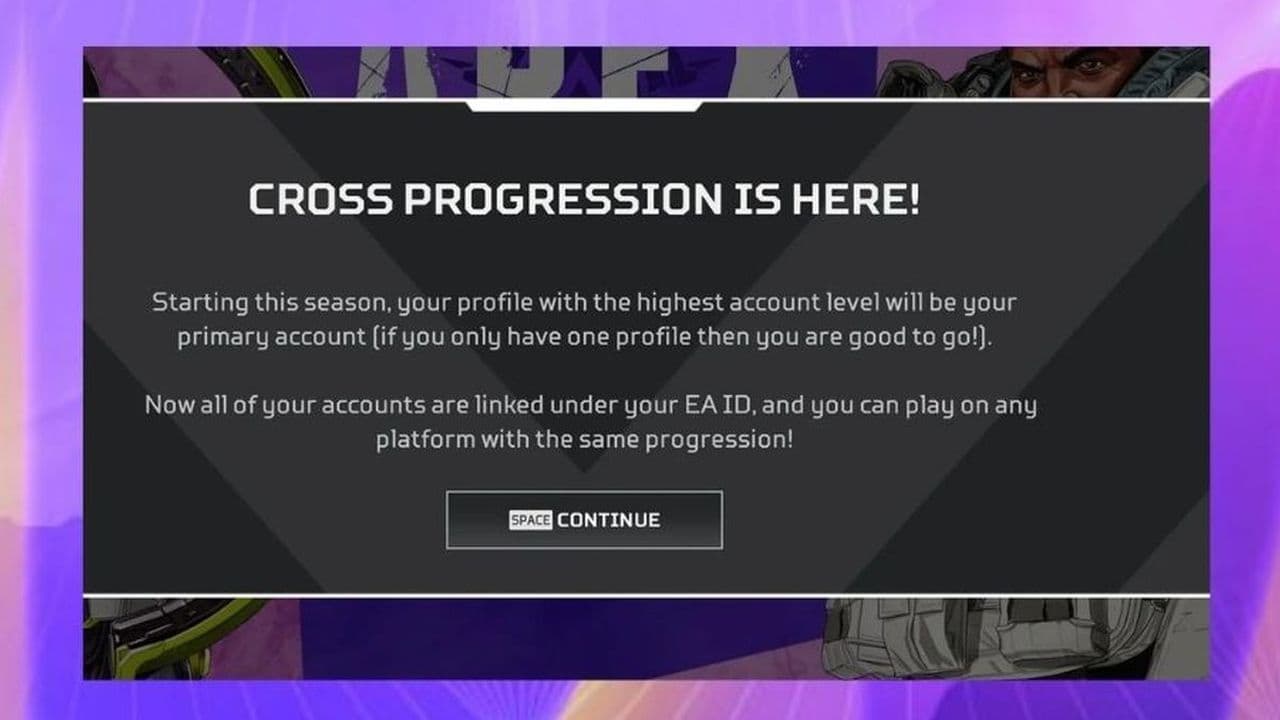
- Is Apex Legends Crossplay or Cross-Progression?
- Apex Legends pick rates: Most used characters
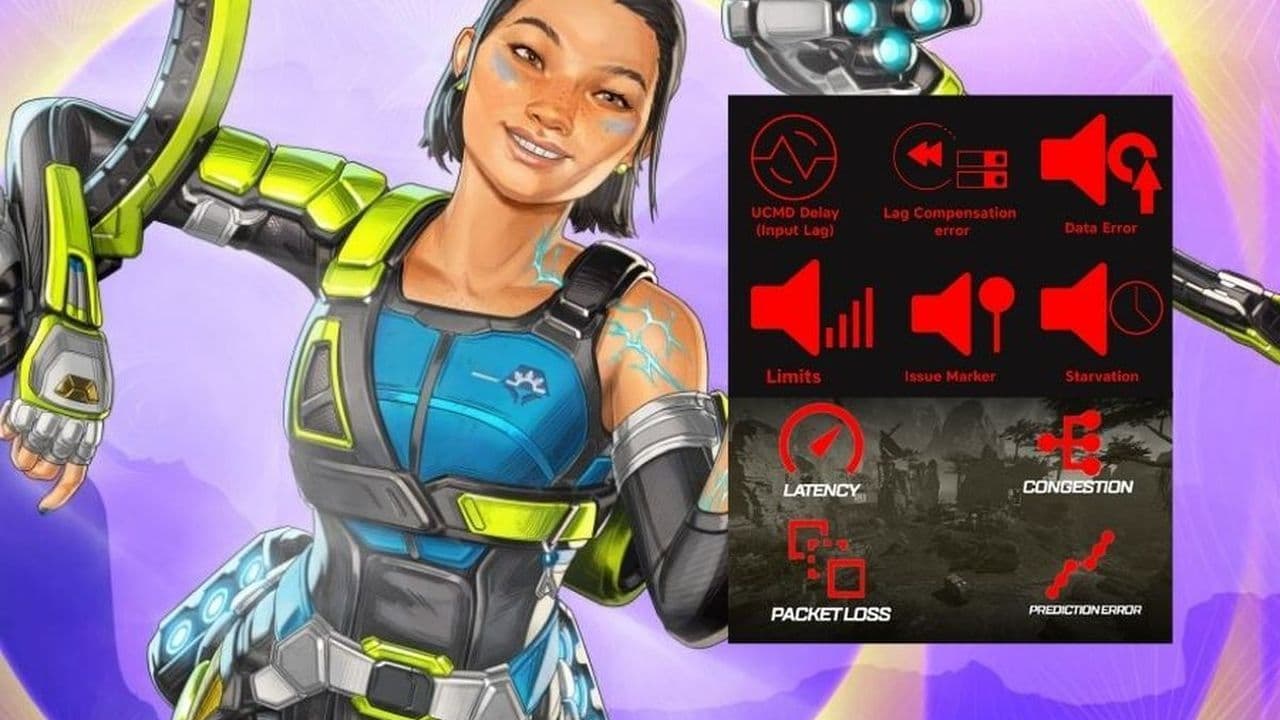
- All Apex Legends connection symbols and their meanings
Featured Image Credit: Respawn Entertainment
All Related Guides
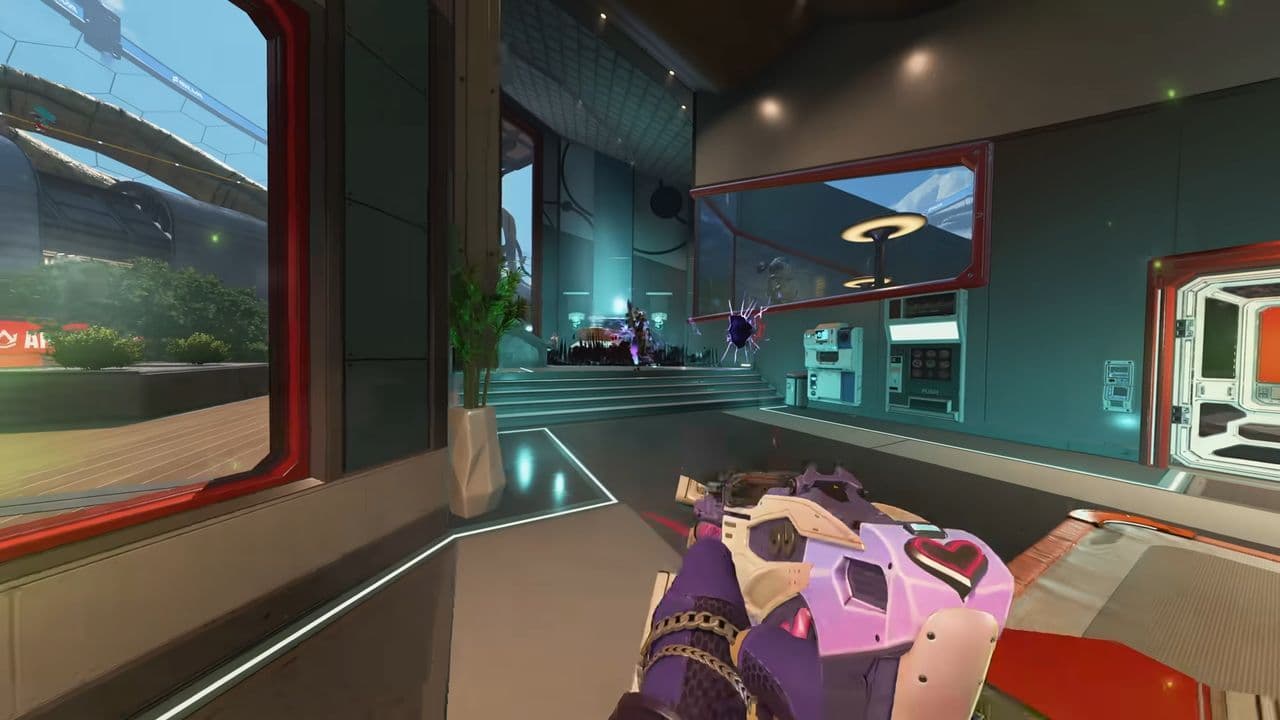 Apex Legends Season 27 Amped explainedApex Legends Season 27: Amped revamps Olympus, adds Mantle Boost movement, legend buffs, and fresh ranked rewa...
 Apex Legends November update enhances audio clarity and brings new features to the gameApex Legends November update brings major audio upgrades in Season 27 with clearer footsteps, smarter sound mi...
 Apex Legends Raise Hell Event: Everything you need to knowDiscover Apex Legends Raise Hell event: new Reaper vs Demon mode, spooky Kings Canyon map, and exclusive Hallo...
 All Apex Legends connection symbols and their meaningsDiscover all Apex Legends connection symbols and their meanings, plus solutions to keep you in the game withou...
 Is Apex Legends Crossplay or Cross-Progression ?Yes, Apex Legends is on different platforms but does it support cross platform and cross progression gameplay?...
 How to Uncap FPS in Apex Legends on Origin and SteamUnlock higher FPS in Apex Legends on Origin and Steam with our comprehensive guide. Optimize your gameplay for...
 Apex Legends Cross-Progression and Merging Explained Unlock seamless gaming! Discover how to enable Apex Legends cross-progression, troubleshoot issues, and enjoy ...
 How to tap strafe in Apex LegendsLearn how to master tap strafing in Apex Legends to dodge bullets and enhance your gameplay with advanced move...
- 1
- 2
- 3