How to redeem Fortnite codes
Got your hands on Fortnite Codes? Here's a guide on how to redeem them.
If you're all geared up to use a special code in Fortnite but feeling a bit lost, don't worry. Even though it might seem tricky at first, redeeming your codes for cool in-game stuff is actually quite straightforward. You just have to find a code and activate it on Epic Games. If that didn’t help you, don’t worry, we will explain everything you need to know in this article!
How to redeem codes in Fortnite
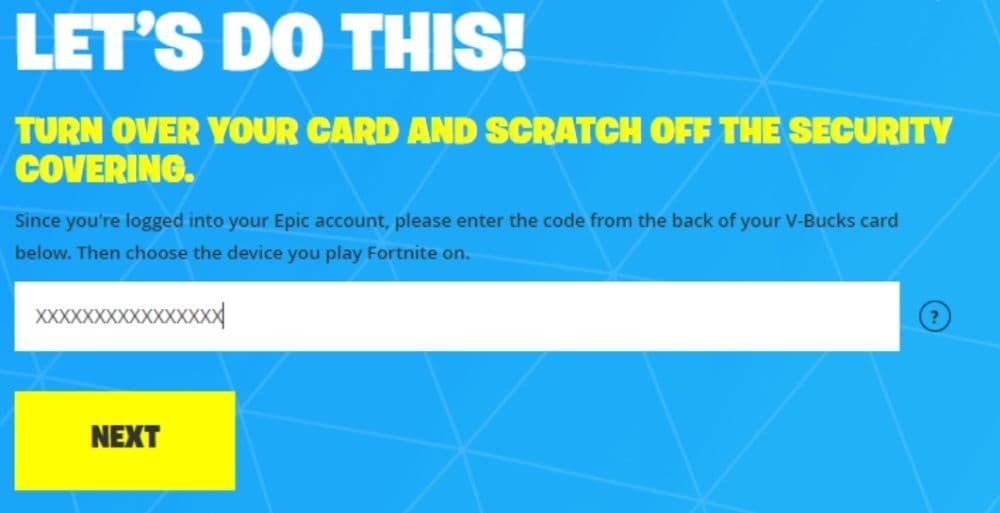
To kick things off, you won't be entering codes while battling it out in Fortnite. Instead, you'll need to swing by the Epic Games Store online. Here's a quick guide to help you make the most of your codes:
Epic Games Launcher
- Open Epic Games Launcher: Click to launch the Epic Games Launcher on your device.
- Log In: Make sure you're logged into your Epic Games account.
- Find Your Profile: Look for your name in the upper right corner and give it a click.
- Select Redeem Code: Look for the option that says "Redeem Code" and click on it.
- Enter the Code: Type your code into the space provided and hit "Redeem."
- Check for Success: Keep an eye out for a message confirming that your code was successfully redeemed.
- Head Back Home: Click "Back to Home" to return to the launcher's main page.
Epic Games Store Website
- Open Your Browser: Launch your internet browser.
- Visit Epic Games Store: Go to https://www.epicgames.com/store.
- Log In: Log into your Epic Games account if you're not logged in already.
- Access Your Profile: Move your mouse over your name in the top right corner and choose "Redeem Code."
- Type in the Code: Input your code and hit the "Redeem" button.
- Double-Check: Make sure you get a message saying your code was successfully redeemed.

What are Fortnite codes?
They're free keys that unlock awesome in-game treats. Whether it's V-Bucks or exclusive skins, these codes add a dash of excitement to your Fortnite experience. They might not rain down on you every day, but keeping an eye out for updates is a smart move. In the Fortnite world, good things happen to those who wait and stay on the lookout for those occasional code drops. So, stay curious, keep exploring, and let those codes add a new layer of fun to your Fortnite journey!
Active Fortnite codes
As of July 15, 2025, no active codes are live right now, squad. But don’t sweat it—bookmark this page and check back daily, ‘cause we’ll drop the heat the moment fresh codes land!
Expired Fortnite codes
Unfortunately, these are not available anymore:
- 9BS9-NSKB-JAT2-8WYA
- LJG6-DGYB-RMTH-YMB5
- D8PT-33YY-B3KP-HHBJ
- 69JS-99GS-6344-STT8
- WDCT-SD21-RKJ6-UACP
- XTGL-9DKO-SD9D-CWML
- 8Z35X-3ZWAB-BC57H-EQTQZ
- FAT6P-PPE2E-4WQKV-UXP95
- Z4A33-NLKR2-V9X34-G3682
- 9BS9-NSKB-JAT2-8WYA
- LJG6-DGYB-RMTH-YMB5
- D8PT-33YY-B3KP-HHBJ
- WDCT-SD21-RKJ6-UACP
- XTGL-9DKO-SD9D-CWML
- 8773-0285-0717
- ND8H-LW2Z-LKTW-7W22
- HW6E3-ZTMJD-UML9J-T6LEQ
- SNMY9-NJ9JE-A7GHN-C54NQ
- YGGWX-38PNW-6TE2Q-JVKLS
- XTGL-9DKO-SDBV-FDDZ
- XTGL-9DKO-SD9D-CWML
- SDKY-7LKM-UTGL-LHTU
- SDKY-7LKM-ULMF-ZKOT
- MK2T-UDBL-AKR9-XROM
- MK2T-7LGP-UFA8-KXGU
- NBP4S-SLUET-YWQHY-66C2Z
- 3CT3L-5H6N6-2H35S-8TVX7
- 3QVS2-A9R27-2QFGZ-PF7W7
- 6AQFF-N3SMY-2E6XZ-ZD3A4
- FAT6P-PPE2E-4WQKV-UXP95
- Z4A33-NLKR2-V9X34-G3682
- XTGL-9DKO-SD9D-CWML
- P2XY4-QB7Z8-Y6GVZ-KZZBT
- 7A8D4-XAVA4-GYL72-3Y2MK
- Y2429-69CD3-WMYNS-Y64V2
- PAX7N-79CGE-NMW6T-C9NZG
- 7A8D4-XAVA4-GYL7Z-3Y2MK
- FGNHR-LWLW5-698CN-DMZXL
- 3QVS2-A9R27-2QFGZ-PF7W
- YNQJ7-4EVUP-RJDMT-ENRK6
- LPYDF-3C79V-TTFLG-YSBQP
FAQs
How do I redeem a voucher in Fortnite?
To redeem a Fortnite voucher, go to the official Epic Games "Redeem Code" page. Log in with your Epic Games account, enter the code exactly as shown, and click Redeem. Once the process is complete, the content or currency will be added to your account. Restart the game if needed to see your redeemed items.
How do I claim my Fortnite gift?
To claim a Fortnite gift, such as a V-Bucks card or item bundle, visit the Fortnite gift redemption page. Sign in with your Epic Games account, enter the code from your card or email, select the platform you play on, and confirm the redemption. For console users, an additional step may be required to redeem a code via PlayStation or Xbox, depending on the platform.
How to redeem a Fortnite Creator code?
To redeem a Fortnite Creator Code, go to the Item Shop in-game. At the bottom, select the "Support a Creator" option, enter the creator's unique code, and press Accept. For a limited time, a portion of your purchases will support that creator at no extra cost to you.
All Related Guides
 Fortnite Persona 5 Royal Bundle: Price, skins & all cosmeticsFortnite Persona 5 Royal Bundle includes Joker, Panther, Morgana and 12 more cosmetics. See its price, individ...
 Dave the Diver Fortnite: Free skin, release date & everything you need to knowLearn how to get the Dave the Diver Fortnite skin, release date, free unlock method, Item Shop details, and co...
 Fortnite TADC (The Amazing Digital Circus) guide: Pomni skin & moreFortnite TADC collab is here. Learn how to get the Amazing Digital Circus Pomni skin, Jax bundle, prices, cosm...
 Cyberpunk 2077 Fortnite collab (Wave 2): Release date & everything known so farCyberpunk 2077 Fortnite collab Wave 2: release date rumors, new skins like Adam Smasher, and everything we kno...
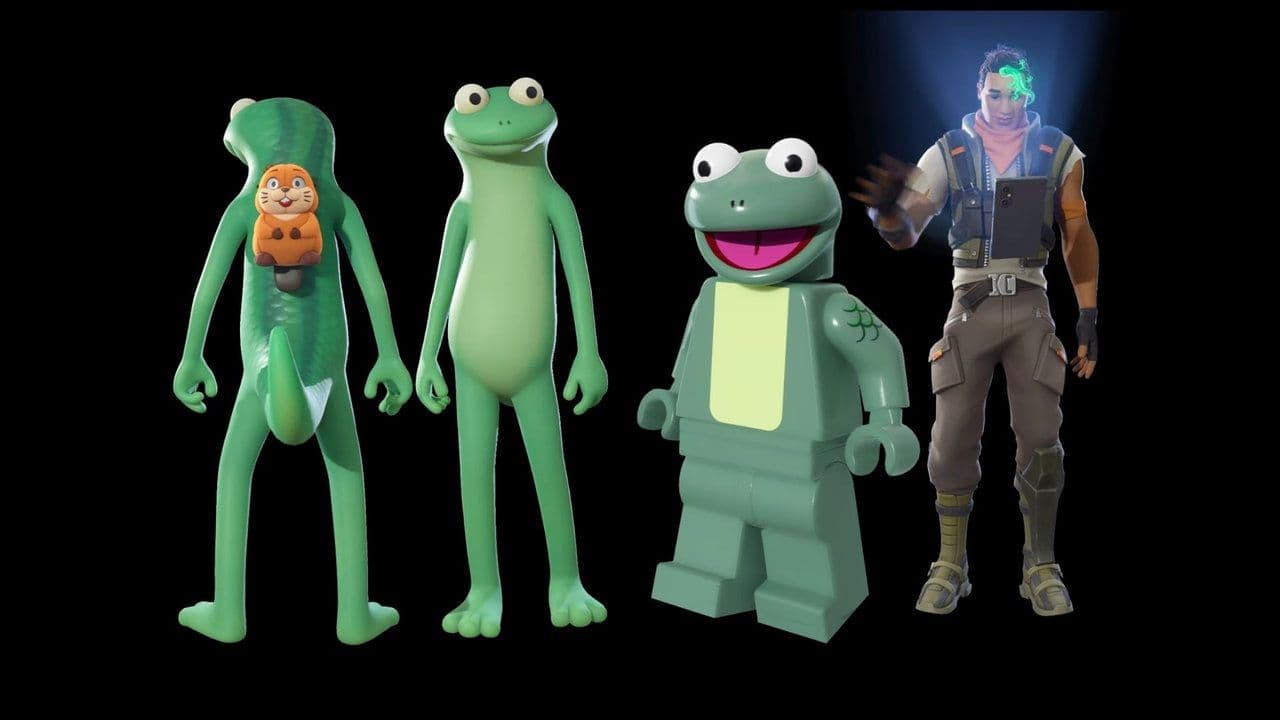 How to get the Fortnite Hoppers bundleGet the Fortnite Hoppers bundle with Tom Lizard skin, LEGO style, prices, cosmetics, and availability before i...
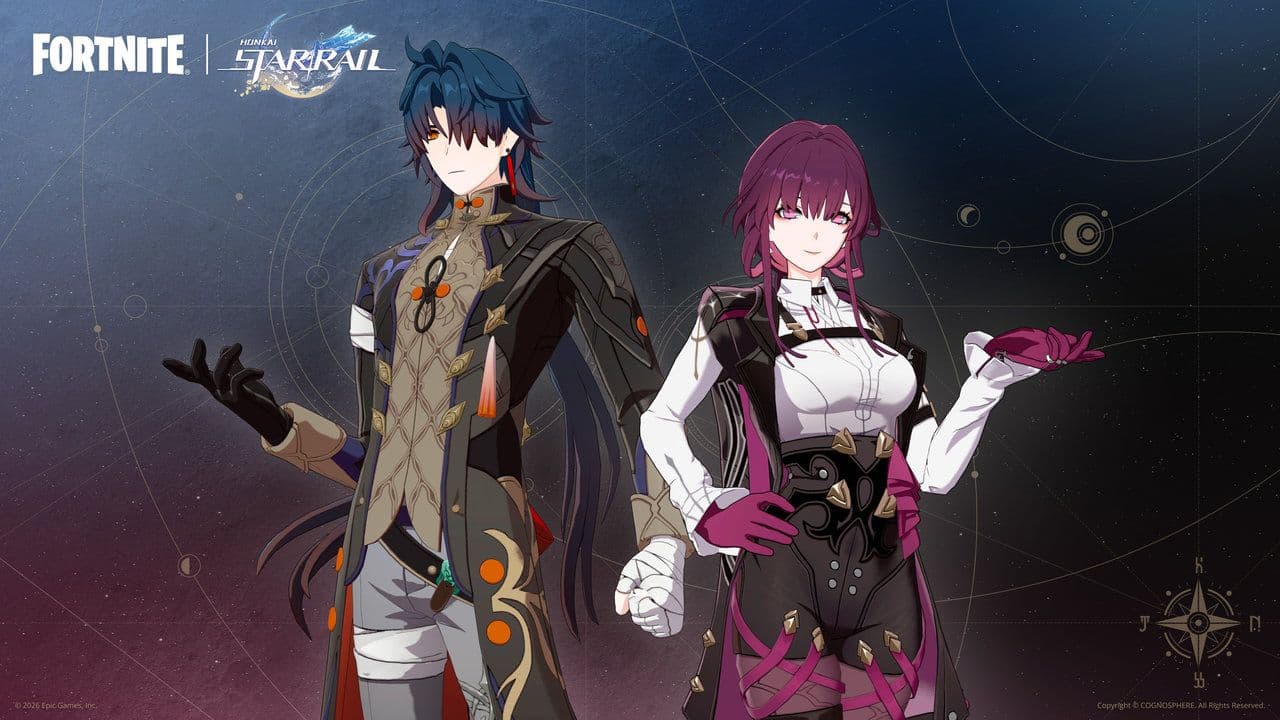 Fortnite HSR skins, Honkai Star Rail island, bundle & moreFortnite HSR skins guide: how to get Kafka & Blade, bundle prices, free Blade unlock, and Honkai Royale island...
 How to get free skins in FortniteOn this page, you’ll find everything you need to know about any currently available free skins (and past freeb...
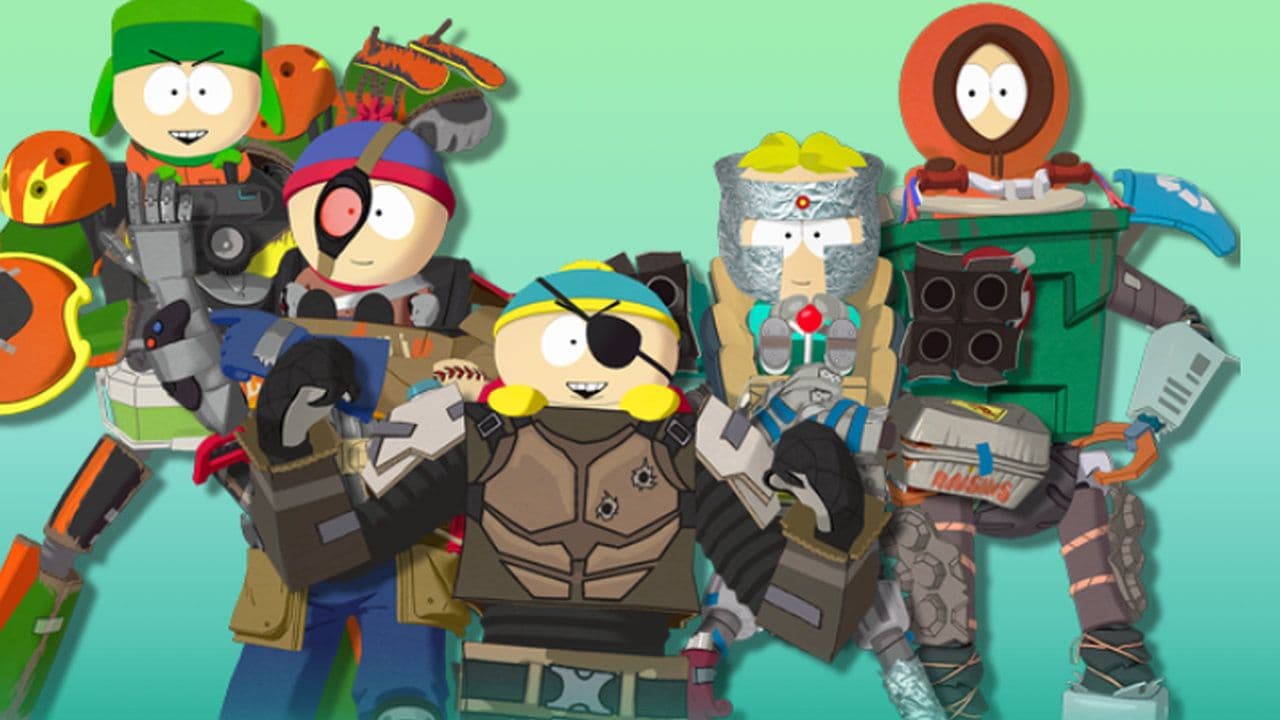 Fortnite South Park skins: Gonna Have Myself A Time Bundle explainedFortnite South Park skins guide: Gonna Have Myself A Time Bundle items, price, how to buy, and free Born in Ch...
- 1
- 2
- 3
- 4
- 5
- 6