THESPIKE.GG
THESPIKE
    EN
    Login
    EN
    1. Home
    2. HYTALE
    3. Beginner Guides
    4. Hytale Update 4: New features, changes, and patch notes

    Hytale Update 4: New features, changes, and patch notes

    Everything new in Update 4

    ON THIS PAGE:

    • How to get Hytale Update 4
    • Hytale Update 4 details
    • New Hytale features
    • Avatar and cosmetic changes
    • Item and equipment changes
    • World and block improvements
    • NPC and creature changes
    • Audio changes
    • UI and quality of life improvements
    • Modding and creative tool improvements
    • World generation improvements
    • Bug fixes in Hytale Update 4
    Hytale Update 4
    Written By Eray Eliaçık

    Reviewed by : Naim Rosinski

    (Content Manager & Editor)

    Last UpdatedFebruary 20, 2026 at 02:49PM
    Share On
    Share On

    Hytale Update 4 (Part 1), released on February 19, 2026, is now available on the pre-release branch through the Hytale Launcher. While smaller than Update 3, this patch introduces important new systems, major quality-of-life improvements, modding upgrades, world fixes, and performance changes.

    This guide explains everything added and changed in Hytale Update 4.

    First of all, how to get Hytale Update 4

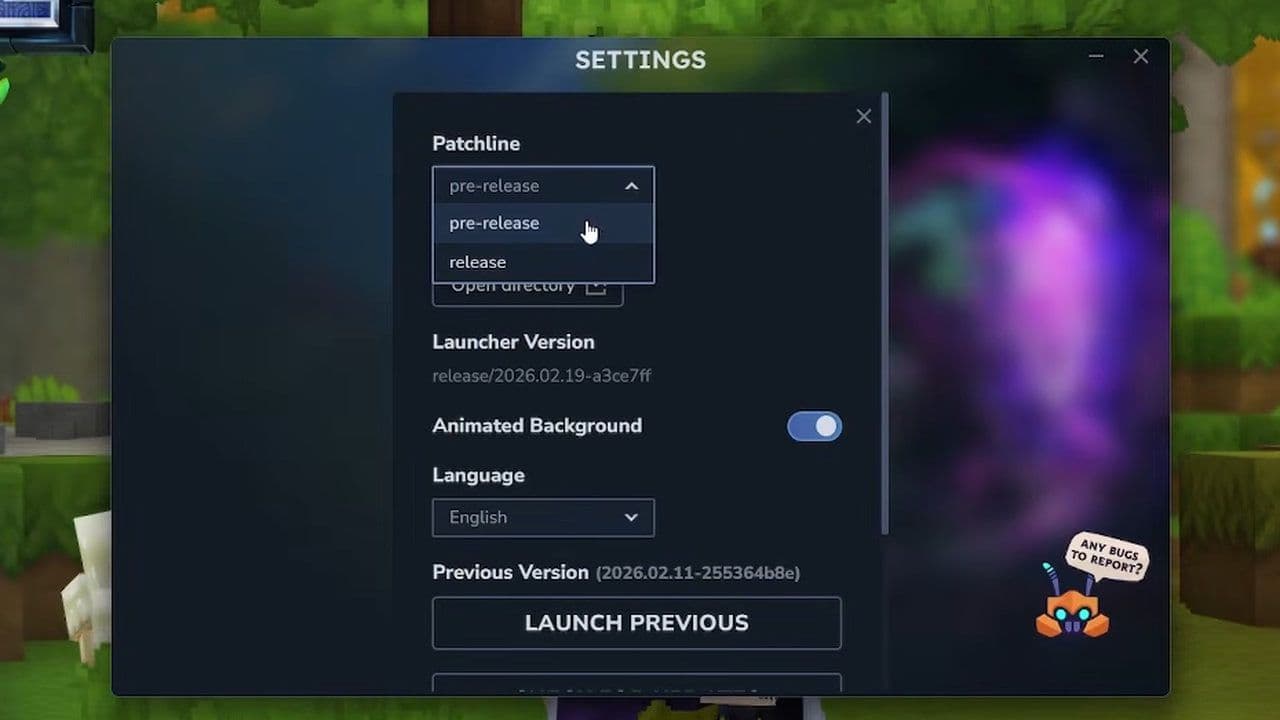
    To enable Hytale Update 4, follow these steps:

    1. Open the Hytale Launcher
    2. Go to Settings
    3. Enable Pre-Release

    This allows you to test Update 4 before its full release.

    Everything you should know about Hytale Update 4

    Here is a quick summary of Hytale Update 4:

    • Multiple instances support and world backup recovery system added
    • New Mod Management UI, fallback servers, and modded world indicators
    • Building improvements — more block support, rotations, and placement freedom
    • Item and combat changes — fishing traps improved, bow needs ammo, tools lose durability on wood
    • NPC and world updates — Elemental Golems improved, Moose slower, Oasis and seaweed updated
    • Major modding and creative tool upgrades — brush rotation, undo improvements, pathing debug
    • UI, audio, performance improvements — crafting UI info, new music, map bandwidth reduced, many bug fixes

    Now, let’s take a closer look at everything new in Hytale Update 4.

    New Hytale features
    Feature

    What it does

    Benefits

    Notes

    Multiple Game Instances Support

    Allows players to run multiple Hytale instances at the same time

    • Test mods easily

    • Run multiple accounts

    • Manage servers and worlds

    Do not open the same world in multiple instances, as it may cause save corruption

    New Mod Management UI

    New dedicated Mod Management section in World Settings

    • View mod versions

    • See mod icons

    • Check mod details

    • Warning for incompatible mods

    Helps prevent version conflicts and mod errors

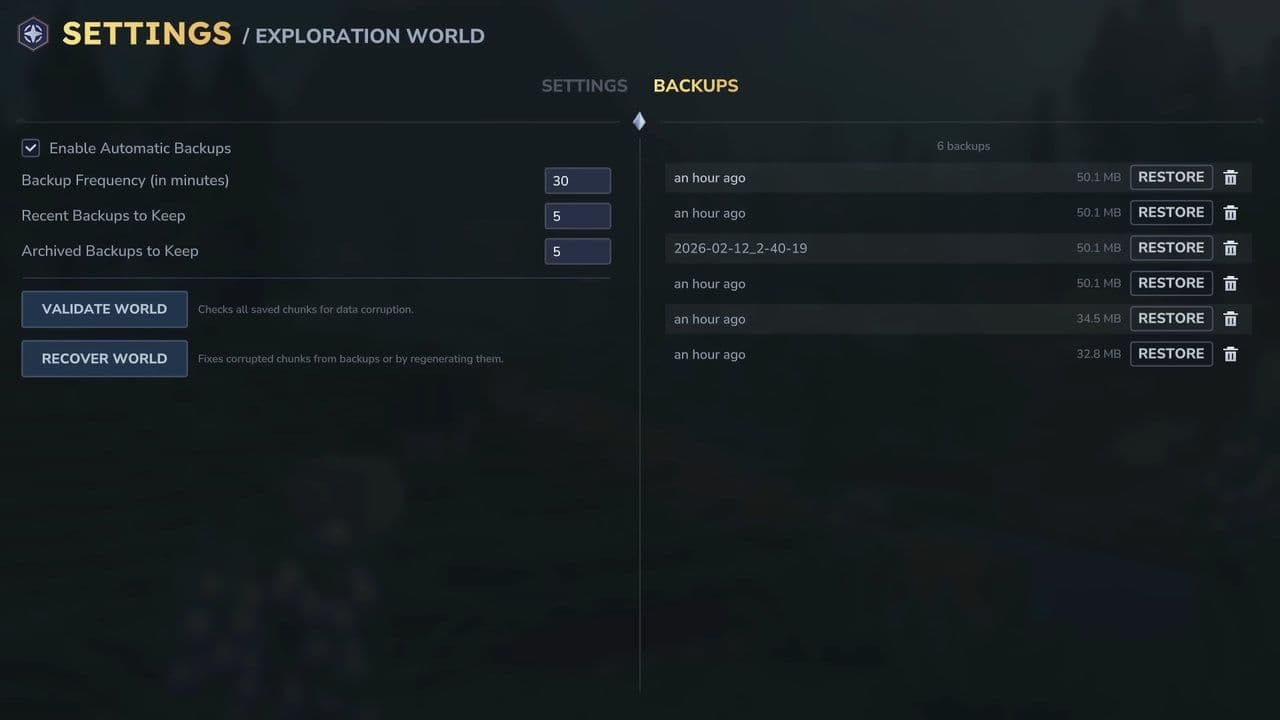
    Backup Management and World Recovery

    New backup interface to protect worlds

    • Recover broken worlds

    • Prevent permanent world loss

    • Improve save safety

    Important for protecting progress and fixing corrupted saves

    Fallback Server Option

    Hosts can assign a backup server

    • Automatically redirects disconnected players

    • Improves multiplayer stability

    Requires host setup to function properly

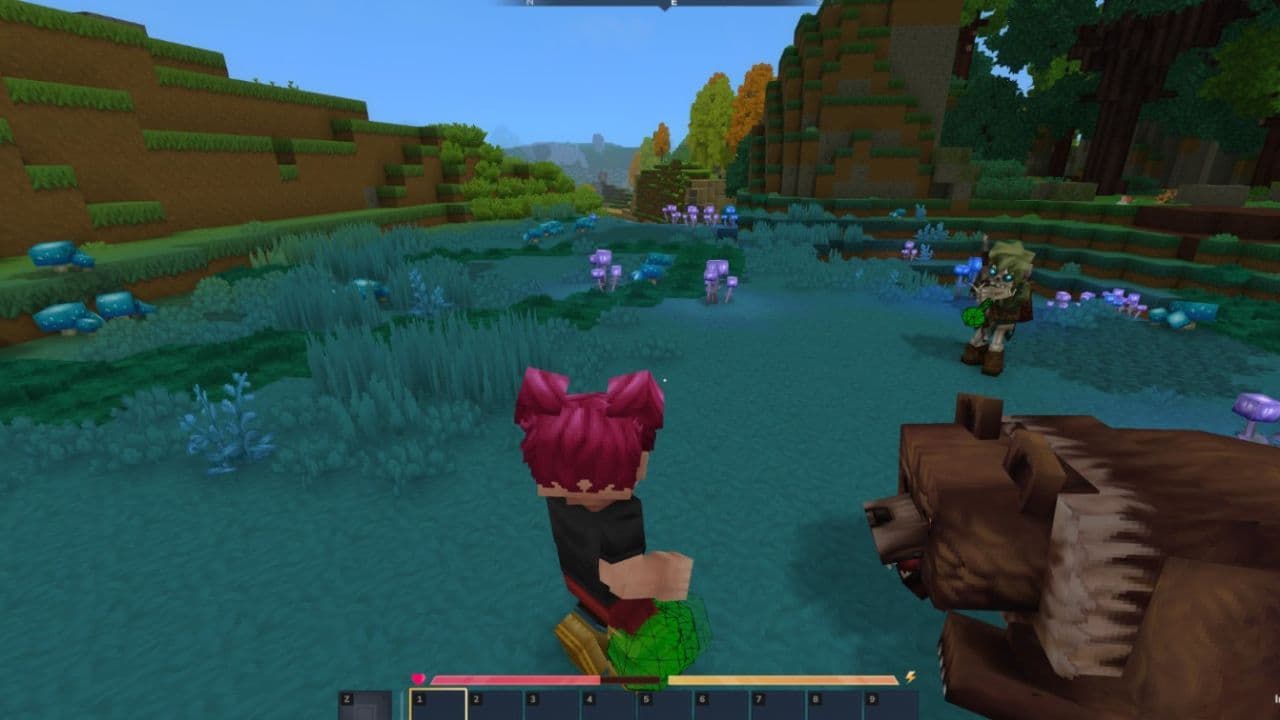
    Credit: Kweebec Corner/Youtube
    Credit: Kweebec Corner/Youtube

    Avatar and cosmetic changes

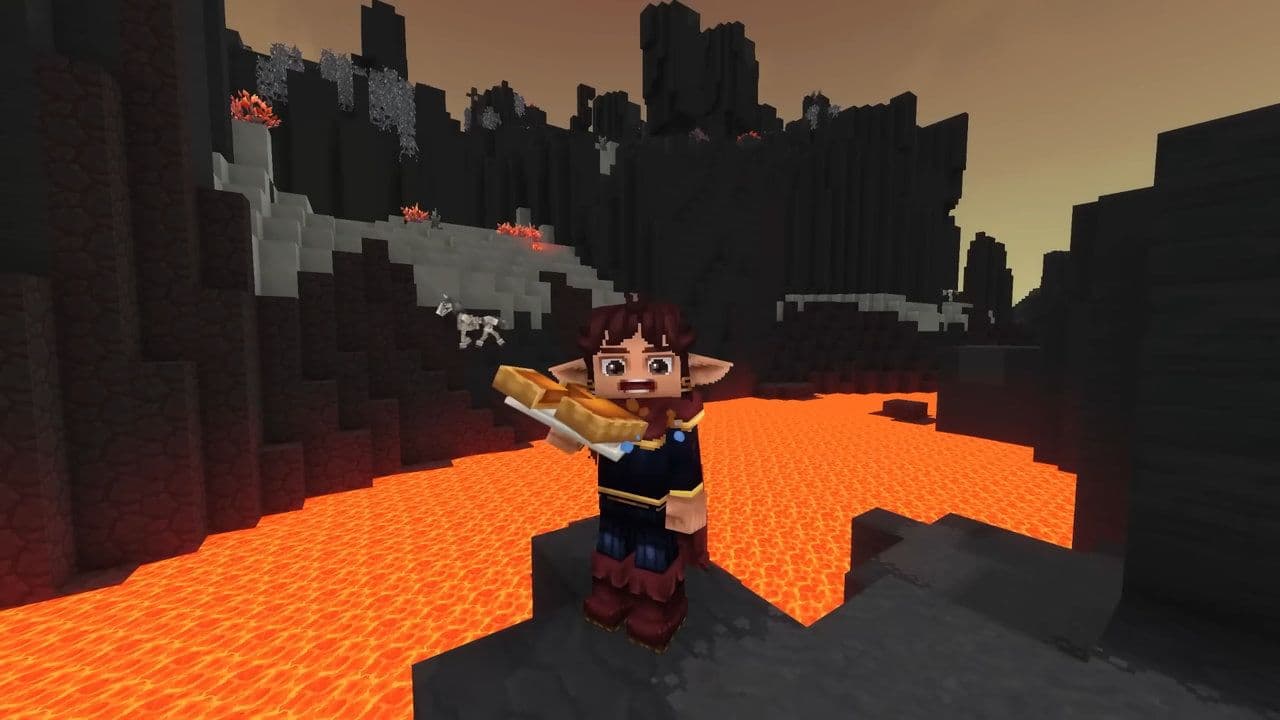
    Some cosmetic items were renamed for better clarity:
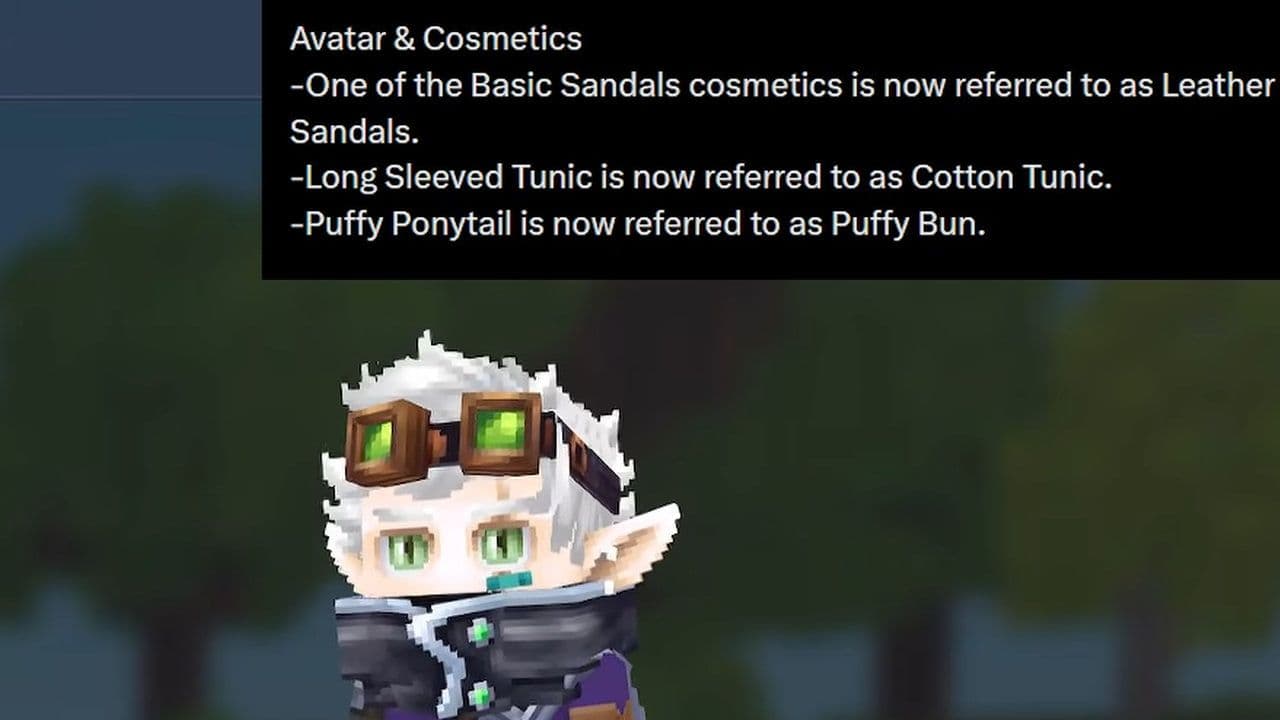
    Old name

    New name

    Type

    Basic Sandals

    Leather Sandals

    Foot Cosmetic

    Long Sleeved Tunic

    Cotton Tunic

    Body Cosmetic

    Puffy Ponytail

    Puffy Bun

    Hair Cosmetic

    Credit: Scyushi/Youtube
    Credit: Scyushi/Youtube

    Item and equipment changes
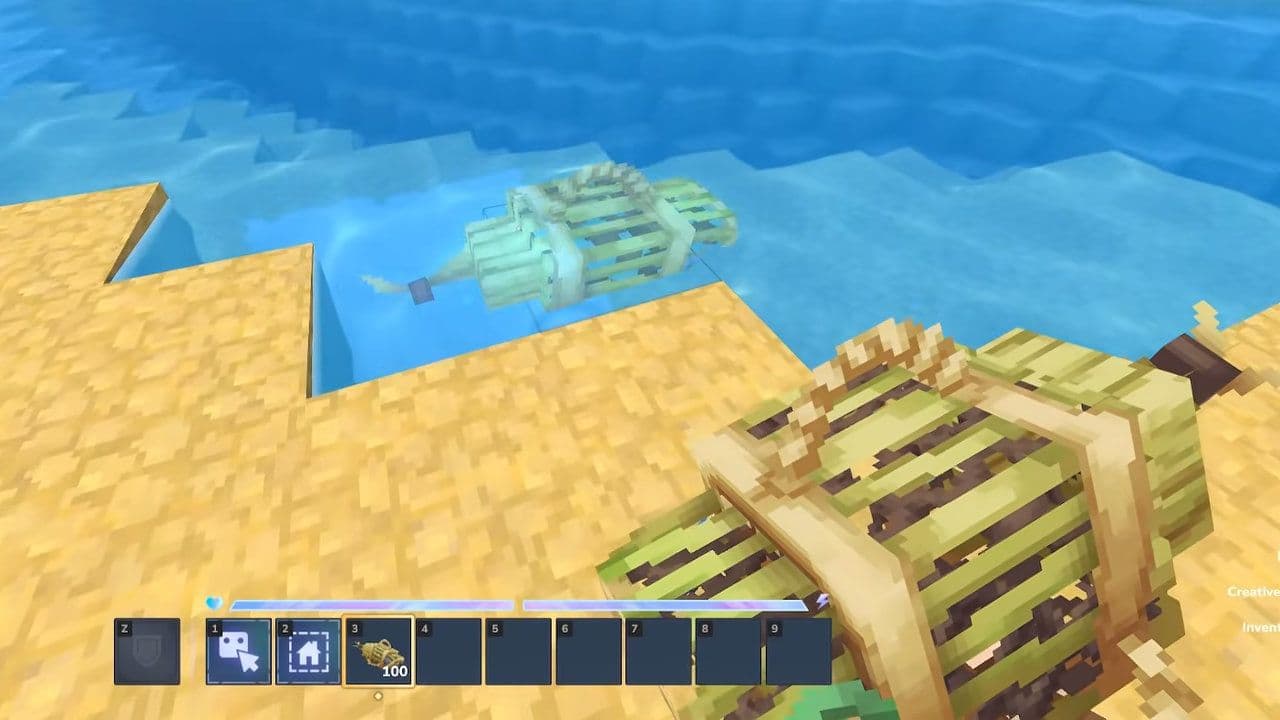
    Item / Equipment

    Change

    Details

    Impact

    Fishing Trap

    Placement improvement

    Can be placed closer to other blocks

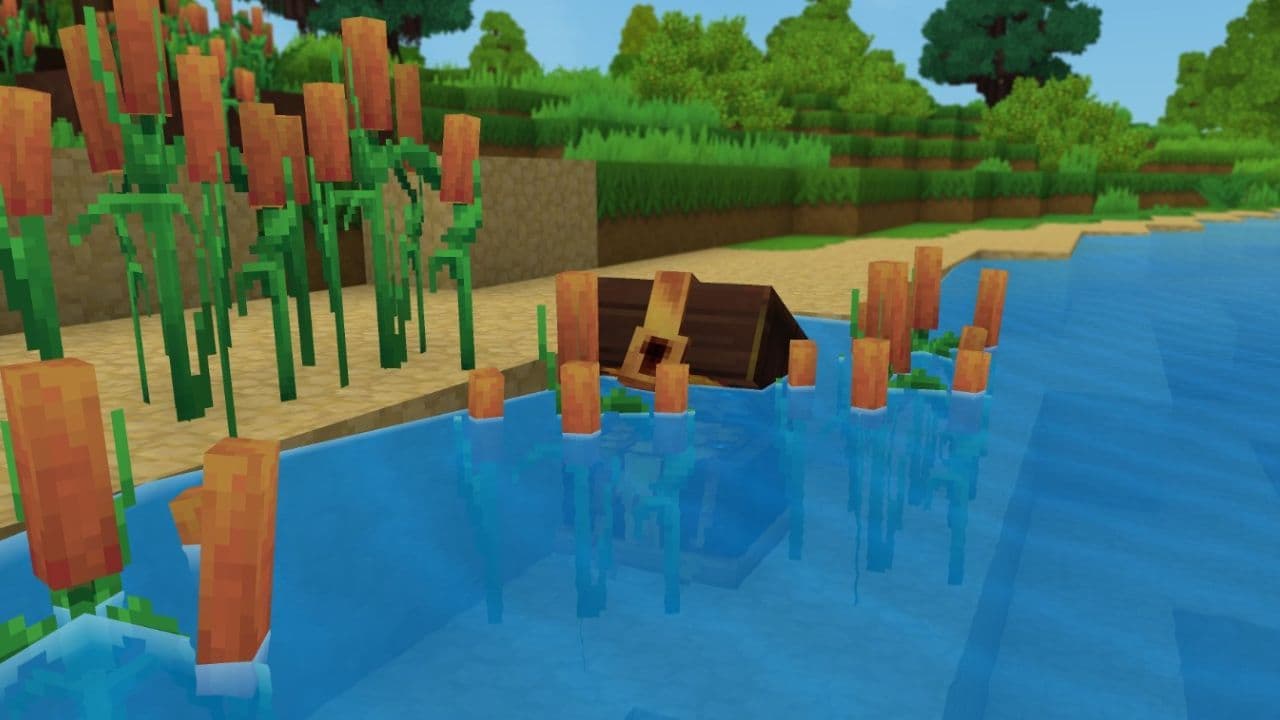
    Easier placement in more locations

    Fishing Trap

    Shallow water support

    Can be placed in shallow water

    More flexible fishing spots

    Fishing Trap

    Placement preview

    Always shows placement preview

    Prevents incorrect placement

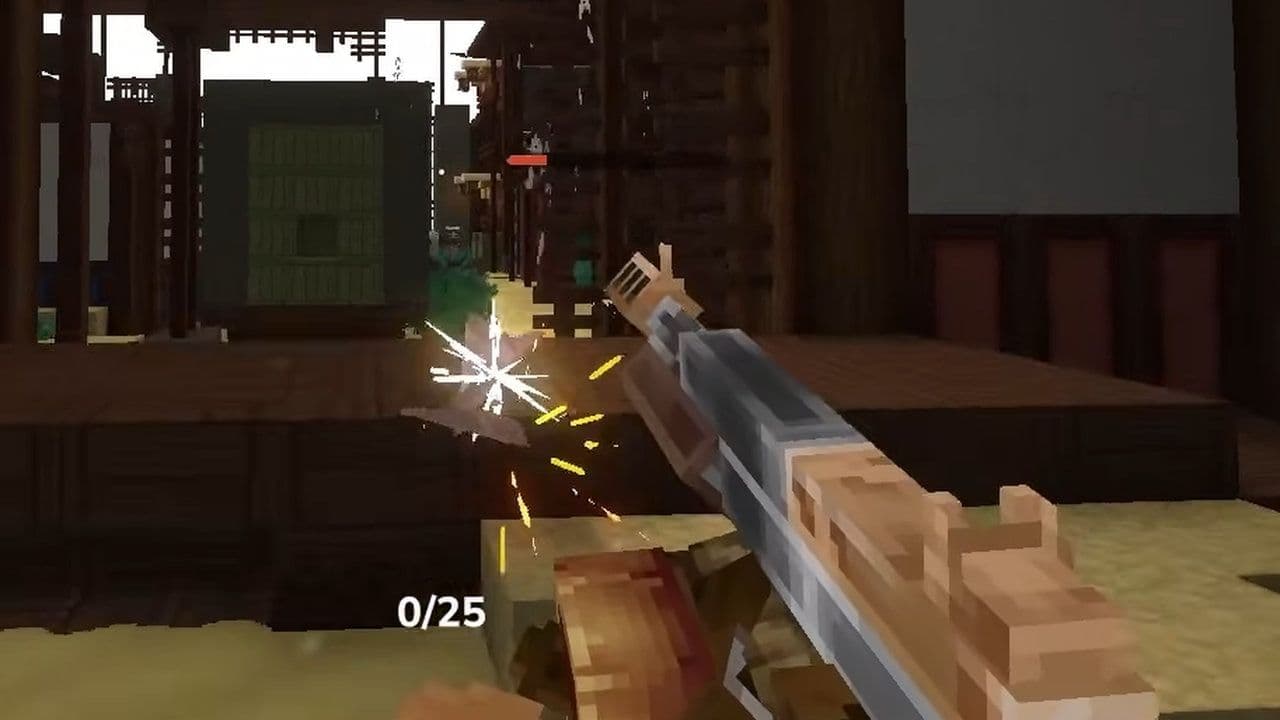
    Bow

    Ammo requirement added

    Cannot draw bow without ammunition

    Prevents accidental use

    Hatchets, Pickaxes, Shovels

    Durability update

    Tools now lose durability when used on wood

    More realistic and balanced tool usage

    Credit: Scyushi/Youtube
    Credit: Scyushi/Youtube

    World and block improvements
    Category

    Block / System

    Change

    Impact

    Placement

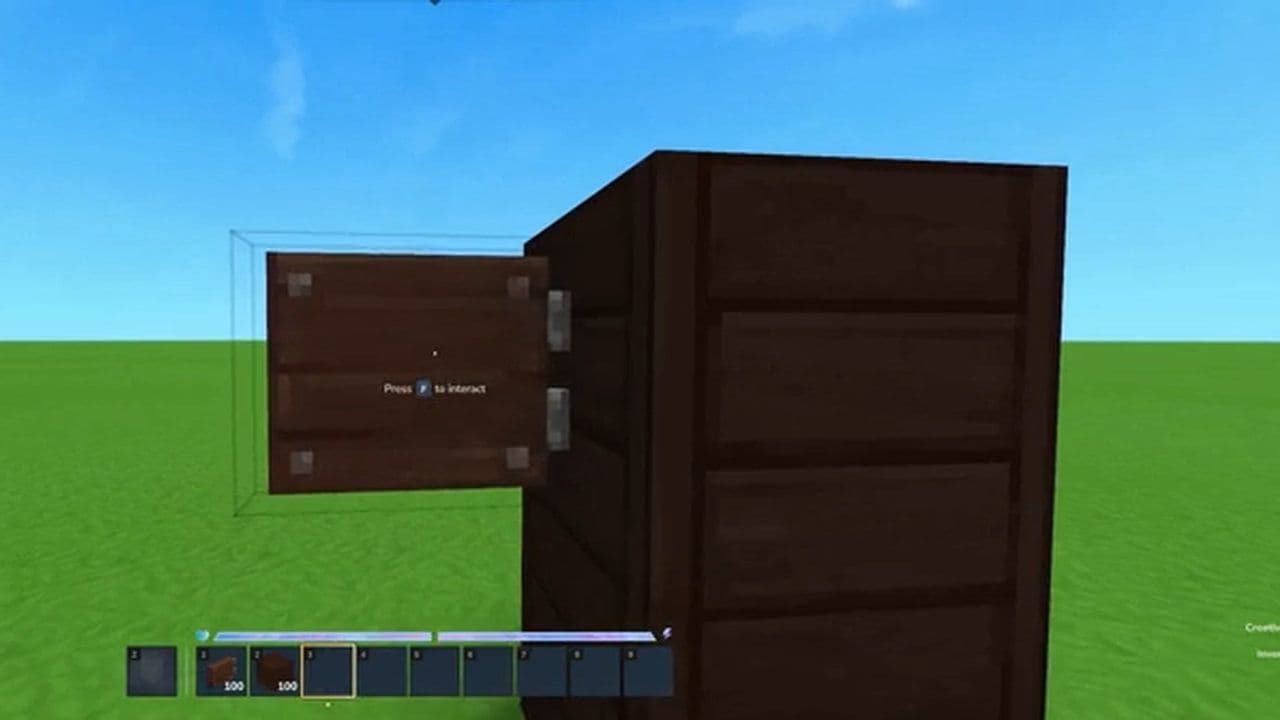
    Lumberjack Lamp

    Can be placed facing different directions

    More building flexibility

    Placement

    Decorative Chains and Brick Beams

    Can support more hanging blocks

    Expanded decoration options

    Placement

    Windows

    No longer require support blocks

    Easier building design

    Placement

    Cloth Roof Blocks

    No longer require support blocks

    More creative freedom

    Placement

    Chandeliers

    Can hang from more block types

    Improved interior decoration

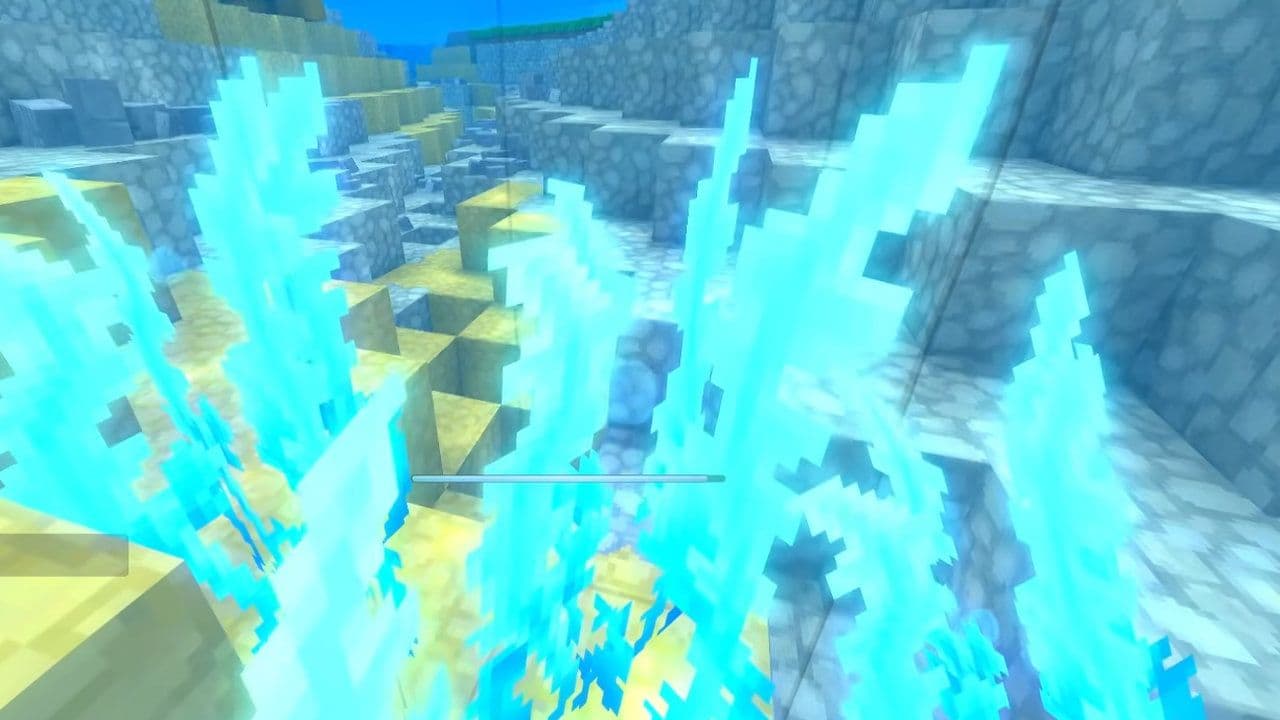
    Underwater

    Blue Winter Seaweed

    Now produces bubbles

    Better underwater visuals

    Underwater

    Blue Winter Seaweed

    Oxygen values modified

    Affects underwater survival

    World System

    Dirt and Grass Blocks

    Assigned block families

    Improves world generation

    World System

    Soil System

    New soil template added

    Better modding and terrain creation

    NPC and creature changes

    NPC / Creature

    Change

    Details

    Impact

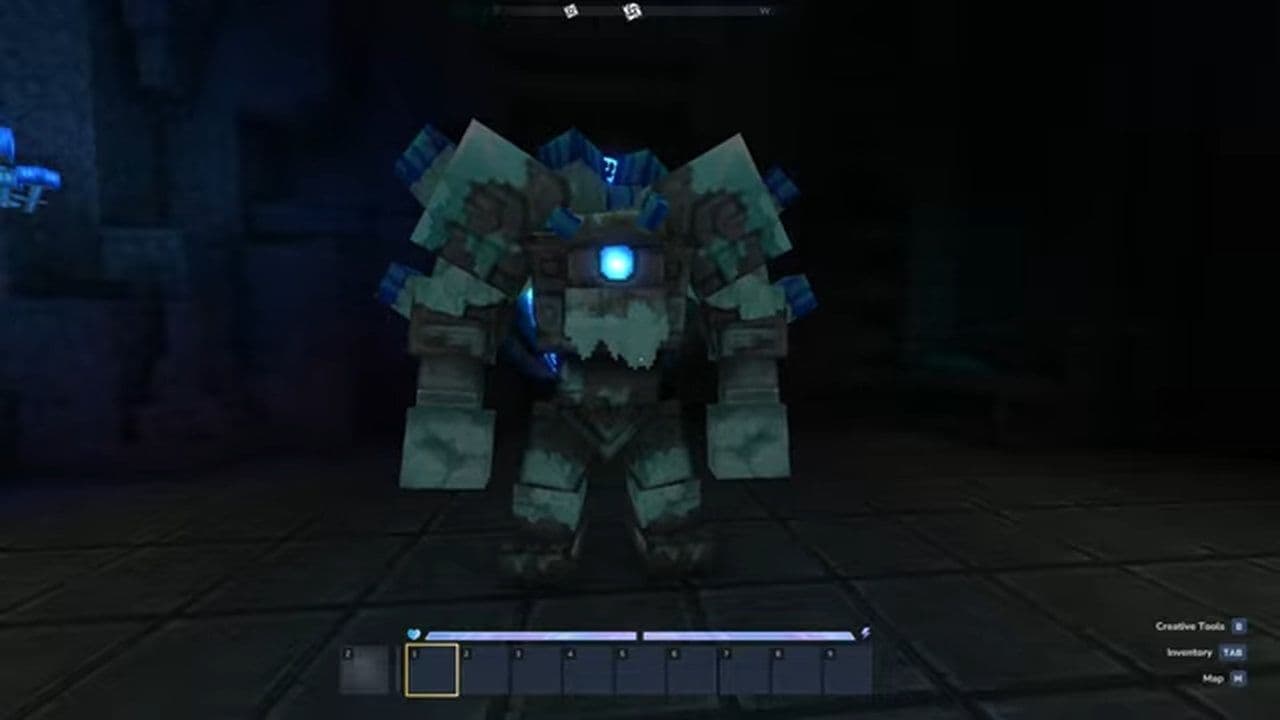
    Elemental Golems

    Animation update

    Animations improved and refined

    Better visual quality

    Elemental Golems

    Interaction update

    Updated behavior and interactions

    Improved combat and immersion

    Moose

    Speed reduction

    Movement speed reduced by 20%

    Easier hunting and improved balance

    Credit: Skotobazina/Youtube
    Credit: Skotobazina/Youtube

    Audio changes

    Audio Feature

    Change

    Details

    Impact

    Audio Emitters

    Improved control

    Better control over where sounds play

    Helps map creators and modders

    Music

    Genesis added

    Genesis music returned to Zone 4

    Improves atmosphere

    Music

    Traveling Band added

    Traveling Band now plays in Zone 1 at night

    Enhances world immersion

    UI and quality of life improvements

    Feature

    Change

    Details

    Impact

    Item Dropping

    Faster item dropping

    Hold Drop button and mouse over items to drop or destroy stacks

    Faster inventory management

    Crafting Bench

    Item rarity display

    Shows rarity of craftable items

    Better crafting decisions

    Crafting Bench

    Craft queue display

    Shows number of queued items

    Improved crafting clarity

    World Map

    Bandwidth optimization

    Bandwidth usage reduced by 50%

    Better multiplayer performance

    Translation

    Latin Extended-A support

    Added support for more characters

    Supports more languages

    Font System

    Font fallback cache

    Added font fallback system

    Improves text display reliability

    Translation

    Translation improvements

    Expanded translation support

    Better international experience

    Reporting Tool

    Contact permission option

    Allows developers to contact reporting players

    Improves bug investigation and support

    Modding and creative tool improvements
    Category

    Feature

    Change

    Impact

    Modding

    VisPath Debug Flag

    Visualizes NPC pathing

    Helps test and debug NPC behavior

    Modding

    Config Schema Generation

    Added config schema support

    Easier mod configuration

    Modding

    Asset Editor

    High DPI support added

    Better visuals on high-resolution screens

    Builder Tools

    Undo Group Size

    Adjustable undo group settings

    Easier to undo large edits

    Builder Tools

    Prefab Undo

    Prefabs can now be undone

    Safer building workflow

    Builder Tools

    Material Support

    Supports holders, fillers, fluids, and storable types

    More advanced building options

    Builder Tools

    Brush Rotation Settings

    Set default rotation angle and axis

    More precise building

    Builder Tools

    Scripted Brush Rotation

    Scripted brushes support rotation controls

    Greater creative flexibility

    Mod System

    Mod Error Shortcut

    MOD_ERROR (code 9) links to Mod Management UI

    Faster troubleshooting

    Mod System

    Modded World Icon

    Special icon added for modded worlds

    Easy identification of modded worlds

    Credit: xZap/Youtube
    Credit: xZap/Youtube

    World generation improvements

    Feature

    Change

    Details

    Impact

    Oasis Portal Spawn

    Spawn location fixed

    Players now spawn correctly inside the oasis basin

    Prevents incorrect or broken spawns

    Oasis Biome Performance

    Performance optimization

    Improved performance in the Oasis biome

    Smoother gameplay and better stability

    Bug fixes in Hytale Update 4

    Category

    Fix

    Details

    Impact

    Combat

    NPC Pathing Fix

    Fixed NPCs getting stuck or moving incorrectly

    Improved combat reliability

    Combat

    Item Drop Fix

    Fixed items dropping incorrectly

    Correct item behavior

    World

    Furnace Transparency Fix

    Fixed transparency issues with furnaces

    Better visuals

    World

    Portal Interaction Fix

    Fixed portals breaking from fast interaction

    More stable portals

    Tools & Modding

    Paste Tool Fix

    Fixed incorrect preview rendering

    Improved building accuracy

    Tools & Modding

    Plugin Reload Fix

    Fixed issues when reloading plugins

    More reliable modding

    Tools & Modding

    Entity Tool Fix

    Fixed entity tool functionality issues

    Better creative tool stability

    UI

    Crash Fixes

    Fixed crashes caused by missing UI elements

    Improved stability

    UI

    Chat Fix

    Fixed chat input issues

    Better communication

    UI

    Translation Fixes

    Fixed incorrect and missing translations

    Improved localization

    Other

    Server Crash Fix

    Fixed crashes from server interface errors

    Better server stability

    Other

    Hitbox Fix

    Fixed humanoid hitbox problems

    Improved combat accuracy

    Other

    Fog Rendering Fix

    Fixed inverted fog rendering

    Correct visual effects

    Credit: Kweebec Corner/Youtube
    Credit: Kweebec Corner/Youtube

    That’s all for today! Looking for more? Check out these:

    • Is Hytale multiplayer? Learn how to play with friends
    • Will Hytale be on Steam?
    • Is Hytale Free? Pricing, access & everything you need to know
    • How to get Hytale Mithril ore: Location, mining, and using it
    • How to get Hytale Voidheart

    Guide Categories

    • Mods
    • Beginner Guides
    • Resources
    • Weapons
    • Armor
    • Food
    • Servers

    All Related Guides

    • Hytale Update 4 (Part 2)
      Hytale Update 4 (Part 2) changes: Features, tools & moreHytale Update 4 (Part 2) guide: Emote Wheel, Revolve Tool, AI upgrades, creative tools, modding improvements, ...
    • hytale creator codes
      All Hytale creator codes & how to create yoursAll active Hytale creator codes, how to use them at checkout, and how creators can apply for their own officia...
    • hytale multiplayer not working
      Is Hytale multiplayer not working? Here is how to fix itLearn how to fix Hytale multiplayer not working with 10 proven solutions. Solve server connection, firewall, p...
    • How to Join Servers on Hytale
      How to join servers on Hytale (3 easy ways)Explore how to Join Servers on Hytale fast! Learn 3 easy ways—share code, IP, or saved servers—plus fixes for ...
    • how long to beat Hytale
      How long to beat Hytale: Playtime, story length & moreHow long to beat Hytale? See story length, main playtime, 100% completion hours, and how long Hytale takes for...
    • How to get Eggs in Hytale
      How to get Eggs in Hytale: Building a Chicken Coop, tips & moreHow to get Eggs in Hytale fast: learn how to build a Chicken Coop, capture chickens, farm eggs automatically, ...
    • how to make a backpack in hytale
      How to make a backpack in HytaleHow to make a Backpack in Hytale fast: recipe, materials, workbench upgrade & storage upgrades guide. Unlock m...
    • is hytale coming to console
      Is Hytale coming to console?Is Hytale coming to console? Latest updates on PS5, Xbox release dates, crossplay plans, and confirmed platfor...
    • 1
    • 2
    • 3
    • 4
    • 5
    • 6
    Eray Eliaçık

    Meet Eray, a tech enthusiast passionate about AI, crypto, gaming, and more. Eray is always looking into new developments, exploring unique topics, and keeping up with the latest trends in the tech industry, and gaming is the sweetest spot.

    Eray has been rocking it as a news manager and content creator at spots like, TechBriefly, Gamelevate, Softonic, and various tech realms. Crafting over 2k tech articles, Eray captivated millions of readers for over three years.

    Now, over at THESPIKE, Eray is a content writer, blending the love for spinning stories and helpful guides for all-things gaming.

    View More
    THESPIKE
    AboutCareersPrivacy PolicyTerms of UseAbout THESPIKEDisclaimer
    Contact UsCommercialsSend an emailPost Feedback
    ResourcesBetting SitesOnline CasinosSweepstakes Casinos
    © 2026 THESPIKE.GG | All Rights Reserved | Not affiliated with Riot Games
    18+ Bet Responsibly | BeGambleAware.org
    Light Mode
    Login