Best Hytale plugins and how to create yours
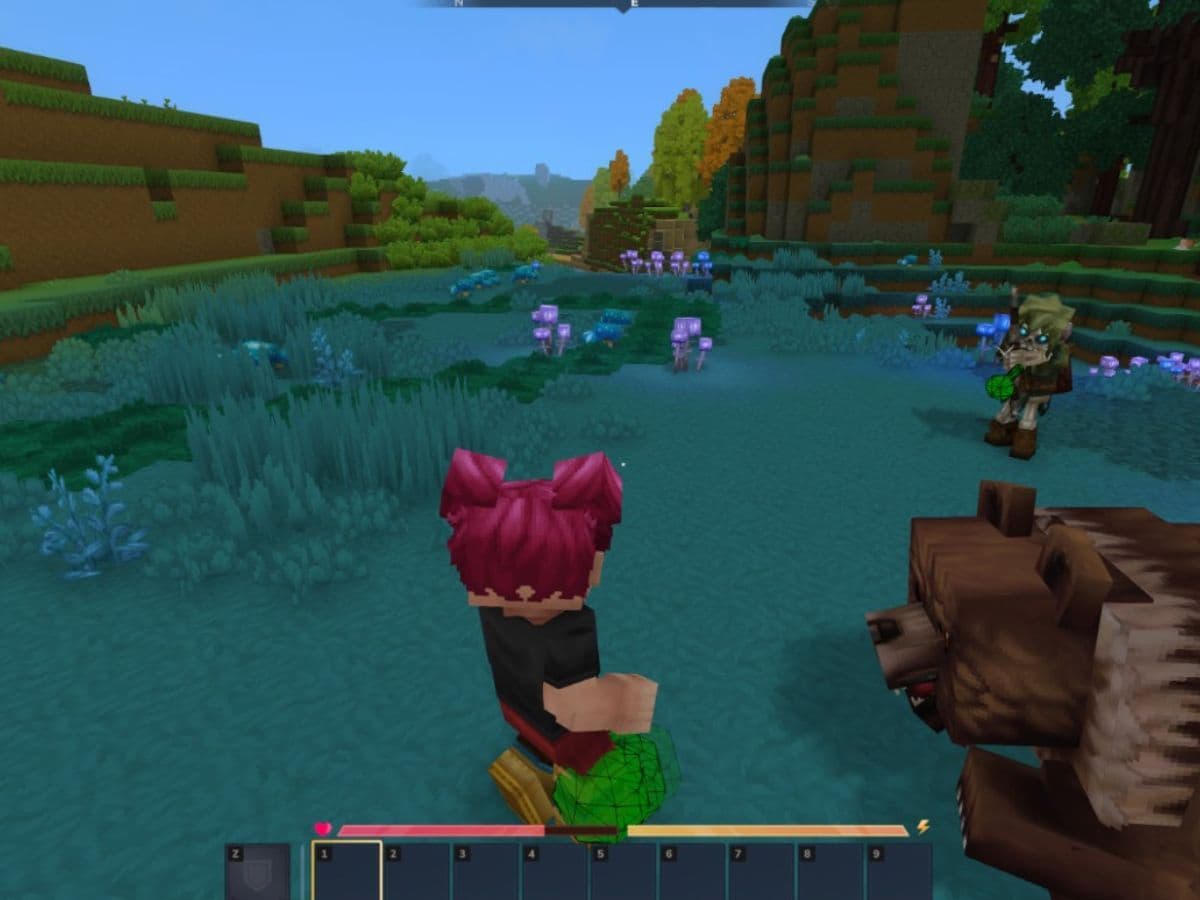
The best Hytale plugins help players and server owners add new systems, improve performance, manage communities, and shape custom worlds with less manual work. Hytale supports server plugins as Java .jar files, so most plugins are more about server features such as permissions, commands, economies, kits, NPCs, profiling, shops, land claims, and multiplayer tools. In this guide, we go over what Hytale plugins are, how to install and how to create your own, and the best ones you can find online!
What are Hytale plugins?
Hytale plugins are server-side Java extensions that add new features to the game or a server. They can change how players interact with the world, how admins manage communities, and how custom game modes work.
A plugin is not always the same thing as a full Hytale mod. Hytale content can include server plugins, data assets, art assets, worlds, prefabs, models, textures, and other creator-made files. Plugins focus more on logic and server behavior. That makes them especially useful for multiplayer servers, minigames, roleplay worlds, economy systems, and admin tools.
A Hytale plugin can help with:
- Player permissions and group ranks
- Server performance checks
- Economy and shop systems
- Kits, warps, homes, and teleport tools
- NPCs and holograms
- Towns, factions, and land claims
- Minigames and custom commands
- Admin dashboards and moderation tools
Thanks to how it is built, server owners can shape the experience without asking every player to install a separate custom client. For most players, that should make joining modded servers simpler.
How to install Hytale plugins
Before installing a plugin, you should first check compatibility. Hytale receives updates, and early plugins may depend on specific versions. Before you add anything to your game or server, read the plugin page, check its required dependencies, and back up your files.
To install a Hytale plugin manually:
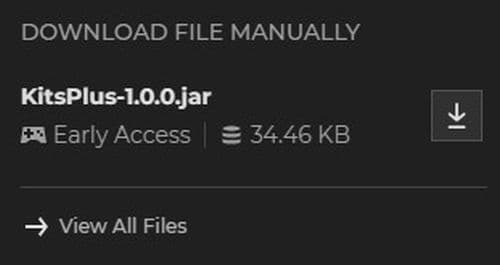
- Download the plugin from a trusted page such as CurseForge.
- Make sure the file ends in “.jar.”
- Open %appdata%/Hytale/UserData/Mods.
- Create the Mods folder if it does not exist.
- Place the plugin .jar file inside the folder.
- Restart Hytale or your server.
- Check the server log if the plugin does not load.
Some server hosts may also offer a CurseForge install button in the control panel. That method can save time because it places the plugin in the correct folder for you. Even then, you should still check the plugin version, dependencies, and changelog.
How to create your own Hytale plugin
Before you start, it is good to know that creating your own Hytale plugin isn’t very easy for everyone. If you already know some Java, then the scenario changes.
You need Hytale through the official launcher, IntelliJ IDEA, Java 25, and a plugin template. The template gives you a cleaner start because it can add Hytale server files to your project, run the game from your IDE, and help you package the final plugin.
To start a Hytale plugin project:
- Install Hytale through the official launcher.
- Install IntelliJ IDEA.
- Install Java 25 and add it as an SDK.
- Download the Hytale plugin template.
- Open the template folder in IntelliJ.
- Rename the project in settings.gradle.
- Review gradle.properties.
- Update src/main/resources/manifest.json.
- Run the included HytaleServer configuration.
- Build the plugin with gradle build.
The final .jar file should appear in the build output folder. After that, you can place it in the Hytale Mods folder and test it like any other plugin. Don’t forget to check CurseForge’s Hytale plugin template guide.
If a Hytale plugin does not load
- Check if the plugin file uses the .jar format.
- Confirm that you placed it in the correct Mods folder.
- Restart the game or server.
- Check whether the plugin needs another plugin to work.
- Open the server log and look for version, dependency, or manifest errors.
If your custom Hytale plugin does not build
- Check that Java 25 works in IntelliJ.
- Make sure Gradle loads the project correctly.
- Review the package name and main class.
- Fix any errors in manifest.json.
- Run the project locally before you export the final file.
Best Hytale plugins you can try
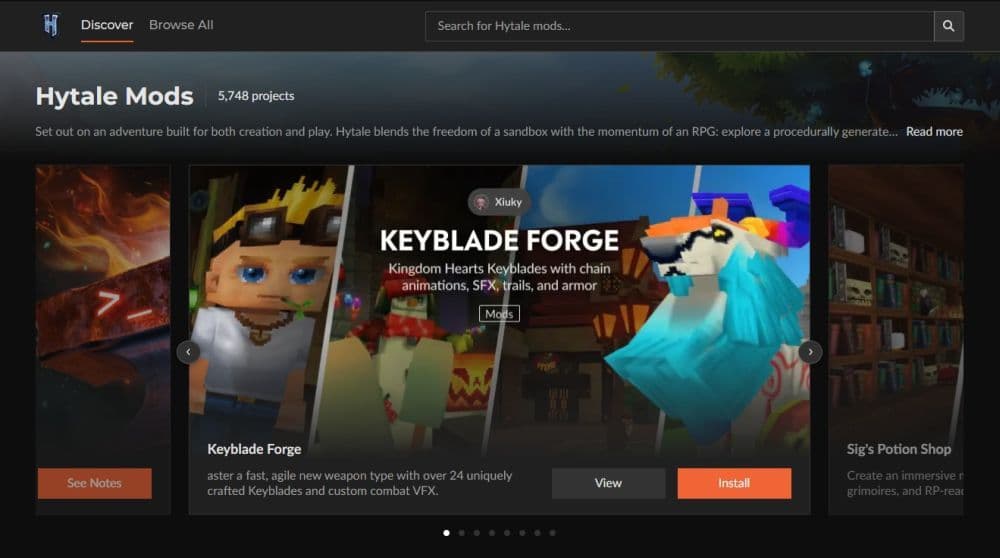
The best Hytale plugins depend on what you want to build and you can find them mostly on CurseForge. A public server needs permissions, performance tools, and moderation features first. A roleplay server may need NPCs, shops, towns, and economy support. A survival server may benefit from kits, homes, warps, and land claims.
LuckPerms
LuckPerms is one of the most important Hytale plugins for server owners. It lets admins create groups, assign permissions, and control which commands or features players can use. It works well as a foundation because many other plugins depend on permission systems.

spark
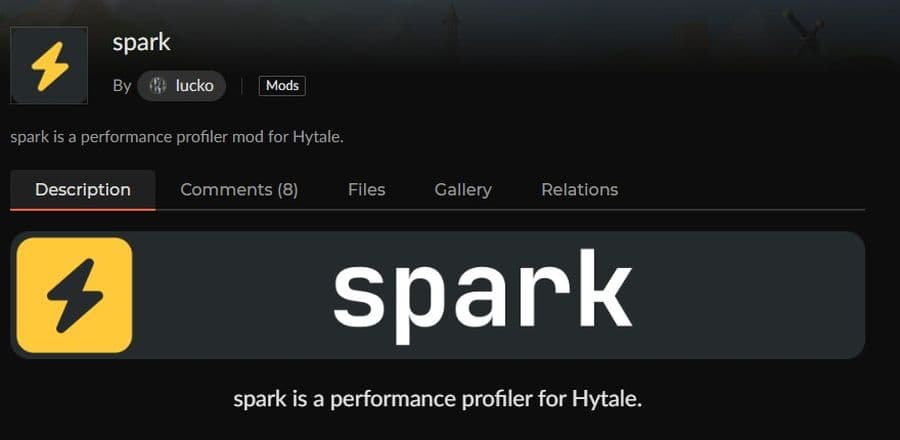
spark helps server owners inspect performance issues. It can help identify lag, high CPU use, low tick rate, and other server problems. This makes it useful before and after you add heavier gameplay plugins.
EliteEssentials
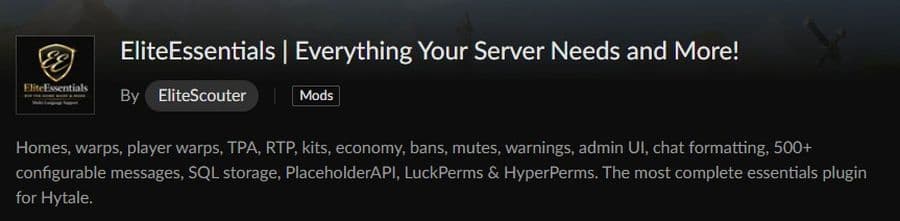
EliteEssentials focuses on core server features. It includes tools such as homes, warps, teleport requests, kits, economy features, bans, mutes, warnings, chat formatting, and admin controls. It suits server owners who want one large utility plugin instead of many smaller tools.
HyCitizens
HyCitizens helps server owners create NPCs and holograms. This type of plugin works well for hubs, quests, shops, tutorials, and roleplay servers. NPCs can make a world feel more alive and guide players without long menus.

KitPlus
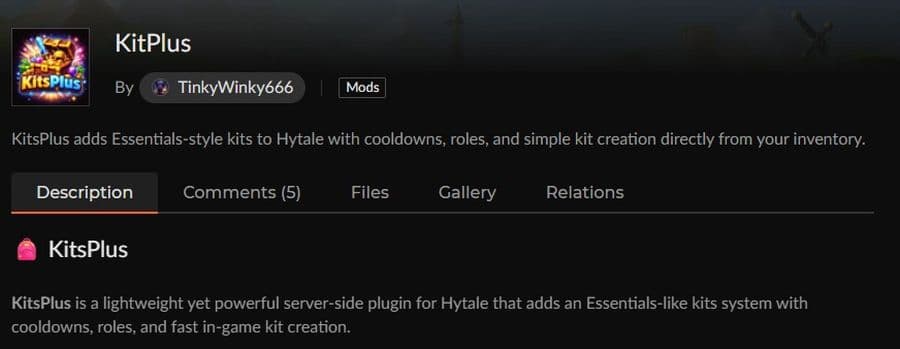
KitPlus adds a kit system for servers. Admins can create starter kits, reward kits, cooldowns, and role-based item sets. It works well for survival, RPG, PvP, and community servers.
ShopPlus
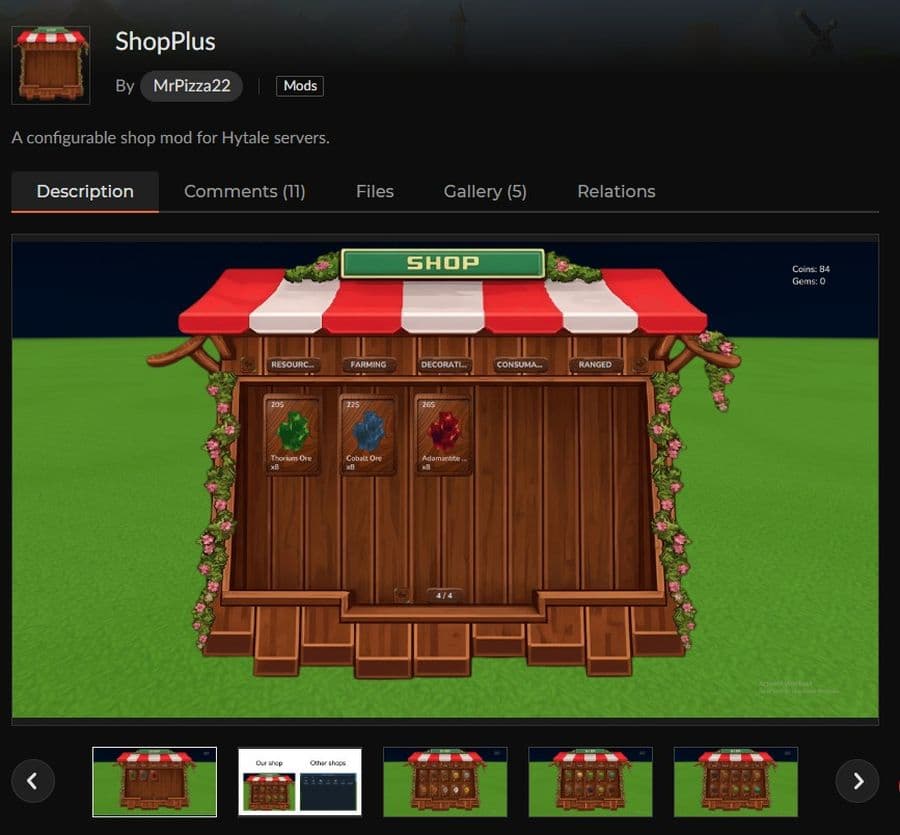
ShopPlus adds shop features to Hytale servers. It helps players buy or sell items through a configured shop system. Server owners should check its economy dependencies before installation.
If you want to learn more about the game, start with our Hytale guides below:
- Can you create an infinite water source in Hytale?
- Who is The Hedera in Hytale Endgame & QoL mod and how to defeat it
- How to heal in Hytale (Food, potions, totem & more)
- How to get a Tankard in Hytale
- Where to play Hytale?
Featured Image Credit: Hytale
All Related Guides
 Meet the Hytale Pokemon mod Pokefind: Release date, gameplay and moreGet the latest details on the Hytale Pokemon mod Pokefind, including gameplay plans, server support, release s...
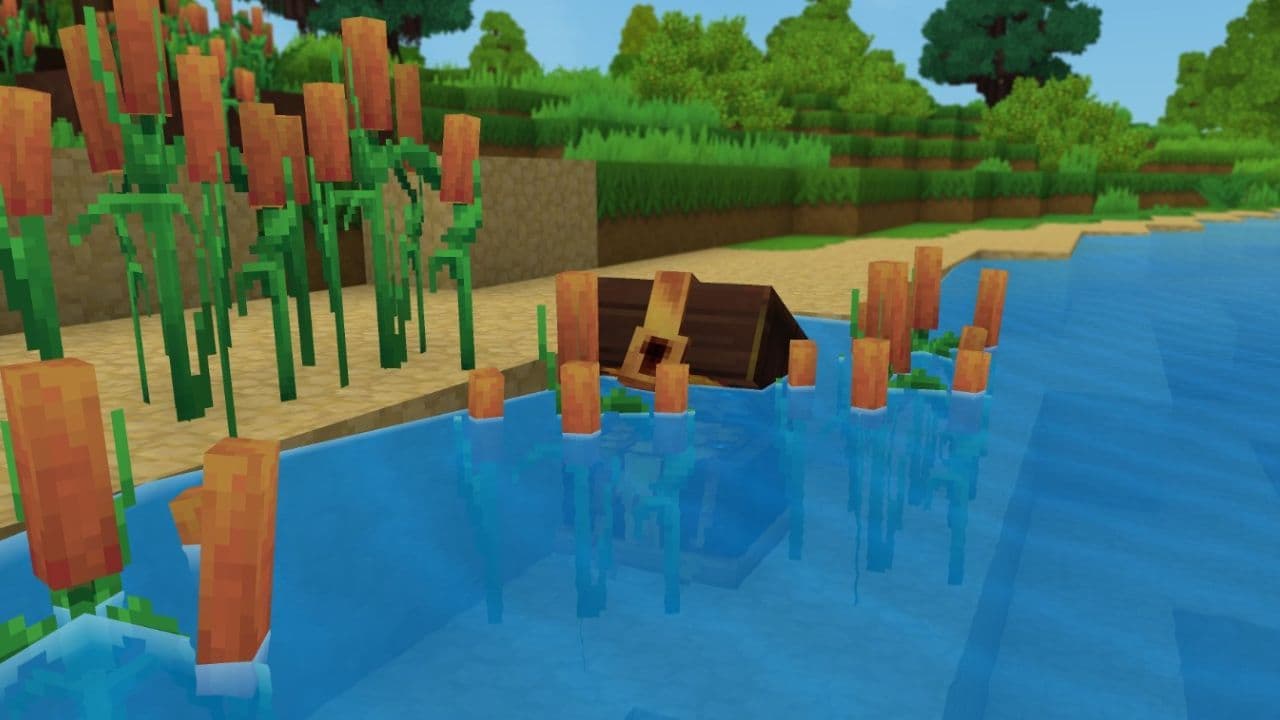 Can you create an infinite water source in Hytale?Learn if a Hytale infinite water source is possible, why the 2x2 trick fails, and which mods can help you get ...
 Who is The Hedera in Hytale Endgame & QoL mod and how to defeat itFind out how to reach and defeat The Hedera in Hytale Endgame & QoL mod, including boss phases, best prep, and...
 How to heal in Hytale (Food, potions, totem & more)How to heal in Hytale: food, potions, totem, regen buffs, best methods, and full survival guide explained....
 Hytale Update 4 (Part 5): What’s new?Hytale Update 4 Part 5 adds 500+ new blocks, system upgrades, bug fixes, and major improvements before full re...
 All Hytale signs & how to craft themDiscover all 29 Hytale signs, their crafting recipes, and how to use them. Learn sign mechanics, placement tip...
 When will Hytale fully release? (2026 update)When will Hytale fully release? Learn the expected 2026–2027 timeline, Early Access plans, and what must happe...
 How to refund Hytale in 4 stepsLearn how to refund Hytale in 4 simple steps. Check the 14-day refund rule, playtime limits, and how to submit...
- 1
- 2
- 3
- 4
- 5
- 6
- 7
- 8